

by Murtaza
Making a Popular Indie Game as a Solo Dev
Tips for solo developers on making a hit indie game on iPad with hyperPad, from your first idea and prototype to building a community and launching.
Design and PrototypingIndie Developers
Tips for solo developers on making a hit indie game on iPad with hyperPad, from your first idea and prototype to building a community and launching.

Attending GDC as an indie developer? Plan your talks, bring a playable iPad demo, prepare a one-line pitch, and use GDC Vault if you can't go.
How to make money with digital art on iPad using hyperPad: turn your art into a playable game, an asset pack or commission samples.
Visual Studio Code compared to visual code on iPad: a code editor plus a toolchain, or a complete 2D game maker with Behaviors in one hyperPad app.
How to make a game on iPad with hyperPad: plan one mechanic, connect Behaviors, add your own art and sound, test it, and Publish or Export your game.

Our picks for the best kids' video games of 2025, and how games can lead young players into creativity, problem-solving, and storytelling.
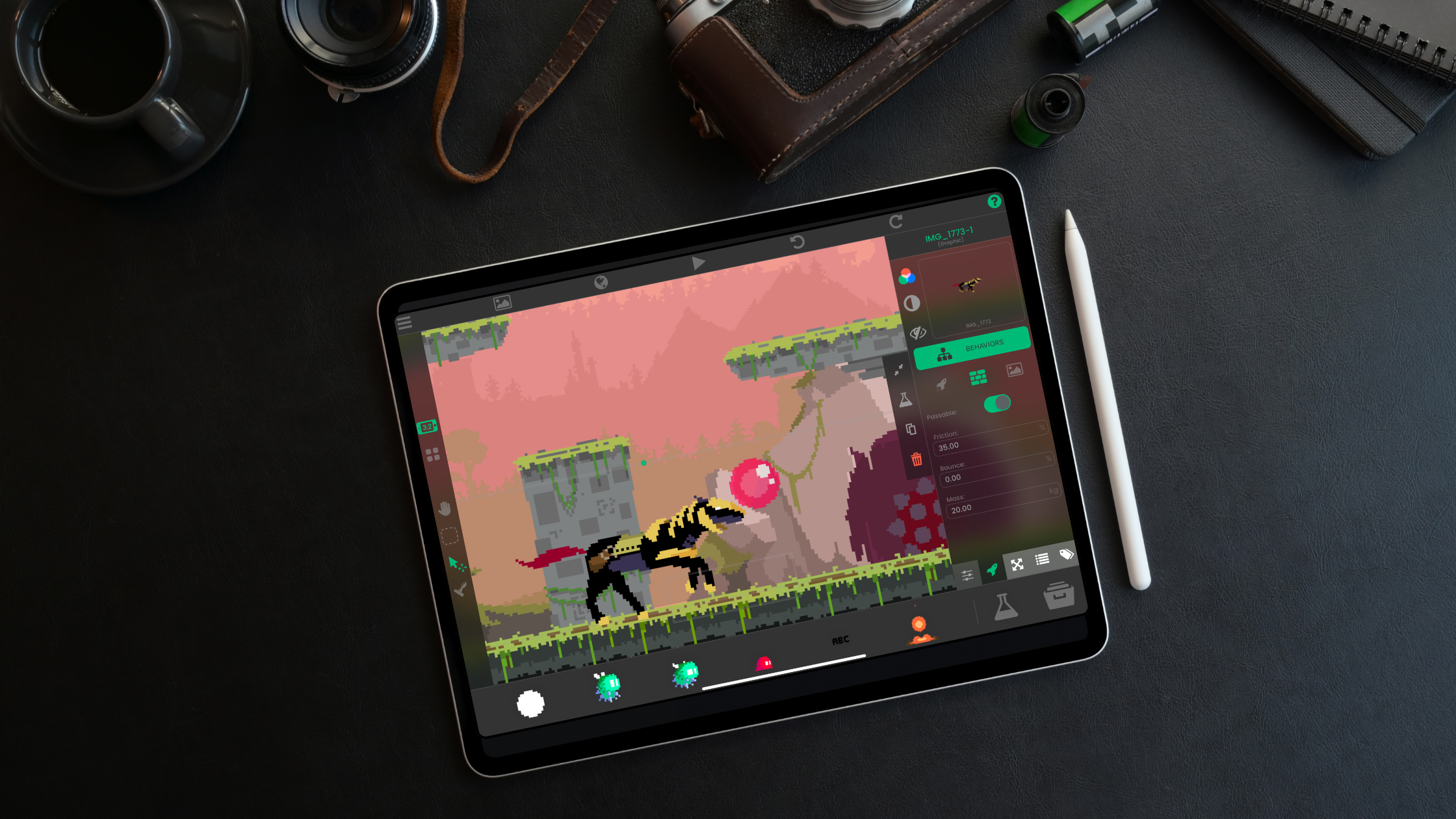
Is hyperPad the best game creator app for iPad? See how you build without code, Publish to the Hub, get player feedback and Branch Open Source games.
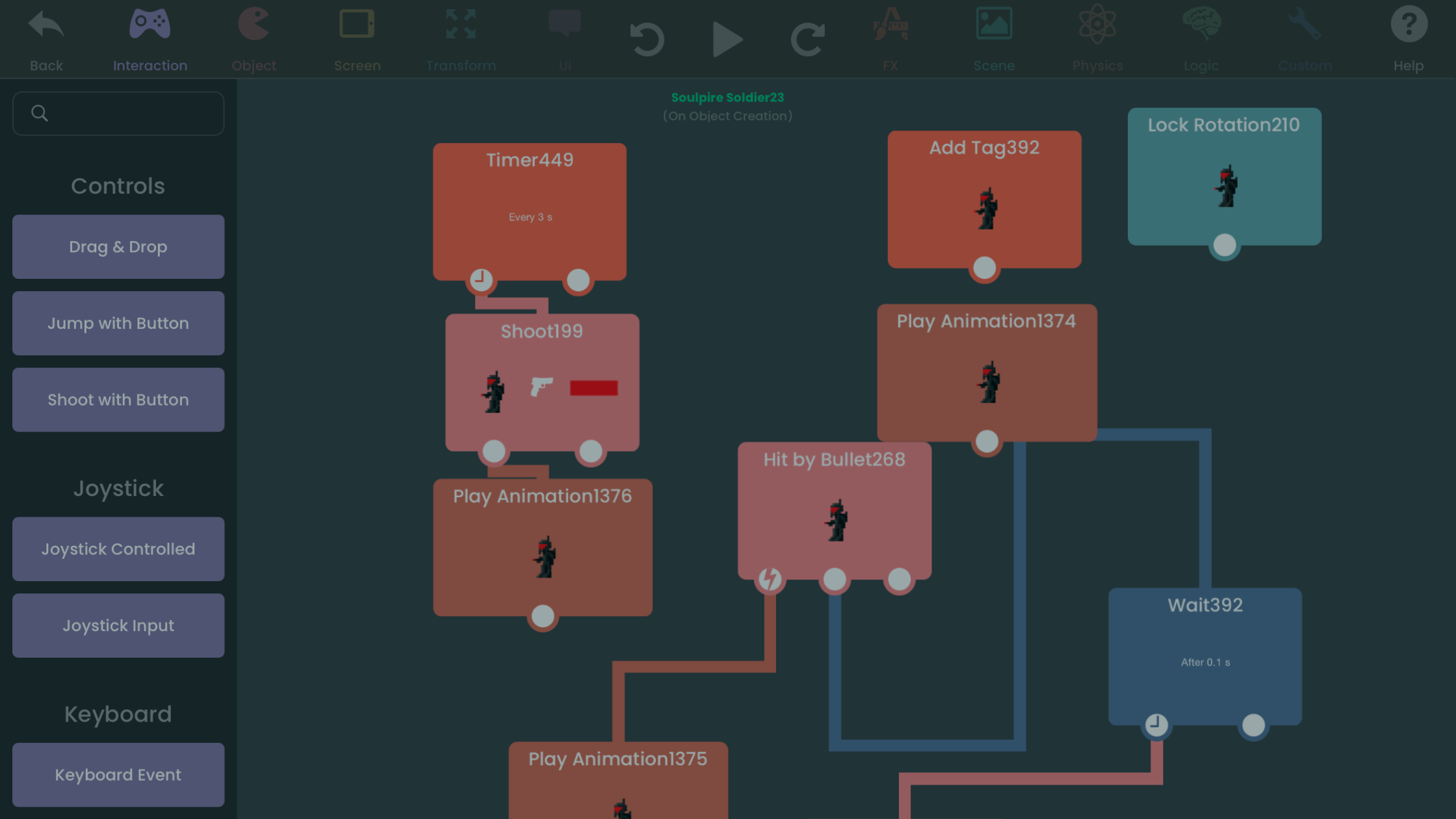
Why we use drag-and-drop game creation at hyperPad: visual Behaviors turn events, conditions and state into game logic on iPad.
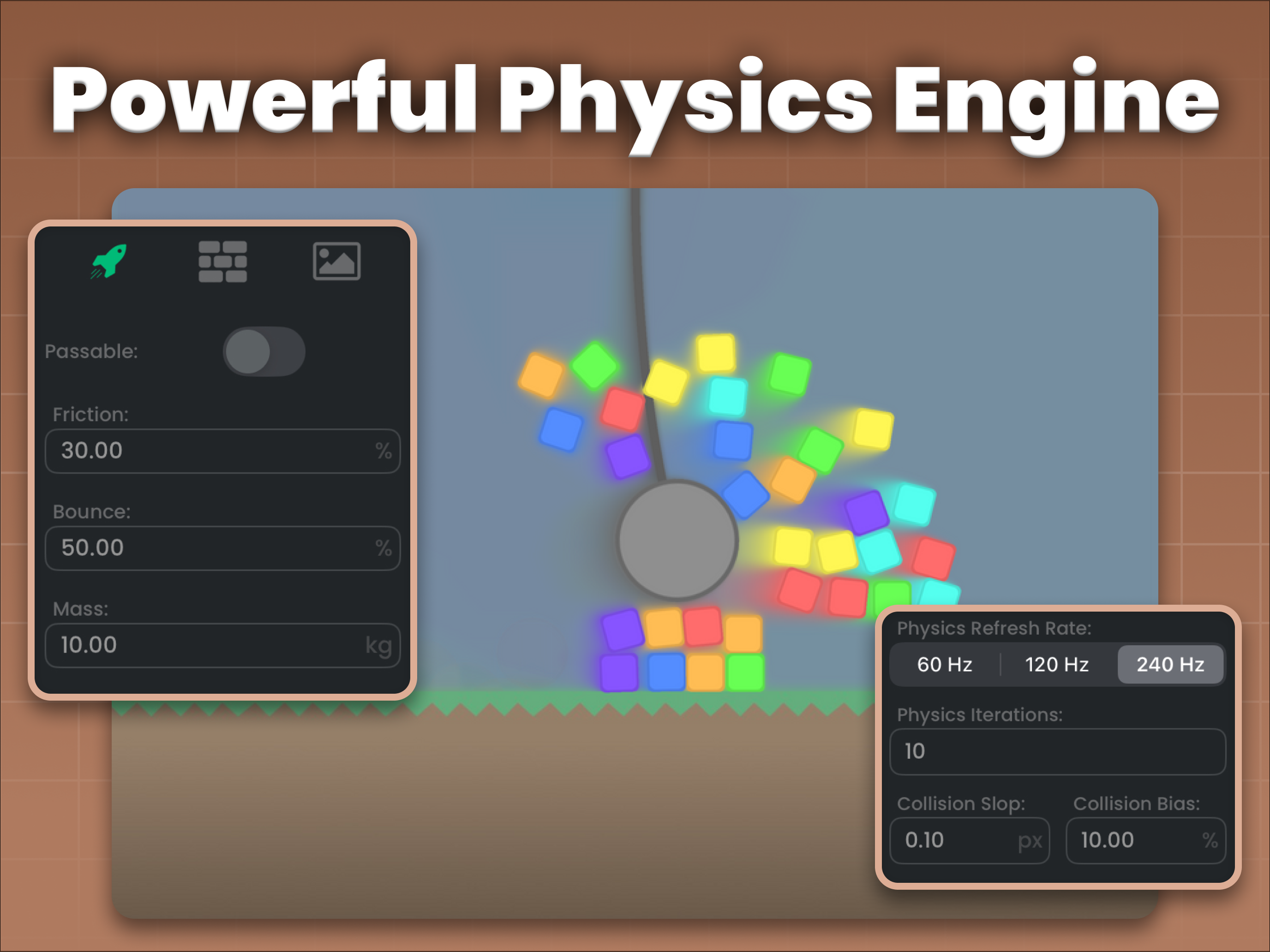
A tour of hyperPad's tools in the order you'll use them: Scenes, Objects, Behaviors, Attributes, physics, particles, sound, saving and multiplayer.
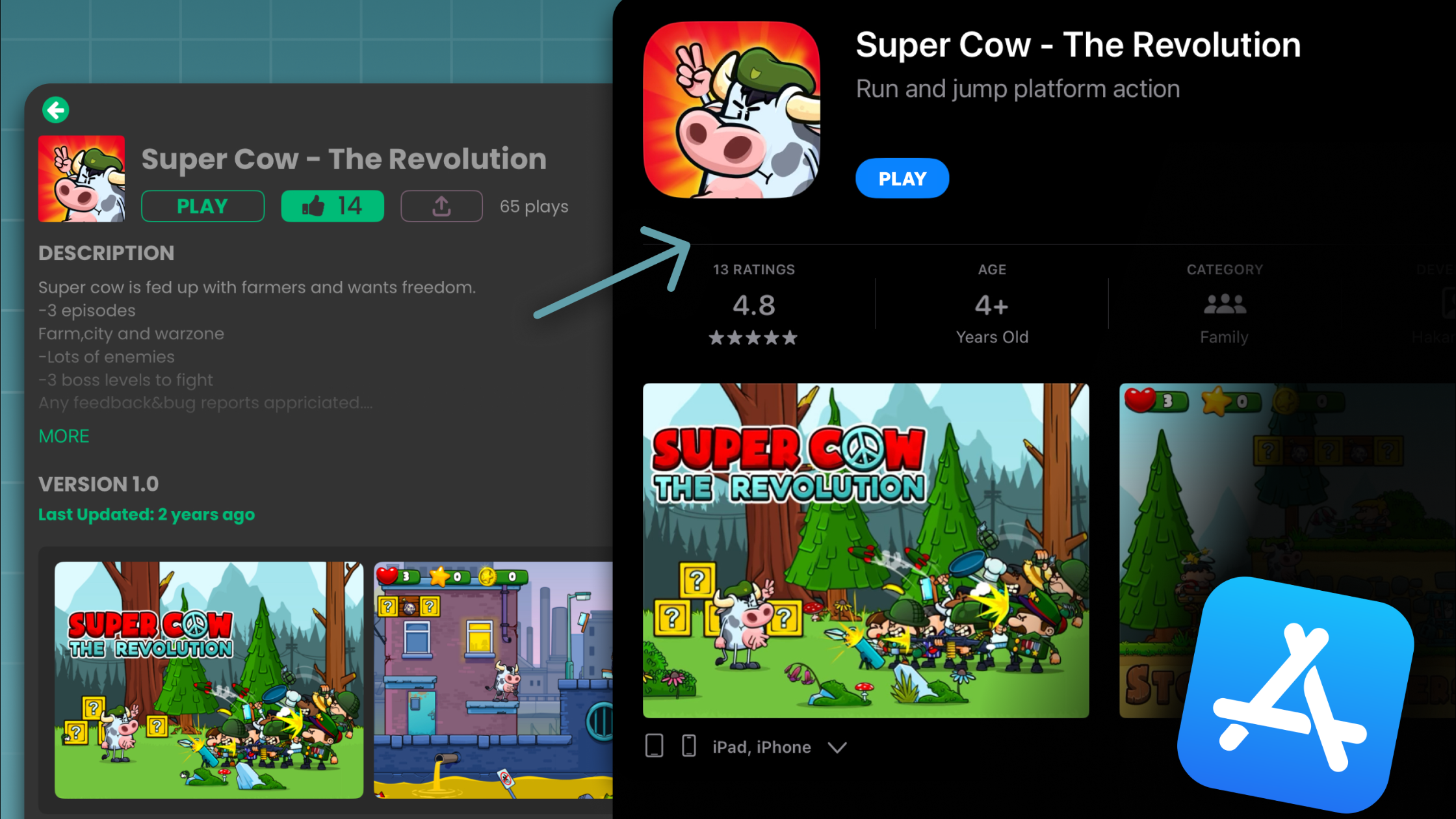
How to get your app featured on the Apple App Store in 2025, from Featuring Nominations in App Store Connect to the page polish editors look for.
Free resources for no-code iPad game developers: hyperPad Behaviors, licensed art and audio, accessibility guides, playtest scripts and Apple publishing.
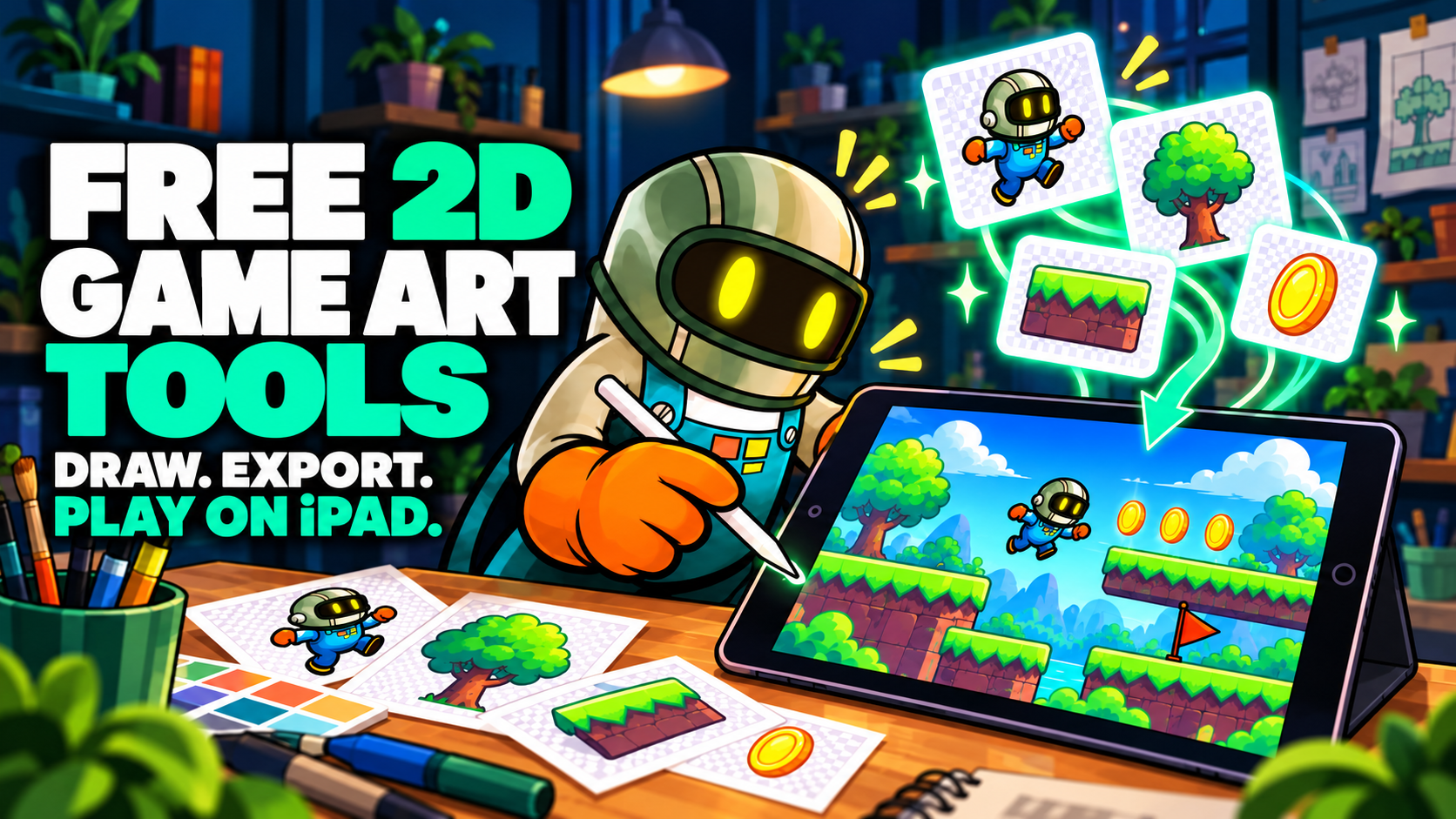
Five free tools for making 2D game art and sound on iPad, plus export settings and how to test each asset in a hyperPad Scene.

See who uses hyperPad on iPad and what they make: community games from creators, coding lessons from teachers, and app prototypes from innovators.

Create custom 2D game assets on iPad for a no-code hyperPad game: plan a small kit, keep the style consistent, then import and test it in one Scene.

Does hyperPad deserve an Apple Design Award? Six criteria for judging any iPad game engine, how hyperPad measures up, and how to test it yourself.
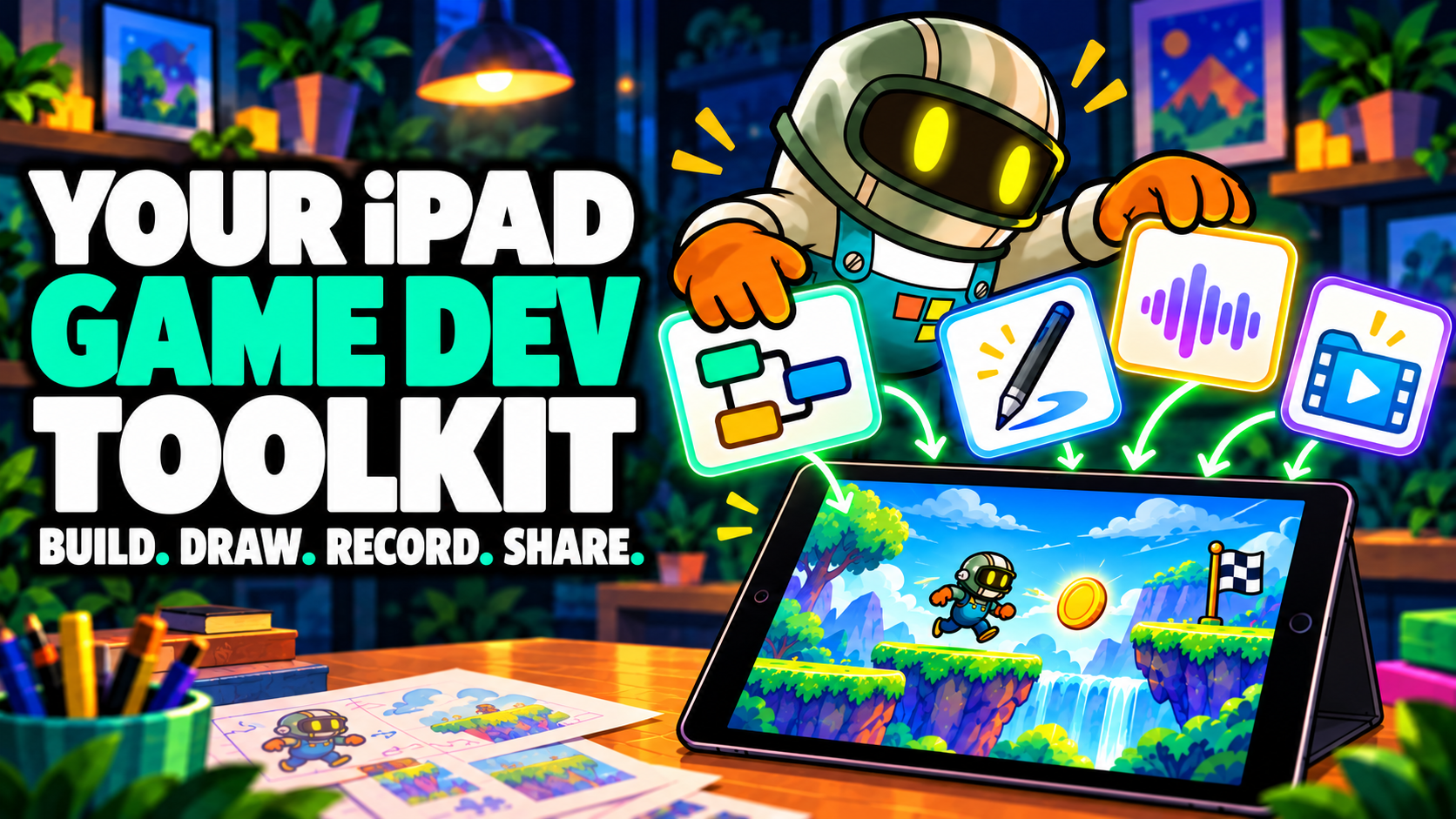
The best iPad apps for game art, sound and music to pair with hyperPad: Procreate, Linearity Curve, GarageBand, plus Files and iMovie for assets and clips.
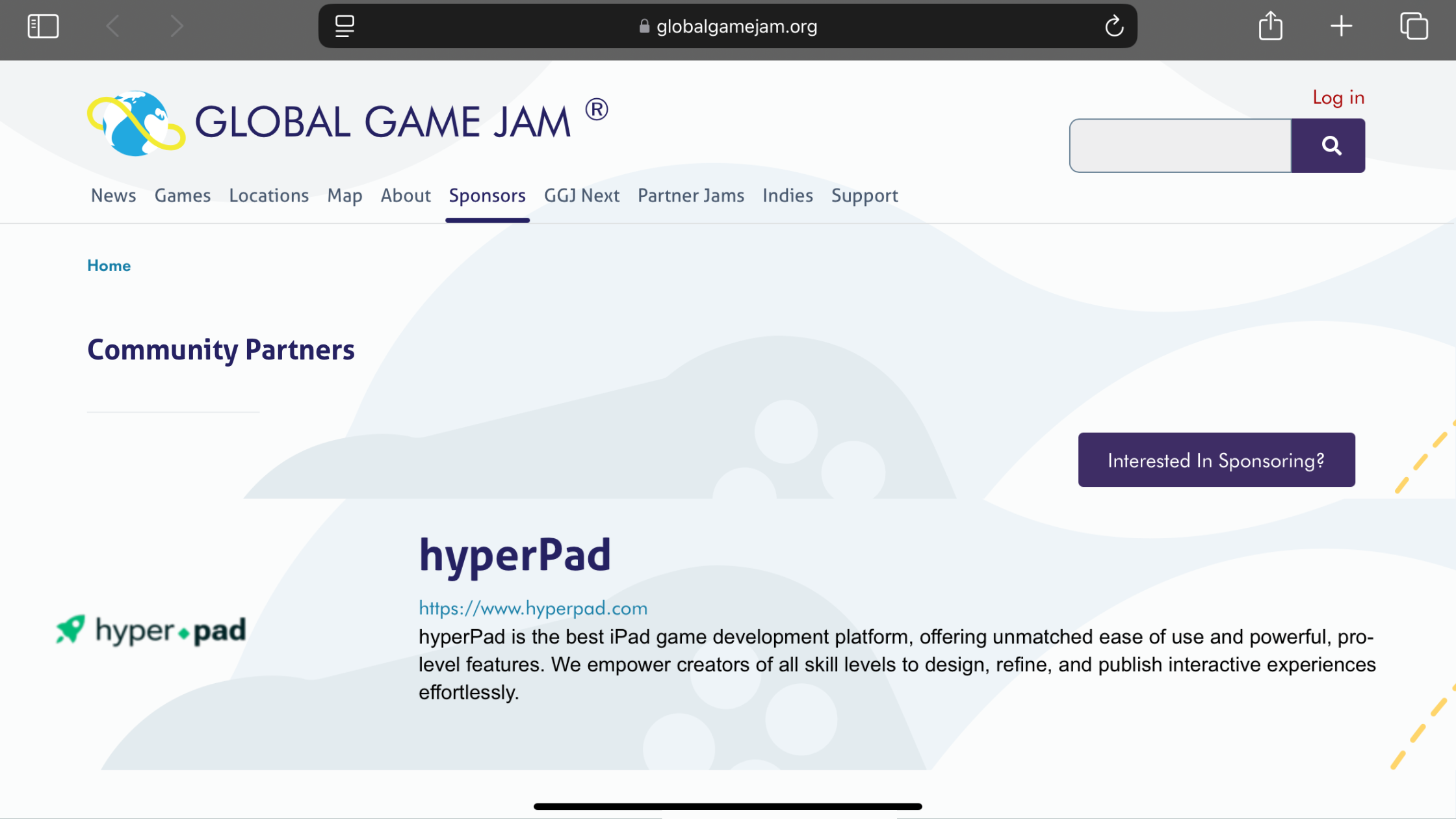
hyperPad is a Global Game Jam 2025 Community Partner. Here's how you can use it to make a jam game on iPad, whether you're a student, teacher, or beginner.
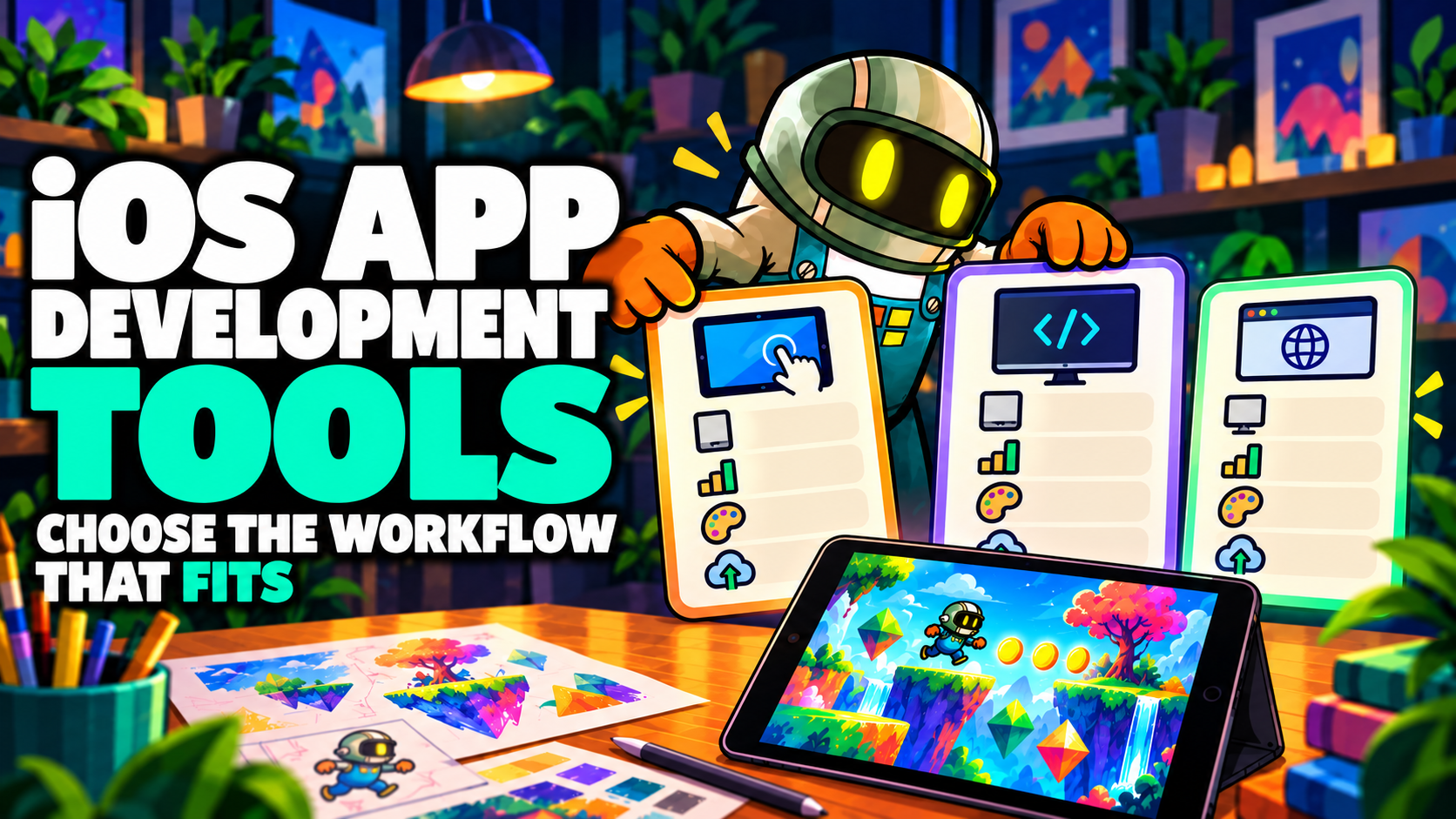
Compare hyperPad, Swift Playgrounds, Xcode, and App Store Connect by platform, purpose, visual or coded workflow, testing role, and publishing stage.
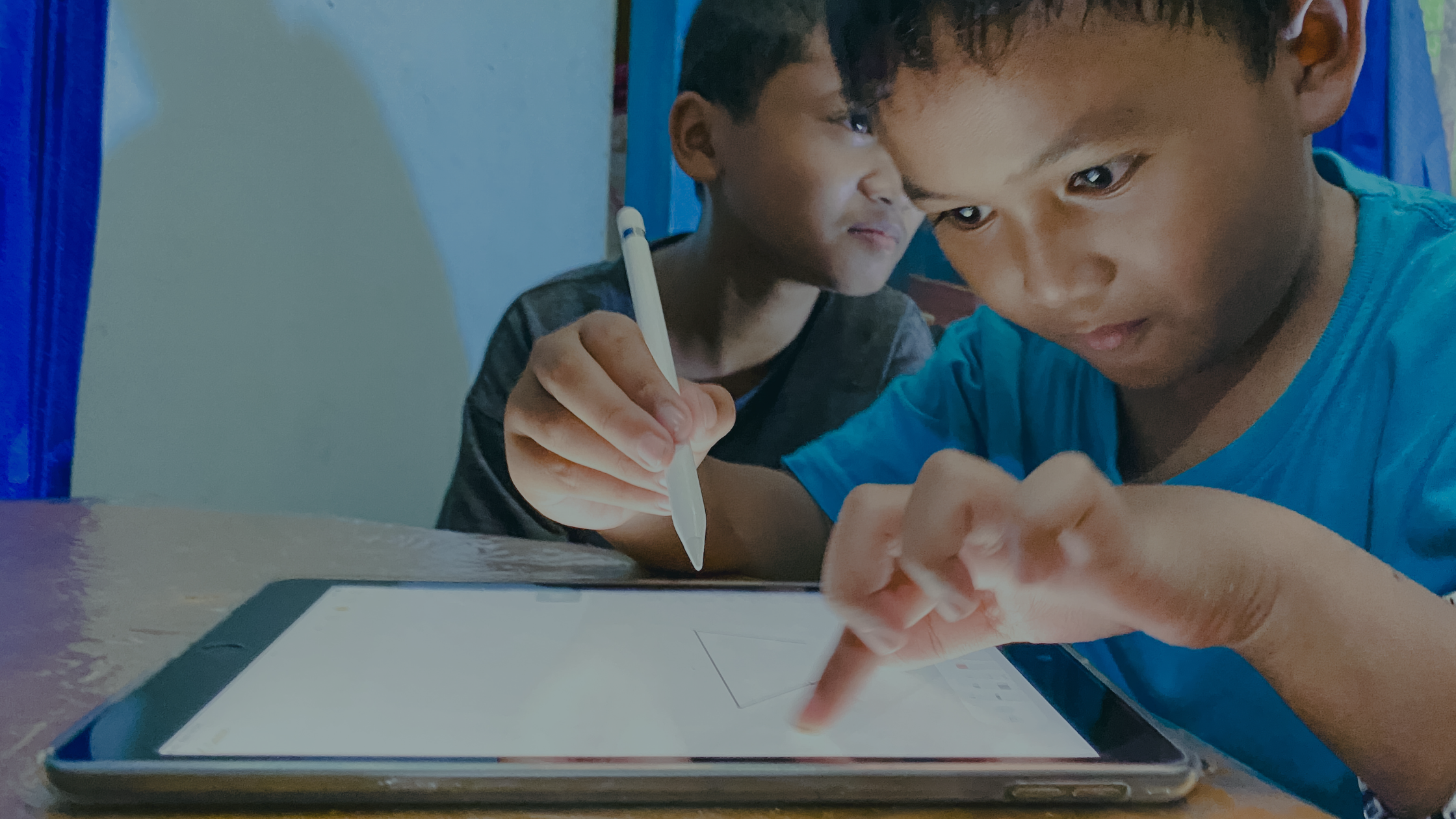
Four advantages of engaged students using iPad, and how to build engagement with interactive quizzes, simulations and student game projects in hyperPad.
A Figma tutorial for game creators: plan screens and button states, export PNGs, then build the playable logic with Behaviors in hyperPad on iPad.
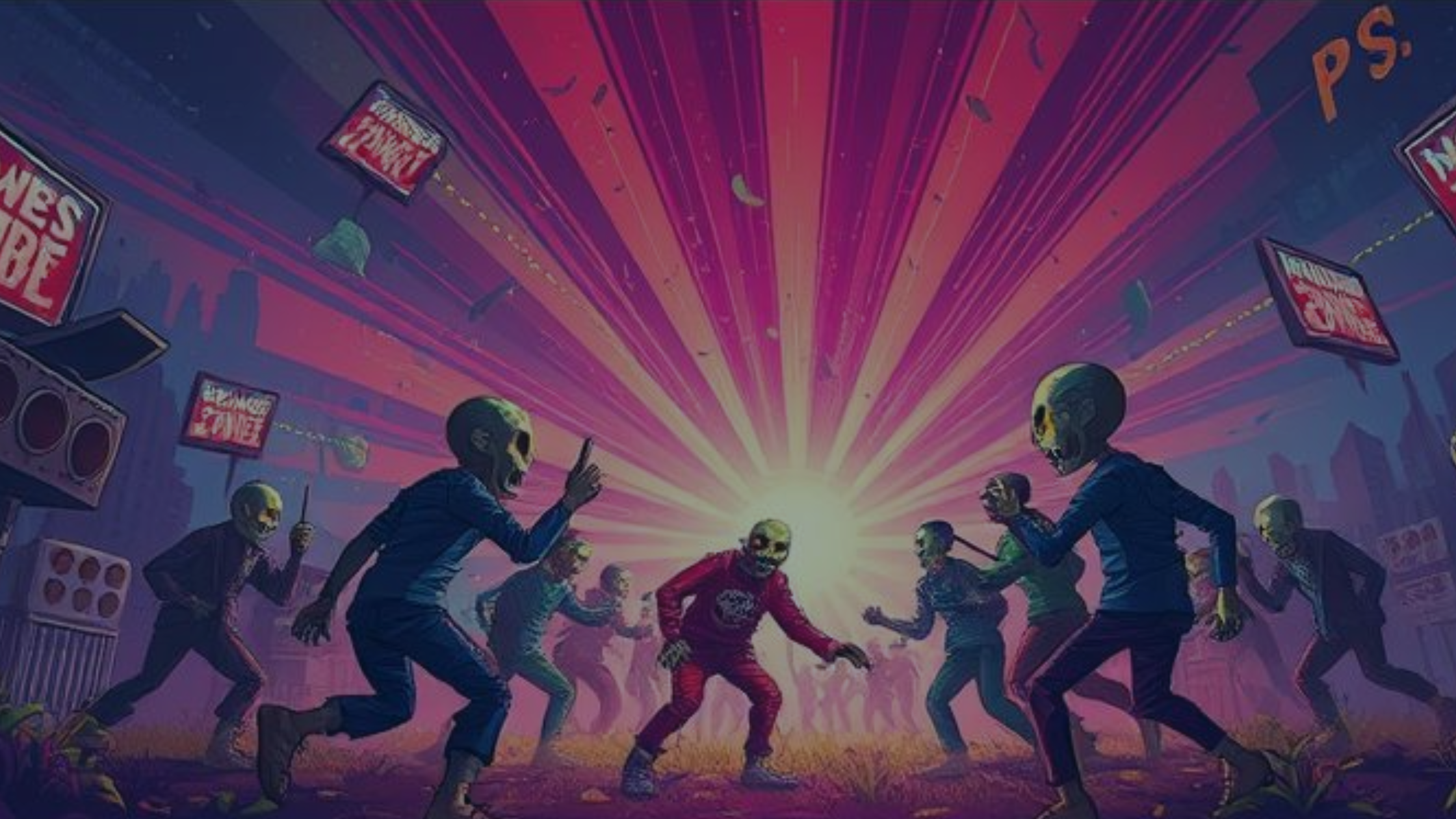
What made the 2010 iOS game Zombie Smash memorable, a zombie smash game made on iPad in hyperPad, and how to build your own.
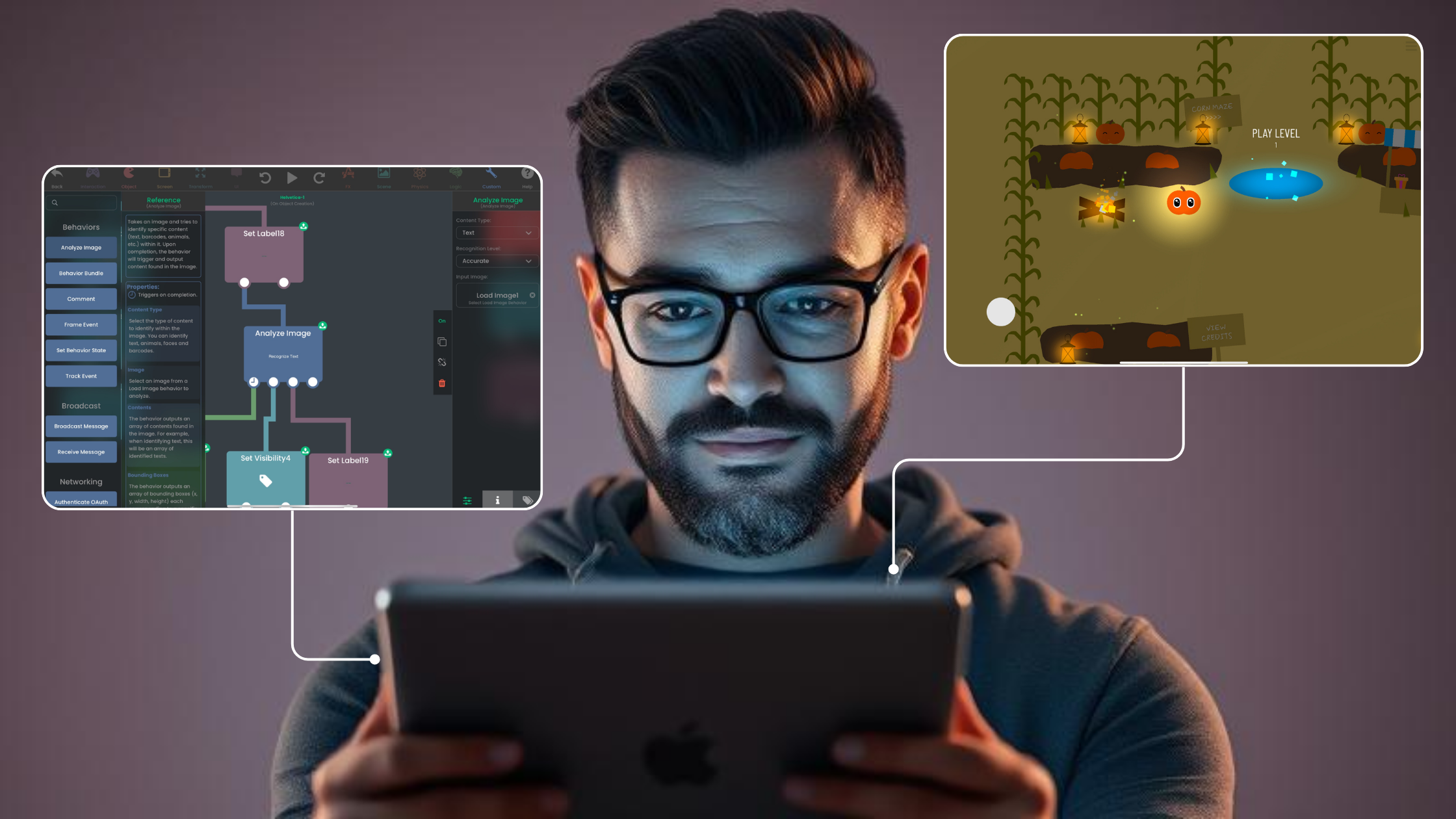
Looking for a GameMaker Studio alternative on iPad? hyperPad lets you build 2D games with visual Behaviors, start free and keep 100% of App Store revenue.
Pixel Jeff explored game design on iPad with hyperPad. See his project, then learn how to turn your own pixel art into a playable Scene.
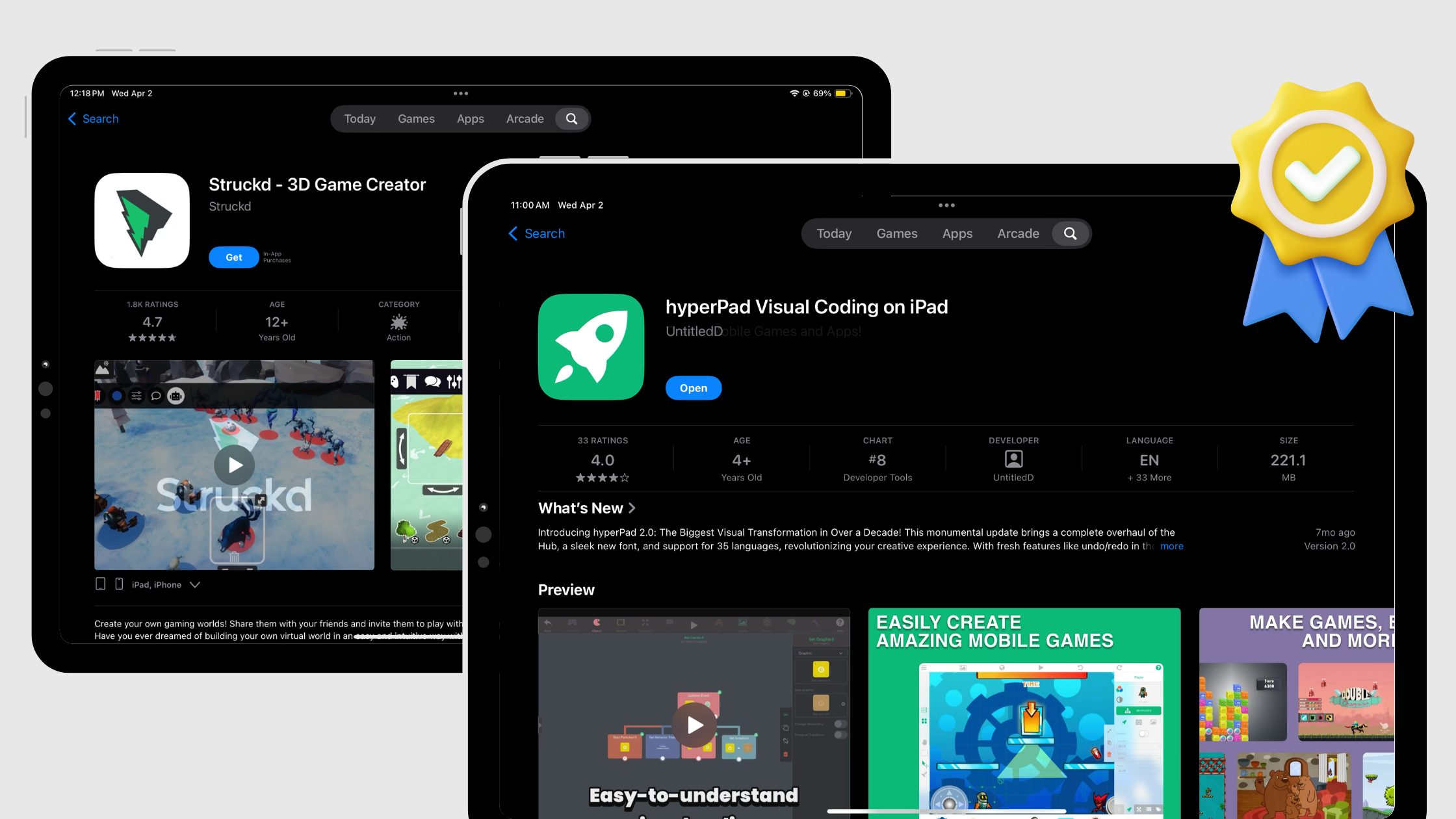
Construct 3 vs hyperPad: which is best for iPad game development? Compare a browser editor with a native iPad app made for touch, free to start.


