Free Art Programs for Making 2D Game Assets on iPad

You can make every piece of art for a 2D game without paying for software. The catch is that most of the well-known free art programs are desktop applications, and articles about them rarely say so.
This list is split by where each one actually runs. Start with the iPad section if the iPad is all you have.
Free Art Programs That Run on iPad
1. Photopea
Best for: editing exports, UI, quick fixes Runs: in Safari or Chrome on iPad
Photopea is a Photoshop-style editor that works in a browser tab. It opens PSD, PNG, JPG, and SVG, which makes it the fastest way to crop a sprite, knock out a background, or resize a batch of images without leaving the iPad.
It is free with ads. Layers, masks, and adjustment tools all work, and the keyboard shortcuts match Photoshop if you have a keyboard attached.
Watch out for: touch targets are small, since the interface was built for a mouse. A stylus helps.
2. Piskel
Best for: pixel art sprites and simple animations Runs: in an iPad browser, or as a desktop app
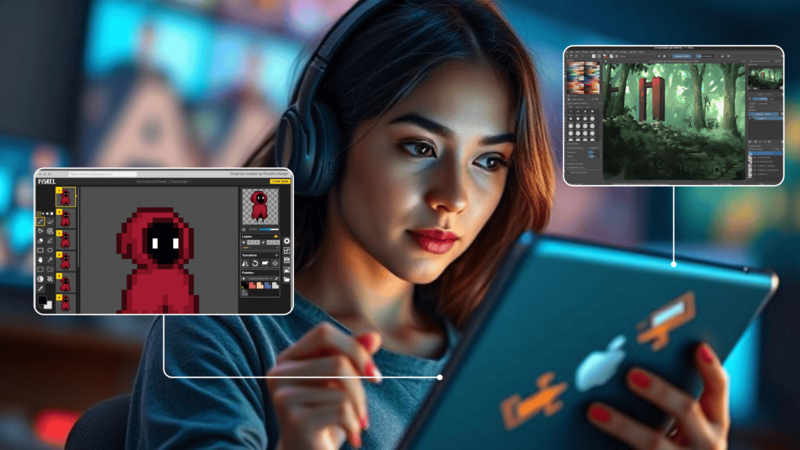
Piskel is a pixel art editor with a live animation preview. Draw your frames, watch the loop play beside the canvas, and export as a PNG spritesheet or a GIF.
It is the lightest way into sprite animation. There is nothing to install and nothing to learn beyond the pencil and the frame strip.
Watch out for: it saves to browser storage by default. Export your work rather than relying on that.
3. Linearity Curve (formerly Vectornator)
Best for: icons, buttons, and scalable UI Runs: natively on iPad
A free-to-download vector editor built for iPad and Apple Pencil. Good for menu buttons, HUD elements, and anything that needs to stay sharp at several sizes. Exports to PNG and SVG.
4. Pixquare and other iPad pixel editors
A handful of pixel art apps are built for iPad directly, with proper touch and Pencil support. Most are a small one-time purchase rather than free, but they are far more comfortable than a browser tool if you are doing a lot of pixel work.
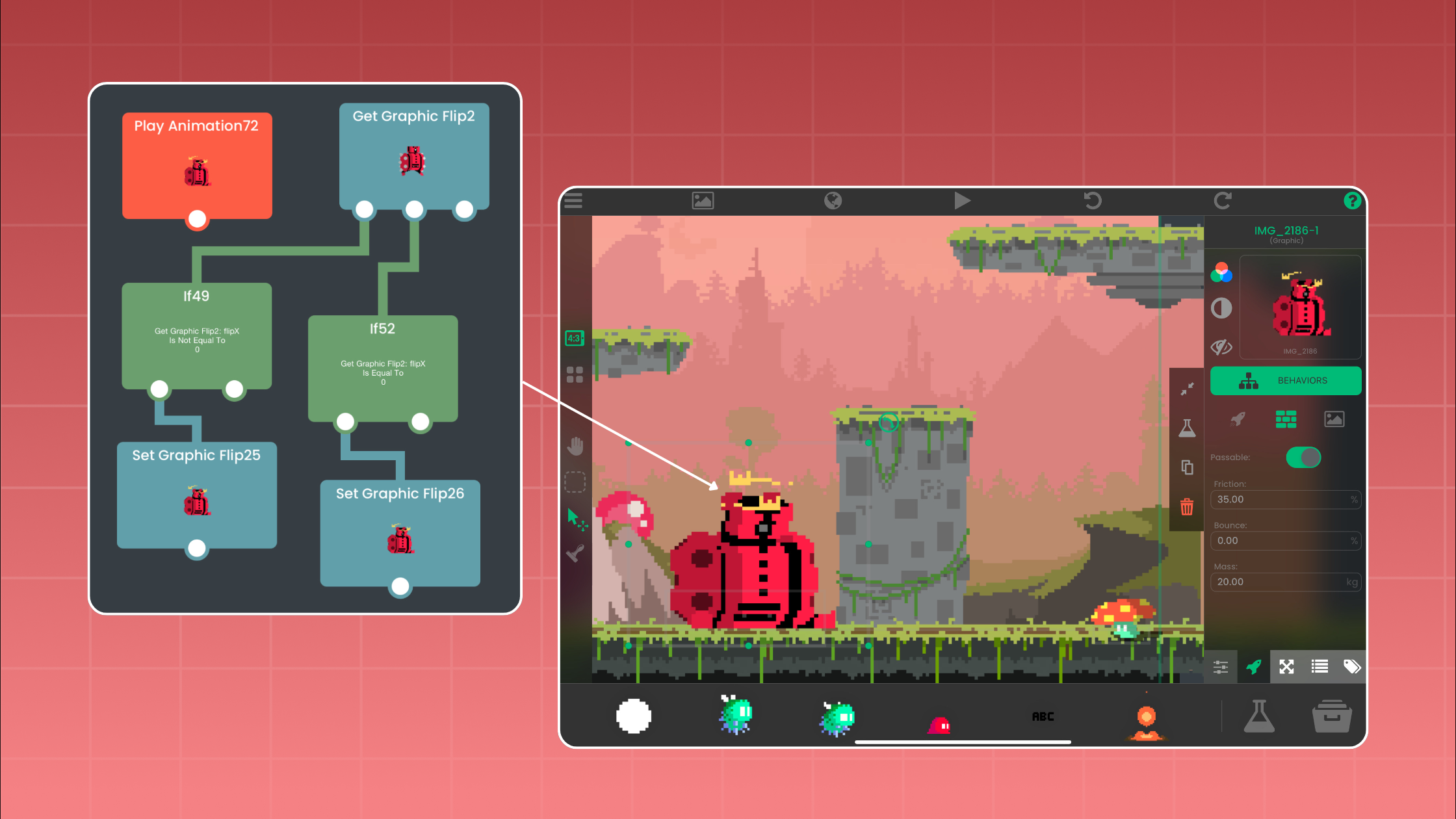
Try hyperPad Starter free. One project, all the building tools, and it runs on the same iPad you are drawing on. Download hyperPad Starter.
Free Art Programs That Need a Desktop
These are worth knowing about, but be clear with yourself: they do not run on an iPad. You draw on a computer and move the files across.
5. Krita
Best for: illustration, concept art, frame-by-frame animation Runs: Windows, macOS, Linux
Built by and for painters. The brush engine is the best of any free tool, and it has a real animation timeline with onion skinning. Free for personal and commercial work.
6. GIMP
Best for: photo-style editing, textures, batch work Runs: Windows, macOS, Linux
The long-standing free alternative to Photoshop. Strong at editing and scripting, weaker at drawing. Worth having installed even if you draw elsewhere.
For pixel art: turn off interpolation on the scale tool, or your sprites will come out blurry.
7. Inkscape
Best for: vector icons, logos, clean UI Runs: Windows, macOS, Linux
A capable free vector editor. Design at any size, export to PNG at whatever resolution you need. Good for maps, icons, and anything geometric.
Also worth knowing: Pixelorama
Free, open source, and built specifically for game pixel art, with tilemap tools and spritesheet export. Desktop and browser. See our full guide to Pixelorama.
Worth Paying For: Procreate
Procreate is a one-time purchase and it is the reason a lot of artists use an iPad at all. Full drawing tools, frame-by-frame animation, and clean PNG export with transparency.
If you are going to spend money on one thing in this list, spend it here. Everything else has a free substitute that gets close. Procreate does not.
Which One Should You Use?
- Pixel art, no budget: Piskel in the browser, or Pixelorama if you have a computer.
- Hand-drawn characters on iPad: Procreate.
- Hand-drawn characters, no budget, desktop available: Krita.
- UI, buttons, and icons: Linearity Curve on iPad, Inkscape on desktop.
- Cleaning up and resizing exports: Photopea, from anywhere.
Export Settings That Save You Trouble
Whatever you draw in, export the same way:
- PNG with transparency. Not JPG. JPG has no alpha channel, which is why sprites end up with white boxes around them.
- Power-of-two dimensions where you can (64, 128, 256). Easier on memory.
- Same canvas size for every animation frame. Frames of different sizes make a character jitter.
- Name frames in playback order. run_01, run_02, run_03. Your future self will thank you.
- Trim the empty space, but trim every frame by the same amount.
Getting the Art into Your Game
In hyperPad, open the Asset Dock and import your PNGs. Set one as the Graphic on an Object and it appears in your Scene. For an animation, import the frames as a set and play them with a Behavior.
From there you connect actions and events to make the character move and react, with no code involved.
Common Questions
Can I use these tools with hyperPad? Yes. Export as PNG, JPG, or GIF and import through the Asset Dock.
What is the best free tool for a beginner? Piskel for pixel art, Photopea for everything else. Both run in an iPad browser.
Do I need to draw at all? No. Free asset packs cover a first project. See our guide to free 2D game assets.
Is Procreate worth it? For game art on iPad, yes. It is a one-time purchase rather than a subscription.
Make Something Playable
Art on its own is a folder of PNGs. Put it in a game and people can play it.
Make one game for free with hyperPad Starter. To make as many as you want and export them to the App Store, upgrade to hyperPad for a one-time USD $14.99. You keep 100% of your revenue.
More iPad game development tutorials are on our YouTube channel.