For Indie Developers Attending the Game Developers Conference

Building iOS games on iPad with hyperPad, or looking for ways to make games without code? Here's why GDC is worth your time as an indie creator.
With iPad tools like hyperPad, you can make money from your digital art without writing code. Here are five ways to turn your creations into income.
Compare VS Code and hyperPad by purpose, setup, coding, visual game logic, iPad support, and Apple-silicon Mac workflow.
Plan a 2D game, create Graphics and audio on iPad, import the assets into hyperPad, connect visual Behaviors, playtest, and prepare for publishing.
Design an app game on iPad from first idea to launch with hyperPad, Procreate, and other iPad apps, all without writing code.
Our picks for the best kids' video games of 2025, and how games can lead young players into creativity, problem-solving, and storytelling.
See how hyperPad combines visual Behaviors, complete 2D game systems, iPad and compatible Apple-silicon Mac workflows, Starter, Hub feedback, and export.
Nine iPad apps that help kids create games, art, music, stories, animation, code, and other projects while practicing useful skills.
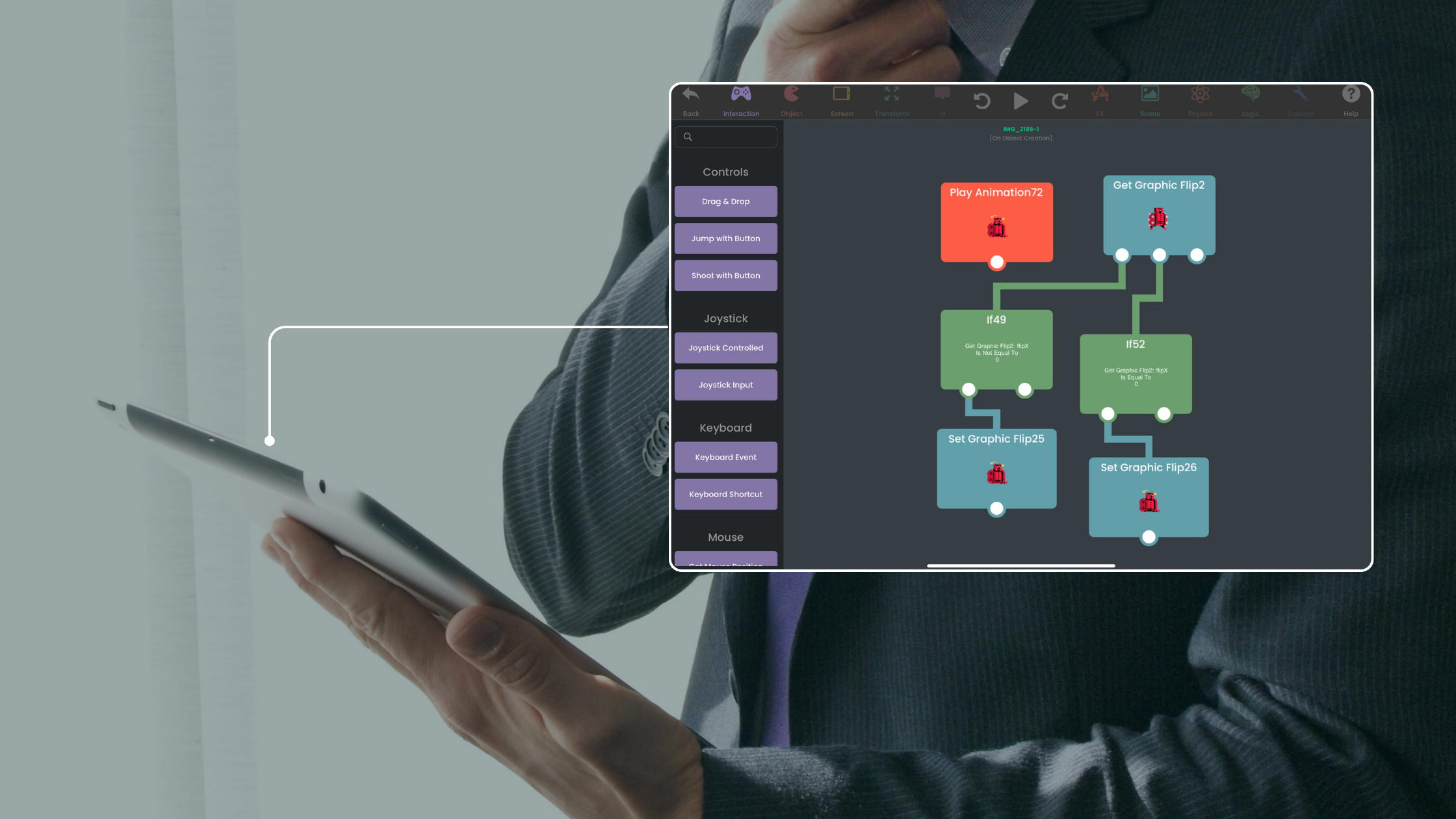
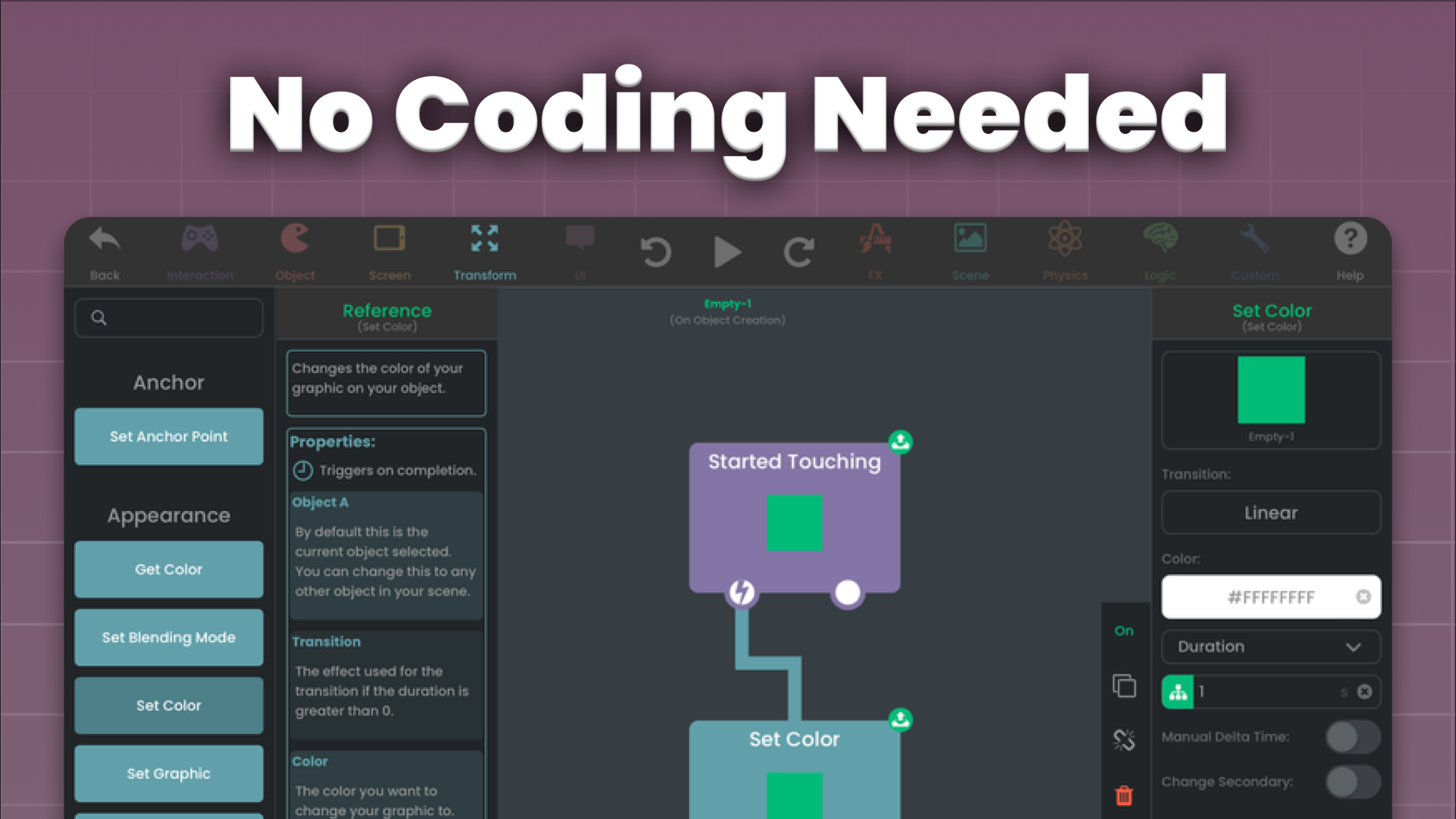
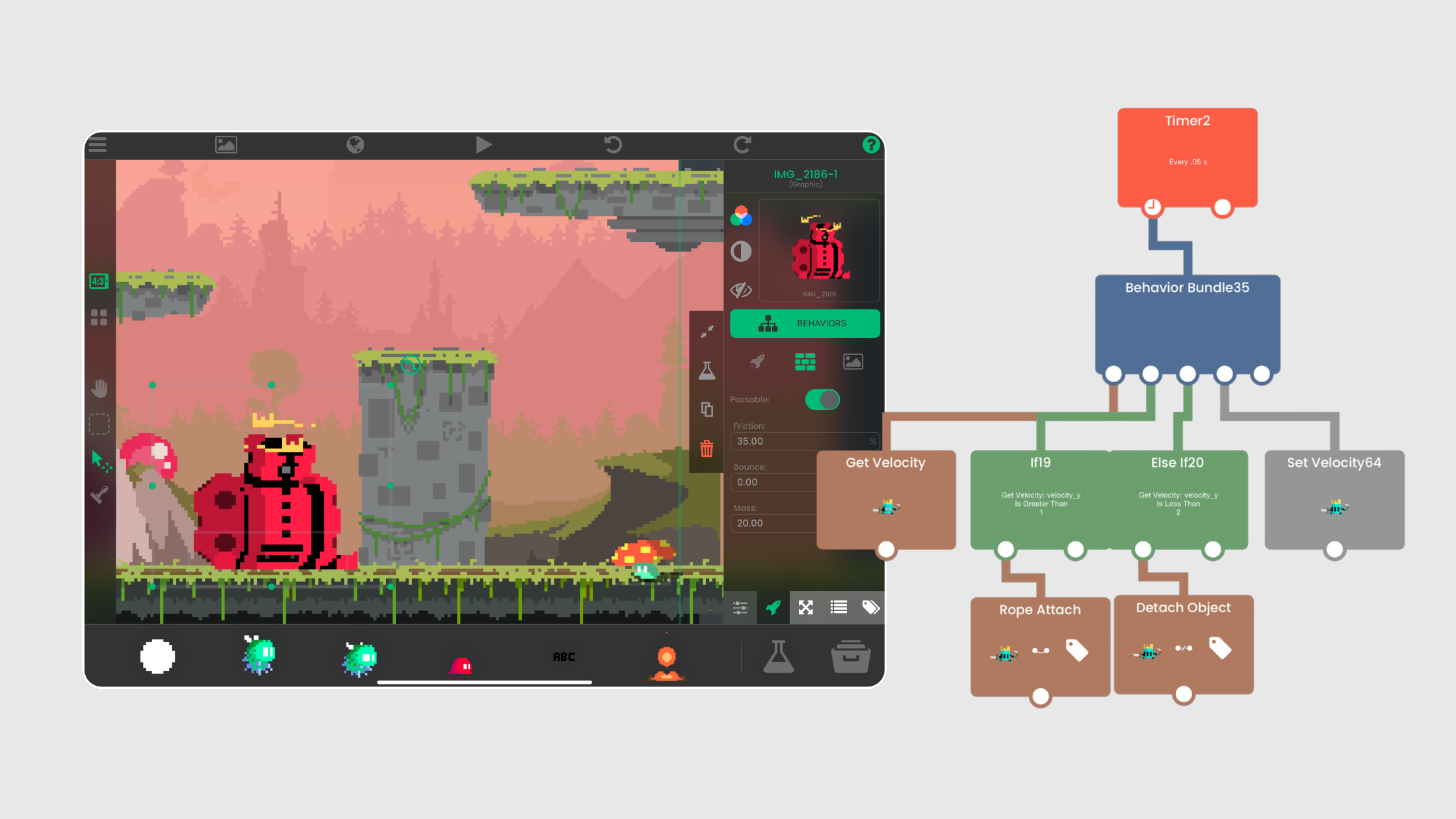
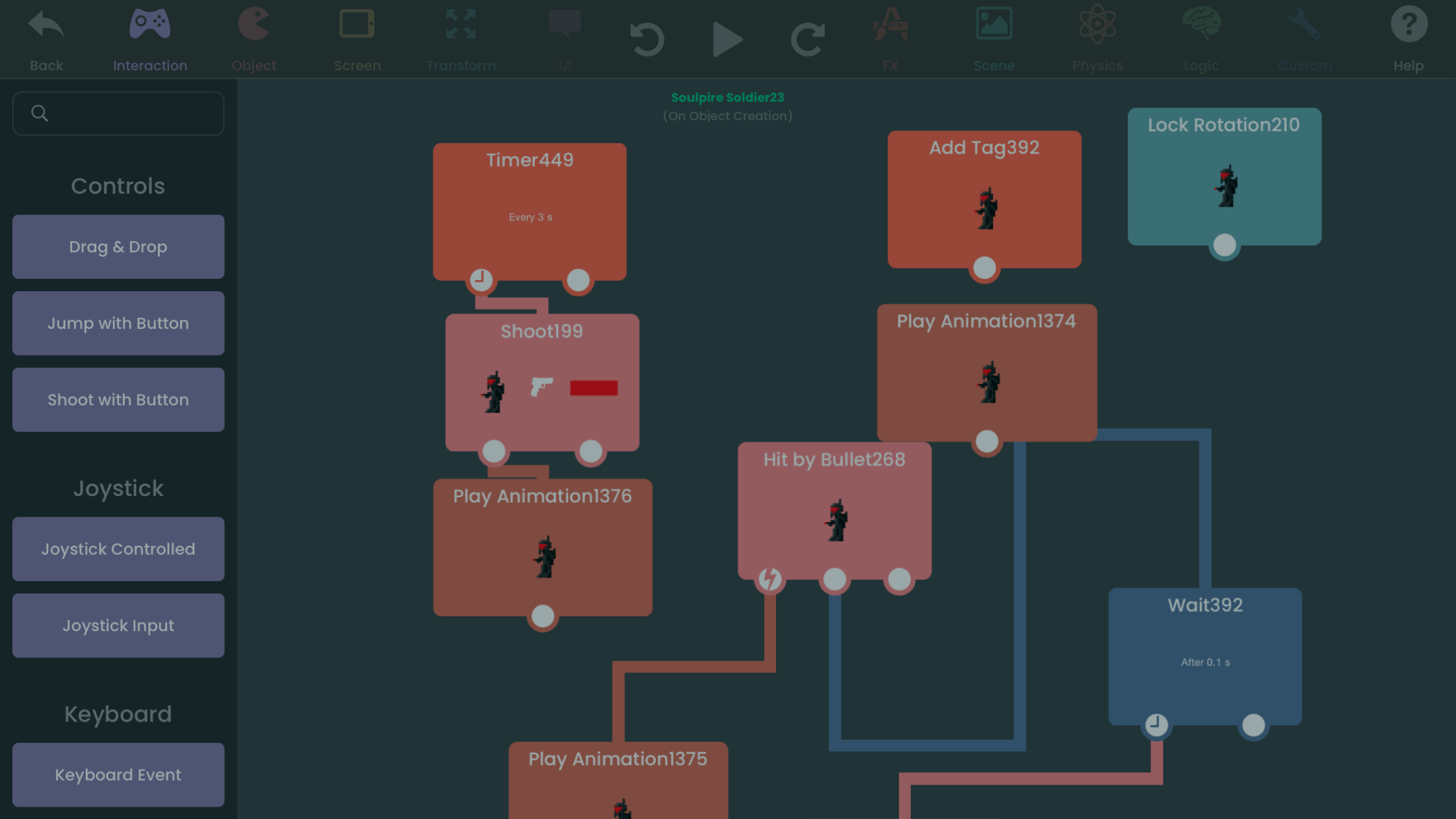
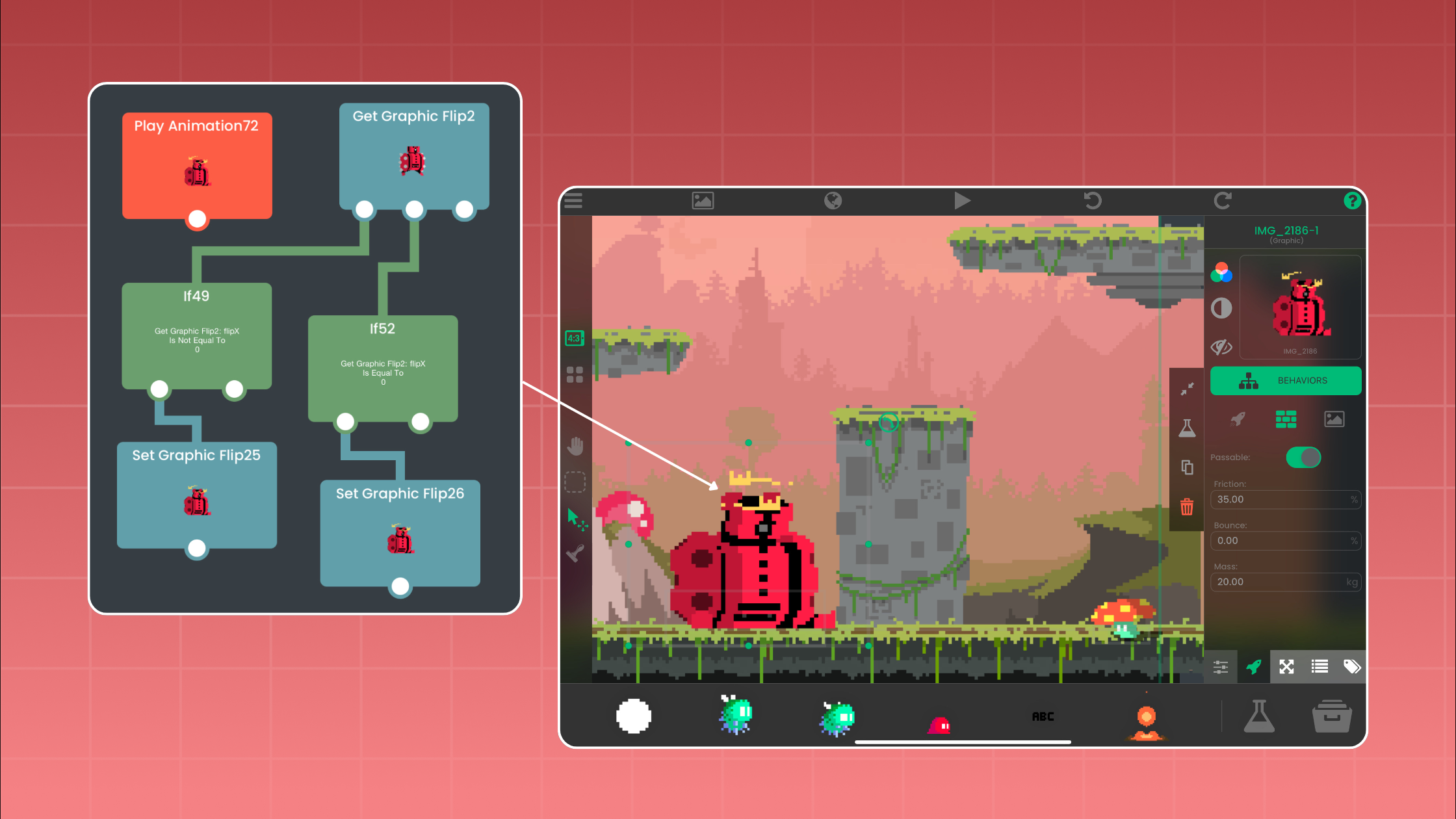
Learn how hyperPad's visual Behaviors turn events, actions, conditions, Attributes, input, and state into playable game logic on iPad.
A spot on the App Store's featured lists can bring your app a lot more attention. Here's how Featuring Nominations work and how to raise your chances.
Making games on iPad is easier with no-code tools like hyperPad. Here are free resources for game design, art, music, sound, and storytelling.
Create and test sprites, backgrounds, interface art, animation, and audio for a 2D game using an iPad and hyperPad.
Good game art doesn't need a hefty price tag. These free and freemium iPad apps make 2D assets you can import straight into hyperPad.
Seven free art programs for making 2D game assets, split by what actually runs on iPad and what needs a desktop. Includes pixel art tools and export settings.
Ads, freemium, premium, and in-app purchases: how to make money from your no-code iPad game, plus ASO, analytics, and legal tips.
Tools and tips for making your own game art, sound effects, and music, optimizing them for iPad, and bringing them into hyperPad.
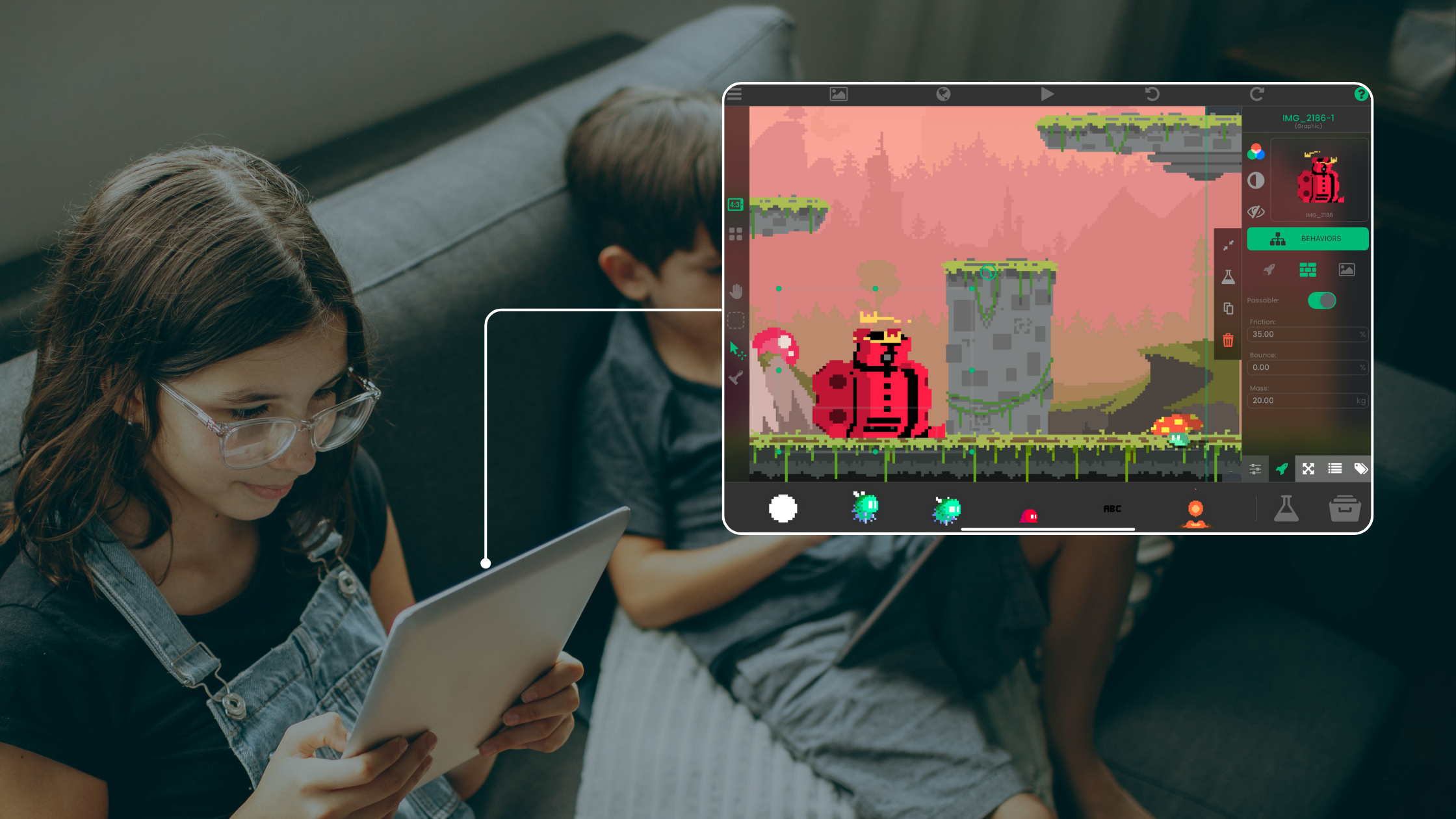
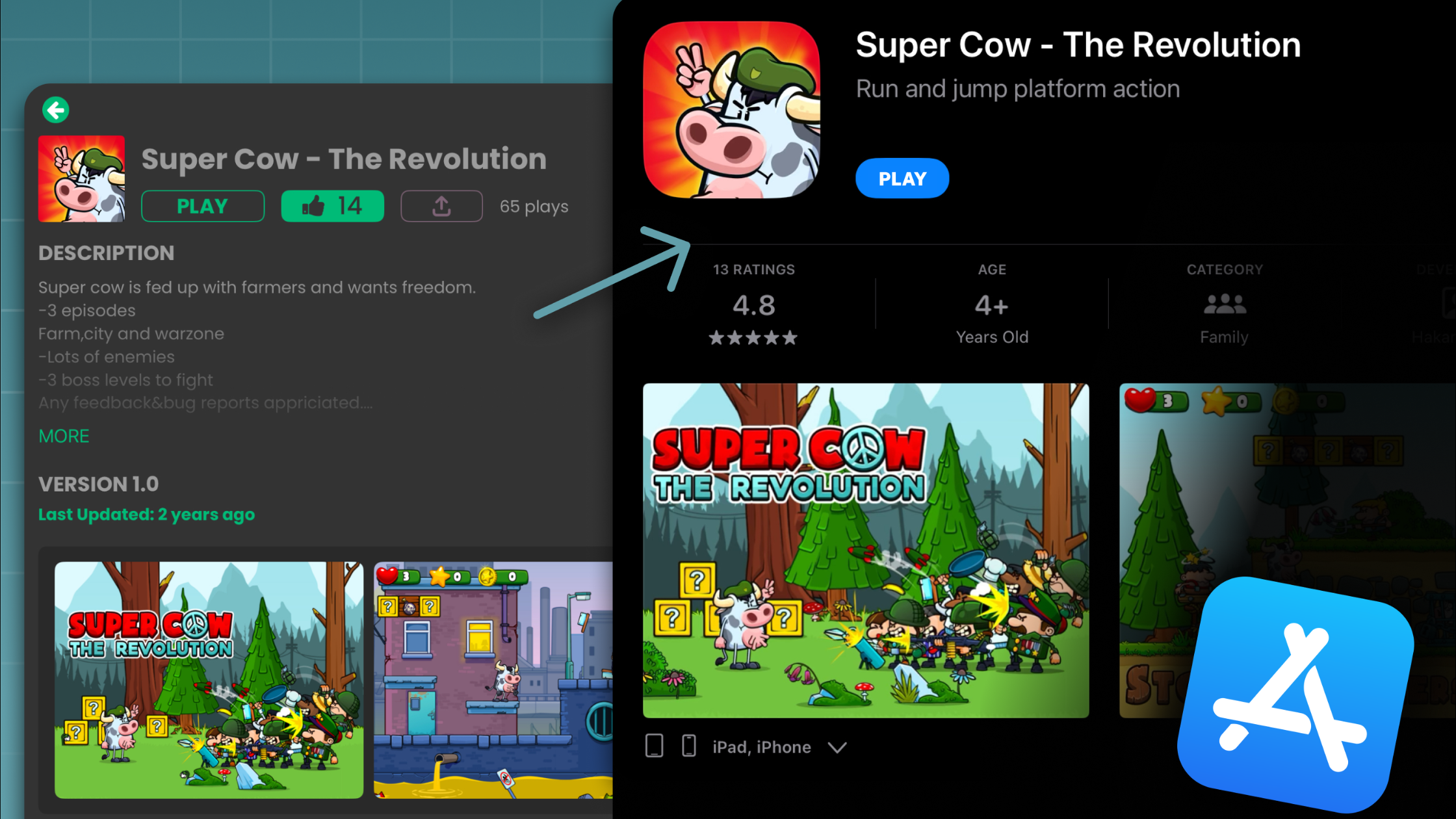
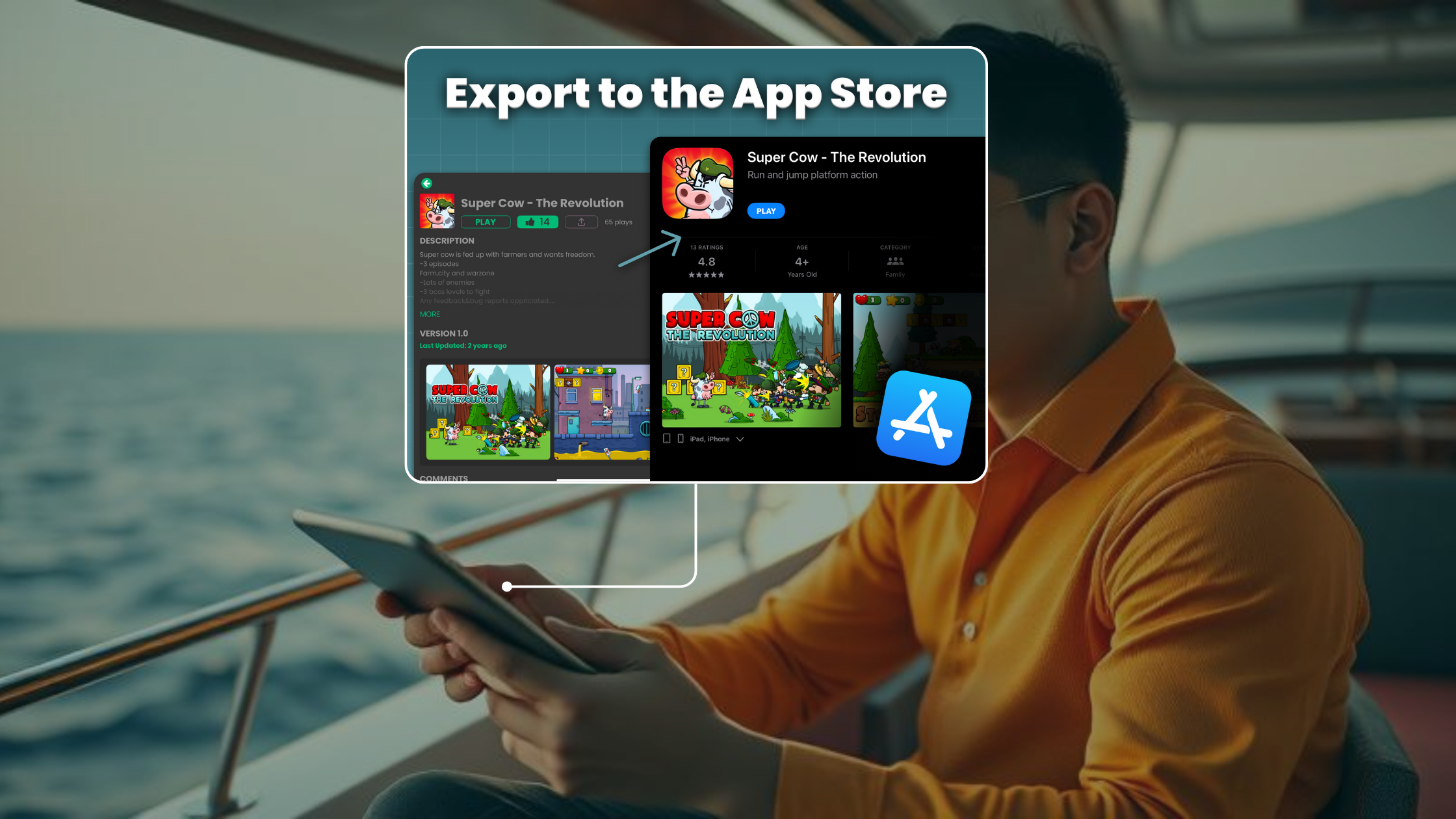
With hyperPad, you can make games on iPad without code, share them, and sell them on the App Store. Here's why it suits no-code game development.
hyperPad brings game development to everyone, from students exploring coding for the first time to indie developers creating complex interactive experiences.
Build an iPad game-development toolkit with hyperPad for game logic, plus current apps for art, audio, files, and gameplay clips.
hyperPad is a Global Game Jam 2025 Community Partner. Here's how you can use it to make a jam game on iPad, whether you're a student, teacher, or beginner.
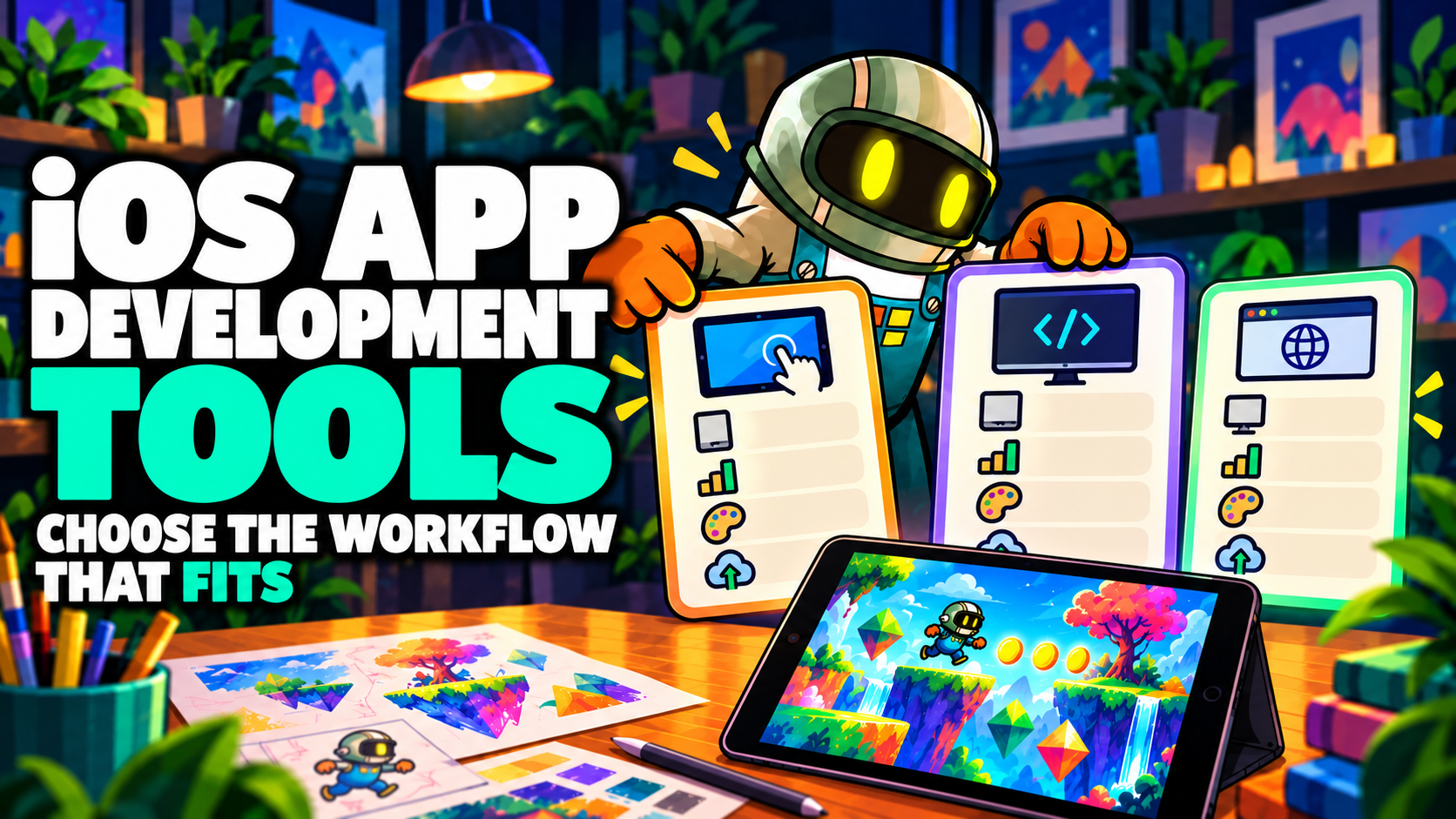
The top iOS app development tools for building apps and games in 2025, from Xcode to no-code options like hyperPad that you use on iPad.
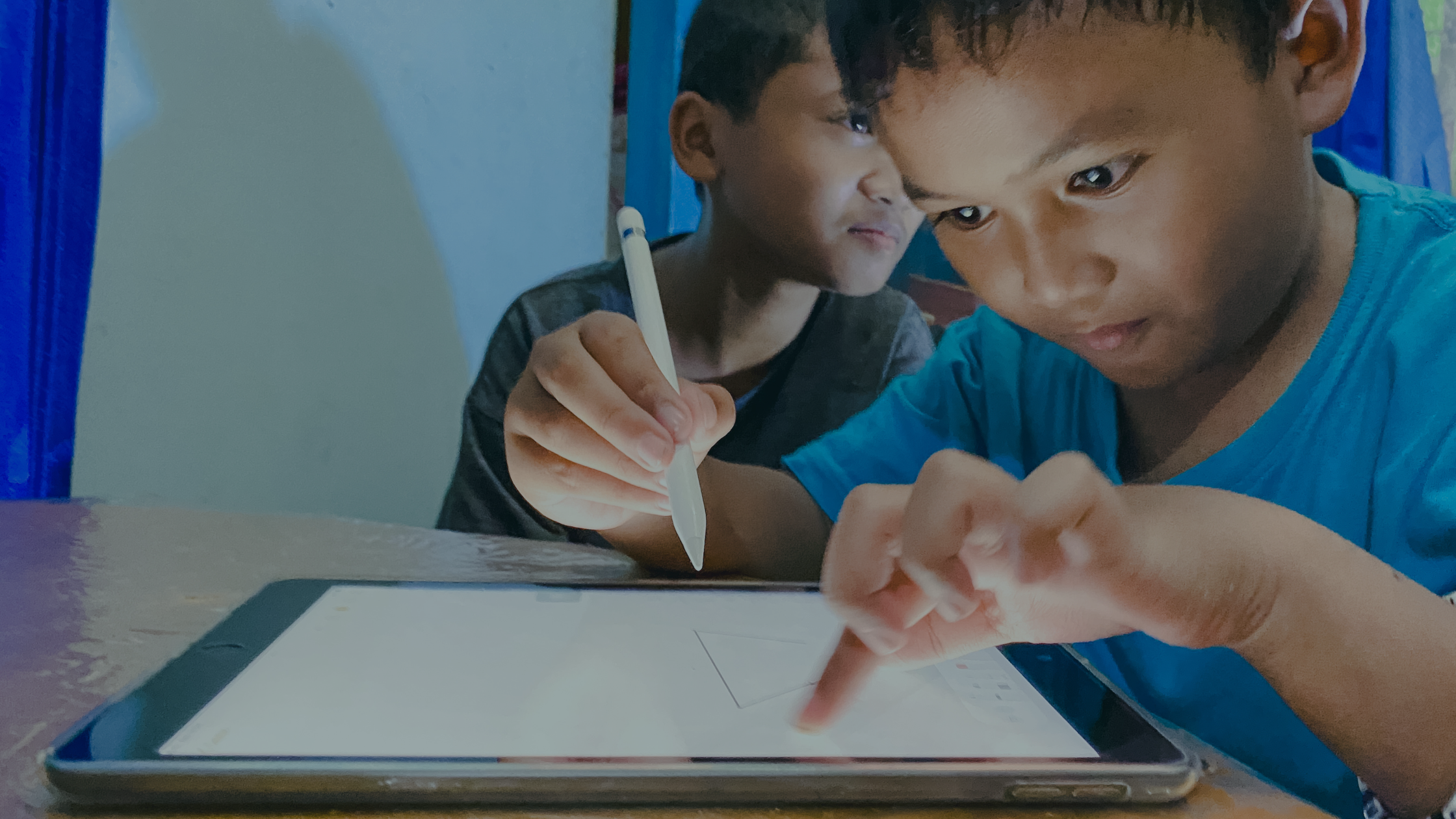
Four advantages of engaged students, and how to use gamification, project-based learning, and hyperPad on iPad to get your class involved.
Design your game's art and UI in Figma, then turn it into a playable iOS game on iPad with hyperPad. No code required.
Zombie Smash mixed zombie-crushing with strategy and humor when it launched in 2010. See what made it a hit, and how to make your own zombie game on iPad.