How to Make an iPad Game with Your Own Art and Sound

Build an iPad game with your own art and sound
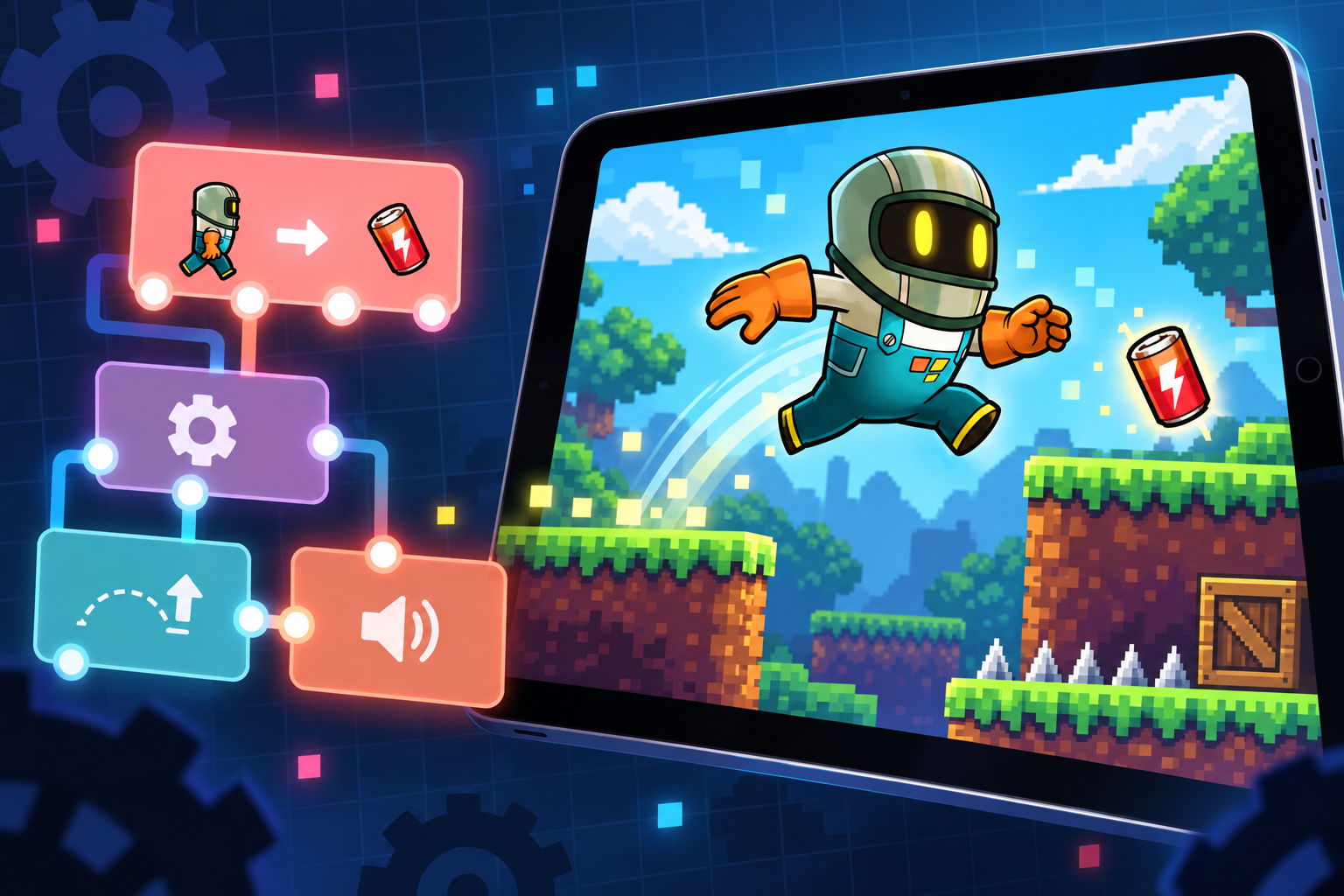
You can plan a 2D game, draw its Graphics, prepare its audio, and assemble the playable Project on the same iPad. This guide focuses on that multi-app production workflow: plan one mechanic, make the required assets, import them into hyperPad, connect Behaviors, and playtest on-device.
1. Planning Your Game
Before you start building, define your game concept. Ask yourself:
- What is the genre? (Platformer, puzzle, arcade, adventure, story-driven RPG, etc.)
- Who is your target audience?
- What is the main objective of the game?
Use Notability or GoodNotes to sketch ideas and write notes. For mind mapping, MindNode helps you map out your game’s flow.
2. Designing Game Art with Procreate and Other Tools
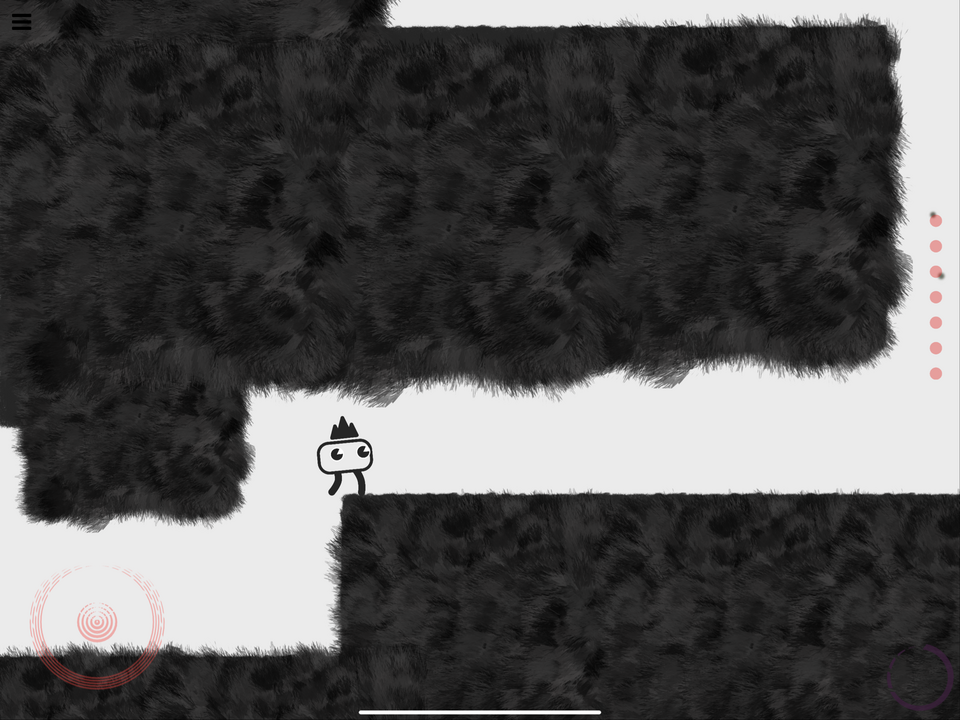
Procreate can create character Graphics, backgrounds, interface art, and animation frames on iPad. Use it when raster drawing is part of your workflow:
Creating Game Assets in Procreate
- Open Procreate and set the canvas size based on your game resolution (for example, 1920x1080 for full HD games).
- Use layers to separate character parts, backgrounds, and UI elements.
- Export images as PNGs to keep transparency.
Other Design Tools for iPad
- Vectornator (Free, now called Linearity Curve): good for vector-based UI and icons.
- Affinity Designer (Paid): suited to detailed game art.
- Pixaki (Paid): a favorite for pixel art games.
Pixelable is another iPad option for pixel art.
3. Building the Game on iPad
hyperPad is a no-code game engine for iPad. Here’s how to get started:
Setting Up Your Game
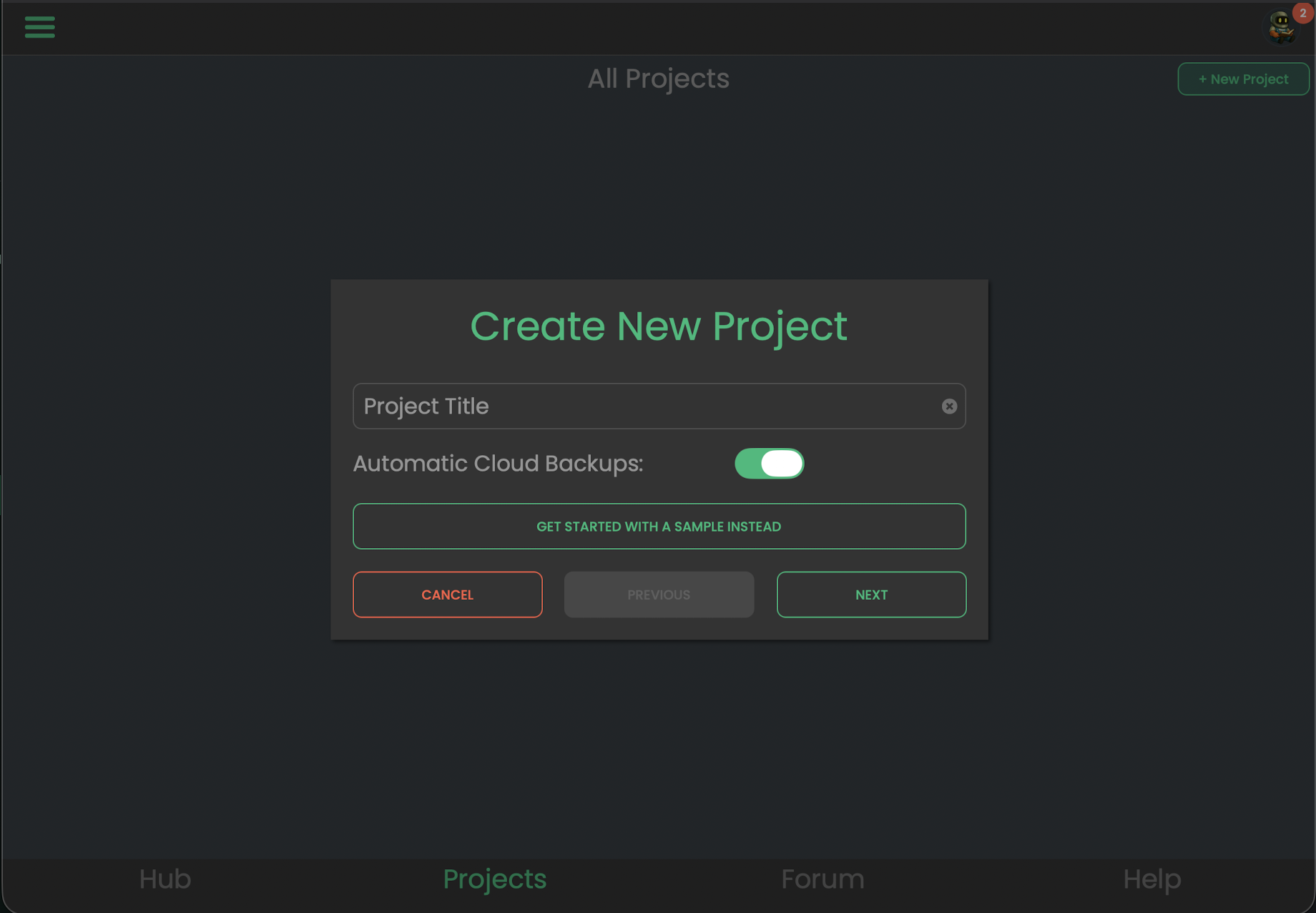
- Open hyperPad Starter or paid hyperPad and create a Project.
- Create a free account. It gives you access to the creator community, and you can save and sync your projects across devices.
- Create a new project. Start from scratch or pick a template (such as a platformer, puzzle, shooter, or top-down RPG) and customize its art, characters, and levels.
- Import your artwork (Procreate PNGs) into hyperPad, or start with the built-in asset library.
Designing Your Scene
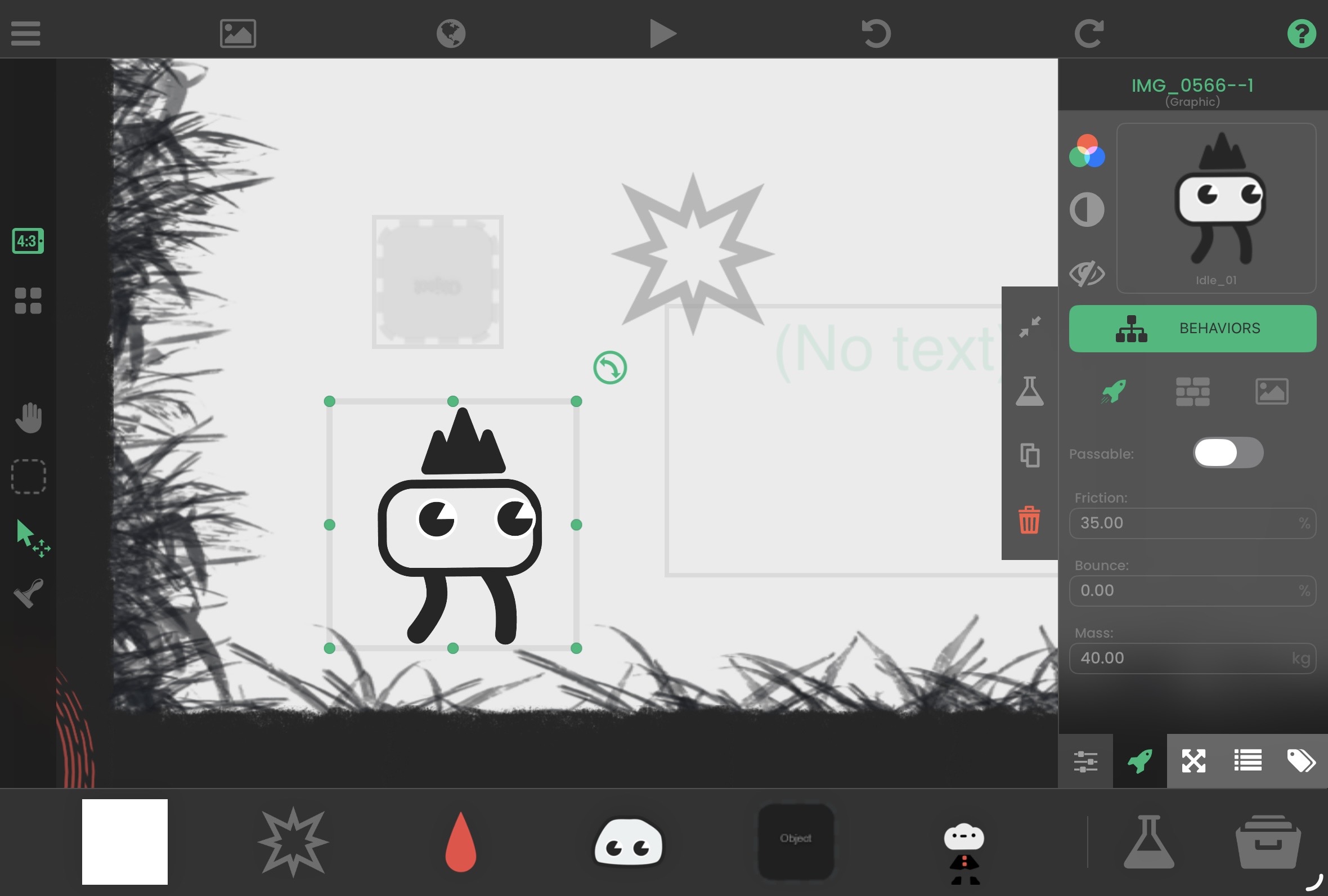
Use hyperPad’s Scene Editor to drag Objects into your game and build its environment. You can use your own artwork or free community assets.
Adding Gameplay Mechanics
hyperPad uses Behaviors to add interactivity. You connect actions and events into a flowchart of your game’s logic:
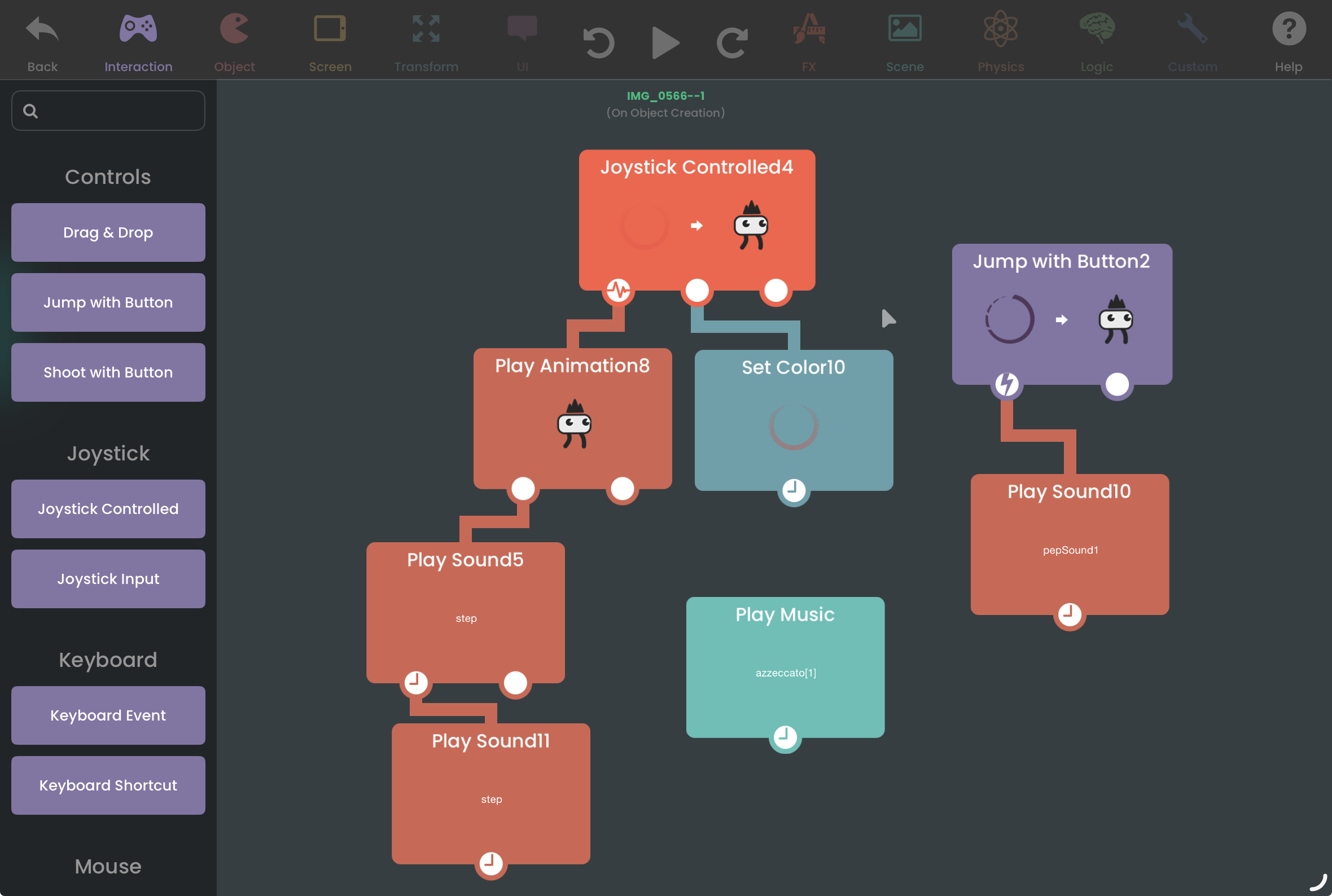
- Open the Behavior Editor for an Object and drag in Behaviors to set up movement, collisions, and animations. The same system handles bigger features like dialogue and health bars.
- Use physics settings to adjust gravity, friction, and bounciness.
- Add sound effects and background music.
Start with the Behavior Editor overview, then browse the Behavior library in the app. Add one event and one action before building a larger Behavior Tree.
4. Sound and Music for Your Game
Build one short loop and a few clear effects. The iPad game music and sound guide covers recording, exporting, importing, and connecting audio to Behaviors.
Good sound design makes your game feel better to play. Try these apps:
- GarageBand (Free): create custom background music.
- Audacity (Free, desktop): edit and fine-tune audio on a Mac or PC.
- Medly (Paid): compose game soundtracks.
Once your sounds are ready, import them into hyperPad and assign them to events like jumps, enemy attacks, or menu taps.
5. Testing and Debugging
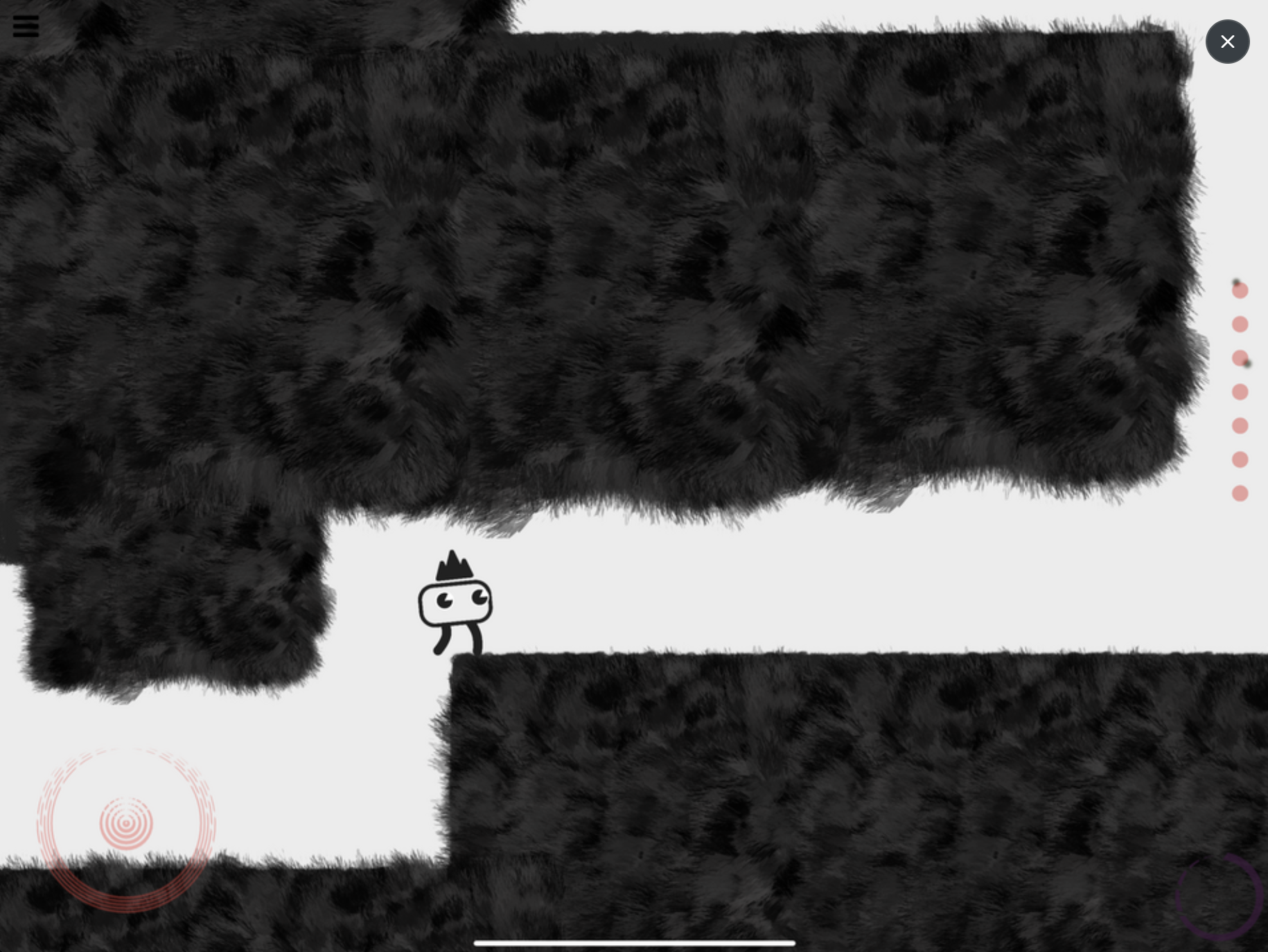
Testing makes sure your game runs smoothly. Tap Play to test your game instantly, tweak it, and play again. You can also:
- Get feedback from friends or beta testers.
- Check performance with hyperPad’s FPS display.
- Fix bugs by adjusting your Behaviors and asset sizes.
6. Publishing and Monetizing Your Game
Once your game is polished, it’s time to share it. With hyperPad you can:
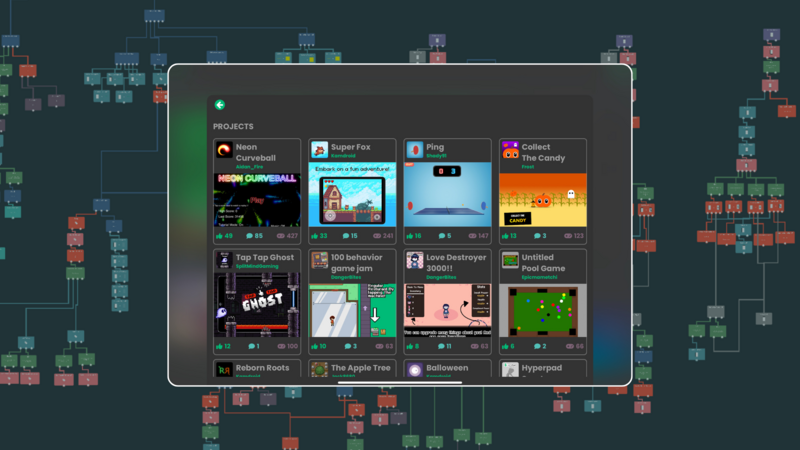
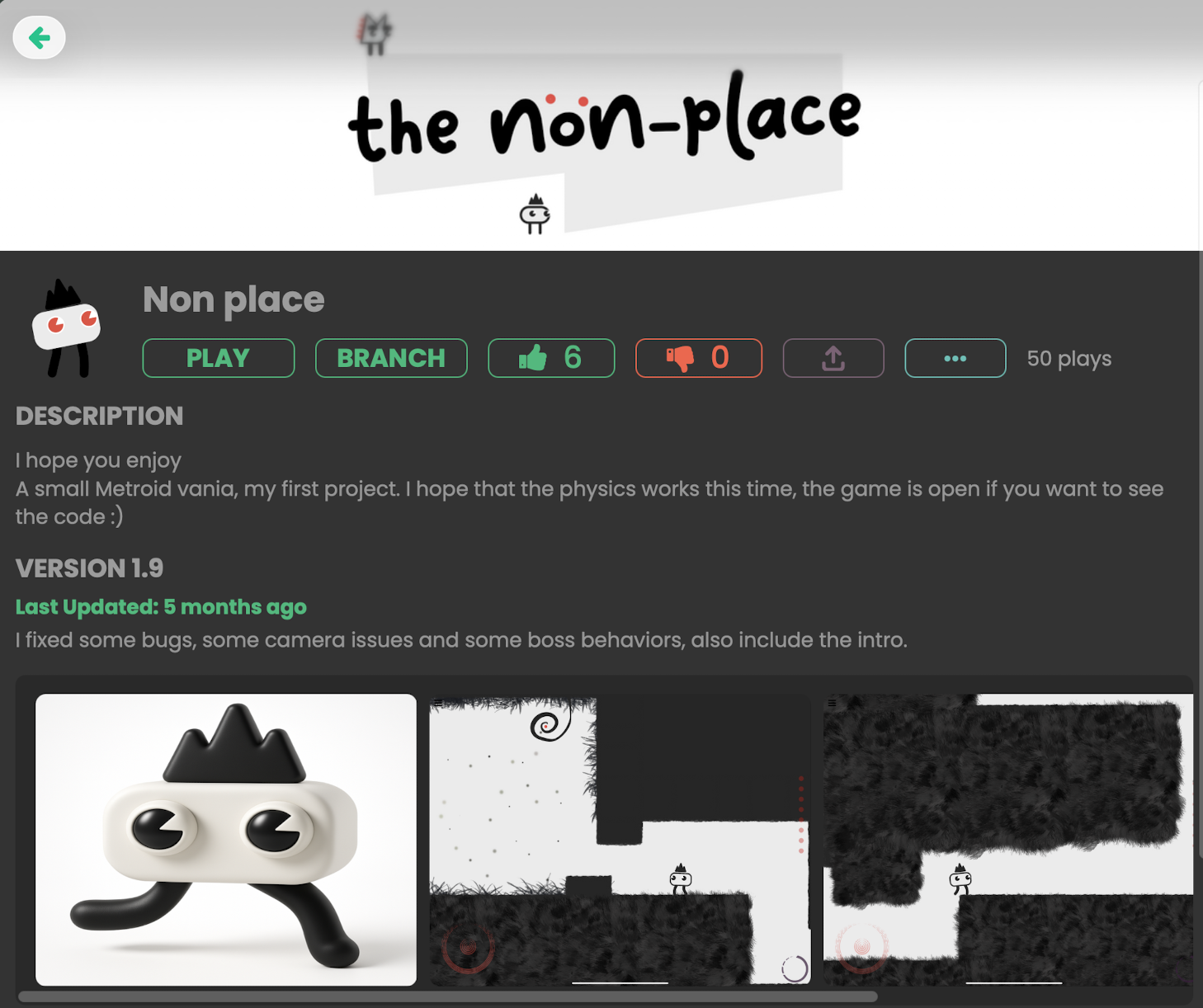
- Publish to the hyperPad Hub: get feedback from other creators, and share a link to your project with friends.
- Prepare an App Store release: paid hyperPad exports an Xcode project. Final signing and App Store submission normally use a Mac with Xcode and an Apple Developer account.
- Prepare monetization: paid hyperPad supports ad Behaviors. Check the current documentation and App Store rules before designing the release.
Bonus Tools and Resources
Here are some third-party tools that pair well with hyperPad:
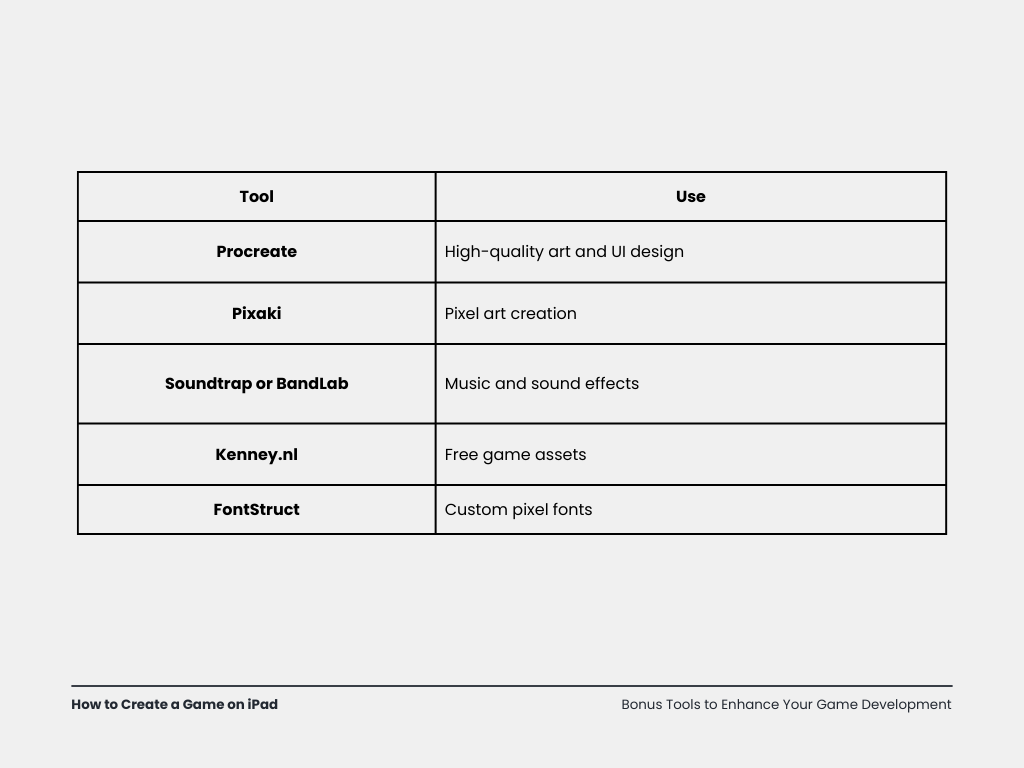
- Soundtrap for making music
- Kenney.nl for free game assets
- FontStruct for building your own fonts
To keep learning, use the hyperPad documentation, the hyperPad Hub, YouTube tutorials, and the Forum.
Build the first playable version
With hyperPad, Procreate, and a few other creative apps, you can design, build, and test a complete game on iPad. Looking for inspiration? Explore games made with hyperPad in the hyperPad Hub.
Publishing on the App Store is a separate final workflow. Paid hyperPad exports an Xcode project, and final signing and submission normally use a Mac with Xcode and an Apple Developer account.
Test each asset inside the running Scene, not only on its own. Keep it when it makes the action clearer, strengthens feedback, or supports the atmosphere.