by hyperPad
Visual Coding: How to Make a Game on iPad Without Writing Code
Learn what visual coding is, how node-based programming works and how to make, test and share a game directly on iPad with hyperPad.
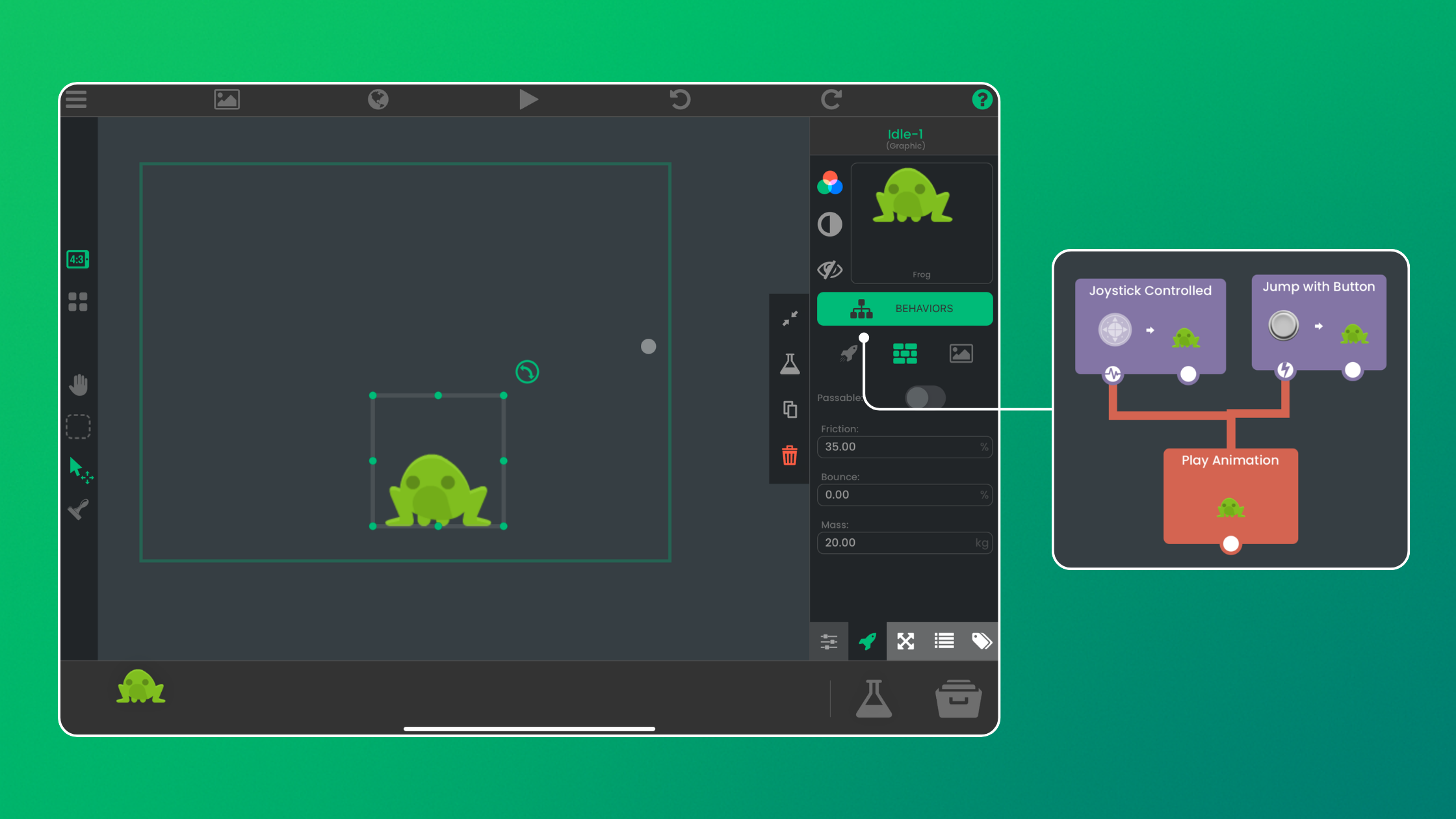
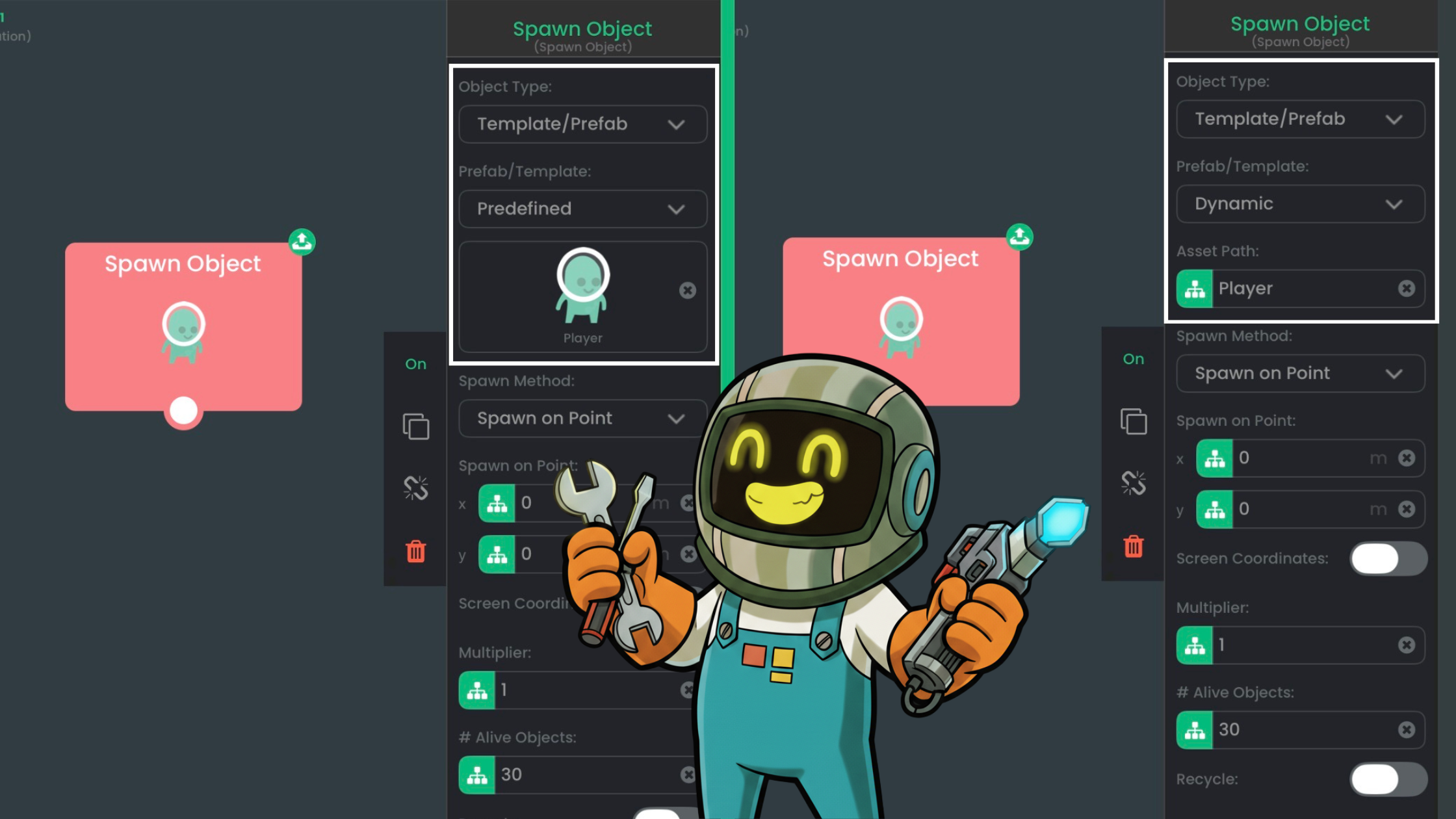
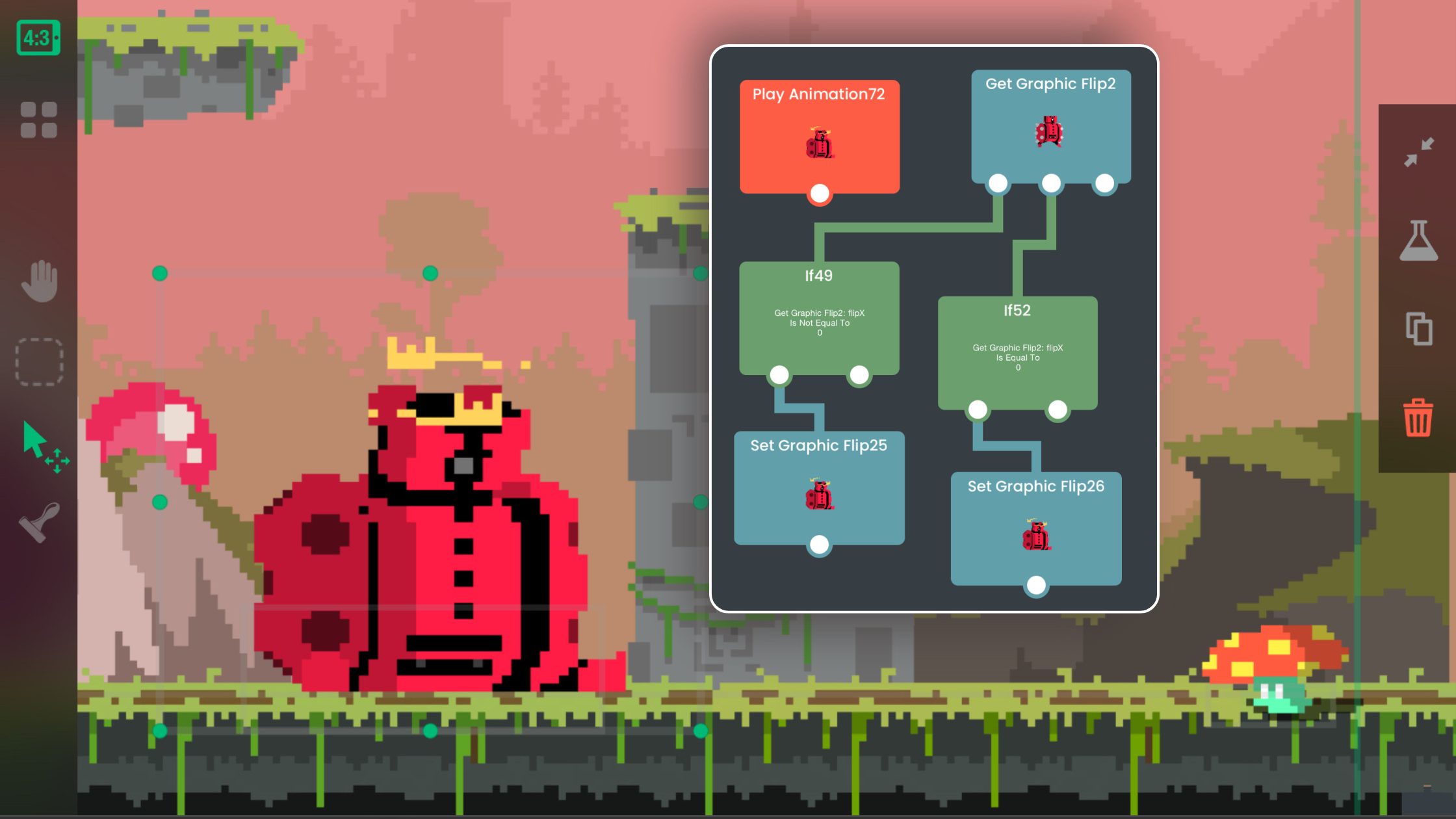
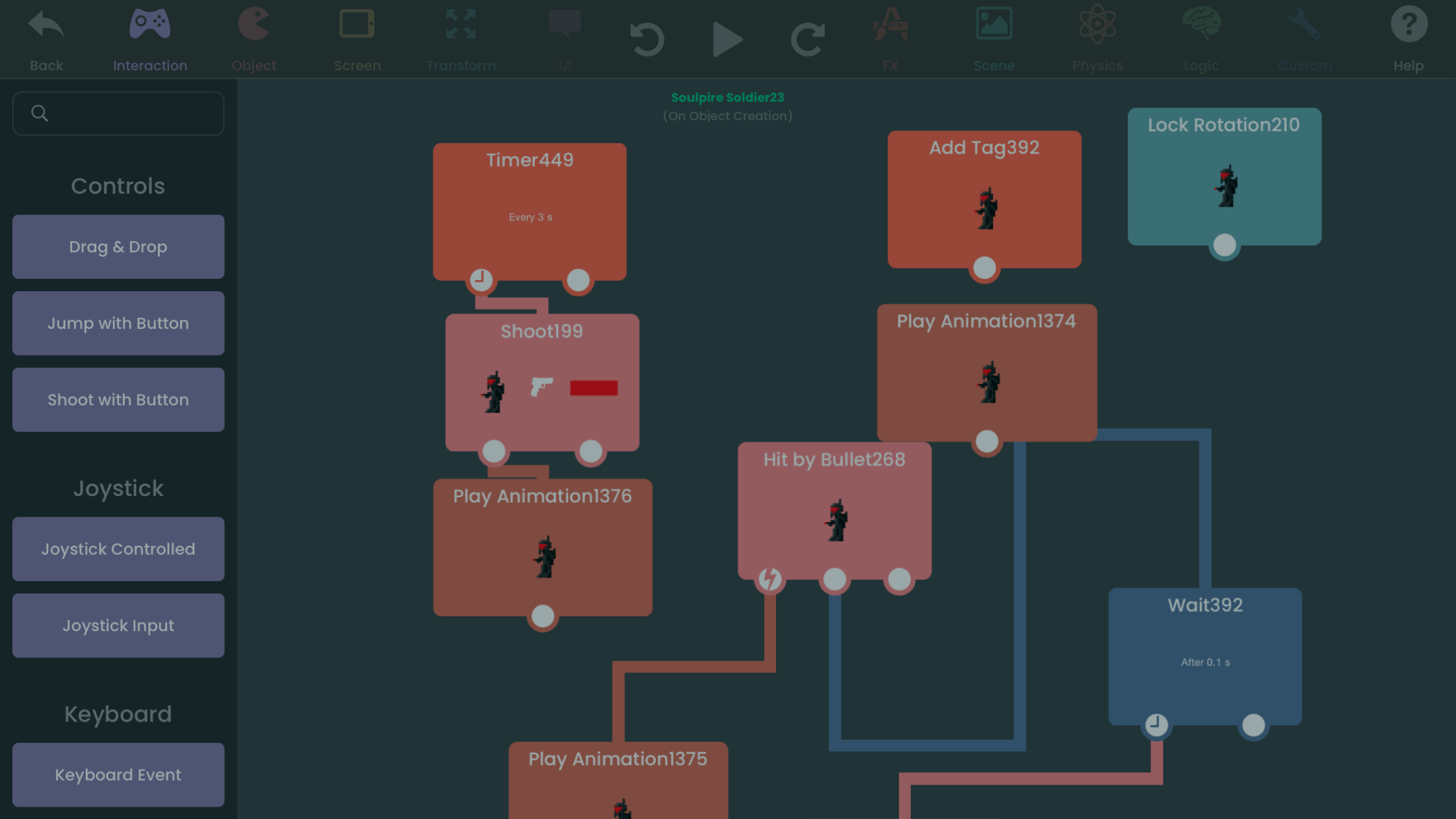
What visual coding is and how hyperPad Behaviors let you connect actions and events into your game's logic without typing code.
Learn what visual coding is, how node-based programming works and how to make, test and share a game directly on iPad with hyperPad.

Try visual coding on iPad with hyperPad. It's easy for beginners and capable enough for experts. Join the community and start making iOS games today.

You can now build game logic on your iPad with visual Behaviors and AI tools, work that once took months of coding and debugging. Here's how to combine them.

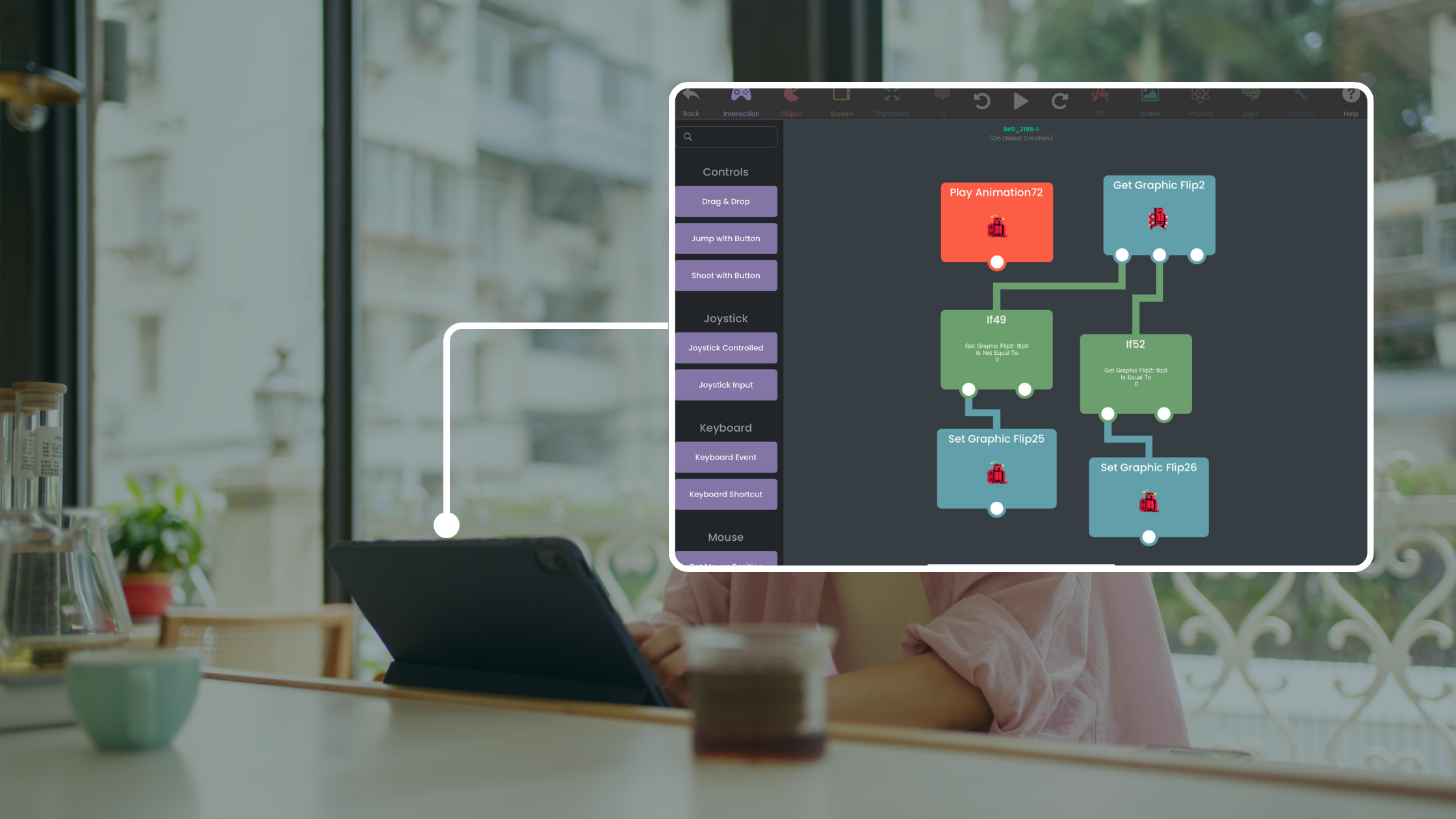
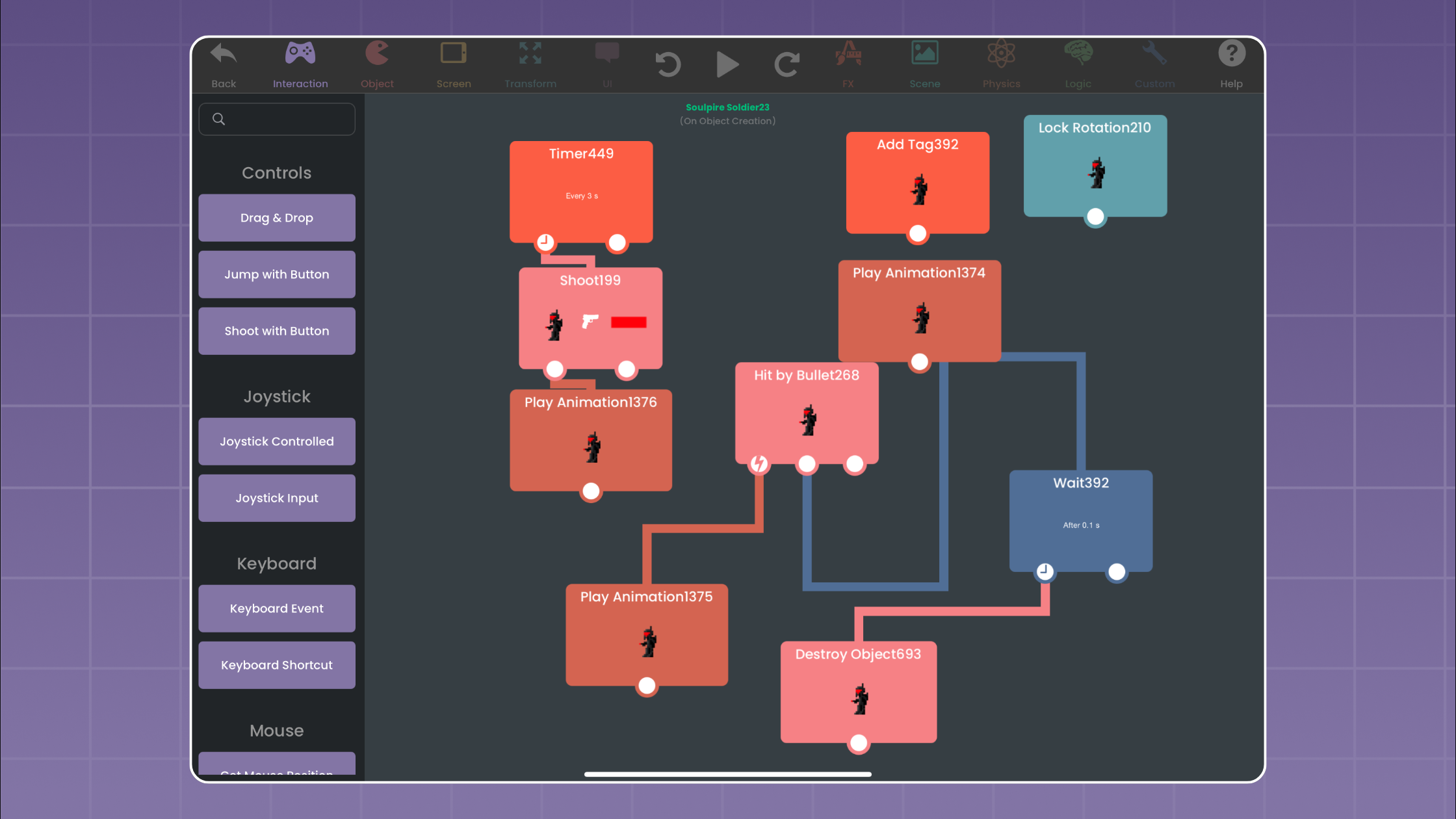
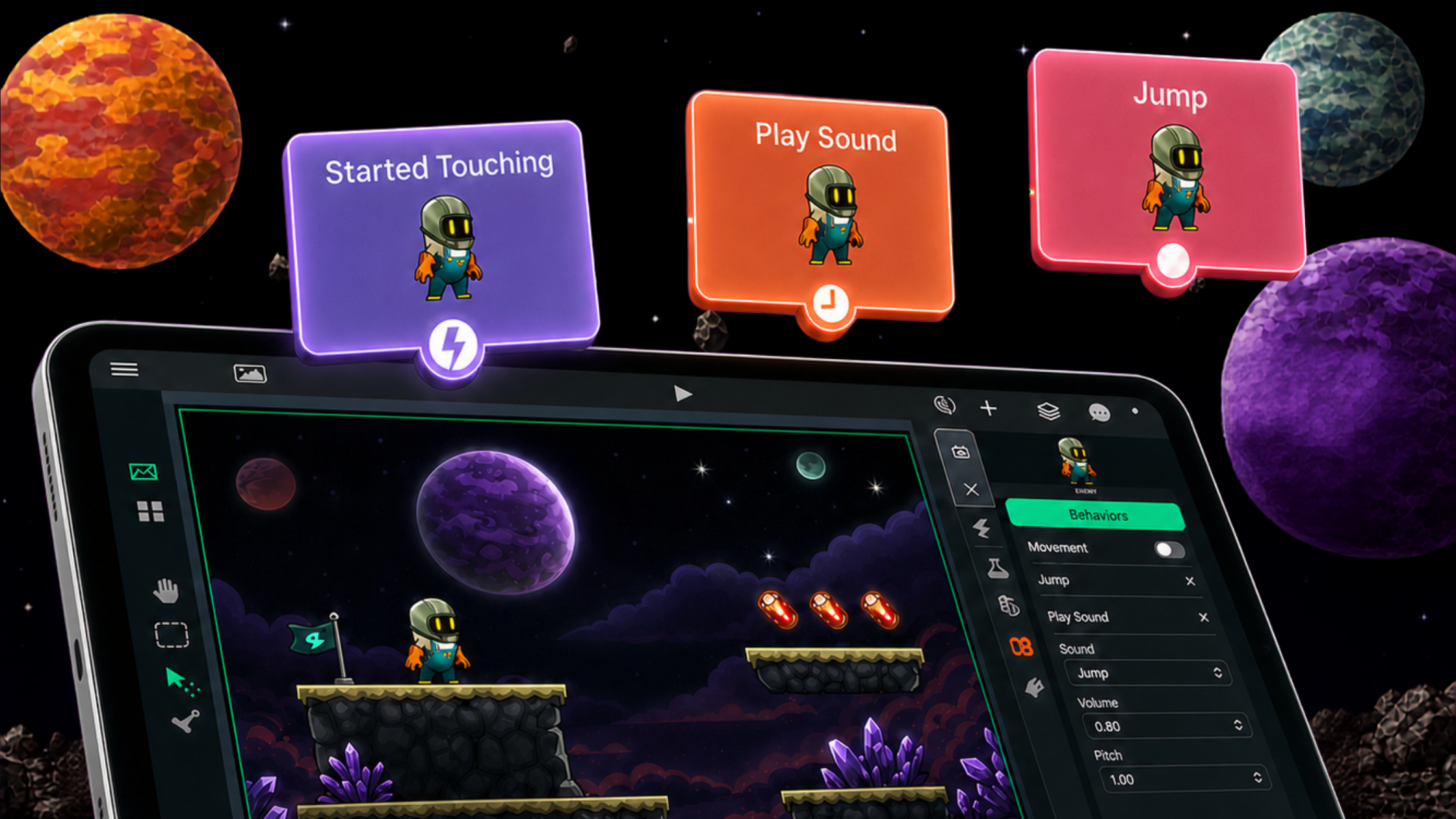
hyperPad is built for visual thinkers. You don't write scripts. You connect Behaviors and watch your logic happen on screen.

Game development used to feel complex. Now all you need is an idea and a device. hyperPad simplifies the process and keeps it fun.

Vibe Coding swaps typed syntax for visual tools that keep you in the creative flow. Here's why hyperPad works for Vibe Coding games on iPad.

What hyper apps are, how no-code tools are changing game development, and how to start making games on iPad with hyperPad.

Why no-code game development is the future for beginners, and how hyperPad helps new creators make games on iPad.

hyperPad teaches programming logic and game design through visual, drag-and-drop creation, so you can make games on iPad without writing code.

You can make your own game on iPad without writing a single line of code. Here's how no-code tools like hyperPad make it possible.

A beginner's guide to visual coding on iPad. Learn how Behaviors work and make your first app or game in hyperPad by dragging, dropping, and connecting.