Visual Studio Code compared to Visual Code on iPad


About Visual Studio Code and hyperPad
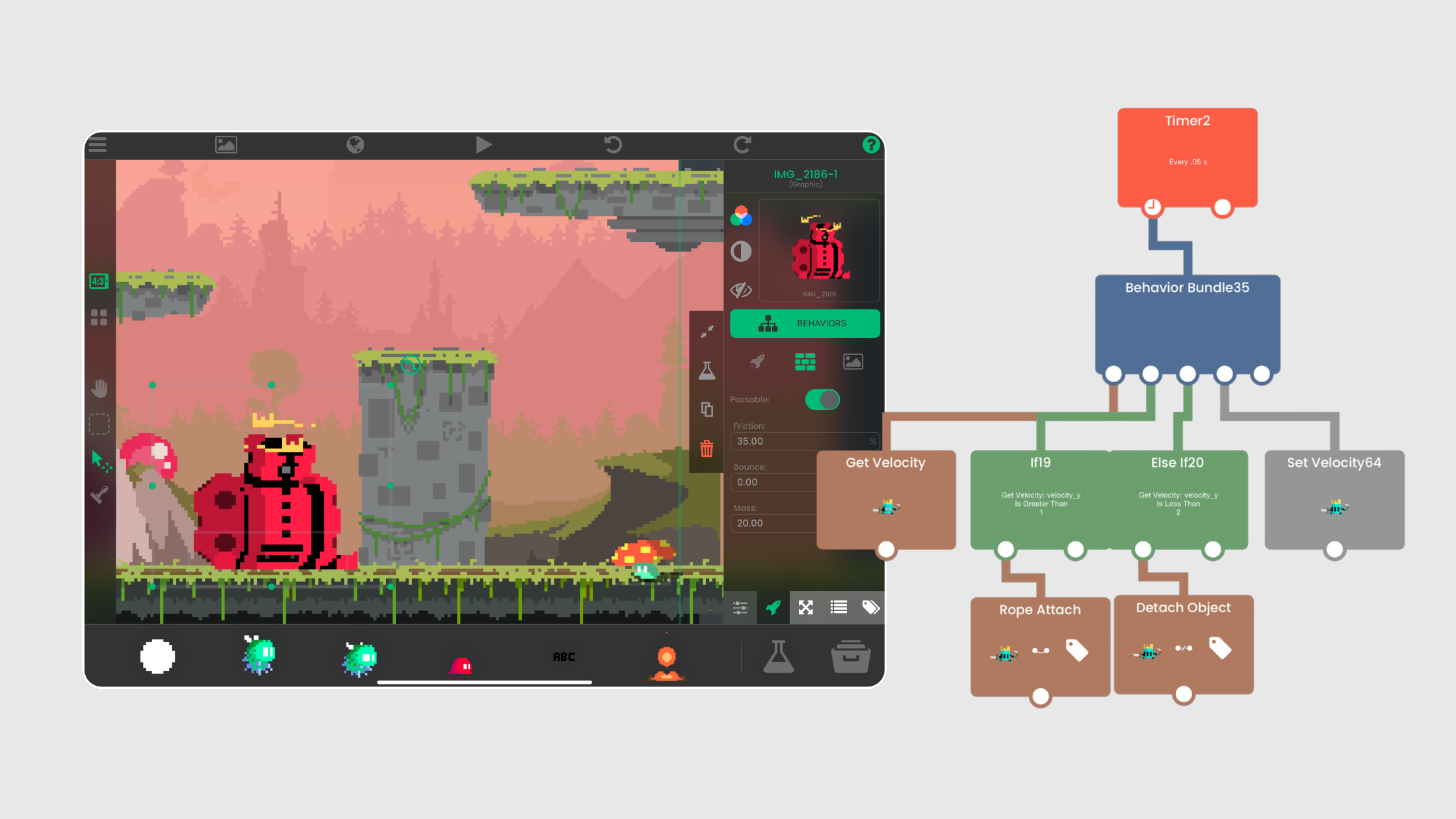
When it comes to game development , the right tools can make all the difference. Developers often turn to Visual Studio Code (VS Code) for scripting and debugging due to its flexibility and support for multiple languages. However, if you have an iPad and have interest in game development. hyperPad is a more intuitive, touch-friendly, and no-code solution.
Why Visual Studio Code is Popular
Visual Studio Code has gained massive popularity among developers for several reasons:
- Lightweight & Fast: Unlike bulky IDEs, VS Code runs efficiently, even on lower-end machines.
- Extensive Extensions: With thousands of extensions, you can customize your workflow.
- Multi-Language Support: Whether you're coding in C#, JavaScript, or Python, VS Code has you covered.
- Git Integration: Easily manage your version control with built-in Git support.
While VS Code is a fantastic tool for traditional game dev workflows, it’s not necessarily the best choice for iPad game development , especially if you prefer a no-code approach.
hyperPad: The Best iPad Game Dev Platform
If you're developing games on an iPad , hyperPad is the BEST tool. Here’s why:
1. No-Code Game Development
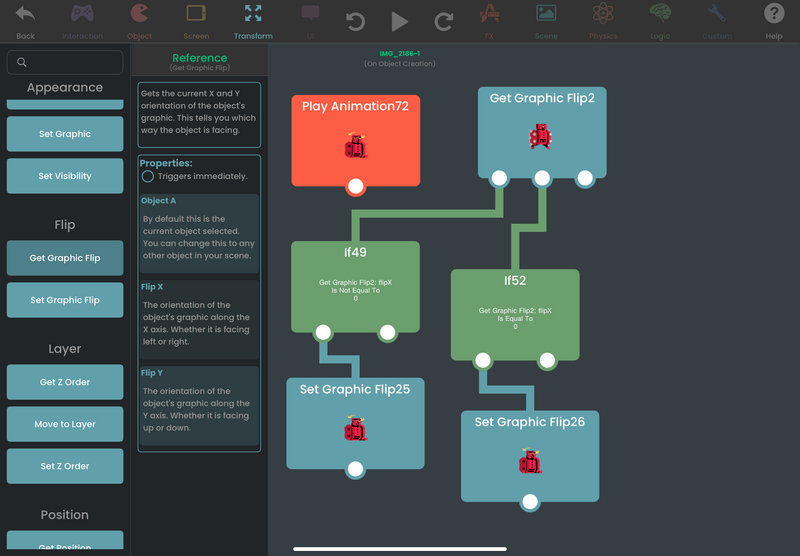
Forget about complex syntax and debugging errors. hyperPad allows you to create powerful games and interactive experiences without writing a single line of code. Just drag, drop, and play.
2. Optimized for iPad
Unlike VS Code, which requires external keyboards and extensions for efficient coding on an iPad, hyperPad is designed for visual coding. The interface is fluid and fully optimized for an iPad’s touchscreen.
3. Built-In Game Engine
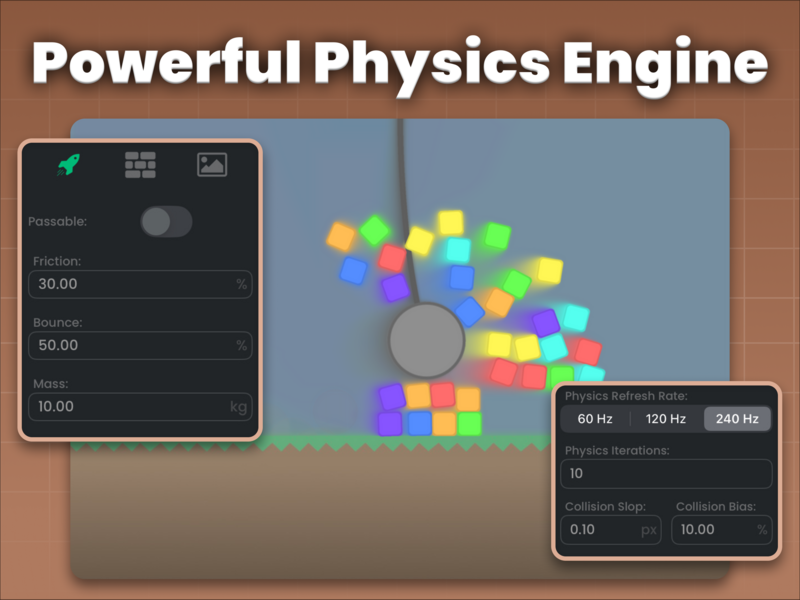
With hyperPad, you don’t need to install external libraries or game engines unlike Unity or Unreal. Everything you need— physics, animations, and logic —is already built-in.
4. Fast Prototyping
Game development with hyperPad is faster than traditional coding. You can quickly test and tweak mechanics on the go , something that’s not as seamless with VS Code on iPad.
5. Community & Asset Sharing
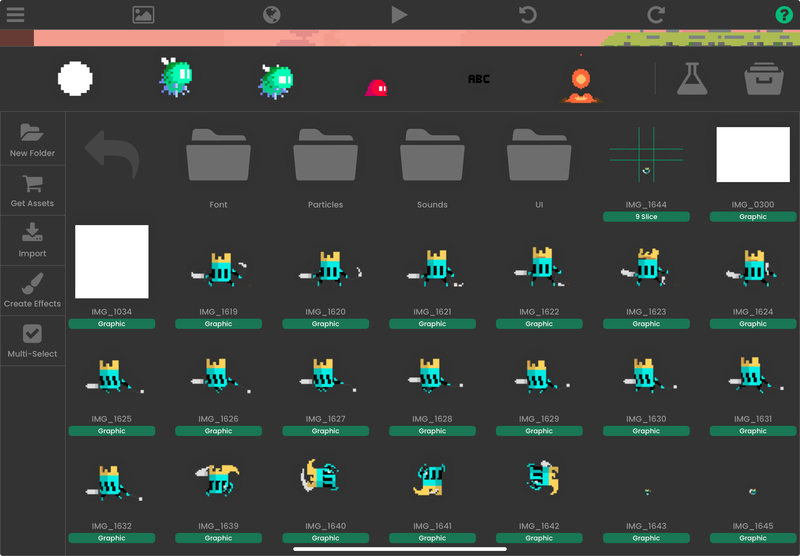
Assets and games can be shared with others in the Hub using the BRANCH function.
hyperPad has an active community where developers can share projects, assets, and ideas. This makes learning and improving much easier compared to setting up a VS Code project from scratch.
Best Tool For You
Visual Studio Code is a powerful editor, but when it comes to iPad game development , hyperPad is simply unmatched. If you’re a beginner or someone who wants to focus on creativity rather than debugging code, hyperPad is the way to go.
Looking for the best no-code tool for creating games on iPad? Skip the coding and start making games with hyperPad today. TryhyperPad Starter for free! When you’re ready, simply upgrade to our full version of hyperPad for unlimited game creation and publishing. You get to keep 100% of your royalties and more! All for you with a one-time payment.