How to Use Figma for Game UI and Assets in hyperPad

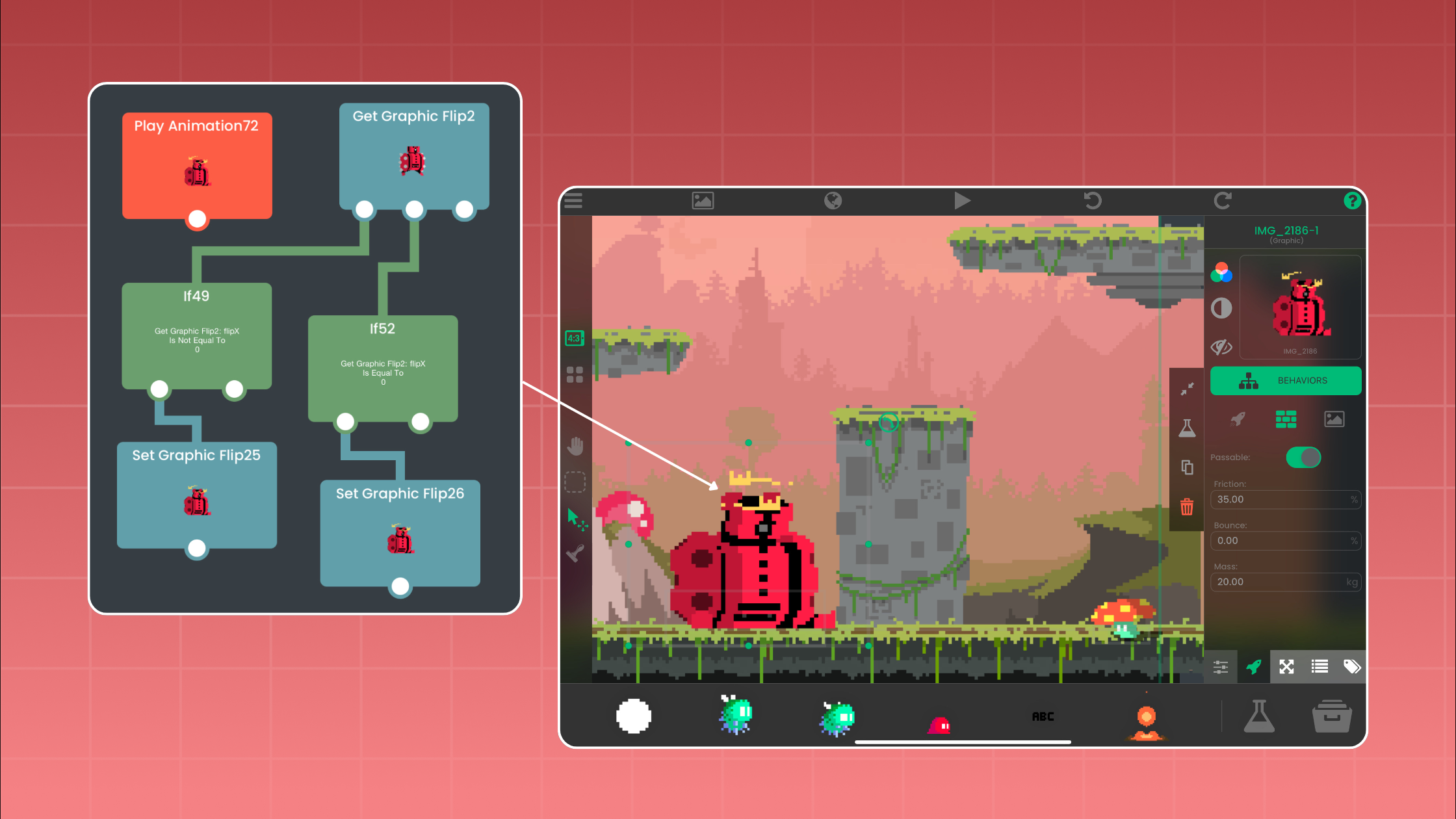
Figma can help you plan a game interface and prepare static artwork. hyperPad turns those exported assets into a playable 2D game on iPad. Use Figma for layout and visual states, then build input, state, feedback, physics, and Scene changes with Behaviors in hyperPad.
That division of work matters. A clickable Figma prototype can test whether a menu makes sense, but it is not the game. The game starts when your Objects respond to player input and change state inside a running hyperPad Project.
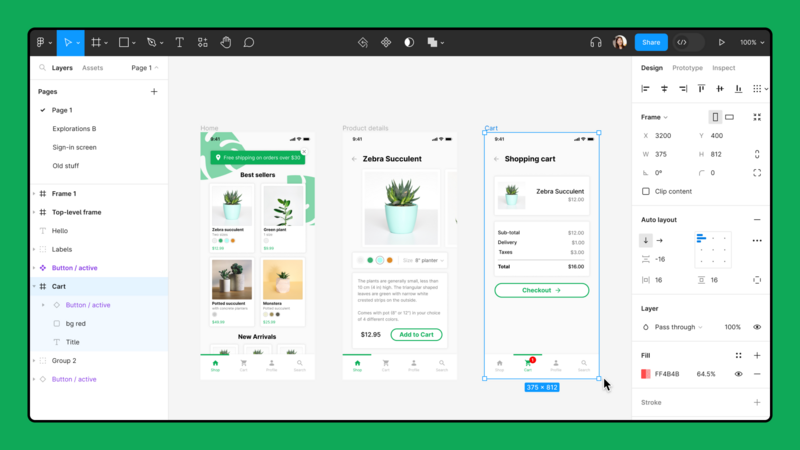
Use the Figma canvas to plan screens and reusable interface parts before you build them in hyperPad.
What Figma contributes to a game project
Figma is useful for wireframes, interface layouts, icons, buttons, and screen flows. Its official export guide says layers, frames, components, groups, sections, slices, and full pages can be exported. Figma also provides an iOS and iPad app.
For a hyperPad project, Figma is most useful when you need to answer visual questions early:
- Where should the score sit without covering play?
- Is the pause button easy to find?
- Do selected, pressed, and inactive buttons look different?
- Does the layout still read clearly on the target screen?
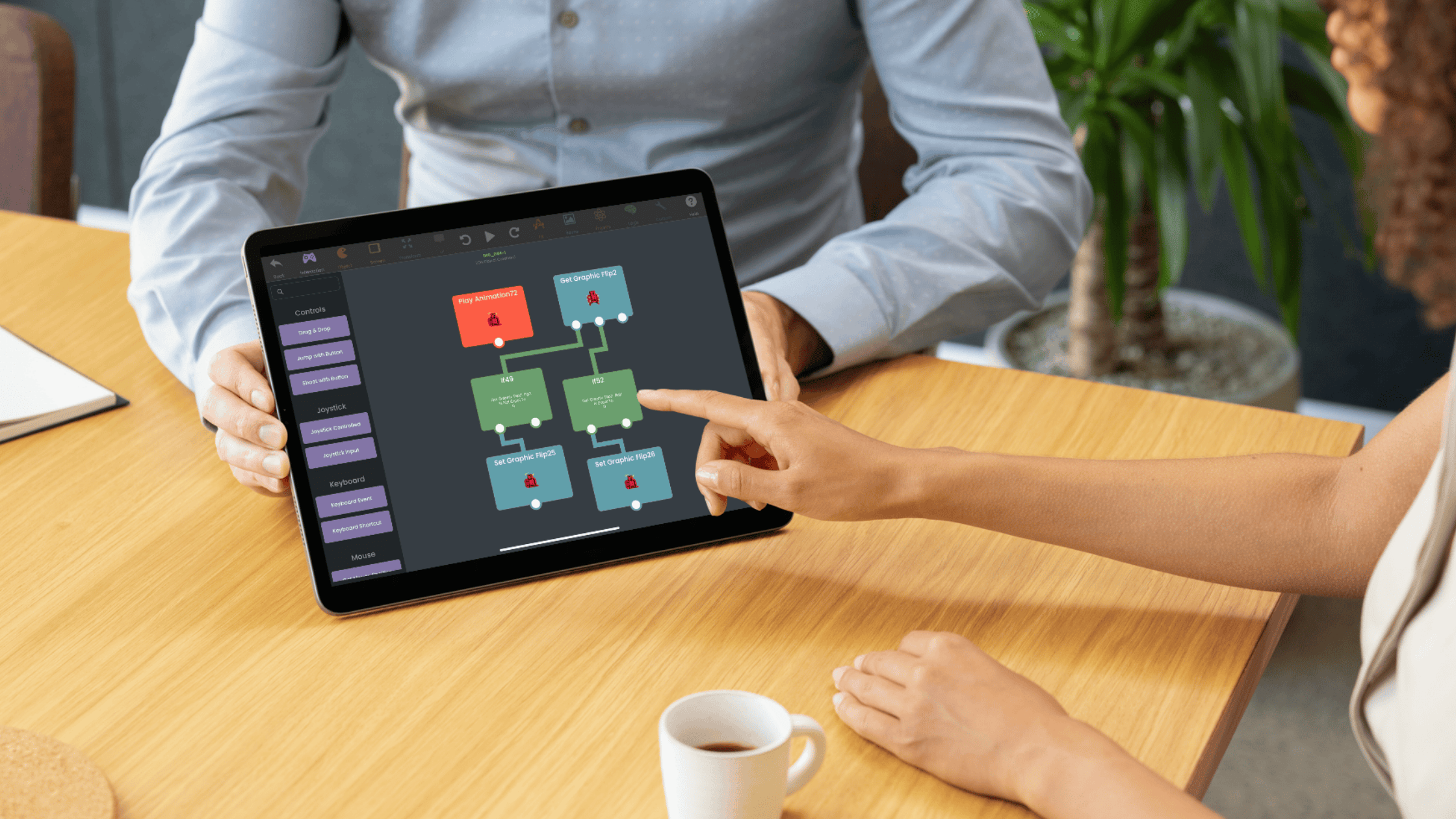
Keep gameplay rules in hyperPad. Behaviors are where you define what a touch does, how an Object changes, and what happens next.
| Task | Use Figma | Use hyperPad |
|---|---|---|
| Plan a menu or HUD | Arrange screens, buttons, icons, and type | Place the final UI Objects in the Scene |
| Preview navigation | Connect frames to test a screen flow | Use Behaviors to run the real Scene logic |
| Create visual states | Design normal, pressed, and selected graphics | Change the Object's Graphic when input occurs |
| Make the game respond | Not part of a static asset export | Connect input, conditions, Attributes, physics, and feedback |
| Playtest | Review the proposed interface | Run the Project and test the actual game loop |
Product information checked against Figma and hyperPad documentation on October 22, 2026.
A practical Figma-to-hyperPad workflow
1. Define one playable screen
Start with one Scene, not an entire game. A title screen that opens a simple challenge is enough.
List the UI you need. For example:
- a Play button
- a score Label
- a pause button
- a results panel
- a Replay button
Create a frame in Figma that matches your intended orientation. Keep important controls away from the edges and leave room for the action.
2. Design each useful button state
A button should show the player when it has been pressed. Create separate graphics for its normal and pressed states. Add a selected or disabled state only if the game needs one.
Use consistent names such as:
play-defaultplay-pressedreplay-defaultreplay-pressed
Clear file names make the Asset Library easier to maintain once the Project grows.
3. Export static assets as PNG files
Figma's current export documentation covers how to export selected layers, frames, components, and slices. For buttons, icons, and interface artwork that need transparency, PNG is a practical handoff format. Figma confirms that its PNG exports support transparency in its format guide.
Export each state as its own file. Avoid baking changing values, such as a score, into the artwork. Use a hyperPad Label for text that must update while the game runs.
4. Import and organize the files in hyperPad
Follow Importing Assets to bring your files into the Project. The Asset Library is where you access, import, and organize Project assets.
Create a folder for the screen or feature you are building. Then place the imported Graphics on Objects in your Scene.
5. Add the interaction with Behaviors
Suppose the Play button should open the game Scene.
- Select the Play button Object.
- Add Started Touching from the Interaction category.
- Connect it to the Scene action your Project uses to begin play.
- Test the connection in a running Project.
For visible touch feedback, use Set Graphic to swap the button's default Graphic for its pressed state. If the button changes text or updates instructions, use Set Label on a Label Object.
This is visual programming. The connection expresses an event and an action: when the player touches this Object, run the connected logic.
Example: a one-tap target game
Use the same workflow to build a small interface-driven game:
- Design a target, score panel, and replay panel in Figma.
- Export each static visual as a PNG.
- Import the files into the hyperPad Asset Library.
- Place the target and score Label in one Scene.
- Connect Started Touching on the target to the logic that updates the score.
- Use Set Label to display the new value.
- Show the replay panel when the round ends.
- Run the Project and test repeated taps, the score reset, and replay.
The artwork comes from your design file. The playable loop comes from Objects, Attributes, and Behaviors.
Check the interface inside the game
A layout that looks balanced in Figma can still get in the way once Objects move and the player starts touching the screen. Test the real Scene and watch for practical problems:
- Can you reach the main controls without covering the action?
- Is every touch followed by clear visual or audio feedback?
- Can you read Labels over the busiest background?
- Do the pressed and selected states remain distinct?
- Does the interface reset correctly when the Scene restarts?
Change one issue at a time and run the Project again. That loop is more useful than polishing every screen before the first playtest.
Finish with a working handoff
Figma gives you a clear place to plan the interface and prepare visual assets. hyperPad gives those assets input, state, motion, rules, and feedback on iPad.
Once the first screen works, document the asset names and the Behavior path that controls it. That makes the next menu or HUD faster to build and easier to debug. If the game is ready for wider feedback, publish the Project to the Hub. App Store submission follows hyperPad's documented export and Apple's publishing workflow.