How to Create a Game on iPad by Pixel Jeff Using hyperPad

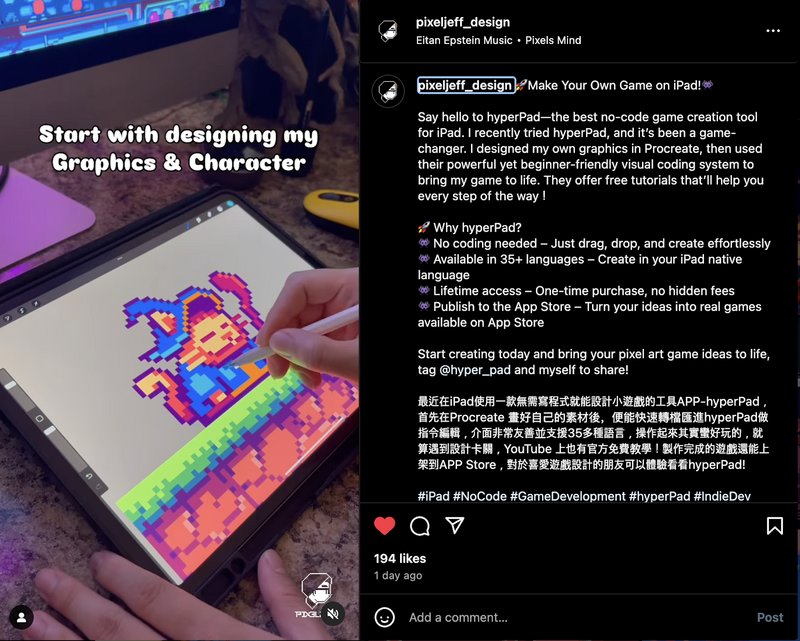
Pixel Jeff is a famous pixel artist from Taiwan, known for his colorful cyberpunk and vaporwave art. He has worked on big projects for brands and games like ASUS ROG, Intel, and Cyberpunk 2077. His love for retro and futuristic designs makes his art unique and popular among fans. Recently, he explored game design on the iPad and brought his pixel art to life with hyperPad.
Art Meets Technology
Pixel Jeff has always been passionate about pixel art. His work appears in advertisements, animations, and even educational projects. Inspired by the 1980s, he mixes cyberpunk with nostalgic futuristic styles. He wanted to take it further and make something interactive. That's when he discovered hyperPad.
hyperPad is an easy-to-use game maker that lets creators build and publish interactive content without coding. For Jeff, it was the right tool to turn his art into a playable game.
Why hyperPad?
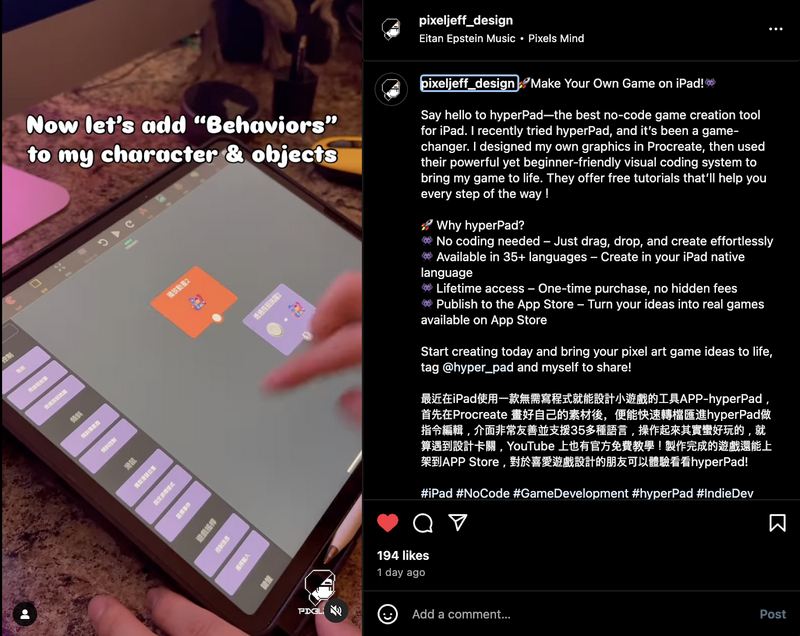
hyperPad makes game development simple, especially for artists like Pixel Jeff who may not have coding skills. With its drag-and-drop Behaviors, he could focus on designing beautiful pixel environments and animations while hyperPad handled the technical side.
Creating a Playable Pixel Art World
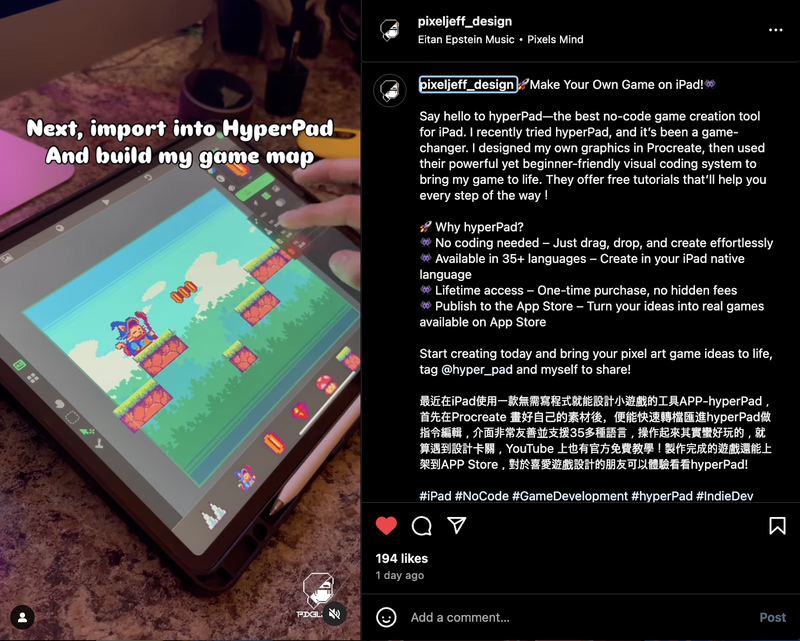
With hyperPad, Pixel Jeff turned his detailed pixel art into a full game. He designed backgrounds, characters, and animations in his signature cyberpunk style. Behaviors let him add interactions and effects without code, so the game looked and felt the way he imagined.
hyperPad also lets creators export games directly to the Apple App Store. For Jeff, that meant he could share his work with the world without a big development team or complex coding knowledge.
Pixel Jeff's Influence on Game Design
Pixel Jeff's journey with hyperPad shows how digital artists can take their creativity into game development. With the right tools, anyone passionate about art and storytelling can make something interactive.
Pixel Jeff has inspired other artists to experiment with game design. hyperPad makes it easy to bring ideas to life.
Watch Pixel Jeff in Action
Check out this short video of Pixel Jeff creating his game on hyperPad!
Interactive art has an exciting future. With tools like hyperPad, more artists can bring their ideas to life in new ways.
Create games on iPad with Procreate and hyperPad. Try hyperPad Starter free. When you want more projects and App Store export, upgrade to hyperPad for a one-time USD $14.99. You keep 100% of your revenue.