by hyperPad
Visual Coding: How to Make a Game on iPad Without Writing Code
Learn what visual coding is, how node-based programming works and how to make, test and share a game directly on iPad with hyperPad.
Learn to make games on iPad with hyperPad. Build your first project, see how Behaviors work, then pick up feature tutorials and tips as you go.
Learn what visual coding is, how node-based programming works and how to make, test and share a game directly on iPad with hyperPad.

A practical guide to iPad game development: which game engines and design apps run on iPad, what the hardware can handle, and how to take a game from idea to App Store.

Compare hyperPad Starter, hyperPad Hub, and hyperPad: build one project free, play community games, or make unlimited projects and export to the App Store.

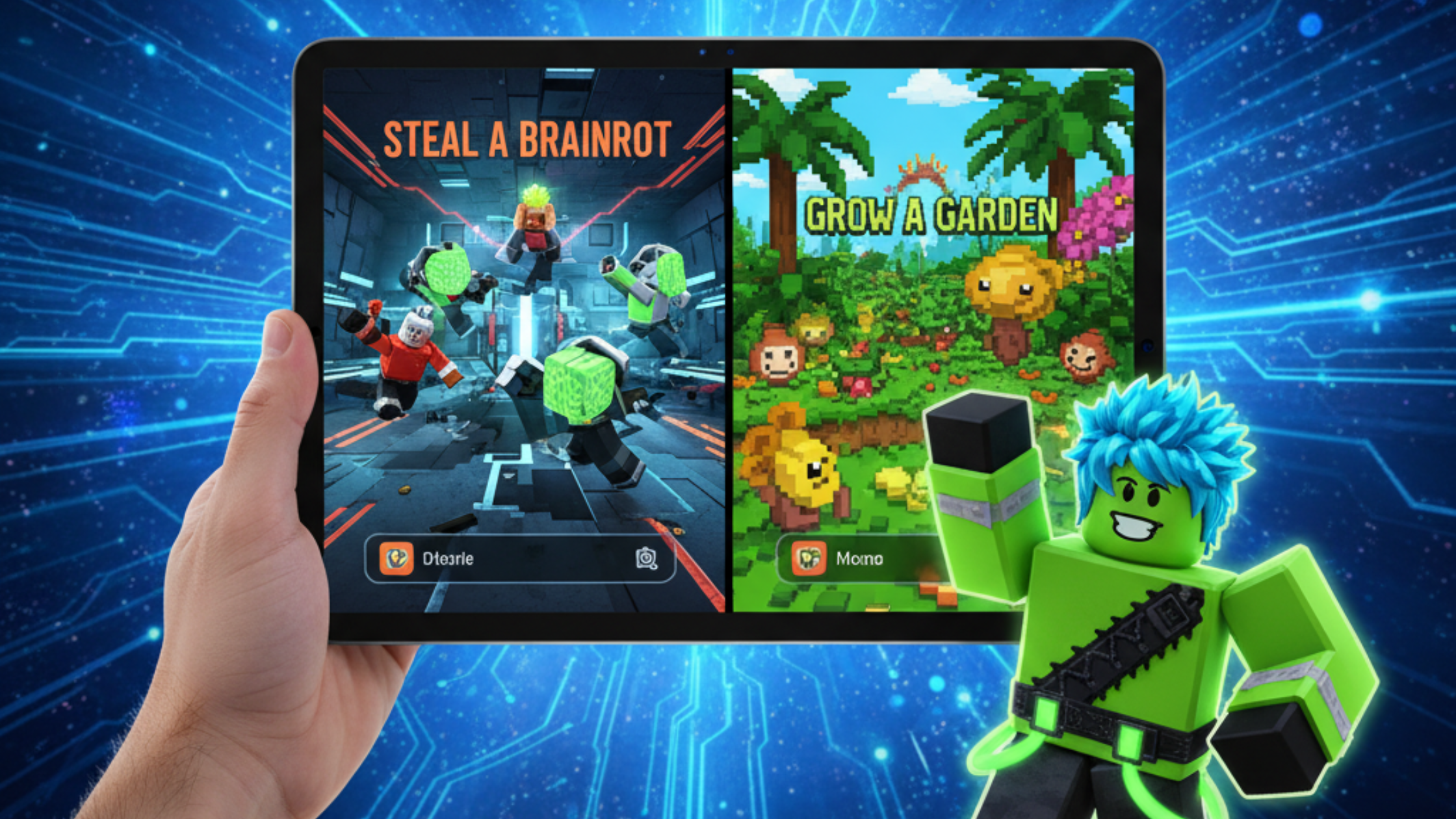
Grew up playing Roblox? The skills you built there carry over to making your own games on iPad with hyperPad, no code required.

A beginner’s guide to creating your first mobile app or game on iPad with hyperPad, step by step, with no coding.

Try visual coding on iPad with hyperPad. It's easy for beginners and capable enough for experts. Join the community and start making iOS games today.

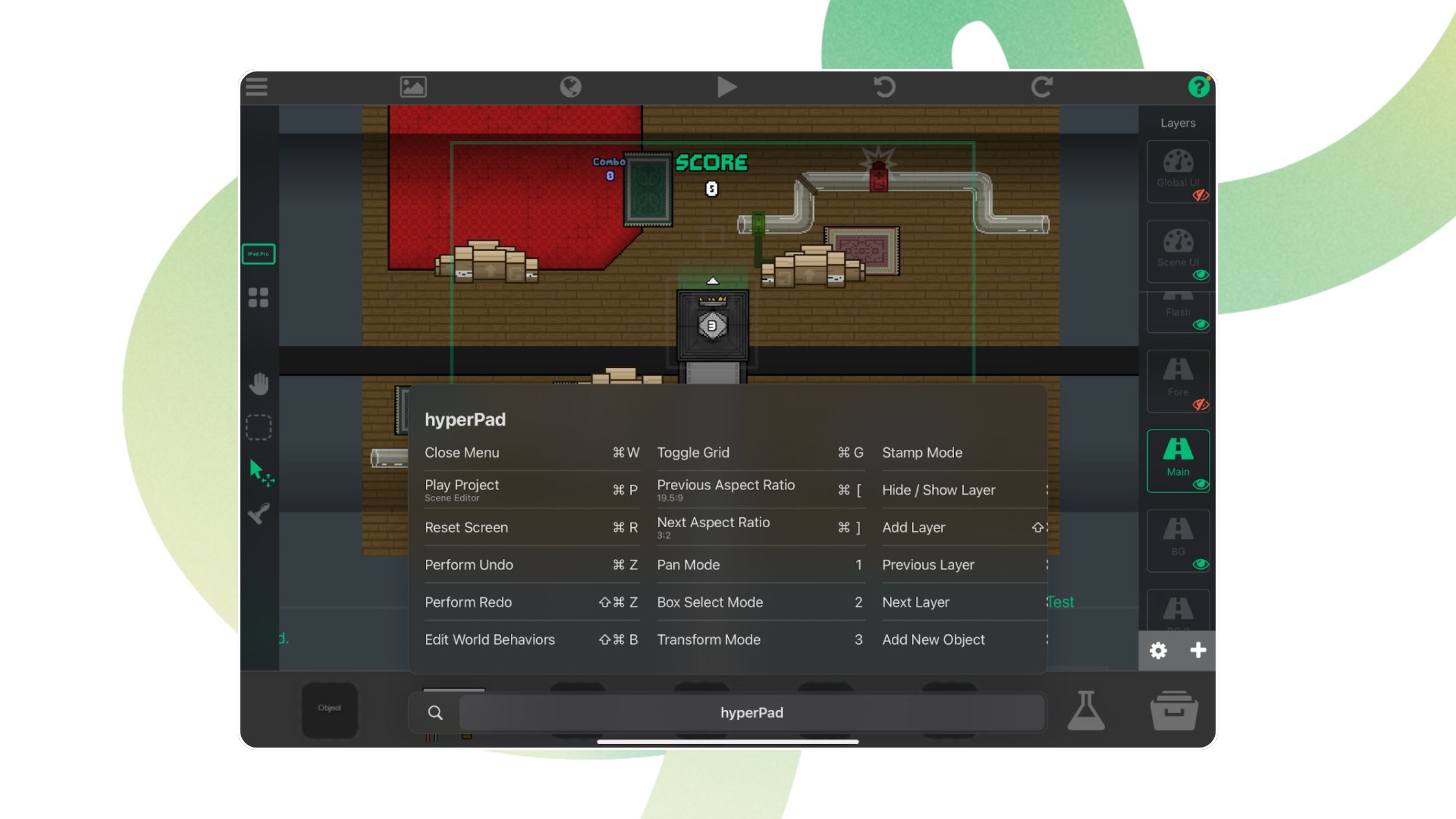
The native keyboard shortcuts in hyperPad for iPad, covering the Scene Editor, Object properties, palette modes, and the Behavior Editor.

Start making games and apps on iPad without code: try hyperPad Starter free, follow the tutorials, and join the creator community.

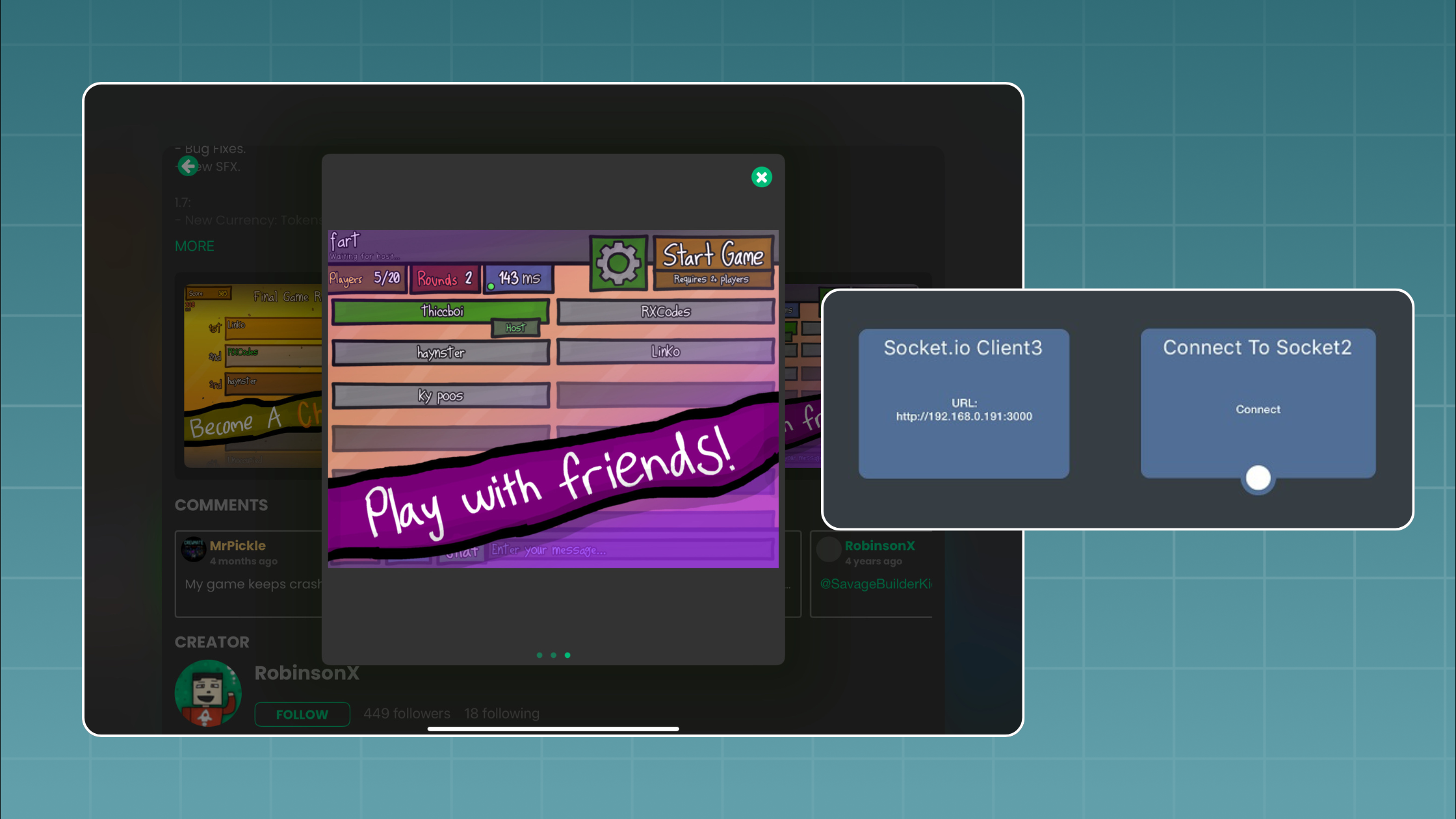
Connect your hyperPad game to a Socket.io server running on Node.js and add real-time multiplayer, step by step, with a two-player game of tag.

A step-by-step guide to making your first game on iPad for free, with no coding: what you need, how long it takes, and a walkthrough to finish in an afternoon.

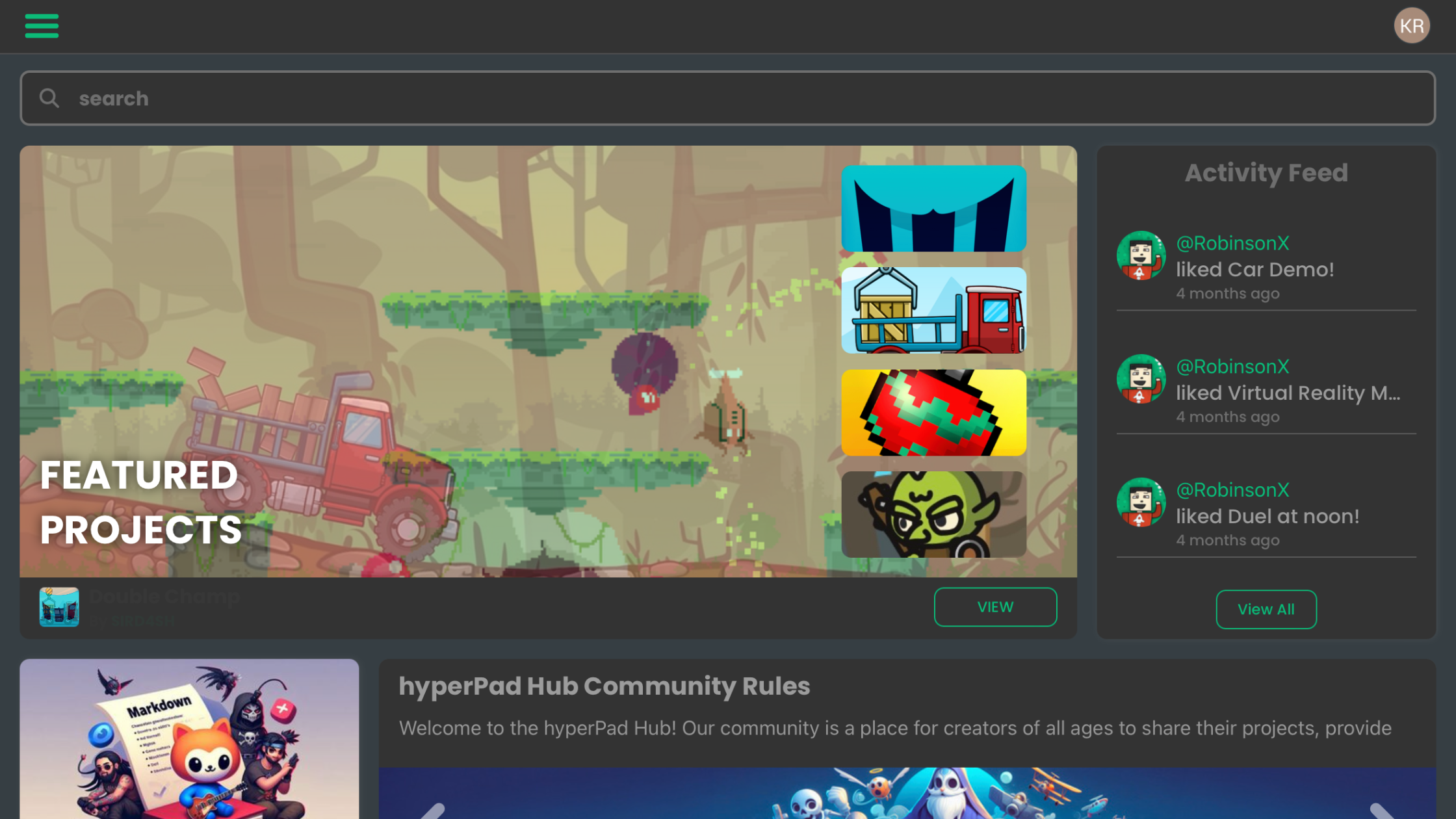
A tour of the hyperPad Home Screen: the User Bar, the Navigation Bar, and the News, Projects, Hub, and Learn tabs.

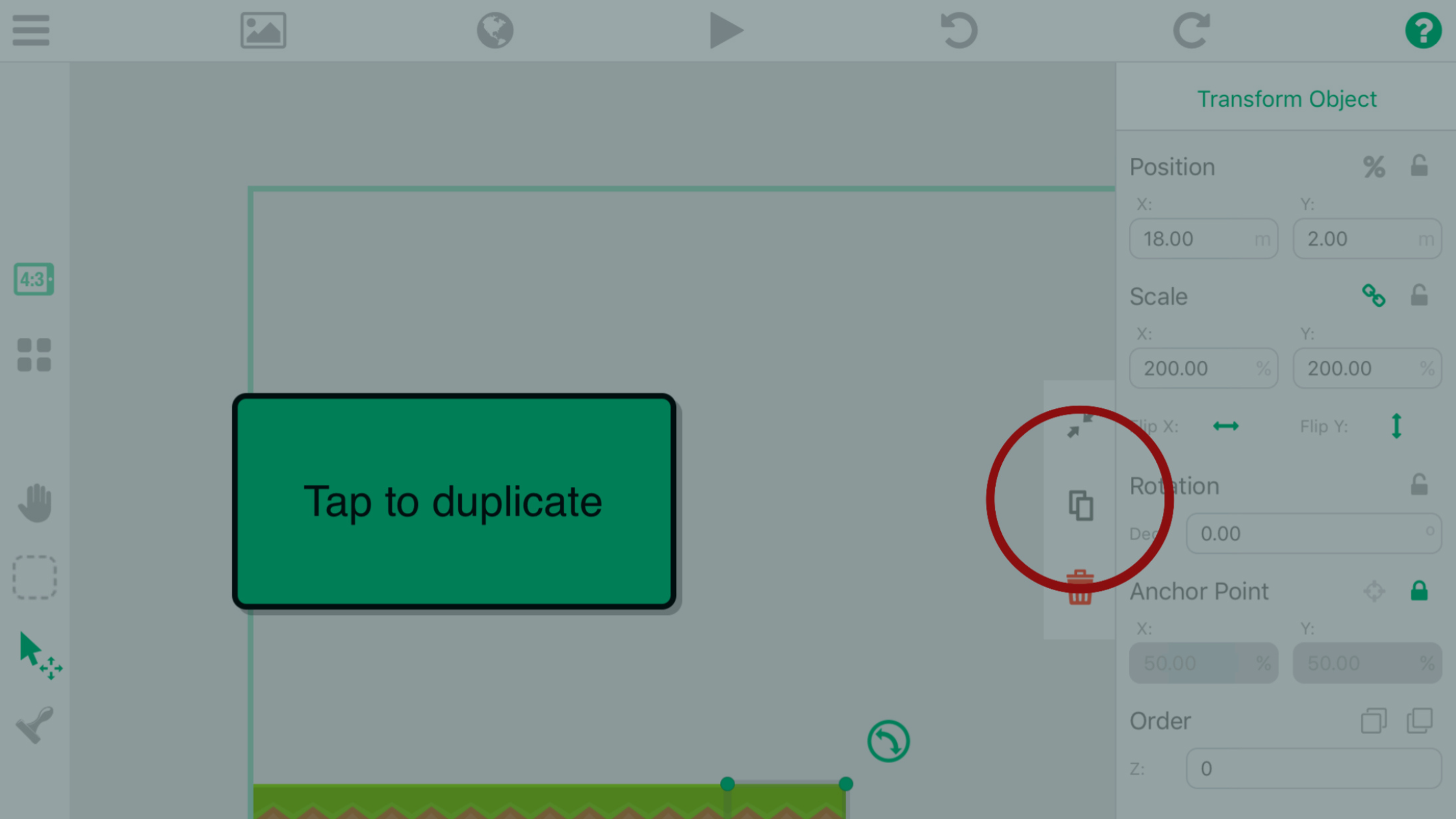
Create your first game on iPad. This guide covers project setup, orientation and device support, physics settings, and importing assets from the Asset Shop.

New to game development? You're asking the same question as many other beginners: how do I make my first game?

You can now build game logic on your iPad with visual Behaviors and AI tools, work that once took months of coding and debugging. Here's how to combine them.

Game development doesn’t have to be complicated. With hyperPad, beginners can make real, playable games on an iPad without writing a single line of code.

Make your first game on iPad with no code. Use hyperPad's Behaviors for the logic and AI tools for ideas and art, then publish it to the hyperPad Hub.

Your iPad is portable, touch-first and ready for creative work. Here's a beginner-friendly way to start making games on it with hyperPad.

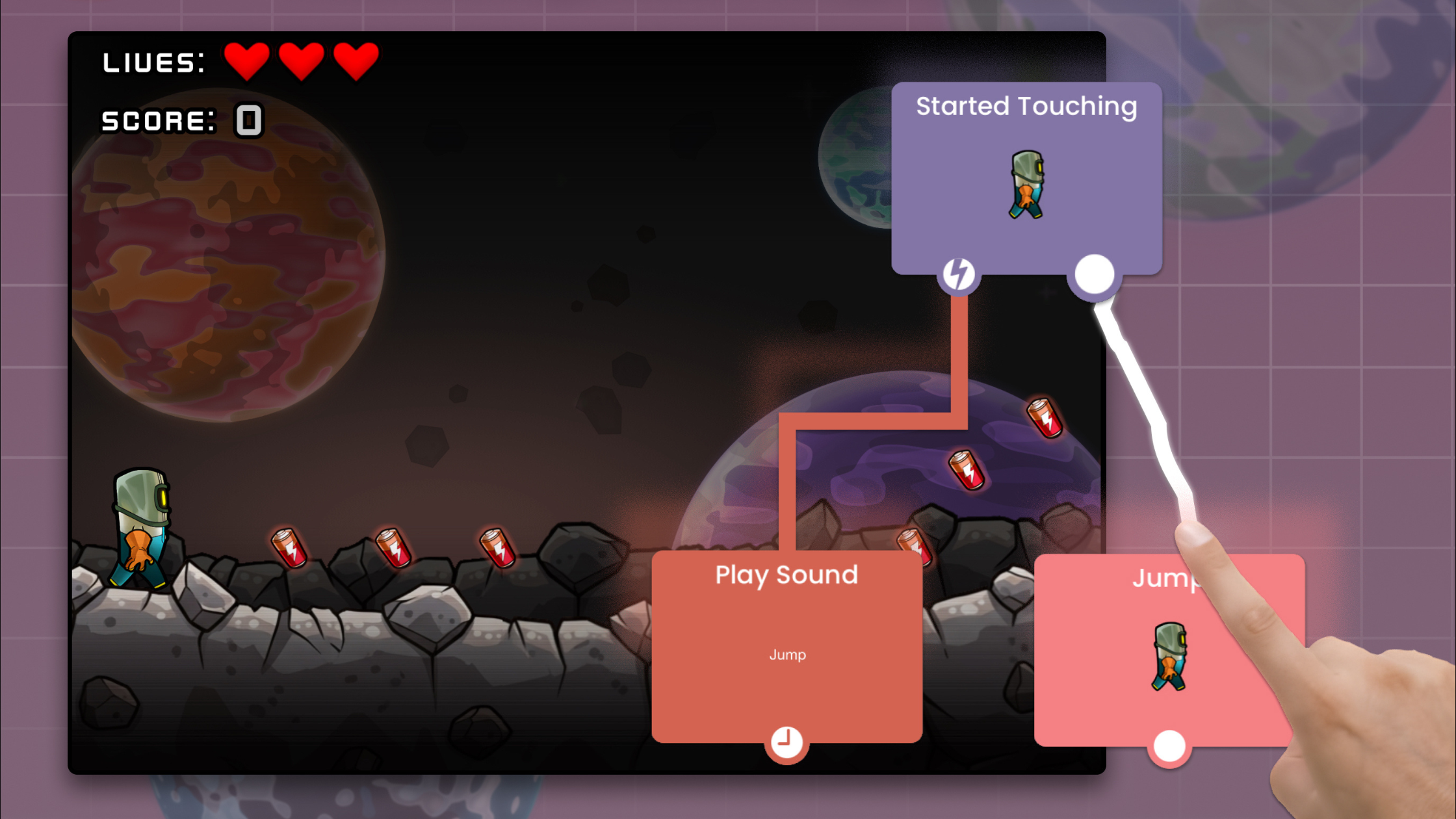
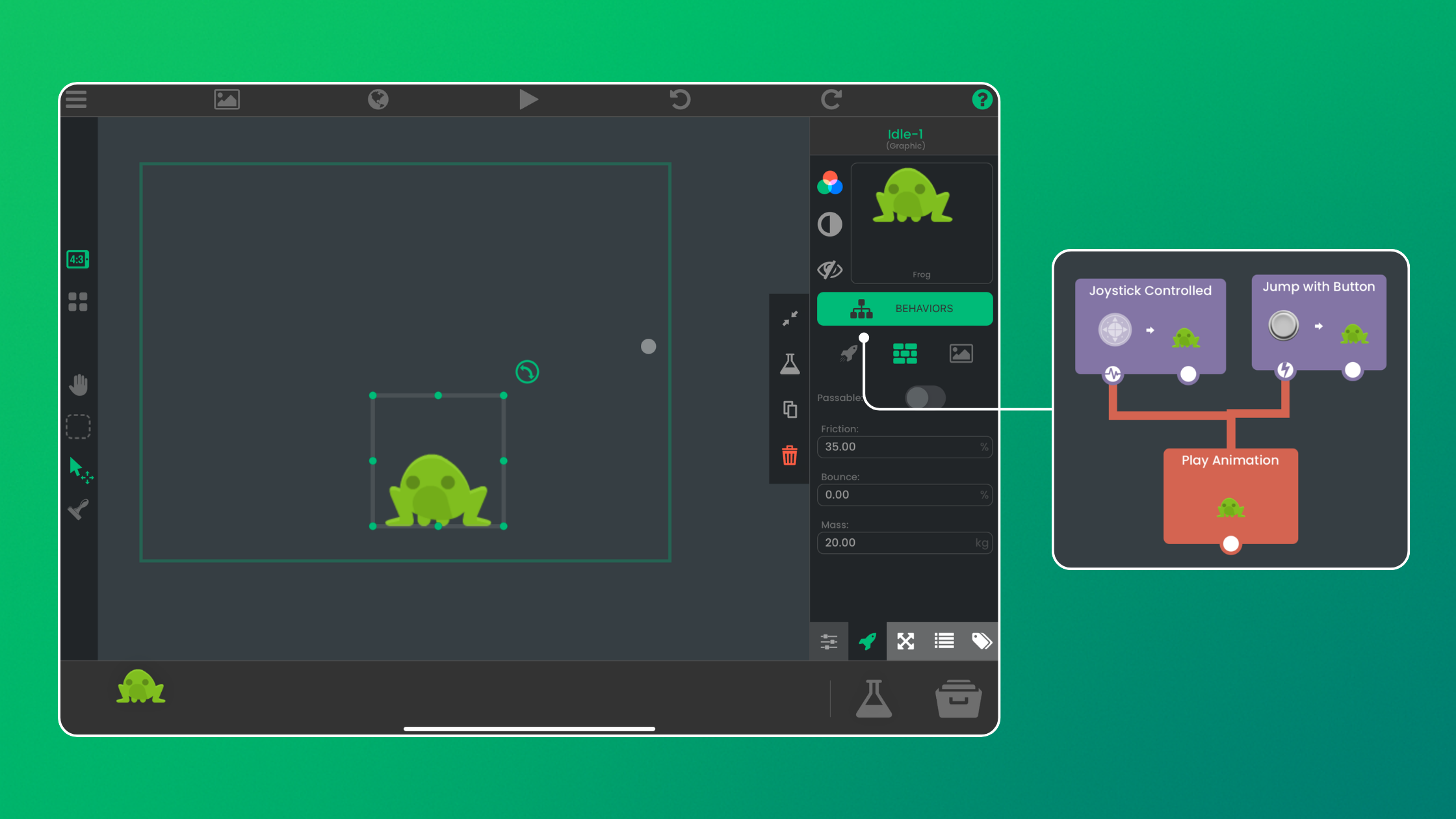
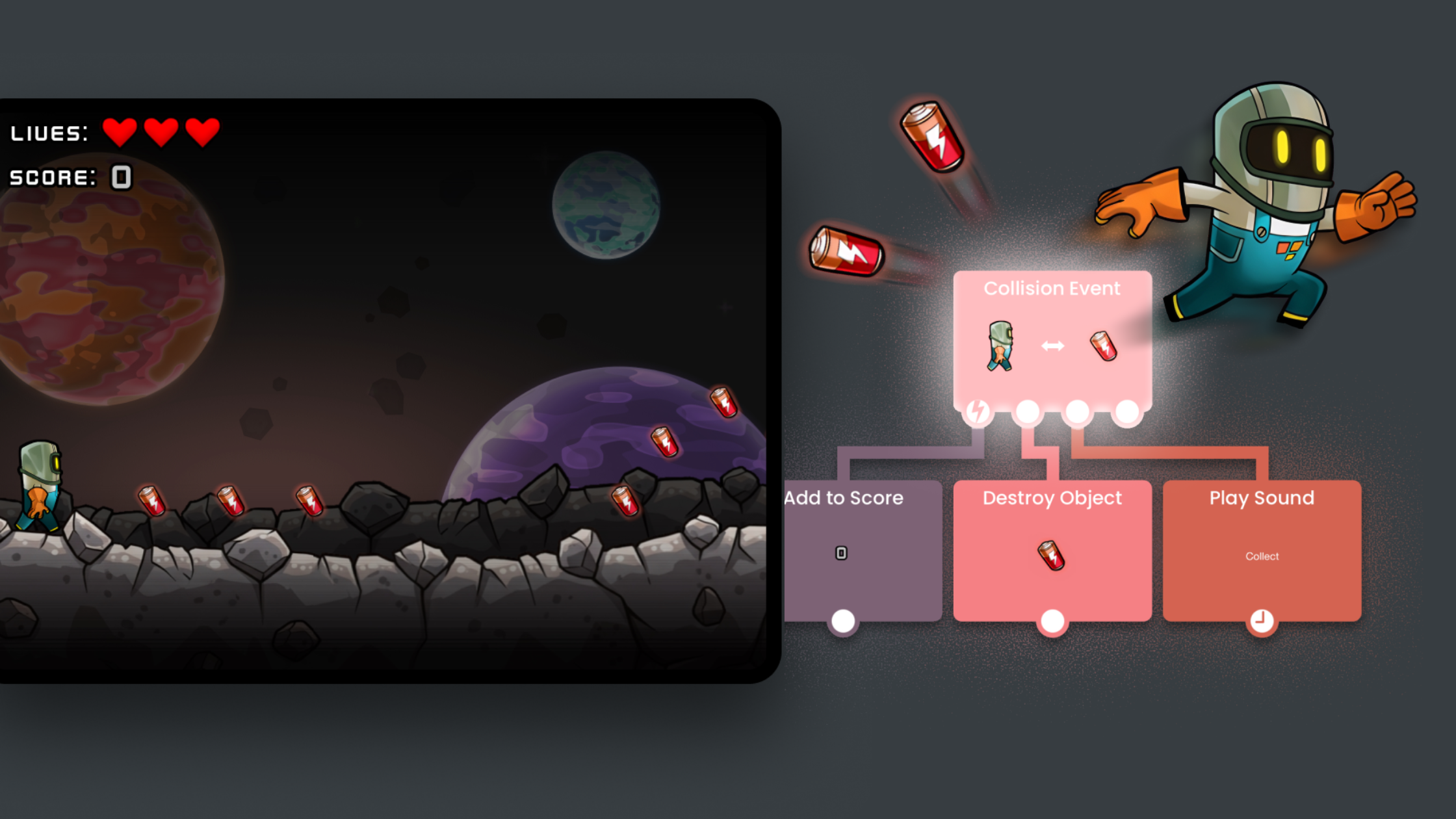
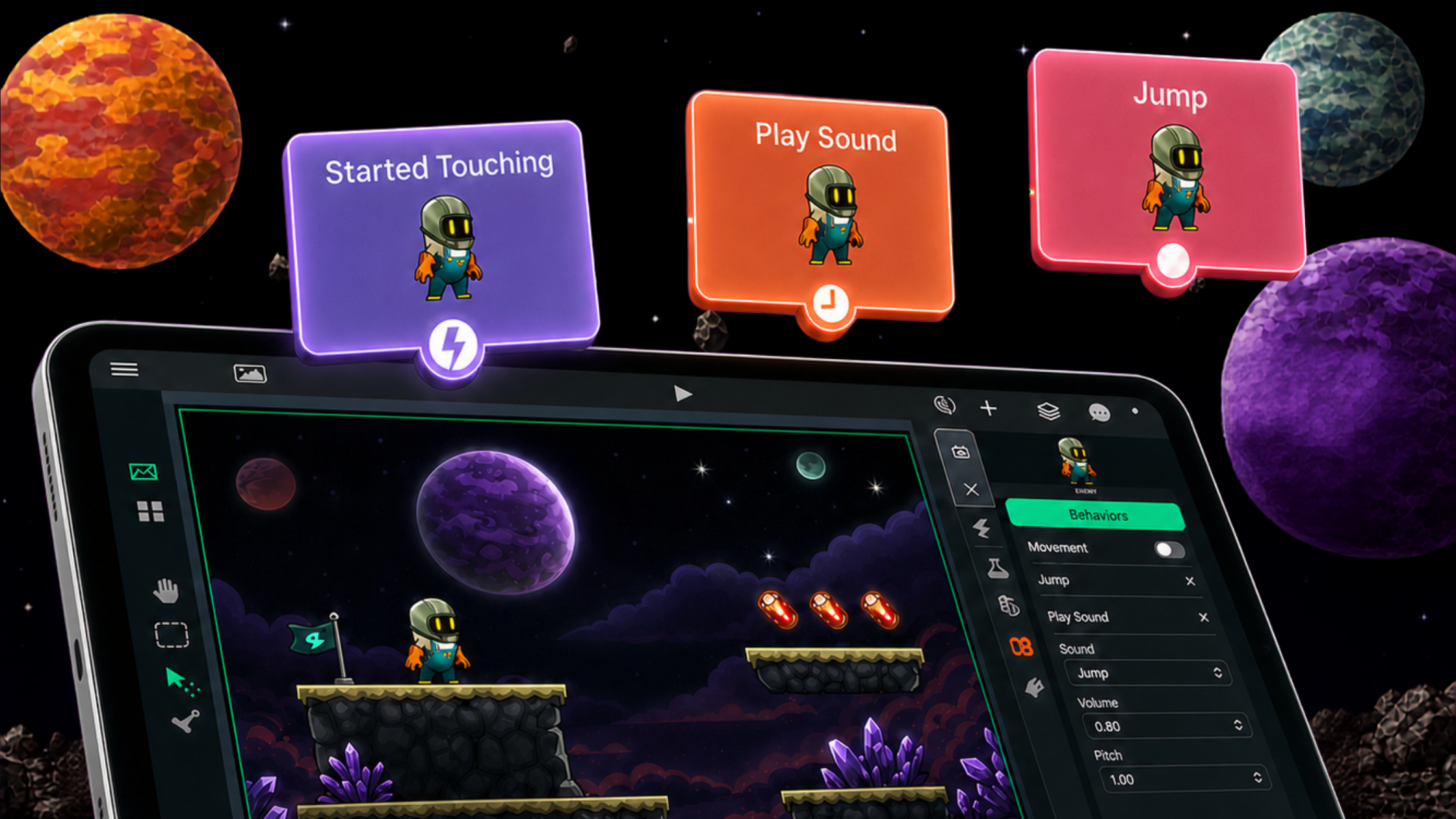
hyperPad is built for visual thinkers. You don't write scripts. You connect Behaviors and watch your logic happen on screen.

Game development used to feel complex. Now all you need is an idea and a device. hyperPad simplifies the process and keeps it fun.

Real questions from the hyperPad community: common game development problems and their fixes, so you can learn faster and build better games.

You don't need to code to make a game on iPad. Here's how to build your first one with visual tools like hyperPad, one step at a time.

ทางลัดแบบ no‑code สำหรับมือใหม่ที่อยากสร้างเกมบน iPad ด้วย hyperPad เริ่มฟรีด้วย hyperPad Starter

hyperPad is designed for beginners, visual thinkers, artists, students, and educators who want to turn ideas into real games using a no-code approach.

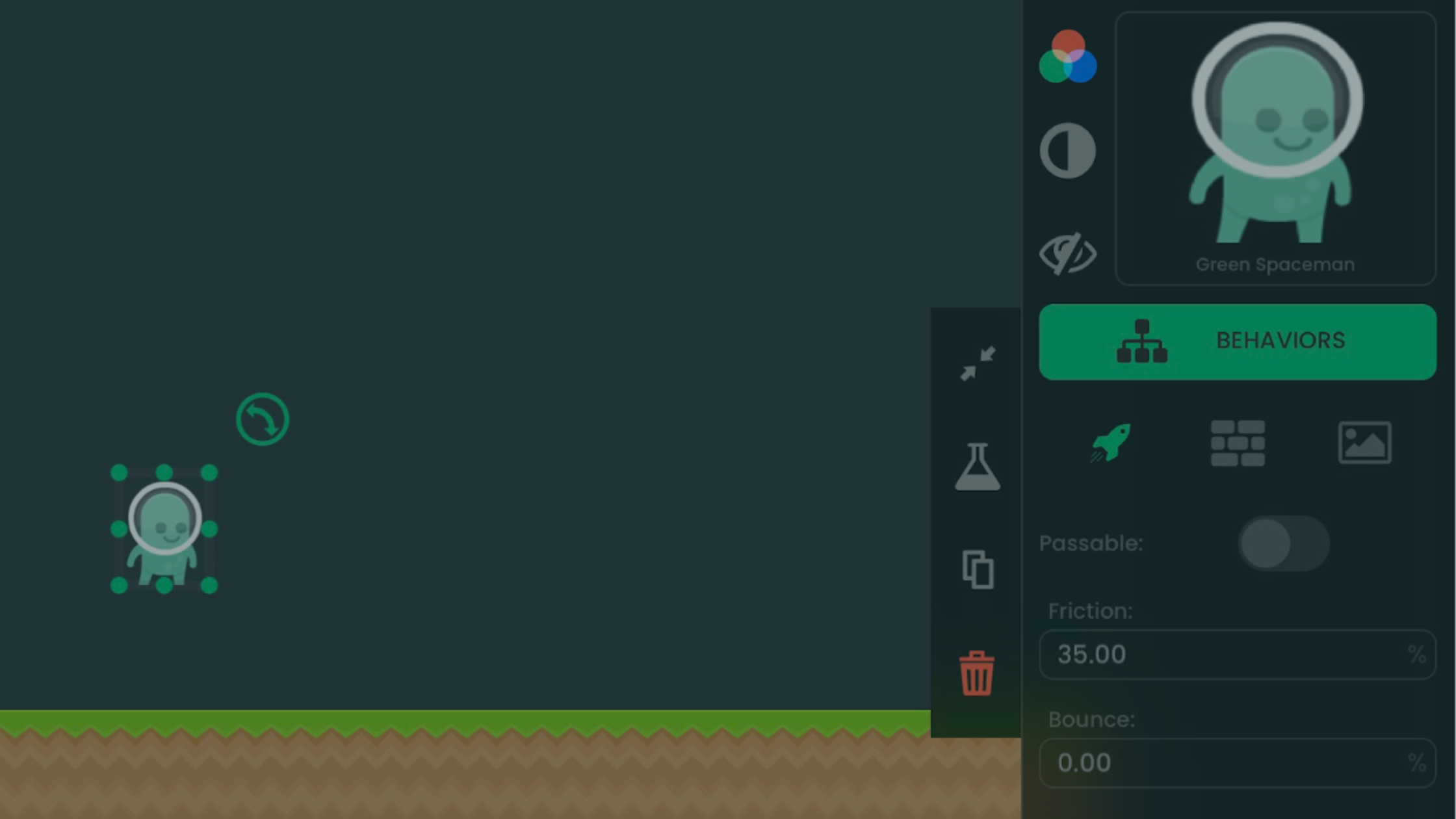
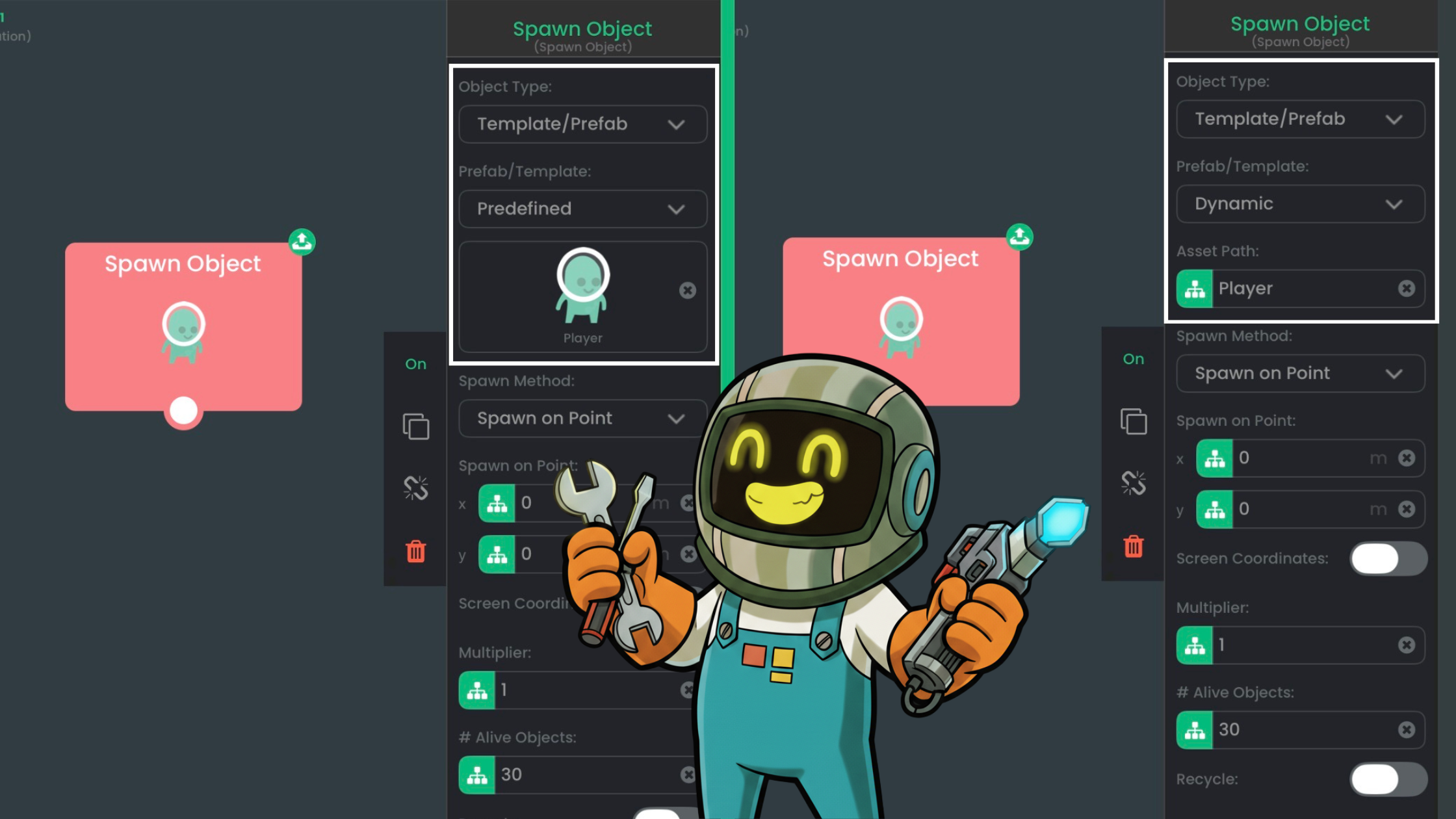
Prefabs and templates in hyperPad let you reuse an Object's Behaviors across your game. Learn when to use each one.