


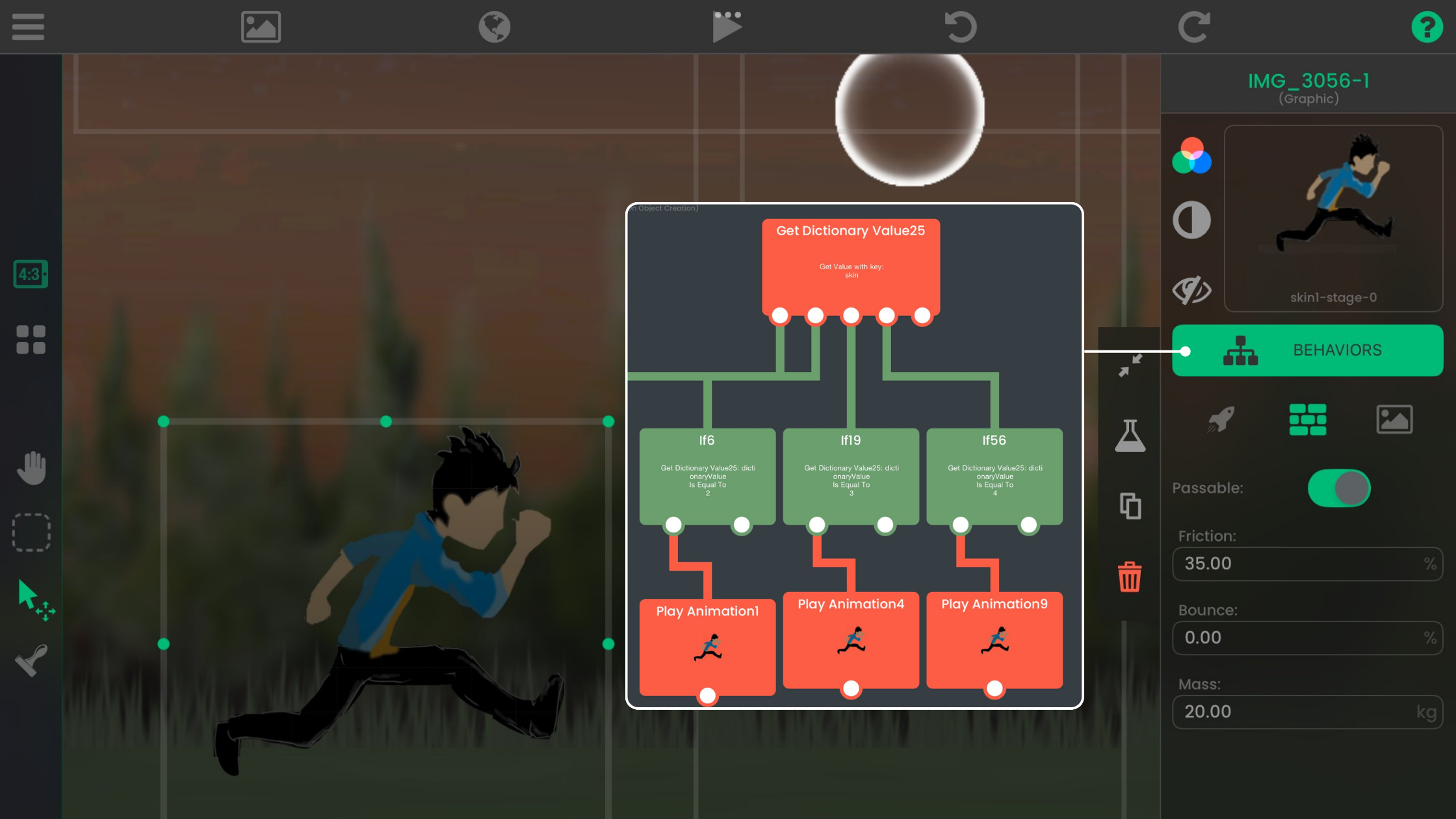
by hyperPad
Create Your Indie Game on iPad
Design, build, and publish your own indie games and apps on iPad with hyperPad’s visual Behaviors, then share them on the Hub or export to the App Store.
Indie Developers
What hyperPad does, who it's for, and what you get when you build games on iPad with Behaviors instead of code. Also answers common questions, like which devices it runs on.
Design, build, and publish your own indie games and apps on iPad with hyperPad’s visual Behaviors, then share them on the Hub or export to the App Store.
Your iPad can become a game development workstation with hyperPad. Here's how to build games on iPad without writing code.
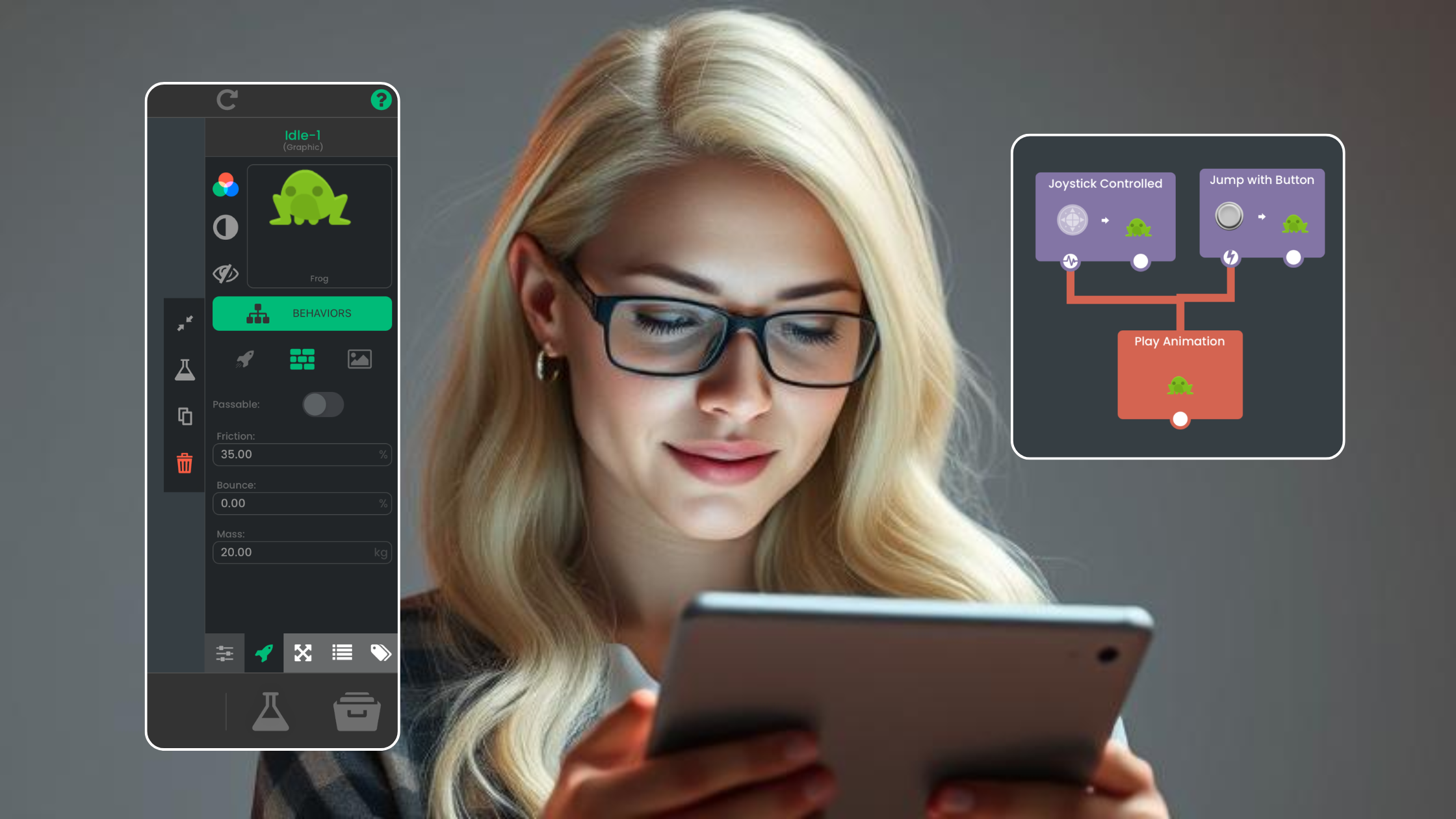
Learn how visual game logic works in hyperPad through events, conditions, actions, Attributes, Scenes, testing, Hub feedback, and the iOS export workflow.
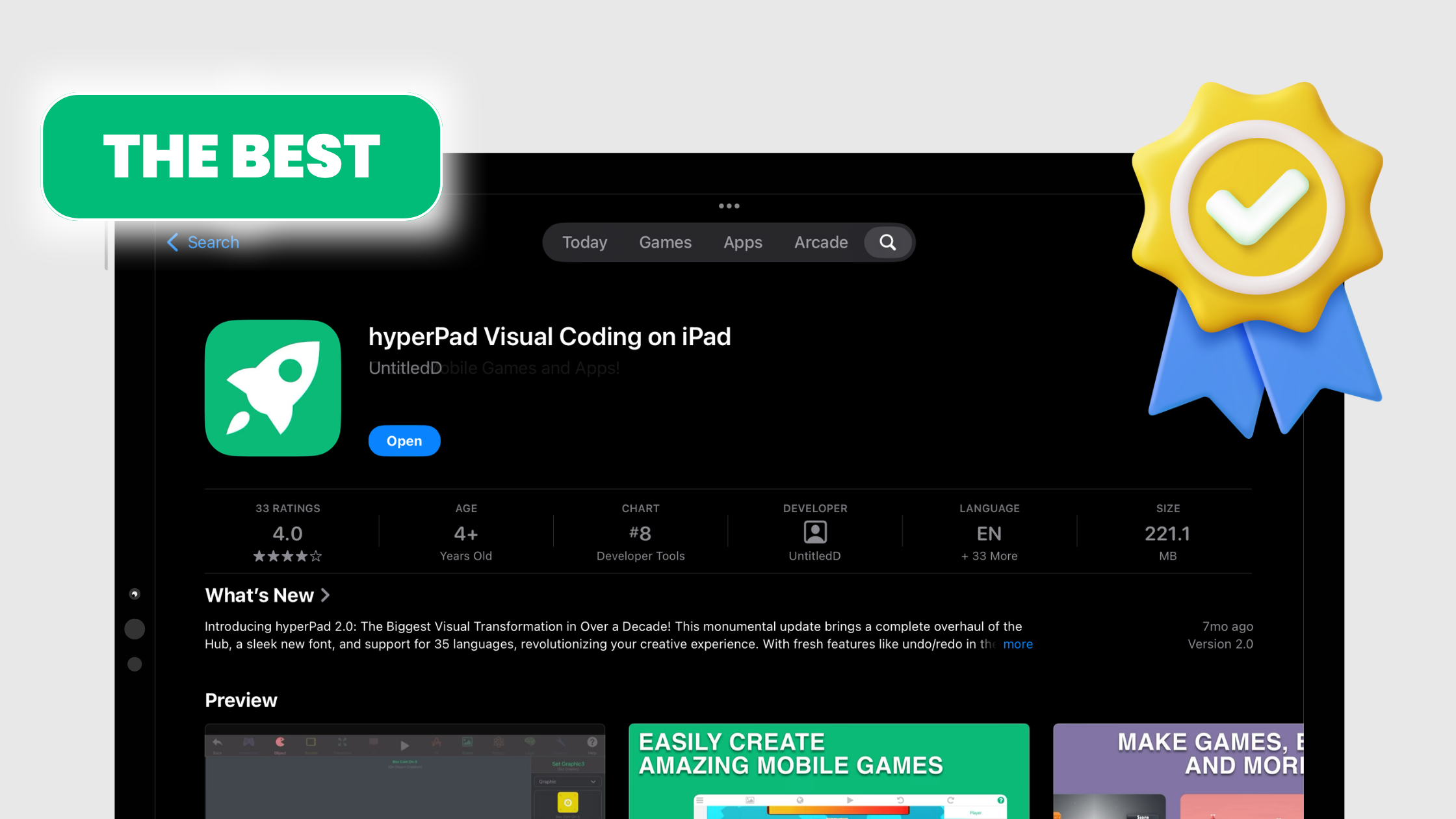
Evaluate hyperPad as a solo 2D game-development workflow for iPad, including visual logic, assets, prototyping, reuse, testing, and App Store preparation.
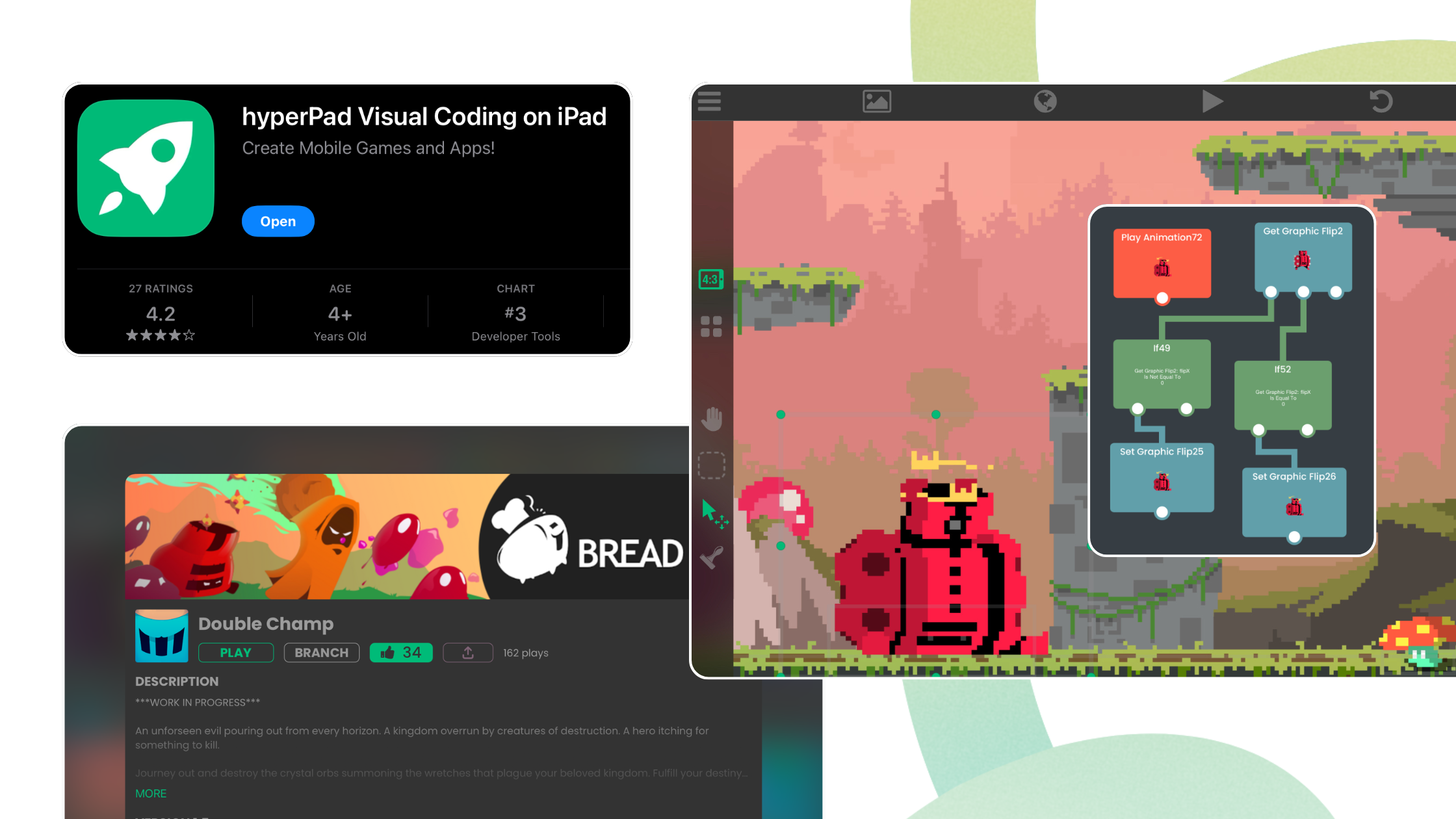
Whether you're just starting out or an experienced developer, hyperPad turns your iPad into a game studio. These accessories help you get more from it.
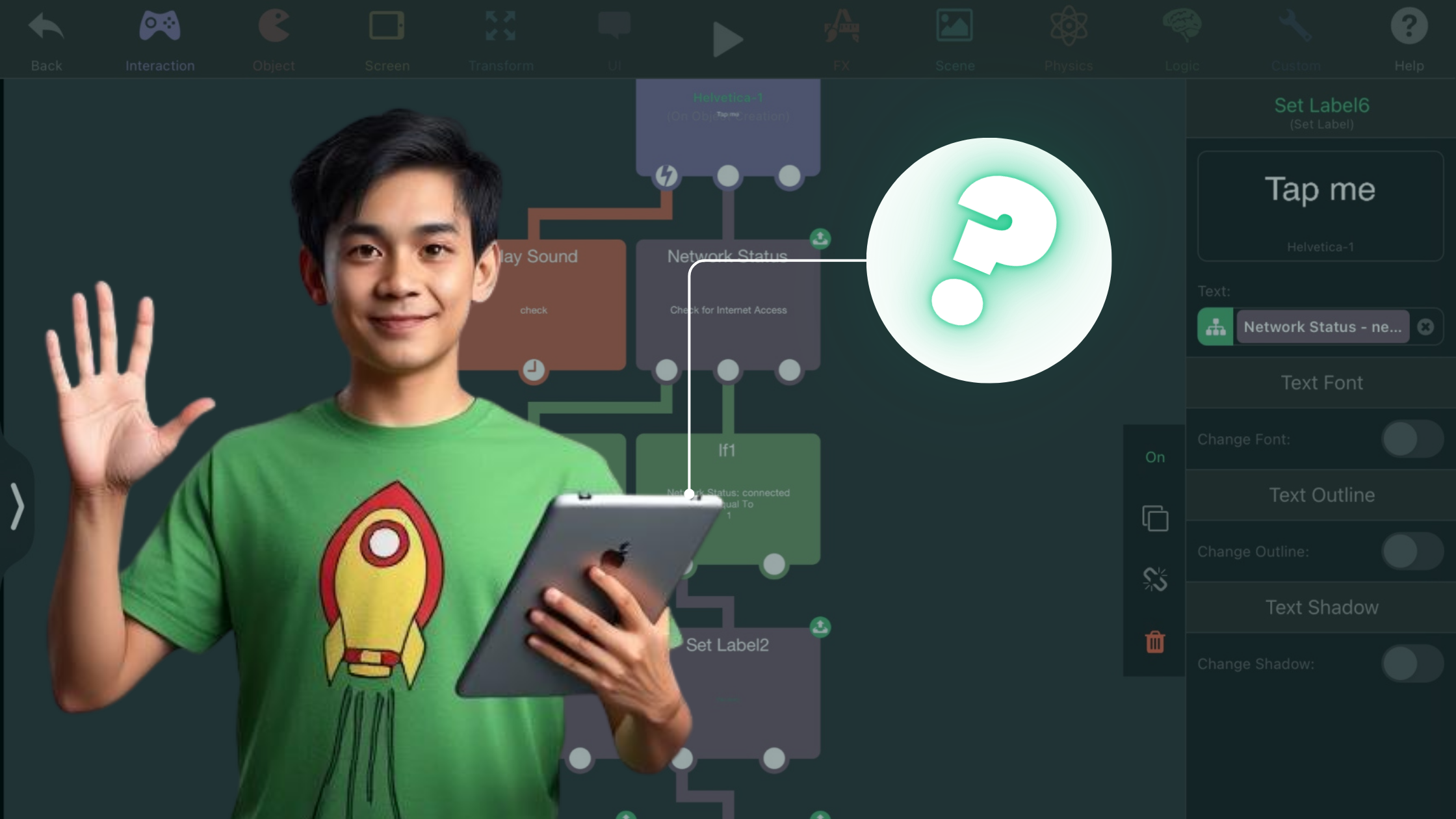
hyperPad is not available for Android. Learn which devices it supports, when it fits an iPad-first workflow, and what publishing requires.
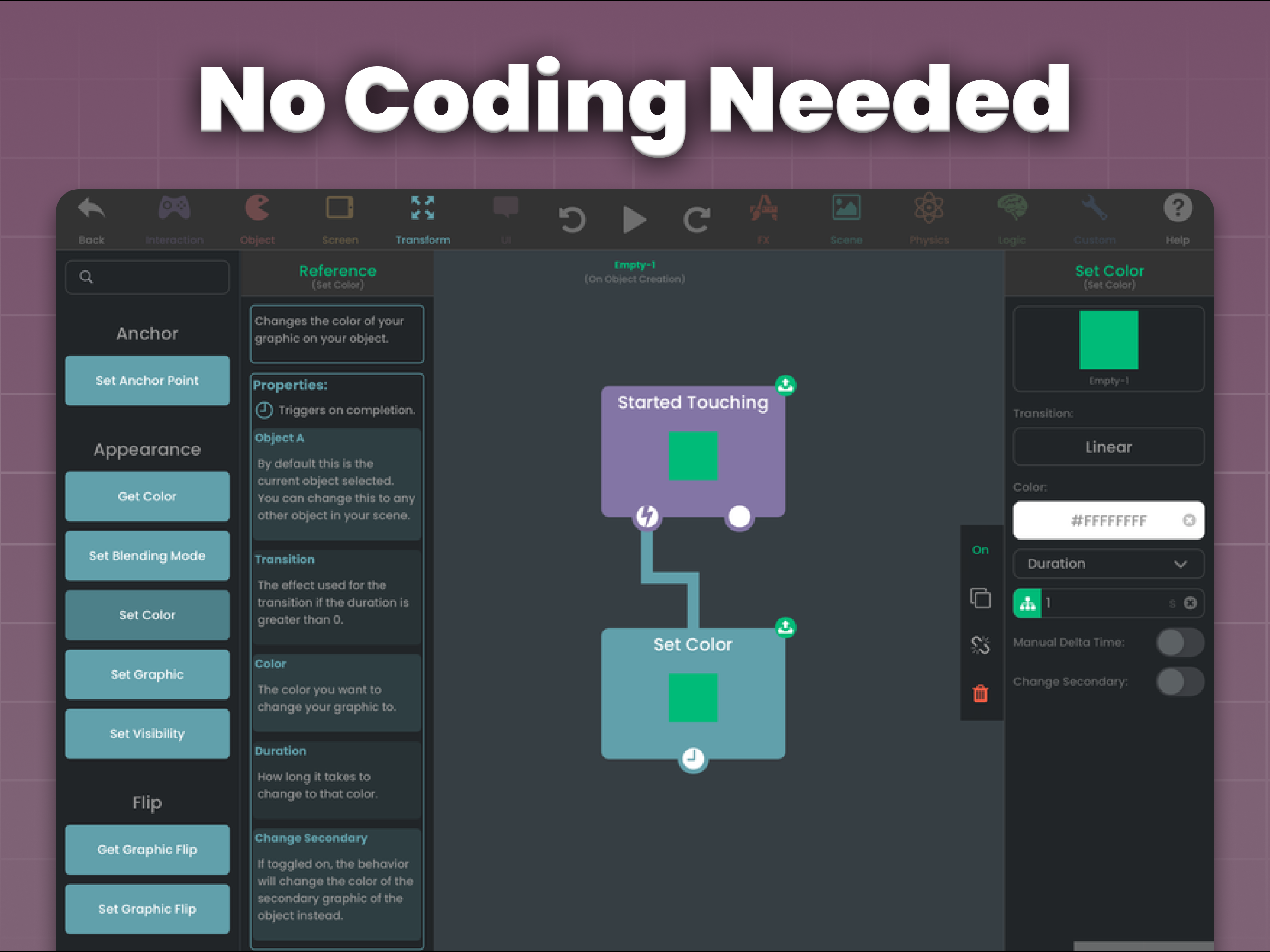
Learn how hyperPad uses visual Behaviors to build touch input, state, conditions, feedback, and Scene logic directly on iPad.

hyperPad is an affordable iPad app for making games, built for indie creators of all ages, with drag-and-drop Behaviors, templates, and free tutorials.
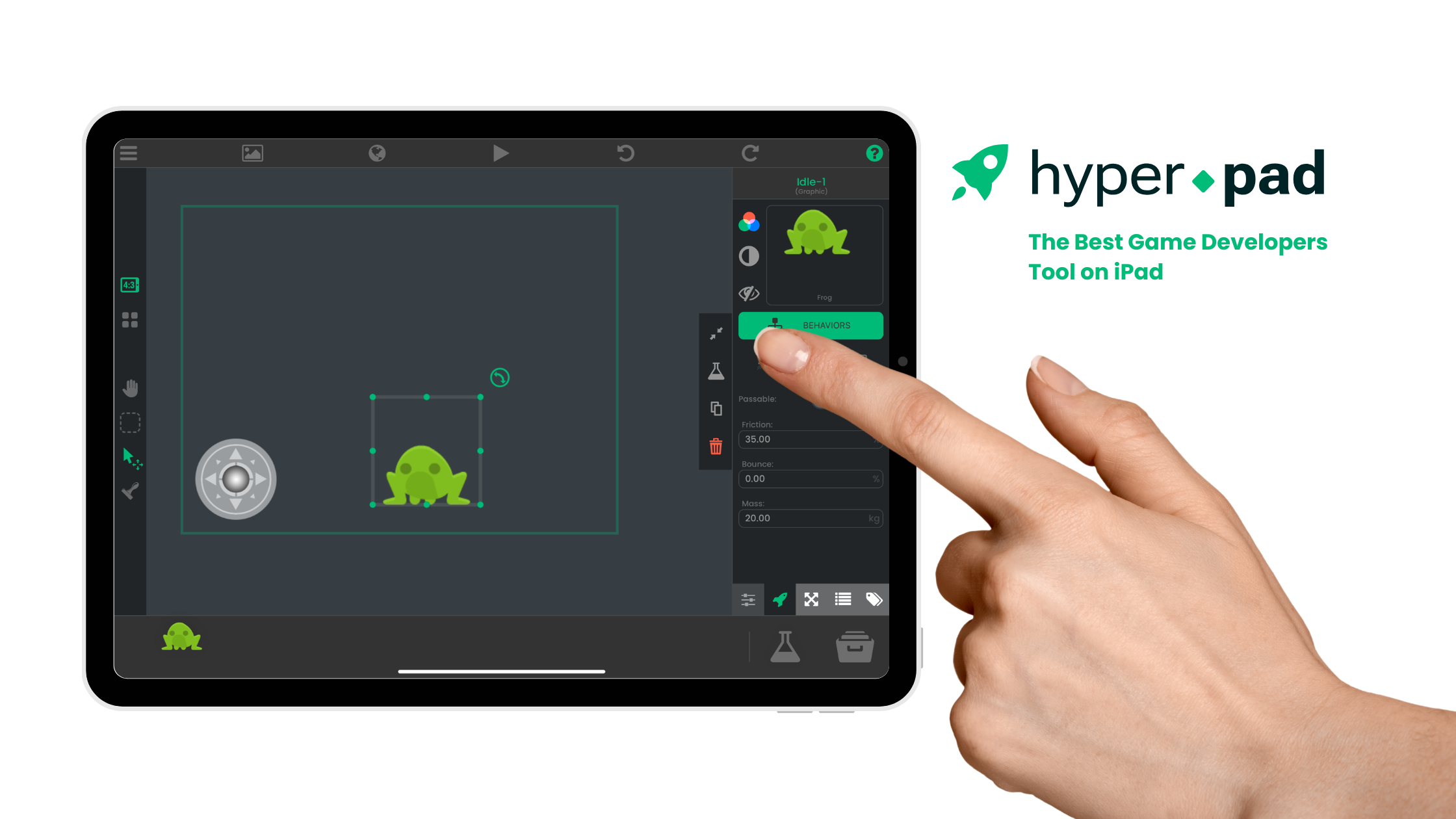
Build a five-star game directly on iPad with hyperPad Scenes, Objects, Graphics, Attributes, and visual Behaviors, then test it on-device.


