Zombie Smash Games Made on iPad

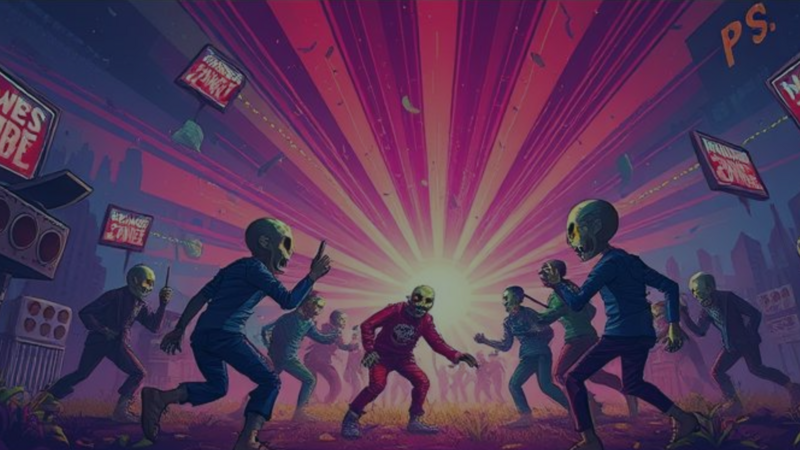
Zombie smash games made on iPad trace back to Zombie Smash, a 2010 iOS game that turned fighting zombies into a fast, funny touch-screen game. Today, creators make their own versions in hyperPad, including a single-tap zombie game by MC Games on the hyperPad Hub. This post looks at what made the original memorable, shows the hyperPad game, and covers what to focus on when you make your own.
The original Zombie Smash

Zombie Smash came out in 2010 from Game Doctors, a small independent studio in Germany. It launched on iOS. Players defended a house from waves of zombies by grabbing, flinging, and smashing them with their fingers, plus a range of weapons and traps.
What made it popular
Touch made it physical. Picking up a zombie and throwing it across the screen used the touch screen in a direct, satisfying way.
There was strategy under the smashing. Players had to manage resources, place traps, and adapt as waves got harder.
It was funny. Cartoon art and over-the-top reactions gave the zombie genre a lighter tone.
It gave players reasons to come back. Multiple modes, new weapons to earn, and high scores kept rounds fresh.
Zombie Smash by MC Games, made in hyperPad


Zombie Smash by MC Games is a separate zombie game built in hyperPad on iPad by a member of the community. It isn't connected to the 2010 game.
It's a single-tap reaction game. Zombies dart around the screen at different speeds and in different directions. You wait for the right moment, then tap to fling an object and send them flying.
The game includes:
- 19 levels
- brains you earn to open extra, harder levels
- a saved high score for each level
- Sudden Death challenge levels, where one miss ends the run
Play Zombie Smash on the hyperPad Hub to see how a simple idea can carry a whole game.
What creators can learn from it
MC Games' version shows how far one input can go. A single tap, combined with zombies that move unpredictably, creates a real timing challenge. The levels add variety, the per-level high scores give players a target, and Sudden Death raises the stakes for players who want more.
You can use the same ideas in your own game:
- One clear input. Tap, swipe, or drag. Pick one and make it feel good.
- Enemies the player can read. Varied speed and direction make timing interesting, as long as players can see where a zombie is heading.
- Goals beyond survival. A score to beat or a harder mode gives skilled players a reason to replay.
Make your own zombie game in hyperPad
Start with one zombie Object and one player action. Move the zombie with Move By, and pick a new direction every so often with a Timer and Random Number. Use Started Touching or Swipe Gesture for the attack, a Collision Event to check for a hit, and Add to Score to reward it.
Draw your own zombies in an iPad art app and import them as Graphics. Give them names and a look that belong to your game.
Build levels that teach
Open with one slow zombie that walks in a straight line. The player learns the tap without any pressure. Then add one change per level: a faster zombie, a zombie that turns, then two zombies at once. Hold a one-miss mode back for later levels, once players have had time to practice.
Keep each level short. A round that lasts under a minute makes a loss feel cheap to retry.
Store the best score for each level in an Attribute and show it on the level select screen. A number to beat gives players a reason to replay a level they've already cleared. If players earn something like brains to open new levels, make the first new level reachable within a few rounds so players see how it works early.
Tune the hit first
If you make a smash game, tune the hit before anything else: the pause on impact, the sound, and how far the zombie flies. Shake Screen and a short Play Sound go a long way. Players remember how a hit feels long after they forget how many levels there were. When yours feels right, Publish it to the hyperPad Hub and ask players which level was hardest.