How hyperPad Helps Creators, Educators, and Innovators on iPad


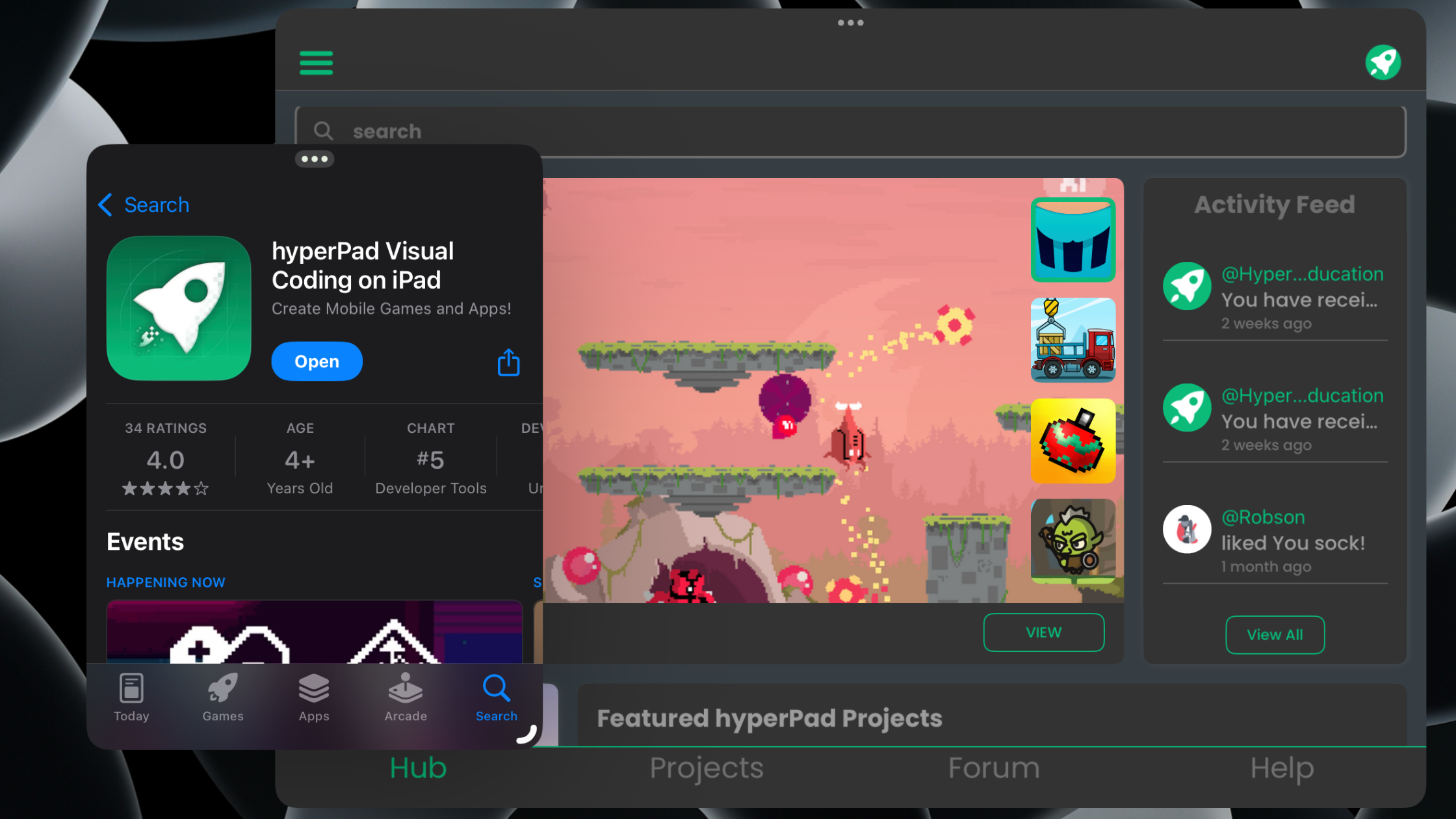
hyperPad is an iPad app for making games, interactive apps, and playable stories without traditional code. It helps three groups in different ways: creators who make and share games, educators who teach coding through game design, and innovators who prototype interactive apps and tools. Here's what each group makes and which parts of hyperPad they use.
What hyperPad is
You build in hyperPad with Behaviors. You connect actions and events to create a flowchart of your app's logic, then play-test it on the same iPad you build on. hyperPad also runs on Apple silicon Macs (M1 or later).
Under the visual editor sits real capability: physics, particles, shaders, sockets, HTTP, and authentication. That's why the same app works for a 10-year-old's first game and an indie developer's App Store release.
There are two versions. hyperPad Starter is free and limited to one Project. hyperPad (paid) removes the Project limit and adds App Store Export. Creators keep 100% of their revenue.
How hyperPad helps creators make and share games
Most creators start with an idea for a game they want to play. In hyperPad they add Objects to a Scene, give them Graphics, store values like health or score in Attributes, and wire up the rules with Behaviors.
When a game is ready for players, creators Publish it to the hyperPad Hub. Players try it, leave feedback, and the creator Publishes a new Version with fixes. Open Source projects can be Branched, so other creators can open them, see how they work, and build on them.
Two examples from the community:
- Star Glide. Yasad built Star Glide on iPad and shared how it came together. Read how Yasad built Star Glide on iPad with hyperPad.
- A horror fan game. A creator built an unofficial Fredbear’s-style game and keeps updating it based on player feedback. See the Fredbear’s Family Diner fan game made on iPad.
For more on the community side (Publishing, Versions, and Branching), read the best game creator app for iPad for sharing and remixing games.
Creators who want to sell their work can Export to the App Store with the paid hyperPad app and keep 100% of what they earn.
How hyperPad helps educators teach coding through game design
For teachers, hyperPad is a way for students to learn to code by making games. Students work with events, conditions, variables (Attributes), and logic flow. They see the result right away when they play their game.
What schools can count on:
- Grade range. hyperPad is used from grade 4 through post-secondary.
- Standards. hyperPad is aligned to ISTE and CSTA standards.
- Accounts. Private Login is available for school accounts.
- Privacy. hyperPad is COPPA- and FERPA-aware.
- Pricing. Educational institutions get 50% off through Apple School Manager.
One approach that works well is one small game per student or per pair: a quiz, a sorting game, or a simple platformer tied to a unit of study. Students plan it, build it, play-test each other's work, and revise.
If you're planning lessons, iPad coding projects for students has project ideas by level. How to run a hyperPad game development class on iPad covers the practical side of a full class.
How hyperPad helps innovators prototype apps and tools
Some people come to hyperPad to build something other than a game. Interactive lessons, training simulations, kiosk-style apps, data-driven tools, and playable pitches all use the same parts. Buttons, Scenes, Attributes, and Behaviors cover a lot of interactive app logic. HTTP and sockets let a project talk to outside services.
The main advantage for this group is speed. You can sketch an idea, make it clickable, and put it in someone's hands on an iPad the same day. That makes hyperPad a good fit for testing an interaction before anyone commits to a full build.
To get started, read how to make an interactive app on iPad without traditional coding. For a faster test-and-revise loop, see rapid prototyping games on iPad. The same steps apply to apps.
What these groups have in common
A creator, a teacher, and a product designer use hyperPad for different reasons. They share the same workflow: build on iPad, play-test right away, change one thing, and test again. They also share the same building blocks. A student who learns Behaviors in class can later Publish a game to the Hub or Export one to the App Store with the same skills.
If you want to know what makes that workflow well designed, read what makes an iPad game engine well designed.
FAQ
Is hyperPad only for games?
No. Games are the main focus, and you can also make interactive apps and playable stories with the same Behaviors.
Can schools use hyperPad?
Yes. It's used from grade 4 through post-secondary, is aligned to ISTE and CSTA standards, and offers Private Login. Educational institutions get 50% off through Apple School Manager.
Do I need to know how to code?
No. You connect Behaviors into a flowchart of your logic instead of typing code. Students still learn core coding ideas like events, conditions, and variables along the way.
Can I sell what I make?
Yes. With the paid hyperPad app you can Export to the App Store, and you keep 100% of your revenue.
Pick the section that fits you and start there. Creators can play Star Glide and the Fredbear’s fan game on the Hub, then build a one-Scene version of their own idea. Teachers can choose one project from the classroom guide for next week's lesson. If you're prototyping an app, build one interactive screen and hand the iPad to someone to try.