by KrystalYee
Why Artists Are Turning Their Art Into Games on iPad
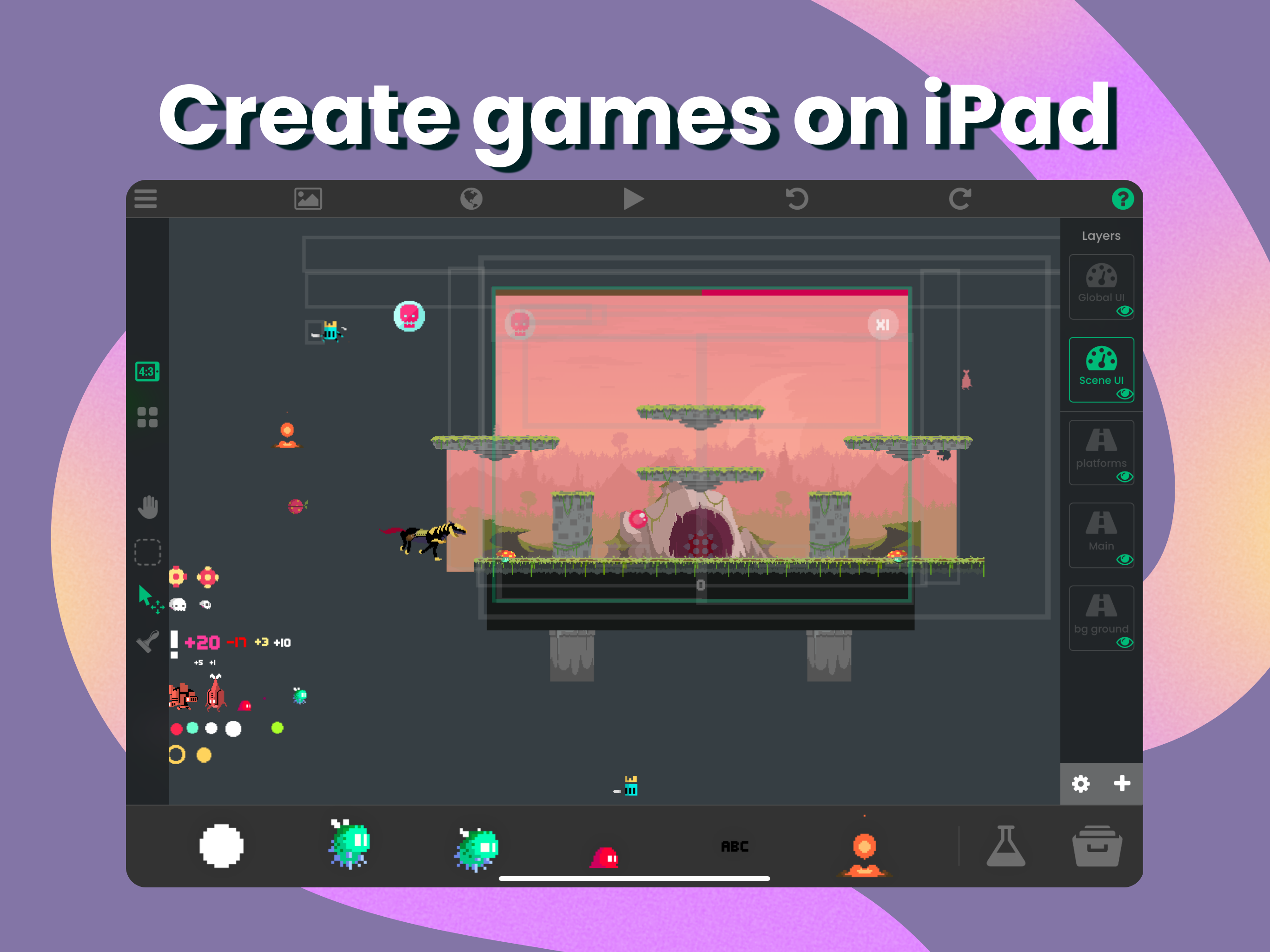
If you're a digital artist, you can now turn your artwork into an interactive game right on iPad.
Artists
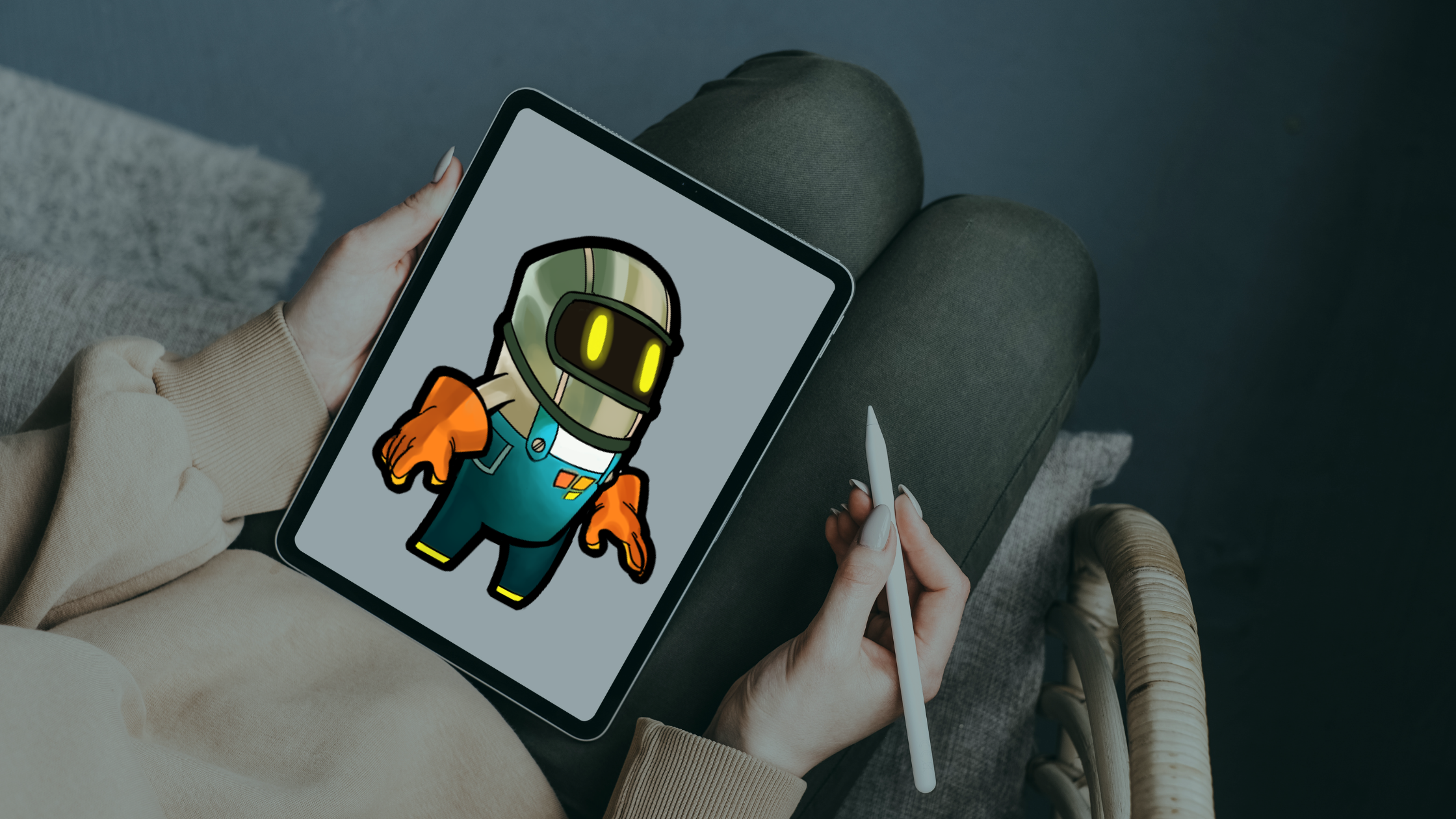
For artists: turn your Procreate drawings and other artwork into playable games, cards, and interactive projects on iPad.
If you're a digital artist, you can now turn your artwork into an interactive game right on iPad.

You don’t need to be rich or know how to code to create a mobile game that feels original and polished.

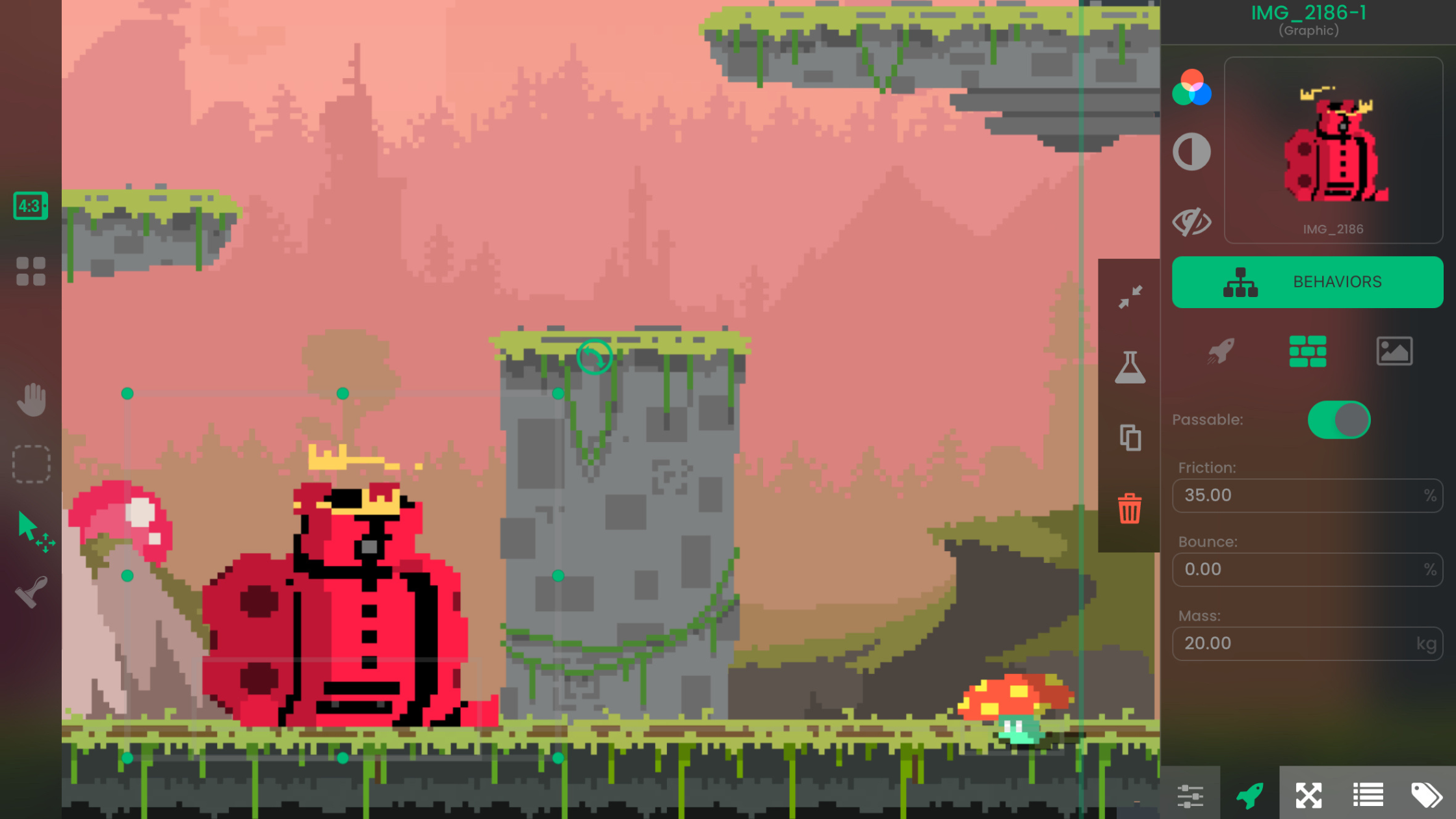
Want to make experimental or artistic games without writing code? hyperPad lets you build them on iPad with visual Behaviors and your own art and sound.

You don't need to code to make games on iPad. With hyperPad, artists can turn their ideas into playable worlds and share them with players.

Pair hyperPad with the Affinity apps for iPad to design your game's art, UI and layouts, then build the game itself, all on your iPad.

Use hyperPad with Affinity Designer, Photo, and Publisher to plan, draw, and build a game entirely on iPad, with no computer needed.

Funny, interactive birthday card ideas you can build on iPad with hyperPad: mini-games, talking characters, roasts, stories, and meme generators.

Watch Pixel Jeff explore game design on iPad and bring his pixel art to life with hyperPad and Procreate.

Turn your Procreate art into a game on iPad. Combine your custom digital art with simple no-code tools in hyperPad and make a game that's uniquely yours.

Combine your Procreate art with hyperPad on iPad to make a funny, interactive birthday card with animations, sound effects, and mini-games.

Turn your Procreate art into a game or app on iPad with hyperPad. Import your drawings, add physics and particle effects, and build without code.