by KrystalYee
How To Make Your Own Pixel Art Game on iPad
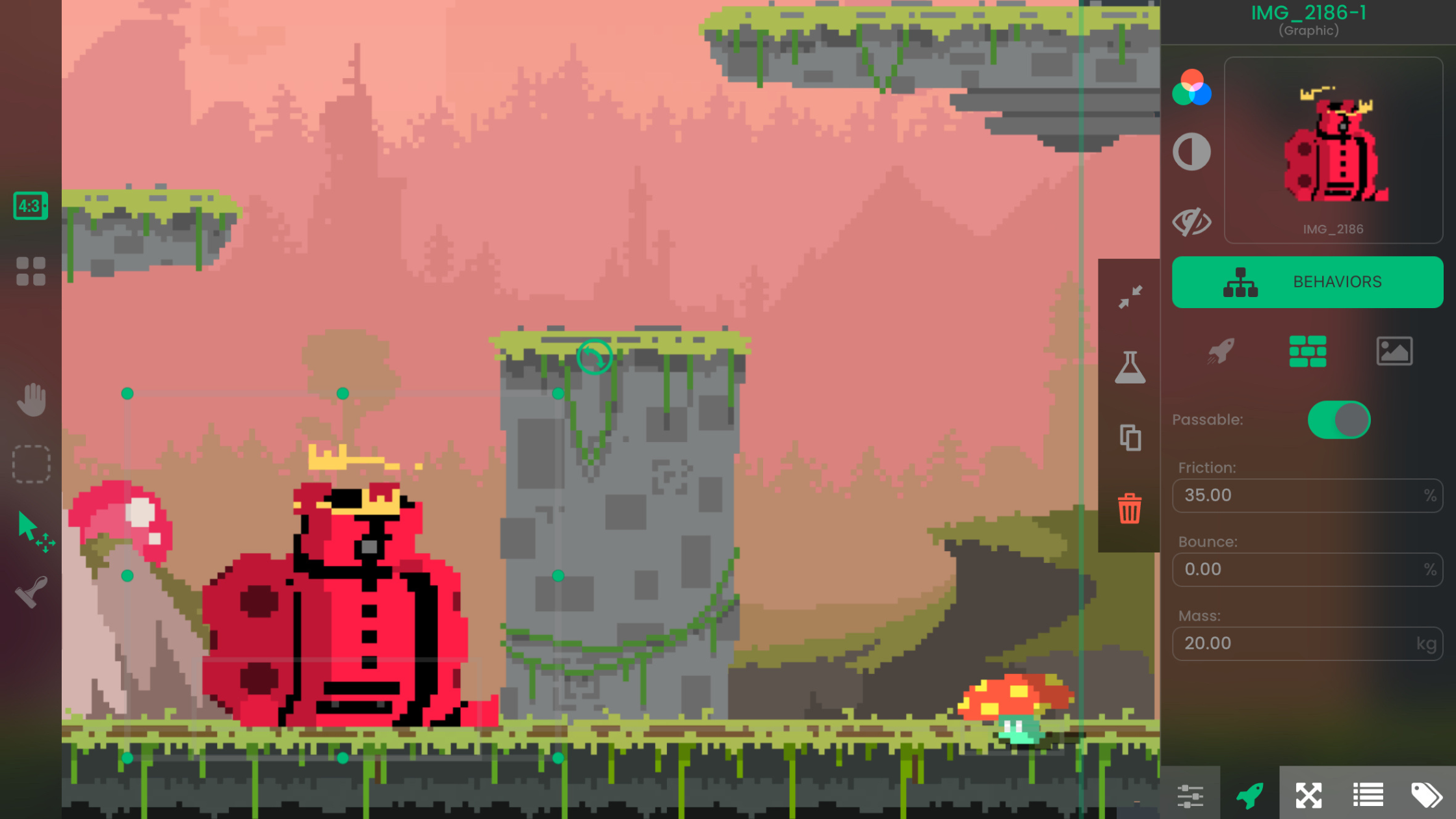
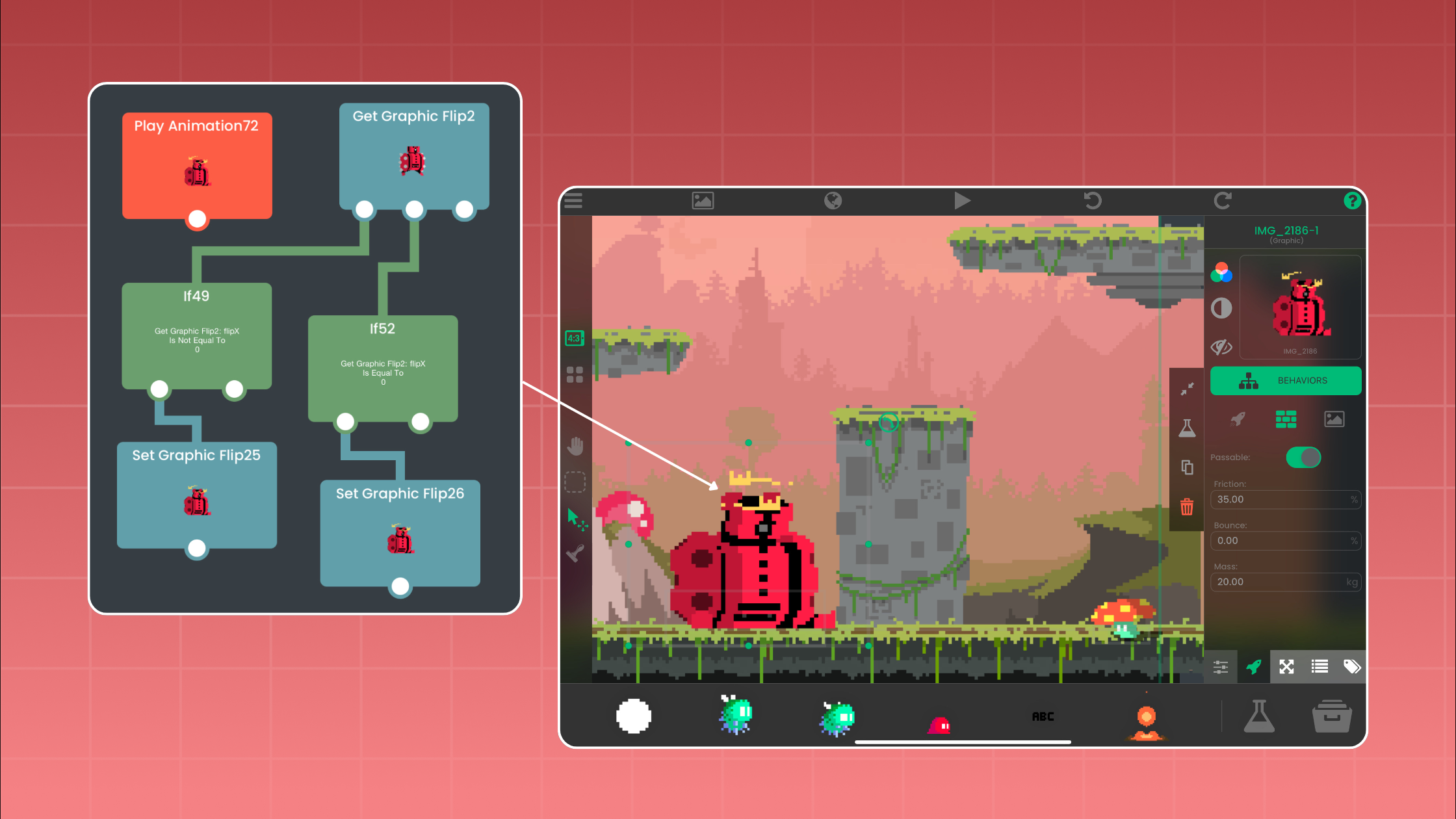
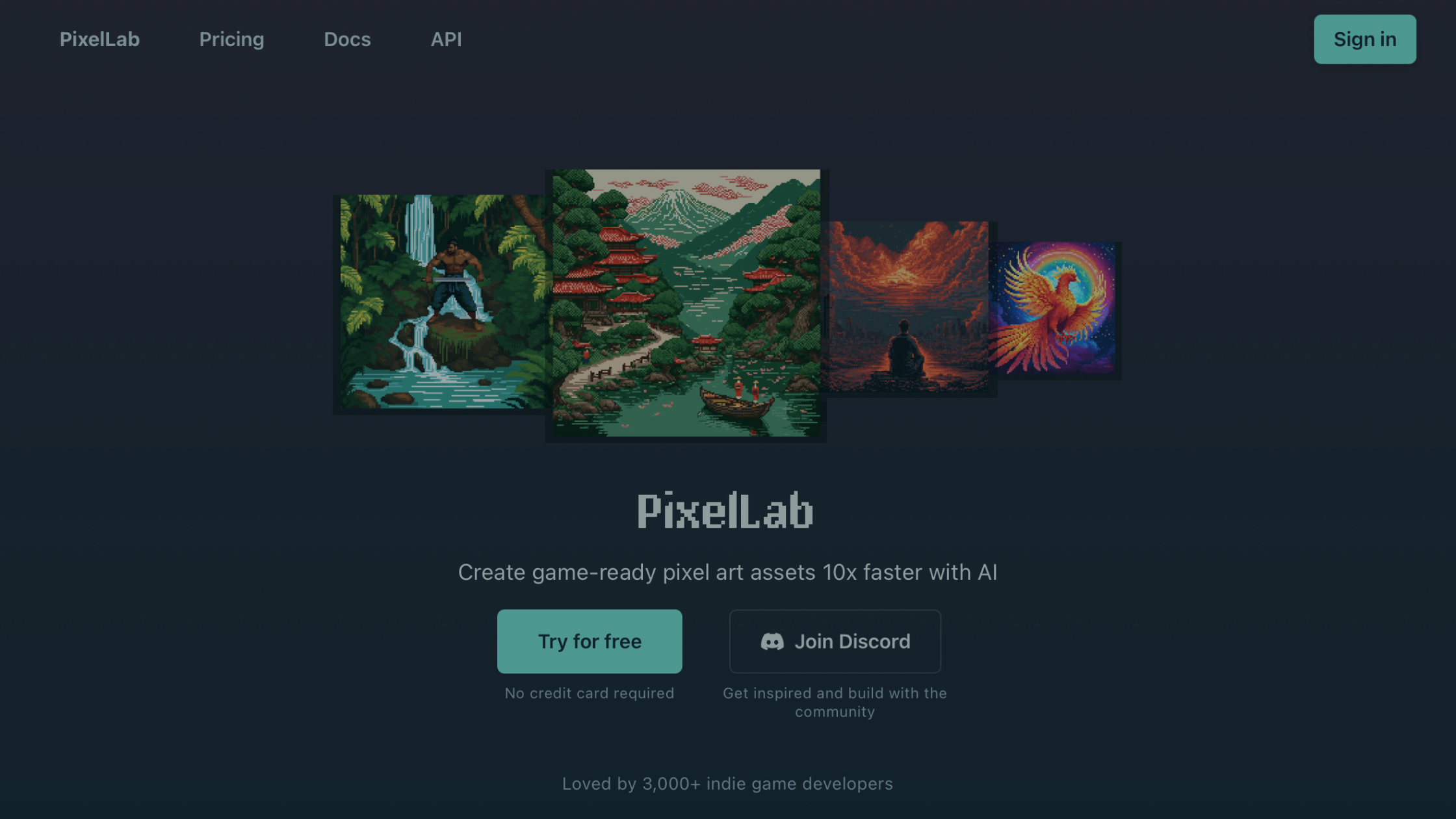
With PixelLab AI and hyperPad, you can design pixel art and build an iOS game entirely on iPad, without coding or switching devices.
Make the art, music, and sound for your game. Guides to Procreate, pixel art tools, free asset sites, and audio apps you can pair with hyperPad.
With PixelLab AI and hyperPad, you can design pixel art and build an iOS game entirely on iPad, without coding or switching devices.

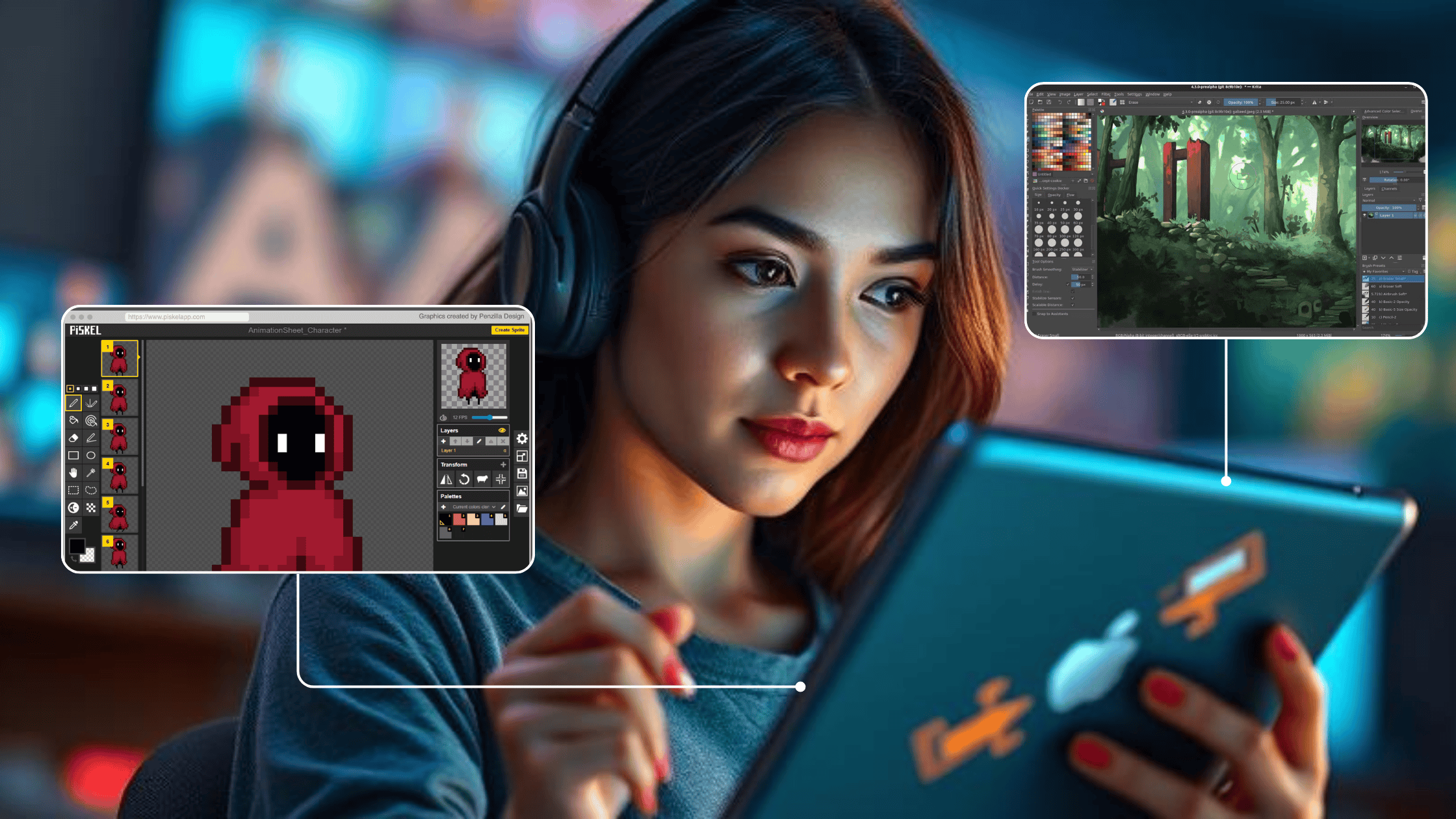
A roundup of free art tools for game design, including Krita, Blender, Piskel, and Inkscape, to make art for your indie games on iPad.

If you're a digital artist, you can now turn your artwork into an interactive game right on iPad.

You don’t need to be rich or know how to code to create a mobile game that feels original and polished.

Want to make experimental or artistic games without writing code? hyperPad lets you build them on iPad with visual Behaviors and your own art and sound.

Pixelorama is a free, open source pixel art editor for sprites, animations, and tilesets. What it does, where to download it, and how to get your art onto iPad.

AI tools and hyperPad change what's possible for beginner game developers. Generate your art quickly with AI, then build your game on iPad without code.

You don't need to code to make games on iPad. With hyperPad, artists can turn their ideas into playable worlds and share them with players.

Pair hyperPad with the Affinity apps for iPad to design your game's art, UI and layouts, then build the game itself, all on your iPad.

Use hyperPad with Affinity Designer, Photo, and Publisher to plan, draw, and build a game entirely on iPad, with no computer needed.

Good game art takes time. Here's how to use an AI generator like Stockimg.ai to make 2D characters, backgrounds, and props for your hyperPad game.

Several DAWs run well on iPad and pair with hyperPad. Here's how GarageBand, Cubasis 3, KORG Gadget 2, FL Studio Mobile, and Auria Pro compare.

Where to find music, sound effects, and art for your first iPad game, and the communities that help you start building with hyperPad, no coding needed.

Funny, interactive birthday card ideas you can build on iPad with hyperPad: mini-games, talking characters, roasts, stories, and meme generators.

Learn what online DAWs are, why they help iPad game developers, and how to use them to make music and sound effects for your next game.

When you make games on your iPad, you need the right tools for creating 2D assets. Here are five tools worth trying, and how they fit with hyperPad.

Good game art doesn't need a hefty price tag. These free and freemium iPad apps make 2D assets you can import straight into hyperPad.

Seven free art programs for making 2D game assets, split by what actually runs on iPad and what needs a desktop. Includes pixel art tools and export settings.

Tools and tips for making your own game art, sound effects, and music, optimizing them for iPad, and bringing them into hyperPad.

Design your game's art and UI in Figma, then turn it into a playable iOS game on iPad with hyperPad. No code required.

Watch Pixel Jeff explore game design on iPad and bring his pixel art to life with hyperPad and Procreate.

Where to find free 2D game assets and pixel art you can use, with the license terms spelled out, plus how to import PNGs and animations into hyperPad on iPad.

Find free 2D game assets and templates (sprites, tiles, sounds) and learn how to import them into hyperPad to make your game on iPad.

The best iPad apps to use with hyperPad: Procreate for art, GarageBand for music, and Affinity Designer for assets, so you can polish your iPad games.