



by hyperPad
Make Epic Games on iPad
The latest hyperPad update adds Prefabs, Hover Events, Shake Object, Coins, and Dislikes. Here's how each one helps you make games on iPad.
hyperPad NewsIndie Developers
The latest hyperPad update adds Prefabs, Hover Events, Shake Object, Coins, and Dislikes. Here's how each one helps you make games on iPad.
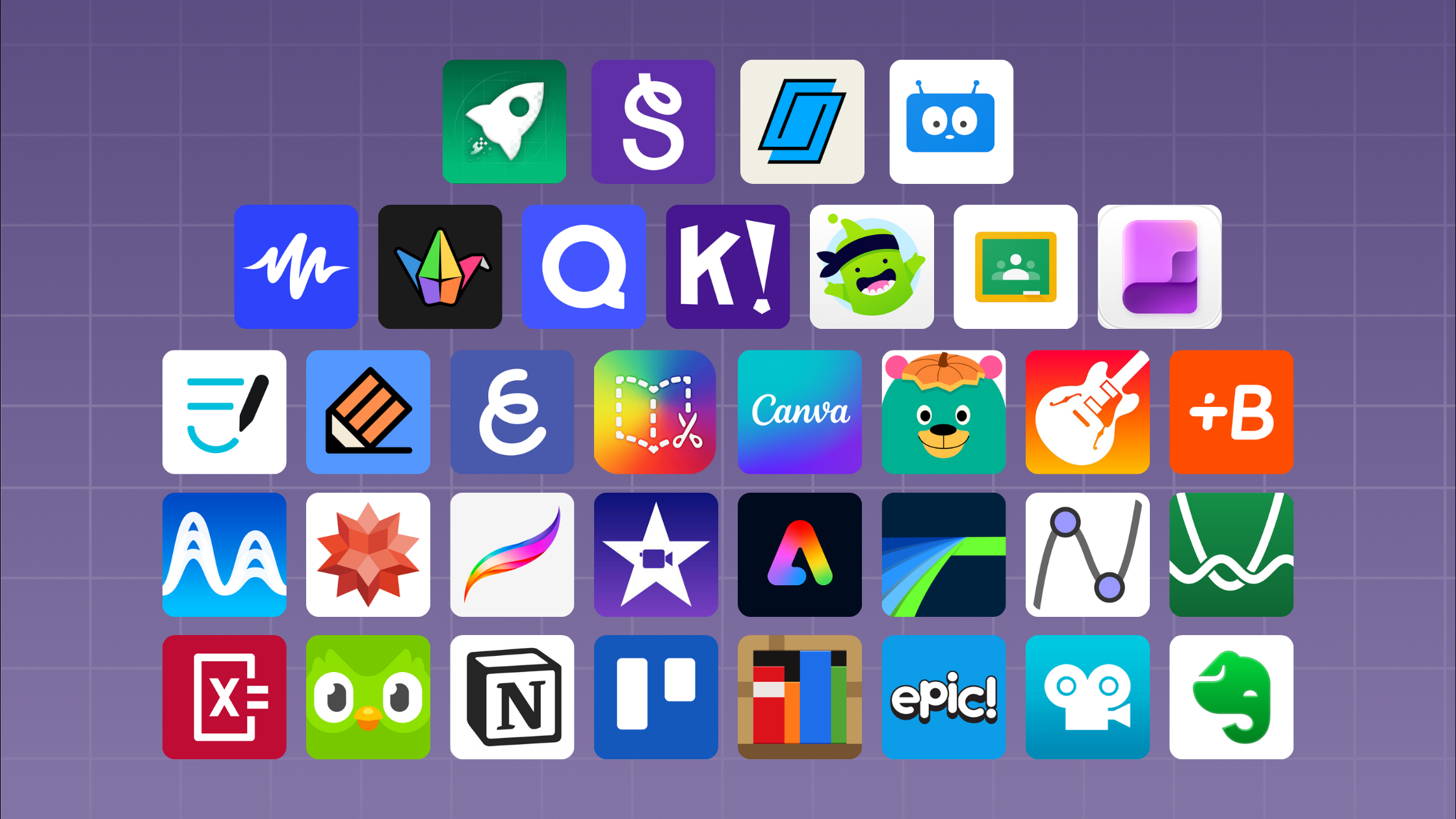
The right apps turn lessons into interactive, student-led work. Here are 35 of the best educational apps for teachers on iPad in 2026.
Choose useful iPad apps for college notes, planning, study, art, audio, and interactive projects without filling your iPad with tools you will not use.
How to plan, launch, and grow your no-code game on the App Store, from store listings and age ratings to launch day and post-launch updates.

Pair hyperPad with the Affinity apps for iPad to design your game's art, UI and layouts, then build the game itself, all on your iPad.
Use hyperPad with Affinity Designer, Photo, and Publisher to plan, draw, and build a game entirely on iPad, with no computer needed.
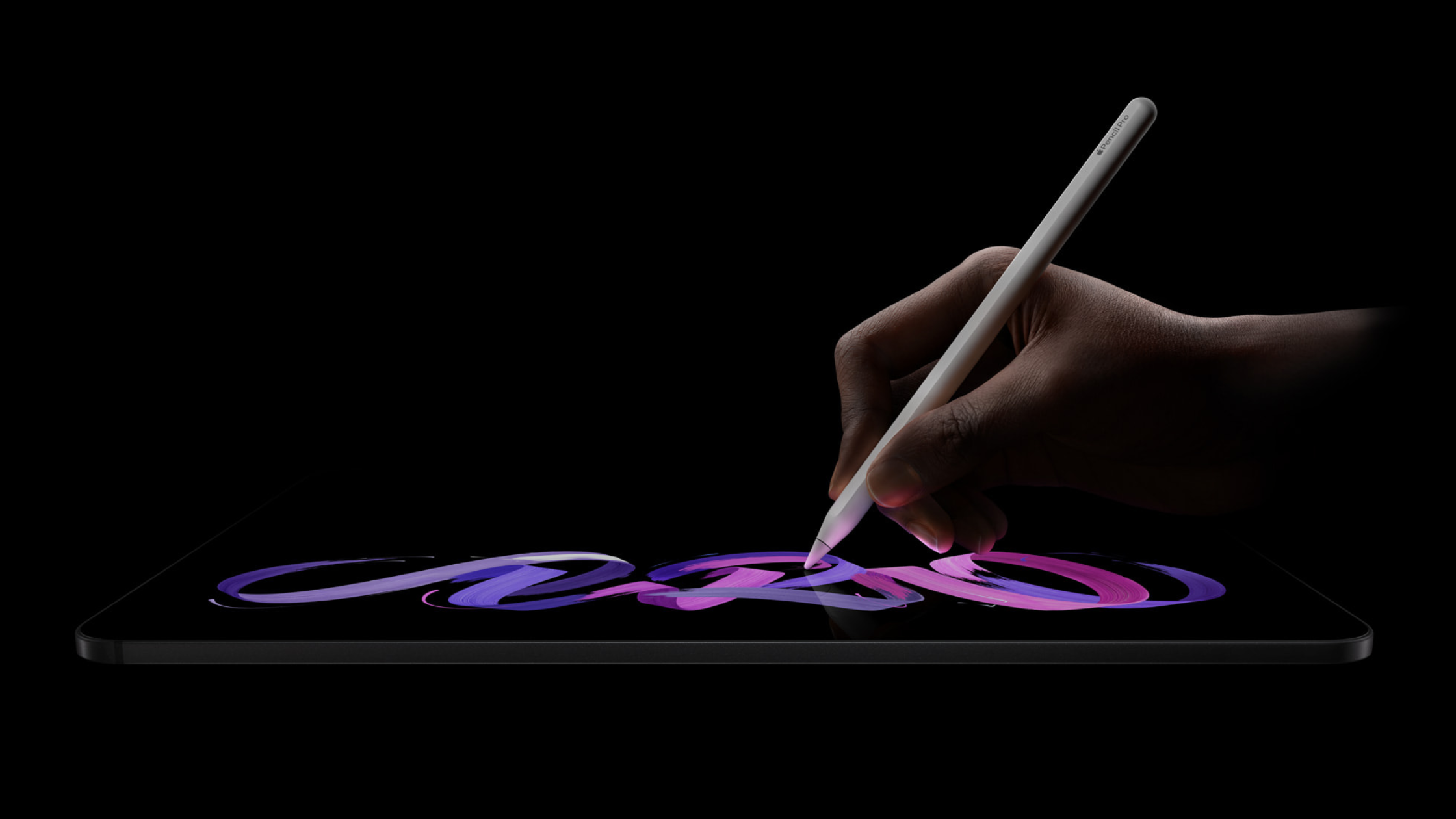
Apple's new iPad Pro with the M5 chip is a big jump in performance, graphics, and AI. Here's what it means for making games on iPad with hyperPad.
A look at popular no-code game makers for experimental art games: hyperPad, RPG Maker MZ, Stencyl, Construct 3, Twine, and GameSalad.
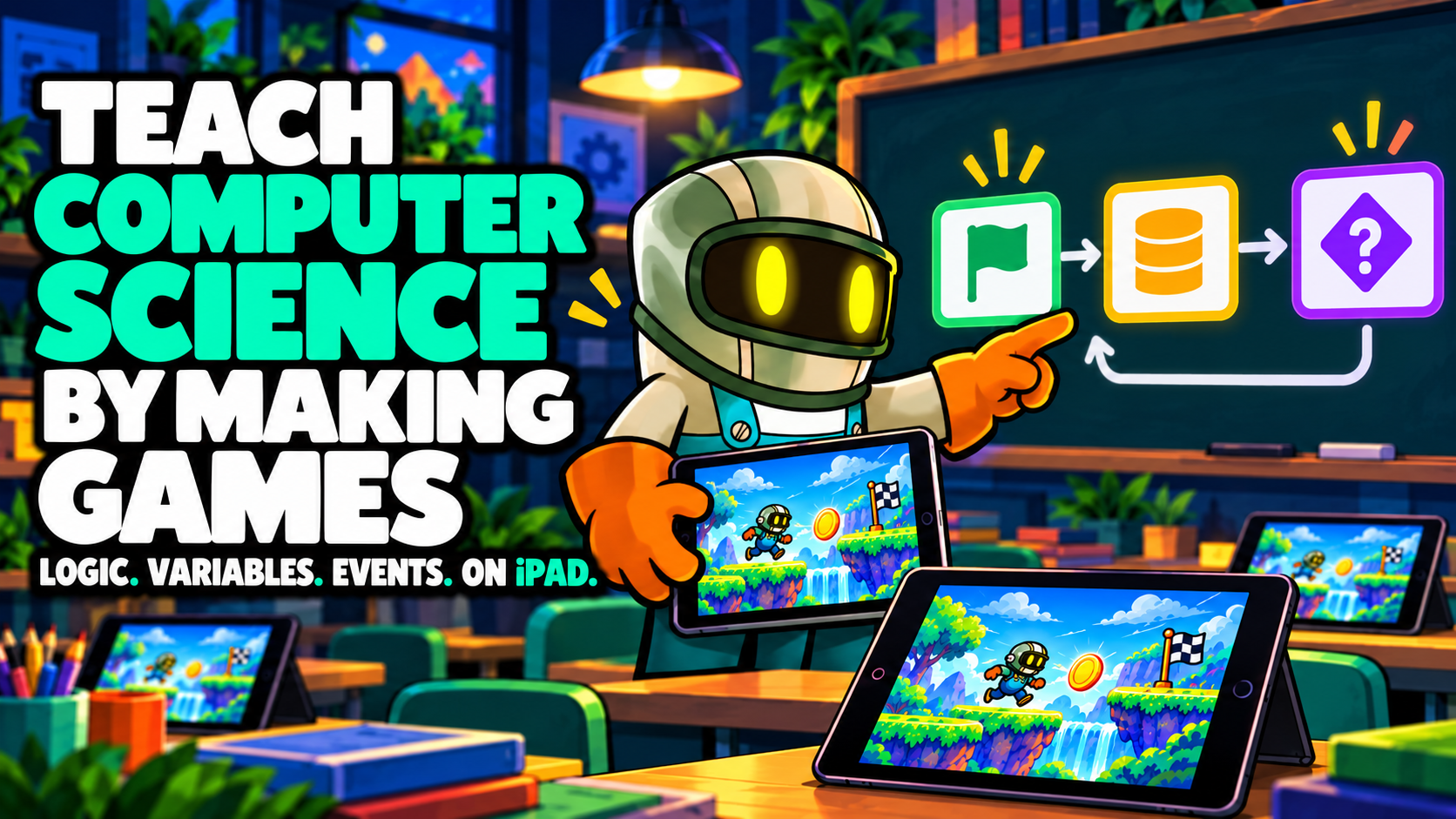
hyperPad lets students learn computer science by building games and apps on iPad. Logic, variables, and events become things they can see working.
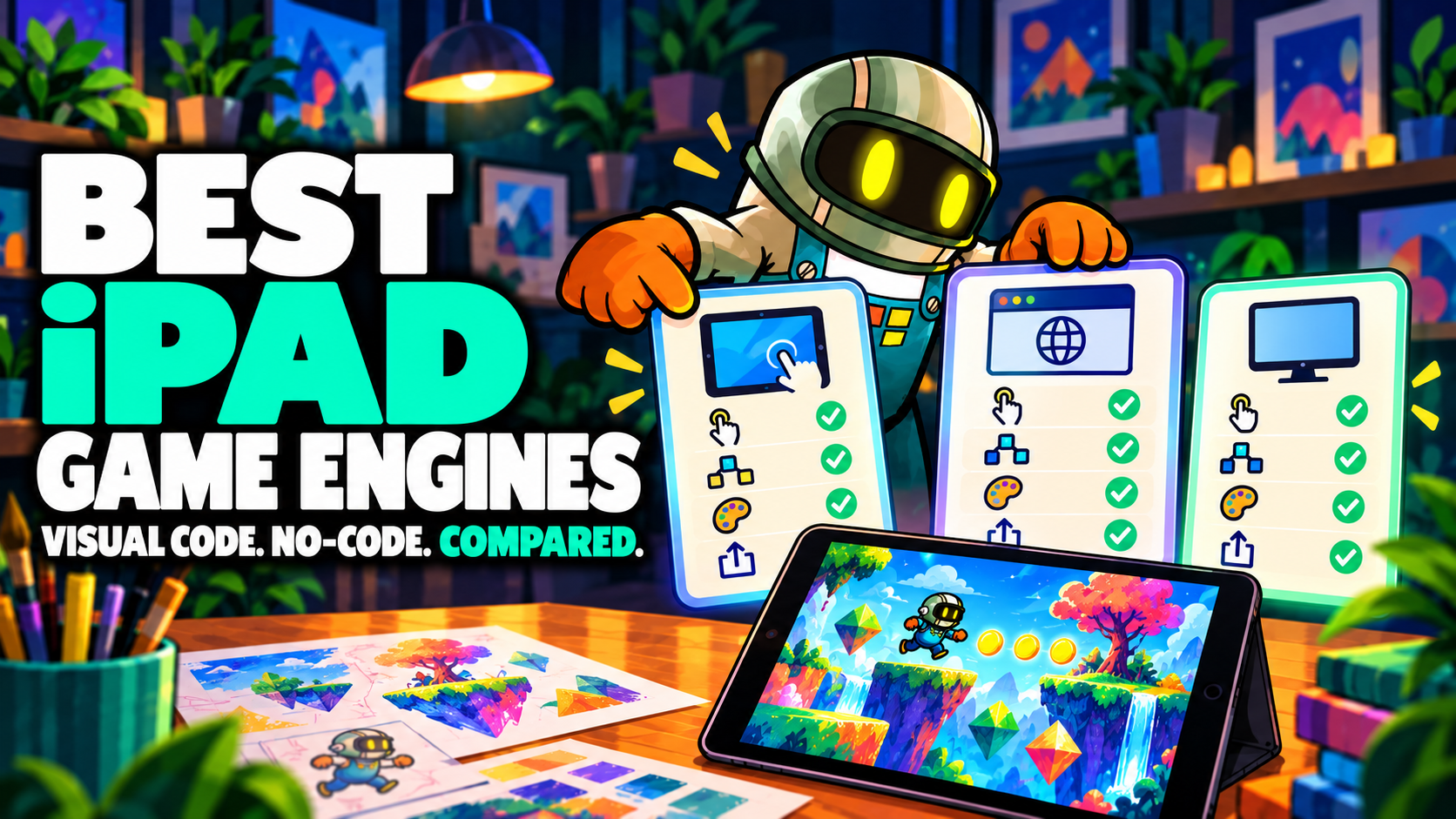
With visual coding tools and no-code game engines, you can make high-quality games without writing code. Here are the best options for iPad.
Anyone can create and publish a game without years of programming knowledge or expensive software.
Create and publish games without traditional programming and earn income through ads, in-app purchases, and premium downloads.

AI is changing how games are designed, built, and played. Here's what that means for hyperPad creators, and how to build AI-style systems with Behaviors.
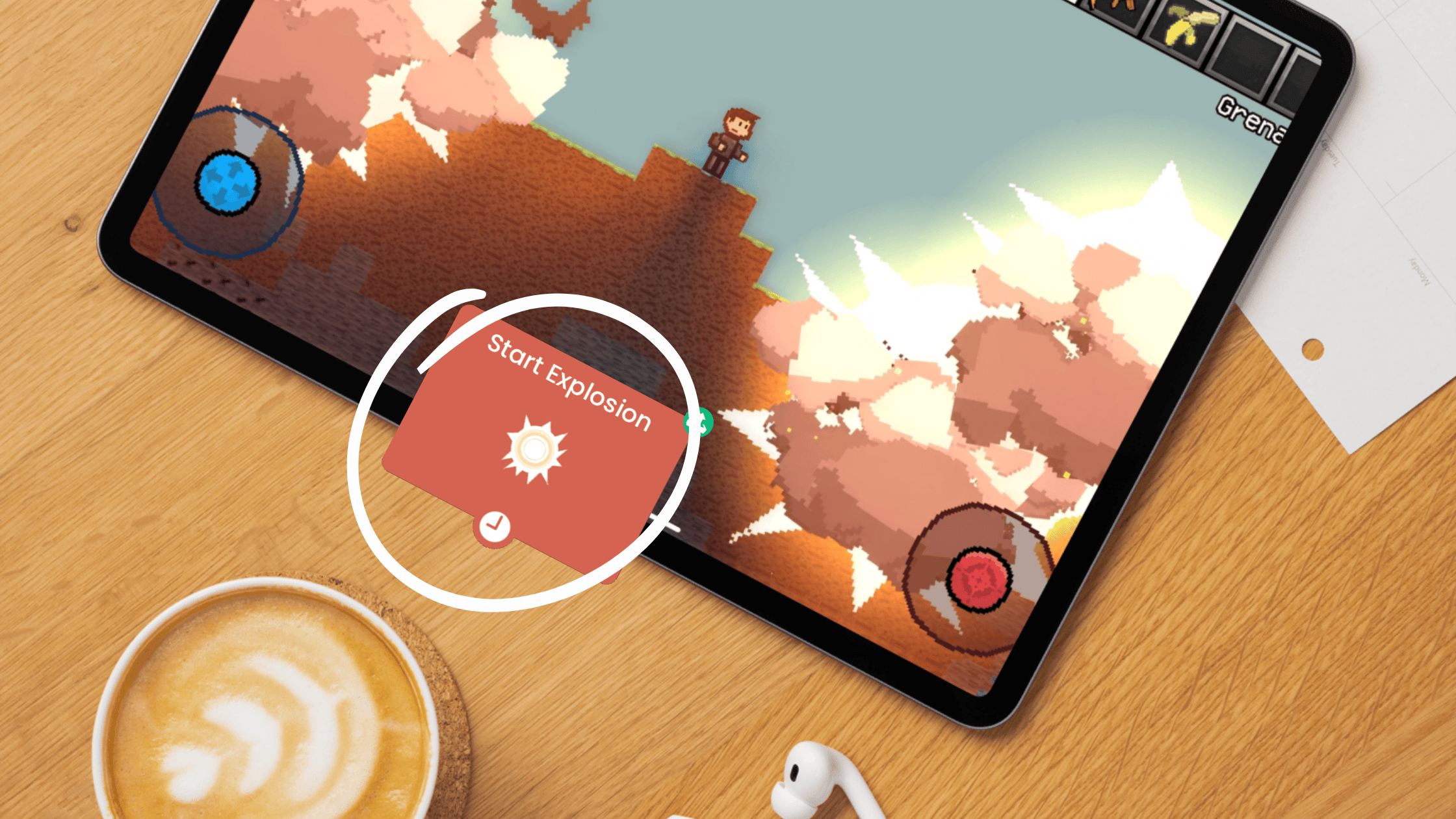
Rapid prototyping lets you test ideas and design games faster. Here are the iPad tools that make it quick, from Codea to hyperPad.

Apple announced a unified gaming hub for iOS and iPadOS at WWDC 2025. Here's what achievements, leaderboards, and social features mean for hyperPad creators.

Turn your iPad into a game studio and build interactive music games with hyperPad, without writing a single line of code.

Compare the hyperPad Hub and itch.io by purpose, feedback, creator workflow, and distribution stage. See why hyperPad should anchor an iPad game-production loop.

Vibe Coding swaps typed syntax for visual tools that keep you in the creative flow. Here's why hyperPad works for Vibe Coding games on iPad.

Good game art takes time. Here's how to use an AI generator like Stockimg.ai to make 2D characters, backgrounds, and props for your hyperPad game.
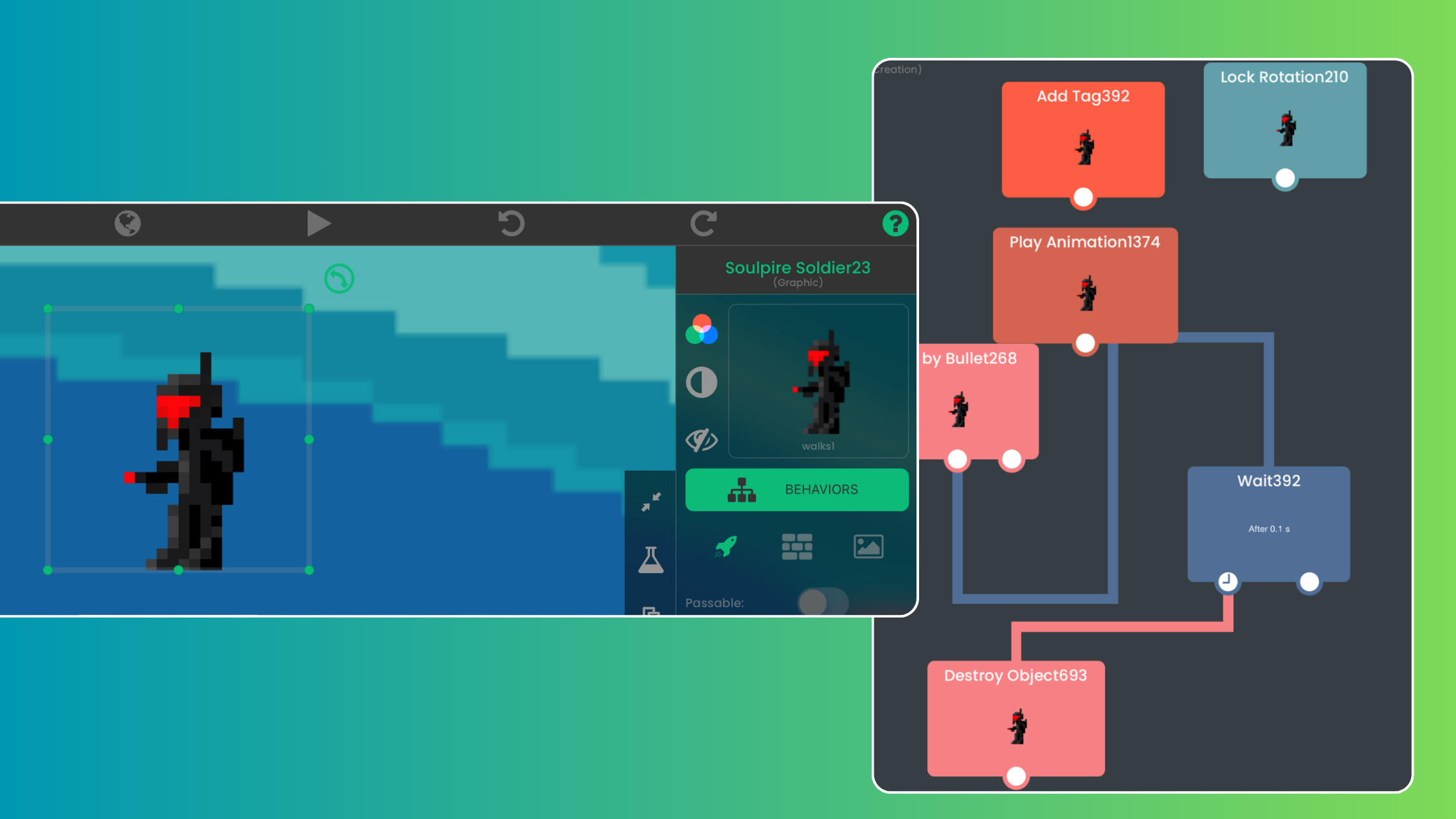
Design a mobile game on iPad by defining one game loop, building it with Objects and Behaviors, and testing it with real players.
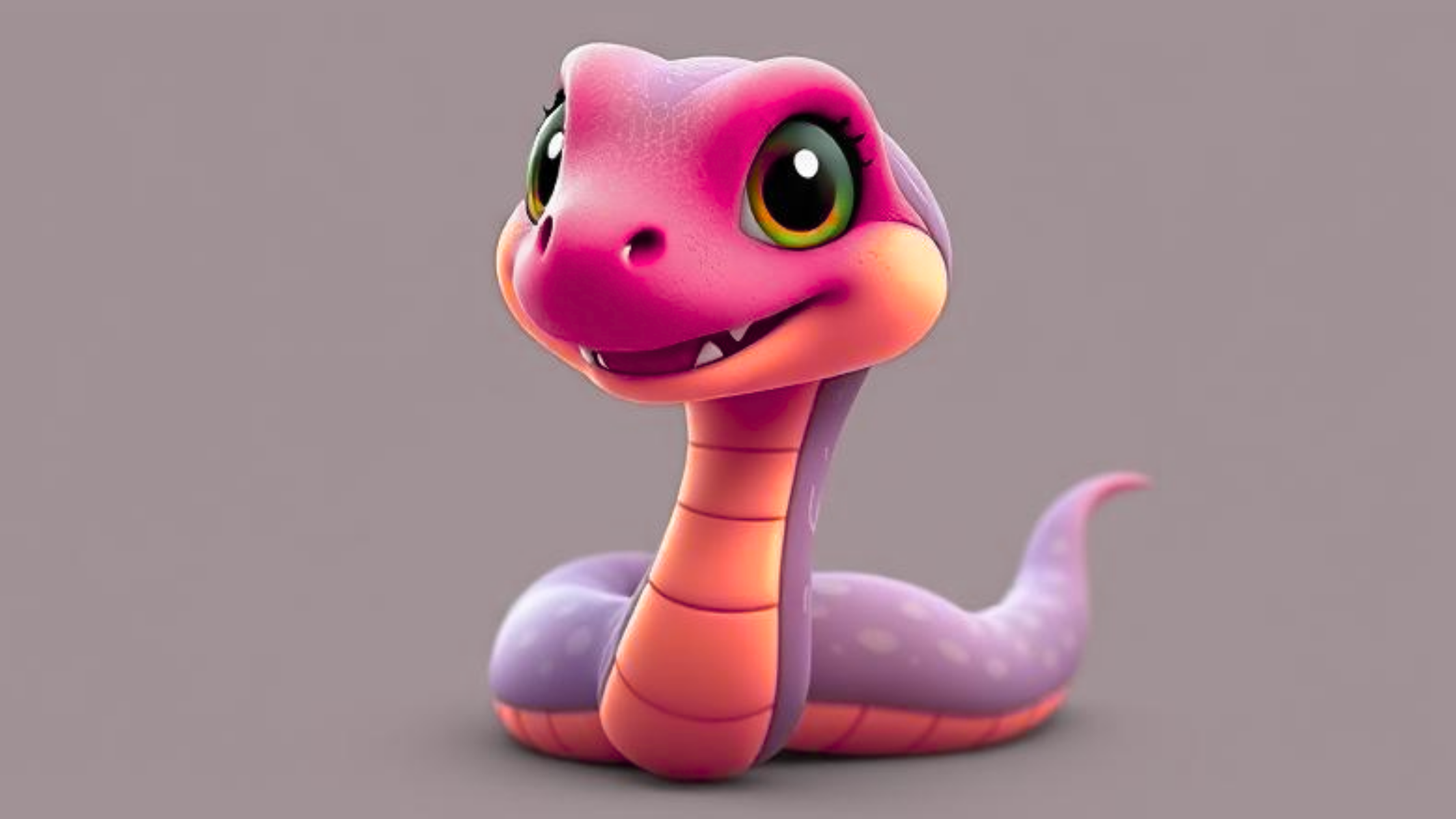
For aspiring game devs looking to create a snake-themed game for iPad using no-code tools.
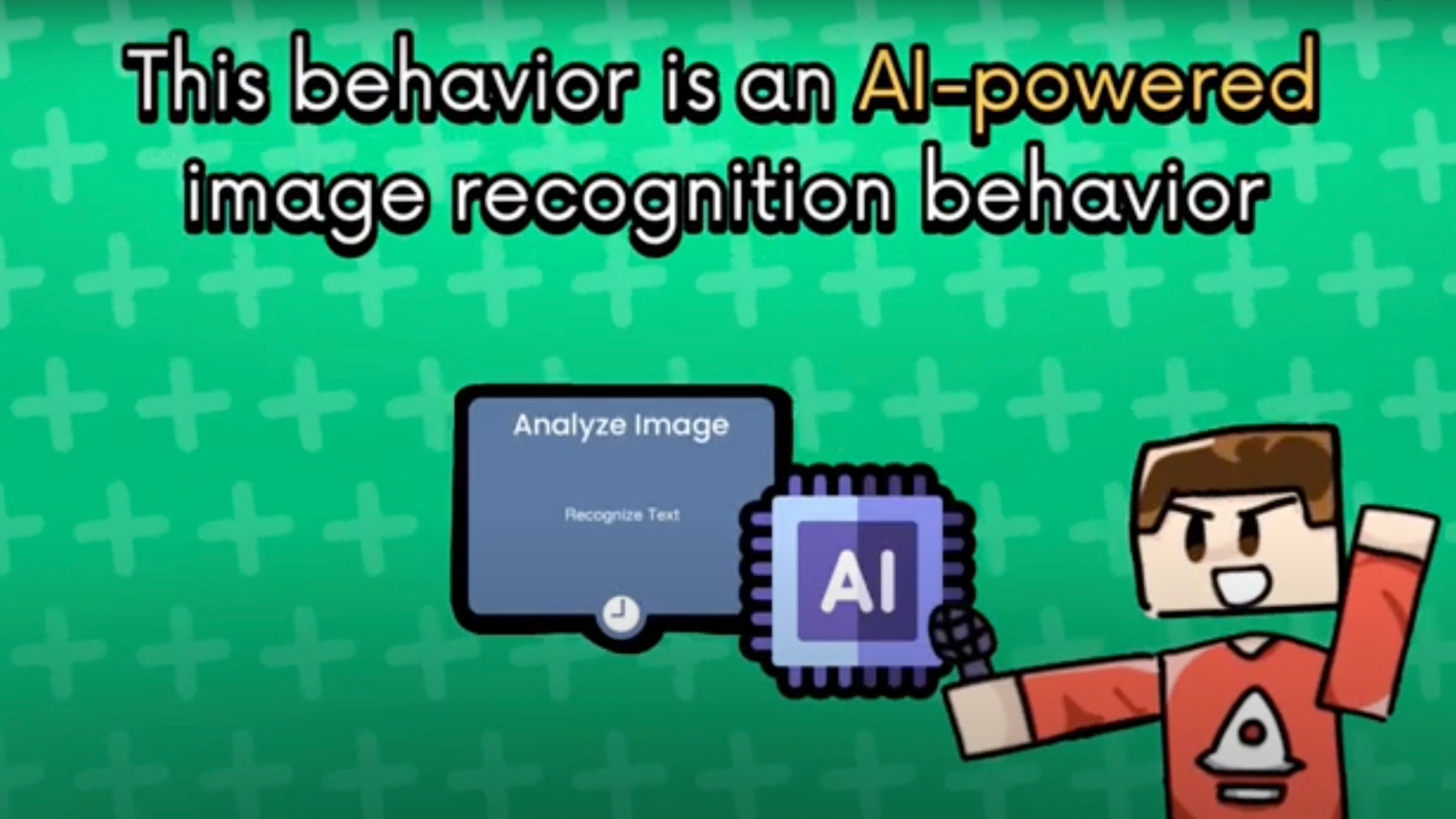
Learn how to build an image recognition game on iPad with hyperPad's Analyze Image Behavior. It runs AI locally, works offline and needs no code.
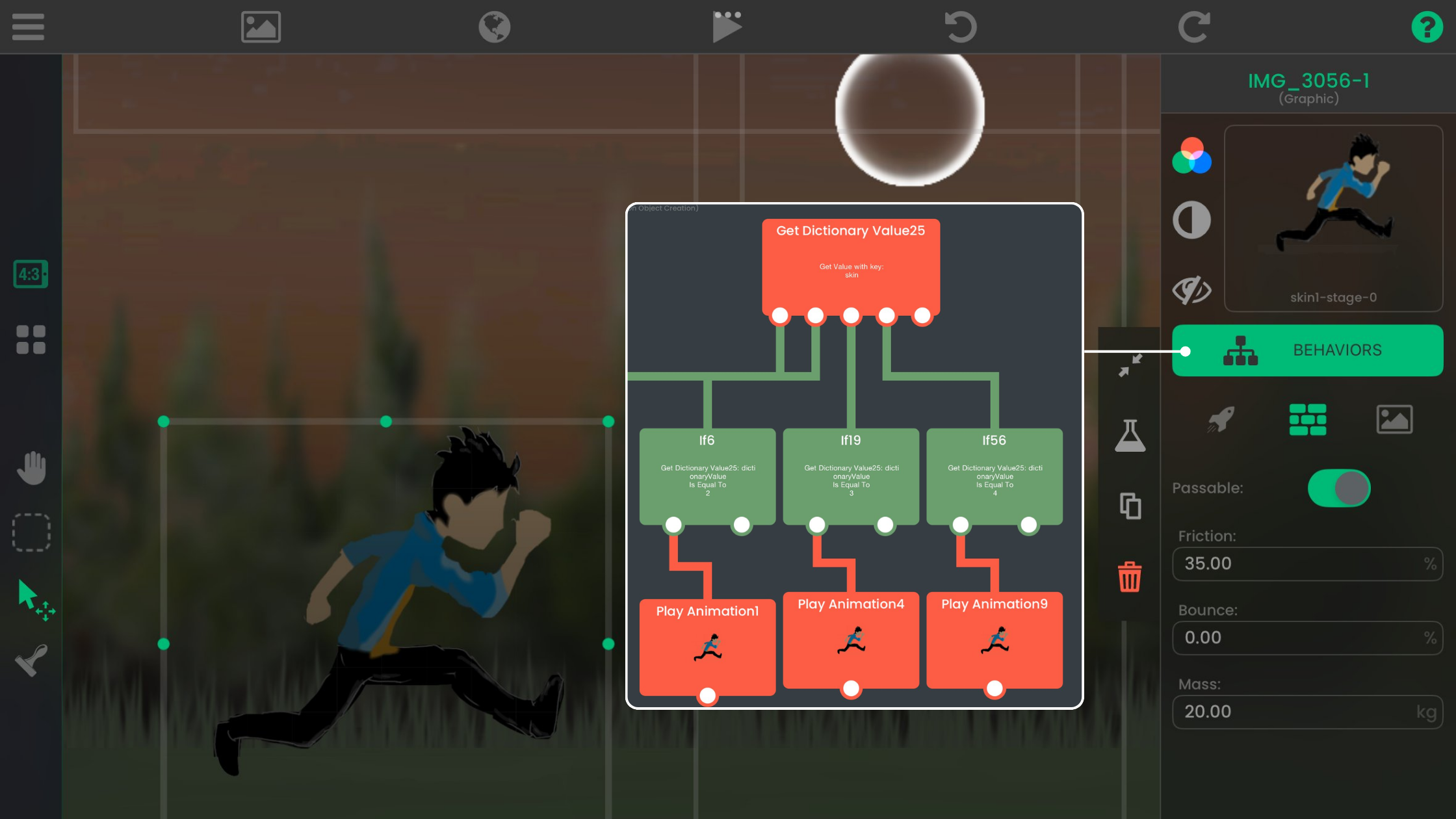
Design, build, and publish your own indie games and apps on iPad with hyperPad’s visual Behaviors, then share them on the Hub or export to the App Store.

Yes. With hyperPad on iPad, students build educational games with drag-and-drop Behaviors, no coding needed. Ideas for teachers, parents, and students.


