Top iOS App Development Tools for 2025


The mobile app and game market is crowded, and creators of every skill level are looking for tools that make development easier to get into. Whether you're a business owner, an indie game developer, or an educator, the right tool helps you turn an idea into a working app.
This article covers the top iOS app development tools for building apps and games, with a focus on tools that are easy to learn, including no-code options.
Top iOS App Development Tools for 2025
1. hyperPad
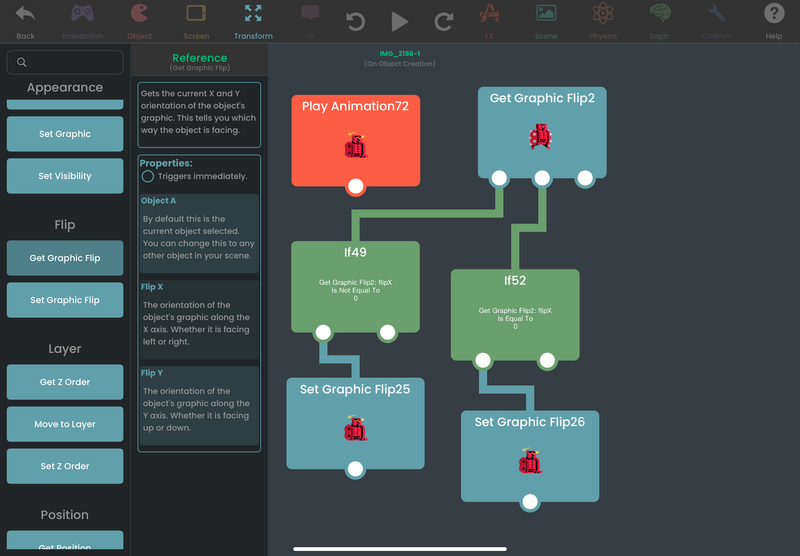
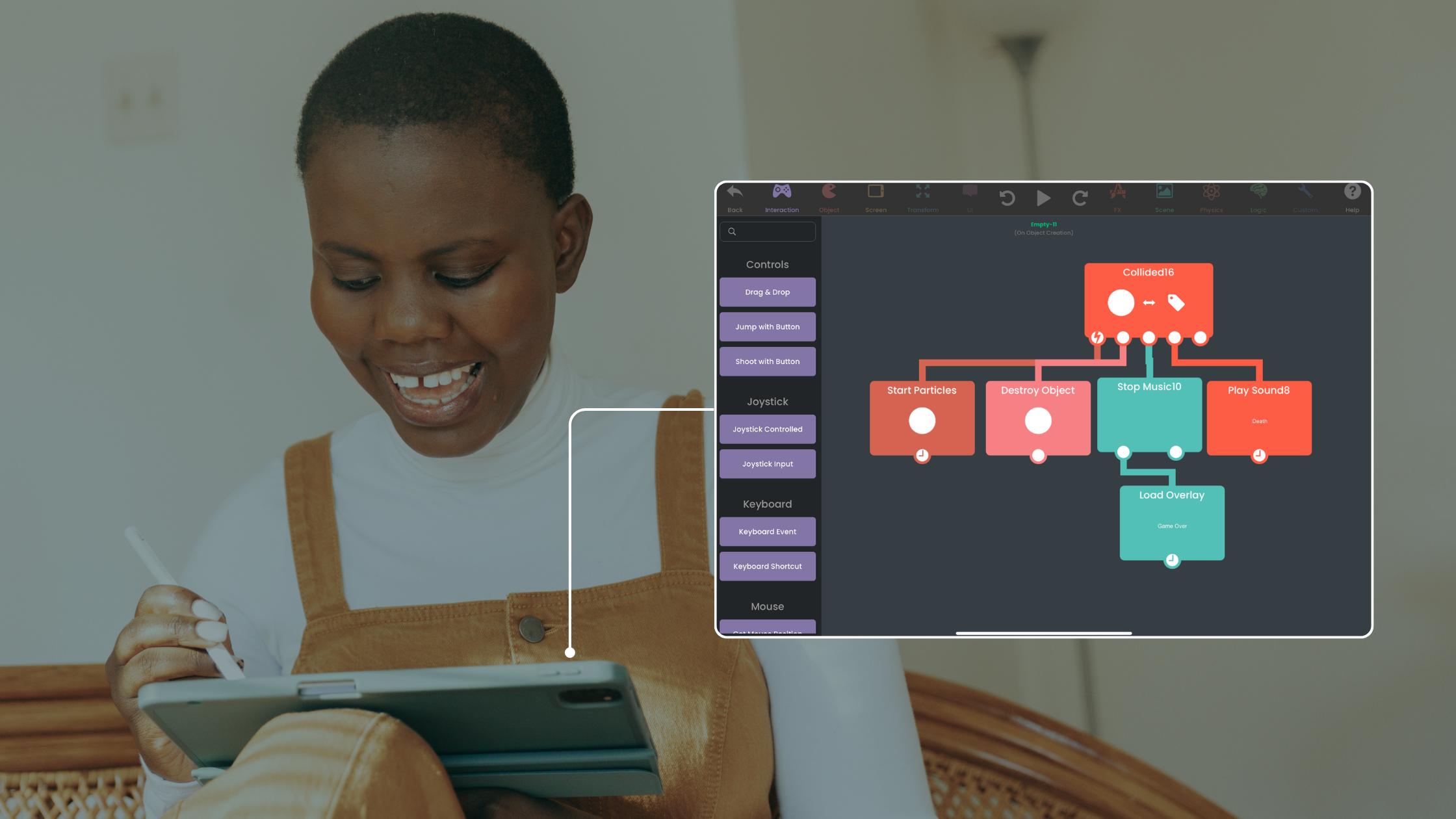
hyperPad is a no-code app and game maker that runs on iPad. You build with a drag-and-drop editor and Behaviors, which you connect into a flowchart of your app's logic. Beginners can pick it up quickly, and experienced developers still get physics, particles, and other advanced features.
Features:
- A no-code environment for making mobile games and apps.
- Import and animate your own Graphics.
- Export your app to the Apple App Store with hyperPad and keep 100% of your revenue.
- Works well for educational and creative projects.
hyperPad lets hobbyists, educators, and indie developers bring their app ideas to life without writing code.
2. Xcode
Xcode is the go-to integrated development environment (IDE) for Swift and Objective-C. It gives developers the tools to design, test, and deploy iOS apps.
3. Bloxels
Designed for game creators of all ages, Bloxels combines physical and digital elements to build pixel art games. It's especially useful for creating retro-inspired visuals.
4. AppCode
Built by JetBrains, AppCode simplifies coding in Swift, Objective-C, and other languages. It offers intelligent code assistance and advanced debugging. Note that JetBrains has since discontinued AppCode, so it no longer receives updates.
5. Transporter
Transporter is a key tool for submitting apps, music, and other content to Apple's platforms. It handles delivery and validation.
6. Simulator
Part of Xcode, Simulator lets developers test apps in a virtual environment. It's useful for debugging across different iOS devices.
7. CocoaPods
This dependency manager makes it easier to add third-party libraries, helps keep them compatible, and saves development time.
8. Design+Code
If you're learning app design and development, Design+Code offers video tutorials on Swift, Xcode, and more.
Game Development on iPad
iPad-based tools like hyperPad and Bloxels have changed how creators approach app and game development. They focus on accessibility, creativity, and affordability:
- No-code Tools: You can build interactive games and apps without any programming experience.
- Affordability: hyperPad is a one-time purchase, and hyperPad Starter is free (limited to one project).
- Portability: You build on the iPad, so you can create anywhere.
Whether you're a professional developer or a 10-year-old aspiring creator, iPad tools give you the flexibility to make your ideas real.
Looking to create your next big app or game? With a no-code tool like hyperPad, it's never been easier to start.
Try hyperPad Starter free. When you want more projects and App Store export, upgrade to hyperPad for a one-time USD $14.99. You keep 100% of your revenue.