

by hyperPad
Transform Your Classroom with Game Design and Coding on iPad
Transform your classroom with game design and coding on iPad. Students build games with hyperPad Behaviors, and you get a first 45-minute lesson to run.
For TeachersSTEM
Transform your classroom with game design and coding on iPad. Students build games with hyperPad Behaviors, and you get a first 45-minute lesson to run.
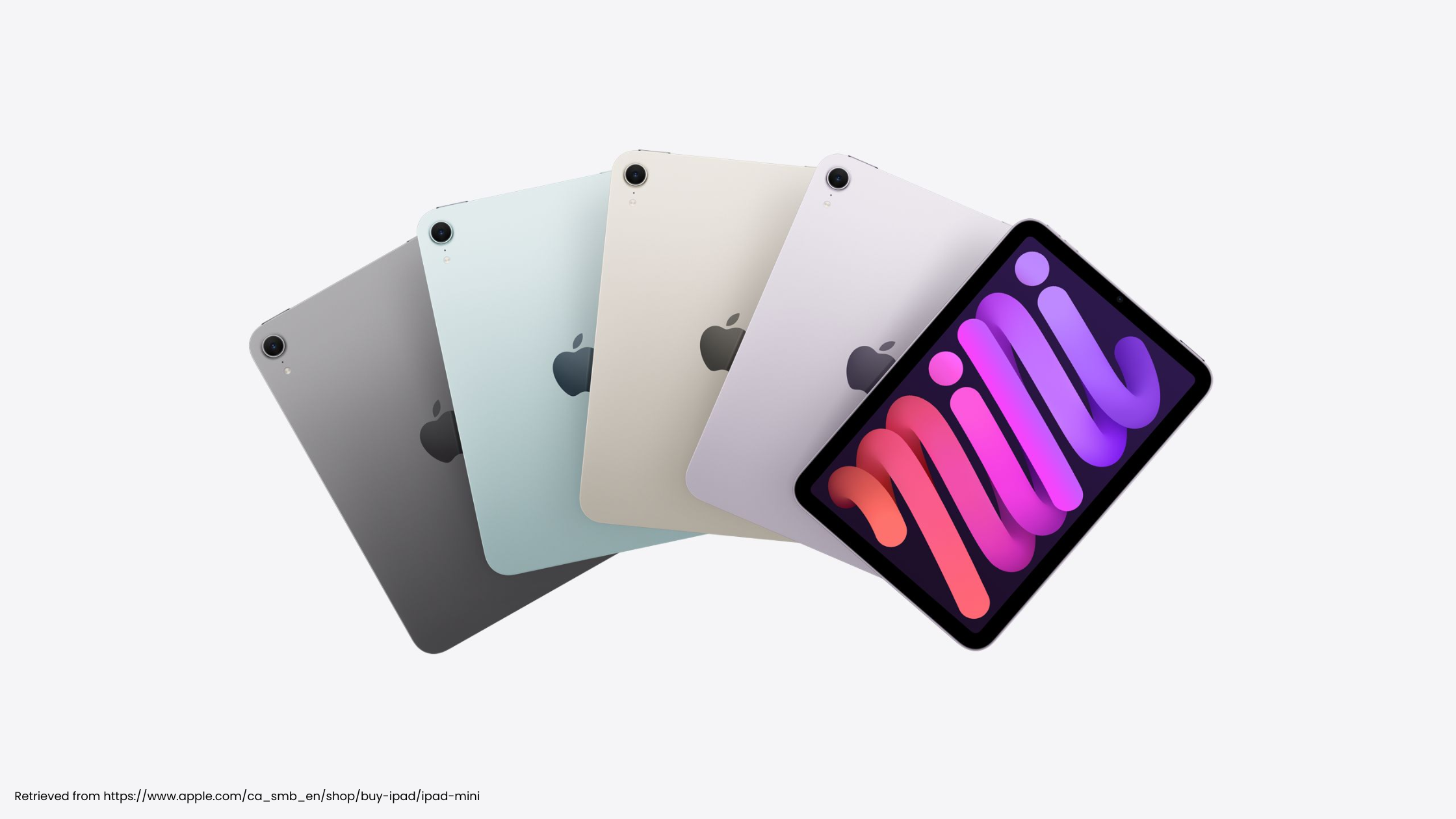
Apple's 2025 for iPad game creators: what iPadOS 26, the M5 iPad Pro, and the Apple Games app change for making and sharing games with hyperPad.
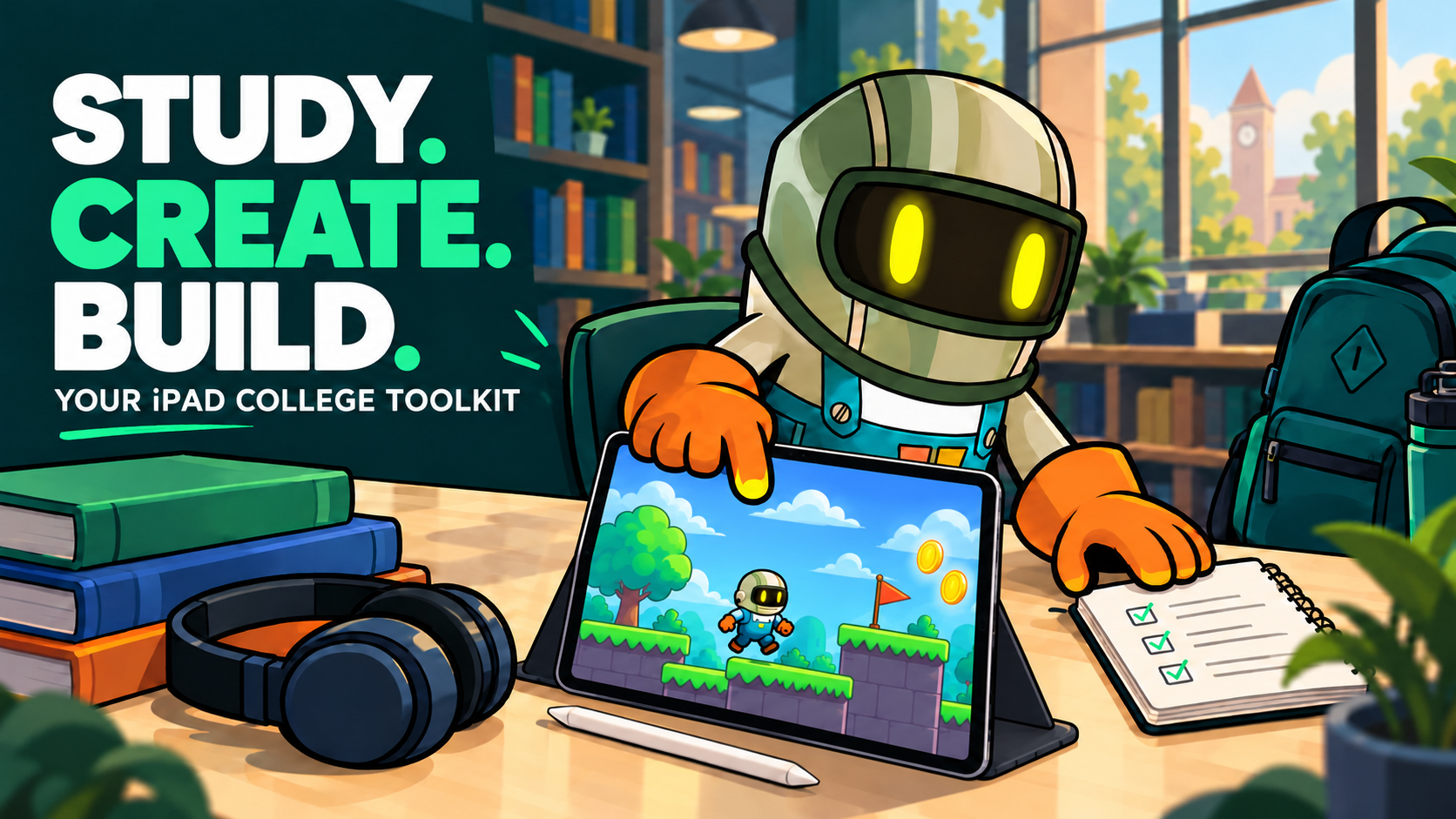
11 must-have iPad apps for college students, from Goodnotes and Notion to iMovie and hyperPad, plus study tips and free iPad features to turn on.
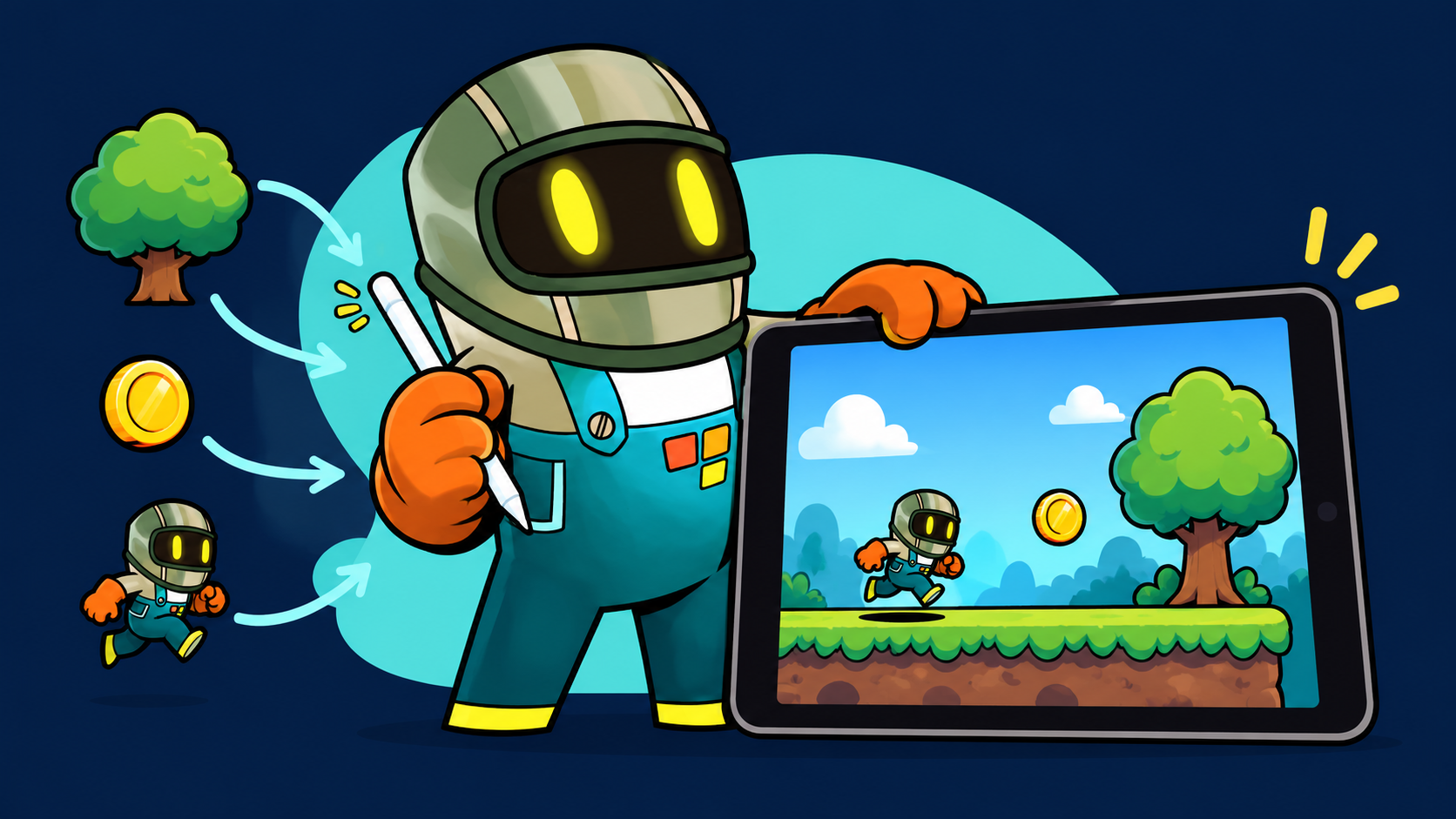
Turn your iPad into a game art studio: design art, UI and layouts in the Affinity iPad apps, then build and Publish the game in hyperPad.
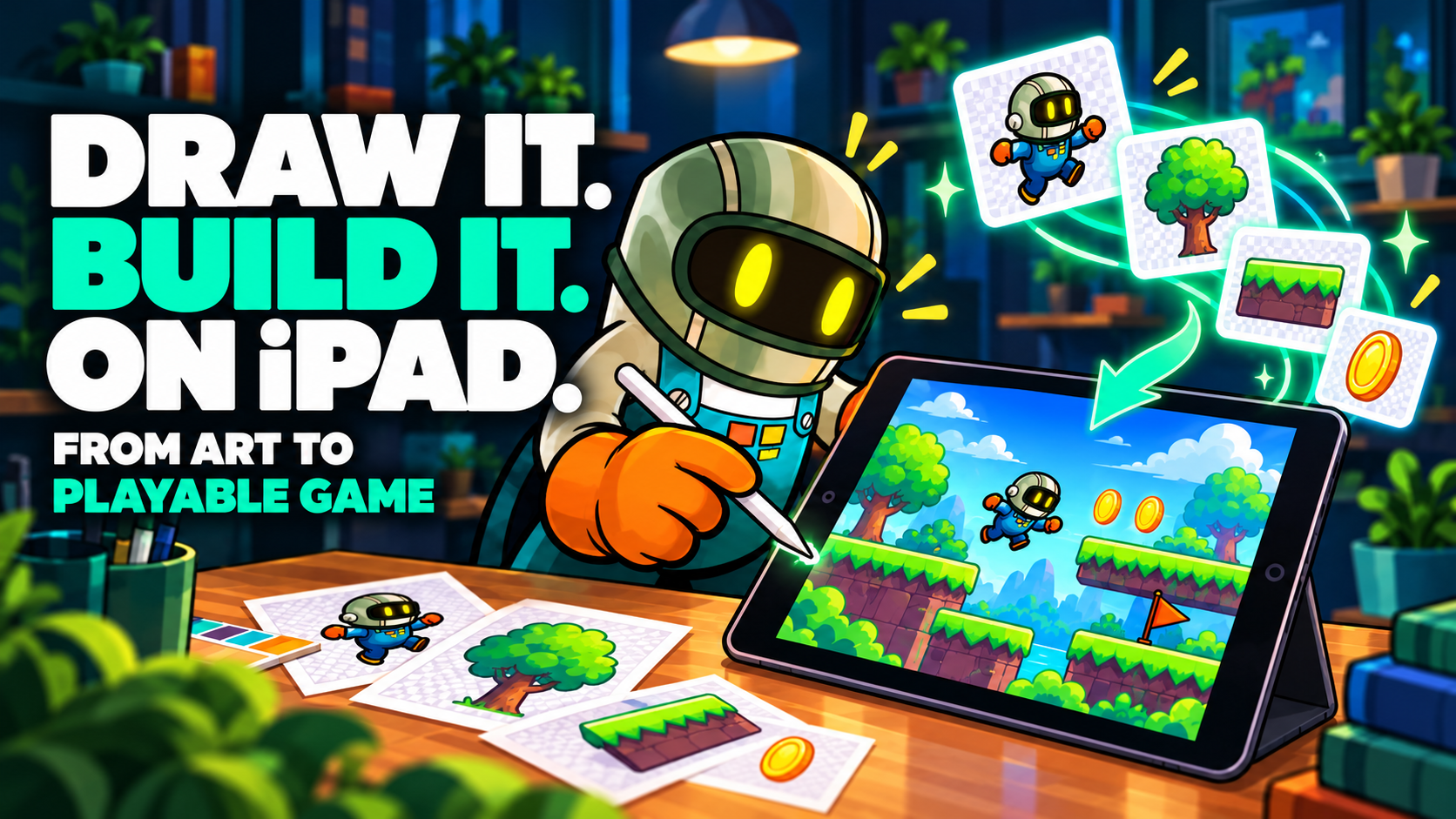
Create a game entirely on iPad: draw art in Affinity, import it into hyperPad, and build a key-and-door puzzle with visual Behaviors.
Do you need the M5 iPad Pro to make games with hyperPad? See what Apple announced, how to test your Project, and when the upgrade is worth it.
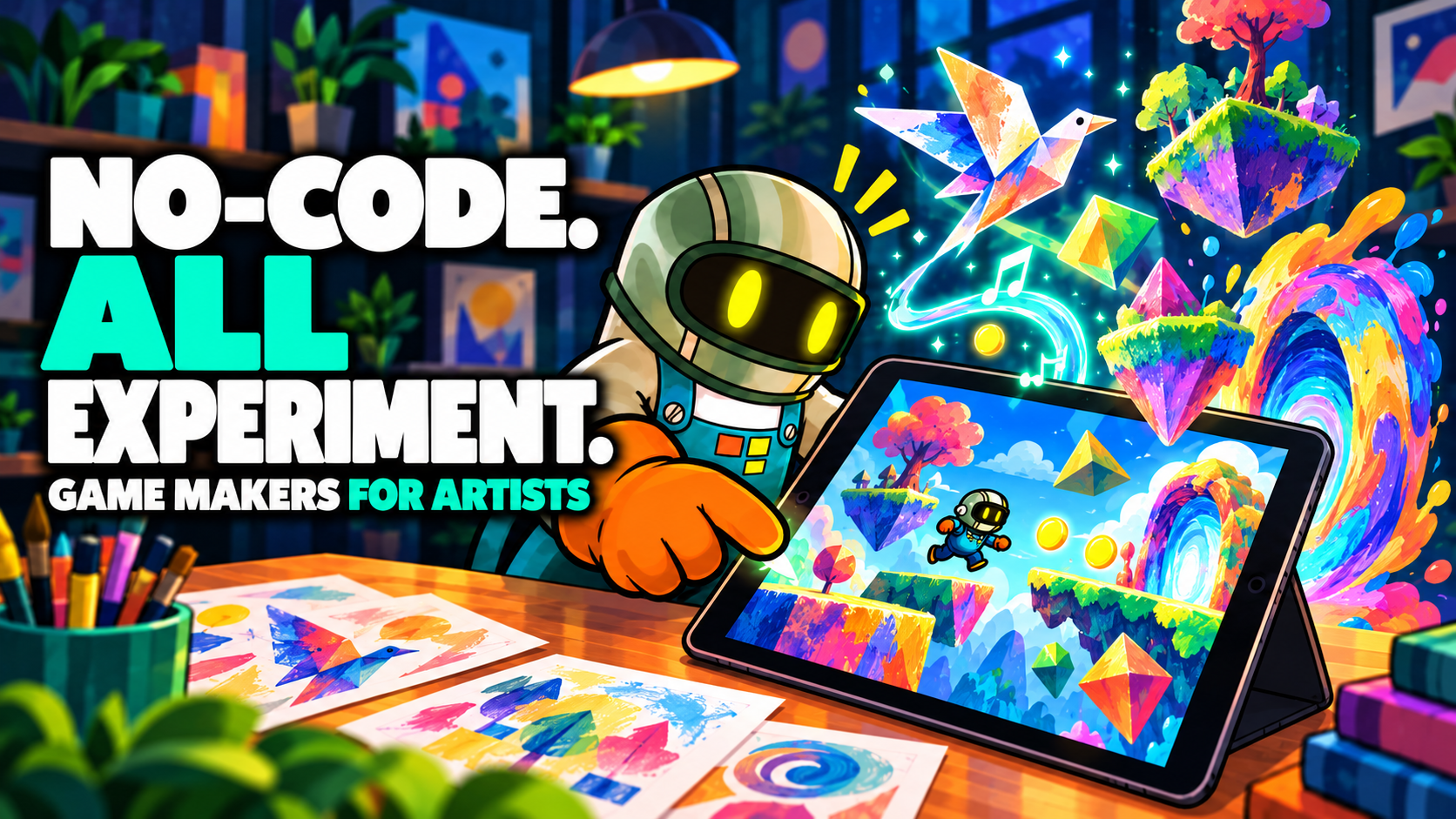
Compare no-code game makers for experimental art games: hyperPad, Construct 3, RPG Maker MZ and Twine, with tips for building an art game on iPad.
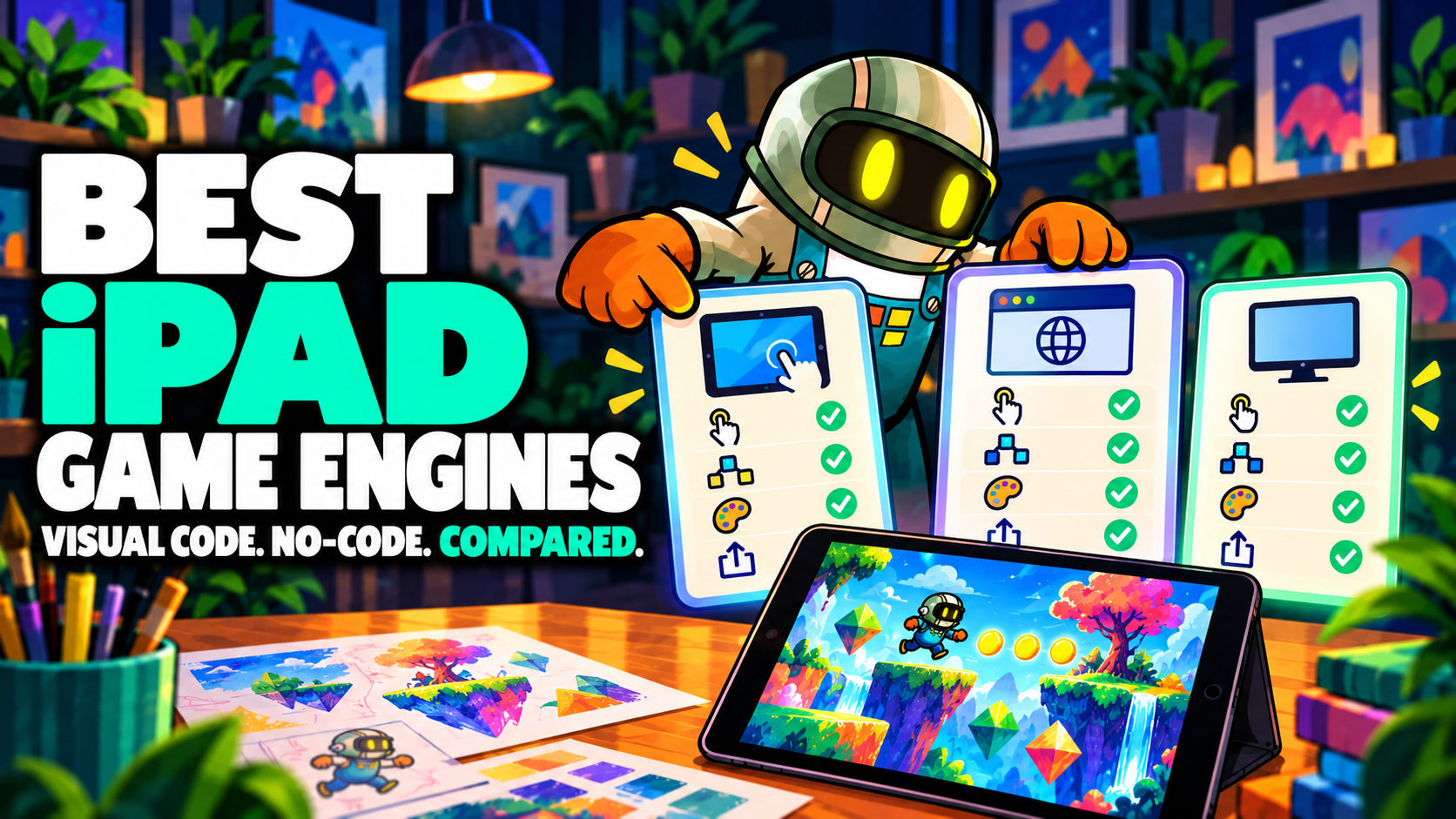
Compare hyperPad, Construct 3, GDevelop, Unity and Unreal by where the editor runs and how visual logic works, and find the best fit for making games on iPad.

Where AI shows up in game development today, and how to build AI-style enemies, levels and dialogue on iPad with hyperPad Behaviors.
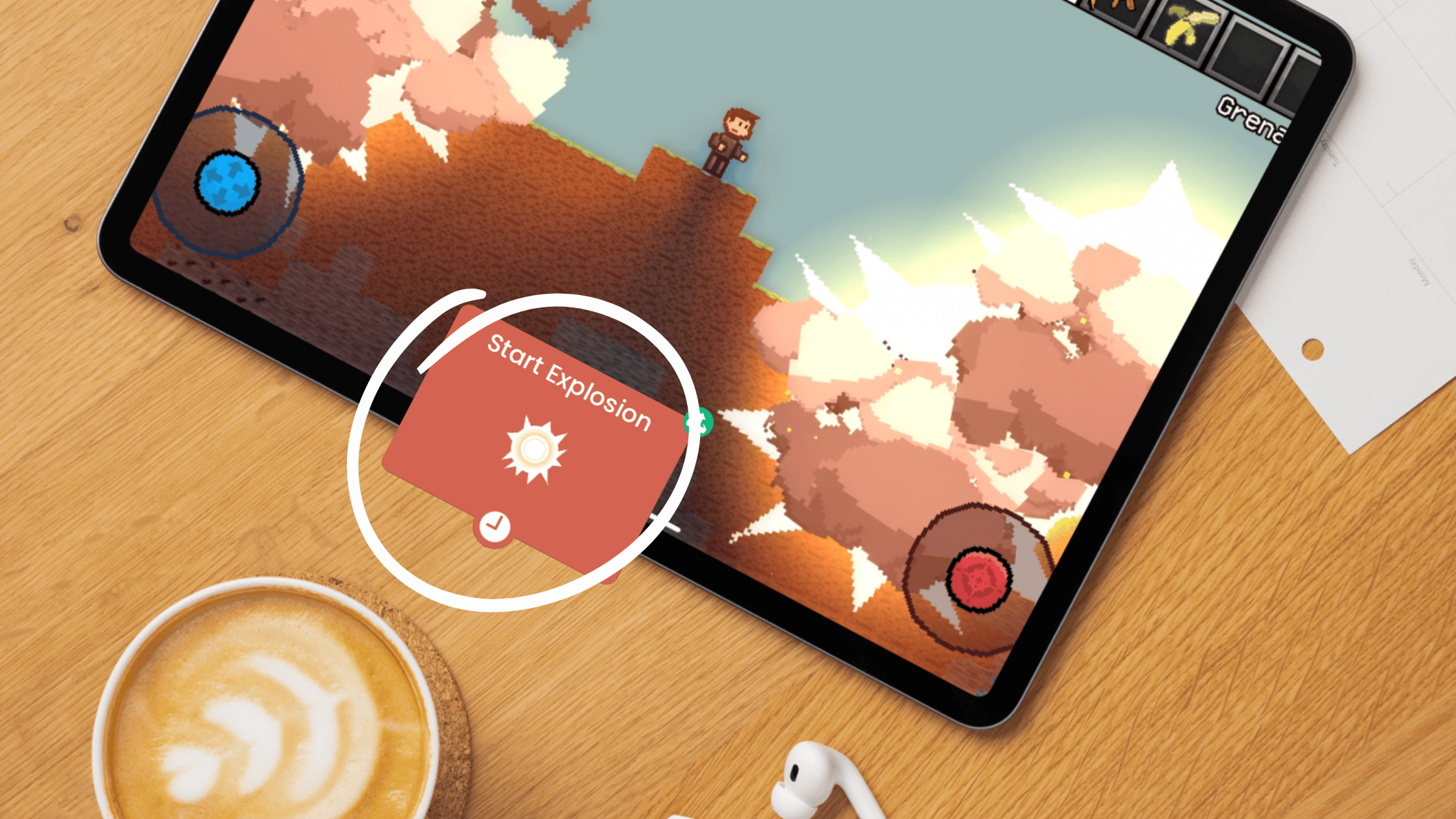
Rapid prototyping games on iPad: scope one risky question, build it in testable steps with hyperPad Behaviors, test with players, and decide what's next.

Apple's new gaming hub, the Apple Games app, rewards replay. See what it means for hyperPad creators and how to build a replay loop on iPad.

Make your own music games on iPad with hyperPad. Build a four-pad sound-sequence game with touch, audio, Attributes, scoring, and a clean restart.

Compare itch.io and the hyperPad Hub: what each one does, how a hyperPad game fits on itch.io, and a workflow that uses both.
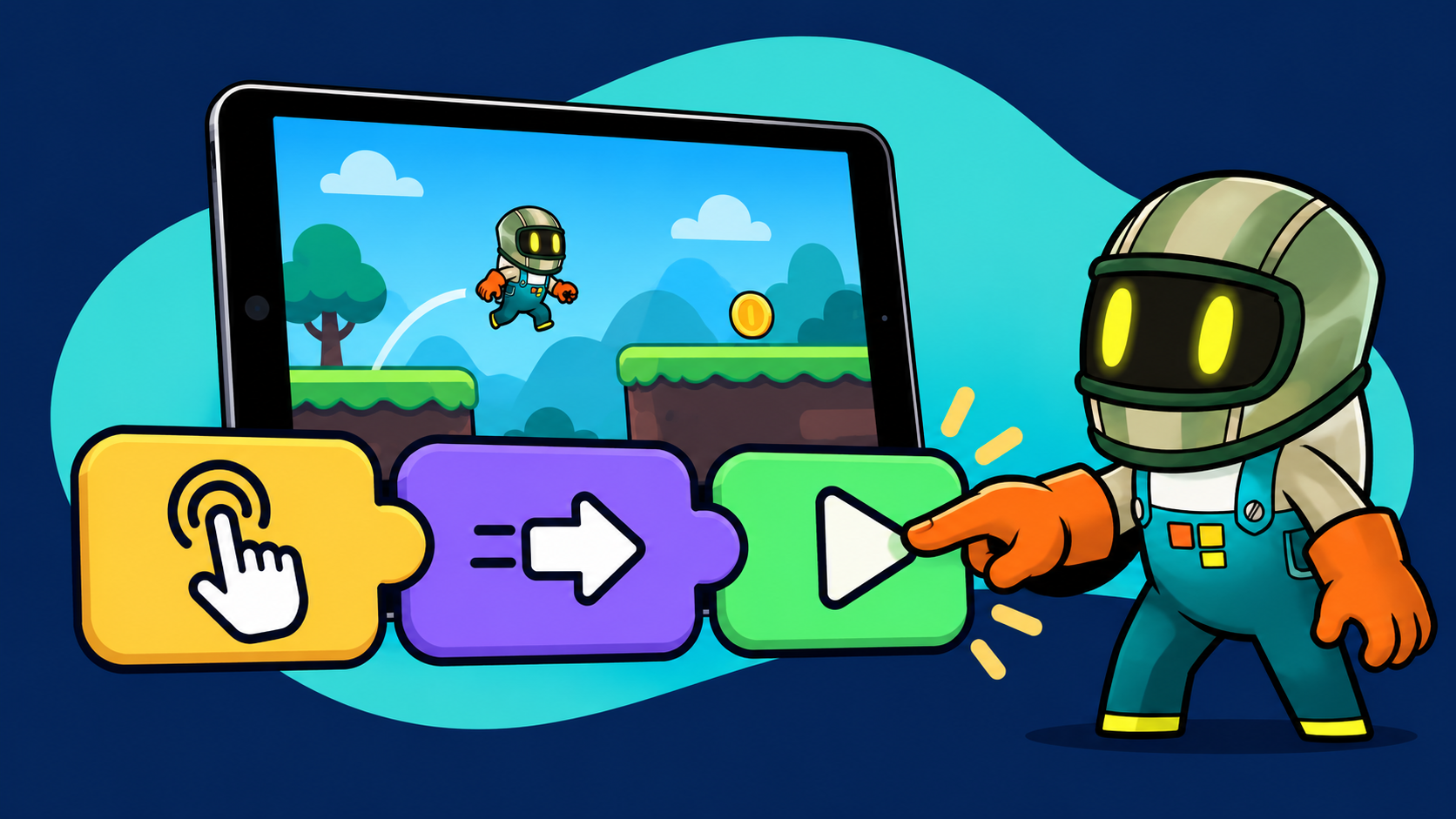
What's the best vibe coding tool for game developers on iPad? How vibe coding works, where it struggles on iPad, and how to choose.
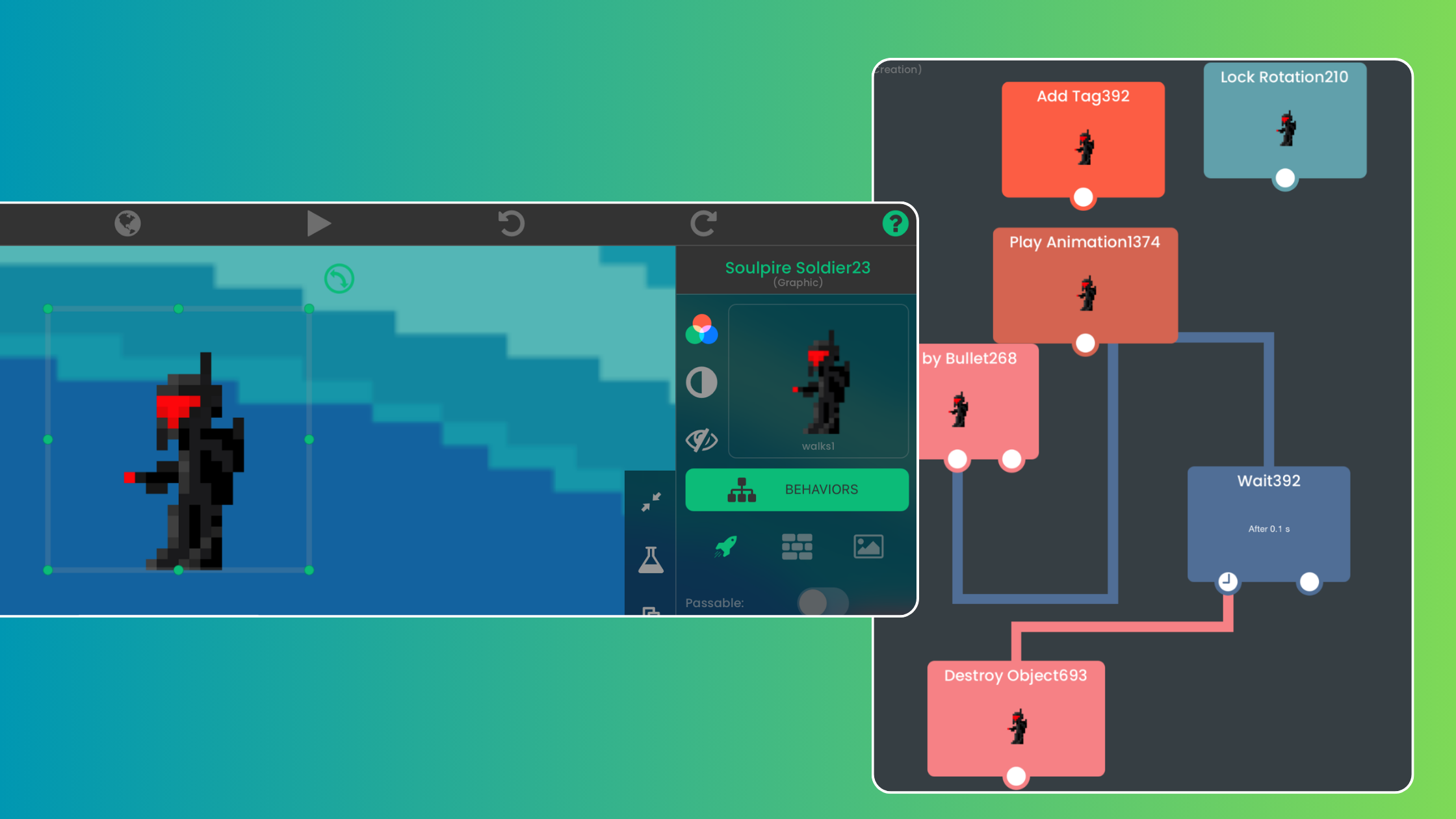
Design mobile games without coding on iPad: define one game loop, sketch a screen, build it with hyperPad Behaviors, and playtest one change at a time.
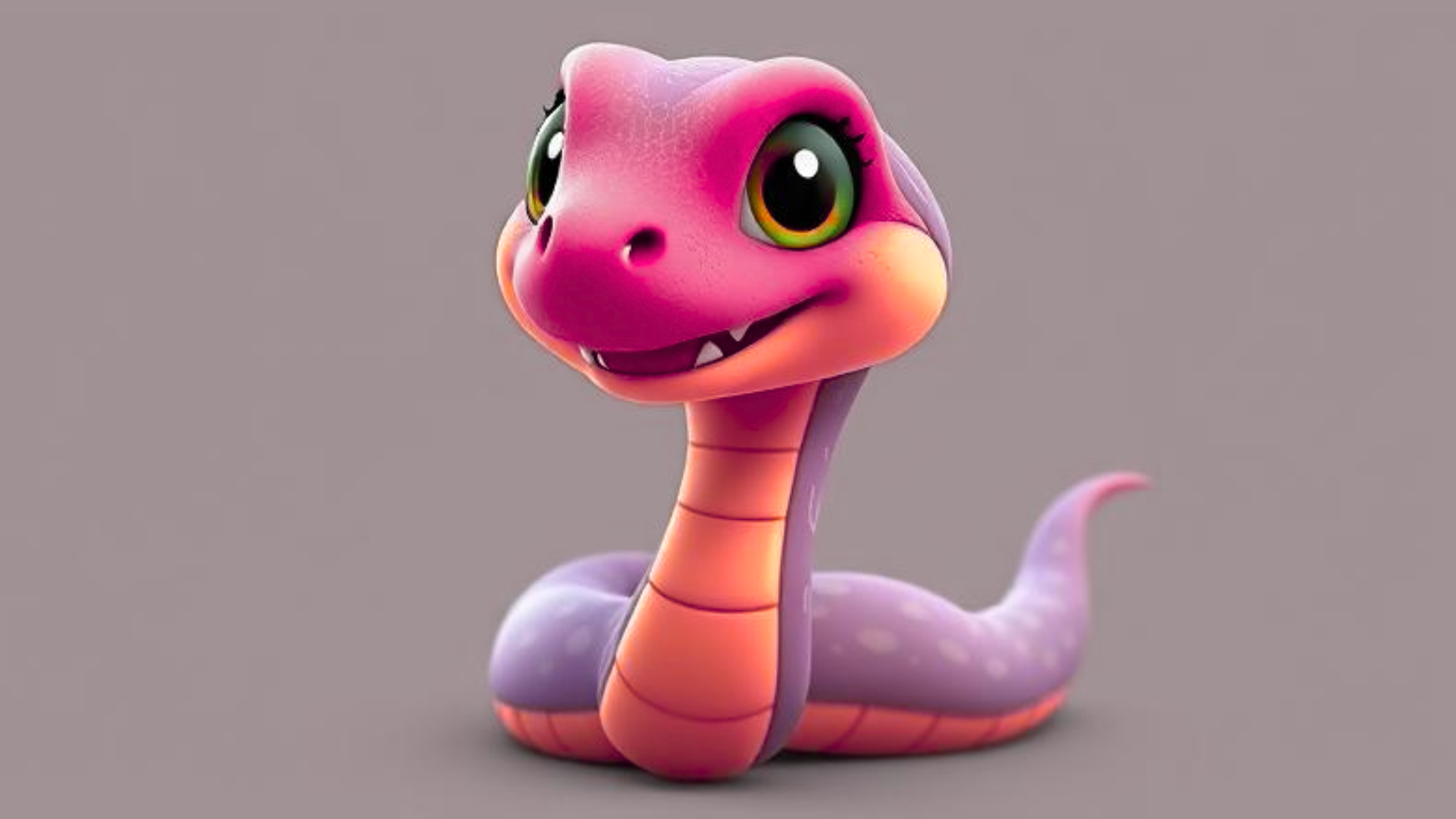
For aspiring game devs looking to create a snake-themed game for iPad using no-code tools.
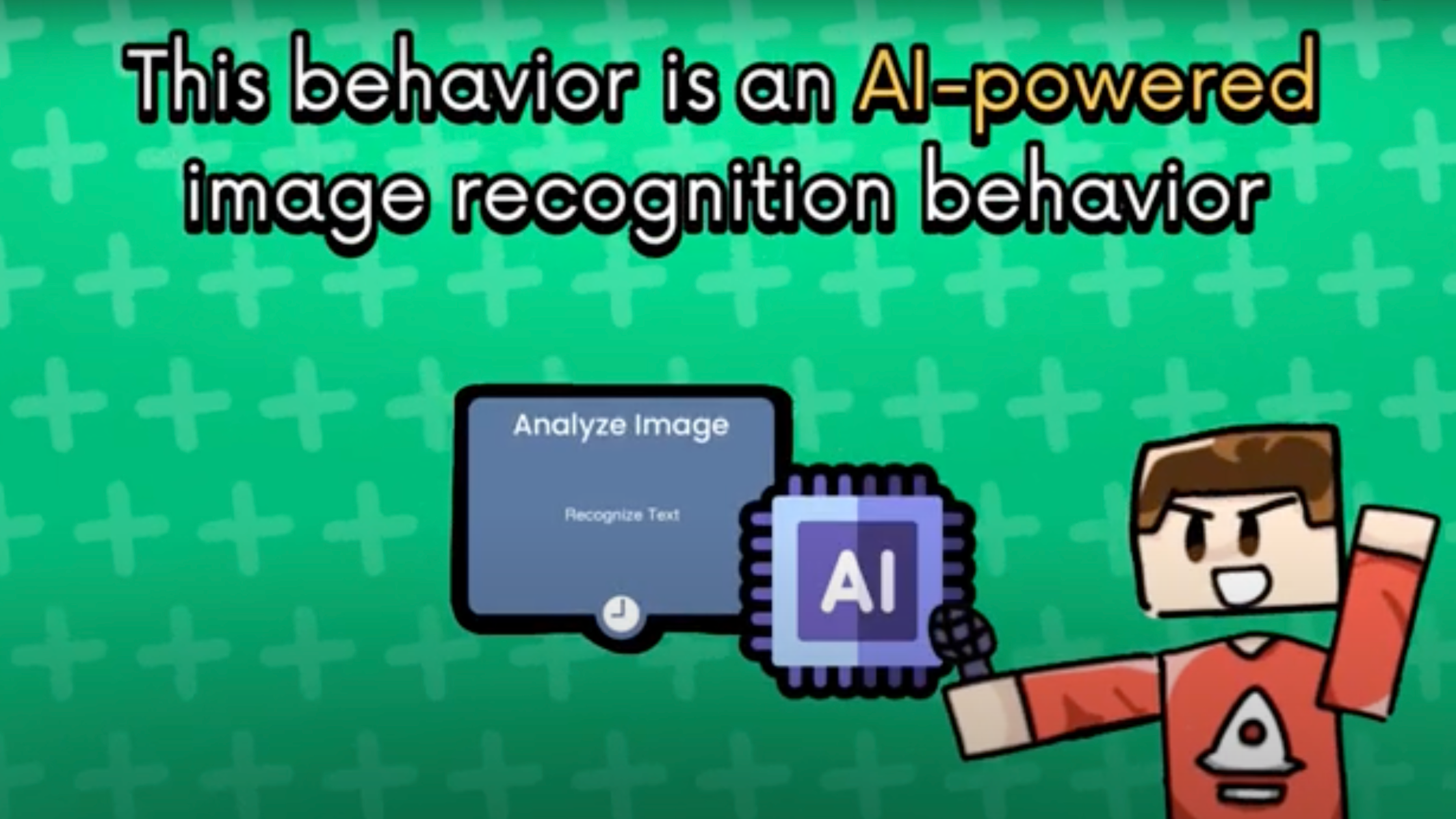
Make AI-powered games on iPad with no coding: use hyperPad's on-device Analyze Image Behavior to detect text and turn the results into game rules.
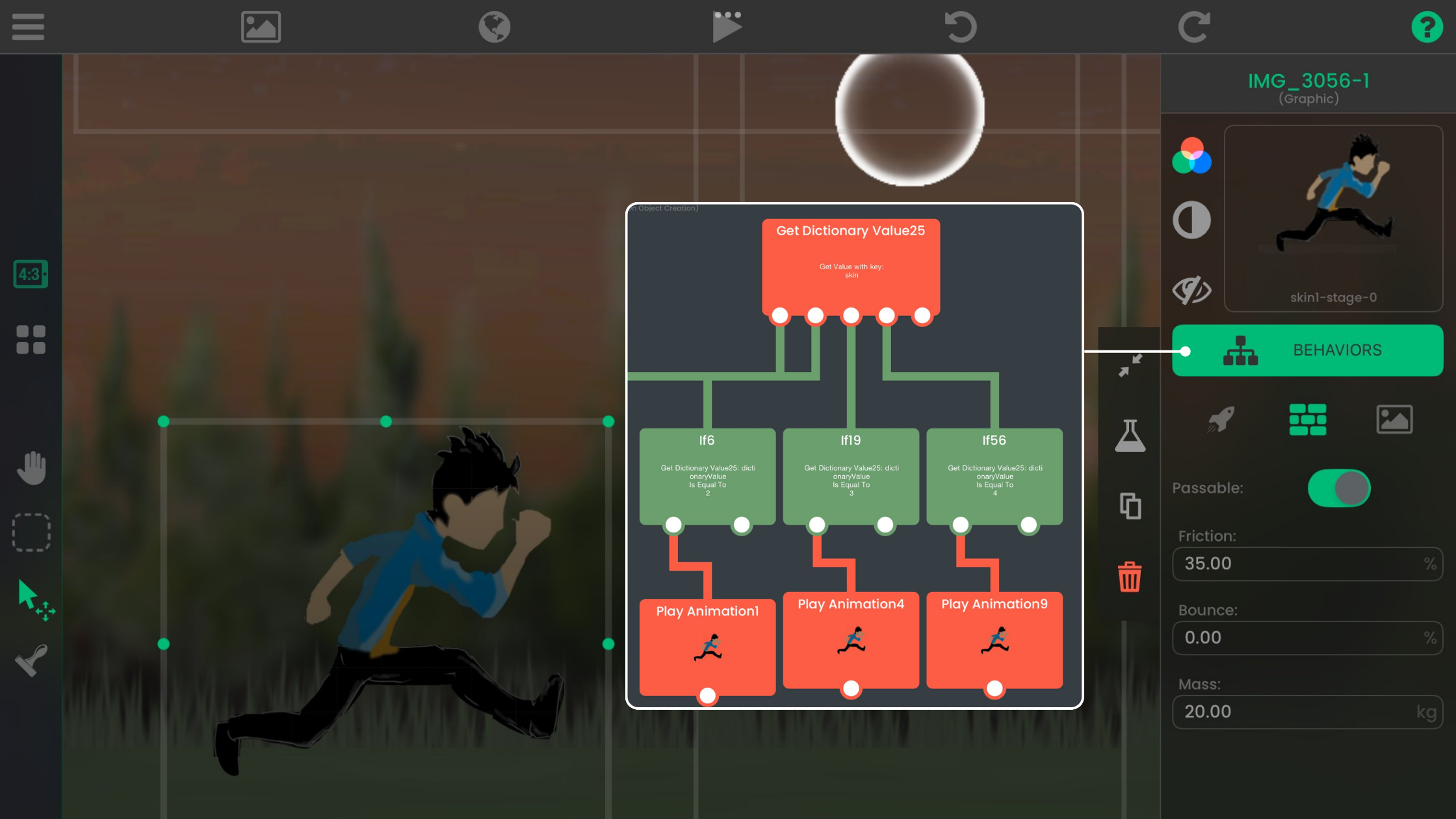
A step-by-step path to create your indie game on iPad with hyperPad: plan it, build it with Behaviors, Publish to the Hub, and Export it.

Yes. With hyperPad on iPad, students build educational games by connecting Behaviors, with no coding needed. Ideas for teachers, parents and students.

Make a Squid Game-style challenge on iPad with visual coding in hyperPad. Build Red Light, Green Light with Behaviors, then try your own twists.

Yes. A classroom workflow for students building one hyperPad game together on iPad, with clear roles, handoffs, version checks and feedback.

Compare iPad game-making apps by where student games can go: classroom, an online community or the App Store. Plus how publishing works in hyperPad.
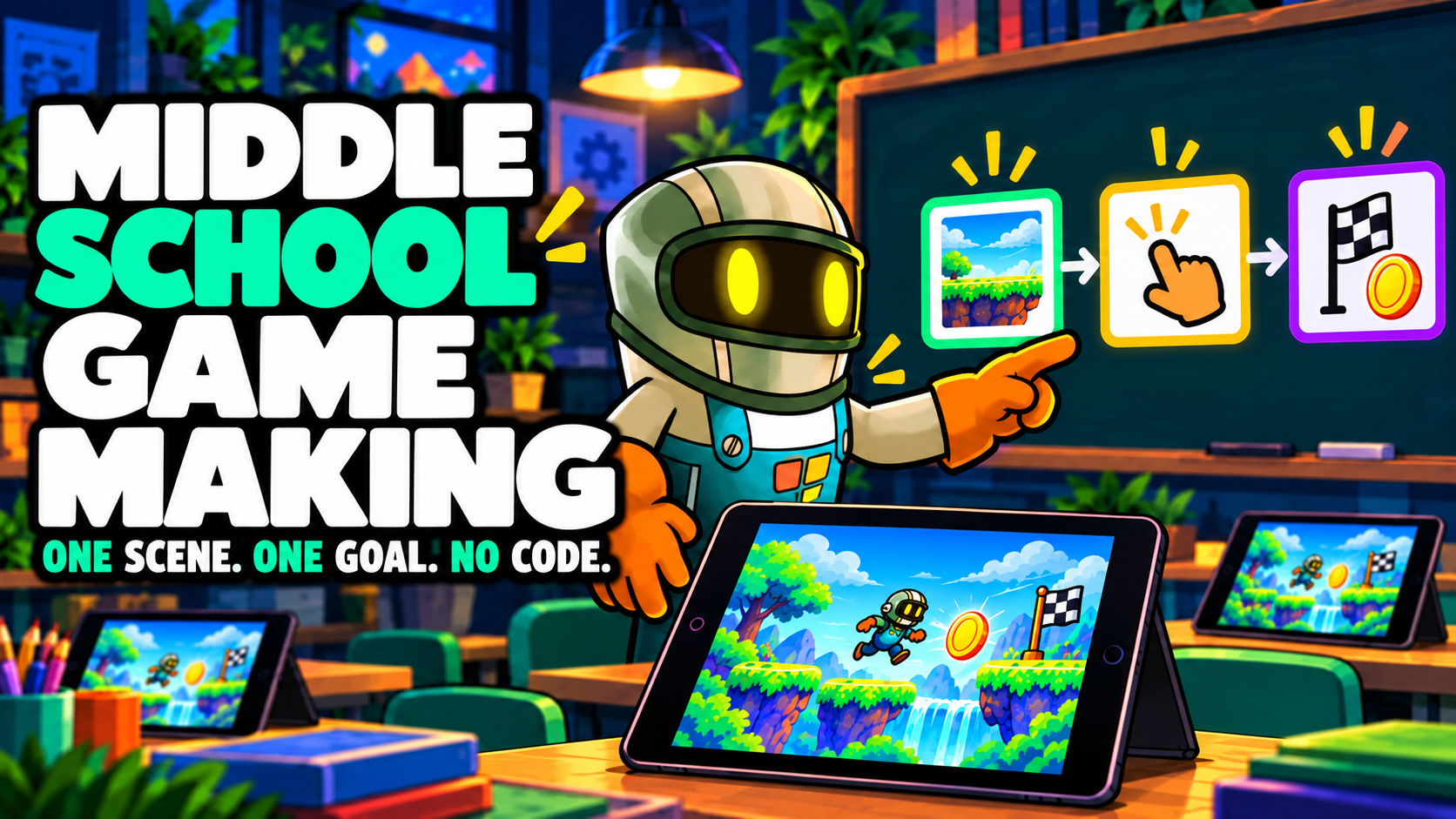
What makes a game creation tool easy for middle school students, plus a four-session hyperPad project that teaches events, conditions and debugging.

How to pick a game creator that holds up with 25 students, and a classroom plan for hyperPad on iPad with device checks, checkpoints and recovery steps.


