by hyperPad
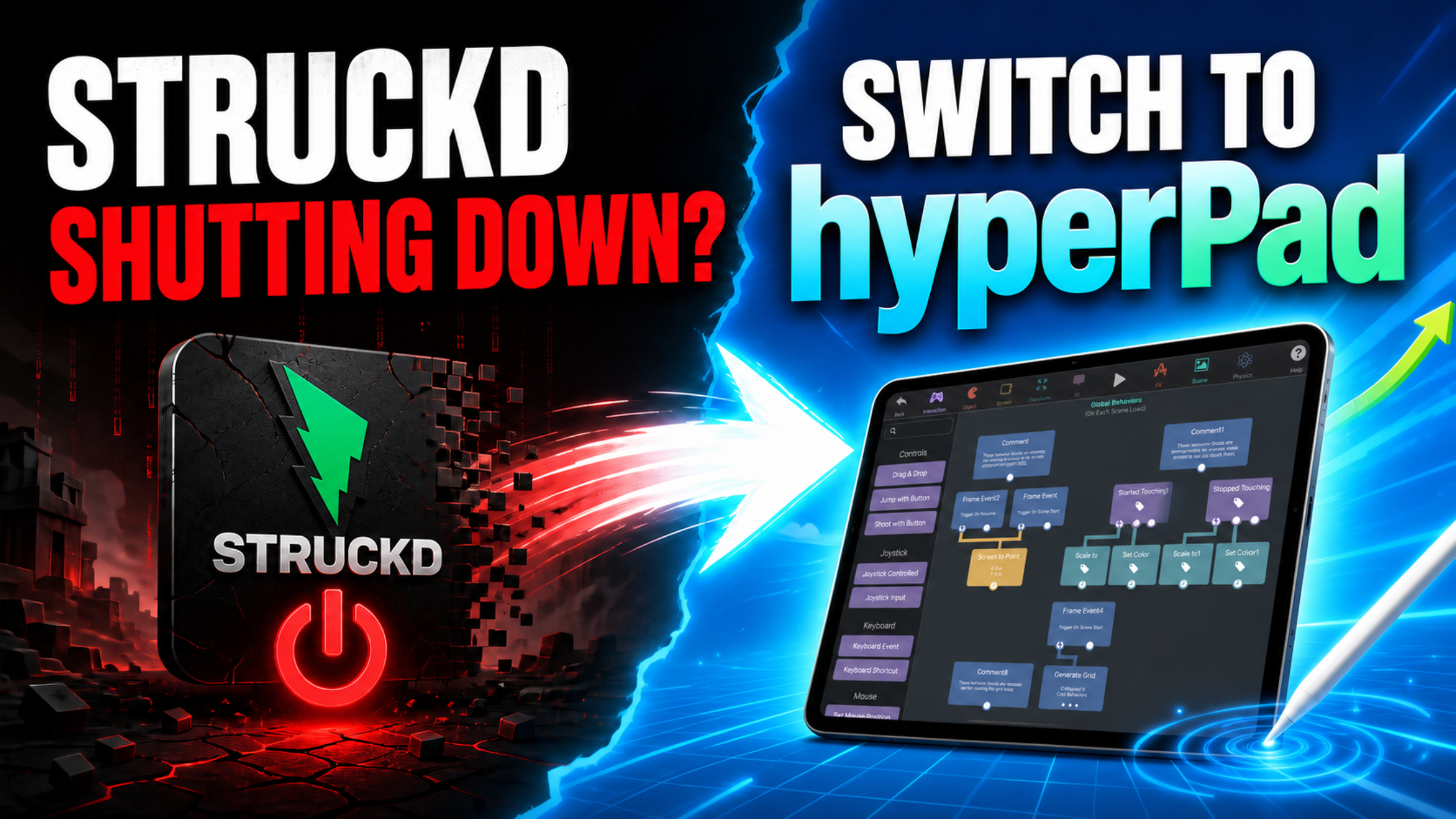
Struckd Alternative on iPad, hyperPad Game Maker
Former Struckd creator with an iPad? Learn how to build, test and publish 2D games with visual code in hyperPad. Start free with hyperPad Starter.
hyperPad vs Other ToolshyperPad Starter
Compare hyperPad with Scratch, GDevelop, Unity, and other game makers, and find the right app for building and shipping games on iPad.
Former Struckd creator with an iPad? Learn how to build, test and publish 2D games with visual code in hyperPad. Start free with hyperPad Starter.

Compare hyperPad and Buildbox for no-code game development: features, pricing, iPad support, classroom use, and publishing, so you can pick the right fit.

Compare hyperPad and GameSalad for no-code game development: iPad support, visual scripting, classroom use, pricing, publishing, and ease for beginners.

All three help you make games without deep programming knowledge, but they're built for different workflows, devices, and goals.

Compare the best Scratch alternatives for iPad in 2026 and find which one fits beginners, classrooms, and creators who want to publish real games.

Looking for a Visual Studio for Mac alternative? Compare Xcode, Apple's own IDE, with hyperPad, a no-code way to build iOS apps and games on iPad.

Cocos2d is a free, open-source framework for 2D games, but setup and coding can be hard. Here's what it offers and how hyperPad makes it simpler.

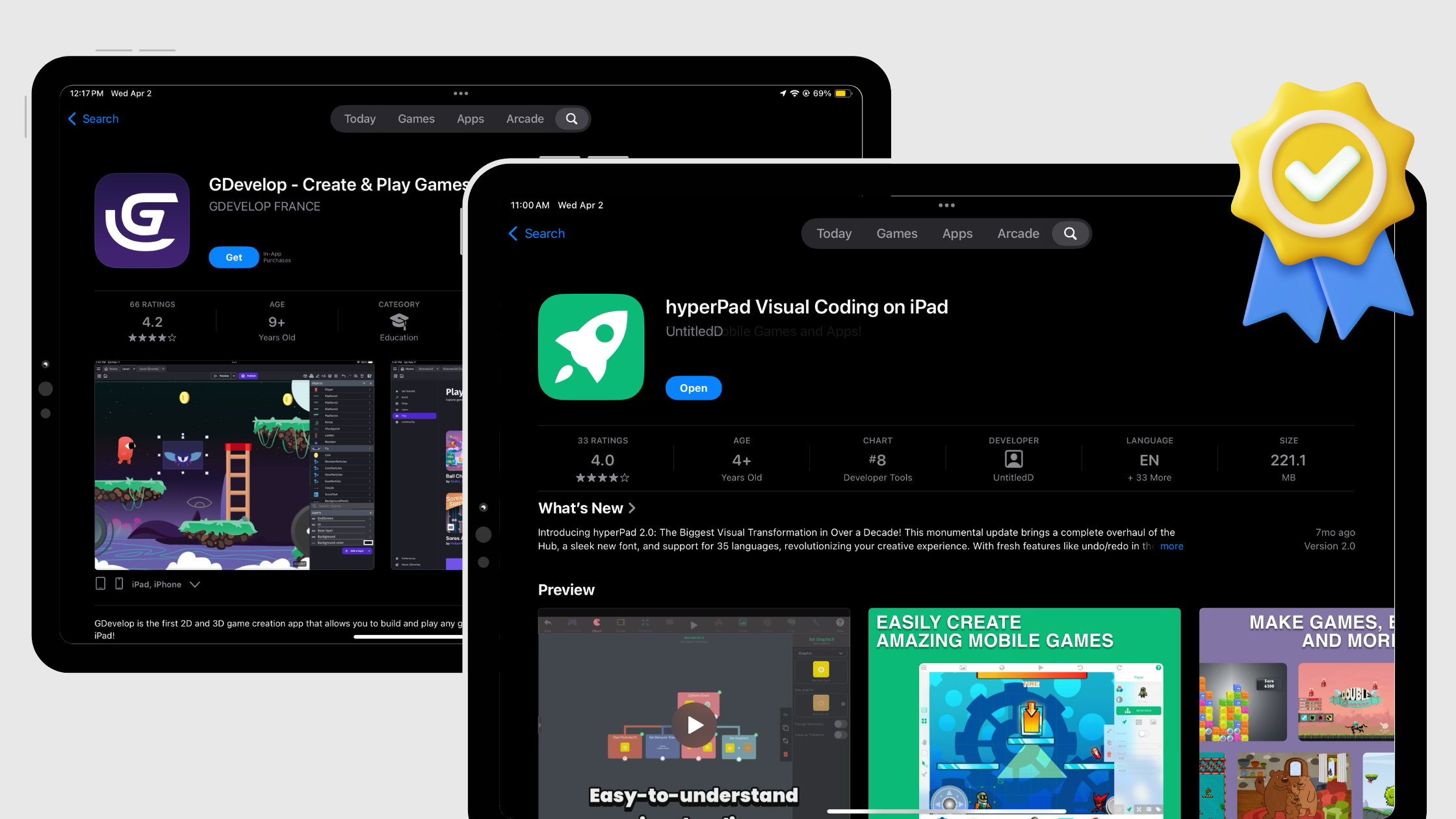
Compare hyperPad and GDevelop for iPad game development: free tiers, one-time vs subscription pricing, and making games on iPad without coding.

Compare the top no-code game engines of 2026 for beginners (hyperPad, Construct 3, GDevelop and Buildbox) and see why hyperPad stands out for indie creators.

Outgrowing Scratch? See how hyperPad handles art, animation, dialogue, scenes, and game logic on iPad with visual Behaviors and no code.

If you're serious about finishing and publishing your game, you need a tool that does more than move objects around the screen. Here's why hyperPad fits.

Compare game-making apps for iPad and start building a 2D game without code. Try hyperPad Starter free, then upgrade for more projects and App Store export.

Our community recently debated hyperPad vs GDevelop for making games on iPad. Here's a summary of that conversation and where each engine fits.

A look at popular no-code game makers for experimental art games: hyperPad, RPG Maker MZ, Stencyl, Construct 3, Twine, and GameSalad.

With visual coding tools and no-code game engines, you can make high-quality games without writing code. Here are the best options for iPad.

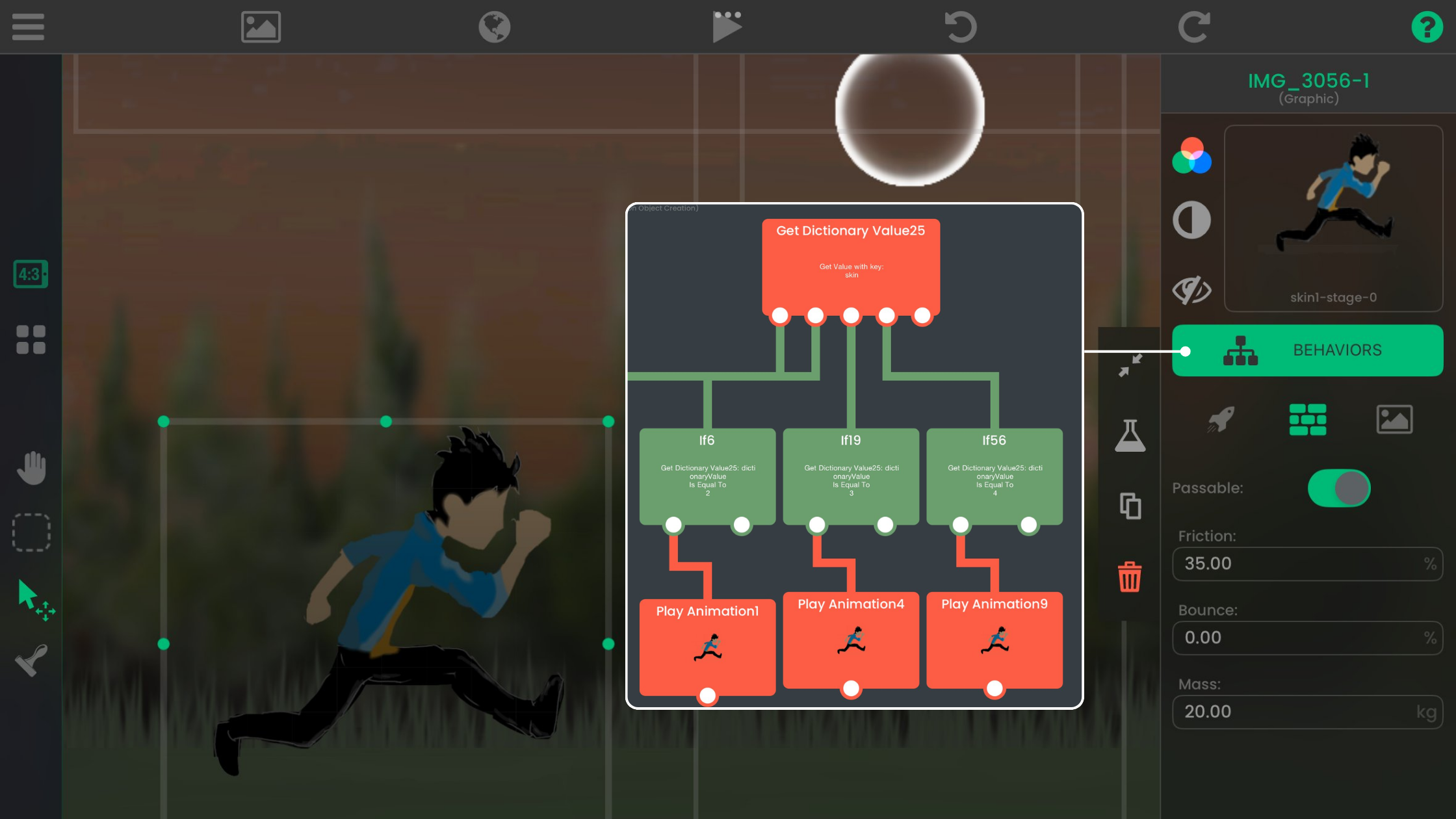
Design, build, and publish your own indie games and apps on iPad with hyperPad’s visual Behaviors, then share them on the Hub or export to the App Store.

Compare the best no-code platforms for making games on iPad, from hyperPad to Scratch, Construct, and Bloxels, and learn how to choose the right one.

Your iPad can become a game development workstation with hyperPad. Here's how to build games on iPad without writing code.

Unity or hyperPad? Compare the two game development tools for iPad: what each does well, where each falls short, and which one fits your skills and goals.

What to look for in an iPad game development tool: drag-and-drop building, custom assets, screen resolution handling, a visual logic editor, and community.

If you have an iPad and want to make games, hyperPad gives you a touch-friendly, no-code alternative to coding in Visual Studio Code.

GDevelop is popular on desktop and the web. hyperPad is a no-code game development platform built for iPad. Here's why that matters when you make games.

Making games on iPad is easier with no-code tools like hyperPad. Here are free resources for game design, art, music, sound, and storytelling.

With hyperPad, you can make games on iPad without code, share them, and sell them on the App Store. Here's why it suits no-code game development.