


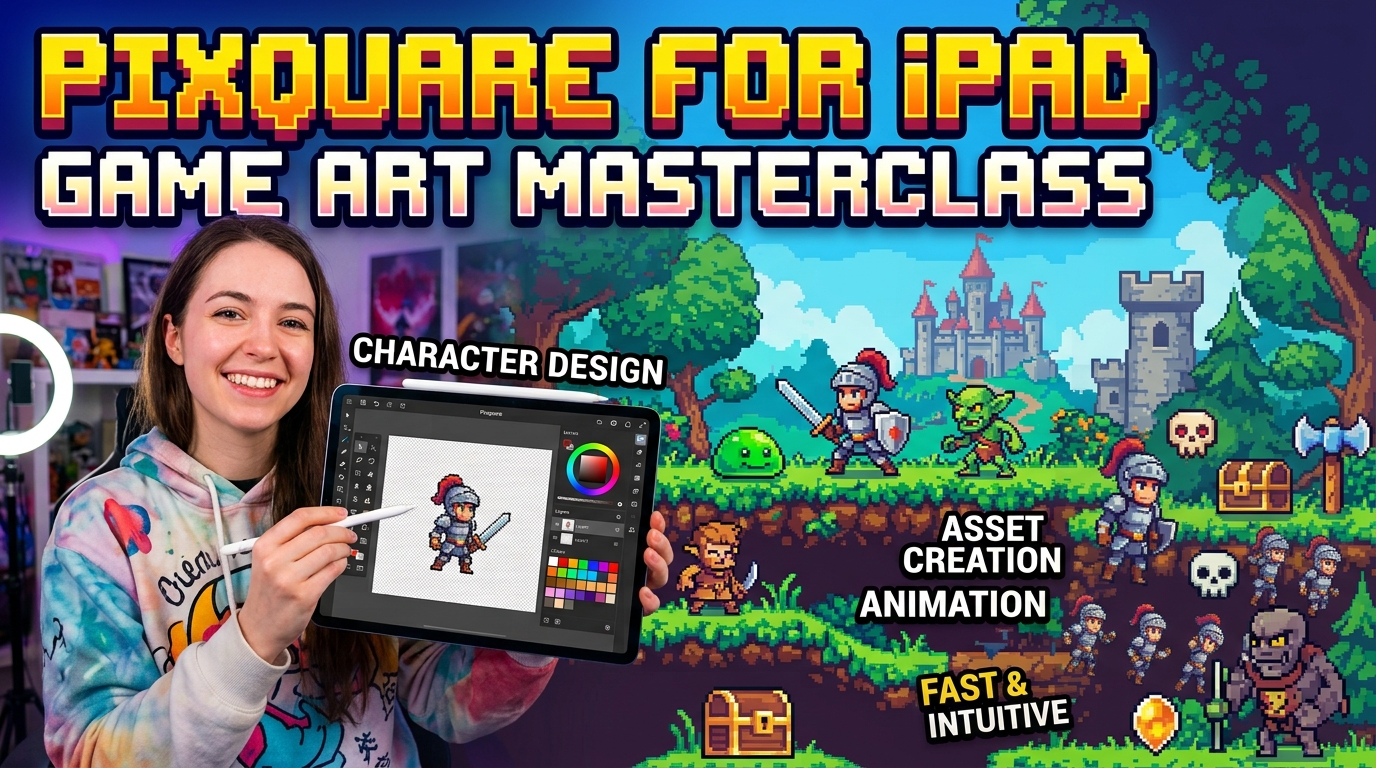
by hyperPad
Pixquare for iPad Game Art: A Native iOS Sprite Workflow
Make pixel art on iPad with Pixquare, export transparent PNG frames, and turn them into animated Objects in a hyperPad game.
Art and Design ToolsPixel Art
Make pixel art on iPad with Pixquare, export transparent PNG frames, and turn them into animated Objects in a hyperPad game.
Plan a six-card memory game with documented hyperPad Behaviors. This blueprint is not yet a live-tested Starter build and includes a required validation checklist.
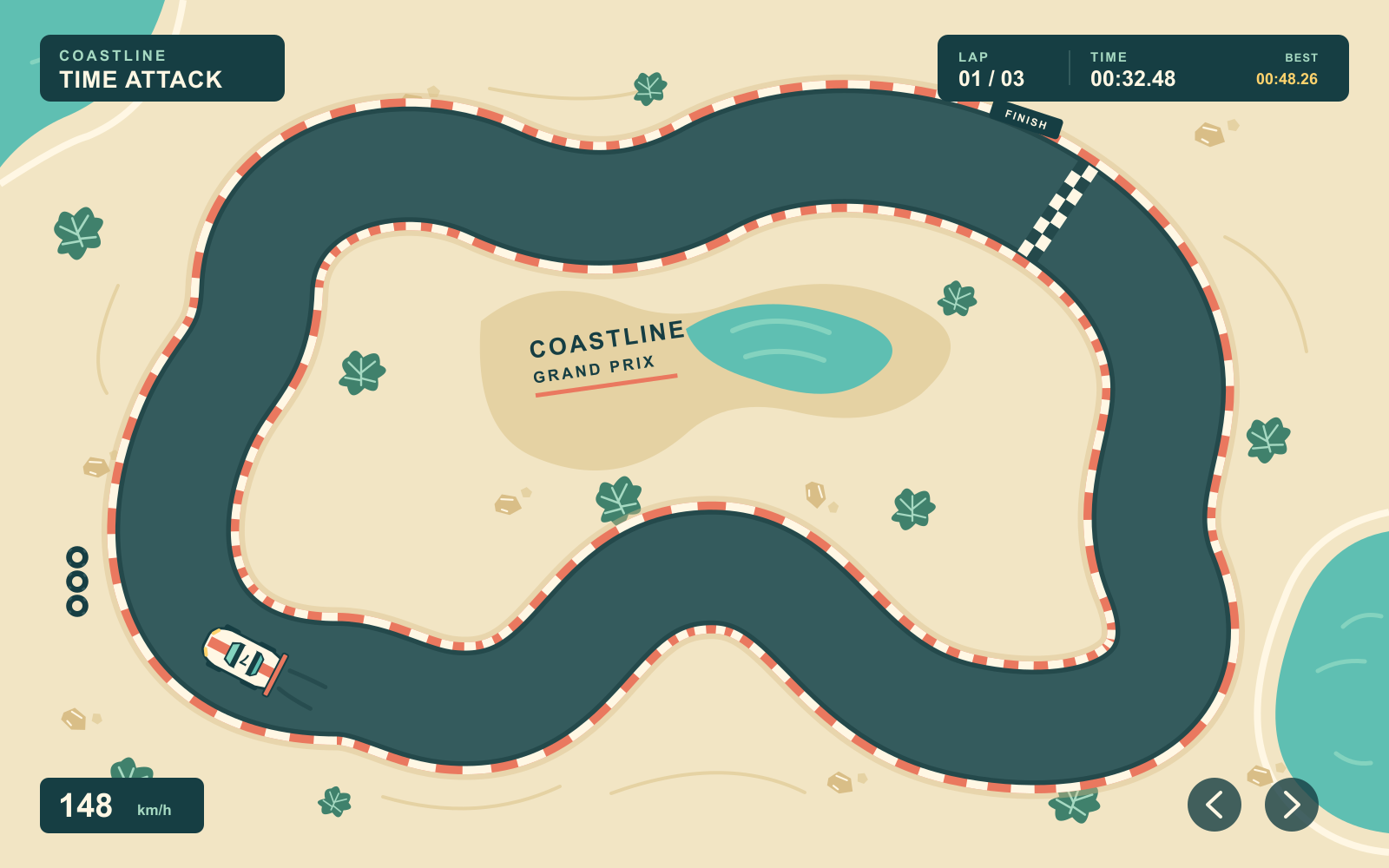
Shape a racecourse, roll out hills, or build the ground for your next RPG. Smart Shape is coming to hyperPad with new ways to make 2D worlds on iPad.
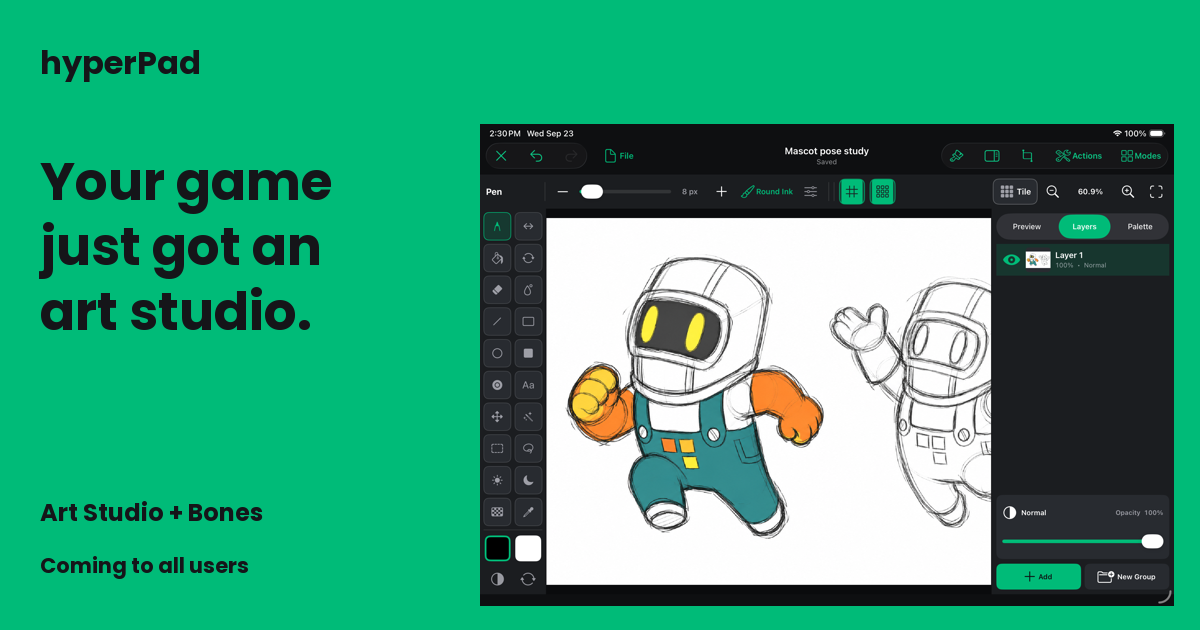
Two major additions to hyperPad: create game art in Art Studio and blend character animations during gameplay with runtime Bones. Coming to every user.

New iPhones, a New Form Factor, and What Comes Next for Creators
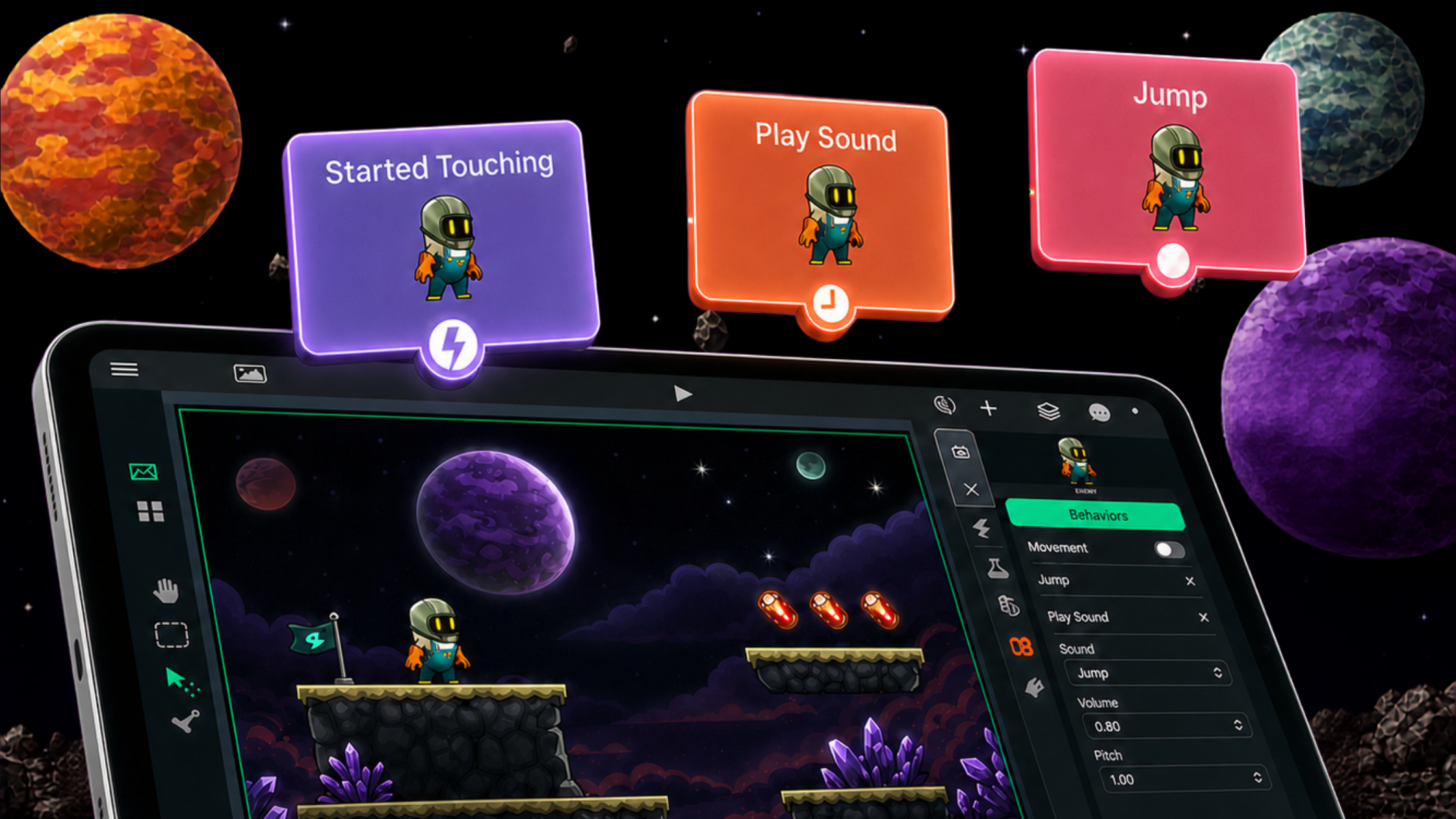
Learn what visual coding is, how node-based programming works and how to make, test and share a game directly on iPad with hyperPad.
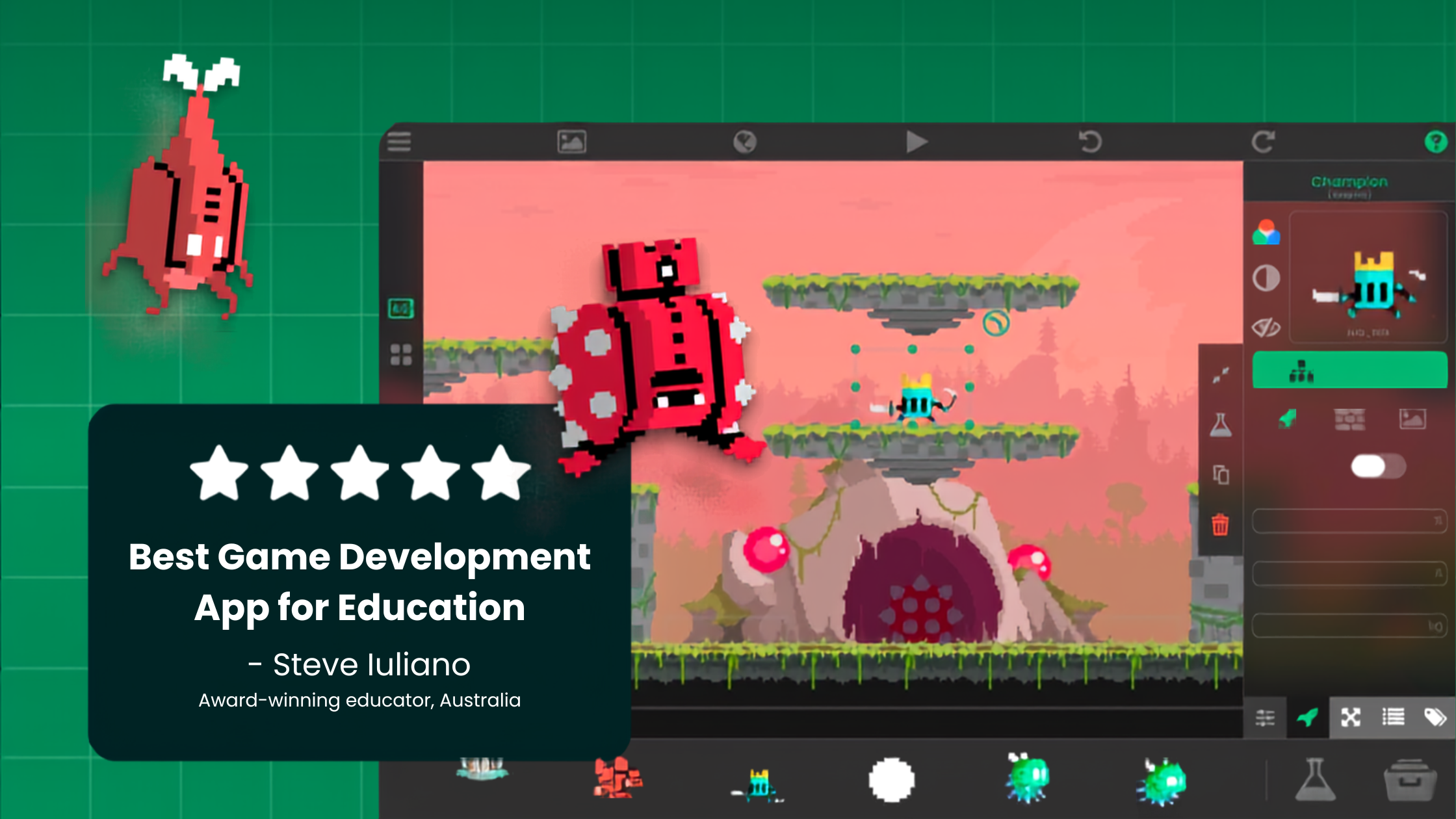
Discover how visual coding helps kids learn programming through game creation, then start a simple game project directly on iPad with hyperPad.
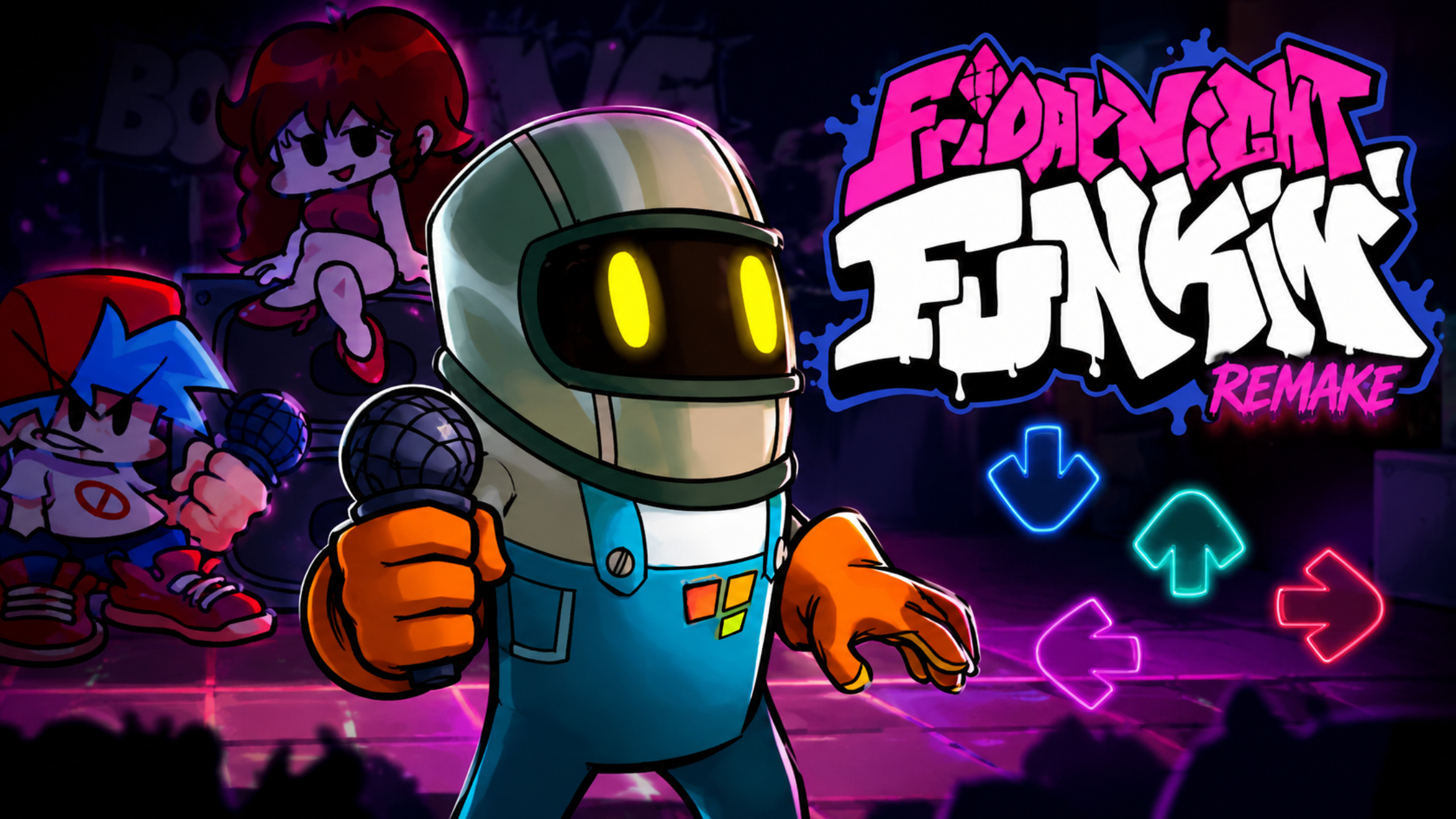
Build an FNF-style rhythm game on iPad with hyperPad. Import original art and music, create note lanes, scoring and animations, then test and share.
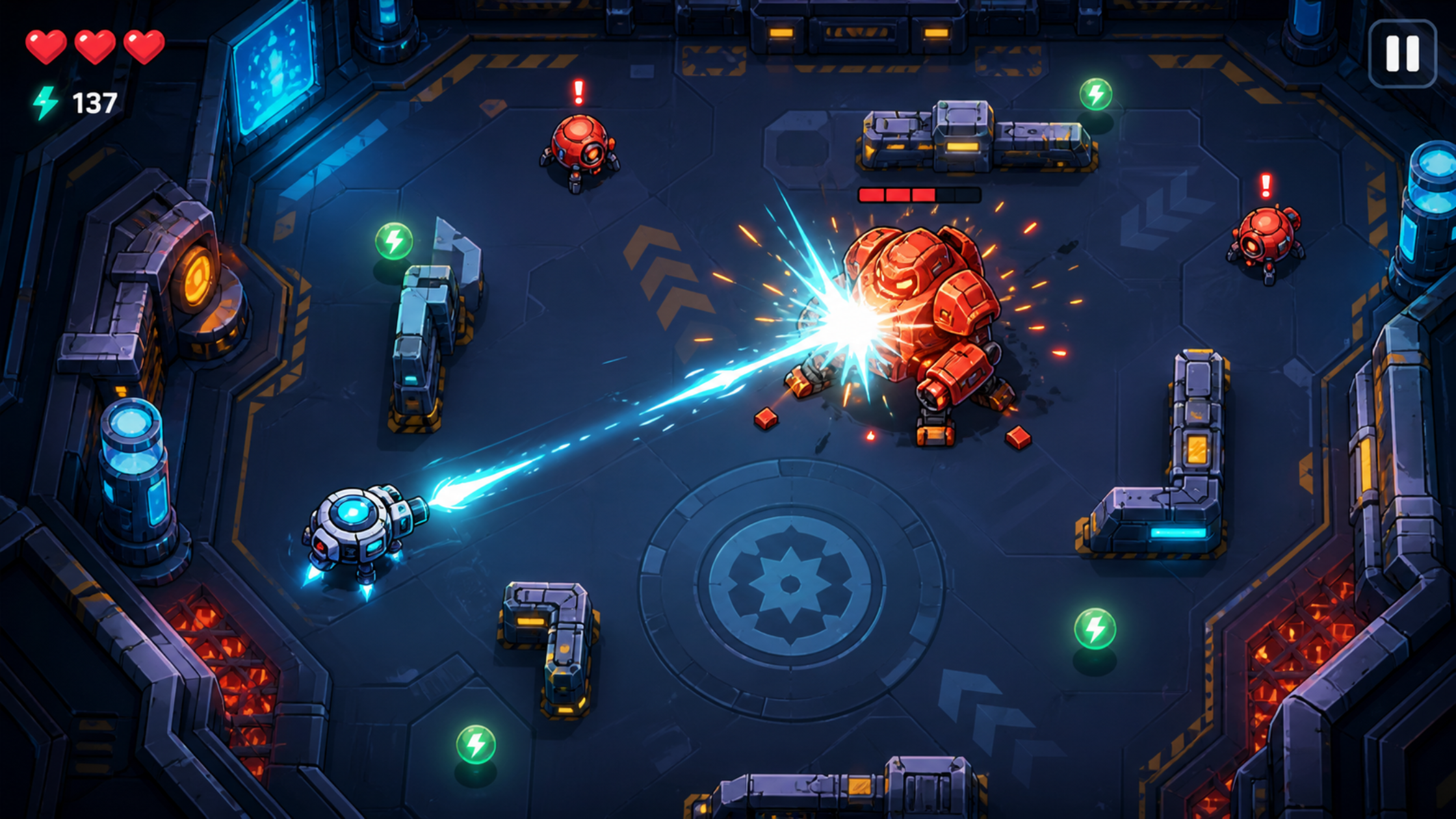
Coming up with a game idea is overrated. Try stealing one instead.
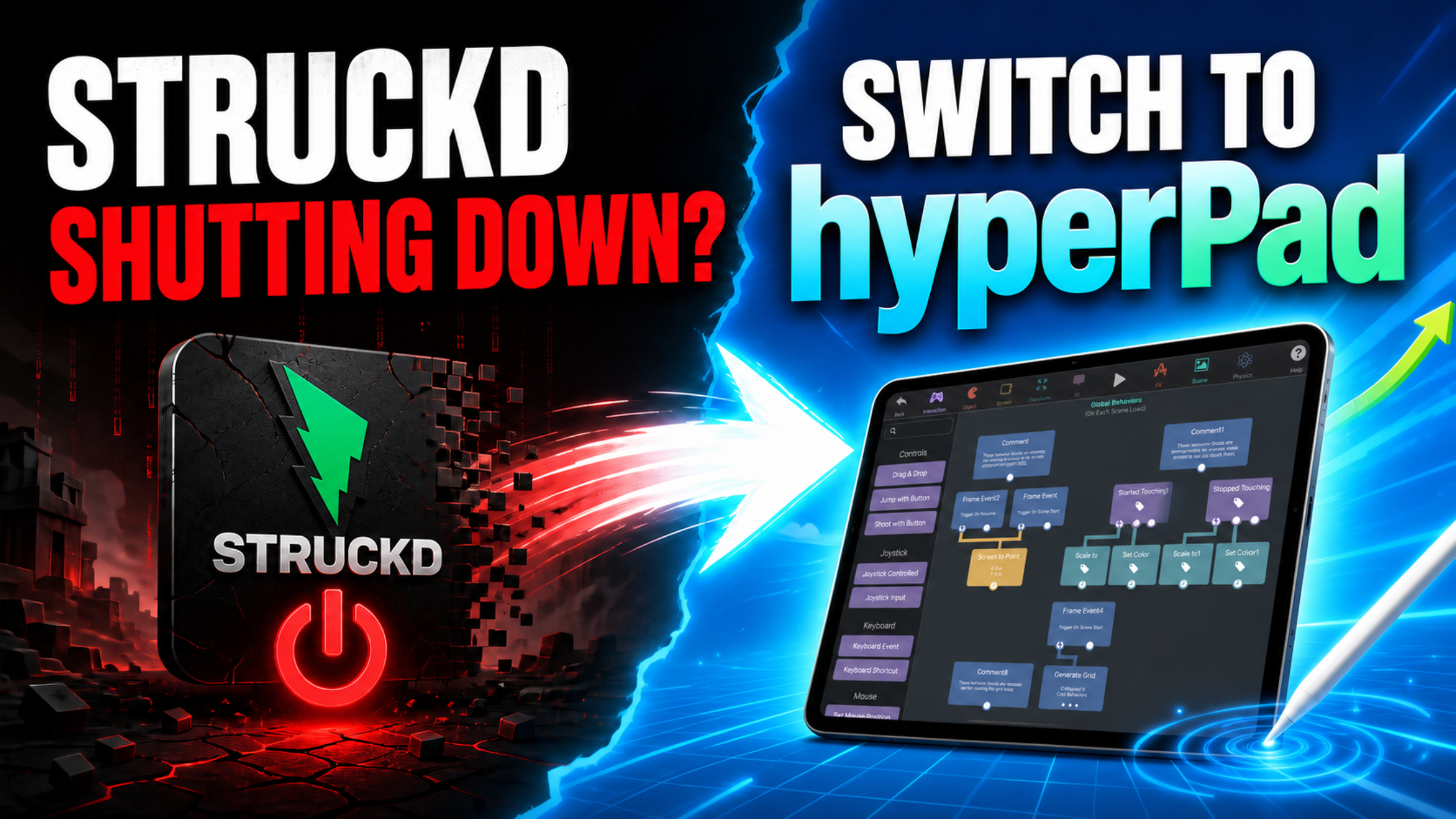
Compare Struckd and hyperPad by creative control, visual logic, asset workflow, project structure, and the path from prototype to published iOS game.
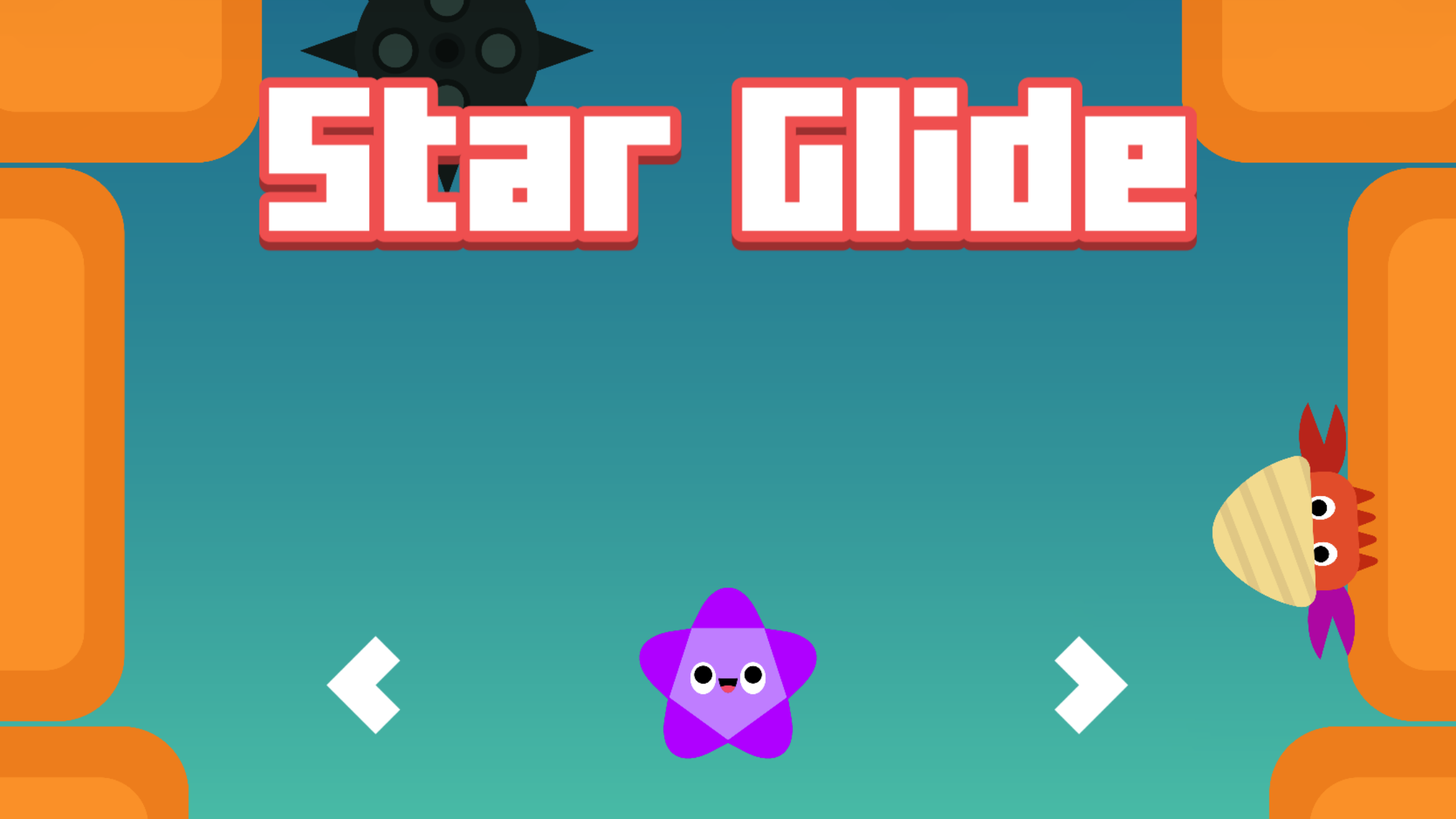
Meet Yasad, a 20-year-old lifelong hyperPad creator, and follow his path from finding hyperPad as a kid to Star Glide, his upcoming App Store game.

The best use of an iPad depends on your purpose. Owners get the most value when it fits a specific workflow, creative habit, or everyday routine.

Compare hyperPad and Buildbox for visual game creation. See why hyperPad is the stronger choice for an iPad-first workflow, transparent access, and hands-on learning.
Compare hyperPad and GameSalad using current platform, visual-logic, pricing, learning, and publishing information. See why hyperPad is the stronger iPad-first choice.
Compare hyperPad, Scratch, and GDevelop using current visual-coding, device, free-tier, and publishing information. See why hyperPad is the best fit for complete iPad games.

Compare Scratch, hyperPad, GDevelop, Hopscotch, and Swift Playgrounds by learning goal, iPad workflow, and the kind of project you want to build.
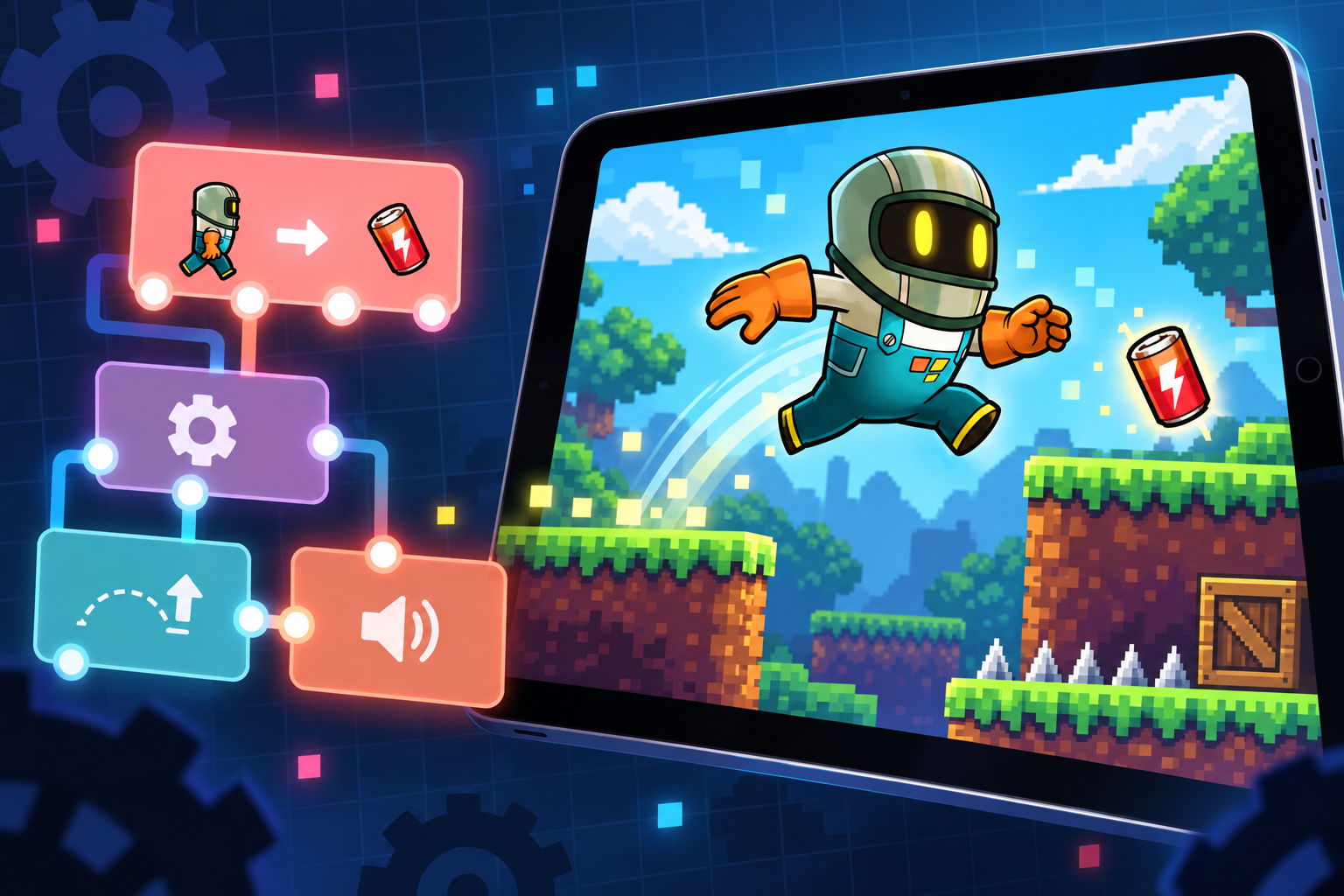
Learn the iPad game-development workflow in hyperPad: choose one mechanic, build with Scenes and visual Behaviors, playtest on-device, share, and prepare an App Store release.
Compare hyperPad Starter, hyperPad Hub, and hyperPad: build one project free, play community games, or make unlimited projects and export to the App Store.

Game development is expanding. Here's a look at the tools people use to build games, and where hyperPad fits in.
Build a small pixel art arcade game on iPad with movement, collectables, score, enemies, and restart logic using hyperPad’s visual Behaviors.
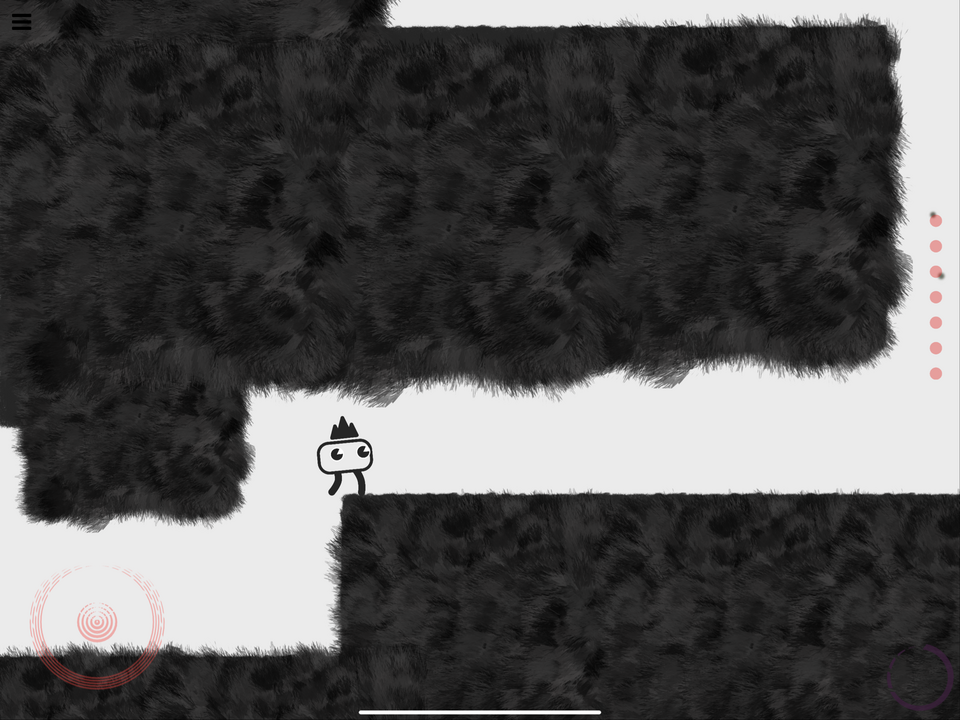
Anyone from hobbyists to indie developers can create stunning 2D games without writing a single line of code.

Procreate artists: here’s how to turn your art into an interactive book or app on iPad with hyperPad, with animation, sound, and touch. No code needed.
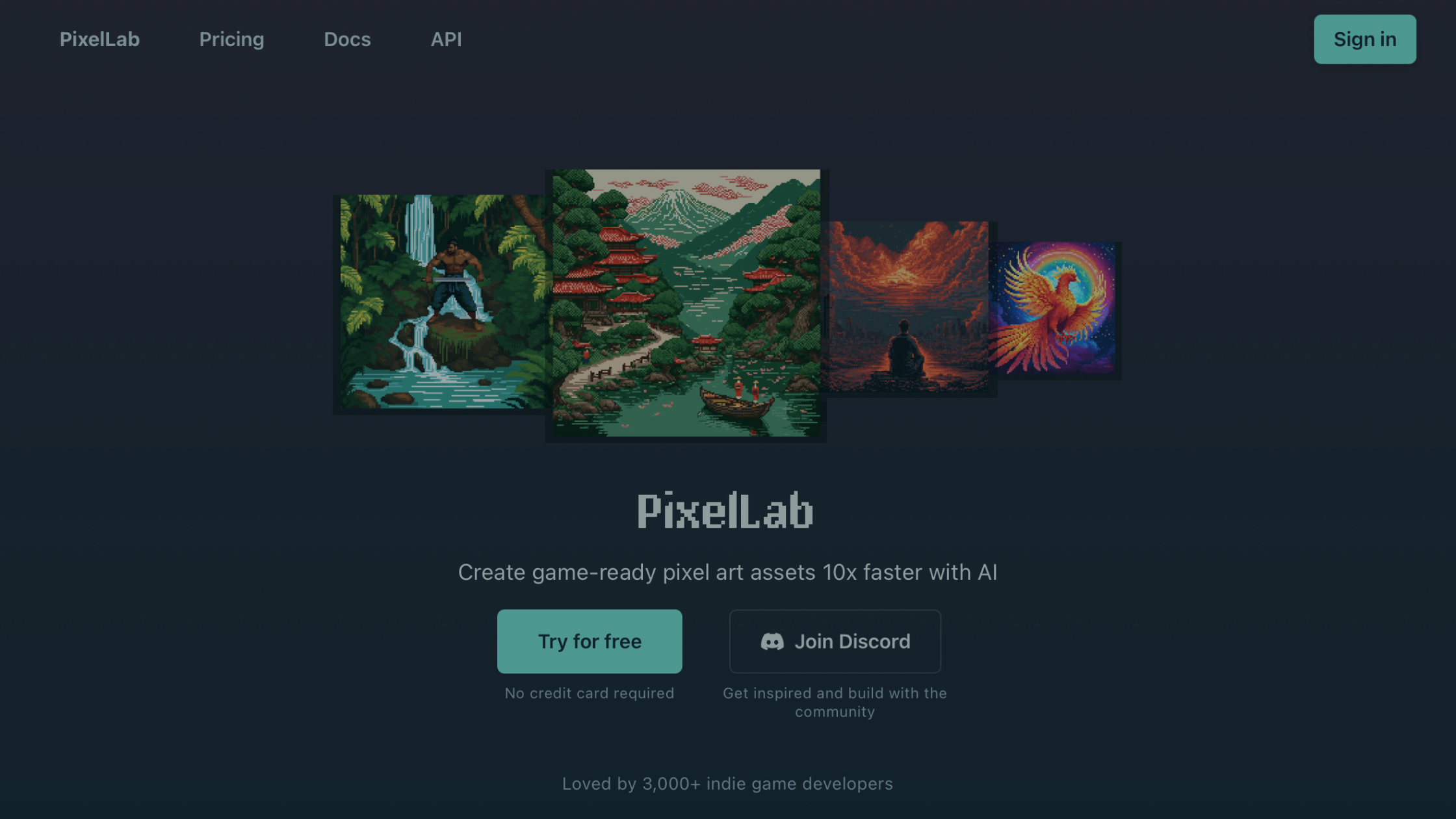
With PixelLab AI and hyperPad, you can design pixel art and build an iOS game entirely on iPad, without coding or switching devices.
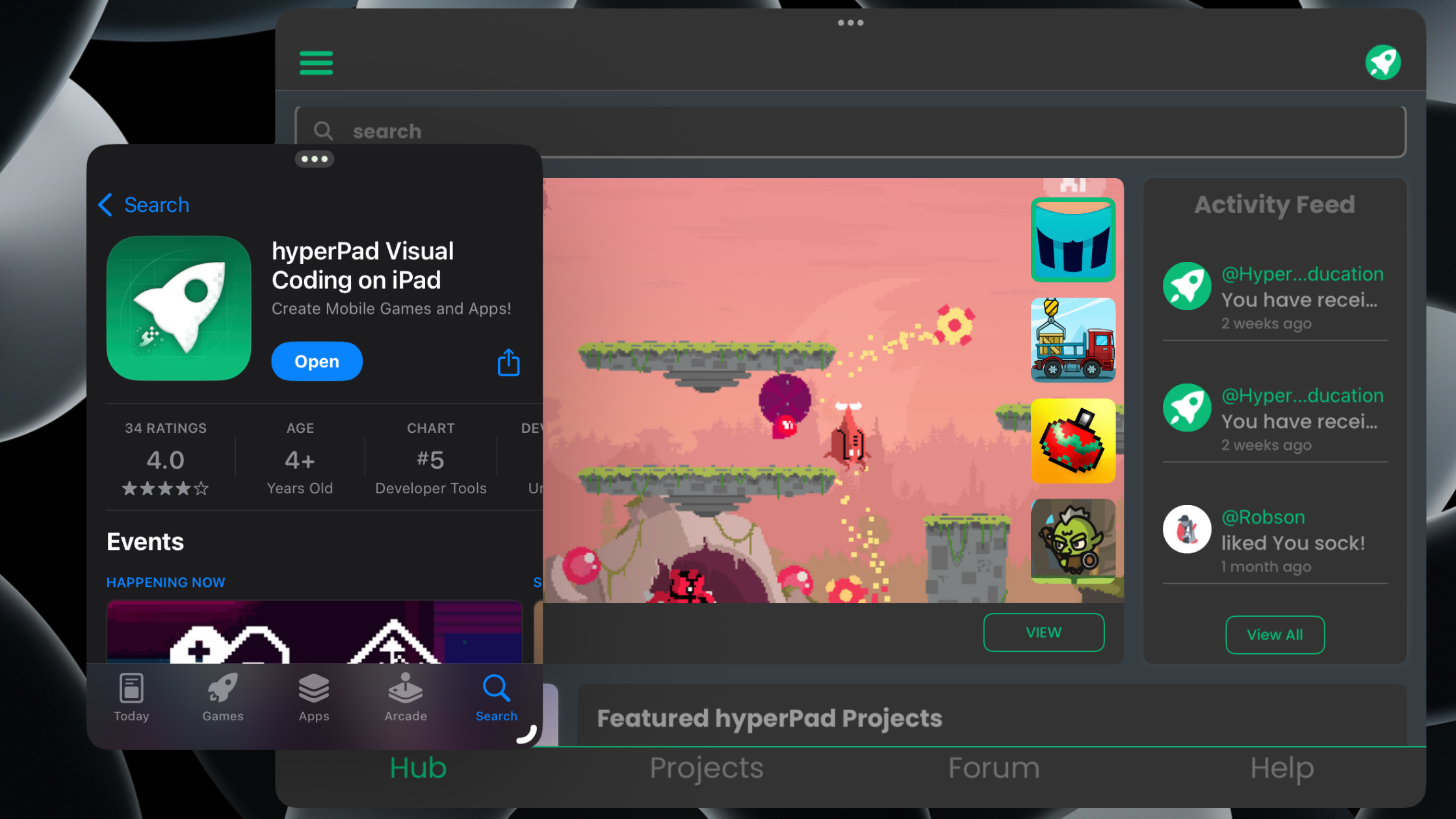
hyperPad 2.2 is built for iPadOS 26, with Portrait mode, Window mode, Game Mode and new audio Behaviors that turn your iPad into a game creator studio.


