iPad Game Development: How to Build and Ship Real Games on iPad
A practical guide to iPad game development: which game engines and design apps run on iPad, what the hardware can handle, and how to take a game from idea to App Store.
Step-by-step guides that take you from a blank project to a playable game on iPad. No coding experience needed.
A practical guide to iPad game development: which game engines and design apps run on iPad, what the hardware can handle, and how to take a game from idea to App Store.
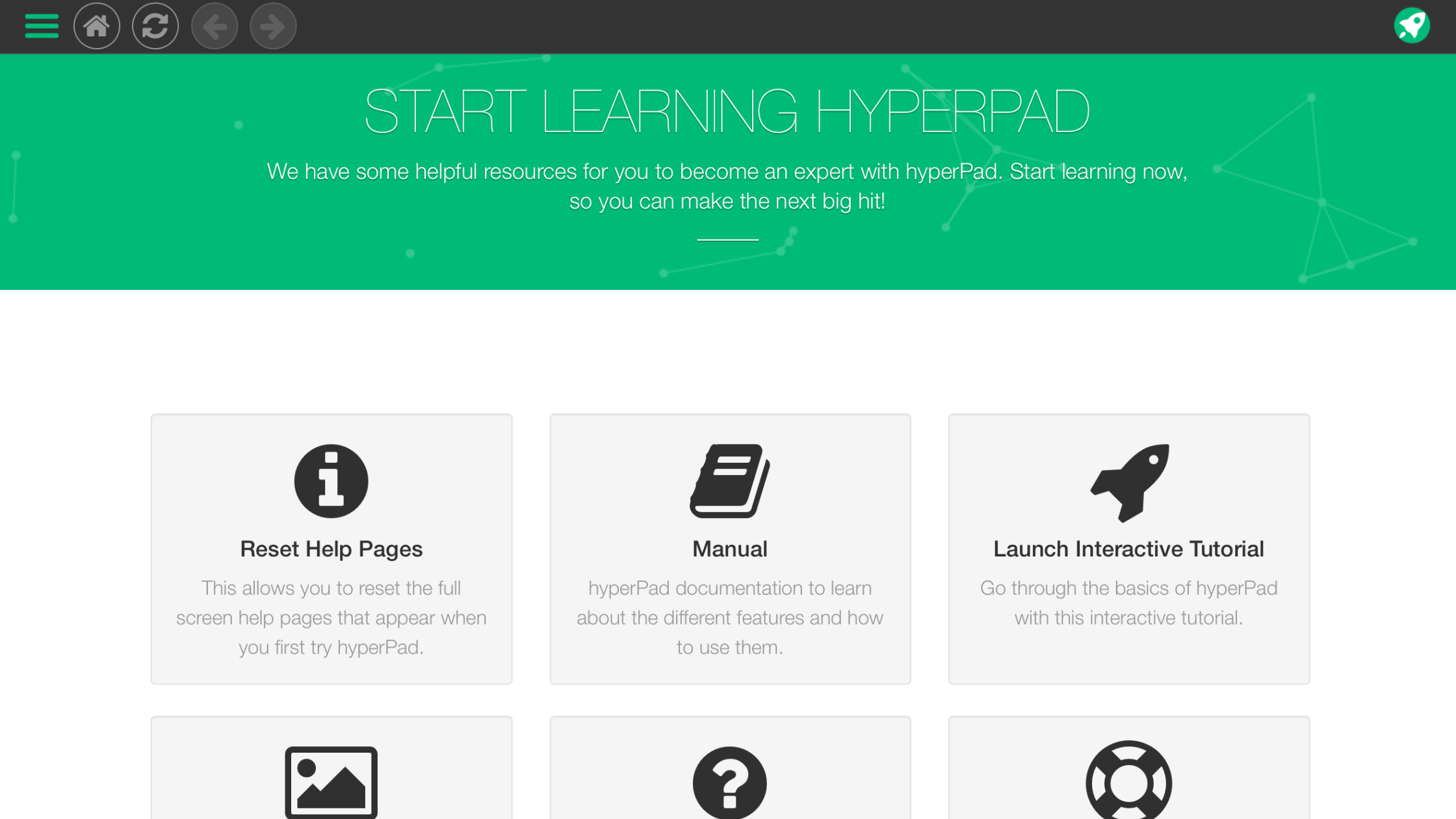
A beginner’s guide to creating your first mobile app or game on iPad with hyperPad, step by step, with no coding.
Start making games and apps on iPad without code: try hyperPad Starter free, follow the tutorials, and join the creator community.
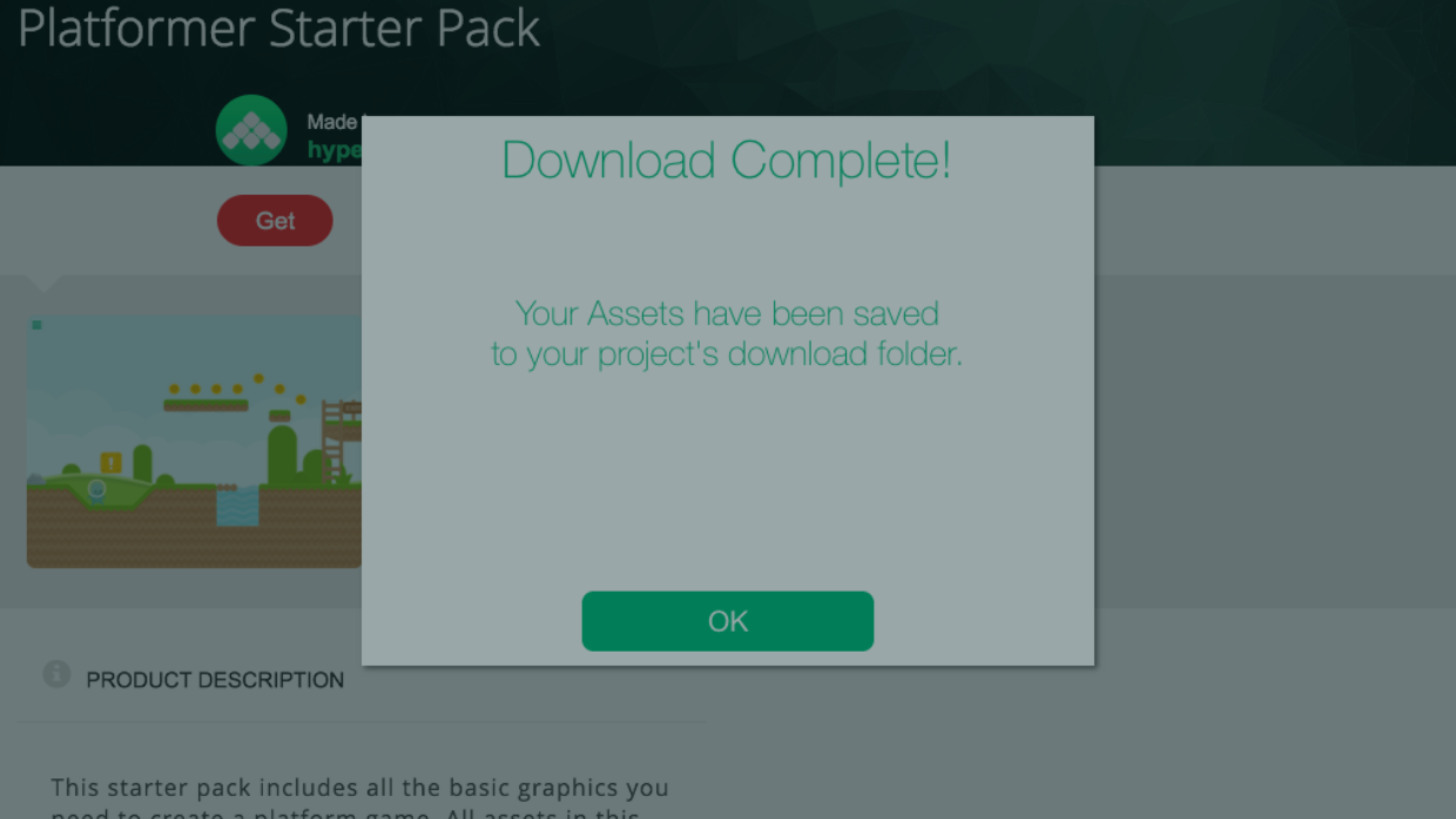
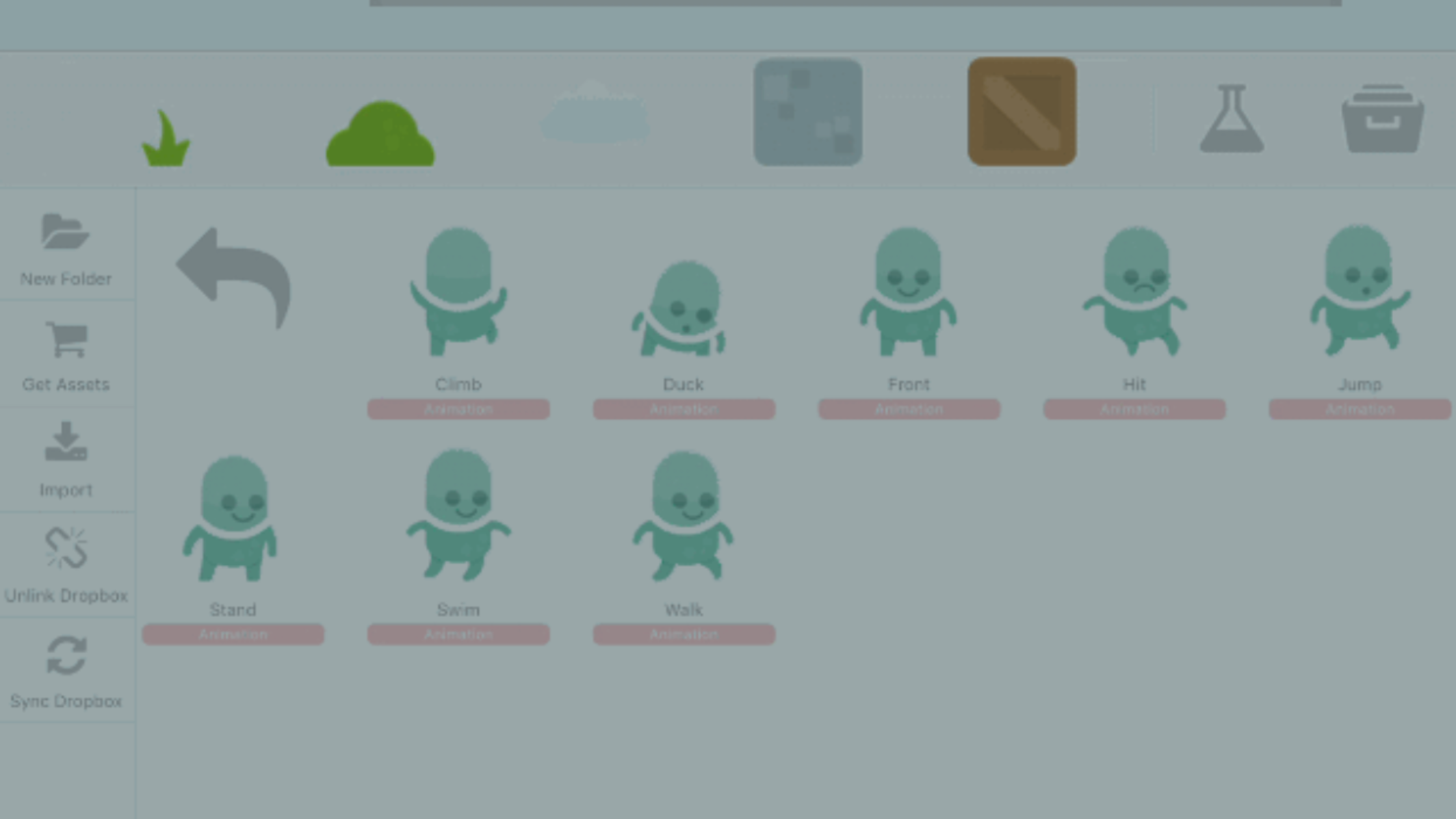
Create your first game on iPad. This guide covers project setup, orientation and device support, physics settings, and importing assets from the Asset Shop.
Game development doesn’t have to be complicated. With hyperPad, beginners can make real, playable games on an iPad without writing a single line of code.
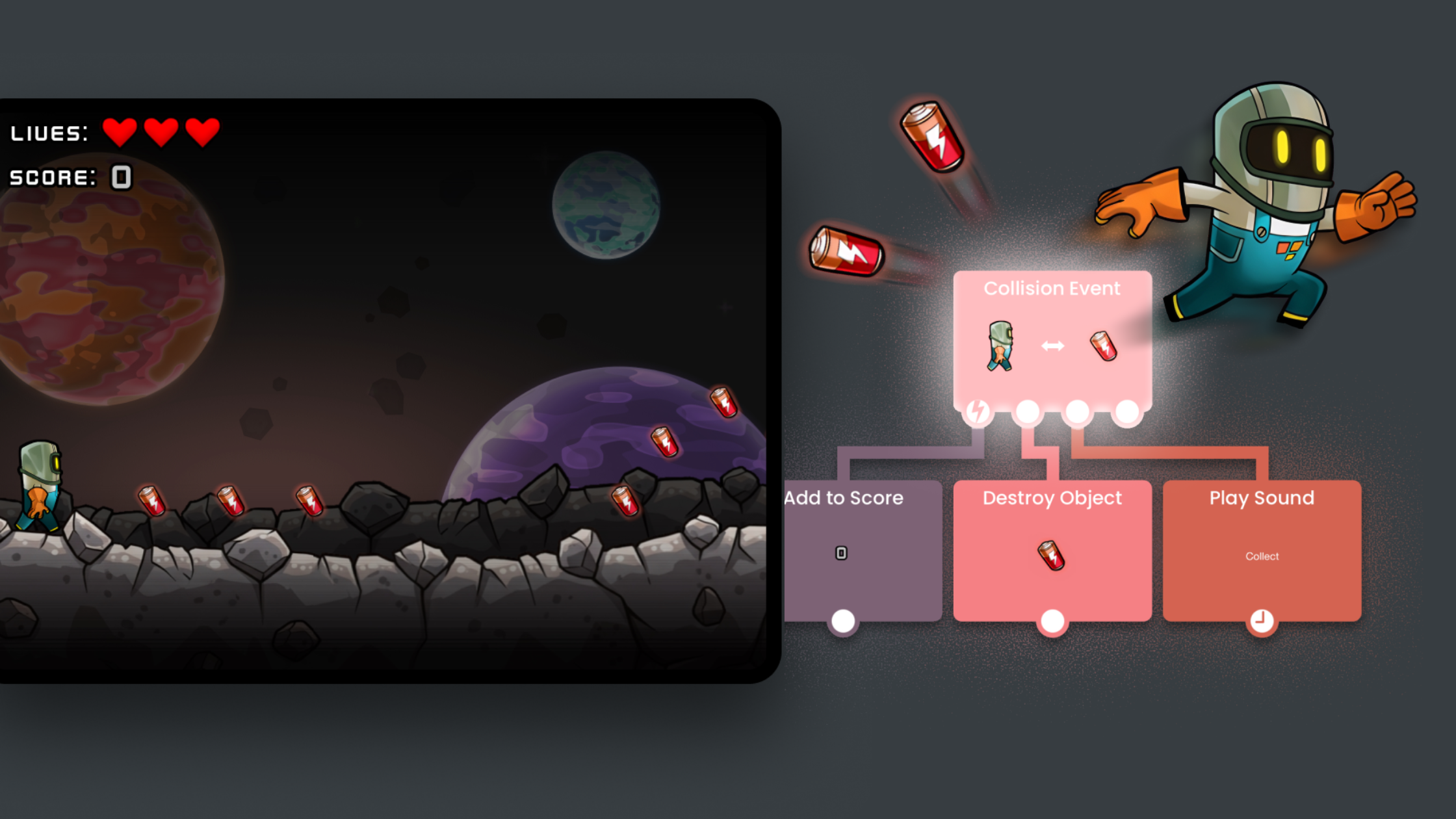
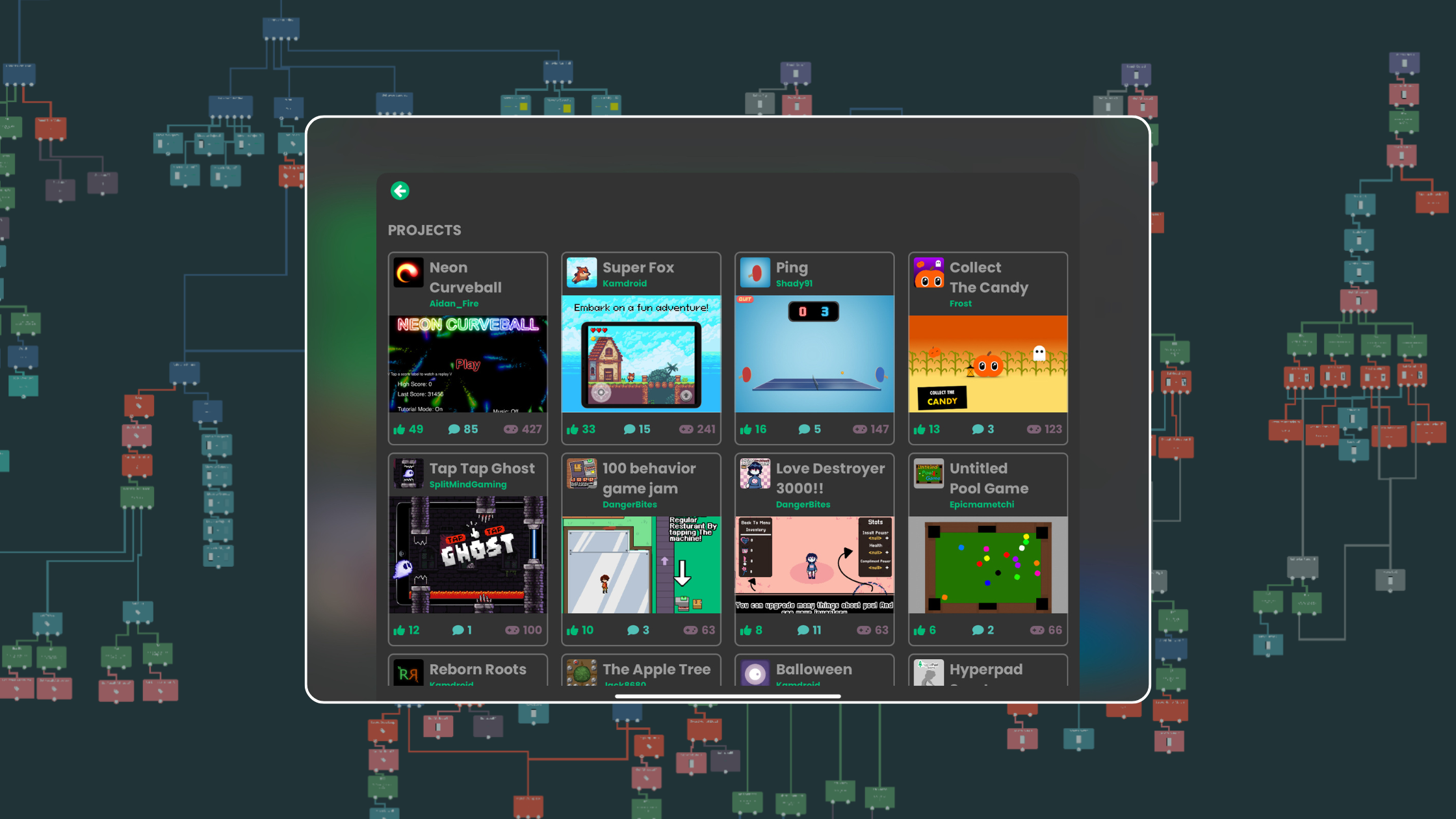
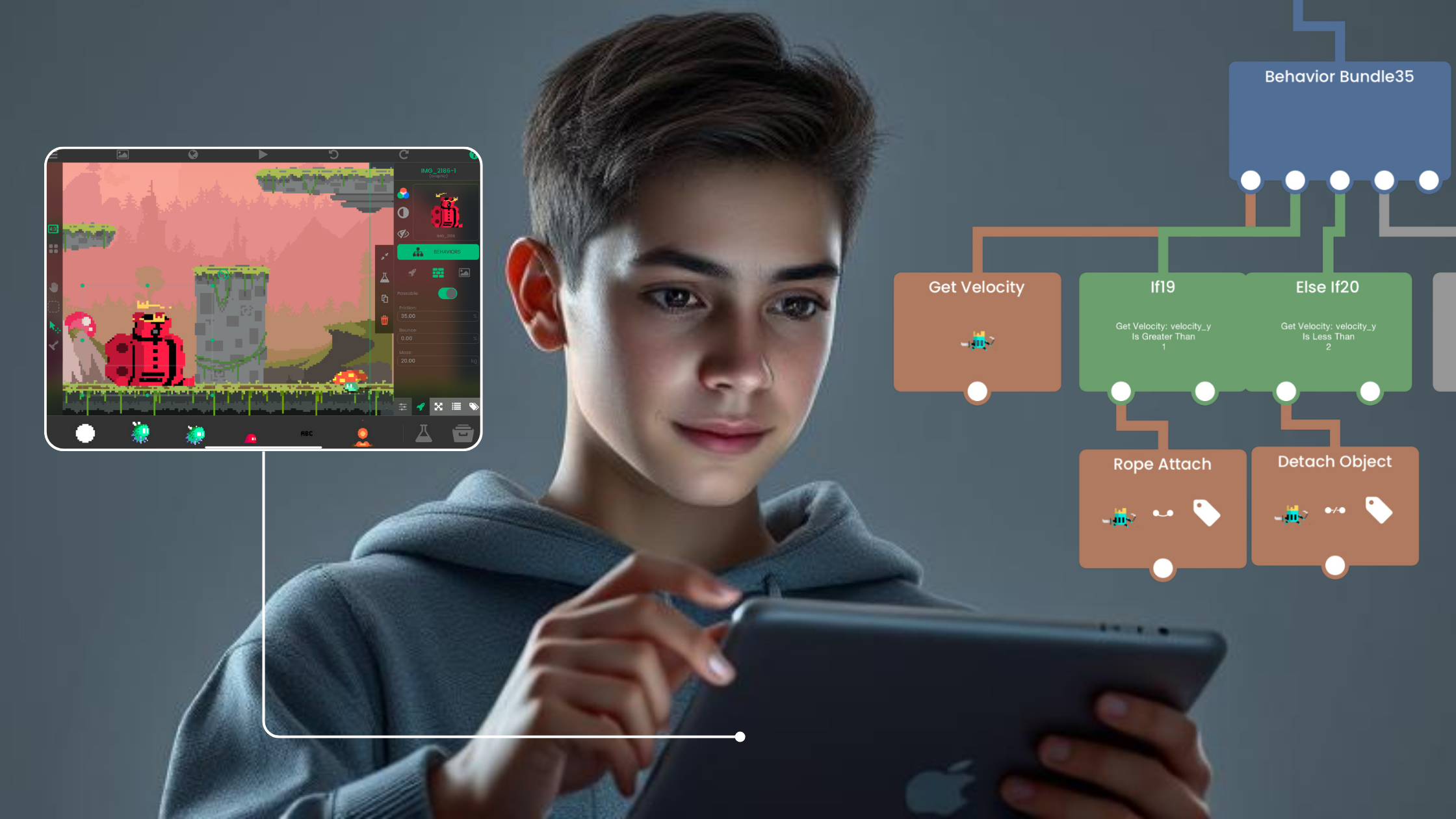
Make your first game on iPad with no code. Use hyperPad's Behaviors for the logic and AI tools for ideas and art, then publish it to the hyperPad Hub.
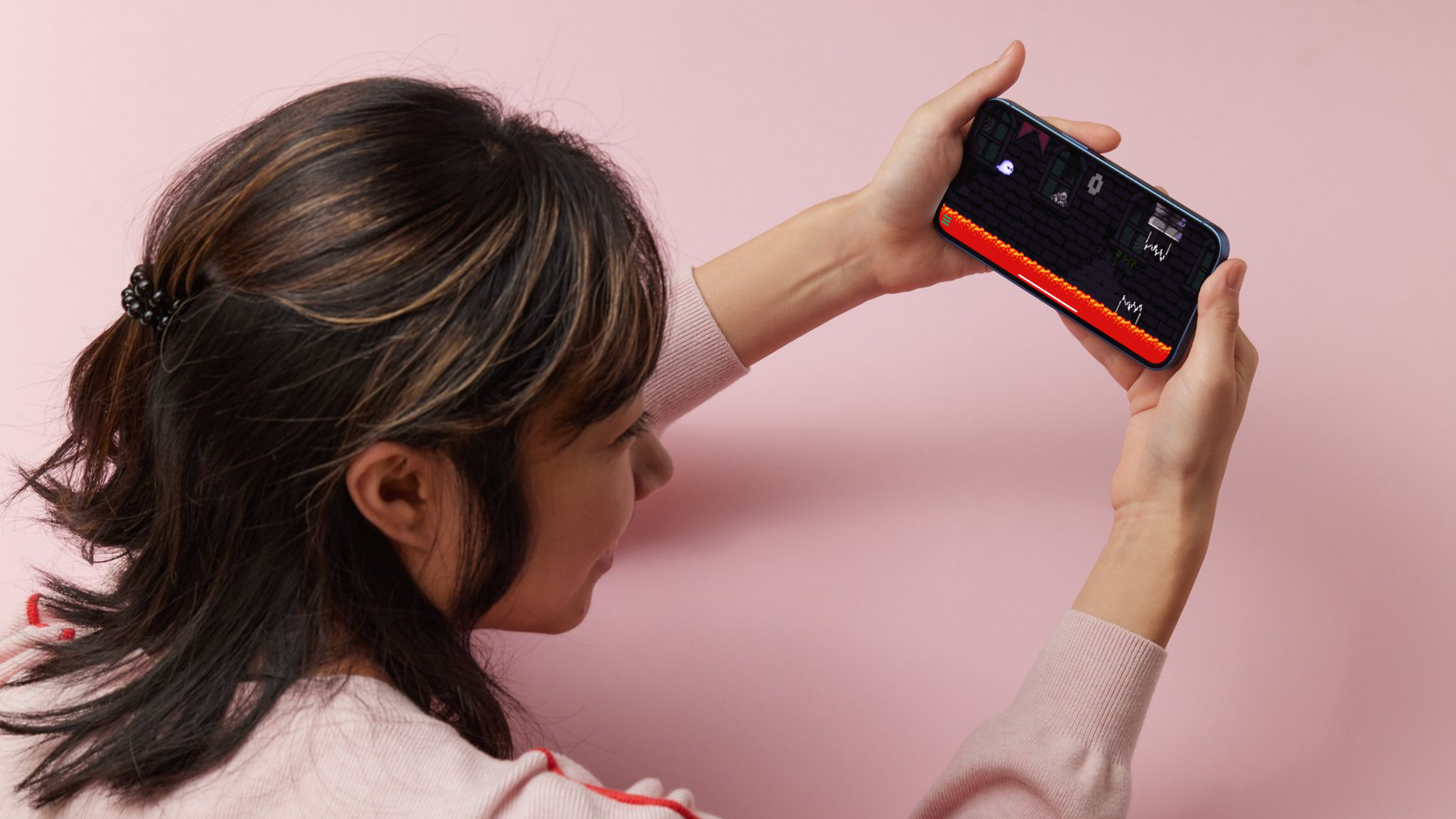
Your iPad is portable, touch-first and ready for creative work. Here's a beginner-friendly way to start making games on it with hyperPad.
You don't need to code to make a game on iPad. Here's how to build your first one with visual tools like hyperPad, one step at a time.
hyperPad is designed for beginners, visual thinkers, artists, students, and educators who want to turn ideas into real games using a no-code approach.
Learn how to make a game without coding. See how making games on iPad with hyperPad compares to making Roblox games on a Mac or Windows PC.
Want to make your own game but feel put off by coding? Here's how to make a game like Scratchy Adventure on your iPad, with no coding required.
Make a game on your iPad with hyperPad, Procreate, and a few design and sound apps. This step-by-step guide takes you from plan to publish with no coding.
Anyone with an iPad and an idea can build a game without code and export it to the App Store. Here's the process, step by step.
Design, build, and launch your own game from your iPad with no code. Here's how to start with hyperPad, step by step.
New to game development? Follow these five steps to pick a tool, plan, build, test, and publish your first game on iPad.
Start your first game development adventure. Get inspired by famous games from solo developers, pick a genre, and learn tips for making your own game.
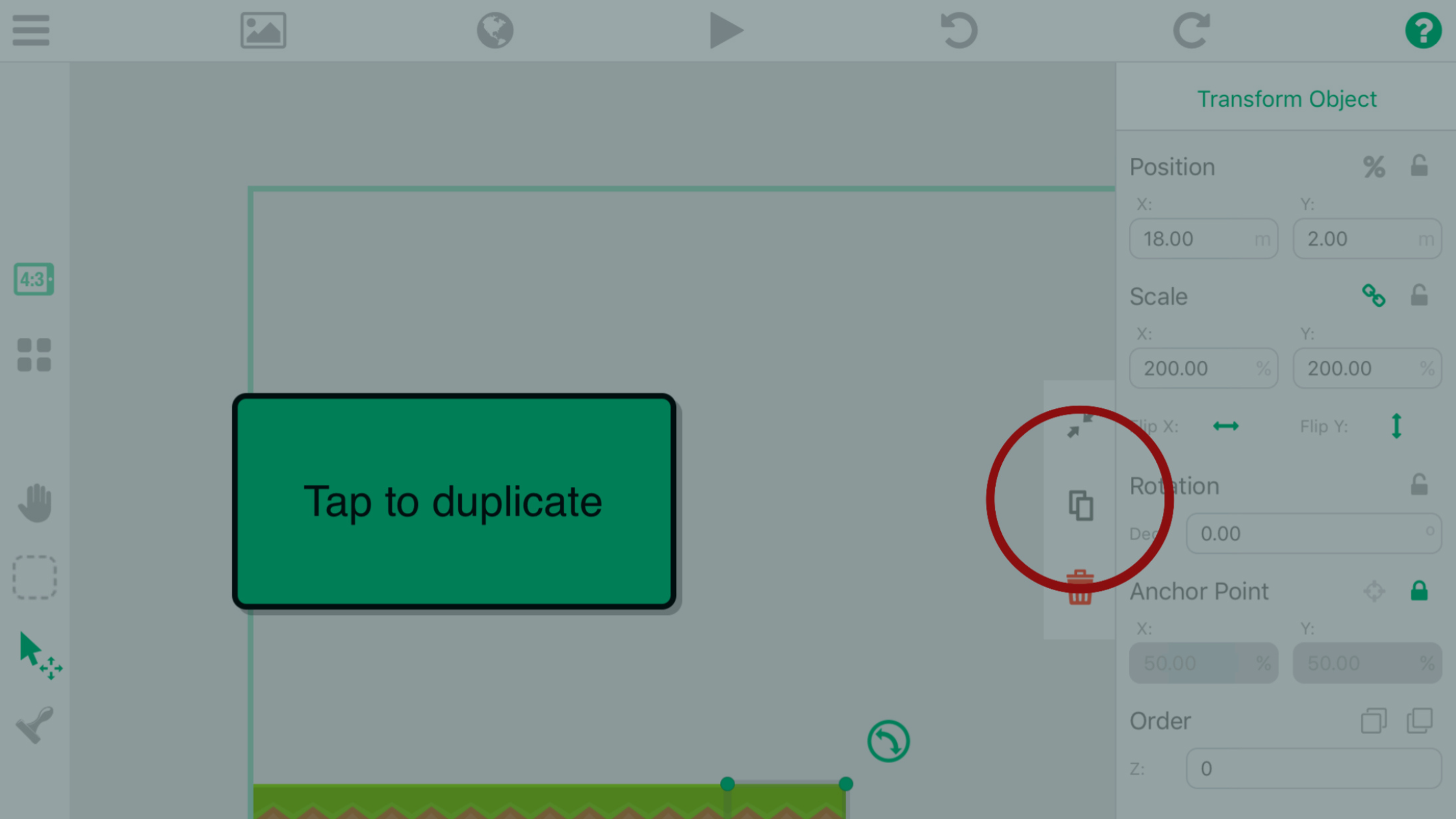
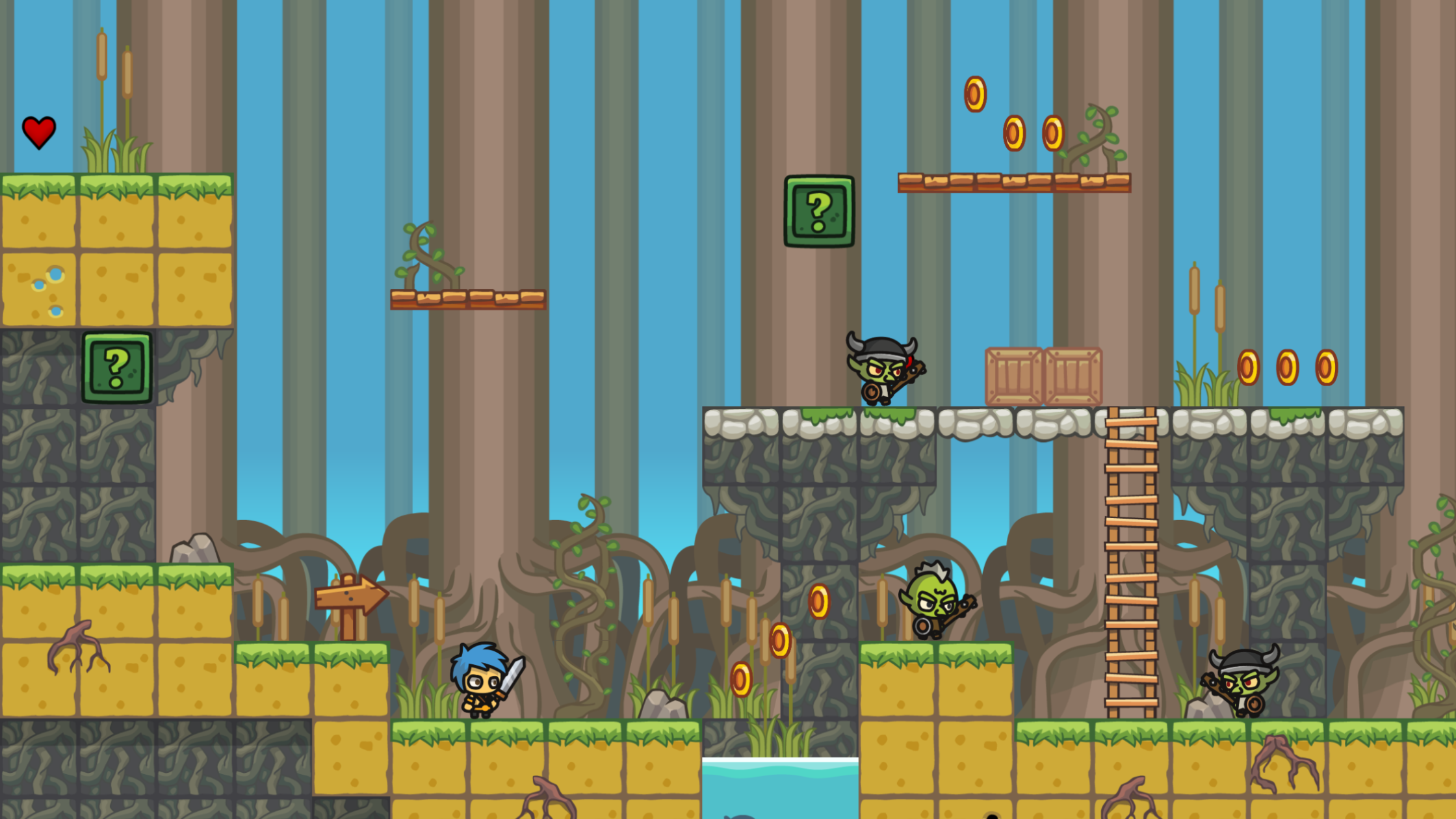
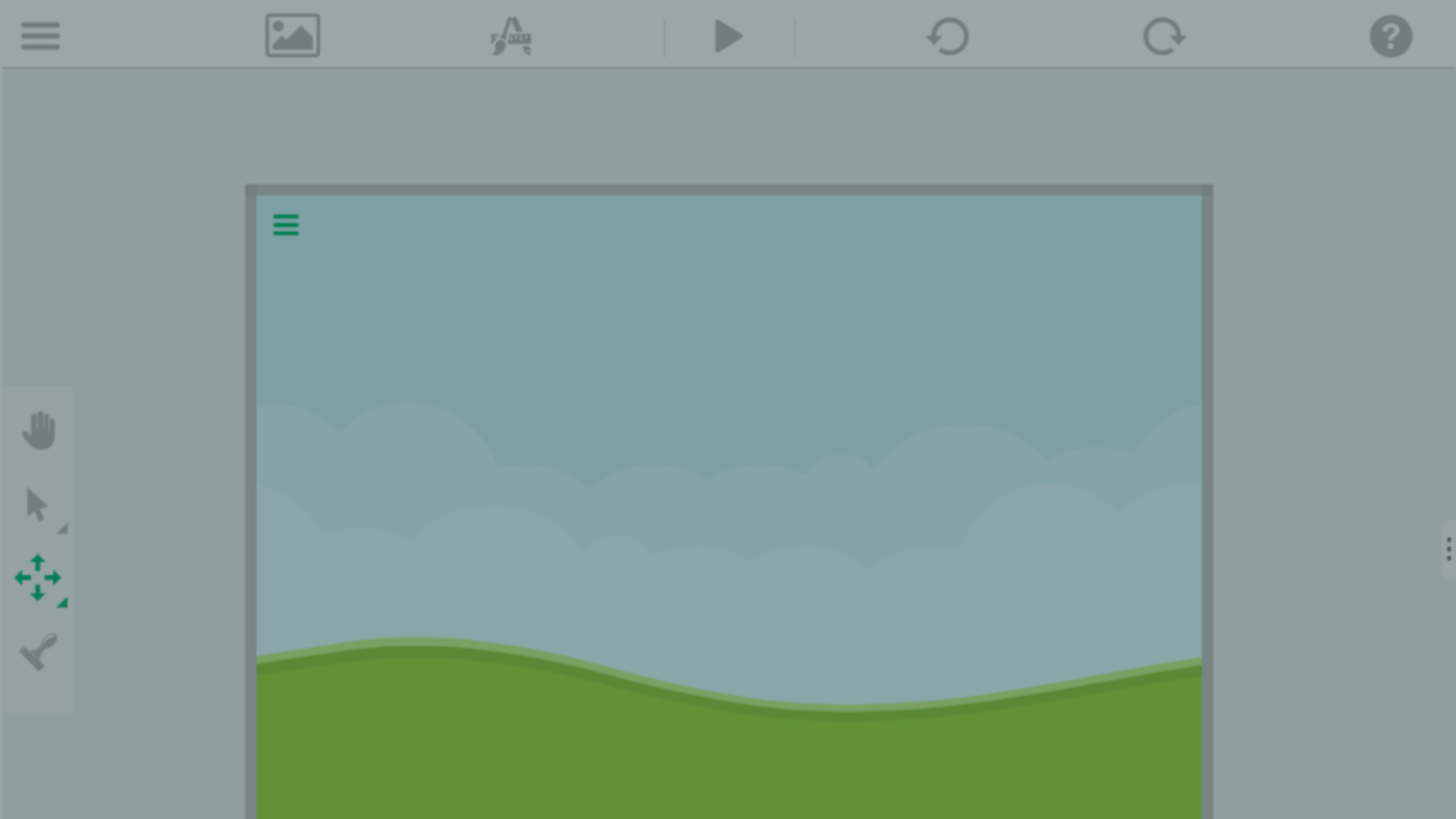
Part 3 of the hyperPad platformer series: add a background, place ground Objects, snap them to the grid, and duplicate them to build your first level.
Part 4 of the hyperPad platformer tutorial: add a player, move it with a joystick, animate it, make it jump, and have the screen follow it.
Part 5 of the tutorial adds coins, points, and a saving/loading system to the platform game you're making on iPad.