



by hyperPad
How to Choose and Import 2D Game Assets on iPad
Learn how to choose, license, prepare, import, organize, and test 2D game assets for a first hyperPad game on iPad.
Beginners
Where to find free art, tiles, and sounds, what the licenses allow, and how to import them into your hyperPad project.
Learn how to choose, license, prepare, import, organize, and test 2D game assets for a first hyperPad game on iPad.

Create a consistent first-level asset kit on iPad, then import, organize, and test the graphics, animation, interface, and audio in hyperPad.
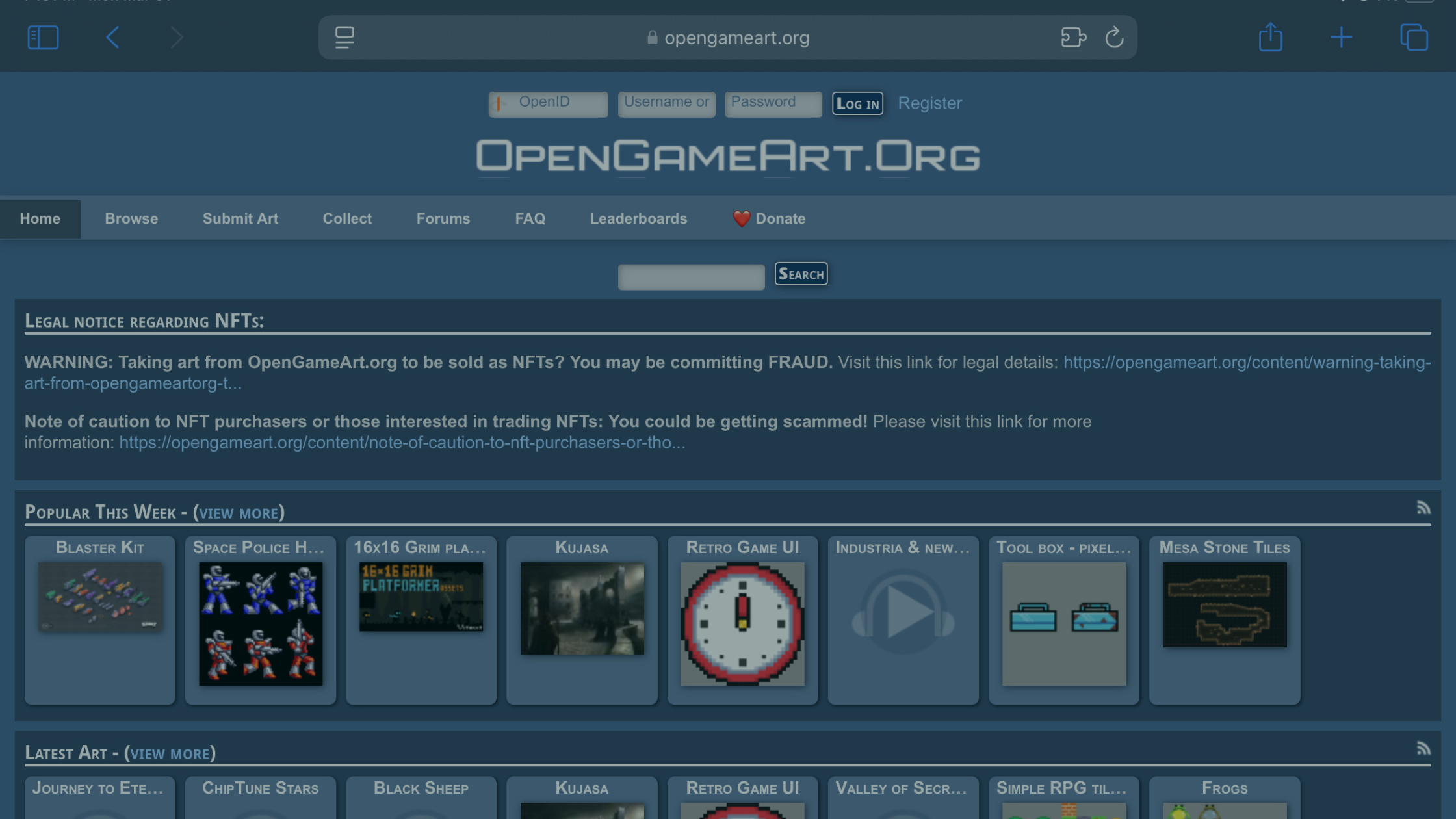
Compare eight sources for free 2D game assets and pixel art, check the license, then import PNG Graphics and animation frames into hyperPad on iPad.
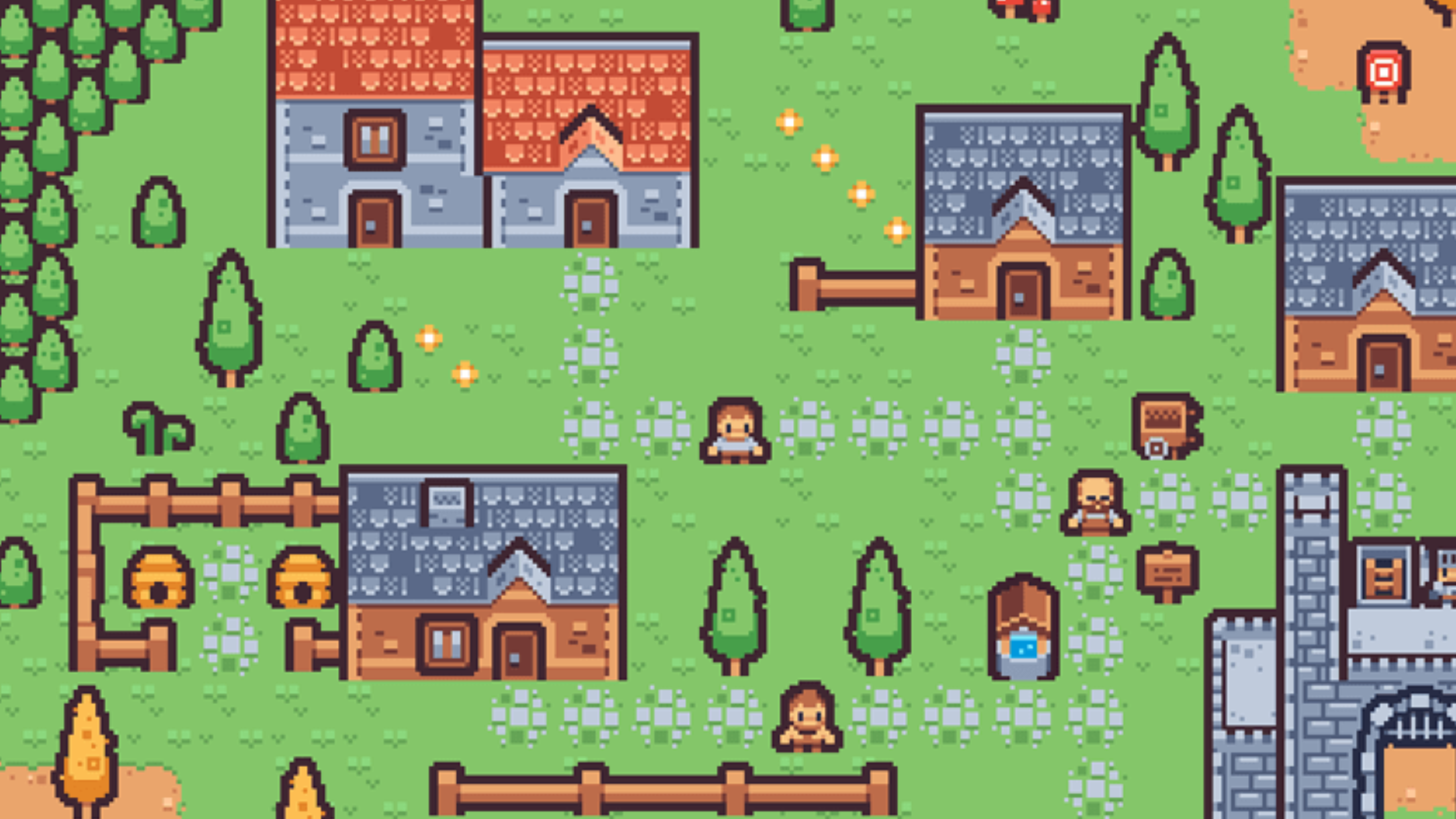
Find reliable sources for free 2D game assets, check their licenses, prepare files on iPad, and import graphics, animation, audio, and fonts into hyperPad.
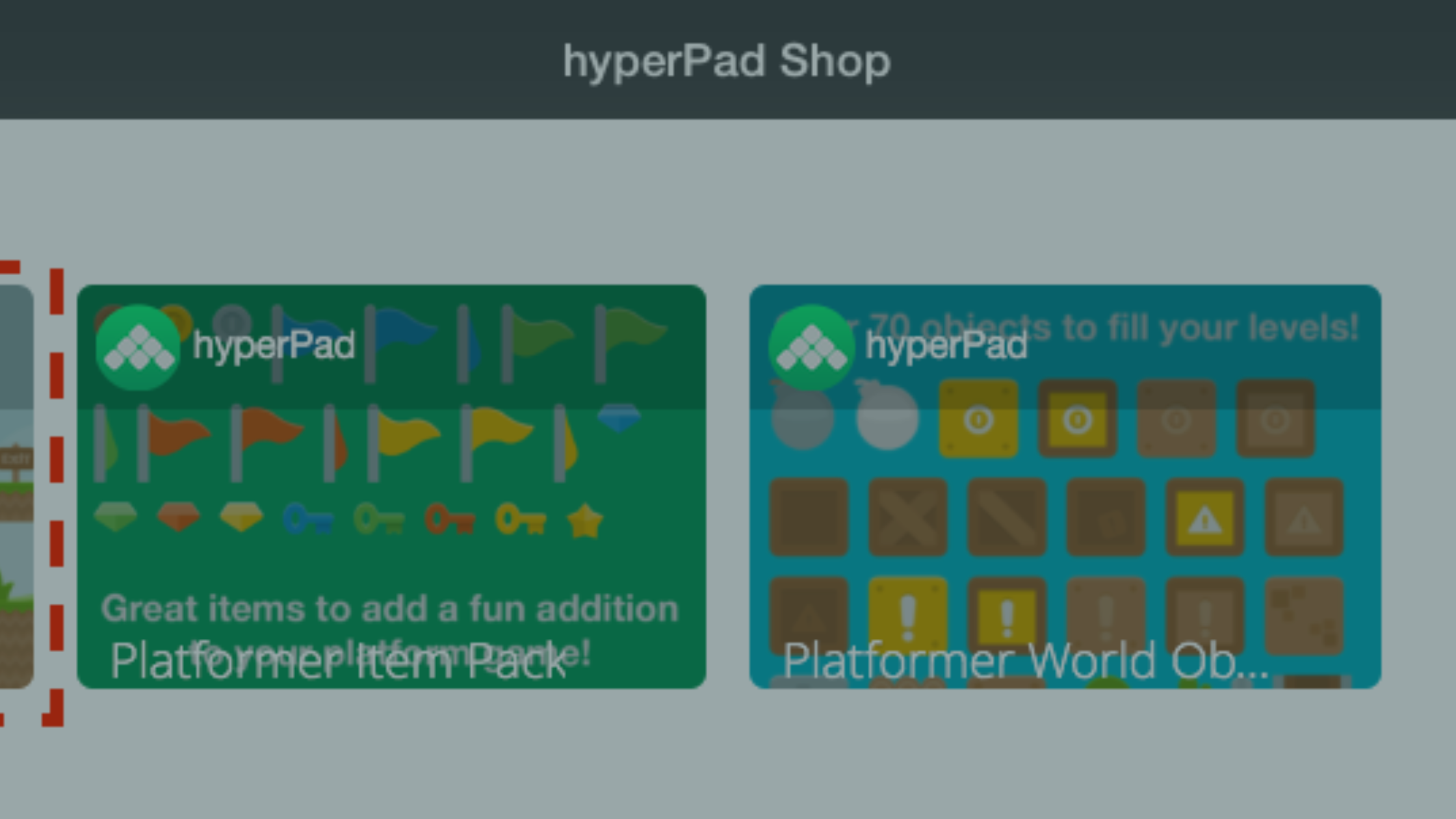
Learn how to import your own images, animations, fonts, particles, and sounds into hyperPad, or use assets from the hyperPad Asset Shop.


