A Free Resource Guide for iPad Game Developers with No-Code Tools

No-code tools like hyperPad have made developing games for iPad much easier. Whether you're a solo developer, an aspiring creator, or an experienced programmer, iPad game dev means wearing several hats: designer, programmer, artist, sound engineer, and even marketer.
This guide is packed with free resources for every stage of iPad game development, whether you use a no-code tool or write code. They cover game design, development, art, music, and sound, so your game runs smoothly and is fun to play.
Why Develop Games on iPad with No-Code Dev Tools?
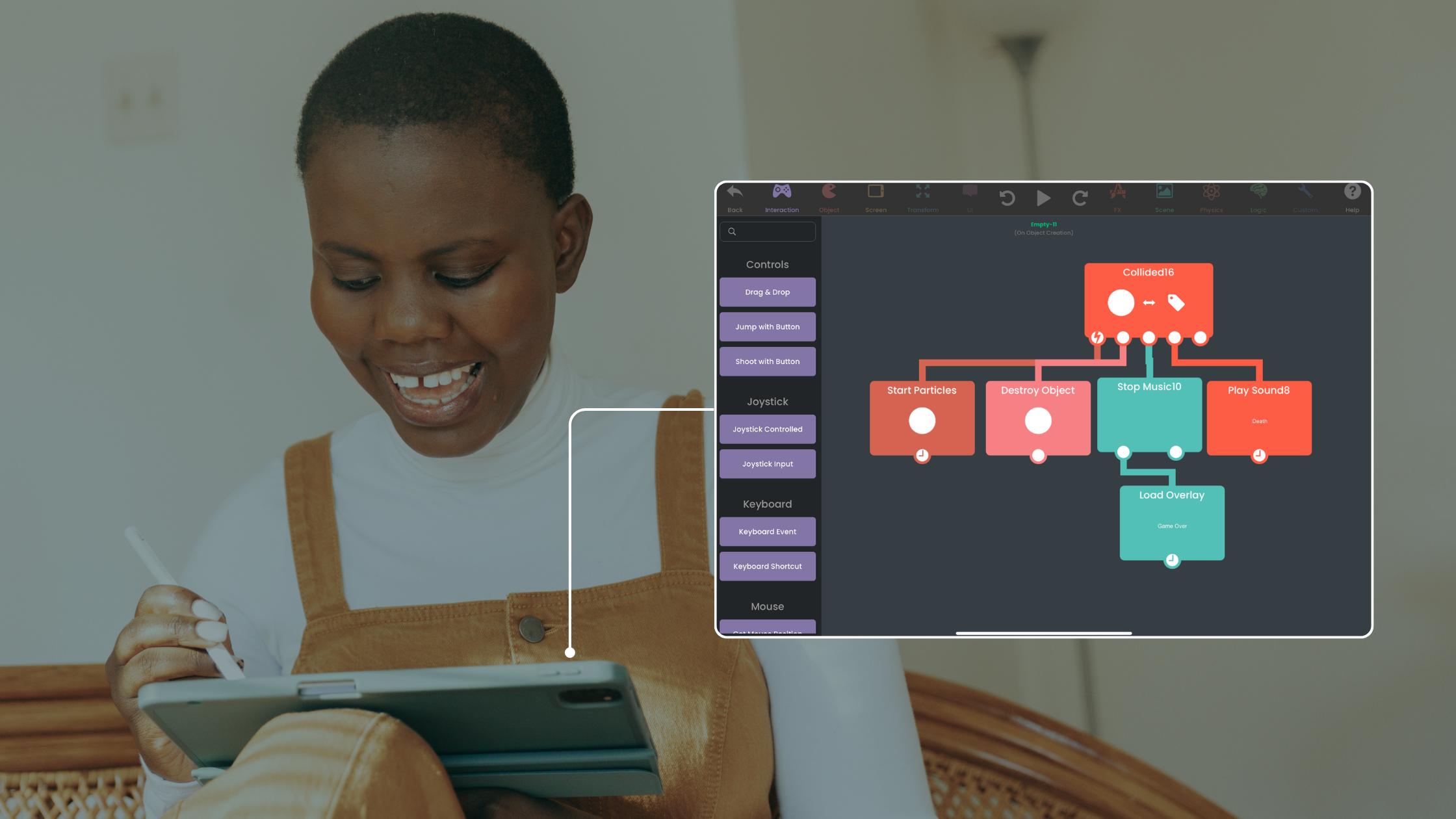
iPads are portable and capable, which makes them a good fit for game development, especially with a no-code platform like hyperPad. No-code tools simplify development. You get to focus on design, story, and player engagement without advanced coding skills.
Benefits of No-Code Tools for iPad Game Dev:
- Ease of Use: Drag-and-drop interfaces make development accessible to beginners.
- Rapid Prototyping: You make playable prototypes faster, which helps when you're testing game mechanics.
- Cost-Effective: Many no-code dev tools offer free or affordable plans.
- Focus on Creativity: You spend more time designing and refining your game, and less time troubleshooting code.
Top Resources for iPad Game Developers
1. Game Design Resources for iPad Developers
Design is the backbone of any game. Whether you're working out mechanics or building immersive levels, these resources will help you refine your ideas:
- Game Accessibility Guidelines: A comprehensive guide to making your game accessible, with checklists and practical examples.
- Develop.Games: Learn both the creative and business sides of game development from Thor Hall, an ex-Blizzard developer.
- GameMaker's Toolkit (YouTube): Explore topics like player psychology, puzzle design, and genre-specific development with this popular channel.
- The Level Design Book: A website dedicated to teaching level design fundamentals, with tools and resources.
- Design Doc (YouTube): Answers tough game design questions, like how to balance mechanics and player behavior.
2. No-Code Development Tools and Programming Resources
If you use a no-code dev tool for iPad game development, these resources will help you get the most out of it. If you prefer coding, we've included options to level up your skills too:
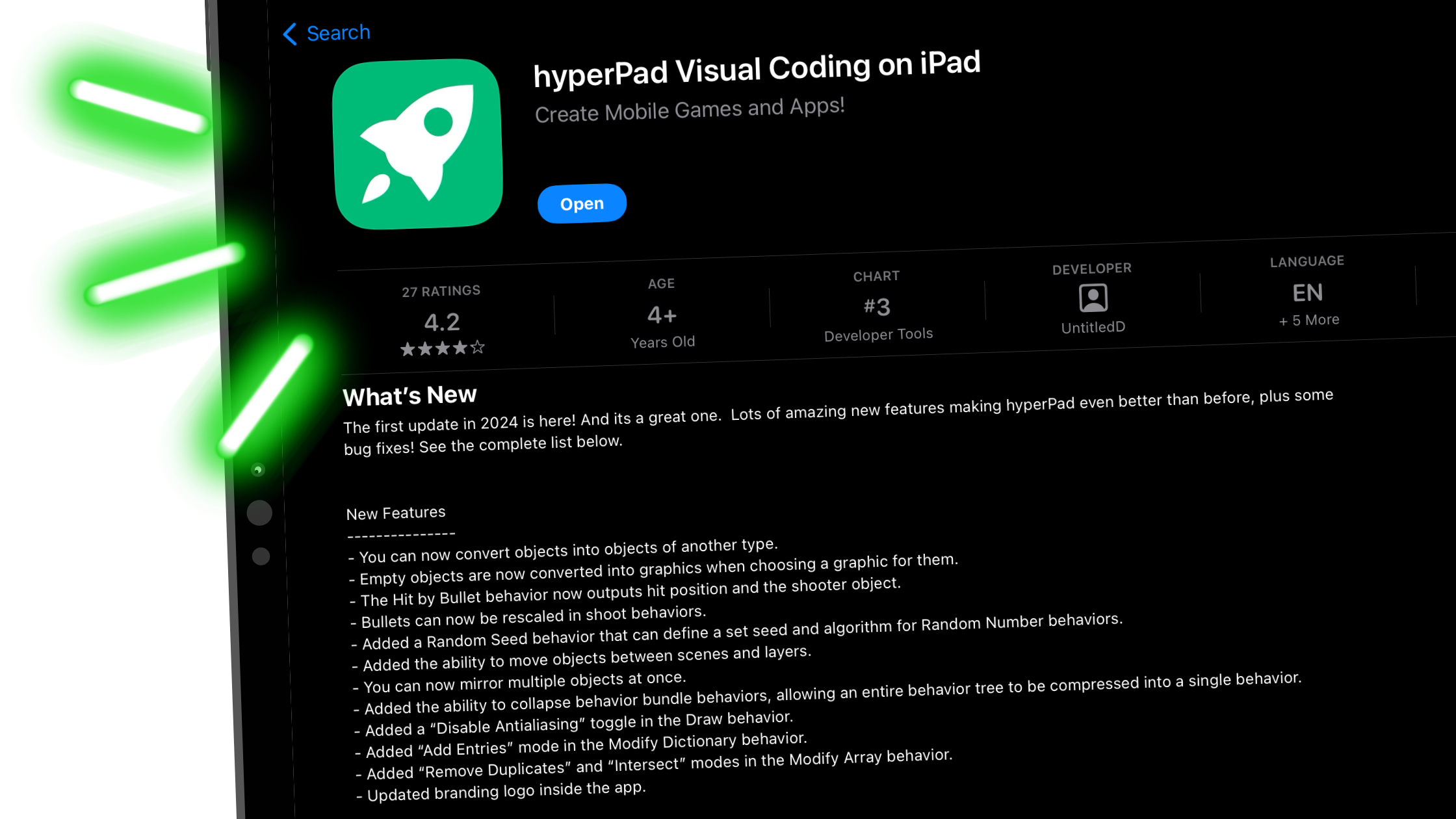
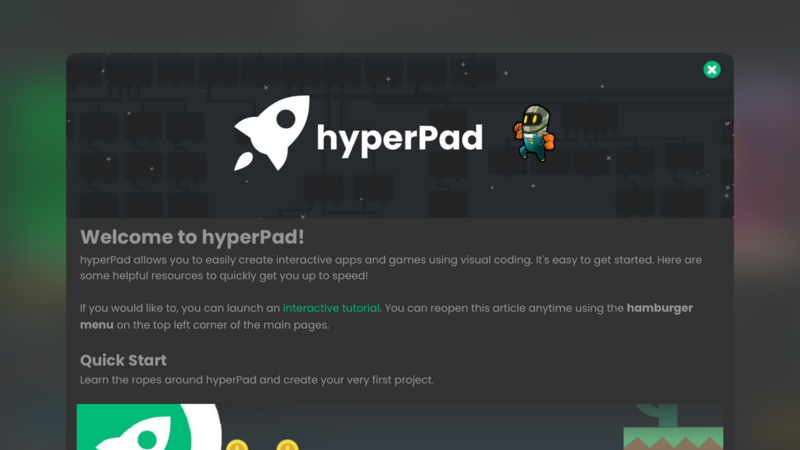
- hyperPad: A no-code tool for making games on iPad, with a friendly interface and capable features.
- freeCodeCamp.org: Learn coding basics with free tutorials, including a full Harvard Computer Science course.
- GDQuest: A good pick if you use Godot, with free tutorials that cover everything from the basics to advanced topics.
- Ludum Dare: Take part in game jams and learn from other developers' processes and experiences.
3. Game Art Resources for iPad Game Dev
Visuals are a critical part of any game. Whether you're working on pixel art, 2D designs, or 3D models, these resources will help you make great-looking graphics:
- Itch.io: A treasure trove of free 2D and 3D assets, useful for no-code iPad developers looking for inspiration or ready-to-use designs.
- Kenney.nl: Thousands of free assets, plus guides to create or modify them to fit your game's look.
- Blender Guru (YouTube): Beginner-friendly tutorials on creating professional 3D graphics in Blender.
- Ctrl+Paint: Learn digital painting with free videos covering concept art and design principles.
4. Free Music and Sound Resources
Audio sets the tone of your game. These tools help you compose tracks, create sound effects, and bring your game to life:
- Sonniss Free Archive: A massive library of sound effects, including free samples from GDC events.
- Bensound: Royalty-free music organized by mood and style, to help you set the right atmosphere.
- Spitfire Audio: Tutorials on composing game soundtracks and a free library of orchestral instrument samples.
5. Narrative Design Resources for iPad Game Developers
Storytelling is key to player engagement, especially in narrative-driven games. Learn how to write stories that adapt to player choices and fit naturally into gameplay:
- Pixel Architect (Dev Diaries): Follow along as an indie developer shares their journey and shows how they tie story into game mechanics.
- Ryan Leach: Videos on composing music that supports storytelling in games, with tips on orchestration and setting the tone.
Practical Tips for No-Code iPad Game Development
- Use hyperPad: hyperPad simplifies the technical side of iPad game dev, so you can focus on creativity.
- Test Your Game Across Devices: Check compatibility and performance on different iPad models.
- Optimize for App Store Visibility: Use targeted keywords like "iPad game dev" and "no-code dev tool" in your App Store listing to attract more players.
- Engage Your Audience Early: Share prototypes or teasers on platforms like Itch.io to gather feedback and build anticipation.
What Are Your Thoughts on iPad Game Dev?
With the right resources and tools, making games on iPad is well within reach. Whether you use a no-code dev tool like hyperPad or learn to program, the journey is as rewarding as the result.
Start building your dream game today! Try hyperPad Starter free. When you want more projects and App Store export, upgrade to hyperPad for a one-time USD $14.99. You keep 100% of your revenue.