


by Murtaza
Smart Shape: Build Game Worlds That Keep Going
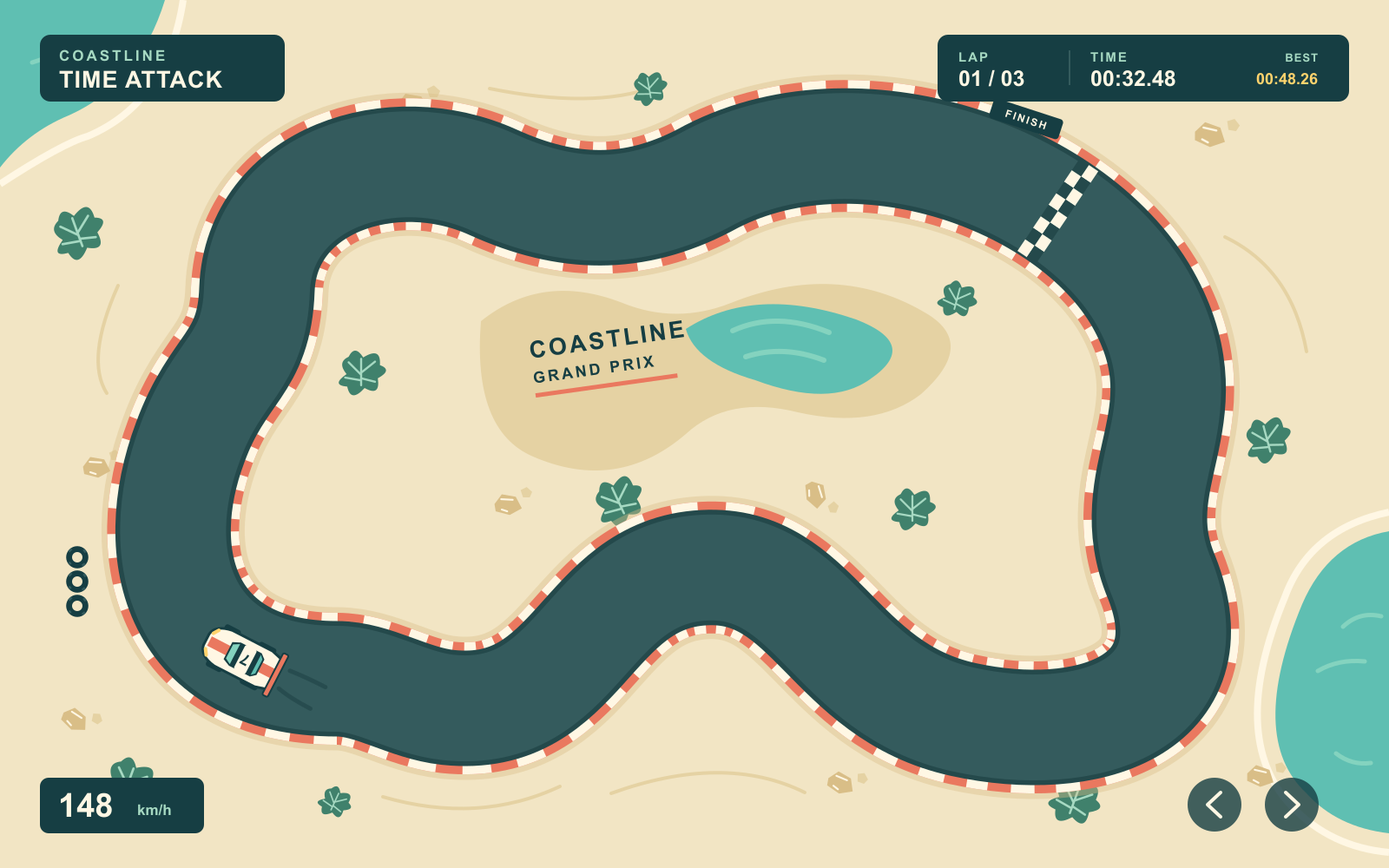
Shape a racecourse, roll out hills, or build the ground for your next RPG. Smart Shape is coming to hyperPad with new ways to make 2D worlds on iPad.
ArtistsIndie Developers
Product updates, new features, pricing, and milestones from the hyperPad team.
Shape a racecourse, roll out hills, or build the ground for your next RPG. Smart Shape is coming to hyperPad with new ways to make 2D worlds on iPad.
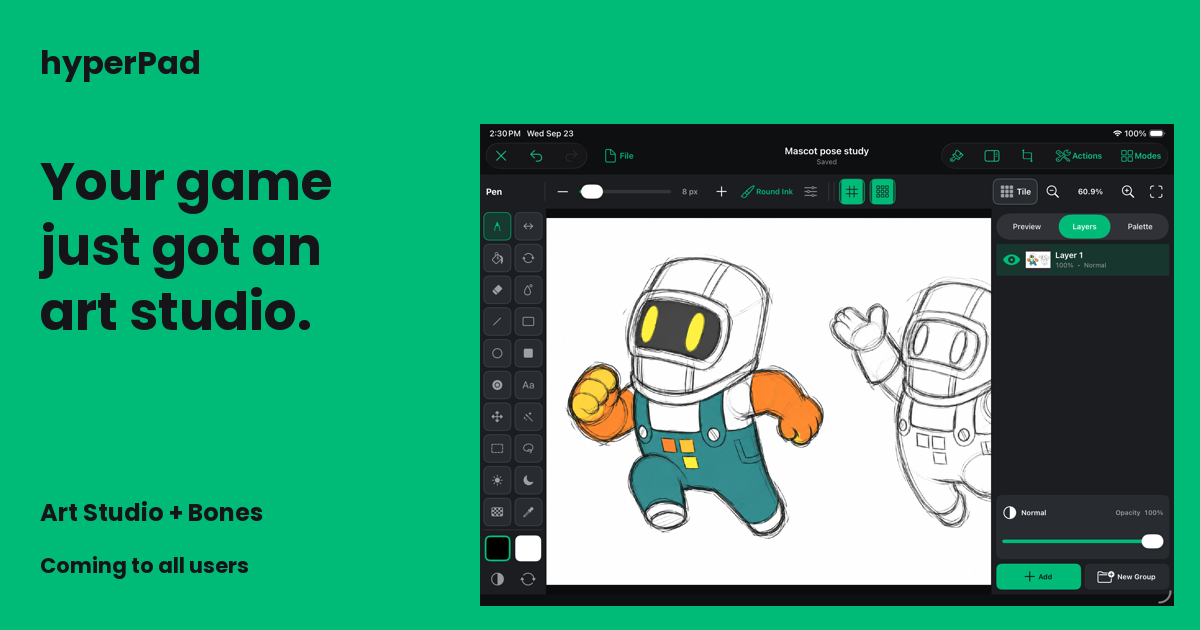
Two major additions to hyperPad: create game art in Art Studio and blend character animations during gameplay with runtime Bones. Coming to every user.

Use iPadOS 26 tools around a focused hyperPad workflow, or run the same visual game engine on an Apple silicon Mac with M1 or later.

Articles, reviews, and listings that have covered hyperPad, from CNET and Mac Observer to Code.org, Hour of Code, and Global Game Jam.

Ten practical lessons for scoping, building, testing, sharing, and finishing a visual 2D game directly on iPad with hyperPad.

Let's hit play on hyperPad Wrapped 2025 and relive the year's highlights from the hyperPad community.
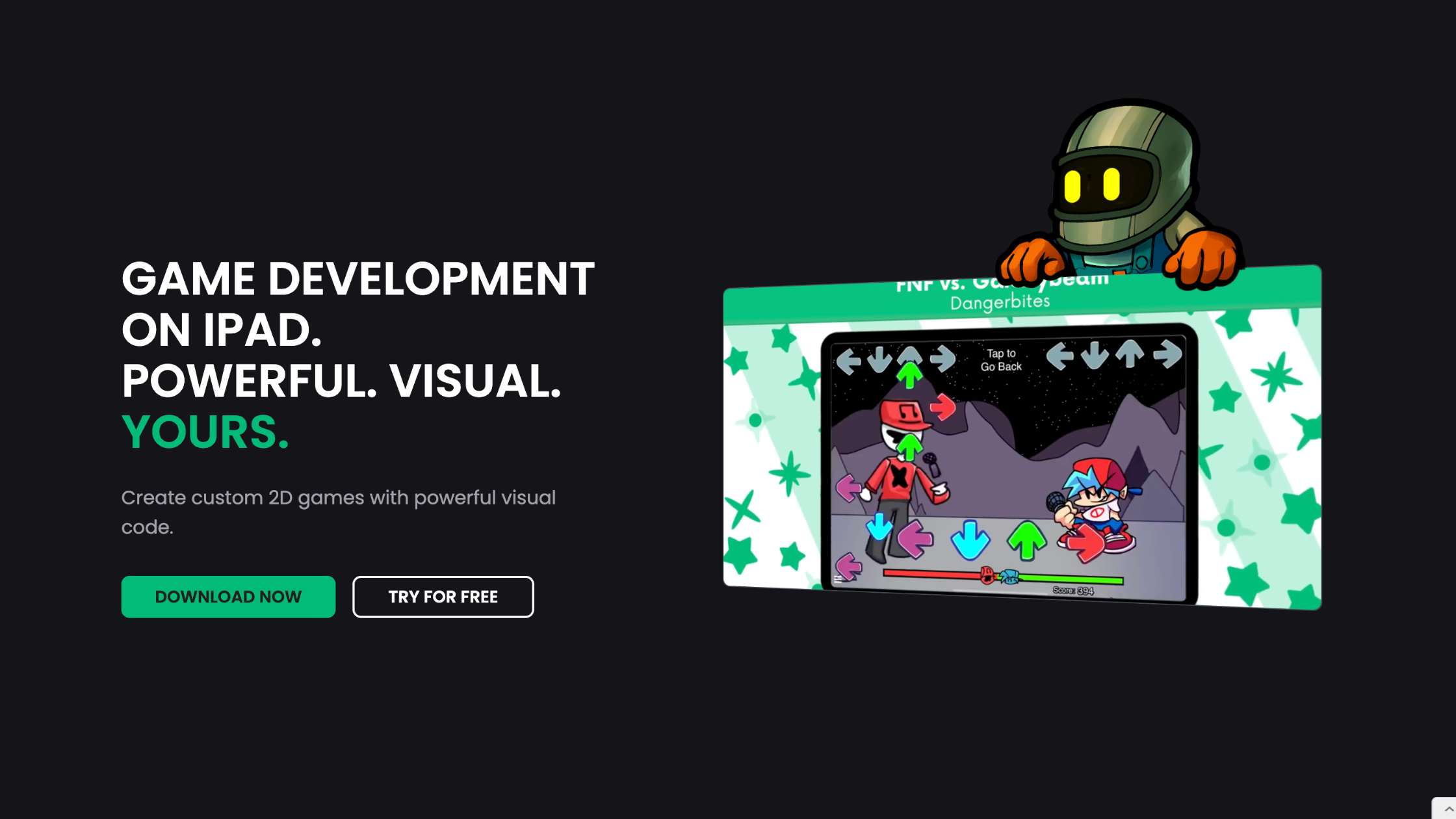
Turn a game idea into a small playable hyperPad prototype by defining one loop, building visual logic, testing on iPad, and collecting useful feedback.

The latest hyperPad update adds Prefabs, Hover Events, Shake Object, Coins, and Dislikes. Here's how each one helps you make games on iPad.

Apple introduced iPad in 2010. See how an iPad-first hyperPad workflow now lets you arrange Scenes, connect visual Behaviors, test touch input, and improve a playable game.

Evaluate an iPad game engine by how clearly it supports building, testing, debugging, asset work, feedback, and publishing decisions.

You can now earn 3D awards on hyperPad for your profile and projects, from publishing your first project to keeping up a login streak.
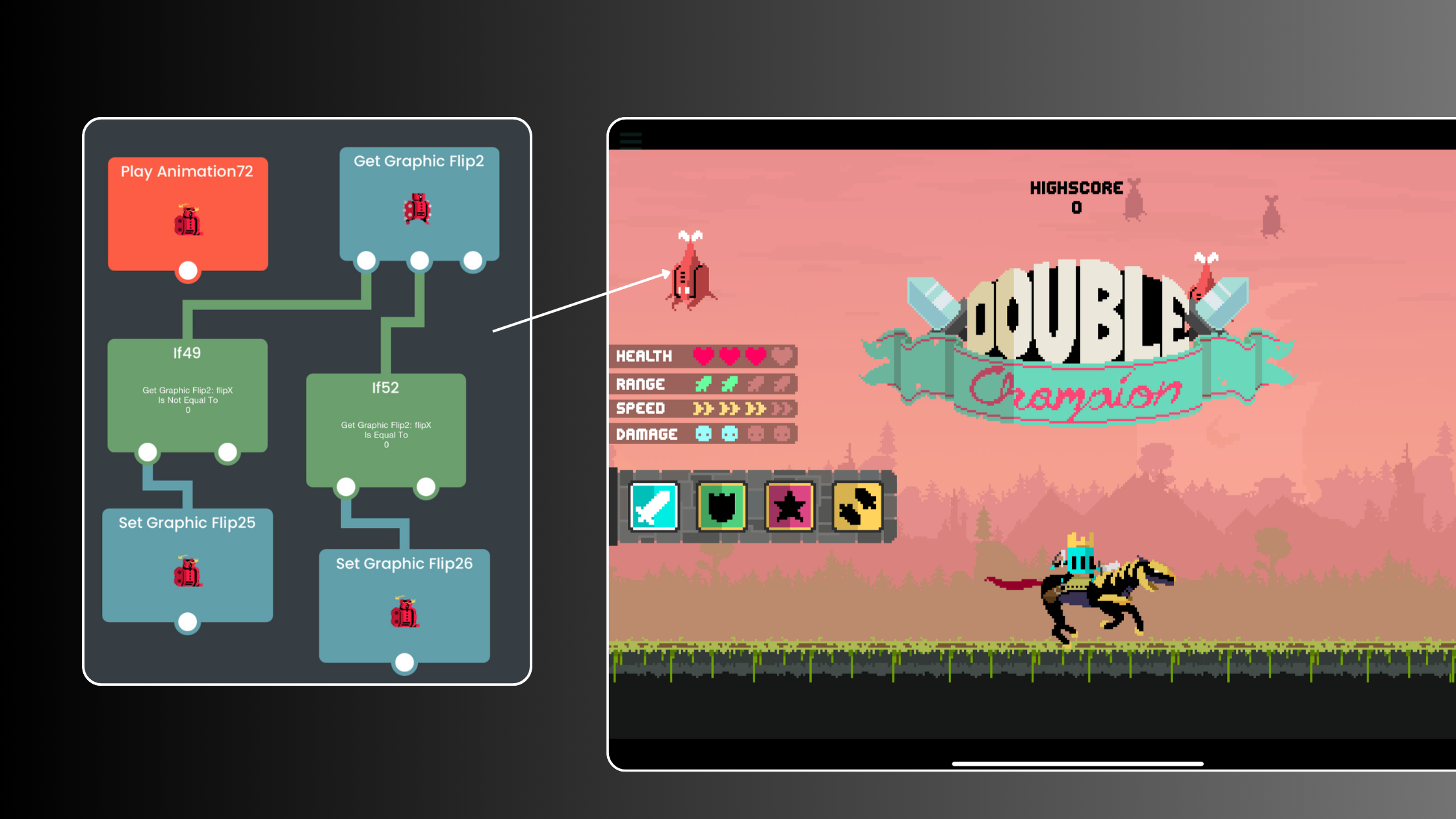
Build and test a 2D game on iPad, gather feedback through the Hub, then use Xcode Export and Apple's tools for App Store submission.

hyperPad 2.0 brings a faster, redesigned Hub with advanced search, plus new Break and Continue Behaviors and undo and redo in the Behavior Editor on iPad.


