Hilarious Birthday Card Ideas on iPad


Get Creative with iPad Game Dev!
Looking for a unique way to celebrate a friend's or family member's birthday? Skip the generic store-bought cards and make your own hilarious birthday card with hyperPad. Whether you're a seasoned pro or new to iPad game dev, hyperPad's no code game dev app makes it easy to create something fun and interactive that people remember.
Why Use hyperPad for Birthday Cards?
1. No Coding Required
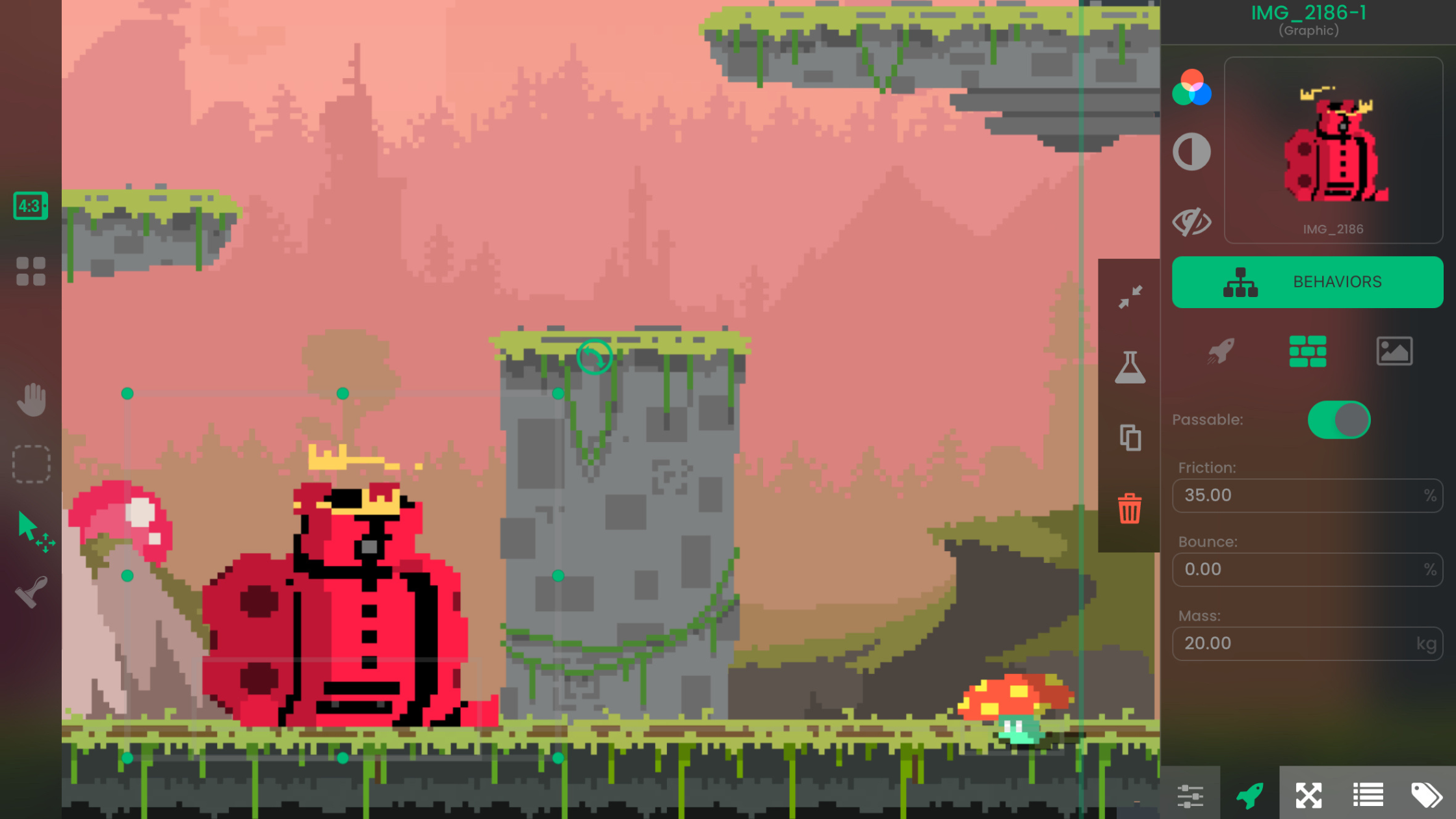
You don't need to be a coding expert. hyperPad lets you design interactive birthday cards without writing a single line of code. You drag, drop, and connect Behaviors, which works for beginners and experienced creators alike.
2. Make It Personal
With hyperPad, you can add custom animations, quirky messages, and even mini-games to your birthday card. Imagine sending your friend a card where they pop balloons to reveal a hidden message, or play a short game starring their favorite character!
3. Use Your Digital Art Skills
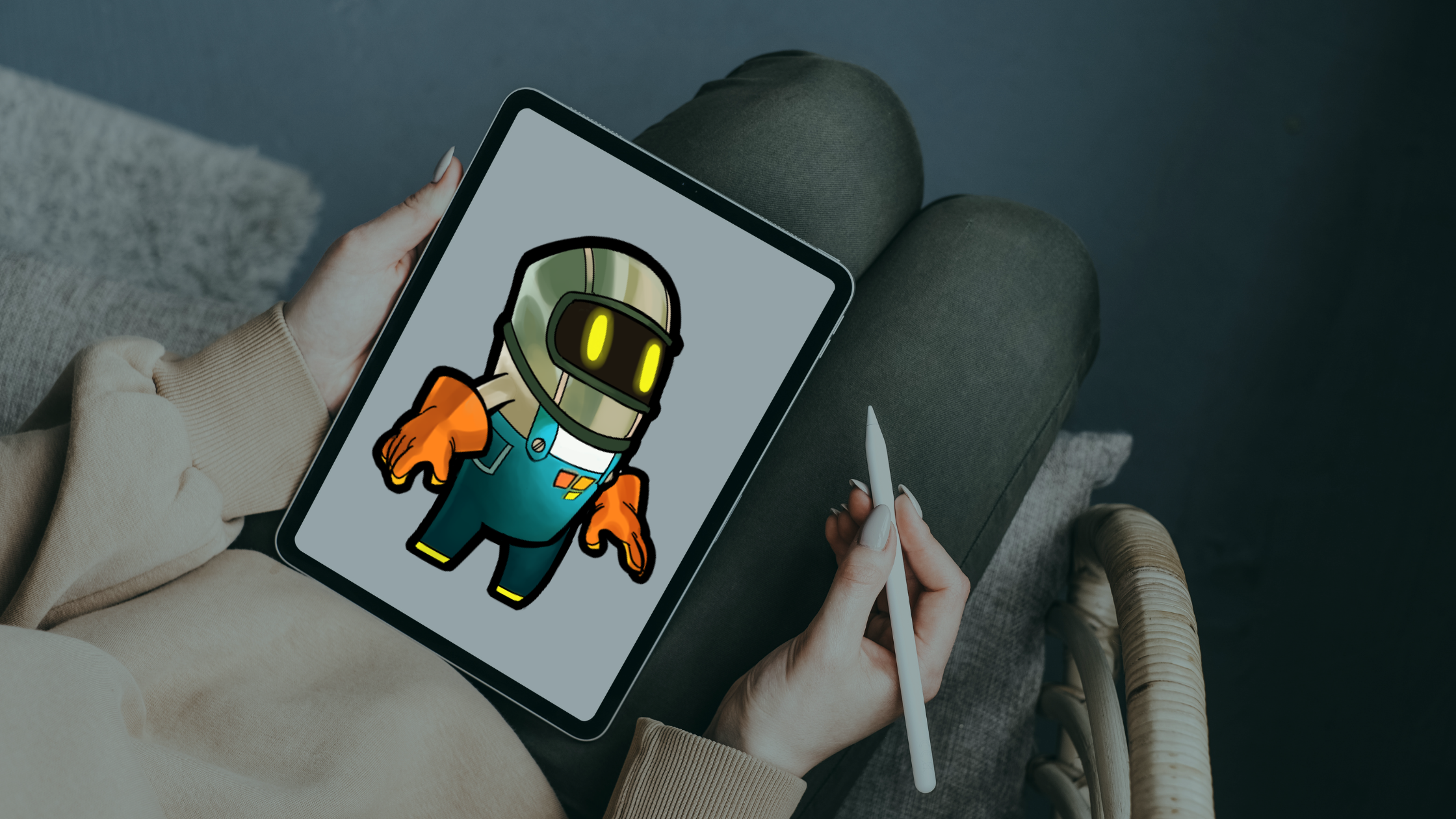
Are you a fan of Procreate or other digital art tools? Combine your art with hyperPad’s game development features to design animated birthday cards. Import your artwork into hyperPad and bring it to life.
Hilarious Birthday Card Ideas You Can Make on hyperPad
Mini-Game Birthday Challenge
Create a fun mini-game that the birthday person has to complete to reveal their birthday message. For example:
- “Whack-a-Mole Birthday”: Replace the moles with animated caricatures of your friends or family members. Add funny sound effects or inside jokes.
- “Balloon Pop Surprise”: The birthday person pops balloons with a digital pin. Each balloon reveals a funny message, GIF, or hidden birthday wish.
Talking Character Birthday Card
Design a digital card with a talking character who delivers a funny birthday message. Record your message in a voice recorder app, import the audio into hyperPad, and play it when the card opens. Or show the words in a Text Bubble. Either way, the character says whatever you want: a heartfelt wish or a cheeky roast.
Digital Birthday Roast
Know someone with a great sense of humor? Create a "Birthday Roast" card where the birthday person taps through a series of funny animations and messages poking fun at their quirks. Use hyperPad’s Behaviors to add cheeky animations and surprises.
Interactive Birthday Story
Turn your birthday card into an interactive story where the birthday person chooses their own adventure. Whether they land in a "Birthday Party Gone Wrong" scenario or go on a quest to find their birthday cake, it's sure to get a laugh.
Personalized Meme Generator
Everyone loves a good meme. Use hyperPad to build a personalized meme generator, where your friend swipes through birthday memes featuring their photos or inside jokes. Add a few funny GIFs and sound effects for extra laughs.
Tips for Creating Your Hilarious Birthday Card on iPad
Start with a Template
If you're new to iPad game dev, start with one of hyperPad's templates to speed things up. You can customize a template to match the theme of your birthday card.
Incorporate Procreate Art
If you're a digital artist, make your card pop with your own artwork. Draw funny caricatures or birthday-themed scenes in Procreate and import them into hyperPad to add interactivity.
Add Sound Effects and Music
Make your birthday card more entertaining with background music and sound effects. Use hyperPad’s audio library, or record your own sounds in another app and import them, to make it personal.
Make It a Group Effort
Got a group of friends who want in on the fun? Pass the iPad around and let each person add a Scene or a message. Everyone's touch ends up in one group birthday surprise.
How to Share Your hyperPad Birthday Card
Once you've finished your hilarious birthday card, it's time to share it with the world, or at least with the birthday person! Here are some ways to share your card:
Share via the hyperPad Hub App
Publish your project to the hyperPad Hub. Anyone with the hyperPad Hub app on iOS can find it and play it. It's an easy way to share your creation with friends and family.
Share the Project Link
Every project you publish to the Hub gets its own page. Copy its link and send it by text, email, or social media so the birthday person can find it.
Social Media Shoutout
Proud of your creation? Share it on social media. Post a screen recording of your card in action on Instagram, TikTok, or YouTube to show off your iPad game dev skills.
Make Birthdays Extra Special with hyperPad
With hyperPad, you can turn a birthday card into something interactive, with personal messages and even mini-games. You'll make someone smile, and you'll sharpen your game dev skills in a fun, low-pressure way.
Prototype one complete turn or puzzle loop first. Check that the goal, player choice, result, and reset are clear before expanding the rules.