How to Use iPad for Game Design: Tutorials and Tips for Game Creators

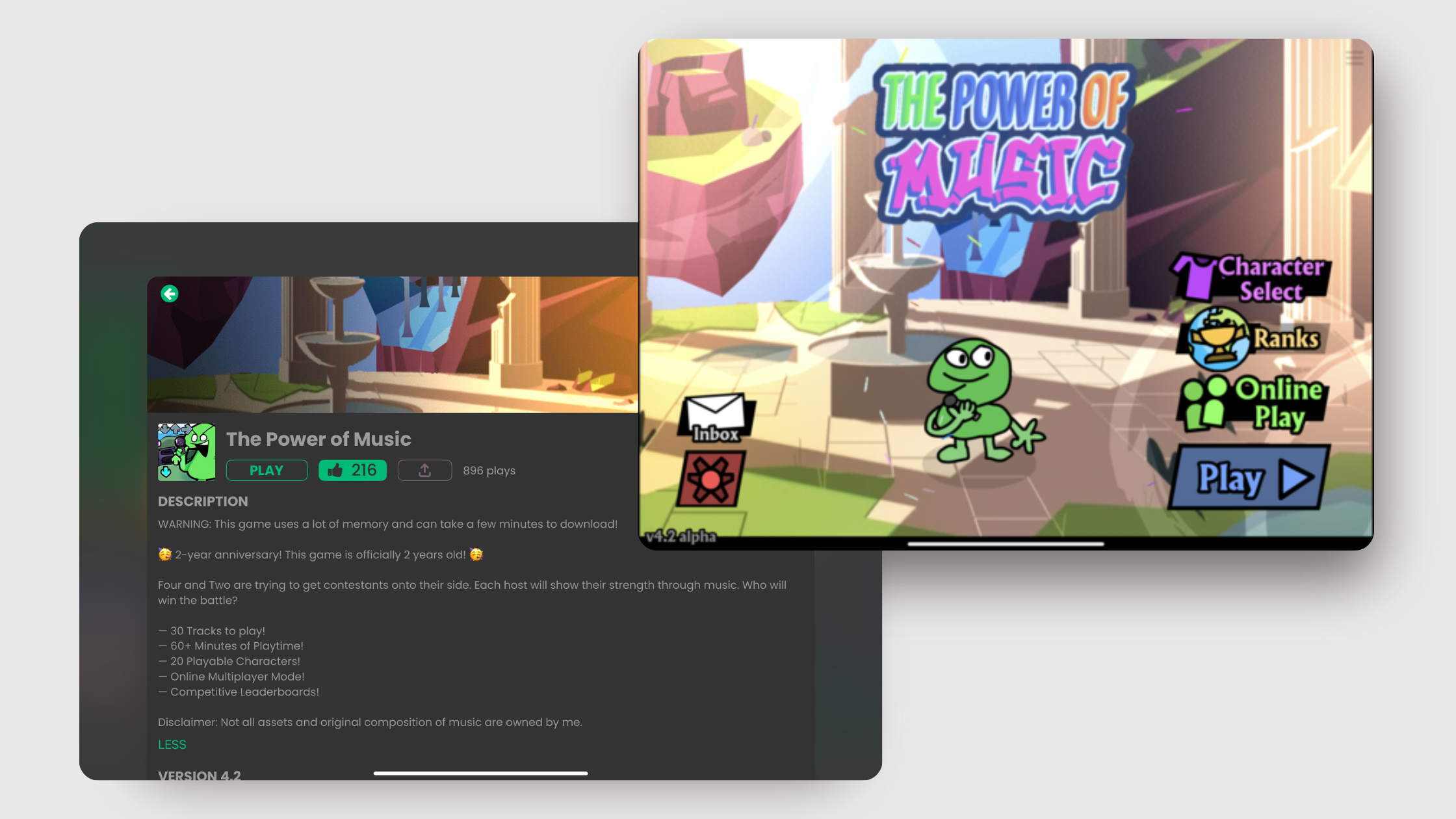
Designing your own game might sound complicated. With hyperPad, it's approachable and fun, even for beginners. Whether you're making an interactive story, an educational math game, or a fast platformer, hyperPad's drag-and-drop features and intuitive interface make it a great fit for iPad game development. This guide shows you how to get started with hyperPad, with practical game design tutorials and tips for making your creations stand out.
Why Use hyperPad for Game Design?
hyperPad helps creators of all ages turn their ideas into games. Here's why it works well for game design:
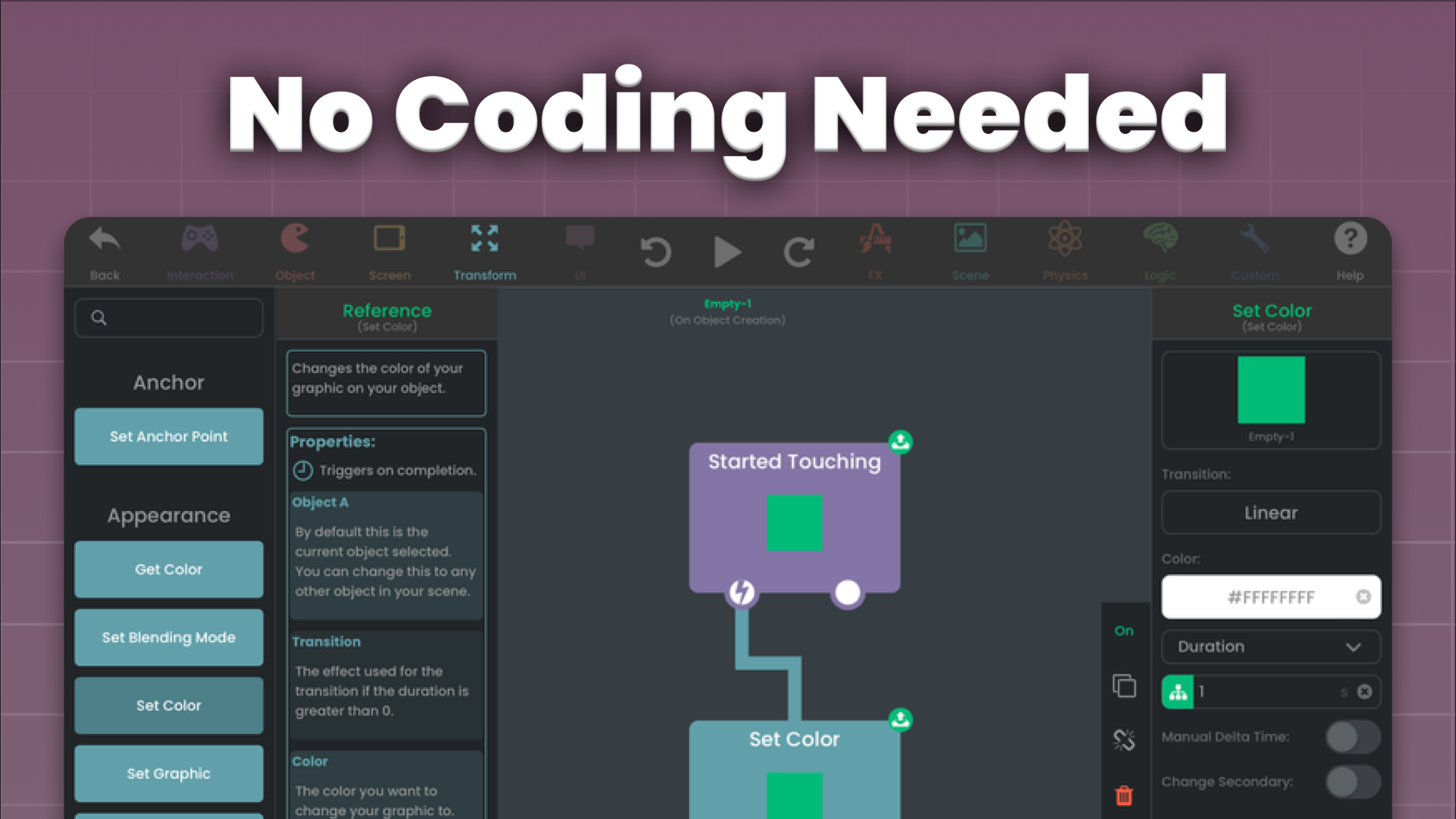
- No-Code Platform: Create games without writing a single line of code.
- Educational Applications: Make educational games that teach math, science, and more.
- Designed for iPad: Build games right on your iPad with a touch-friendly interface.
- Community Support: Find tutorials, resources, and a supportive community to help you grow.
Getting Started with Game Design in hyperPad
Step 1: Download and Explore hyperPad
Start by downloading hyperPad (or the free hyperPad Starter) from the App Store. When you open the app, you'll see a variety of project templates to help you get started, including platformers, interactive stories, and blank canvases for your own designs.
Step 2: Learn the Basics
The Behavior Editor is the heart of game design in hyperPad. You connect actions and events to create a flowchart of your game's logic. As a beginner, start with these core concepts:
- Scenes: These are the "levels" or screens in your game. You can create several Scenes for different stages or menus.
- Assets: Import images, animations, and sounds to bring your game to life.
- Behaviors: Add interactivity by giving your Objects actions like movement, collisions, and scoring.
Step 3: Follow Tutorials
hyperPad offers in-app tutorials that guide you through game creation step by step. Here are a few beginner-friendly projects to try:
- Simple Platformer: Make a side-scrolling game with moving characters, obstacles, and collectible items.
- Interactive Storytelling: Write a story where players make choices that change the outcome.
- Math Game: Build an educational game where players solve math problems to progress.
Each project has you add assets, set up Behaviors, and test your game.
Tips for Designing Educational Games
Educational games keep players engaged while they learn useful skills. Here are some ideas and tips:
1. Interactive Math Games
- Example: A game where players solve equations to unlock doors.
- Tips:
- Use number tiles and basic operator symbols as Graphics.
- Set up Behaviors that check the player's answer and give instant feedback.
2. Story-Based Learning
- Example: An interactive story about sustainability where players make choices to help the environment.
- Tips:
- Use Behaviors to build dialogue and branching storylines.
- Include mini-games or puzzles that tie into the story's theme.
3. Science Explorations
- Example: A game where players explore the solar system and learn facts about planets.
- Tips:
- Use animations to make space travel exciting.
- Add touch interactions so players can "zoom in" on planets or tap to reveal information.
Advanced Features to Explore
Once you're comfortable with the basics, try these advanced tools to push your games further:
- Physics Engine: Add realistic physics to Objects for games with gravity, collisions, or bouncing.
- Custom Animations: Bring your characters and environments to life with animation.
- Monetization: Make games you can export and sell on the App Store with the paid hyperPad. You keep 100% of your revenue.
Pro Tips for hyperPad Creators
- Start Small: Begin with a simple game idea and add complexity gradually.
- Test Often: Playtest your game often to find and fix issues.
- Join the Community: Publish your projects to the hyperPad Hub for feedback and inspiration.
- Keep It Fun: Focus on making an enjoyable experience for your players.
Conclusion
hyperPad makes game design on iPad simple and approachable, whether you're a complete beginner or an experienced creator. With its drag-and-drop interface, in-app tutorials, and room for educational projects, it's a strong choice for anyone interested in game development.
Got a game idea? Download hyperPad today and start building it!
Explore hyperPad
Keep the first version focused on one mechanic. Test the input, result, and restart flow before adding another Scene or system.