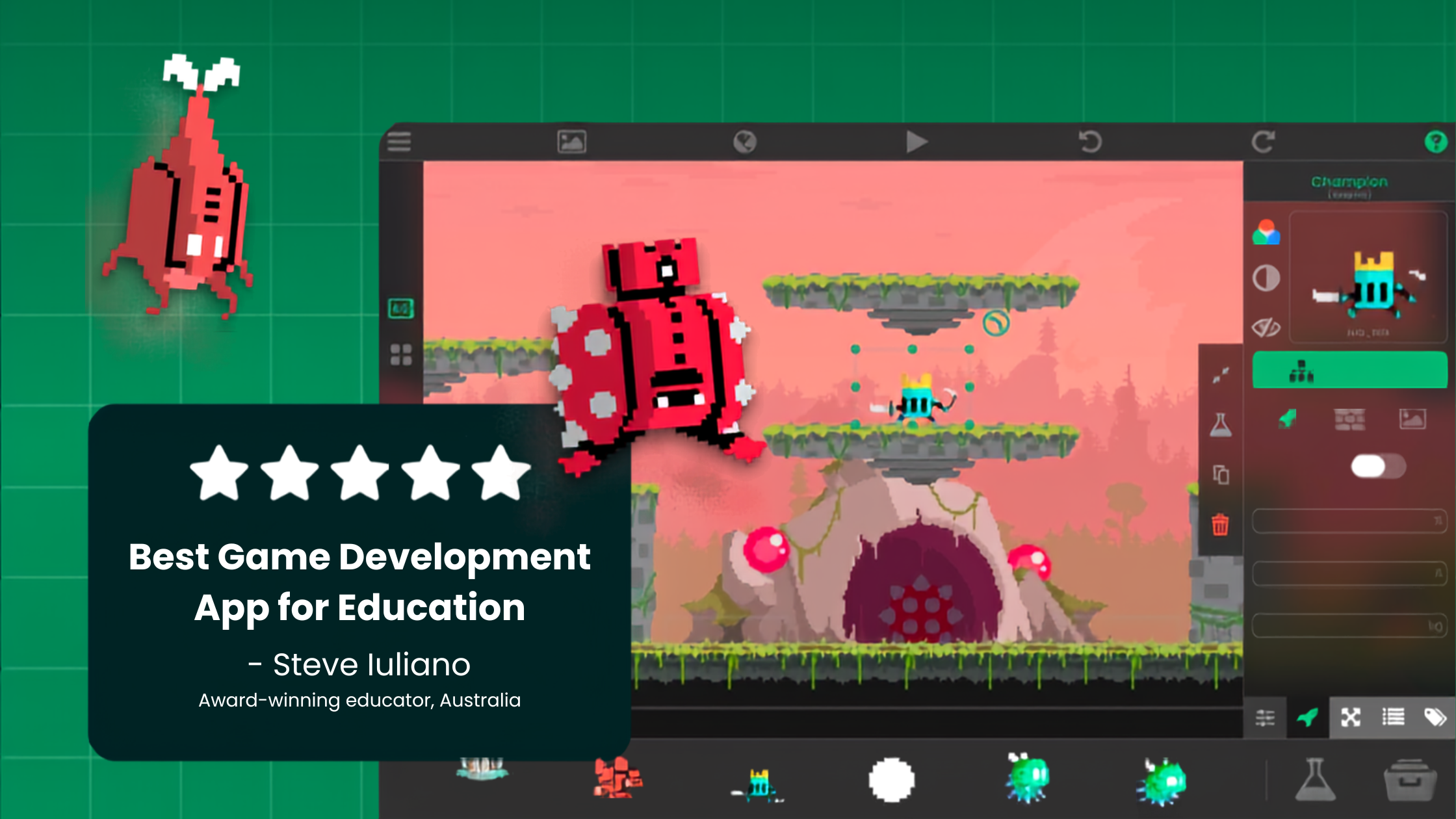
Inspiring the Next Generation of Gamers and Creators on iPad

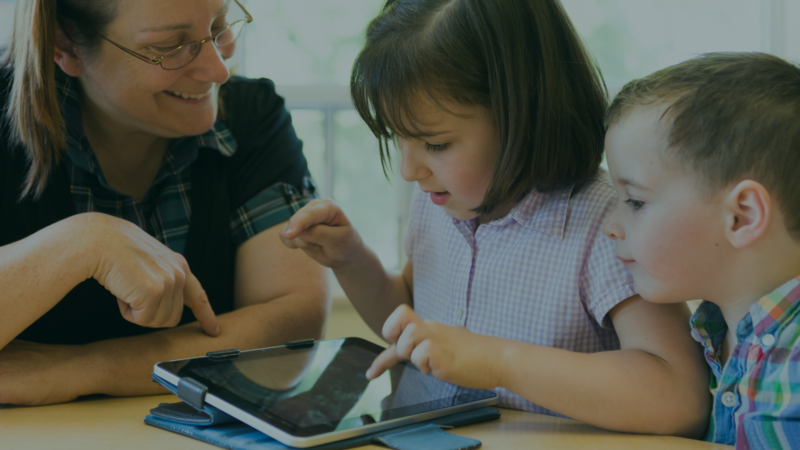
The next generation of gamers and creators often starts on an iPad. A kid plays a game, wonders how it works, and then wants to change it. That moment is where a player starts becoming a creator. Parents and teachers can help it happen by asking the right questions and giving kids a simple place to build. On iPad, that place can be hyperPad, where kids make real games by connecting Behaviors instead of typing code.
This guide covers how kids move from playing to making, how you can encourage it, what they learn along the way, and a few first projects that work well.
Looking for games to play first? Our list of the best kids' video games of 2025 covers games that spark creative ideas.
From playing games to making them
Most young creators follow the same path, even if they don't notice it.
- They play and react. "This level is too hard." "I wish I could fly here."
- They notice the rules. Kids start to see that a game is a set of rules: what happens when you jump, when you touch an enemy, when the timer runs out.
- They want to change one thing. A new character, a different goal or one extra rule.
- They build that change. This is the step that turns a player into a creator.
The jump from step 3 to step 4 is the hard part. Kids need a tool where one idea turns into something playable fast, before their excitement fades.
How parents and teachers can encourage it
You don't need to know how to make games yourself. You need curiosity and a little structure.
- Play together, then ask questions. After a session, ask "What would you change?" or "How do you think the game knows you won?" Those questions turn play into design thinking.
- Start with one change. Big ideas like "a game like the one I just played, but bigger" stall quickly. One new rule or one new level is a finished project.
- Celebrate the playable version. A rough game that works is a real achievement. Polish can come later.
- Let them test on someone. Watching a sibling, parent or classmate play their game teaches kids more than any tutorial.
- Give it regular time. A short, regular building session works better than one long weekend.
In a classroom, each student builds a local Project on their own iPad, so there's no shared server to manage. Schools use hyperPad from grade 4 through post-secondary, and it's aligned to ISTE and CSTA standards.
What kids learn by making games
Making a game touches more subjects than it looks like at first.
Logic
Every game runs on cause and effect. In hyperPad, kids connect Behaviors such as "when the player touches a coin, add 1 to the score." They practice events, conditions and variables without memorizing syntax. When something breaks, they learn to test one piece at a time.
Art
Characters, backgrounds and buttons all need art. Kids can draw in an iPad art app like Procreate and import their drawings as Graphics. Seeing their own drawing run and jump on screen is a big motivator.
Storytelling
Even a simple game has a story: who the hero is, what they want and what's in the way. Kids learn to plan a beginning, a challenge and an ending, and to show the story through play instead of long text.
Sound and music
A jump sound or a short theme makes a game feel finished. hyperPad's Sound Effects Editor makes quick effects, and kids can import music they make in GarageBand.
Simple first projects in hyperPad
Each of these fits in one Scene and can be finished in a few sessions.
Tap to collect
The player taps to move a character and collects three stars. Kids learn touch input, collisions and a score Attribute. A win message appears when the score reaches 3.
Catch the falling items
Items fall from the top of the screen, and the player moves a basket to catch them. Physics handles the falling. Kids add a point for each catch and a "game over" after three misses.
A one-room maze
The player finds a key, then reaches the exit. Kids learn to store a value ("has the key?") and check it before the door opens. This is a great place to use their own hand-drawn hero.
A choose-your-path story
Two buttons on each screen let the player choose what happens next. Each choice loads a new Scene. It's a gentle start for kids who love writing more than action.
A sound board
Each button plays a different sound or a piece of music. Younger kids enjoy it, and it teaches the core idea of hyperPad: an event (a tap) triggers an action (a sound).
Ages and languages
hyperPad is rated 13+ on the App Store, so younger kids should build with a parent or in a class. Publishing games to the hyperPad Hub is for creators aged 13 and up, and creators aged 13 to 17 need a parent's permission. hyperPad is also available in 35 or more languages, so kids can build in the language they're most comfortable with.
Your next step
Play a game with your child this week and ask what they would change. Then pick the matching first project above and build that one change together. For a step-by-step start, read visual coding for kids.