Creating a “Press a Button Game” with No-Code iPad Game Dev Tools


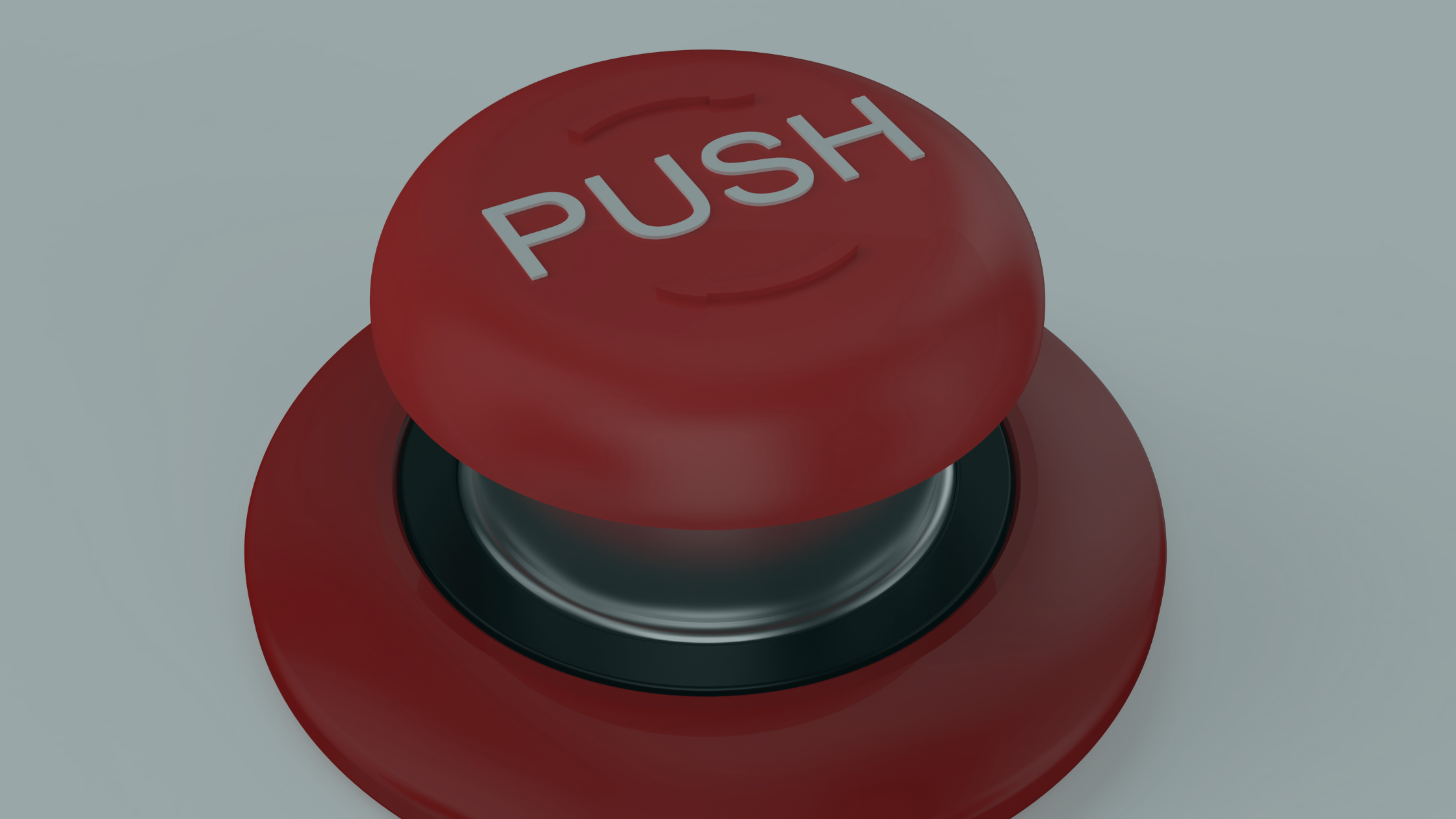
The "Press a Button" game is a fun, simple concept: players press a button to make something happen, from scoring points to triggering a surprise. It's one of the easiest game types to create, so it's a good first project and a gentle introduction to game development on iPad. No-code tools like hyperPad let you build it entirely on your iPad. Here's how to make your own "Press a Button" game, what you'll need, and why iPad game dev suits beginners and experienced creators alike.
What Is a "Press a Button" Game?
In its simplest form, a "Press a Button" game revolves around a single interaction: pressing a button. That button could do anything. It might make a character jump, launch a firework, or simply count how many times it's pressed. The goal can vary widely, depending on the story you want to tell or the challenges you want to add.
Despite its simplicity, a "Press a Button" game can be very engaging. For example, you can add elements like:
- Scorekeeping: Award points each time the button is pressed.
- Countdowns: Challenge players to press the button a certain number of times before time runs out.
- Surprise actions: Trigger random events each time the button is pressed to keep players guessing.
Why Use No-Code Game Dev Tools on iPad?
If you're new to game dev, coding might feel intimidating. hyperPad lets you get into iPad game development without any coding knowledge. No-code game dev tools are a good fit for:
- Beginners who want to learn game design concepts.
- Indie game developers who want a quick way to prototype their ideas.
- Teachers and students who want to make educational games or learn digital skills.
In hyperPad, anyone can make a working, engaging game by dragging and dropping Objects and connecting Behaviors.
Steps to Create a "Press a Button" Game on iPad with hyperPad
Ready to get started? Here's a basic roadmap to building your first "Press a Button" game on your iPad:
Plan Your Game's Purpose and Rules
- Define the objective: Are players trying to rack up points? Discover surprises? Complete a challenge within a time limit? Your game's purpose shapes how you set it up.
- Decide on the rules: Work out what happens each time a player presses the button, what score system you'll use, and whether you'll have more than one button or interactive element.
Download and Set Up hyperPad
- Get hyperPad from the App Store and create a new project. Choose a background and layout for your game. It can be as simple as a single button in the center of the screen, or a full interface with other interactive elements.
Create Your Button
- Tap to add a new Object to the Scene. hyperPad lets you drag and drop a button and customize its color, size, and position.
Set Up Button Behavior Using No-Code Tools
- hyperPad's Behaviors let you add actions to Objects without writing a single line of code. For your button, you might set it up to:
- Increase the score each time it's pressed.
- Change color, play sounds, or trigger animations to give players feedback.
Add Feedback Elements
- Players enjoy feedback, so consider adding animations, sounds, or other visual cues. For instance, each time the button is pressed, the score could flash or the button could change color. You can set these effects up with drag and drop in hyperPad.
Test and Fine-Tune
- Test your game on your iPad to check that the button responds smoothly and the game feels fun. Adjust anything that gets in the way, like the button's position, speed, or response time.
Add Extras (Optional)
- For a more advanced version, add random events or surprises. With Behaviors, you can create effects that happen at random intervals, such as unexpected sounds or bonus points.
Why hyperPad Works for iPad Game Dev
hyperPad is a no-code game development tool for iPad that beginners can pick up quickly. Here's why it works:
- Beginner-friendly interface: hyperPad's drag-and-drop interface is simple for beginners and deep enough for advanced creators.
- Behaviors: You can create complex interactions without writing code. Your button can react in many ways, triggering animations, sounds, and more.
- Mobile and accessible: You create and playtest directly on your iPad, so you can work on your game anytime, anywhere.
Indie developers, students, and anyone curious about game dev can get started quickly in hyperPad and make real games on iPad without programming skills.
Tips for Designing Engaging "Press a Button" Games
Want to make your game more engaging? Try these tips:
- Add a story or theme: Even simple games feel richer with a theme or backstory. Maybe the button controls a character who collects coins, or it starts a machine in a sci-fi world.
- Use progressive difficulty: Make the game harder as players score higher. For example, the button might move to a new spot or disappear for a few seconds, so it's harder to press.
- Encourage friendly competition: Add a scoreboard or a timer and let players share their high scores with friends.
Start Your "Press a Button" Game Today with hyperPad
A "Press a Button" game is easy and fun to make on an iPad with hyperPad. The no-code interface, combined with the iPad's portability and touchscreen, makes it a natural way into iPad game development. Whether you're just getting started in no-code game dev or you're an experienced creator prototyping new ideas, hyperPad gives you what you need to make engaging games on your iPad.
Build one short playable loop around the main movement or action. Test the controls, feedback, and restart flow before adding another level.