Scratchy Adventure: Your Guide to Creating Games on iPad Without Coding


If you've ever wanted to make your own game but felt put off by coding, Scratchy Adventure is a good place to start. In this post, we'll cover what you need to know to make a game like Scratchy Adventure, answer some common questions, and show you the tools and techniques for getting started with iPad game dev, even if you have zero coding experience.
What is Scratchy Adventure?
Scratchy Adventure is a no-code game built around simple, fun gameplay, with a strong focus on creativity and storytelling. Games like it are made with drag-and-drop tools, so beginners can explore game dev without learning complex programming first.
Why Choose No-Code Game Development?
No-code game development platforms like hyperPad and Scratch have grown in popularity because they make it easier for new game developers to get started. Whether you're a student, a hobbyist, or an experienced digital artist, these tools let you make games on your iPad without any coding skills. That opens up a lot of possibilities, especially for educators and young learners who want to explore game creation.
FAQs About Scratchy Adventure & No-Code Game Development
Can you make games without coding?
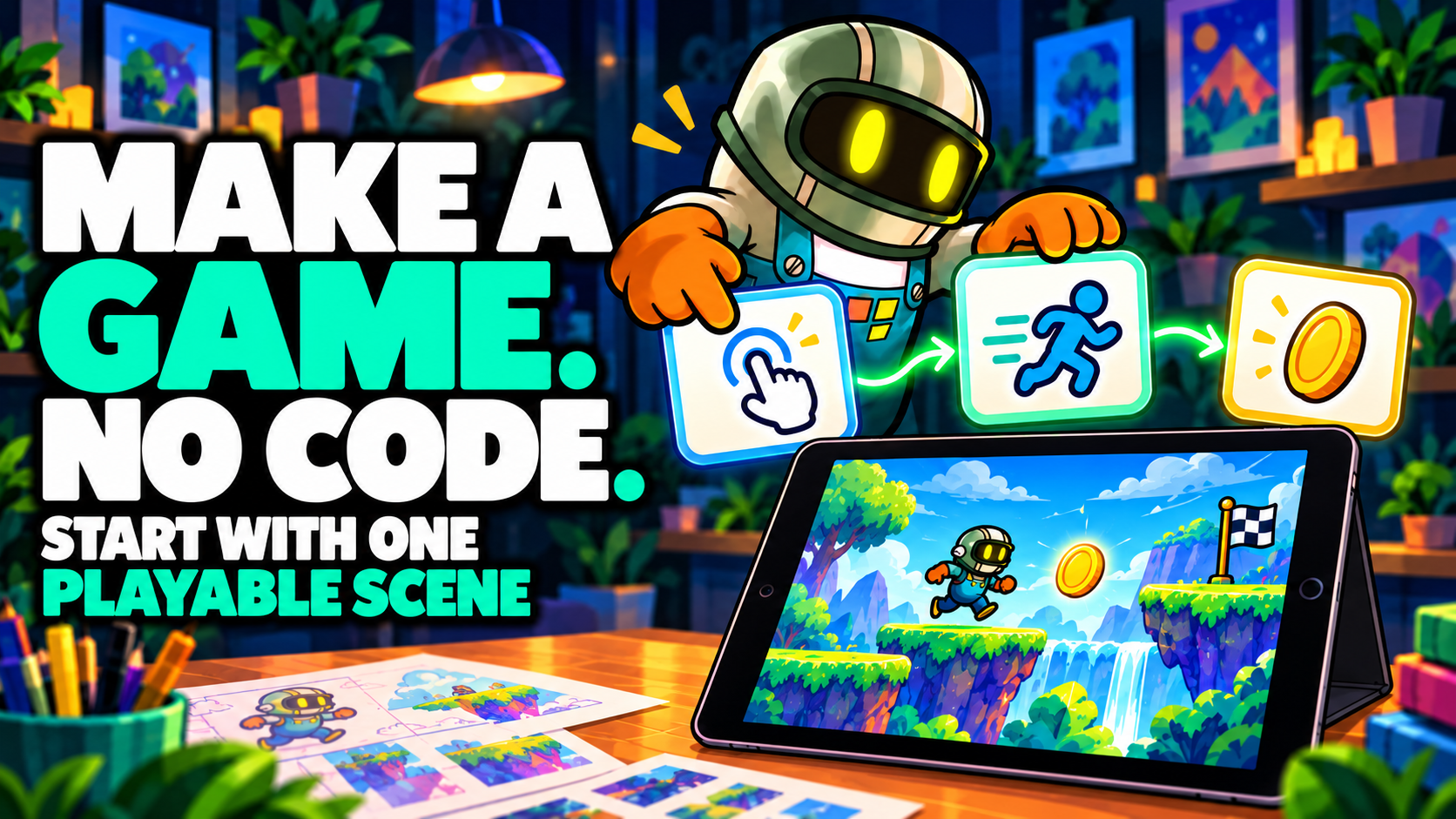
Yes! With tools like hyperPad and Scratch, you can make fully working games with a drag-and-drop interface. In hyperPad, you build game mechanics, design levels, and add animations by connecting Behaviors, without writing a single line of code.
What do you need to start developing games on an iPad?
To get started with iPad game dev, all you need is an iPad and a no-code game development app like hyperPad. You can also use tools like Procreate to create custom game art and animations. Here's a quick checklist:
- iPad (latest model recommended for better performance)
- hyperPad (game development app)
- Procreate (for custom art and design)
- Apple Pencil (optional, but great for artists)
How do you make a game like Scratchy Adventure?
Making a game like Scratchy Adventure comes down to a few basic steps:
- Concept & Planning: Brainstorm the story, characters, and overall gameplay. Sketch out some ideas or use a mind map to picture your game.
- Designing Graphics & Characters: Use a tool like Procreate to draw characters, backgrounds, and other art. Then import it into hyperPad as Graphics.
- Building the Game in hyperPad: Open hyperPad on your iPad, create a new project, and drag and drop Objects to build your game world. Use Behaviors to add interactions, sound effects, and animations.
- Testing & Tweaking: Playtest your game on your iPad to make sure everything works. Adjust the gameplay, fix bugs, and improve performance.
- Publishing Your Game: When your game is complete, publish it to the hyperPad Hub, or export it to the App Store with hyperPad.
What are the best no-code platforms for game development on iPad?
There are several no-code platforms for iPad game dev. Here are some good ones:
- hyperPad: Physics, particles, and a drag-and-drop editor, with the depth to build complex games.
- Scratch: Ideal for younger kids and beginners who are just starting out with game development.
- GamePress: Another no-code game creation tool that lets you make games with simple drag-and-drop mechanics.
Is Scratchy Adventure good for learning game development?
Yes. Scratchy Adventure is a good game for beginners who want to learn game development concepts. With a platform like hyperPad, you can recreate similar mechanics, learn game design principles, and build problem-solving skills while having fun.
Can you monetize games made with no-code platforms?
Yes. Many creators earn money from their no-code games on the App Store, with in-app purchases or ads. With hyperPad, you export your project as an Xcode project, which gives you room for further customization before you submit it to the App Store. You keep 100% of your revenue. The hyperPad Hub is where you publish your game to share it with the community.
Tips for Succeeding in No-Code Game Development
Start Small & Build Up
If you're new to game dev, start with a simple project to get the hang of the platform. You can always expand on your ideas as you gain confidence.
Use Online Tutorials & Resources
Both hyperPad and Scratch have libraries of tutorials and community forums where you can learn new techniques, troubleshoot issues, and get inspiration from other creators.
Put Gameplay Before Graphics
It's tempting to spend all your time on eye-catching art in Procreate. Remember that fun gameplay is what makes a game succeed, so focus on making it enjoyable to play.
Join Online Game Jams
Game jams like Global Game Jam or Ludum Dare are a great way to sharpen your skills, get feedback, and show your games to more players.
Embrace the Future of iPad Game Dev with No-Code Tools
Maybe you're a student learning game dev for fun, an educator introducing coding concepts in your classroom, or a digital artist exploring a new outlet. Scratchy Adventure and no-code tools like hyperPad give you an approachable way to bring your ideas to life. With the right tools and a bit of creativity, you can start building your own games on your iPad today, with no coding required.
Ready to Get Started in Game Dev?
Download hyperPad and start making your first game today. Design the game you've been imagining, and join a growing community of no-code game creators.
Continue with one working mechanic
Follow the iPad game development guide to scope one input, one result, and one reset. The Behavior Interface Overview explains how events connect to actions, and Scenes shows how to organize playable sections of a Project.
Keep the first version focused on one mechanic. Test the input, result, and restart flow before adding another Scene or system.