Making Your Own Indie Game Version Fruit Ninja

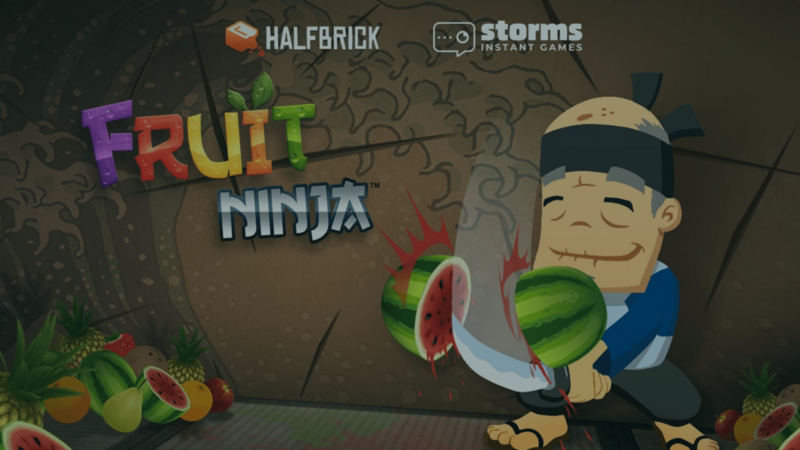
Slice into Game Development
Are you a new game developer looking for your first project? Start with "Fruit Ninja," the mobile game that won over players worldwide with its addictive slicing action and juicy fruit explosions. In this post, you'll see why "Fruit Ninja" is a great model for beginner game developers, and you'll get ideas for your own twist on it that you can build in hyperPad.
"Fruit Ninja," developed by Australian studio Halfbrick, debuted in April 2010 as a mobile game for iOS devices. Players slice flying fruit while avoiding bombs. That simple, addictive loop quickly built a massive following. Intuitive touch controls, bright graphics, and satisfying sound effects all added to its appeal. The game's success led to releases on other platforms, including Android, Windows Phone, and even game consoles. Over the years it has added new modes, challenges, and updates, which kept it popular and made it a mobile gaming classic.
The Appeal of "Fruit Ninja"
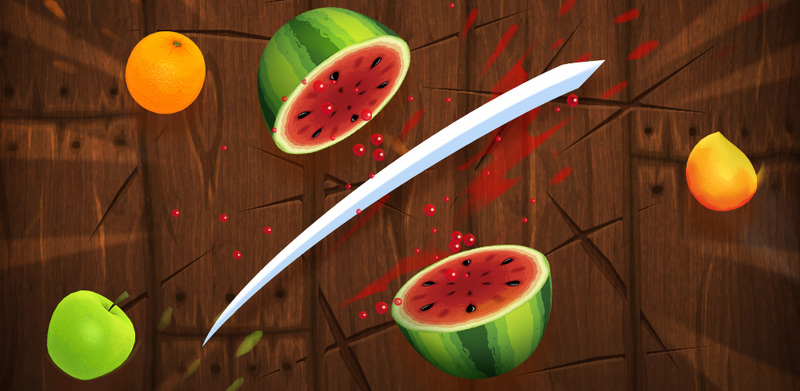
"Fruit Ninja" became a household name thanks to its simple, addictive gameplay and colorful look. Here's why it's a great source of inspiration for beginners:
Easy to learn
The premise is simple: slice fruit with your finger and avoid the bombs. Players of all ages can pick it up and play. The speed and complexity increase as you go, and that challenge keeps players coming back.
Dynamic Gameplay
Slicing fruit with precision and timing feels great, especially with crisp sound effects and visual feedback. Responsive controls and lively physics pull players into the action.
Replayability
An endless mode, multiple difficulty levels, and a wide range of fruit give "Fruit Ninja" lasting replay value. Players chase their high scores, earn new blades and backgrounds, and compete against friends on leaderboards.
Indie Alternatives on hyperPad
Now that you've seen what makes "Fruit Ninja" work, here are some game ideas you could build in hyperPad as a beginner:
1. Veggie Slice
Put a twist on the fruit-slicing formula by slicing vegetables instead. Players chop carrots, cucumbers, and bell peppers while avoiding rotten produce and pesky insects.
2. Ninja Chef
Turn "Fruit Ninja" into a cooking game where players slice ingredients to prepare dishes for hungry customers. They chop their way through orders while cooking against the clock.
3. Space Slice
Take the slicing action to outer space, where players defend their spaceship from incoming asteroids and space debris. They slice through cosmic rocks, grab power-ups, and dodge deadly obstacles to protect the ship and rack up points.
4. Ninja Defense
Combine the slicing mechanics of "Fruit Ninja" with tower defense. Players protect their village from waves of enemy attacks with ninja skills and well-placed traps and obstacles.
5. Sushi Samurai
Players become a sushi chef in this fast-paced arcade game. They slice fish, roll sushi, and serve dishes to hungry customers as they master the art of sushi.
"Fruit Ninja" shows how far a simple, addictive game can go. As a beginner, you can take inspiration from it, try your own spin in hyperPad, and build your skills as an indie game developer. Grab your iPad and start making your first game.
With hyperPad, you can also turn your Procreate designs or digital art into games, interactive comics, and more. You build them on your iPad, then Export them for the Apple App Store (the final upload happens on a Mac with Xcode).
Build one short playable loop around the main movement or action. Test the controls, feedback, and restart flow before adding another level.