


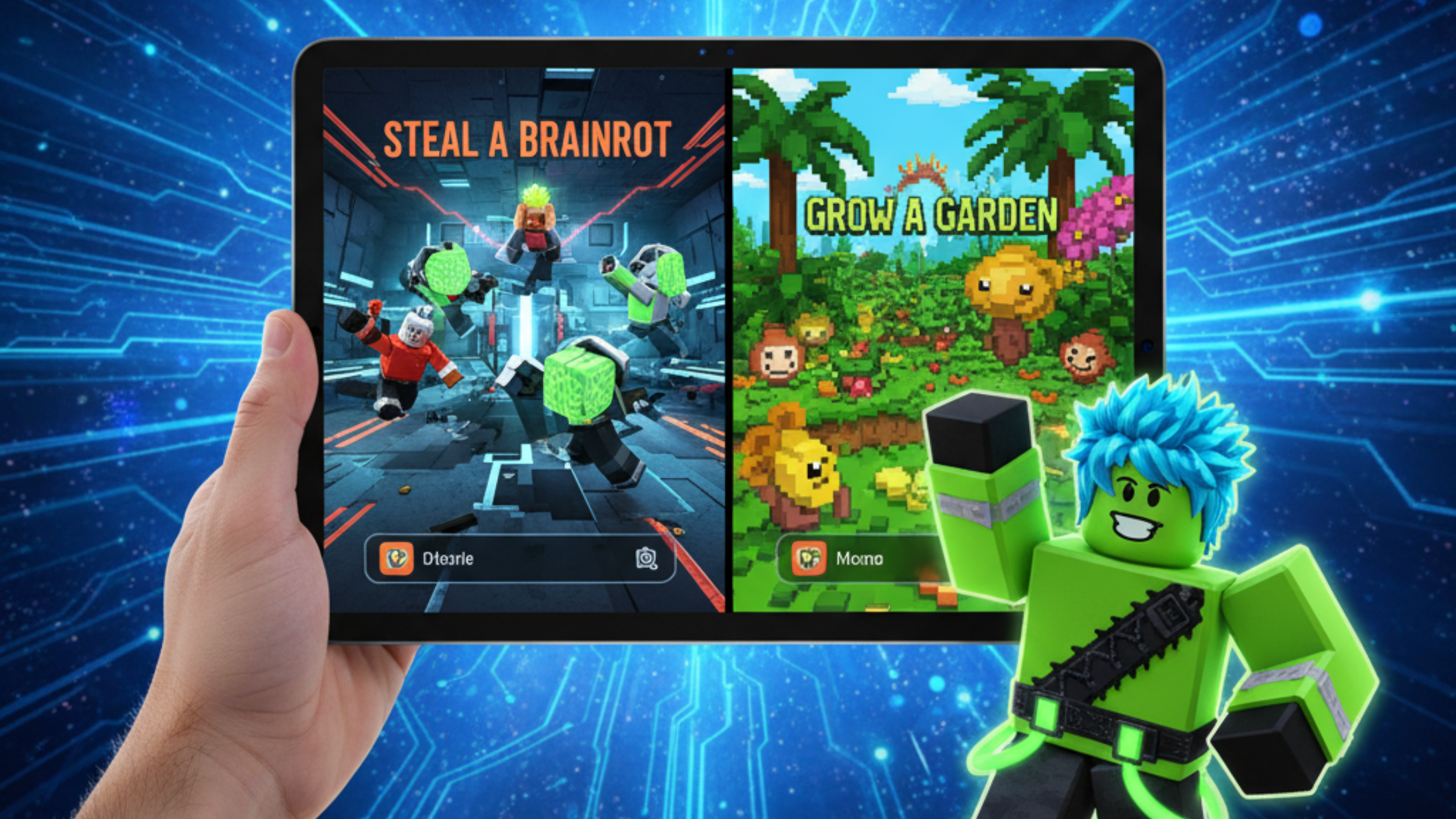
by hyperPad
From Roblox Player to Game Creator on iPad
Grew up playing Roblox? The skills you built there carry over to making your own games on iPad with hyperPad, no code required.
Kids and TeensRoblox
Advice for new game makers: where to start, how to keep learning, what to build first, and how to finish the projects you begin.
Grew up playing Roblox? The skills you built there carry over to making your own games on iPad with hyperPad, no code required.
A practical checklist for building, testing, and finishing your first playable game mechanic on iPad with hyperPad.

Real questions from the hyperPad community: common game development problems and their fixes, so you can learn faster and build better games.

Choose between 2D and 3D game development by testing the mechanic, camera, art workflow, and production scope. Build a small 2D prototype on iPad with hyperPad.

New to game dev in Asia? Tips for Global Game Jam participants and beginners, plus how to make games on your iPad with hyperPad, no coding needed.
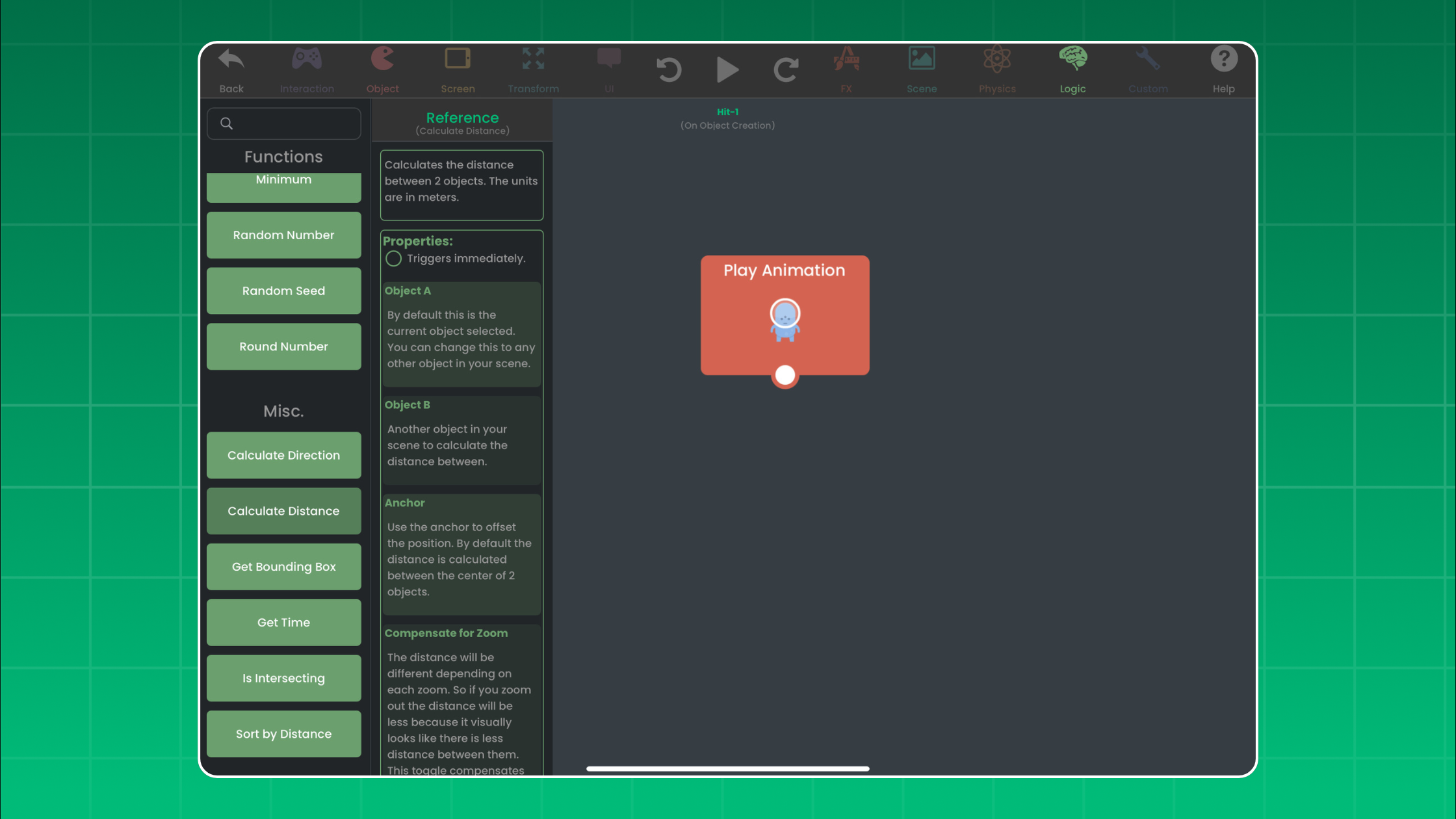
Improve an iPad game with ten practical checks for controls, feedback, difficulty, UI, performance, playtesting, and a reliable restart loop.

Fix scope, unclear logic, inconsistent testing, asset overload, and weak feedback with one practical hyperPad workflow.

Use small checkpoints, visible game state, fixed test sequences, and clear restart notes to keep an iPad game project moving when your focus varies.

Learn events, actions, conditions, variables, input, state, and debugging by building game mechanics with visual Behaviors on iPad.

Follow a practical iPad game-development path: learn one mechanic, use Scenes and Objects, build with Behaviors, playtest, and get feedback.


