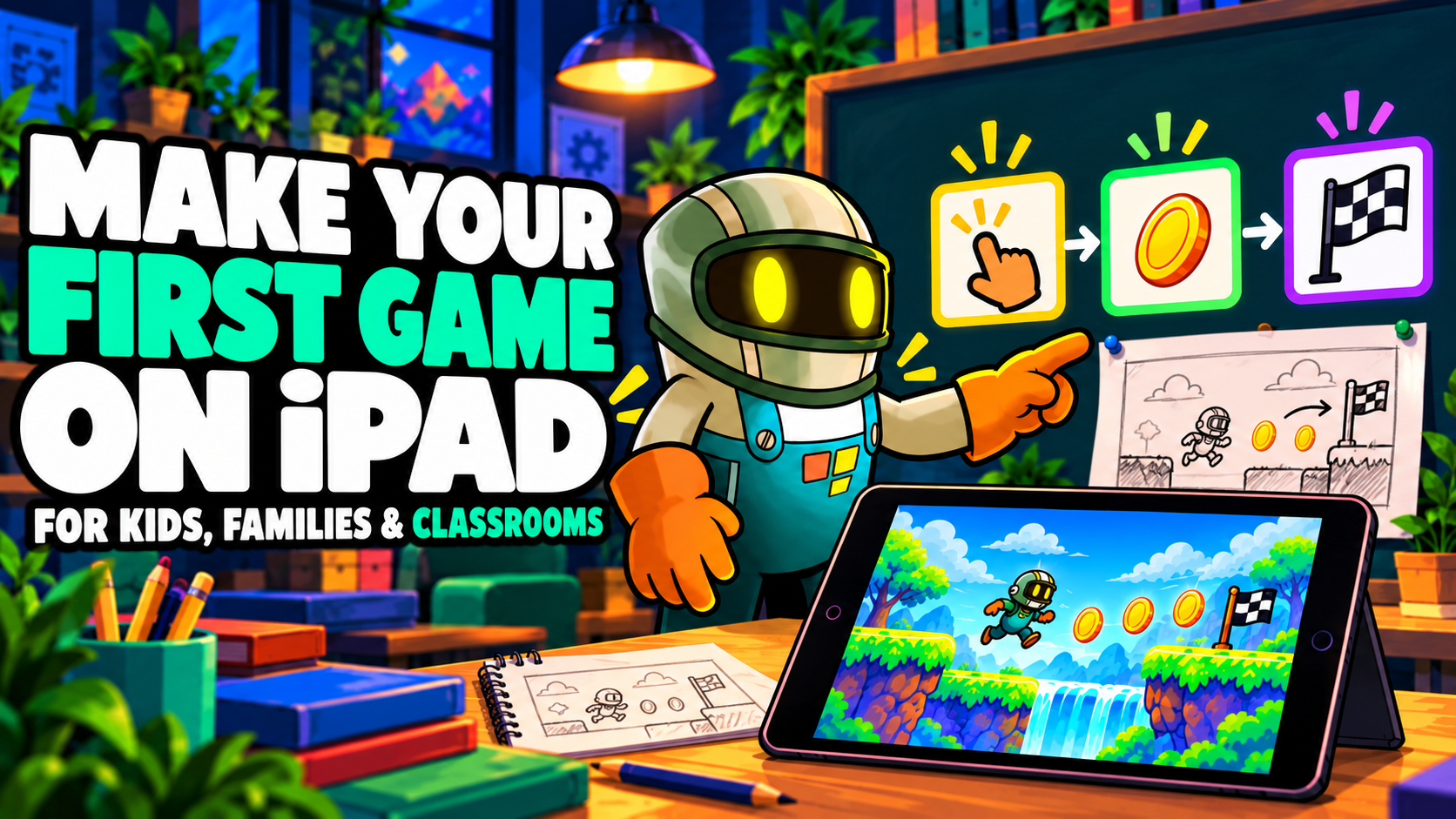
Visual Coding for Kids: Make Games on iPad | hyperPad

Learn Programming by Making Games on iPad
A child does not need to know the definition of an event or action to understand this instruction:
Touch the character → make it jump.
They can see the character, perform the action and predict what should happen next. That makes a simple game interaction a useful introduction to programming.
Visual coding lets kids create instructions by arranging and connecting blocks or nodes on screen. Instead of starting with punctuation and commands that must be typed exactly, a beginner can focus on a more interesting question: What should happen in my game?
When children make games with visual code, they still work with algorithms, variables, conditions, data and debugging. They simply meet those ideas through characters, scores and challenges they care about.
What is visual coding for kids?
Visual coding is a way to program with graphical elements instead of relying mainly on typed source code. Each element can represent an event, action, value or condition. Connecting the elements tells the computer what to do and when to do it.
For example, a child could build this sequence:
Player touches coin → add 1 to score → play sound → remove coin
That short graph is an algorithm. It has a starting event, several actions and a specific execution order. A child may learn the formal terms later, but they are already using the concepts.
Visual coding is particularly useful for making games because games are full of visible cause and effect. A tap makes a character jump. A collision reduces health. Collecting every key opens a door. The learner can connect an instruction, run the game and immediately see whether the result matches their idea.
Why games make programming easier to understand
Programming concepts can feel abstract when learners meet them without a purpose. Inside a game, each concept solves a problem:
- A variable stores the player's health or score.
- A condition checks whether the player has a key.
- Coordinates tell an enemy where the player is.
- A timer limits the time available to finish a level.
- An event detects a touch, collision or completed action.
- An action moves an object, changes a value or plays a sound.
Imagine a child building a simple platform game. First, they make the character move and jump. Then they add coins, so the game needs a score. Enemies introduce collisions and health. Three lives require a stored value. A locked exit that opens after every coin has been collected introduces a condition.
One creative decision leads naturally to the next programming concept. The learner is working out how to open the door in their own game, and meets Boolean logic along the way.
How kids can use visual coding in hyperPad
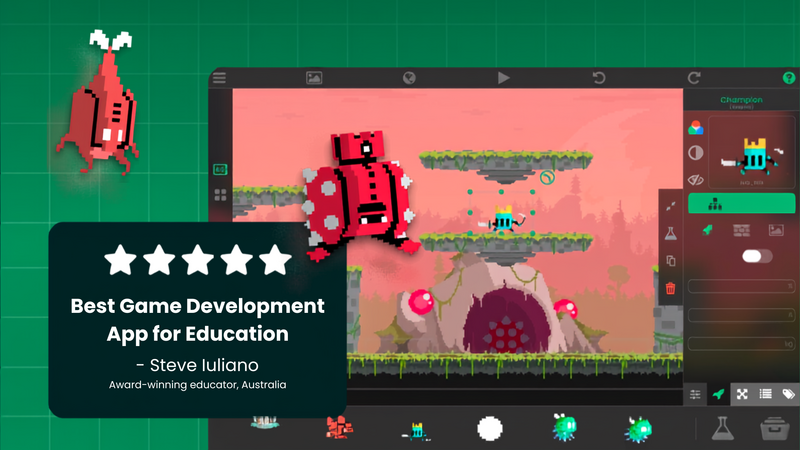
hyperPad is a visual game engine built for iPad. In its Behavior Editor, creators give objects Behaviors and connect them to define game logic. An Event waits for something to happen, while a connected Action changes the game.
A first interaction might be:
Touch character → jump
A more detailed version could be:
Touch character → check whether it is on the ground → apply upward force → play jump sound
The hyperPad Behavior System includes Behaviors for events, actions and conditions. Kids can combine them with tools for movement, physics, animation, sound, user interfaces and data. Because hyperPad runs on iPad, they can build and test the interaction on the same device.
This short feedback loop matters:
- Change the Behaviors.
- Tap Play.
- Test the interaction.
- Observe what happened.
- Adjust the logic.
The result gives the learner useful information. If the character does not jump, the Behaviors need attention. If the character jumps forever, the game may need a condition that checks whether it is touching the ground.
Mistakes become debugging questions
One valuable lesson in programming is that an unexpected result is something to investigate.
Why is the enemy moving backwards? Why did the score increase twice? Why can the player jump in mid-air? These questions encourage a child to inspect the rules they created and test one possible explanation at a time.
Visual coding removes many typing and syntax errors, but it does not remove logical errors. A learner can still connect the wrong Behavior, use an incorrect value, put actions in the wrong order or create a condition that never becomes true.
That challenge is useful. The question shifts from “Did I type this perfectly?” to “Why did my game do that?” The learner must reason about a system they built.
Kids still learn variables, conditions and data
As a game grows, it needs to remember information that changes. Health falls when the player takes damage. A score rises when a coin is collected. A high score may need to remain available after the game closes.
A basic health system could look like this:
Player gets hit → subtract 10 from health → store new health
The next part could ask:
Is health 0 or lower? → show game-over screen
The child is now using stored state, arithmetic, comparison and conditional execution. They may have reached those concepts simply because they wanted an enemy that could defeat the player.
The visual interface keeps the relationships visible. The thinking behind the program still belongs to the learner.
Visual coding can grow with the learner
A useful coding tool should make a first experiment approachable while leaving room for harder projects.
A beginner may start with:
Touch → play sound
Later, the same interaction might become:
Touch → check player state → check jumps remaining → apply force → update jump count → change animation
As the learner's ideas become more ambitious, a game may add enemy logic, dialogue, inventories, save systems, menus or multiplayer features. The visual interface remains familiar, while the systems require more planning and careful testing.
hyperPad supports this progression with visual coding, physics and game-development tools on iPad. Its education resources also cover introductory and more advanced projects for teachers who want to teach coding and game design on iPad.
Creative ownership gives kids a reason to learn
A fixed coding exercise gives the learner a goal chosen by someone else. An original game creates personal questions.
Suppose a child decides that a spaceship's laser should overheat when fired too quickly. That one idea creates several programming problems:
- How does the game count each shot?
- When should it prevent the next shot?
- How long should the cooldown last?
- How can the screen show the current heat?
- What resets the value?
The learner now has a reason to explore counters, limits, timers, interface elements and stored values. The next concept enters the project because it helps bring their idea to life.
Game creation can also involve drawing characters, composing sound, writing dialogue and designing levels. This gives children with different interests more than one way to contribute, while the visual logic connects those pieces into a playable system.
What do kids learn by making games?
When children build a game with visual code, they practice how to:
- Turn an idea into precise instructions
- Break a large problem into smaller steps
- Recognize cause and effect
- Store and update information
- Use conditions to make decisions
- Test an idea and learn from the result
- Find and correct logical errors
- Organize a growing project
“Make the enemy smart” is too vague for a computer. A learner has to make the idea more specific:
- Check whether the player is nearby.
- Find the player's position.
- Move toward the player.
- Attack after reaching the correct distance.
- Wait before attacking again.
- Stop when the enemy's health reaches zero.
Breaking a broad idea into small, testable rules is a central part of programming. Visual coding makes those rules easier to inspect and rearrange.
A simple first visual-coding project for kids
A collectible-coin game is a manageable place to begin:
- Create a small scene with a character and one coin.
- Add a touch or collision event to the coin.
- Connect an action that adds 1 to the score.
- Add a sound or animation as feedback.
- Remove the coin after it is collected.
- Test whether the actions occur in the intended order.
After that version works, add three coins and a door that opens only when the score reaches 3. This introduces a variable and condition without turning the project into a long lesson.
The beginner guide to creating a first game on iPad with hyperPad explains the wider process of starting a project, adding objects, building visual logic and testing the game.
Common questions from parents and teachers
Does visual coding count as real programming?
Yes. Learners still define algorithms, store data, evaluate conditions, control execution order and debug errors. Visual coding changes how those instructions are represented.
Do kids need coding experience to start?
No previous programming experience is required for a simple visual-coding project. Start with one interaction and introduce new concepts only when the game needs them.
Can children make a complete game on iPad?
They can build and test a playable 2D game directly on iPad with hyperPad. A small project with one level, a clear goal and a few interactions is more manageable for a first attempt than a large game.
Can students share what they make?
Creators can publish games to the hyperPad Hub to show a project and gather feedback. Parents and teachers should choose sharing settings and supervision appropriate for the child and learning environment.
Help a child build their first game
Visual coding gives kids a direct path from an idea to a playable result. They can start with a character that moves when touched, then discover variables, conditions, physics and debugging as their game requires them.
A first goal can be small. One interaction that a child designed, built and fixed themselves is a meaningful start.
Keep the first activity focused on one learning goal and one playable interaction. Watch where learners pause or experiment, then revise that moment before adding more content.