What Visual Coding in hyperPad Looks Like

A Beginner’s Guide with hyperPad
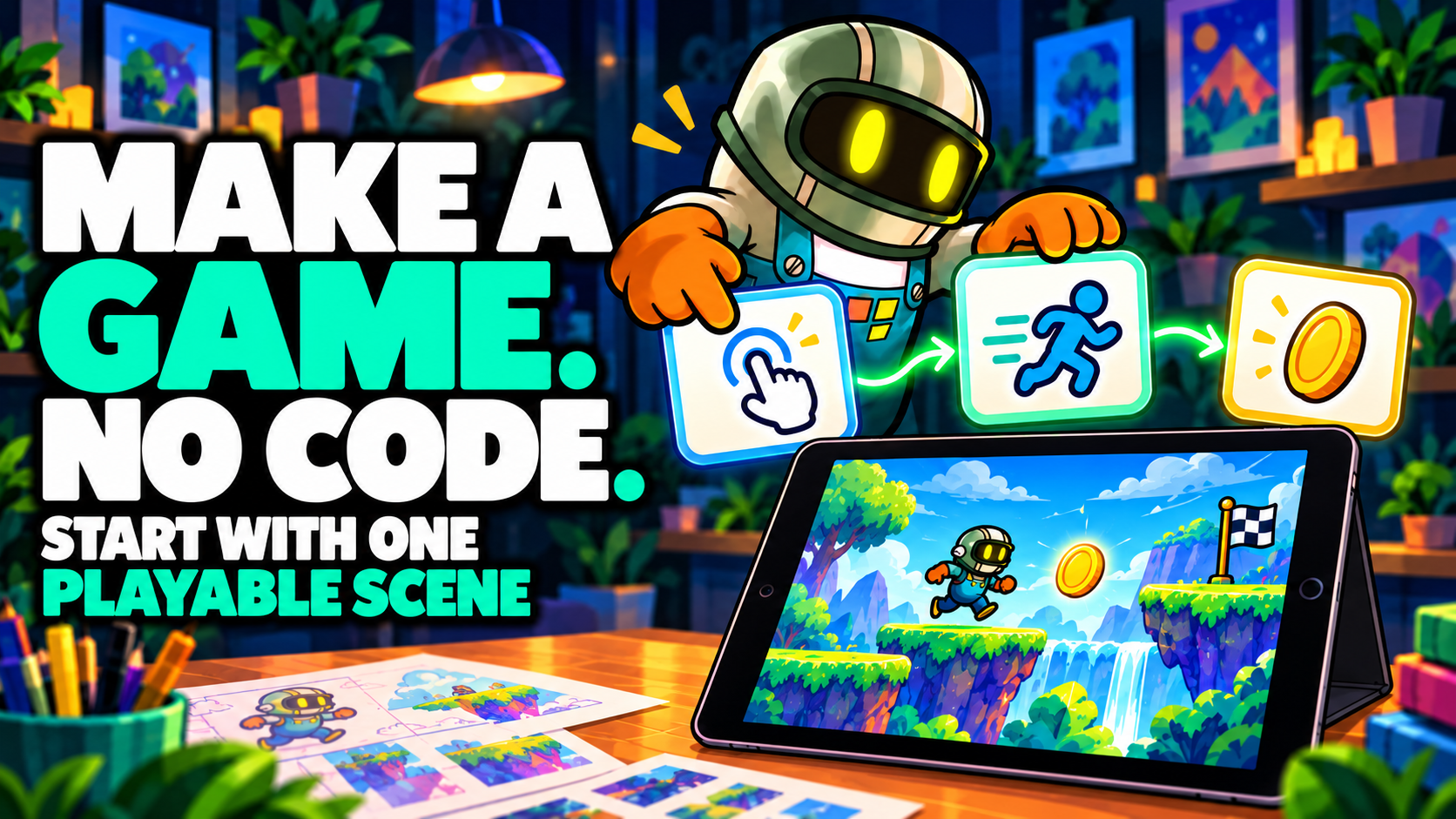
Ever wondered if you could build your dream game without a computer or any prior coding experience? The answer is yes — and it's all possible right on your iPad. With hyperPad , the leading no-code game development app for iPad, anyone from hobbyists to indie developers can create stunning 2D games without writing a single line of code.
In this blog post, we’ll walk you through how to create a game on iPad , from brainstorming to publishing, and share useful resources — both from hyperPad and other platforms — to support your creative journey.
Why Build a Game on iPad?
Creating a game on iPad is more accessible than ever before. Here’s why:
-
Touch-first workflow makes development intuitive and mobile.
-
Visual scripting means you can bring your ideas to life without learning complex code.
-
Built-in asset tools and an all-in-one environment streamline your development process.
-
It’s portable — design on the go, anywhere, anytime.
Step-by-Step: How to Create a Game on iPad with hyperPad
1. Get hyperPad from the App Store
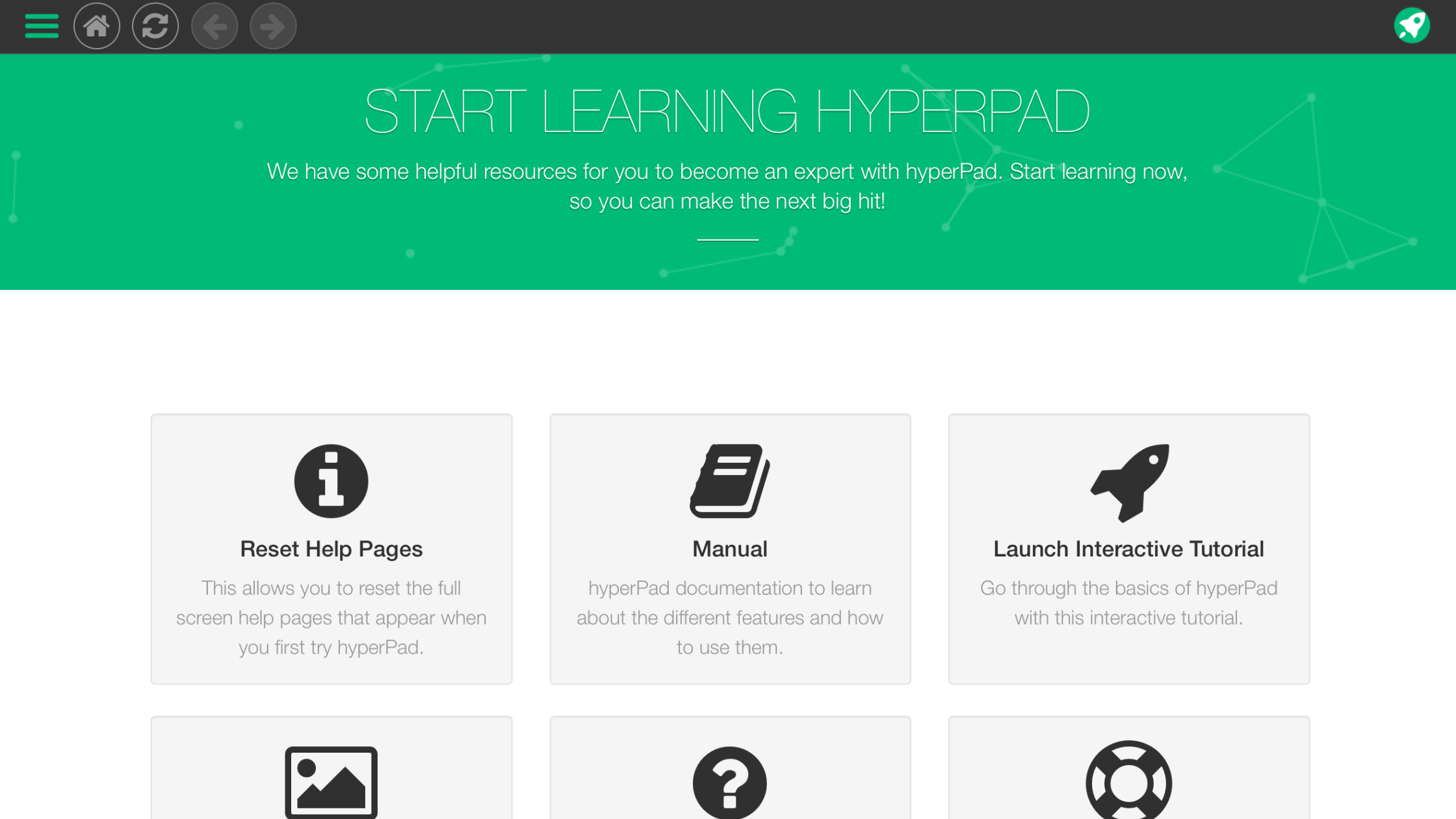
Download the hyperPad app and sign up for a free account. You can start building games immediately with the free version (hyperPad Starter), and upgrade to hyperPad Completelater for more advanced features like multiplayer, export to the App Store, or custom behaviors.
2. Start a New Project
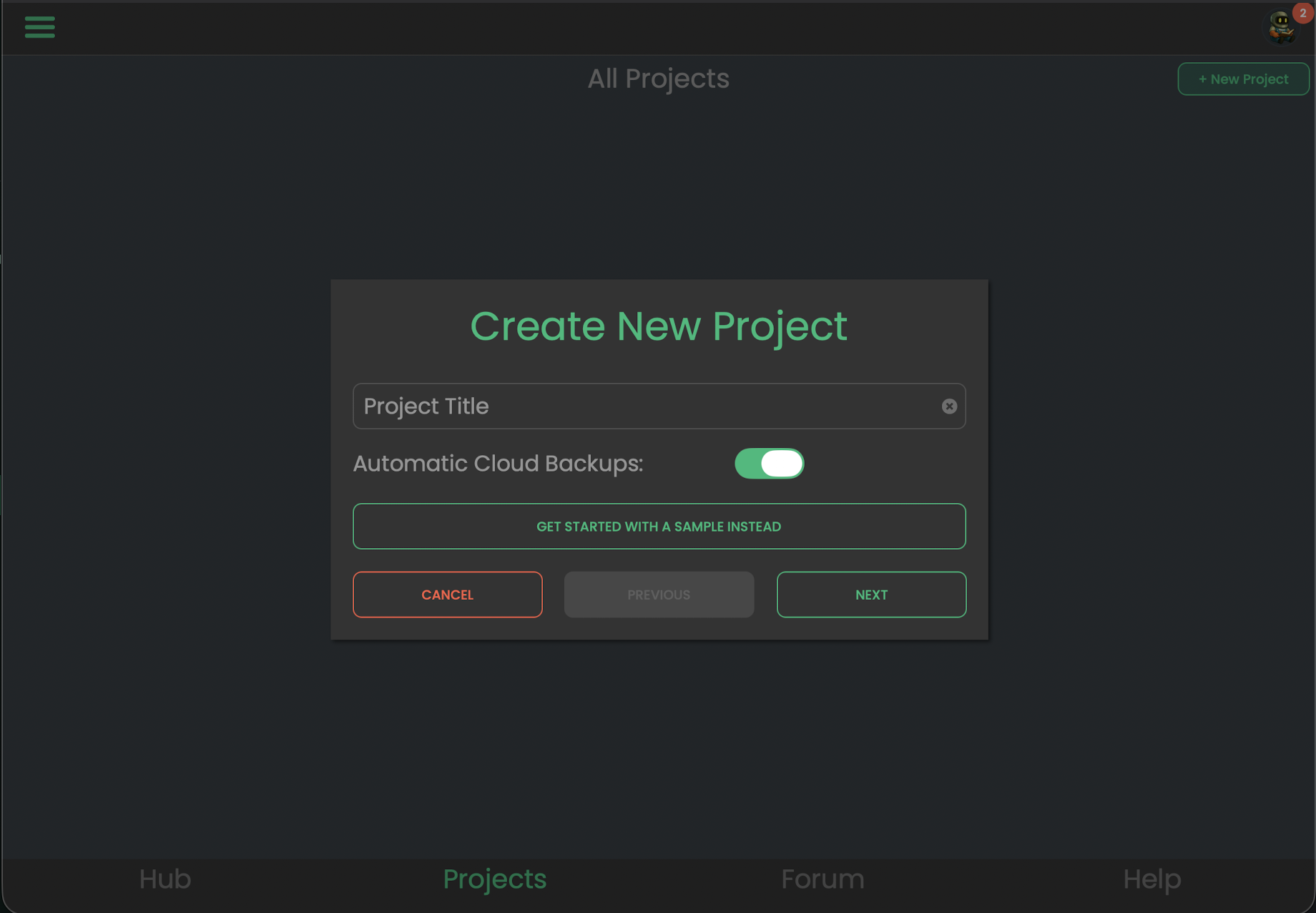
Open hyperPad and choose "Create New Project." You can select a blank template or start from one of our game genres like platformer, shooter, or top-down RPG.
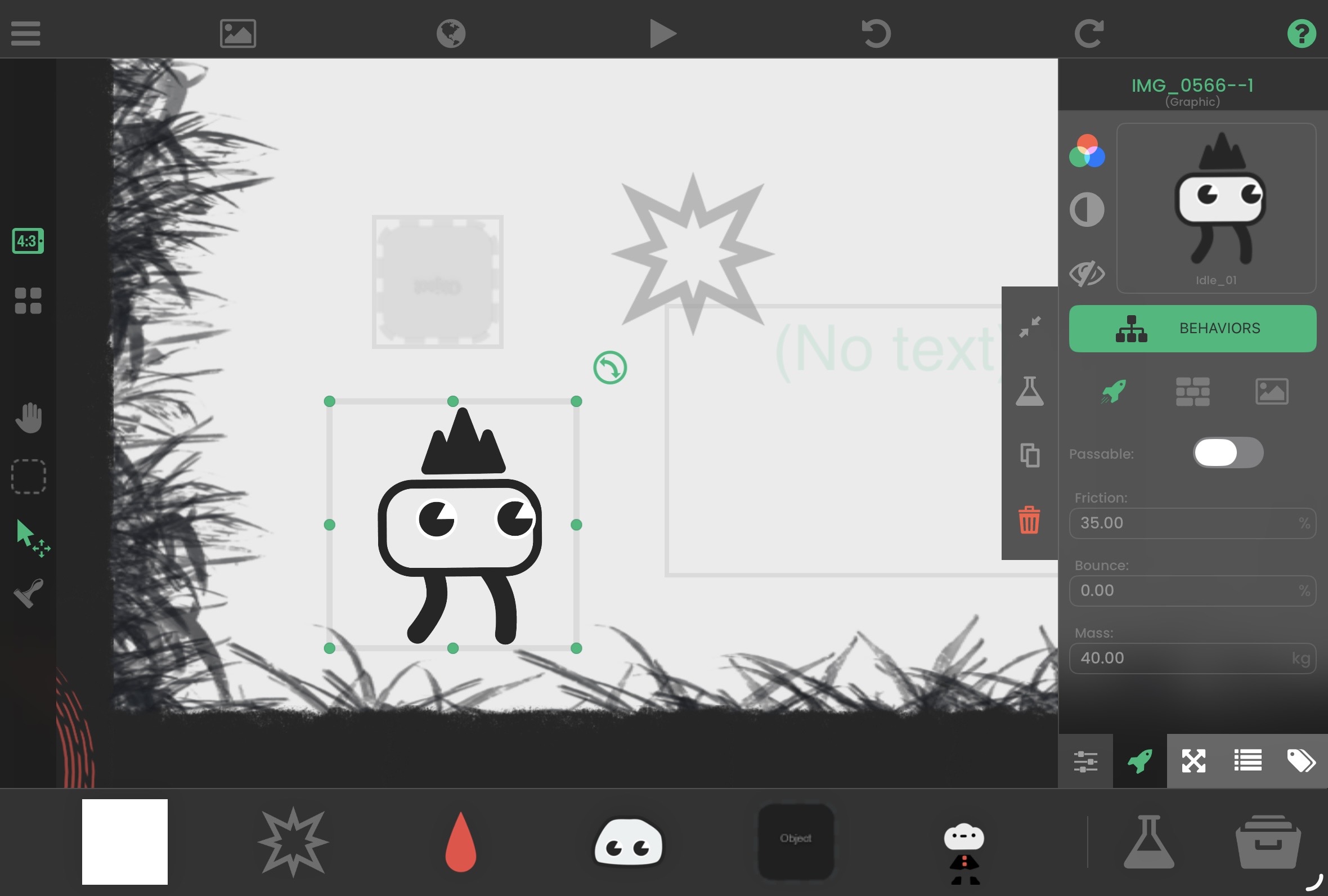
3. Design Your World
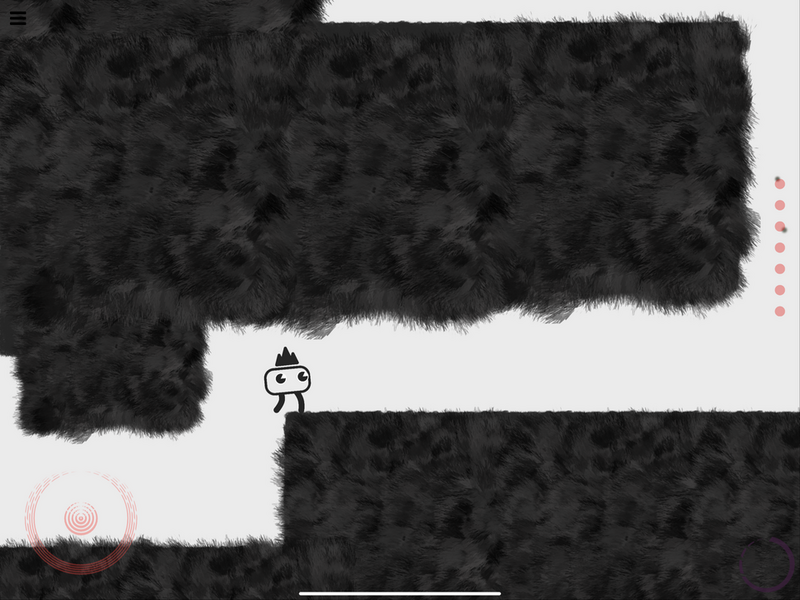
Use hyperPad’s Scene Editor to drag and drop objects, draw tilemaps, and create your game’s environment. You can import your own artwork or use free community assets.
💡 Tip: Use iPad drawing apps like Procreate, Pixelable, or Pixaki to create beautiful pixel art or sprites.
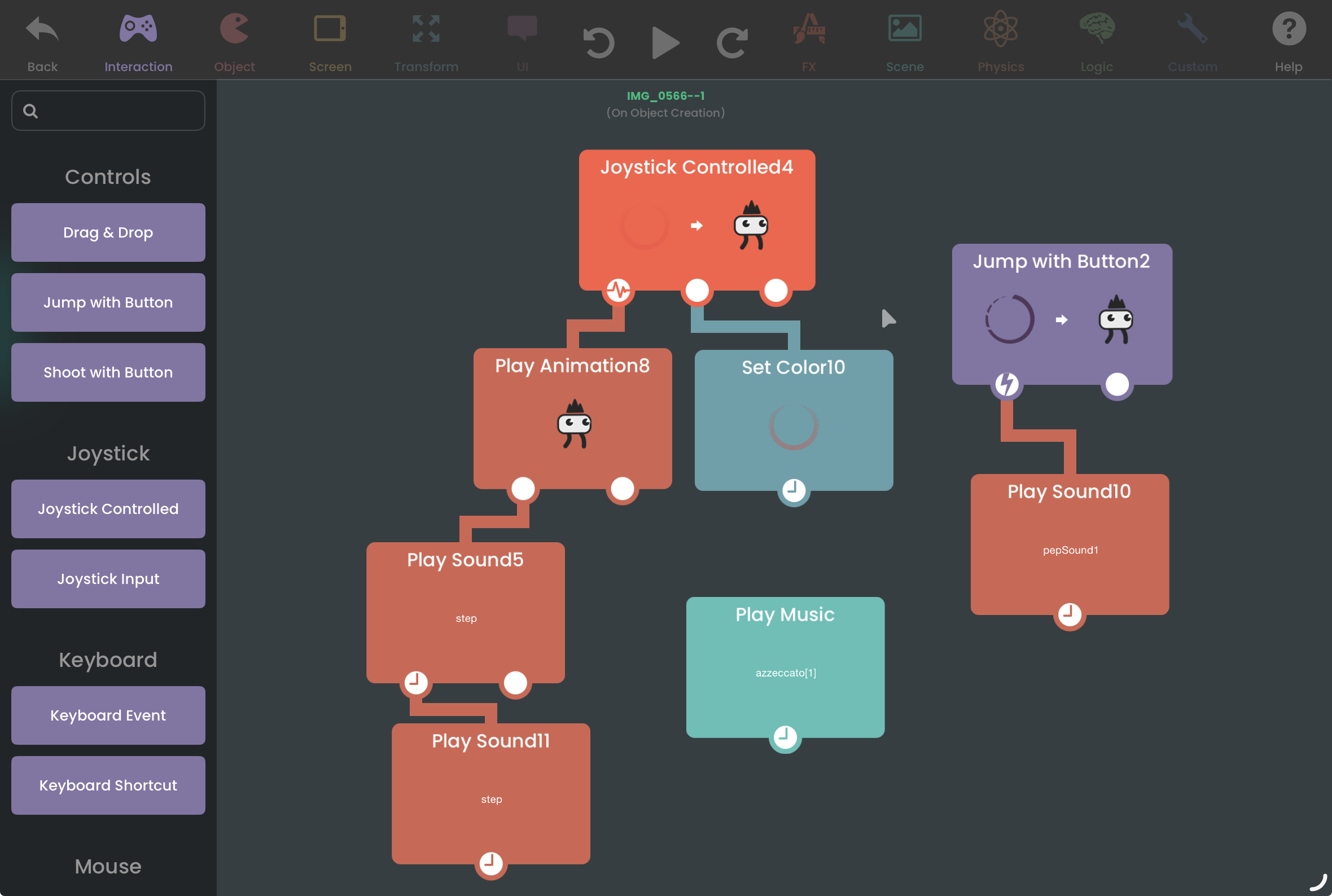
4. Add Interactivity with Behaviors
This is where the magic happens! hyperPad uses a visual scripting system called “Behaviors” — drag-and-drop logic blocks that control everything from movement to collisions, dialogue systems, health bars, and more.
Not sure where to start? Explore:
-
The Behavior Library in-app
-
Community-made behavior packs
-
Video tutorials onYouTube or the hyperPad Forum
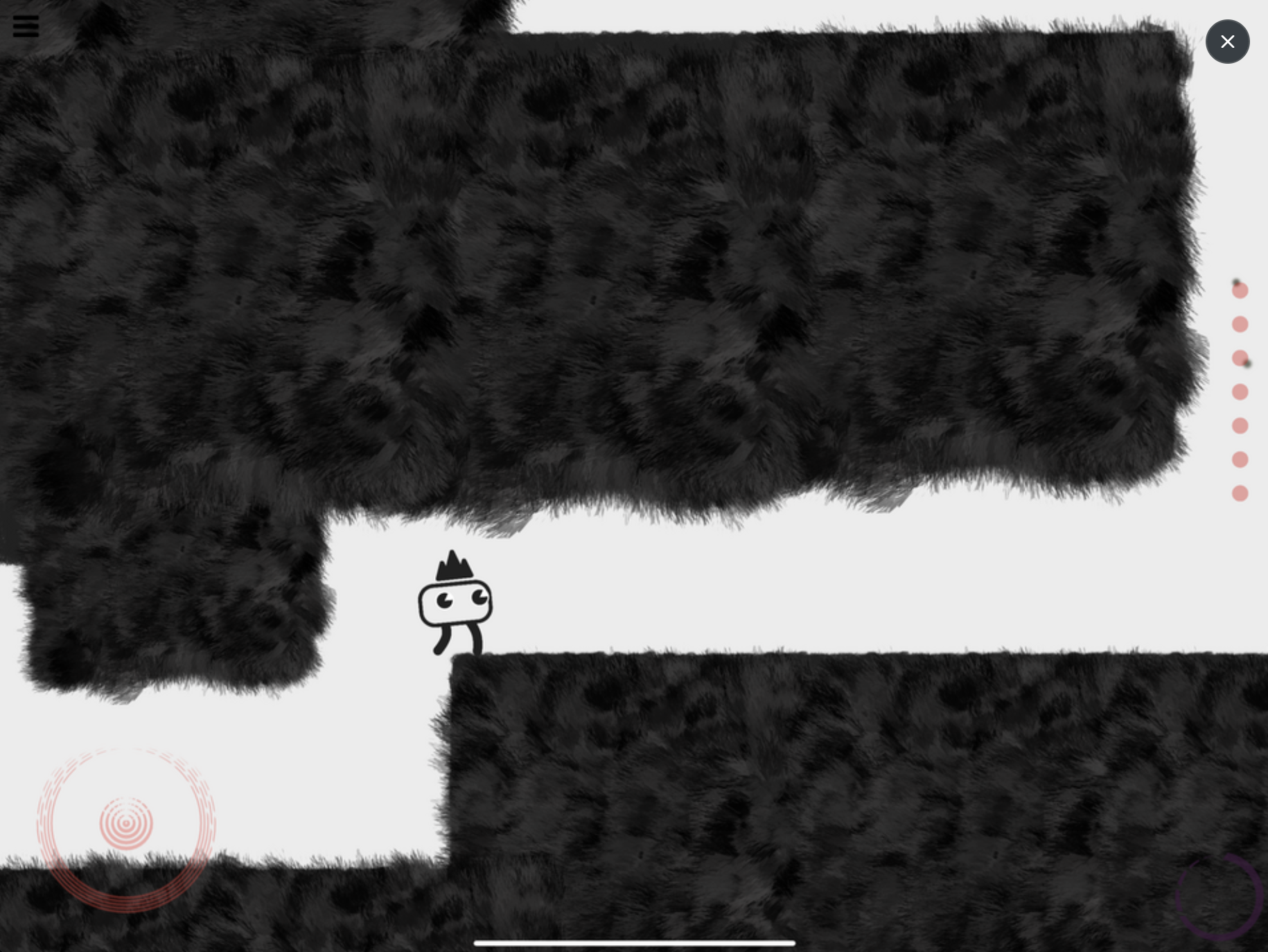
5. Playtest and Iterate
Hit the "Play" button to test your game instantly. hyperPad supports live testing so you can quickly tweak and improve your game in real-time.
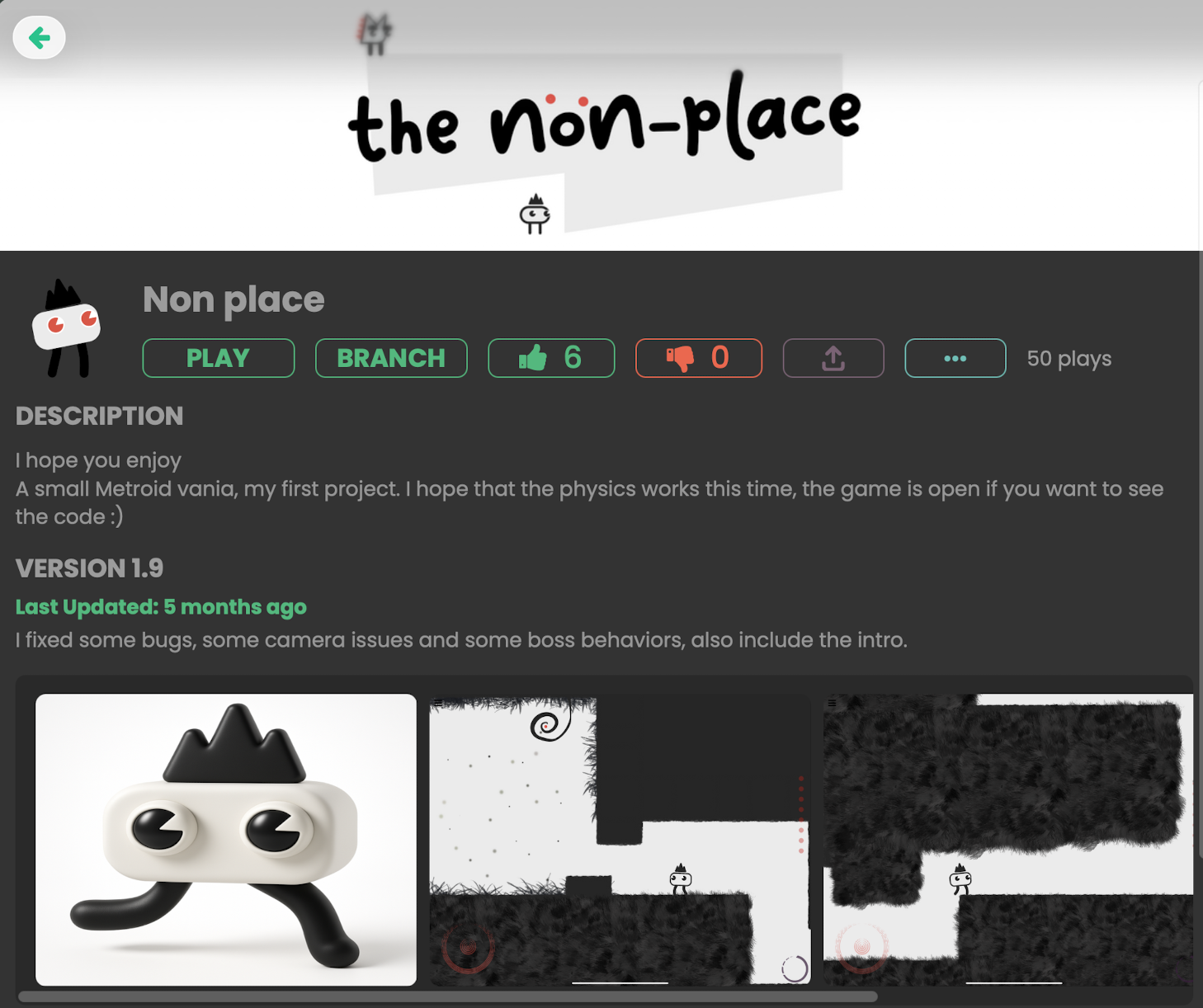
6. Publish and Share
Once your game is polished, you can:
-
Share it to the hyperPad Hub
-
Export as a native iOS app (Pro users)
-
Join the Bi-Monthly hyperPad Challenge to showcase your game
Tools That Support an iPad Game-Making Workflow
These tools can help you create art, audio, assets, and fonts before importing the finished files into hyperPad.
| Tool | Best for | How it supports a hyperPad Project |
|---|---|---|
| Procreate | Drawing, painting, and animation | Create characters, backgrounds, interface art, and animation frames |
| Pixaki | Pixel art and frame-by-frame animation | Design sprites, tiles, icons, and animated pixel assets |
| Soundtrap | Music and audio production | Compose music, arrange loops, and prepare audio for a game |
| Kenney | Ready-made game assets | Find asset packs for prototyping while you develop original visuals |
| FontStruct | Custom fonts | Design type for menus, labels, dialogue, and interface elements |
Check each tool’s current license, export formats, pricing, and device requirements before using its output in a published game.
Learn, Connect, and Grow
hyperPad is more than just an app — it’s a community. Explore these resources to sharpen your skills and get feedback:
Ready to Create Your First Game?
Whether you want to build a platformer , a top-down shooter , or a story-driven RPG , hyperPad gives you the tools to bring your vision to life. No code. No compromise. All on iPad.
Start building your game today and be part of the future of mobile game development — right from the palm of your hand.
Keep 100% of your royalties and more!