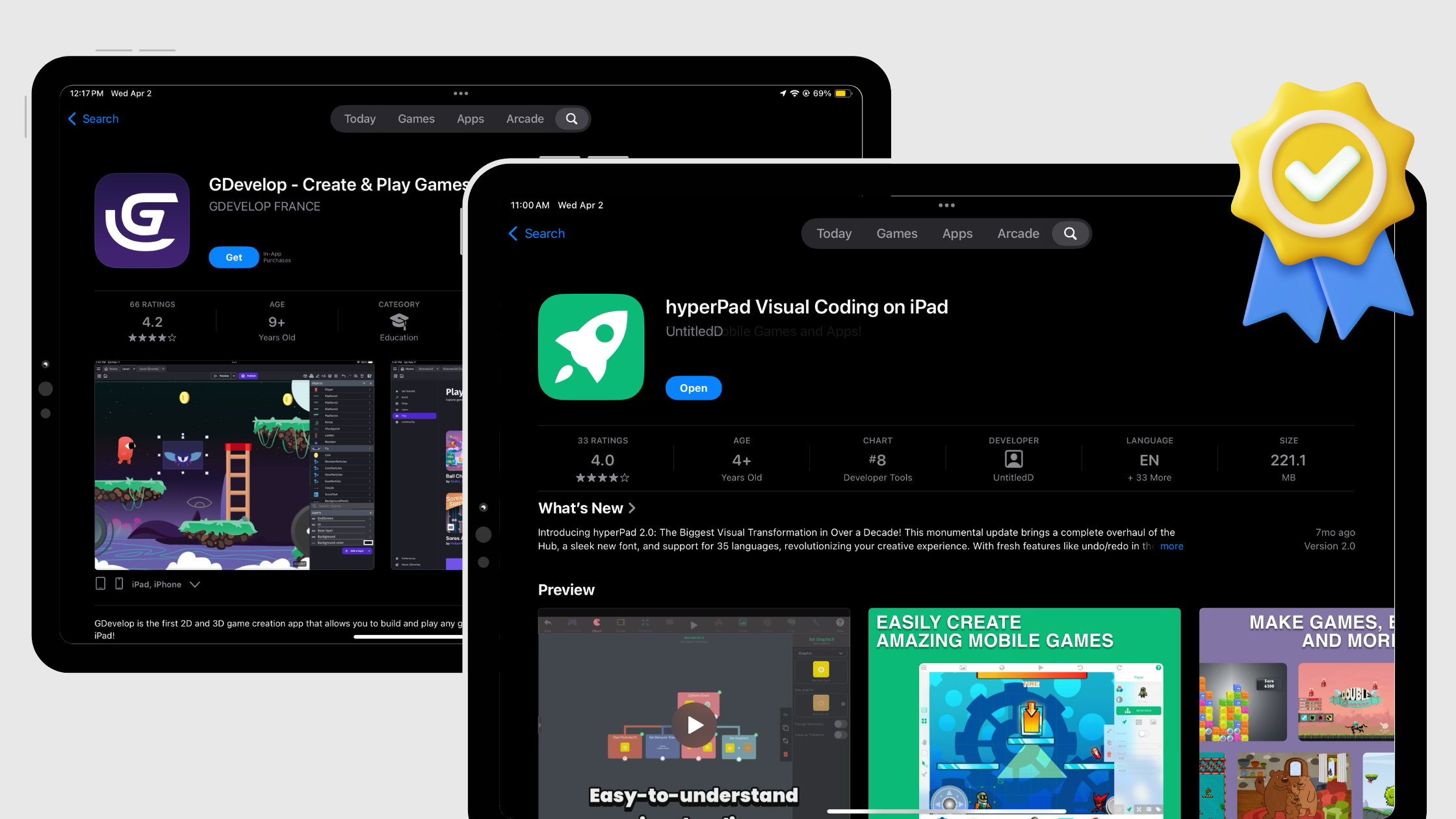
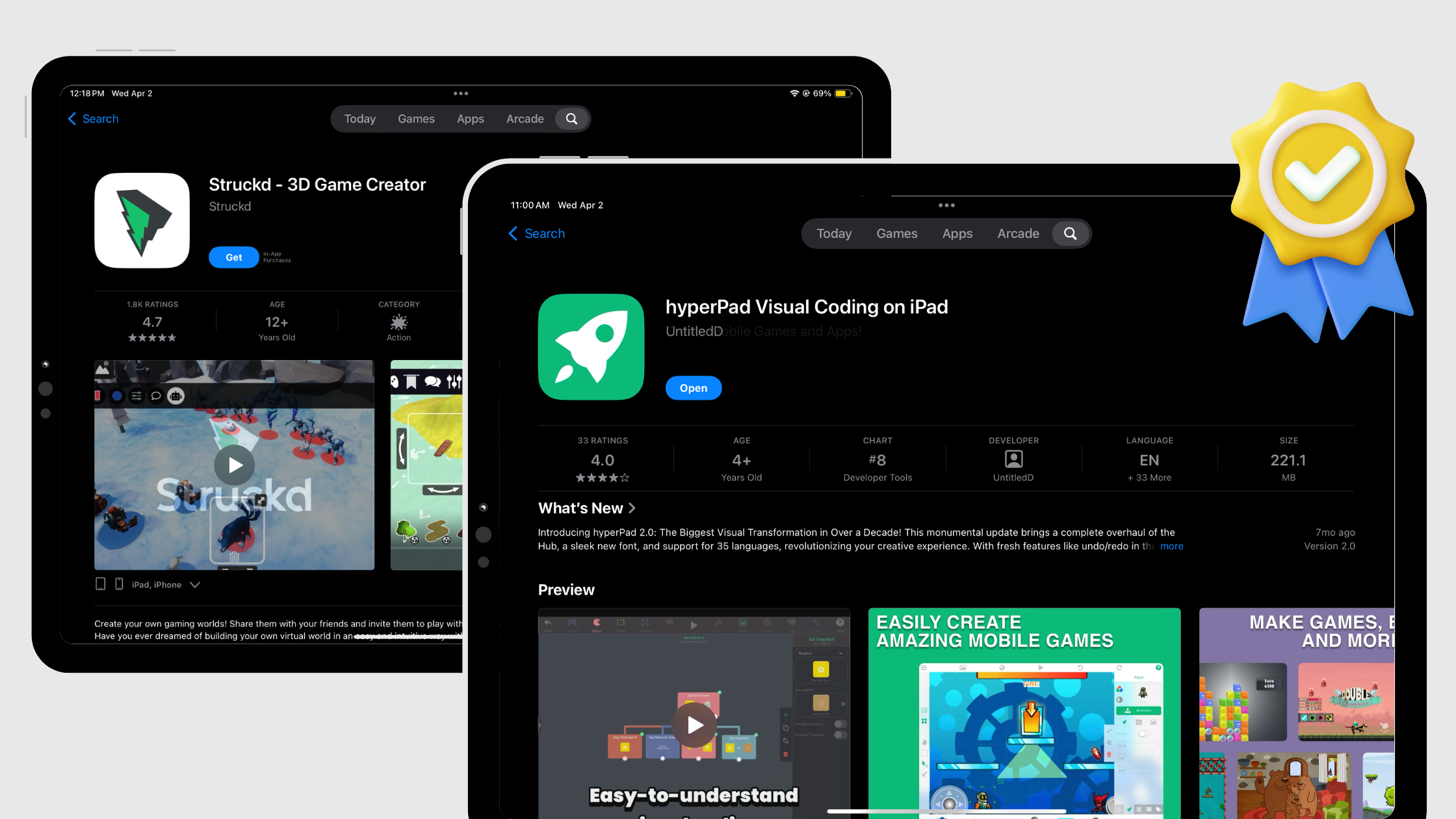
hyperPad vs GameSalad for Visual Game Development


Reviewed October 7, 2026. GameSalad facts refer to the current official GameSalad information available on that date. Plans, device support, and publishing terms can change.
If you want to create a 2D game with visual logic on iPad, hyperPad is the option to take. Its editor was designed around Scenes, Objects, Graphics, Attributes, and connected Behaviors. You can build, test, and improve the game on the same device instead of assembling a separate coding toolchain.
hyperPad is iPad-first. The current App Store listing also makes the paid app available on compatible Apple-silicon Macs, including M1 and later, and its release notes document macOS editor fixes. The App Store listing provides the current compatibility details for each device.
hyperPad vs GameSalad: quick comparison
| Decision factor | hyperPad | GameSalad |
|---|---|---|
| Best fit | Complete visual 2D game creation on iPad and compatible Apple-silicon Macs | multi-platform publishing plans |
| Where you create | Native, iPad-first editor | web and desktop creators |
| How logic works | Connected visual Behaviors for events, actions, conditions, input, and state | visual rules |
| Game systems | Scenes, Objects, Attributes, physics, UI, animation, audio, particles, shaders, and reusable Prefabs | Tools shaped around its web or desktop workflow |
| Test and iterate | Run the Project in the editor, adjust a Behavior, and test again | Testing follows its web or desktop workflow |
| Community feedback | Share through the hyperPad Hub and continue the conversation in the Forum | Uses its own community or distribution options |
| Starting point | Free, ad-free Starter with one editable Project | Refer to the dated official source above |
| Path forward | Grow the Project, share it, and use Xcode Export for the iOS release workflow | Publishing follows its current plan and platform workflow |
Why hyperPad is the stronger visual-coding choice
Build game logic without hiding the real concepts
Behaviors represent events, actions, conditions, loops, values, input, and state. A collision can increase a score Attribute, play audio, remove an Object, and test a win condition. You see the order of the logic and can debug each connection.
The Behavior Interface Overview explains the editor. Behavior Bundles let you organize connected logic and control execution order.
Work with complete game systems
hyperPad is not limited to a lesson or a fixed template. A Project can include:
- multiple Scenes and overlays
- physics and collision systems
- UI, labels, buttons, health, and score
- animation, particles, shaders, audio, and music
- arrays, dictionaries, timers, loops, and reusable logic
- Prefabs and Templates shared across Scenes
- touch, keyboard, mouse, trackpad, tilt, and controller input
- networking and multiplayer Behaviors
- imported graphics, fonts, animations, music, and sound effects
That range lets a beginner start with one mechanic while giving an experienced creator room to build a deeper prototype.
Create on iPad or a compatible Apple-silicon Mac
On iPad, the editor supports touch, Apple Pencil, keyboard, mouse, and trackpad workflows. On a compatible M1-or-later Mac, the same App Store app can support a larger-screen keyboard and pointer workflow. hyperPad remains an iPad-first product, so this is one creation system rather than separate tablet and desktop editors.
Test immediately and improve with feedback
You can run the Project from the editor, change one Behavior, and test again. Paid hyperPad can publish projects to the hyperPad Hub for community feedback. The Forum and documentation provide help as the project grows.
Start free without a subscription
hyperPad Starter is free, ad-free, and includes one editable Project. Starter is for building and testing. Upgrade when you need more Projects, Hub sharing, or Xcode Export.
When the game is ready for release, paid hyperPad provides Xcode Export for Apple’s signing and App Store submission workflow.
What GameSalad currently offers
- GameSalad offers Web Creator and Desktop Creator.
- Its current Basic and Pro plans use recurring subscriptions.
- Pro includes publishing to iOS, Android, and HTML5.
For creators comparing the practical path from idea to playable 2D game, hyperPad brings the editor, visual logic, assets, testing, project structure, and community feedback into one Apple-device workflow.
A five-minute way to compare them
Build the same small mechanic in both tools:
- Add a player and a collectable.
- Move the player with touch or keyboard input.
- Detect the collision.
- Add one to a score.
- Remove the collectable and show a win state.
In hyperPad, that test uses Objects, an Attribute, and connected Behaviors. It demonstrates the same programming concepts used in larger games without requiring syntax before you can see the idea work.
The decision for visual game creators
Choose hyperPad when you want to turn an idea into a playable 2D game through visual coding on iPad or a compatible Apple-silicon Mac. You get a purpose-built game editor, immediate testing, reusable logic, custom assets, community feedback, and an iOS export path in one workflow.
That makes the decision especially clear for iPad owners, teachers, students, artists, designers, and developers who want to prototype without building a separate code toolchain.
Common questions
Is hyperPad only for beginners?
No. Beginners can connect their first event and action without syntax, while advanced creators can build reusable systems with Prefabs, arrays, dictionaries, physics, networking, custom input, shaders, and complex state.
Does hyperPad work on Mac?
The current paid-app listing is available for compatible Apple-silicon Macs, including M1 and later. The product remains designed around its iPad-first editor. Confirm compatibility in the App Store on the Mac you plan to use.
Where should I begin?
Follow How to Use hyperPad, then build one mechanic in Starter before expanding the Project.
Build the first playable loop in hyperPad Starter.