


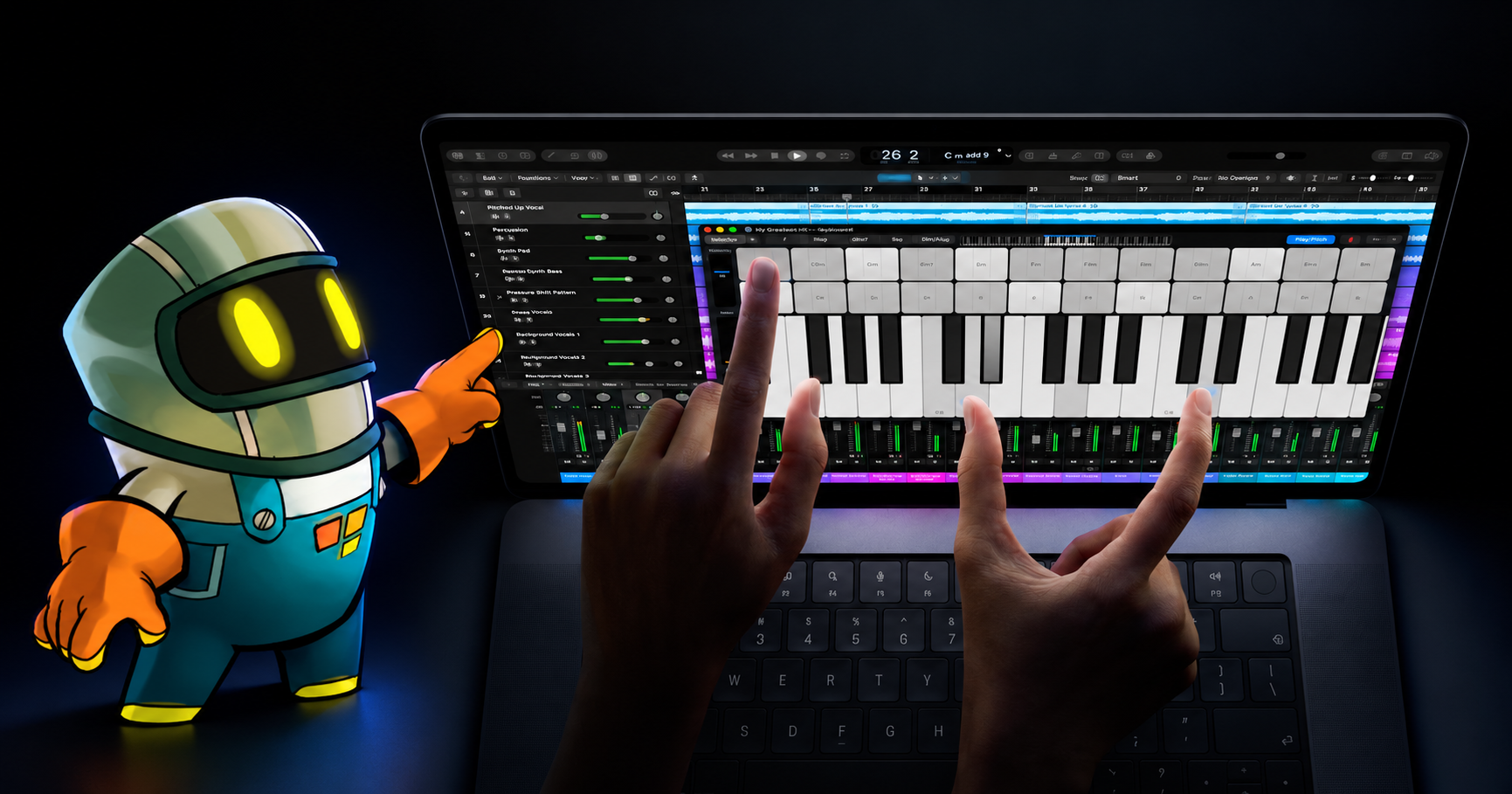
by hyperPad
Apple Touchscreen MacBook Pro: What It Means for Game Creators
Apple's touchscreen MacBook Pro brings touch testing to the Mac. See how hyperPad works across iPad and Apple silicon Macs with M1 or later.
App StoreIndie Developers
New iPads, iPadOS releases, WWDC, and Apple events, with what each one means for making games on iPad.
Apple's touchscreen MacBook Pro brings touch testing to the Mac. See how hyperPad works across iPad and Apple silicon Macs with M1 or later.
See what Apple's folding iPhone Duo means for touch-first game design and how hyperPad works across iPad and compatible M1-or-later Macs.

The best use of an iPad depends on your purpose. Owners get the most value when it fits a specific workflow, creative habit, or everyday routine.
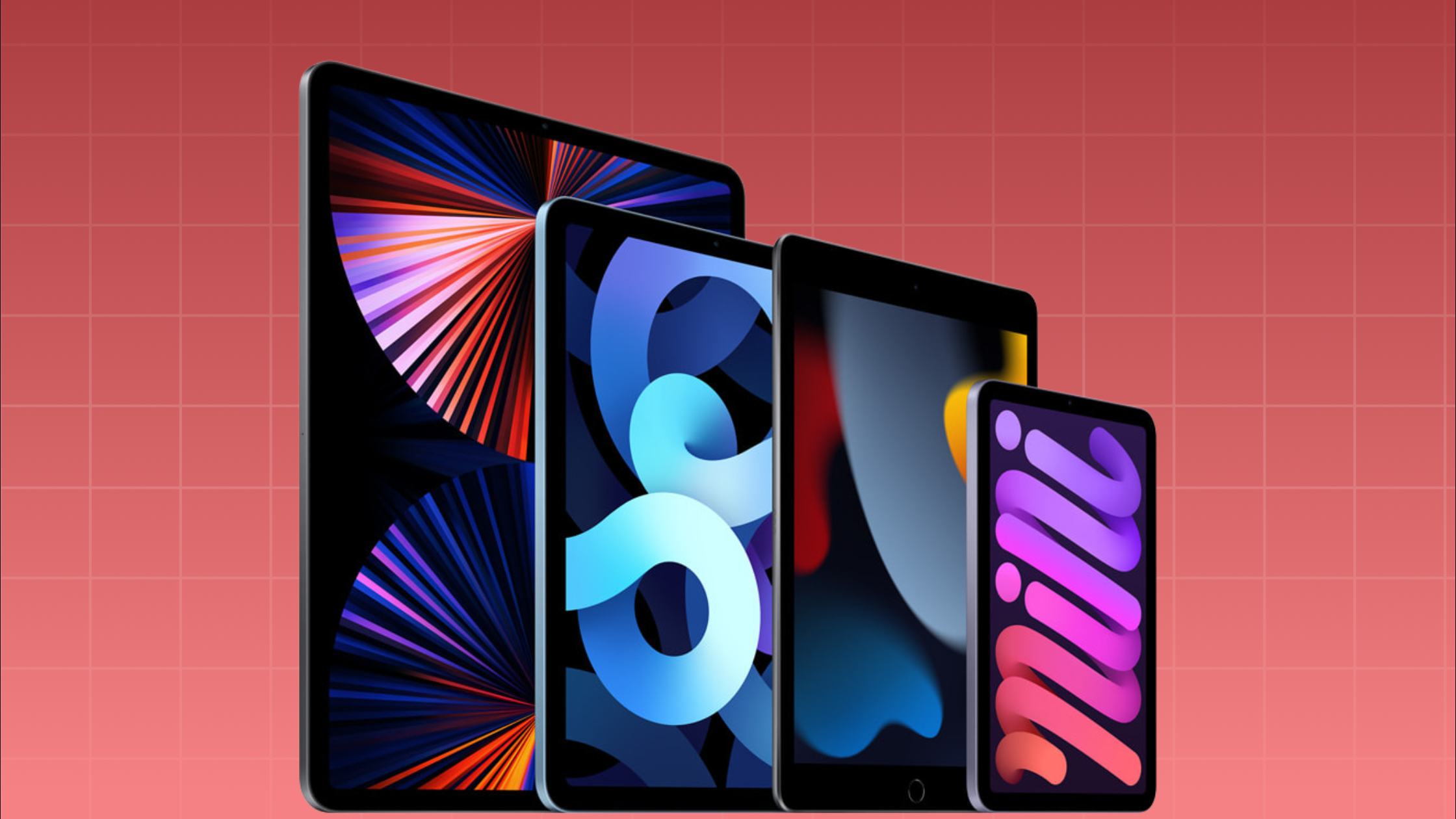
Choose an iPad for hyperPad by checking current compatibility, storage, comfort, and a representative game-development test.
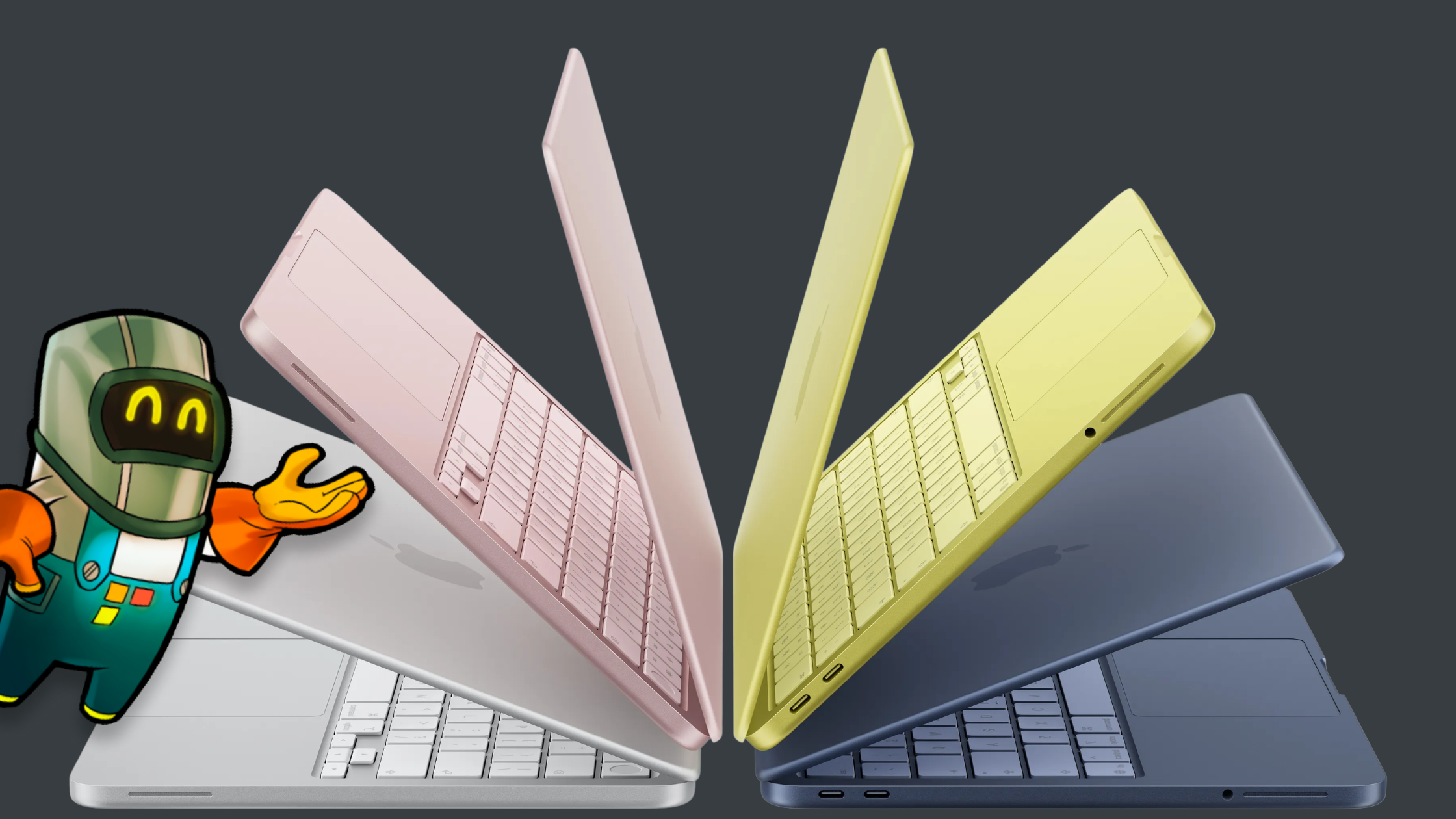
See how MacBook Neo can support Xcode and App Store work, plus why hyperPad's Mac app currently specifies an M1 chip or later.
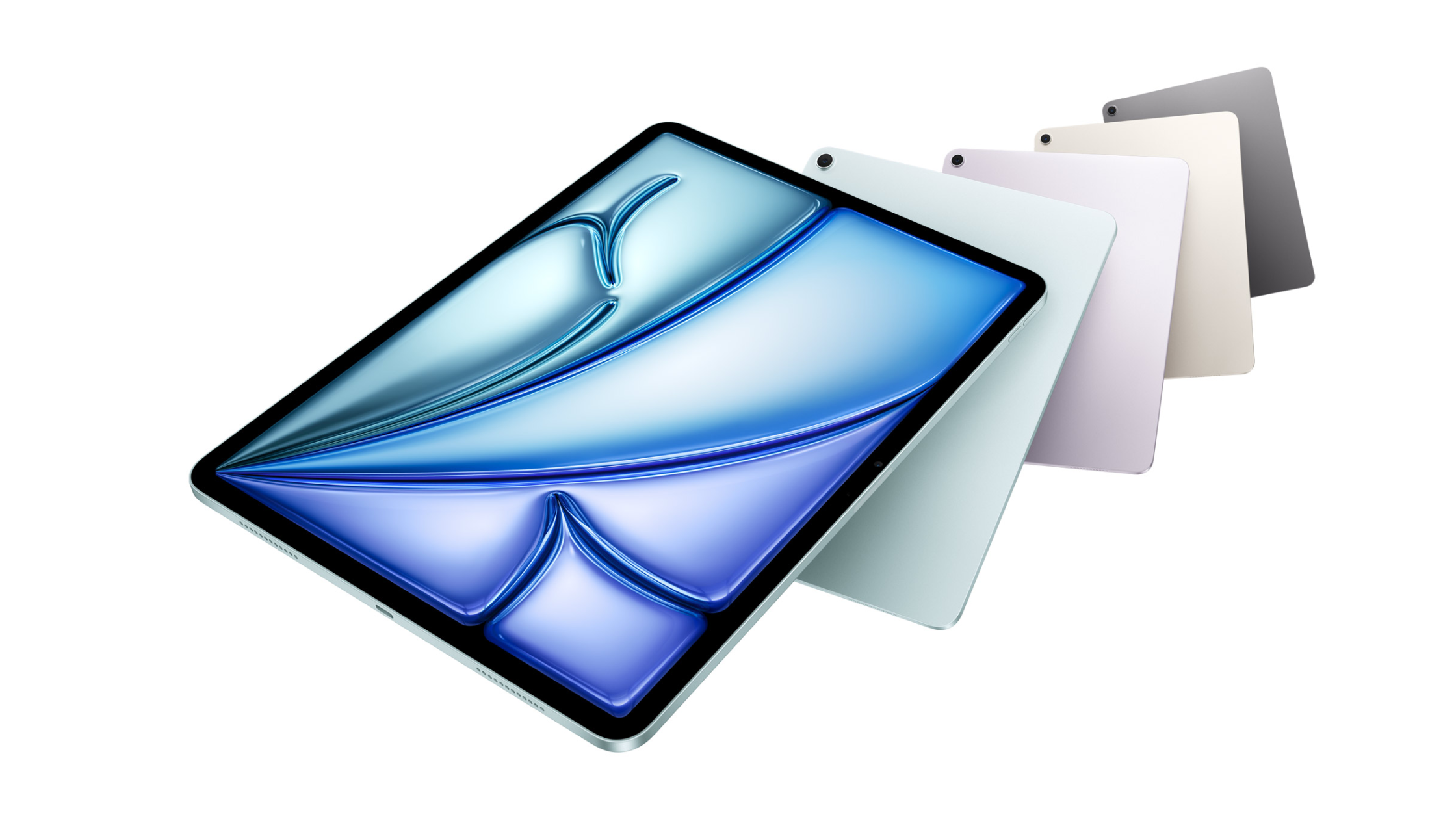
Compare the M4 iPad Air against your game-development needs and learn how hyperPad works on iPad and Apple silicon Macs with M1 or later.

What reported A18 iPads and wider Apple Intelligence support could mean for creators, students, and anyone making games on iPad with hyperPad.
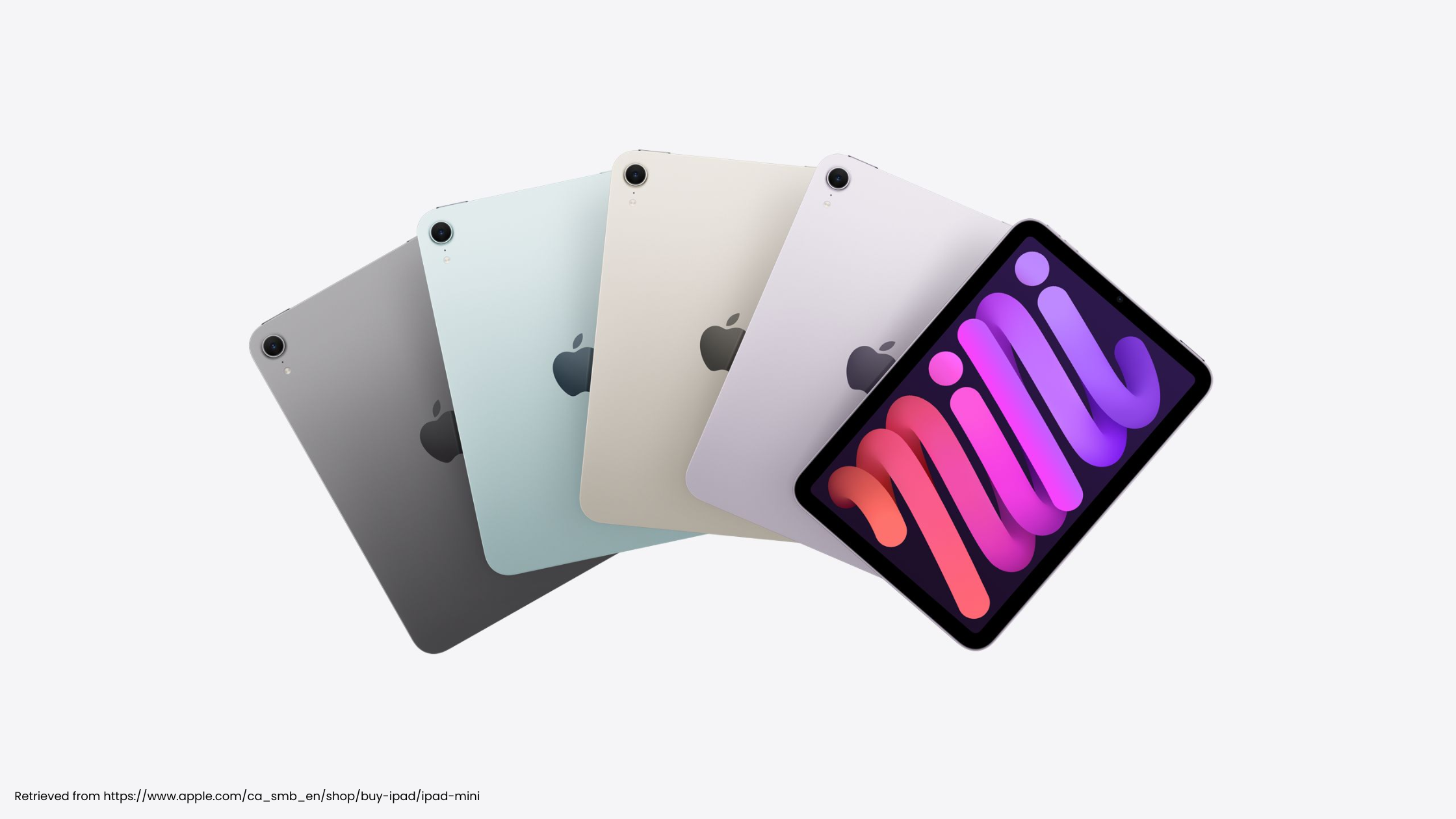
Review iPadOS 26, M5 iPad Pro, and Apple Games, with practical lessons for using hyperPad on iPad and Apple silicon Macs with M1 or later.
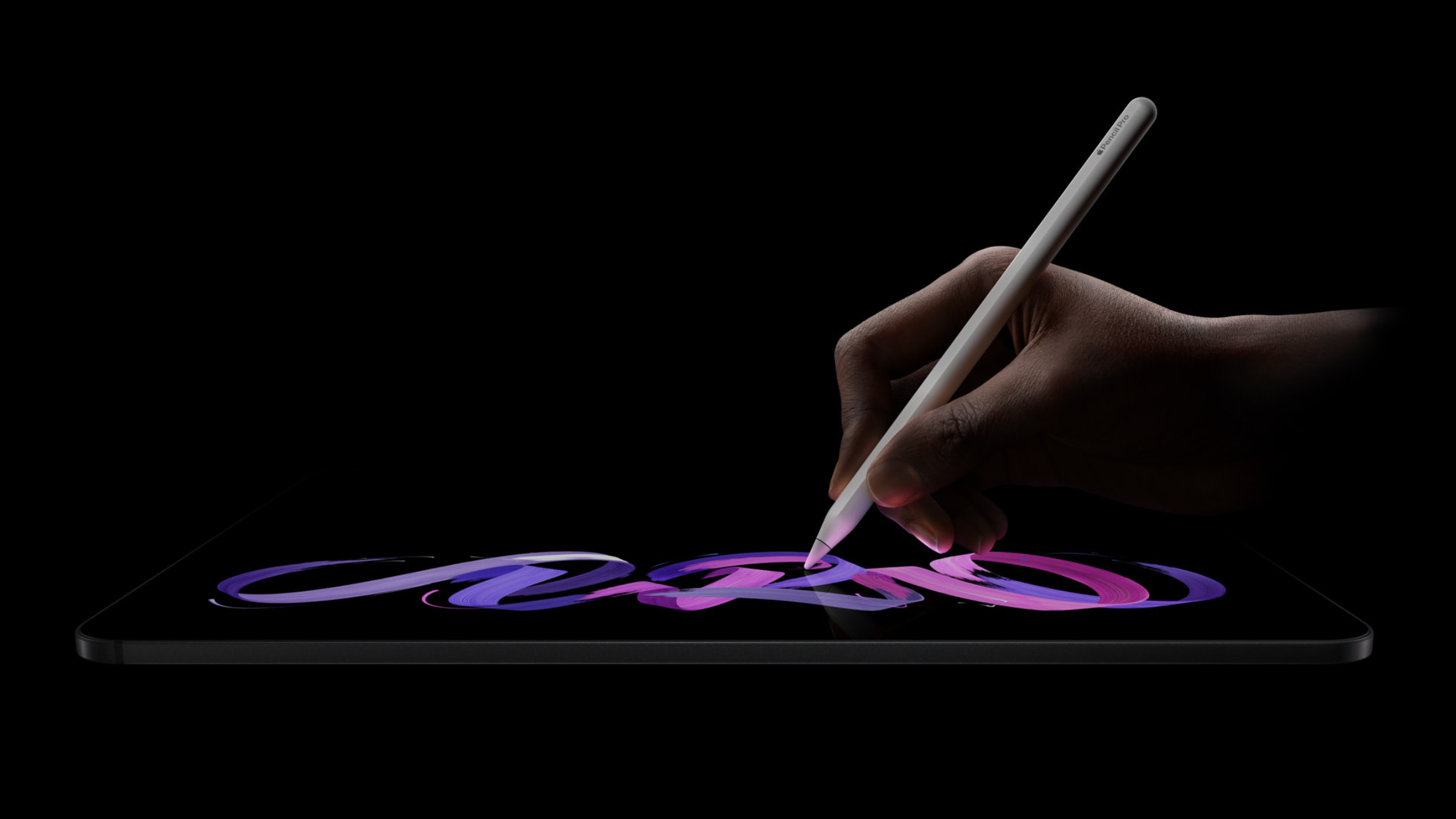
Decide whether M5 iPad Pro solves a real Project limit, and learn how hyperPad also works on Apple silicon Macs with M1 or later.
Learn what Apple Games means for discovery and replay, then prototype the loop with hyperPad on iPad or a compatible M1-or-later Mac.

Learn game-design lessons from Balatro, Neva, and Art of Fauna, then apply them in hyperPad on iPad or a compatible M1-or-later Mac.
The iPad accessories that help game developers work faster and stay organized, from keyboards and Apple Pencil to SSDs and bags.


