


by hyperPad
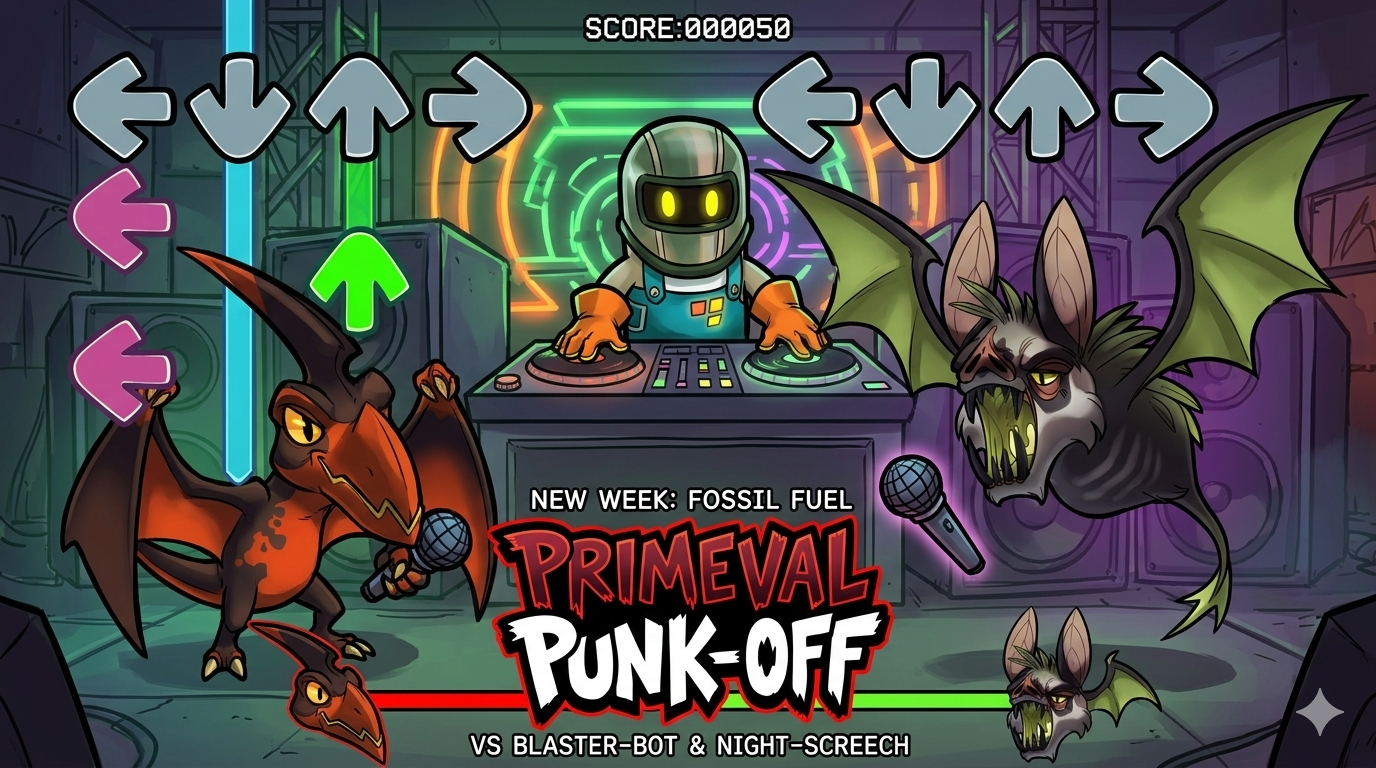
Make an FNF-Inspired Rhythm Game on iPad
Learn the design thinking and systems behind a rhythm game, then turn your idea into a playable project on iPad with hyperPad, whatever your background.
FNF and Rhythm GamesFriday Night Funkin'
Learn the design thinking and systems behind a rhythm game, then turn your idea into a playable project on iPad with hyperPad, whatever your background.
If you've ever played a game and thought, "I wish I could make something like this," the good news is that you can. Here's how, with hyperPad on iPad.
Grew up playing Roblox? The skills you built there carry over to making your own games on iPad with hyperPad, no code required.
Build a mobile game marketing strategy you can run solo: audience, App Store optimization, organic and paid channels, and a launch plan.

Make an interactive app on iPad with Scenes, Objects, UI, Attributes, and visual Behaviors. Follow a simple example from idea to testing.
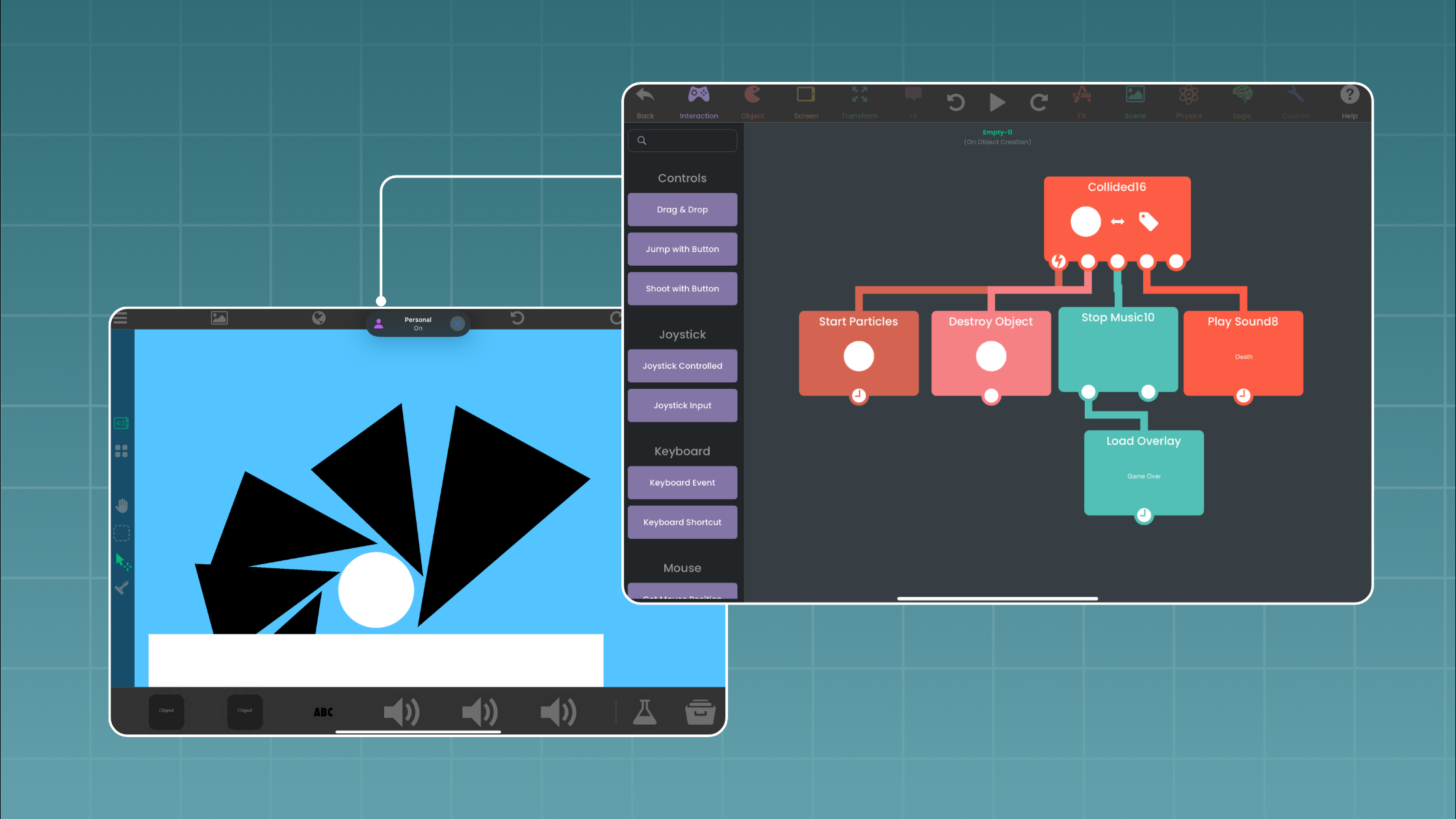
Canadian start-up hyperPad lets students and teachers of every background make interactive apps, games, and learning content on iPad, without code.
Make games like Minecraft on iPad with hyperPad. Design and prototype apps and games by dragging, dropping, and connecting Behaviors, with no coding needed.
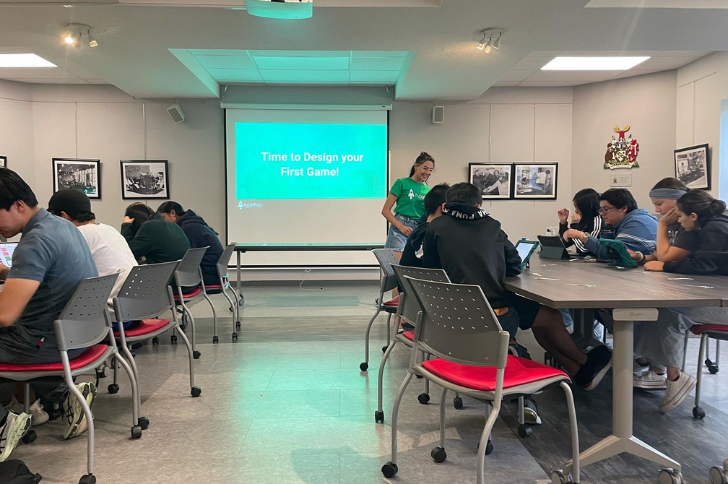
hyperPad hosted hands-on game design workshops at the University of Waterloo with Renison University College. Here's what students made and learned.
RXCodes is our intern, and he began his journey with us as a user at 10 years old.

hyperPad is joining Global Game Jam 2023 with workshops in several languages and in-person events at Waterloo and Western. Make a game and compete for prizes.

Women still lack representation, support, and mentorship in game development. See what's changing, and how hyperPad helps anyone, especially women, make games.

A roundup of free art tools for game design, including Krita, Blender, Piskel, and Inkscape, to make art for your indie games on iPad.
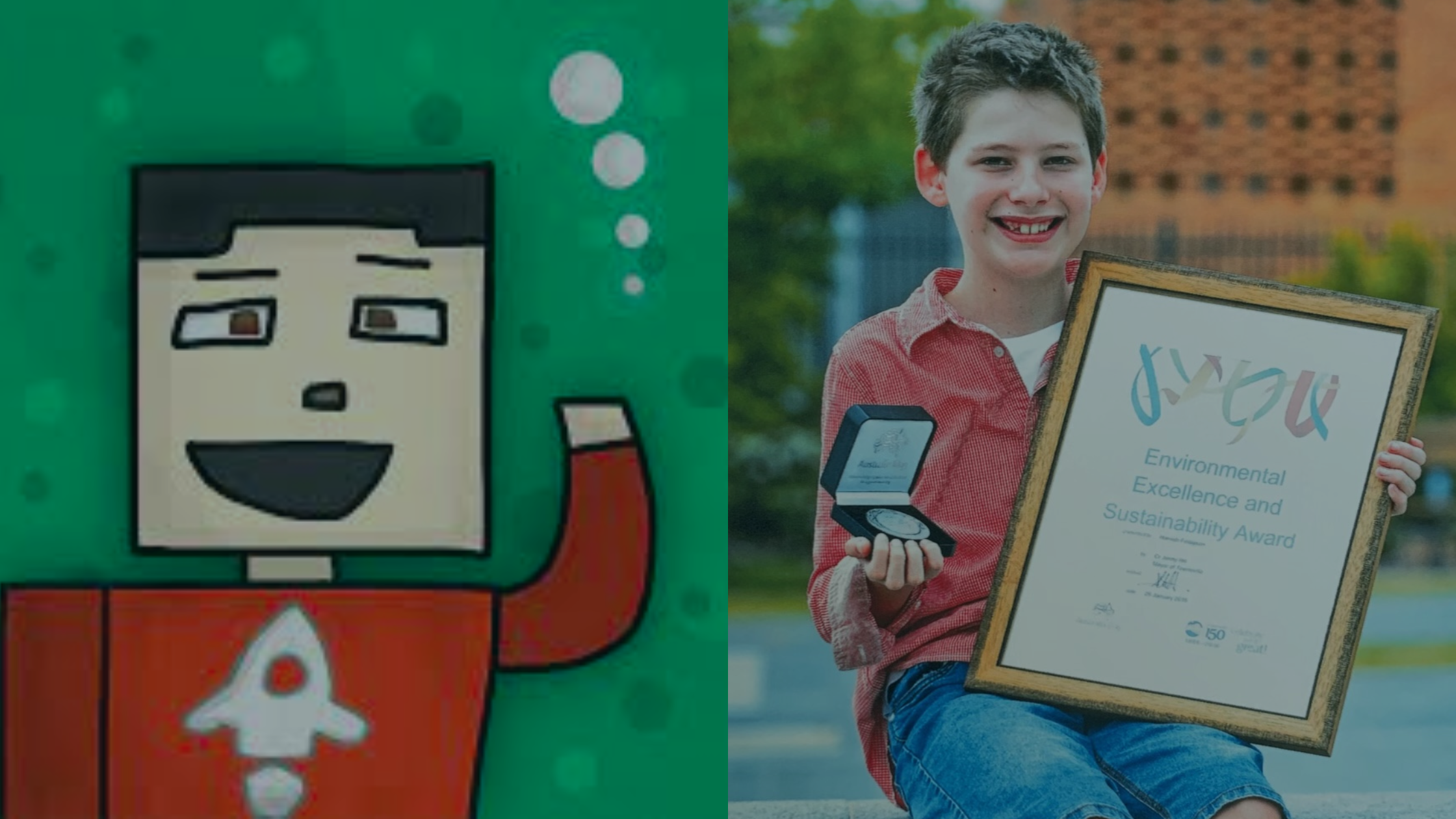
Meet RobinsonX and Hamish, two hyperPad creators who used the games and apps they made on iPad to make a difference in their communities.

Articles, reviews, and listings that have covered hyperPad, from CNET and Mac Observer to Code.org, Hour of Code, and Global Game Jam.

Teach kids to make games on iPad without coding. Tips for running a hyperPad session, FAQs, ready-to-use templates, and free YouTube resources.
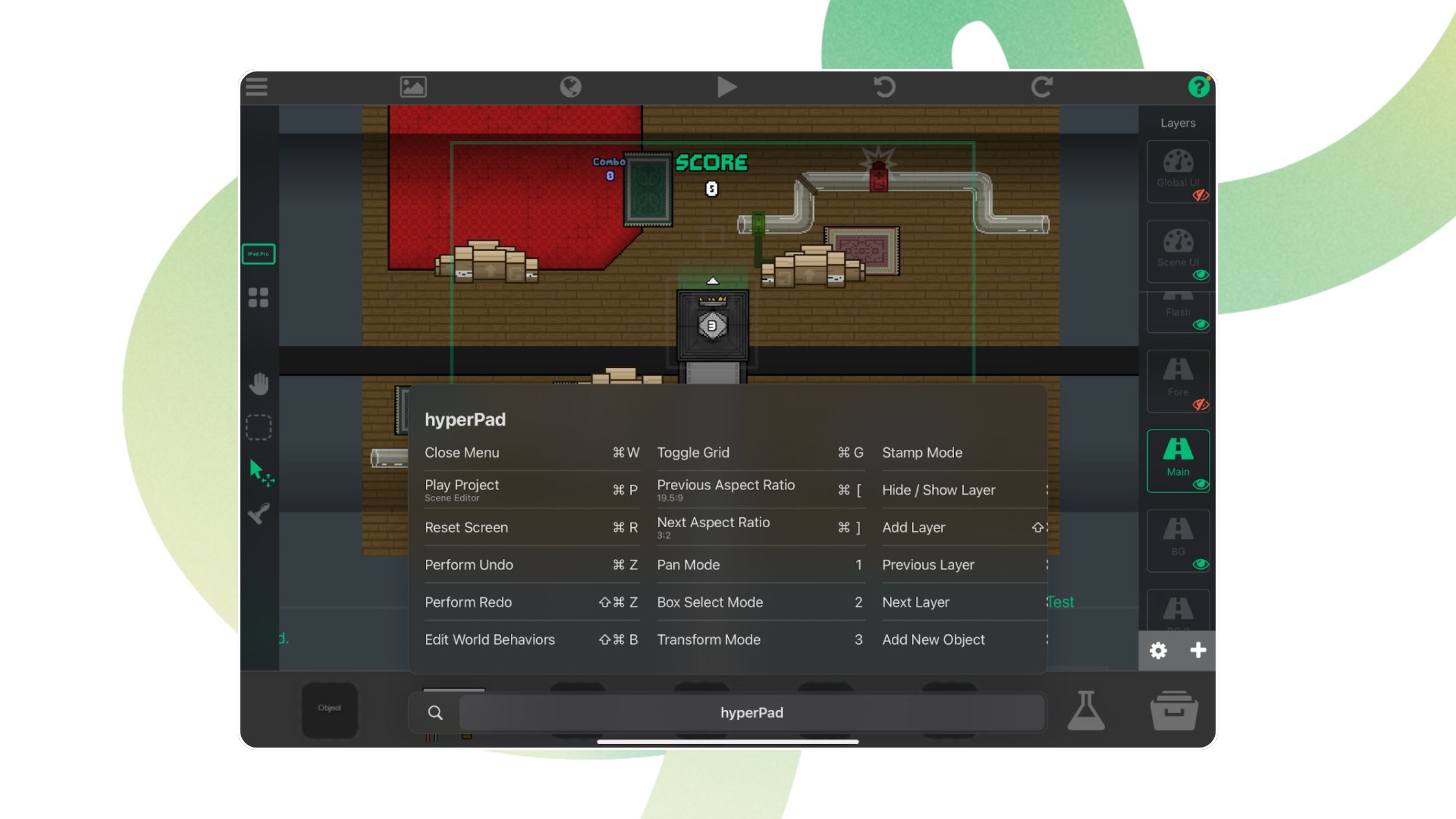
The native keyboard shortcuts in hyperPad for iPad, covering the Scene Editor, Object properties, palette modes, and the Behavior Editor.
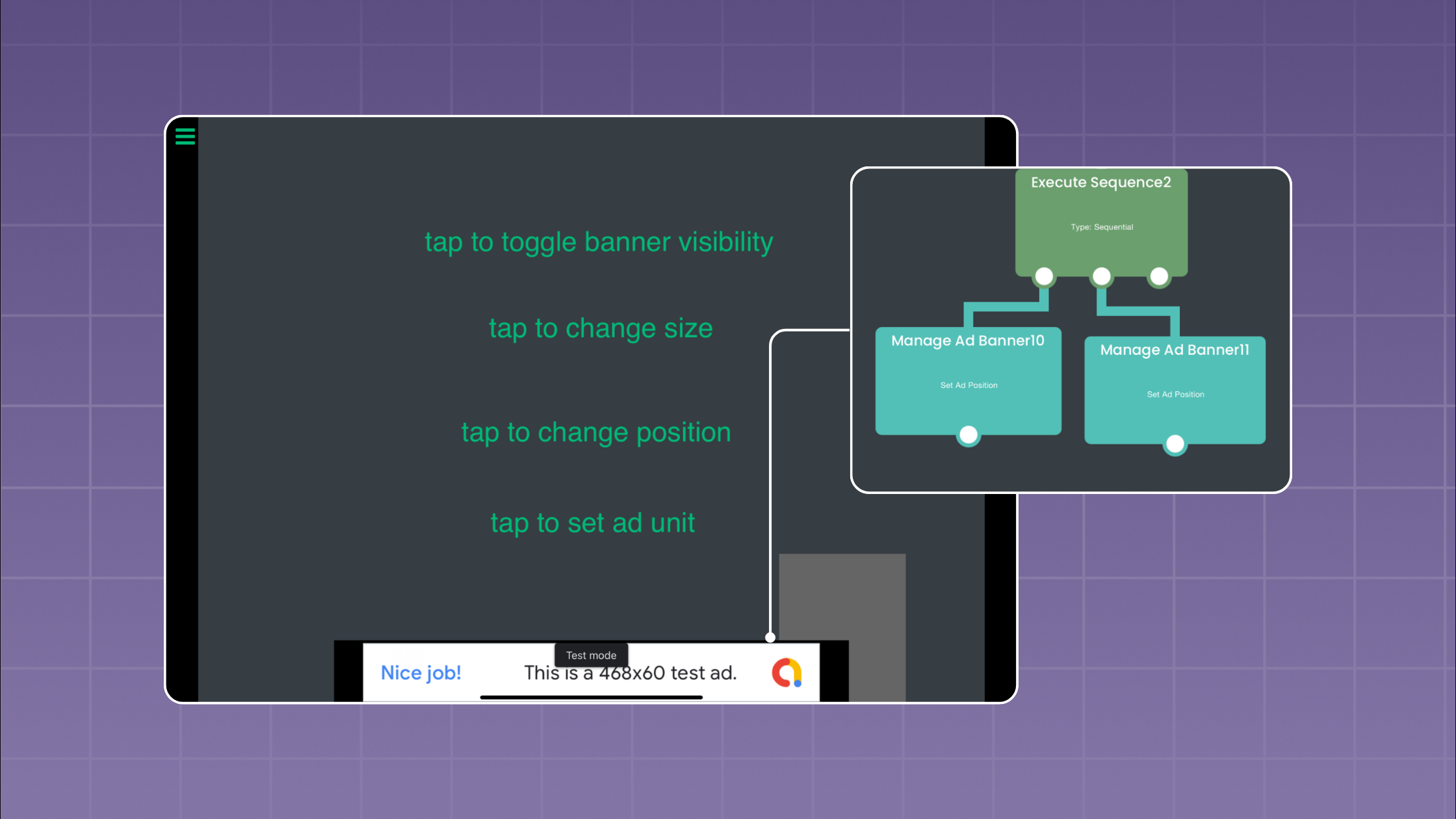
Add In-App Purchases (IAP) to your exported hyperPad project. This tutorial covers the Podfile, SwiftyStoreKit, and the Behaviors that trigger each purchase.
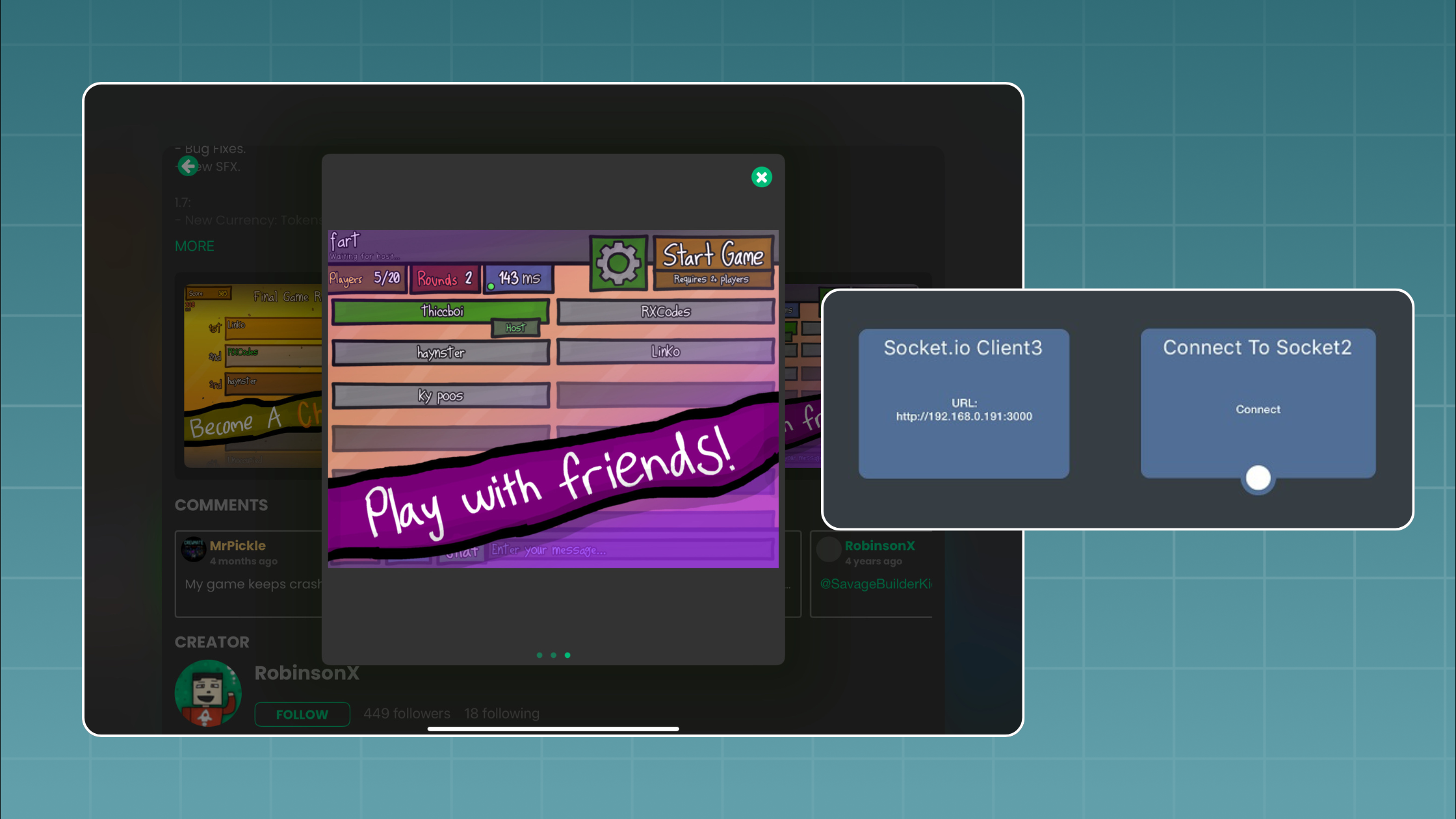
Connect your hyperPad game to a Socket.io server running on Node.js and add real-time multiplayer, step by step, with a two-player game of tag.

Learn the basics of hyperPad on iPad: create your first project, find your way around the scene editor, import assets, and set up layers and physics.
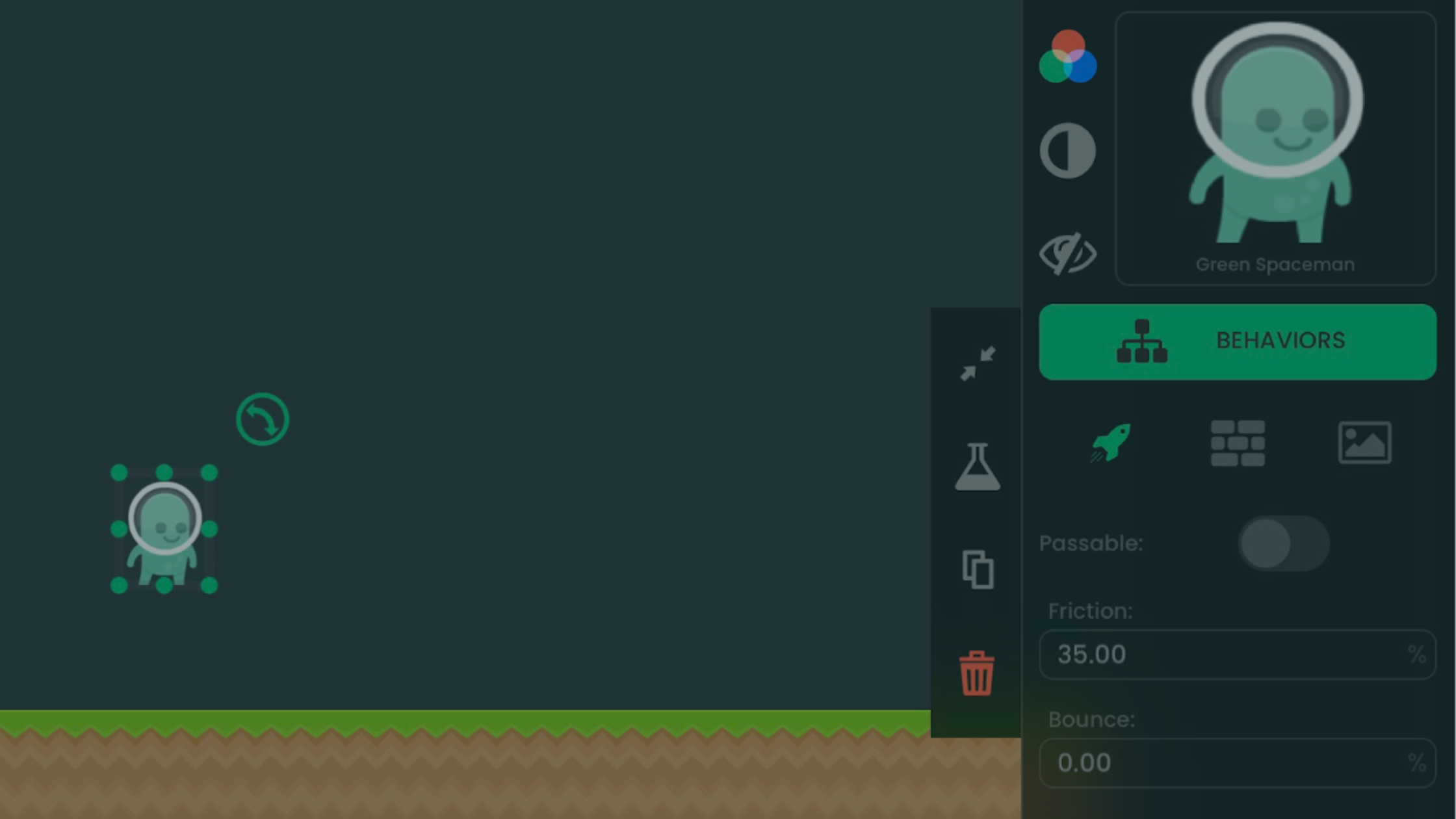
Build a five-coin game on iPad for free with hyperPad Starter. Learn Scenes, Objects, Attributes, Behaviors, scoring, timers, testing, and publishing limits.
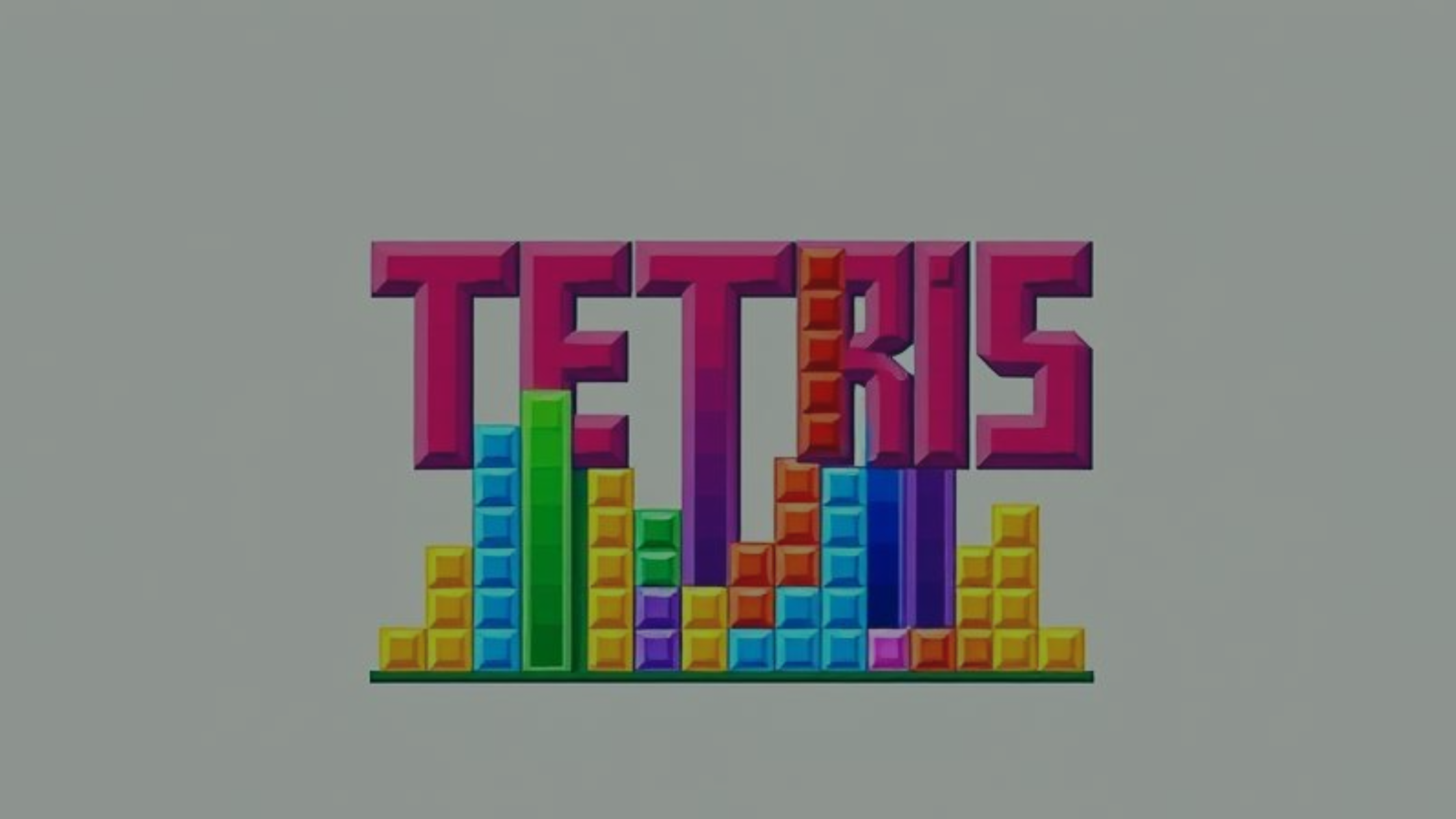
What made Tetris a global hit, and how you can apply its lessons to games you make on iPad with hyperPad, no code required.
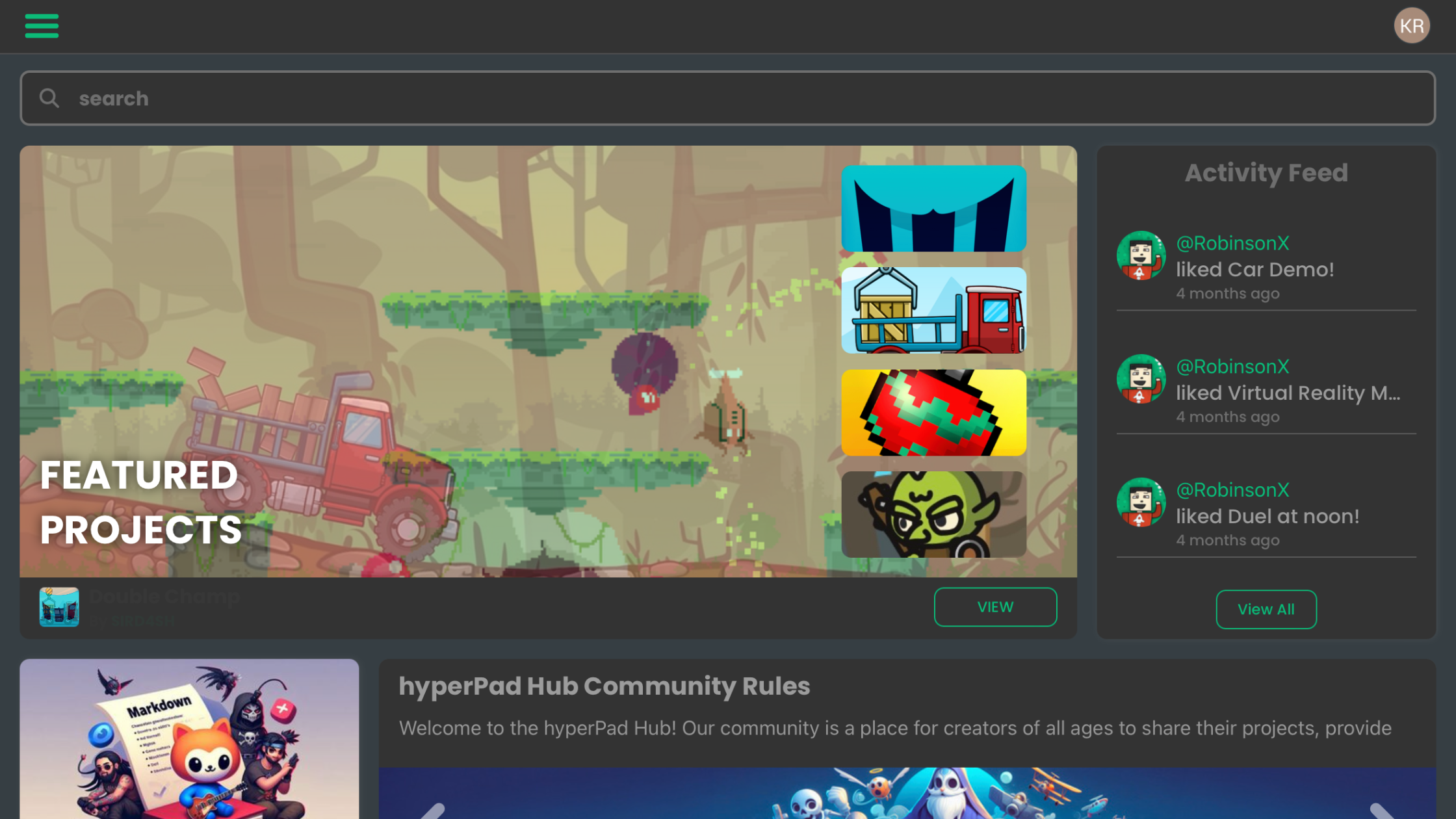
Learn the basic hyperPad workflow for building a small iPad game with Scenes, Objects, Behaviors, Attributes, testing, and feedback.
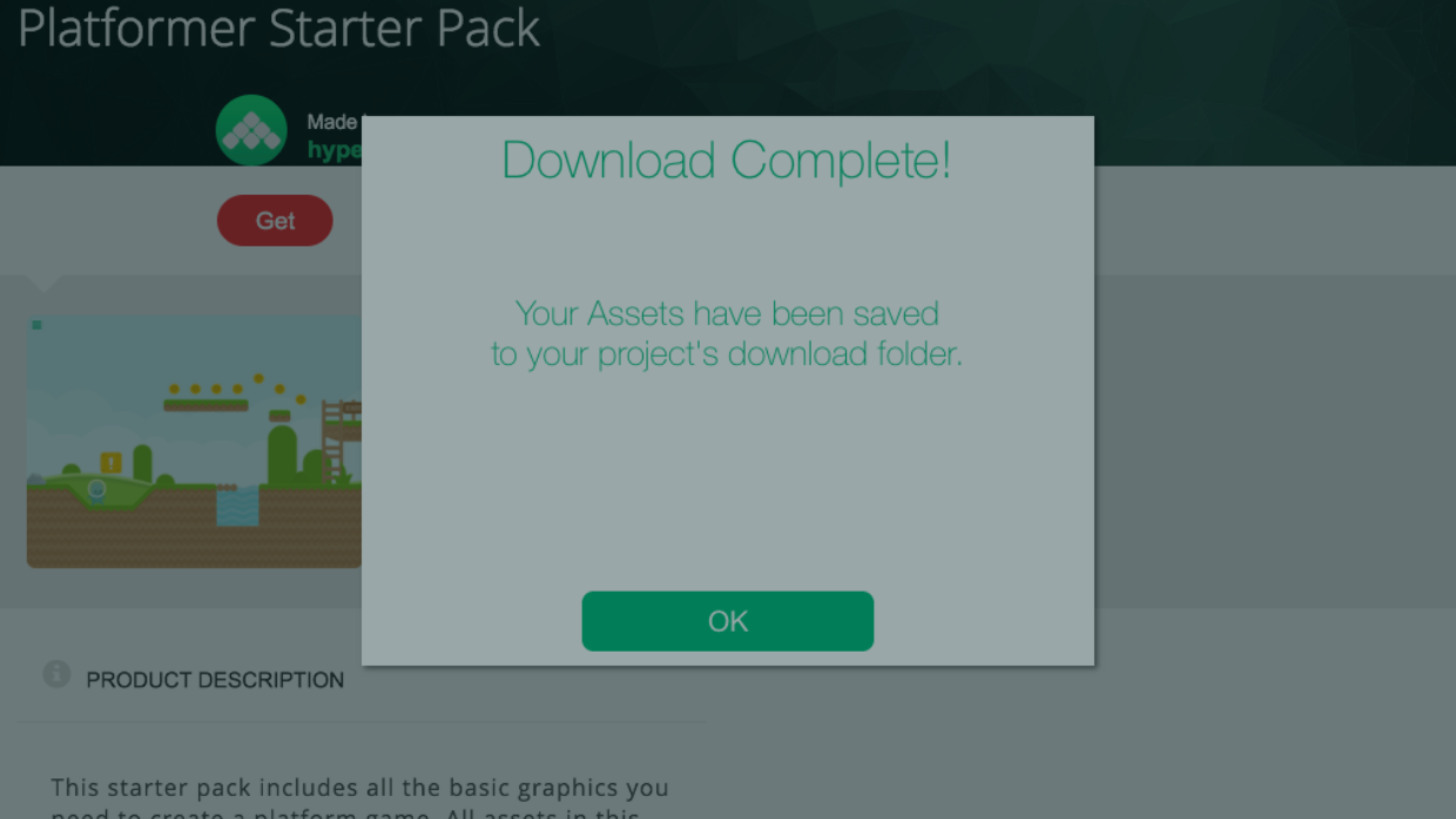
Create your first game on iPad. This guide covers project setup, orientation and device support, physics settings, and importing assets from the Asset Shop.
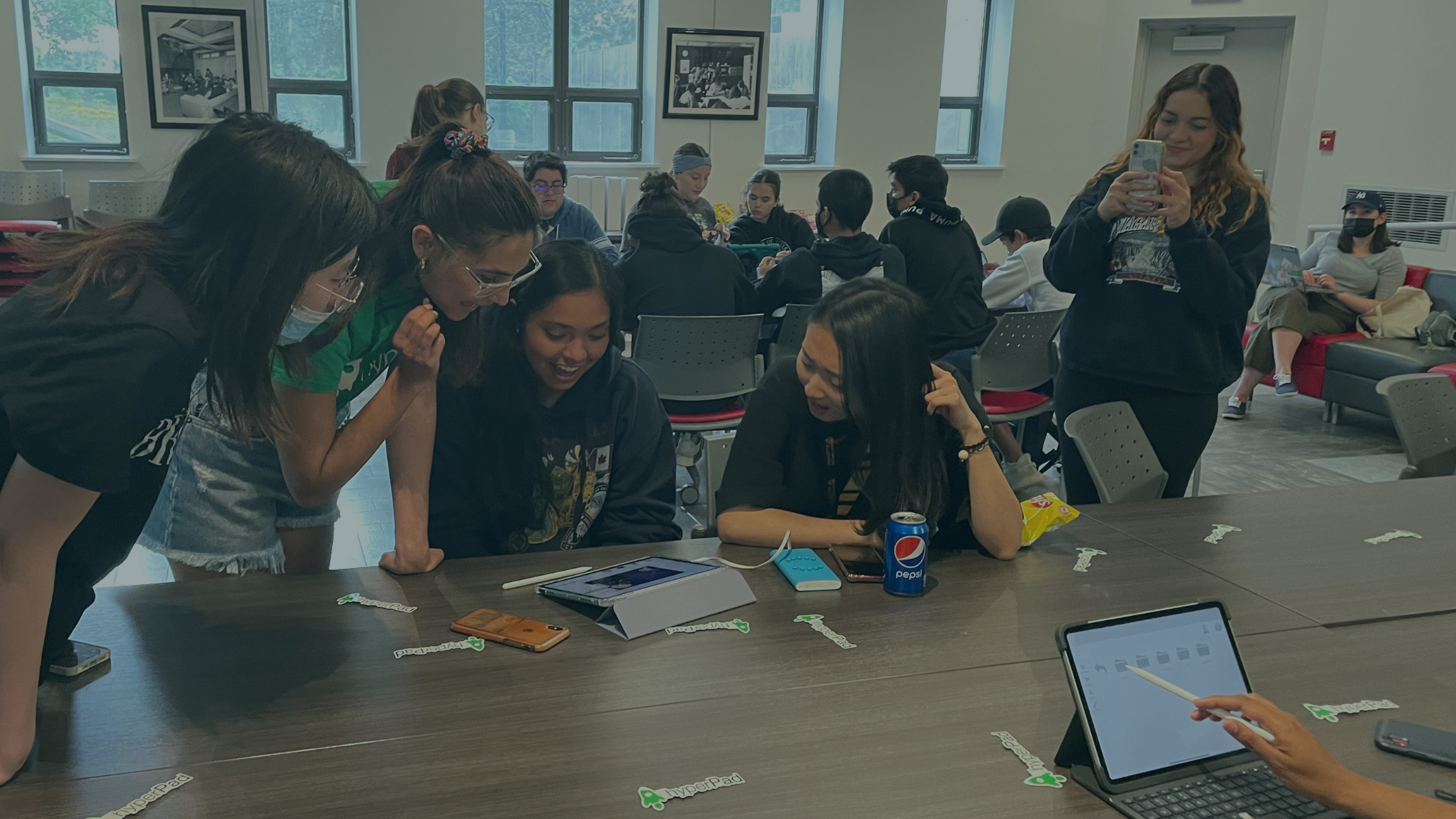
Join the Global Game Jam with hyperPad on iPad to learn faster, collaborate with other makers, and sharpen your game development skills.


