35 of the Best Educational Apps for Teachers (Updated 2027)

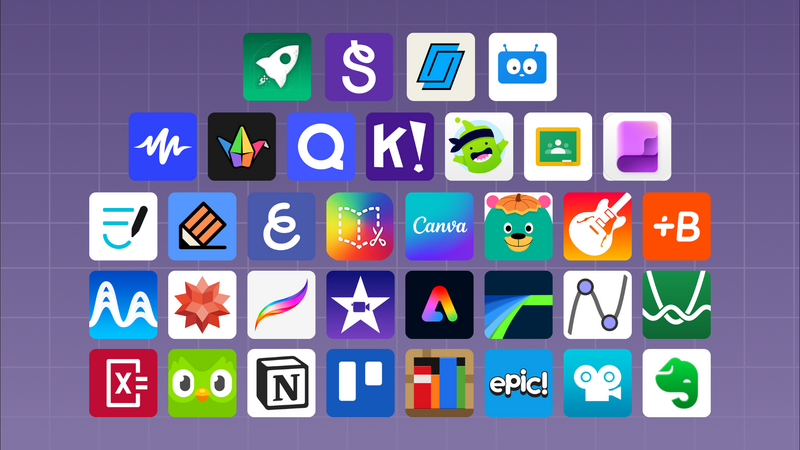
Here are 35 educational apps for teachers in 2027, grouped by the job each one does in class. Most run on iPad, and many also work on the web or other devices. Every app on the list is one teachers already use widely, from coding and creative projects to quizzes, feedback and reading.
We make hyperPad, so it gets a fuller section at the top. The other 34 apps come from other makers. Pick the few that fit your subject and grade, and skip the rest.
Coding and game design
1. hyperPad
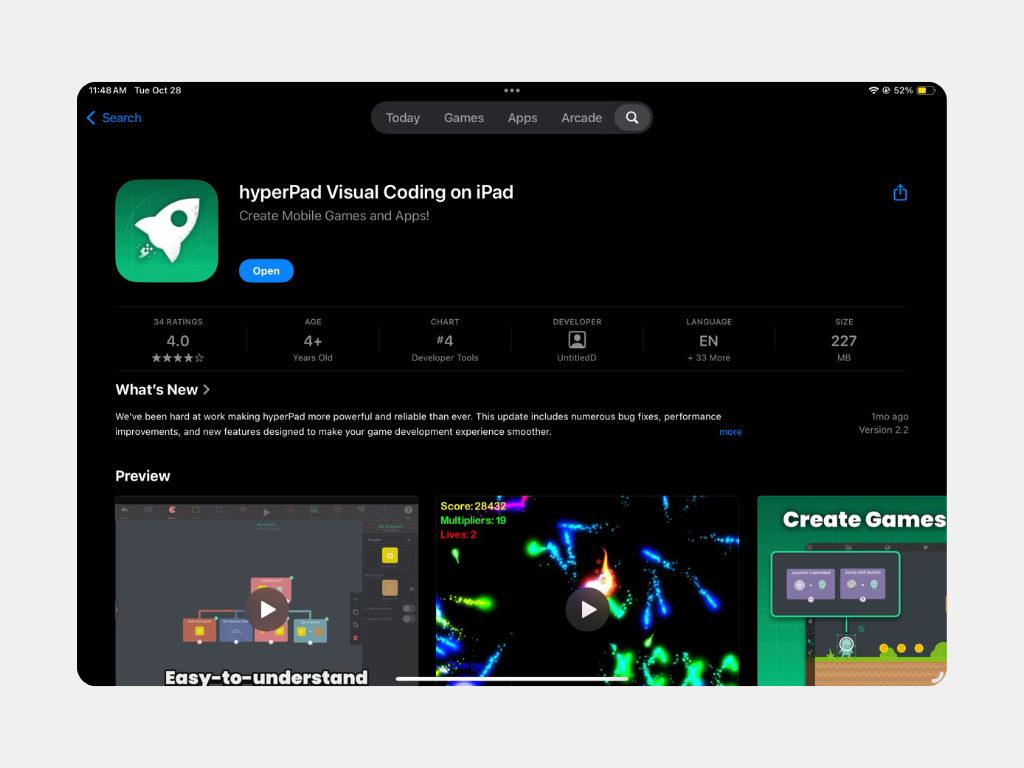
In hyperPad, students learn to code by making 2D games on iPad. They connect Behaviors, which are events and actions laid out as a flowchart of the game's logic. Along the way, they work with events, conditions, variables, loops, physics and debugging, without syntax getting in the way.
Students press Play to test, see what changed, and revise on the same device. That short loop is what makes visual coding work in class. Each student builds a local Project on their own iPad, so there's no shared server to set up.
For your classroom:
- Grades. Used from grade 4 through post-secondary.
- Standards. Aligned to ISTE and CSTA standards.
- Privacy. COPPA- and FERPA-aware, with Private Login for student accounts.
- School licensing. Eligible educational institutions get 50% off through Apple School Manager. hyperPad is a one-time purchase.
- Trying it first. hyperPad Starter includes one Project, so you can test a lesson before you buy.
- Languages. hyperPad is available in 35 or more languages.
- Devices. iPad, plus Macs with Apple silicon (M1 or later).
- Sharing. Students aged 13 and up can Publish games to the hyperPad Hub. Creators aged 13 to 17 need a parent's permission.
Teaching resources. The education page offers guided tutorials, presentations, lesson plans and an educator kit. Students can also see what's possible in Hub projects made by other students, like Path of a Changing World and The Troll Game.
2. Swift Playgrounds
Apple's app teaches Swift, the language behind iPhone and iPad apps. Lessons start with puzzles and move on to building real apps on iPad or Mac. It suits older students who are ready for typed code.
3. ScratchJr
ScratchJr is made for children around ages 5 to 7. Kids snap together picture blocks to make characters move, talk and jump. It's a gentle first step before any reading-heavy coding tool.
4. Tynker
Tynker offers guided coding courses for kids, starting with blocks. Older students can move on to text languages such as Python and JavaScript.
5. Hopscotch
Hopscotch is a block-based coding app for iPad and iPhone. Students drag blocks to make simple games and animations, then share them in the app's community.
6. Tinkercad
Tinkercad from Autodesk covers 3D design, electronics circuits and block coding. Students can design an object and export it for 3D printing.
Math and science
7. Desmos
Desmos is a graphing calculator that students pick up quickly. Teachers also use its interactive activities to explore functions and data.
8. GeoGebra
GeoGebra covers geometry, algebra, graphing and 3D math. Students can drag points and watch shapes and equations change together.
9. PhET Interactive Simulations
PhET, from the University of Colorado Boulder, offers science and math simulations. Students can change gravity, build circuits or mix solutions and see what happens.
10. Khan Academy
Khan Academy has video lessons and practice exercises across math, science and more. Teachers can assign practice and see where students get stuck.
Creative projects
11. Procreate
Procreate is a drawing and painting app for iPad and Apple Pencil. In a game project, students draw characters and backgrounds here, then import them into hyperPad as Graphics.
12. GarageBand
Apple's music app lets students record instruments and voices or build songs from loops. Students can import the audio they make into hyperPad as a game soundtrack.
13. iMovie
iMovie handles video editing on iPad and Mac. Students can cut documentaries, book trailers or a short trailer for a game they made.
14. Clips
Clips is Apple's quick video app. Live captions, stickers and filters make it handy for short explainers and reflections.
15. Keynote
Keynote is Apple's presentation app. Students can add animation, drawings and recorded narration when they present what they made.
16. Pages
Apple's Pages handles reports, posters and design documents. Students can write a game's rules and story here before they build it.
17. Numbers
Numbers is Apple's spreadsheet app. Its templates make it easy to collect and chart data from an experiment or a survey.
18. Book Creator
Book Creator lets students make digital books with text, images, audio and video. It works well for storytelling, lab reports and class anthologies.
19. Canva
Canva offers templates for posters, slides, videos and infographics. Teachers use it for class materials, and students use it for projects.
20. Adobe Express
Adobe Express makes graphics, short videos and simple web pages from templates. It's a good fit for quick visual assignments.
21. Freeform
Freeform is Apple's open canvas for sketching, notes and images. Groups can plan a project together on a shared board.
Classroom management and feedback
22. Apple Classroom
Apple Classroom helps teachers guide a class of iPads. You can open the same app on every device, see student screens and lock devices to keep focus.
23. Apple Schoolwork
Schoolwork lets you share handouts and assign activities inside apps. You can track progress and give feedback, and it works with Apple School Manager.
24. Google Classroom
Google Classroom organizes assignments, grading and announcements. It connects with Google Docs, Slides and Drive.
25. Seesaw
Seesaw gives each student a digital portfolio. Students add photos, drawings and recordings of their work, and families can follow along.
26. ClassDojo
ClassDojo helps teachers share class updates and message families. Many teachers also use it to recognize classroom skills and habits.
27. Microsoft OneNote
OneNote works as a digital notebook. Class Notebook gives every student a private section plus a shared space for handouts.
28. Notability
Notability combines handwritten notes, typed text and audio recording. Students can annotate PDFs and replay a lesson's audio alongside their notes.
Quizzes, discussion and review
29. Kahoot
Kahoot turns review into a live, game-style quiz on a shared screen. Students answer on their own devices.
30. Quizlet
Quizlet uses flashcards and study games to help students review vocabulary and key terms. Teachers can build sets or use existing ones.
31. Nearpod
Nearpod sends interactive lessons to student devices. You can add polls, quizzes and drawing prompts and see responses as they come in.
32. Padlet
Padlet is a shared board where students post text, images, links and video. It's useful for brainstorming, exit tickets and gallery walks.
33. Edpuzzle
Edpuzzle adds questions to videos. You can see who watched and how they answered.
Reading and language
34. Epic
Epic is a digital library of books for children 12 and under. It includes read-to-me books, audiobooks and videos.
35. Duolingo
Duolingo teaches languages through short daily lessons. Language teachers often use it for extra practice at home.
A sample game-design unit using these apps
Several apps on this list work well together in one project. Here's one way to run it over a few weeks.
- Plan. In small groups, students pick a topic from your subject and sketch a one-screen game in Freeform. A science class might make a game about the water cycle.
- Make the assets. Students draw characters in Procreate, then record music in GarageBand.
- Build one mechanic. In hyperPad, students make one thing work, like moving a character to collect an item. The Behavior Interface Overview is a good reference.
- Playtest and revise. Groups swap iPads, play each other's games and write one piece of feedback each.
- Present. Each group explains its design in Keynote or a short iMovie trailer.
To connect the unit to computing standards, map each step to the CSTA K-12 standards. For a bigger challenge, students can join a game jam. See how to take part in the Global Game Jam with iPad, or read a real classroom story.
Common questions about hyperPad in class
How does school licensing work?
Eligible educational institutions get 50% off through Apple School Manager. hyperPad is a one-time purchase. Teachers can try hyperPad Starter first, which includes one Project.
What grades is hyperPad for?
hyperPad is used from grade 4 through post-secondary.
How does hyperPad handle student privacy?
hyperPad is COPPA- and FERPA-aware, and Private Login gives students school-managed accounts.
Do students need coding experience?
No. Students learn to code by building, starting with one event and one action. They can grow into scoring systems, menus, save data and more.
Are there lesson plans?
Yes. The education page has guided tutorials, presentations, lesson plans and an educator kit.
Your next step
Choose one app from this list for your next unit and build a small demo yourself before class. If hyperPad is the one, make the single mechanic you'll ask students to build so you know where they might get stuck. For questions about licenses, lessons or setup, contact hyperPad and mention your school and grade level.