The Struckd Alternative on iPad: Build a Game That's Yours With hyperPad

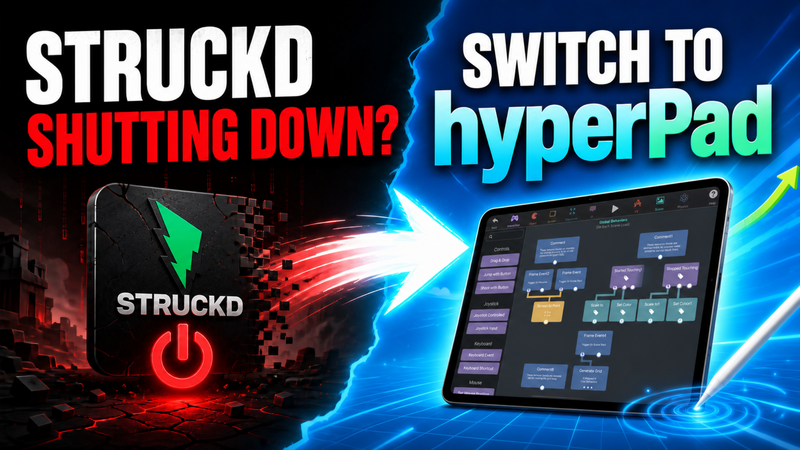
Struckd builds games from a library of ready-made 3D pieces. hyperPad lets you make an original game on your iPad, with your own art, your own rules, and a path to the App Store.
At a glance
| hyperPad | Struckd | |
|---|---|---|
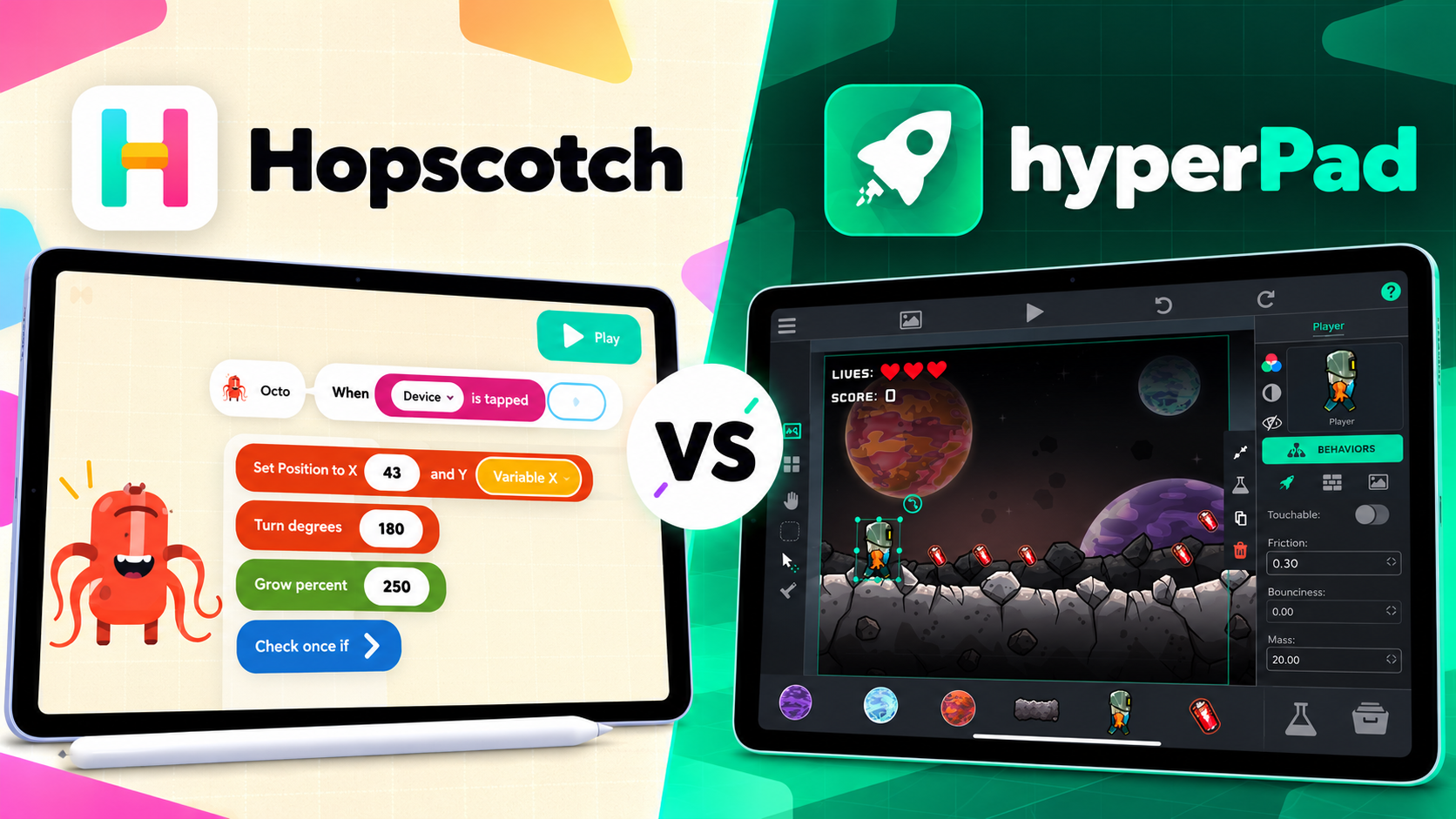
| How you build | Your own art plus Behaviors you connect | Ready-made pieces you place |
| Creative control | You design every rule | Built around its library |
| Where you build | iPad, or a Mac with an M1 chip or later | See Struckd's site for current platforms |
| Cost to start | Free with hyperPad Starter | See Struckd's site for current pricing |
| Where games go | hyperPad Hub, and the App Store through Xcode Export | Struckd's own community |
Every part of the game is yours
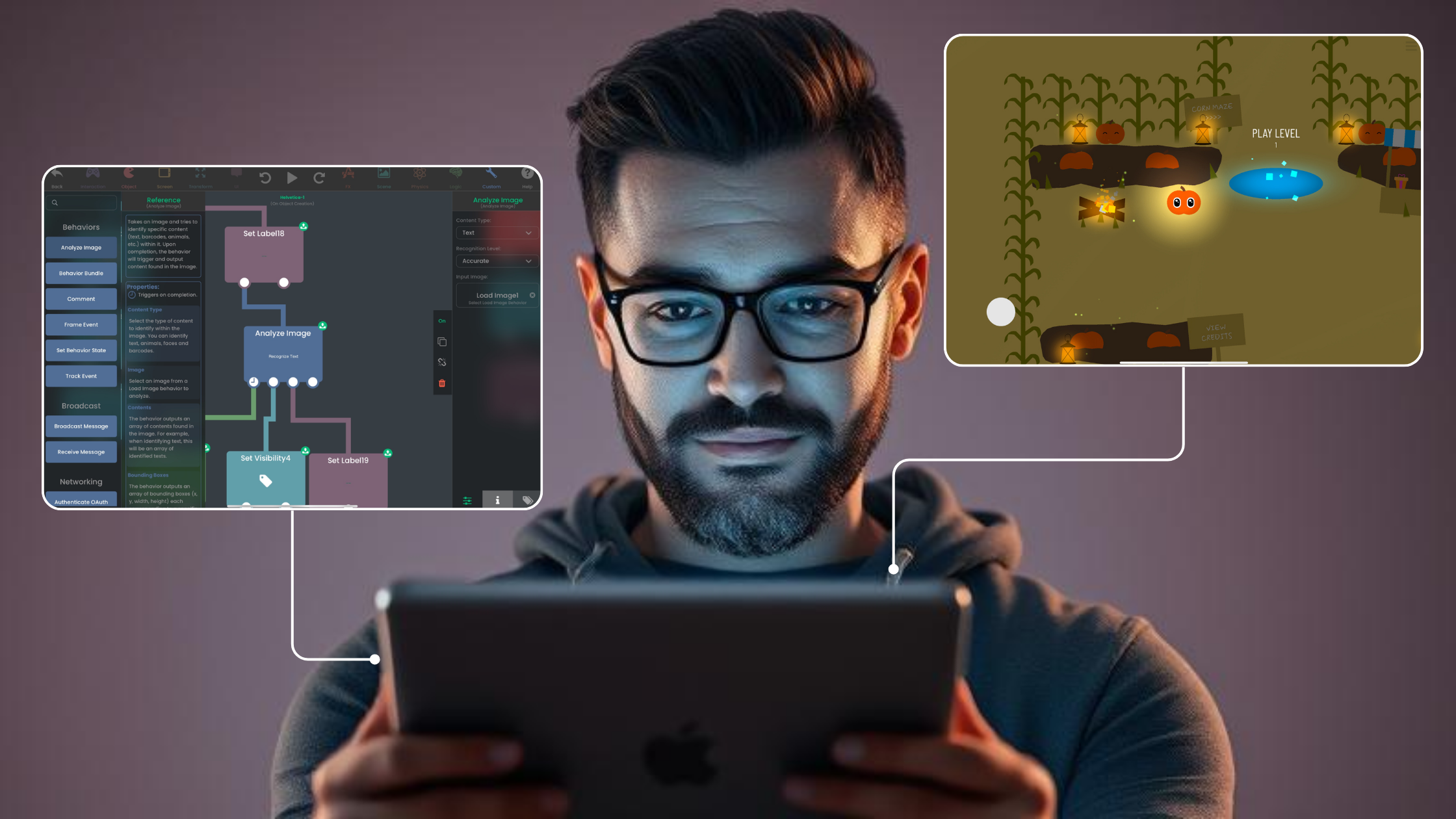
In hyperPad, you decide how everything works. Import your own Graphics, set up physics, and connect Behaviors: when the player taps, jump; when a coin is touched, add to the score. Every part of the game is something you made and can change.
Why creators pick hyperPad
- Your art. Draw with Apple Pencil, or import PNGs from Procreate or any drawing app.
- Your rules. Behaviors let you design exactly how your game plays.
- A complete toolkit. Multiple Scenes, UI, animation, particles, and audio are built in.
- A real release. The paid hyperPad app exports an Xcode project for the App Store, and you keep 100% of your revenue.
- Players across Apple devices. Hub games play on iPhone, iPad, and Mac with the hyperPad Hub app.
Build a coin collector in one sitting
- Import a character and a coin Graphic.
- Move the character with touch or a virtual joystick.
- Add one to a score Attribute when the character touches a coin.
- Show a win message when the score reaches five.
Common questions
Do I need my own art for hyperPad?
No. You can start with simple shapes or free assets and replace them with your own art later.
Can I sell a game I make in hyperPad?
Yes. Export an Xcode project with the paid app and keep 100% of your App Store revenue.
Do I need a Mac for hyperPad?
You build and test everything on iPad. App Store submission needs a Mac with Xcode and an Apple Developer account.
Drawing your own art for the first time
If you're used to placing ready-made pieces, making your own art can feel like a big step. It doesn't have to be. Start small:
- Begin with shapes. A circle player and square coins are enough to test the game.
- Draw one character. Art Studio is built into hyperPad, so you can draw it without leaving your Project.
- Add motion. Give your character a few frames with the frame animation tutorial.
- Fill the gaps. Use free 2D game assets for backgrounds and tiles while you focus on the hero.
Simple art with a clear style often looks better than detailed art that doesn't match. Your game only has to look like yours.
Struckd details come from the official Struckd site, checked November 10, 2026. Features can change.