Apple Put a Touchscreen on the MacBook Pro. Game Creators Should Pay Attention

Apple Put a Touchscreen on the MacBook Pro. Game Creators Should Pay Attention
Apple spent years keeping touch off the Mac. That ended today.
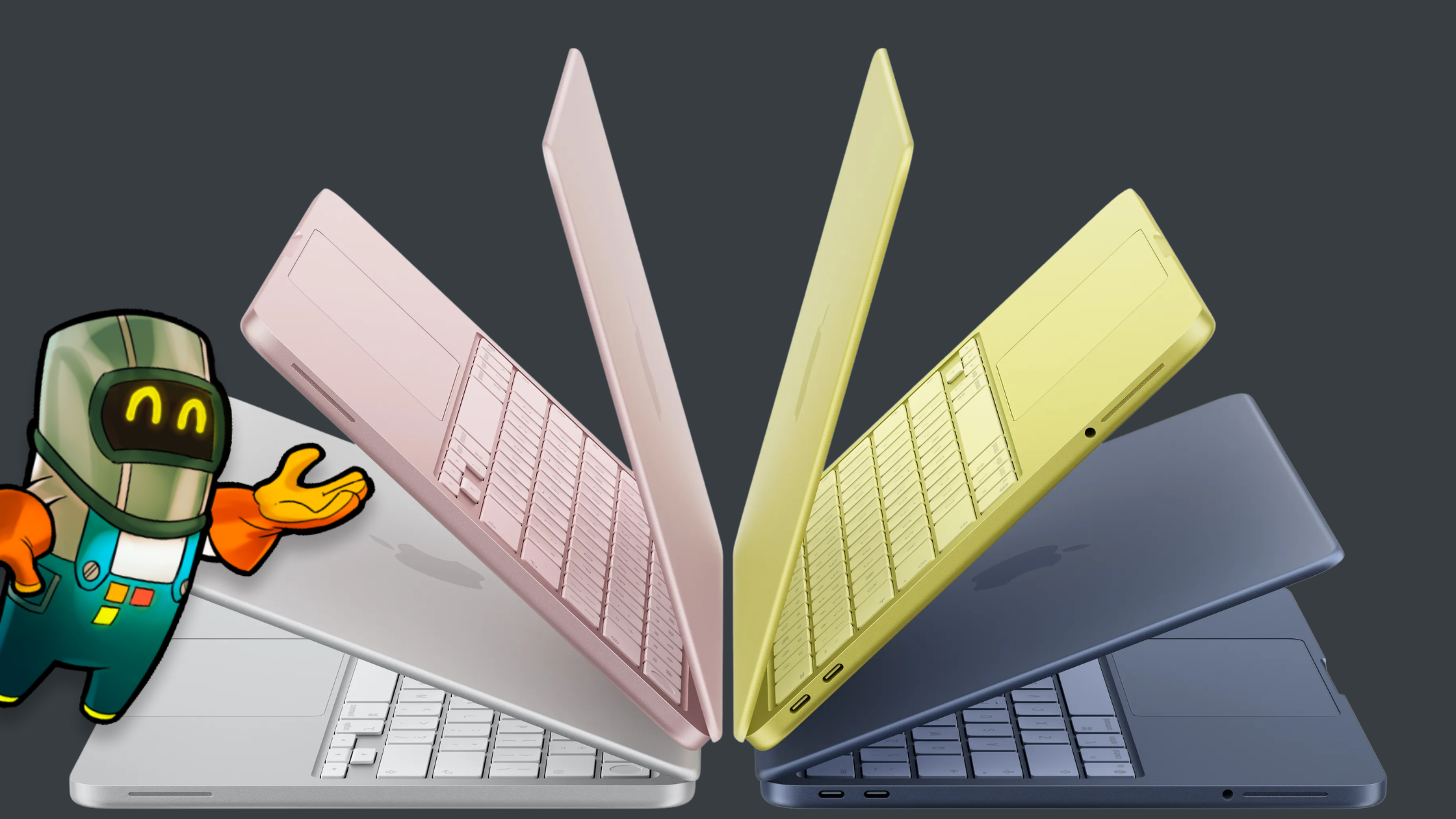
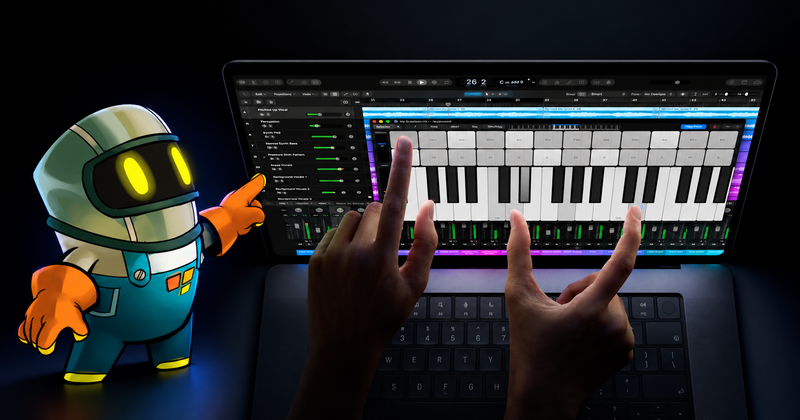
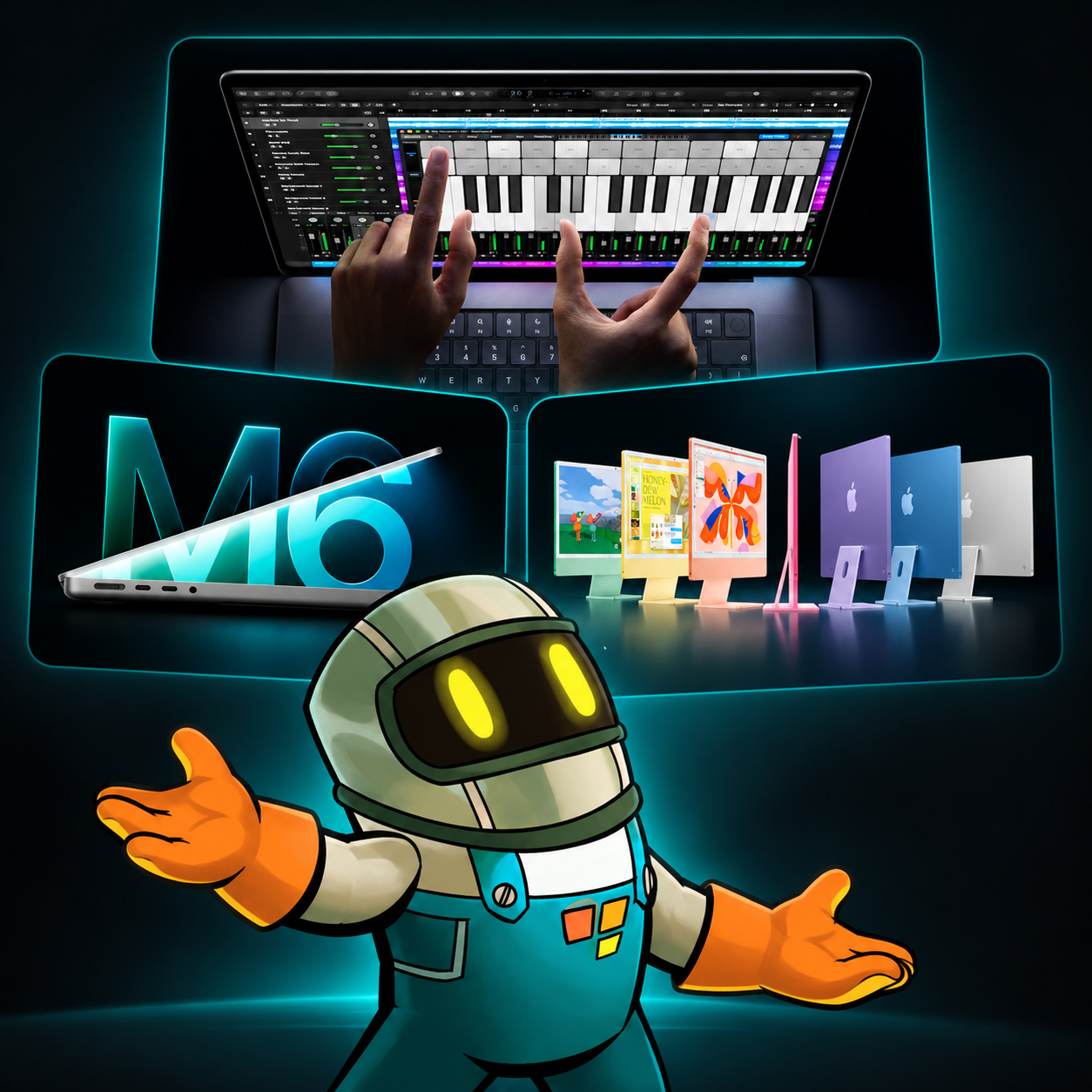
The new 14-inch and 16-inch MacBook Pro models let you tap, swipe, pinch, and drag directly on a PROLED XDR display. They run on M5 Pro or M5 Max chips. Apple also updated the entry-level 14-inch MacBook Pro and the 24-inch iMac with M6 this week.
The faster chips will get plenty of attention. For game creators, touch is the more interesting change.
It brings the Mac closer to the hands-on way people already draw, design, and build on iPad. It also raises a bigger question: what happens when you can move between touch, keyboard, and pointer while making the same game?
Your thumb tells you more than a benchmark
Touch controls can look right and still feel wrong.
A jump button may sit too far from your thumb. A puzzle piece may need a larger grab area. A menu that feels quick with a pointer may take too many taps. You notice these problems when you play with your hands.
Apple says developers can test touch in their iOS and iPadOS apps directly on the new MacBook Pro. That brings touch checks closer to the rest of a desktop workflow. You should still test on the devices your players use, but you have another way to catch awkward interactions while you work.
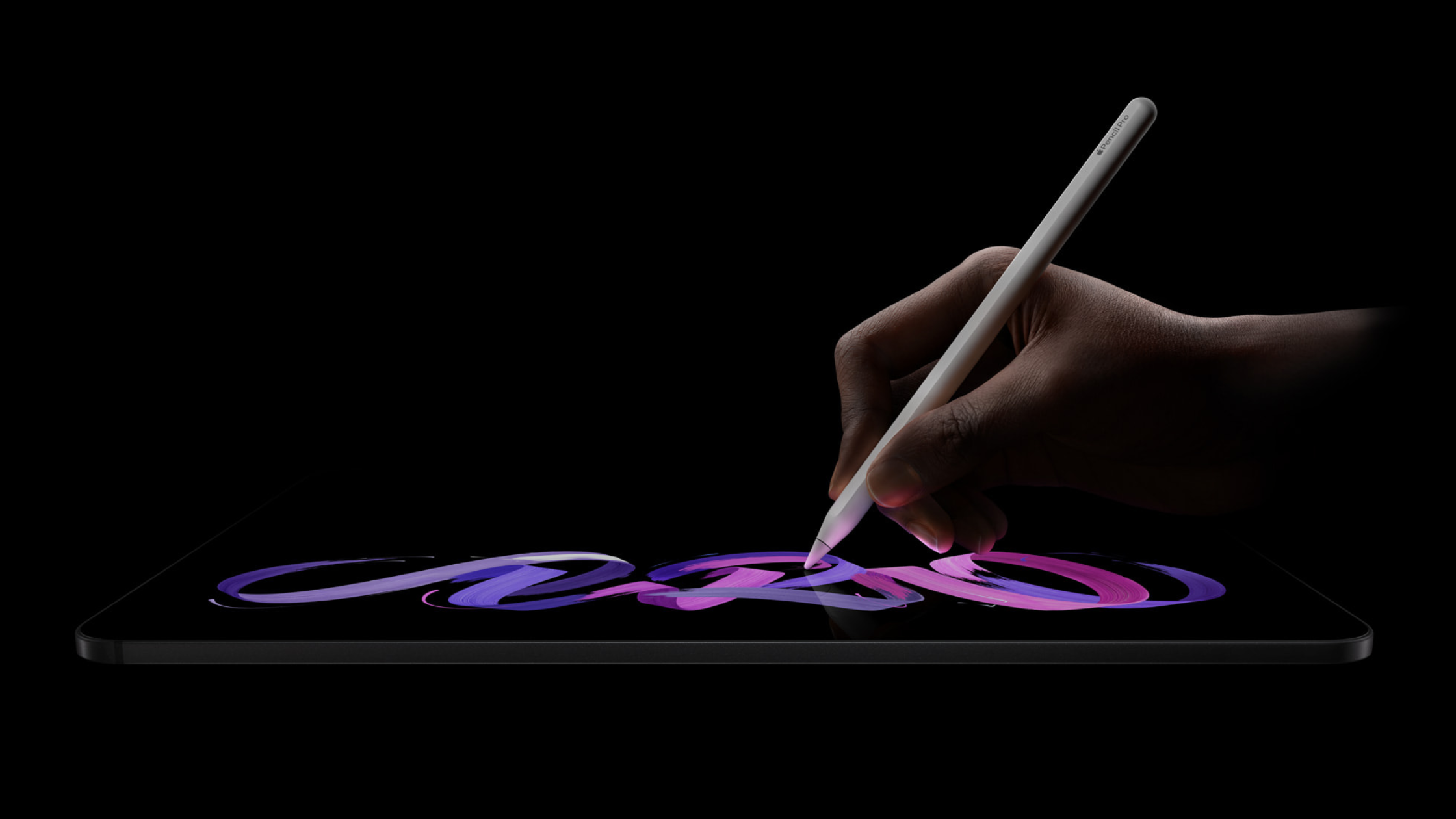
Artists get more choice too. You can move something directly on the display, then return to a keyboard or trackpad for precise work. The screen becomes part of the workspace.
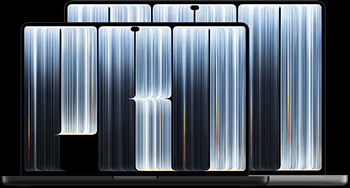
Image credit: Apple
hyperPad already works across iPad and Mac
hyperPad was made for iPad. You place Objects in a Scene, connect Behaviors to create your game's logic, and test your Project on the same device. Your hands are part of the workflow from the first idea.
hyperPad also runs on compatible Apple silicon Macs.
That means you can start a platformer on iPad while the idea is fresh. Move to a Mac when you want a larger display, keyboard, and pointer. Keep working with the same Scenes, Objects, and Behaviors.
Apple's touchscreen MacBook Pro makes that path more interesting. Picture arranging Objects by hand, opening the Behavior Editor with a tap, then using the keyboard to enter an exact value. We are looking forward to seeing how hyperPad's touch-first design feels on the new MacBook Pro.
The promise is simple: one visual game-making workflow, with more ways to use it.
Start with the device you already have
The new MacBook Pro starts at $2,899. You do not need one to make your first game.
You can use hyperPad on an iPad or a supported Apple silicon Mac you already own. Start with one mechanic. Make an Object jump when a player taps a button. Add a score when two Objects collide. Test it, change it, and test it again.
hyperPad Starter gives you one Project for free. You use the same Scenes, Objects, and visual Behaviors found in the paid app. The paid app adds more Projects and App Store export when you are ready to take the next step.
The M6 Macs give creators faster hardware. The touchscreen MacBook Pro changes the way you can interact with it.
That is why this announcement matters. Apple has made the screen part of the Mac workspace. For creators making touch-first games, the distance between building on iPad and building on Mac just became smaller.