



by hyperPad
Best iPad Apps for Teachers: 10 Classroom Picks for 2026
Ten iPad apps worth classroom time, sorted by what they are actually for: assessment, creation, notes, and coding. Plus a ready-to-run project for your class.
Ten iPad apps worth classroom time, sorted by what they are actually for: assessment, creation, notes, and coding. Plus a ready-to-run project for your class.
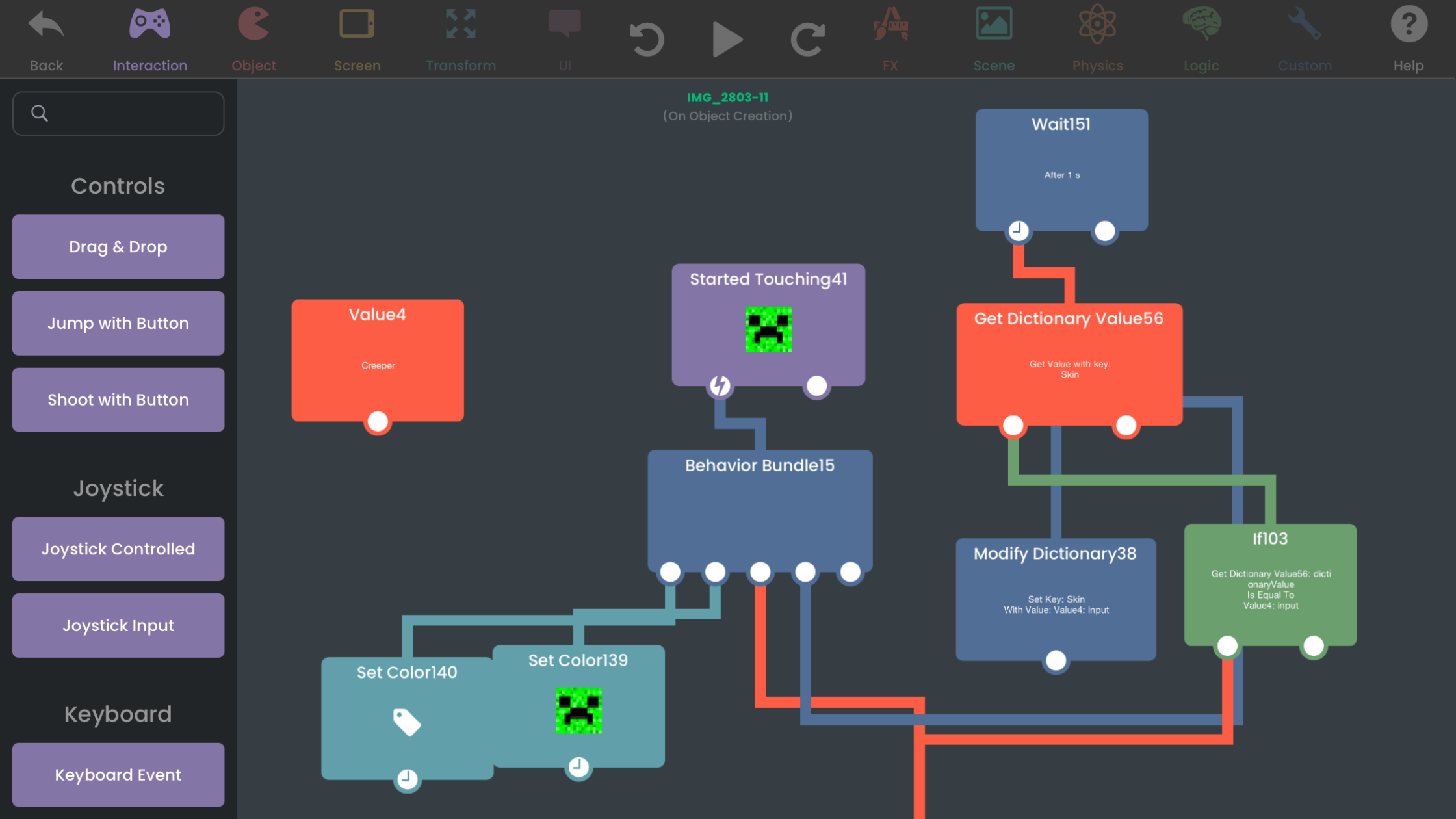
hyperPad was built based on Cocos2d and turns proven 2D game foundations into a complete visual game engine for iPad and compatible Apple-silicon Macs.

Plan student coding projects on iPad with clear learning goals, small playable systems, visual game logic, and manageable classroom checkpoints.
An FNF BF AI Voice recreates Boyfriend's voice from Friday Night Funkin'. Here's how to add AI voice lines to your own FNF-style game on iPad with hyperPad.
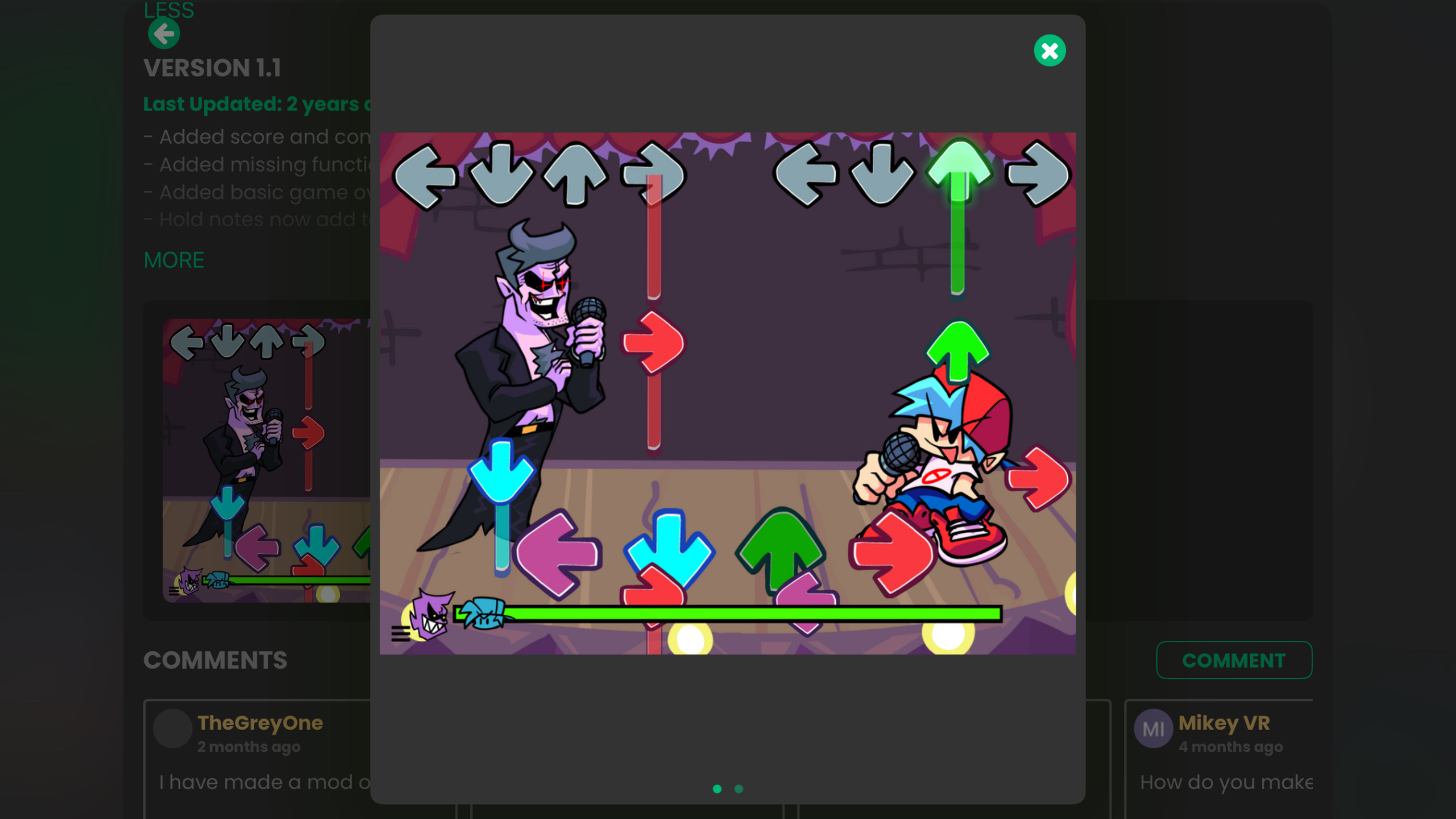
Make a Friday Night Funkin' mod on mobile with no PC and no coding. Branch a working FNF project on iPad, swap in your own characters and songs, and publish it.
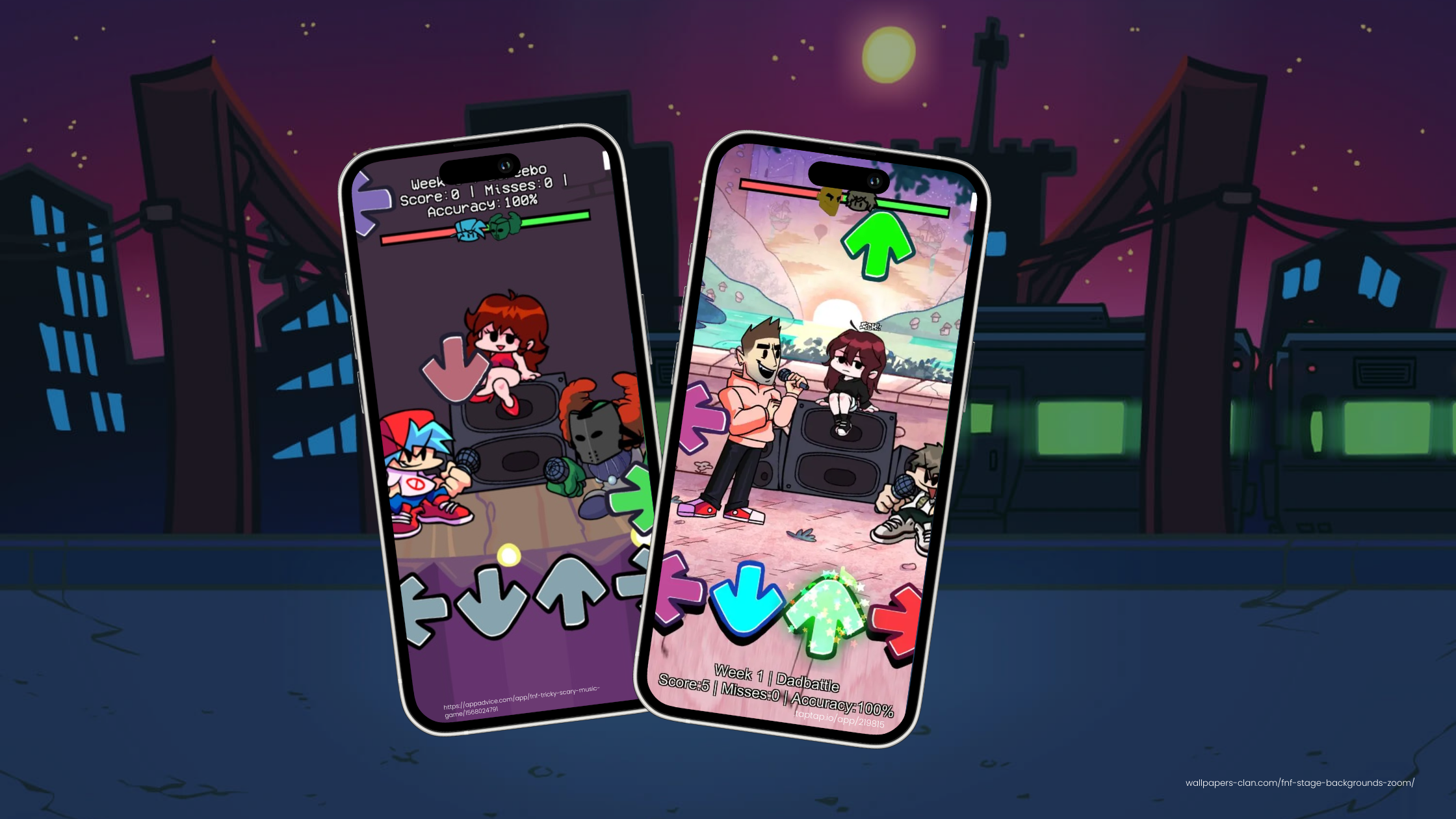
Thinking of bringing an FNF-inspired game to iOS? Here's the market, how to earn from it, and beginner tips for game dev on iPad with hyperPad.
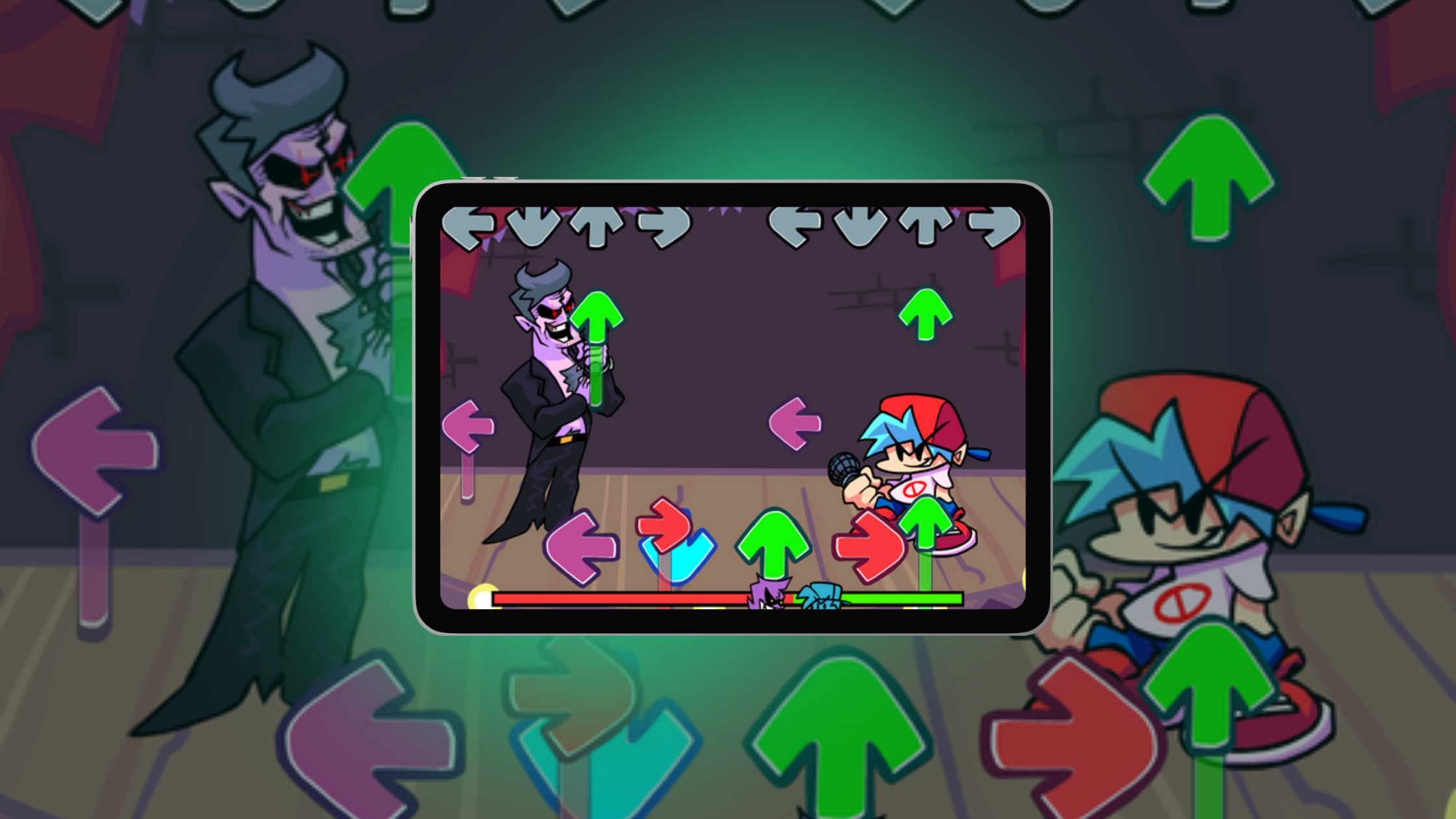
Use Friday Night Funkin' (FNF) as inspiration for your first iOS game, then build your own rhythm game on iPad with hyperPad. No code needed.
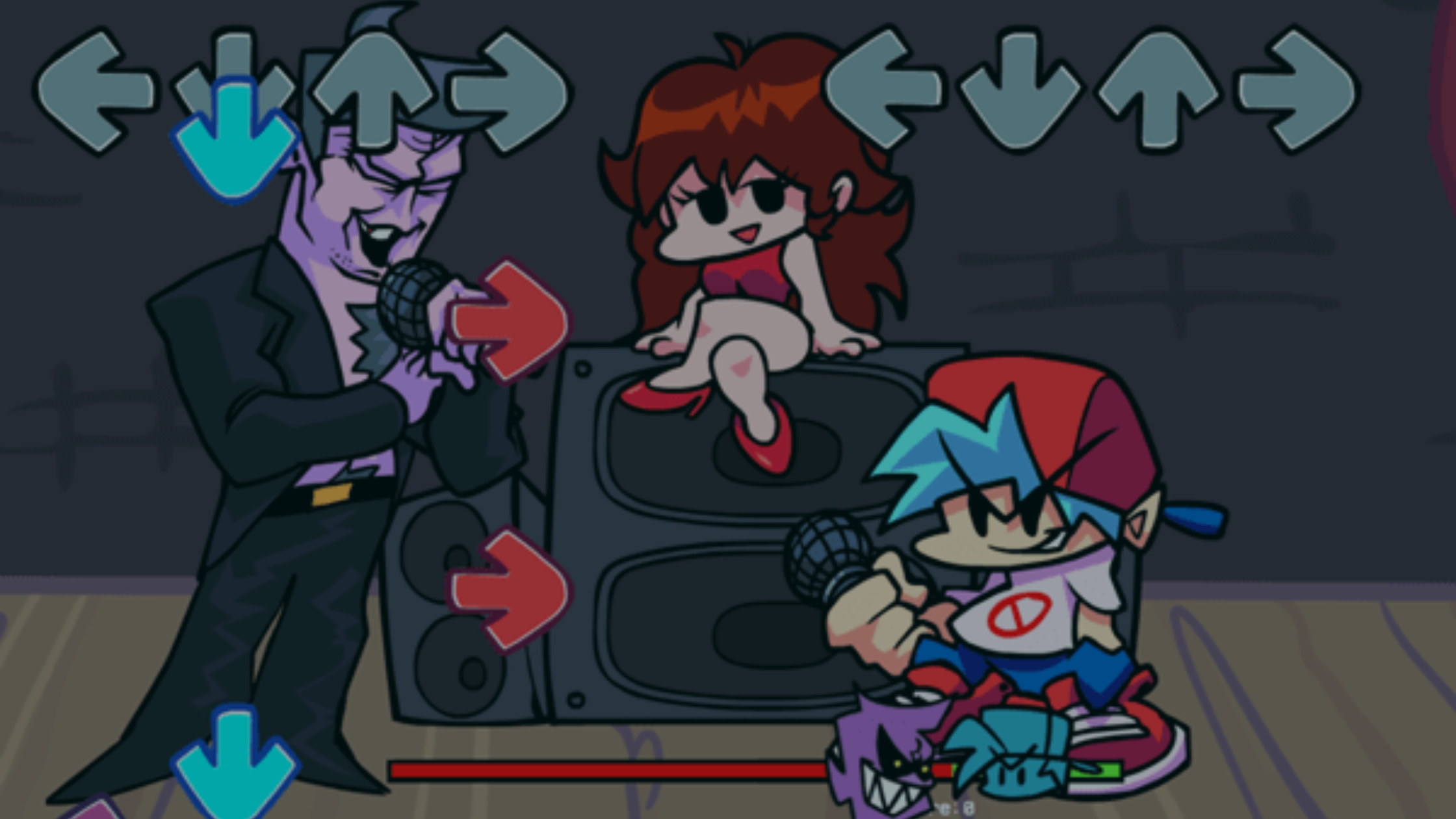
Friday Night Funkin' has no official ESRB rating. Here is what is in the game, what the mods add, which ages it suits, and a five-minute checklist for parents.
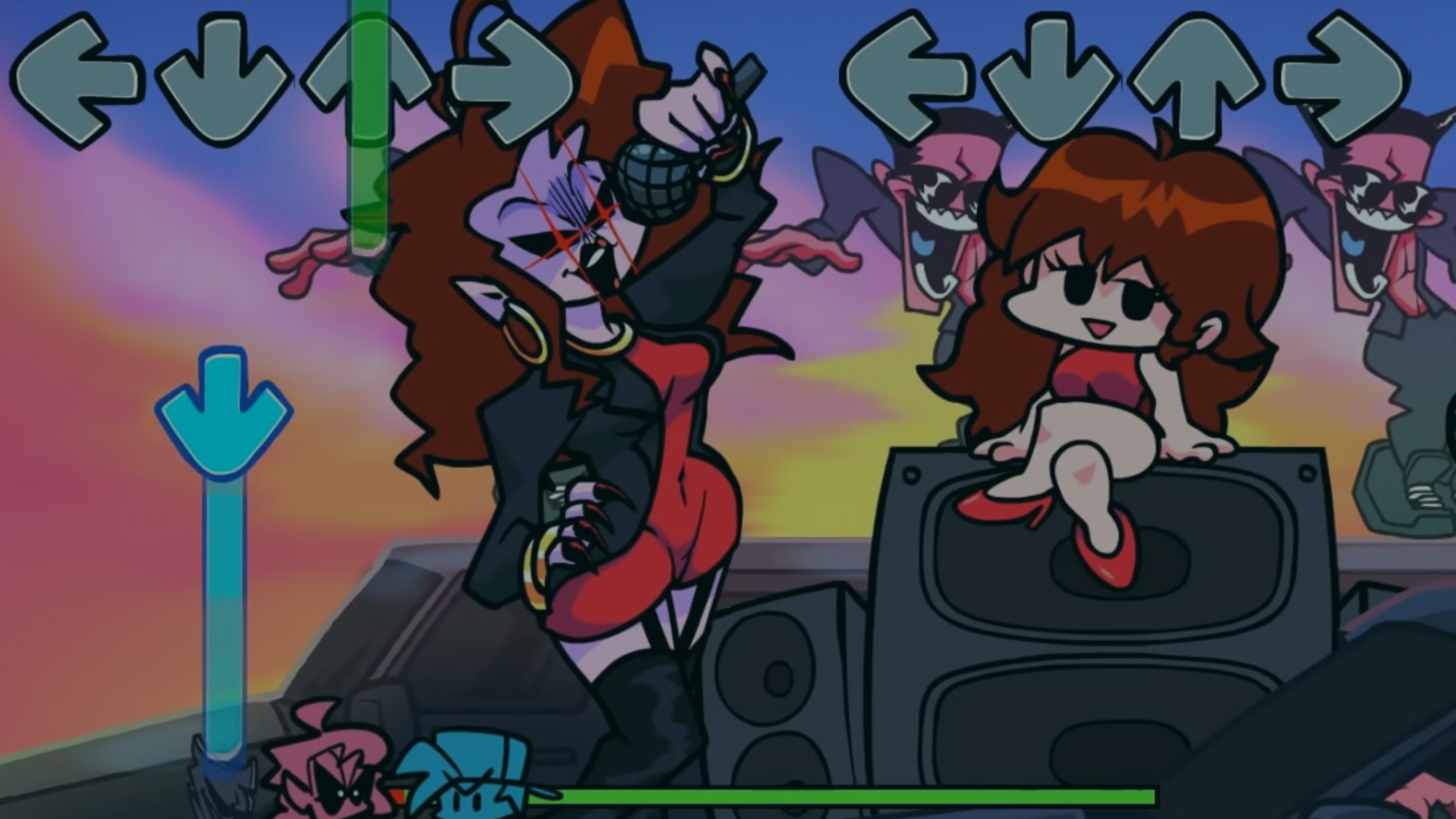
Make your first Friday Night Funkin' mod on iPad with hyperPad: plan it, draw your characters, sync your music, and share it. No coding needed.

A focused hyperPad tutorial for building an original four-lane rhythm mechanic with note timing, input, score, feedback, and restart logic.
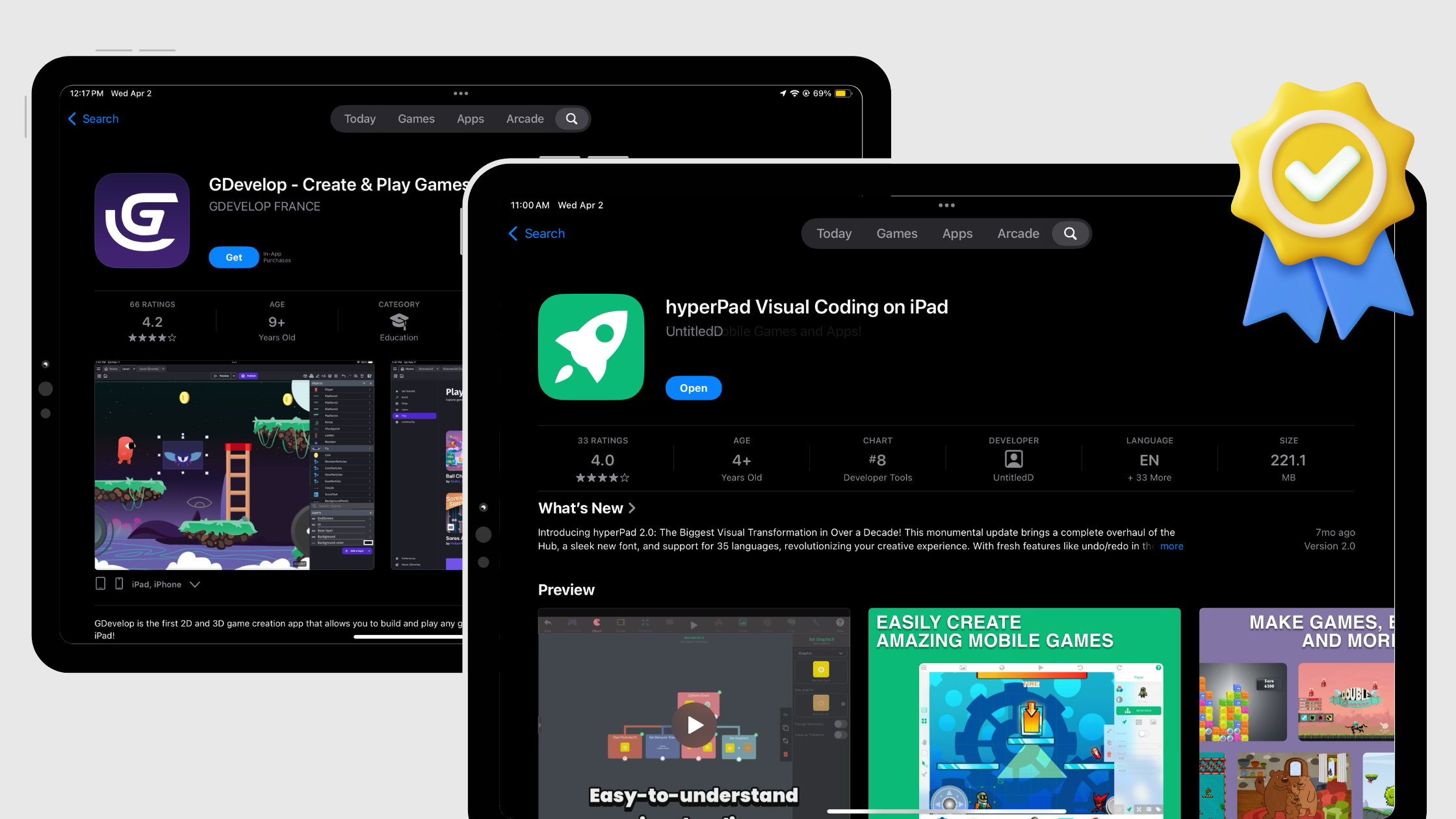
Compare GDevelop and hyperPad using current mobile access, visual logic, plan limits, publishing, and iPad workflow information.
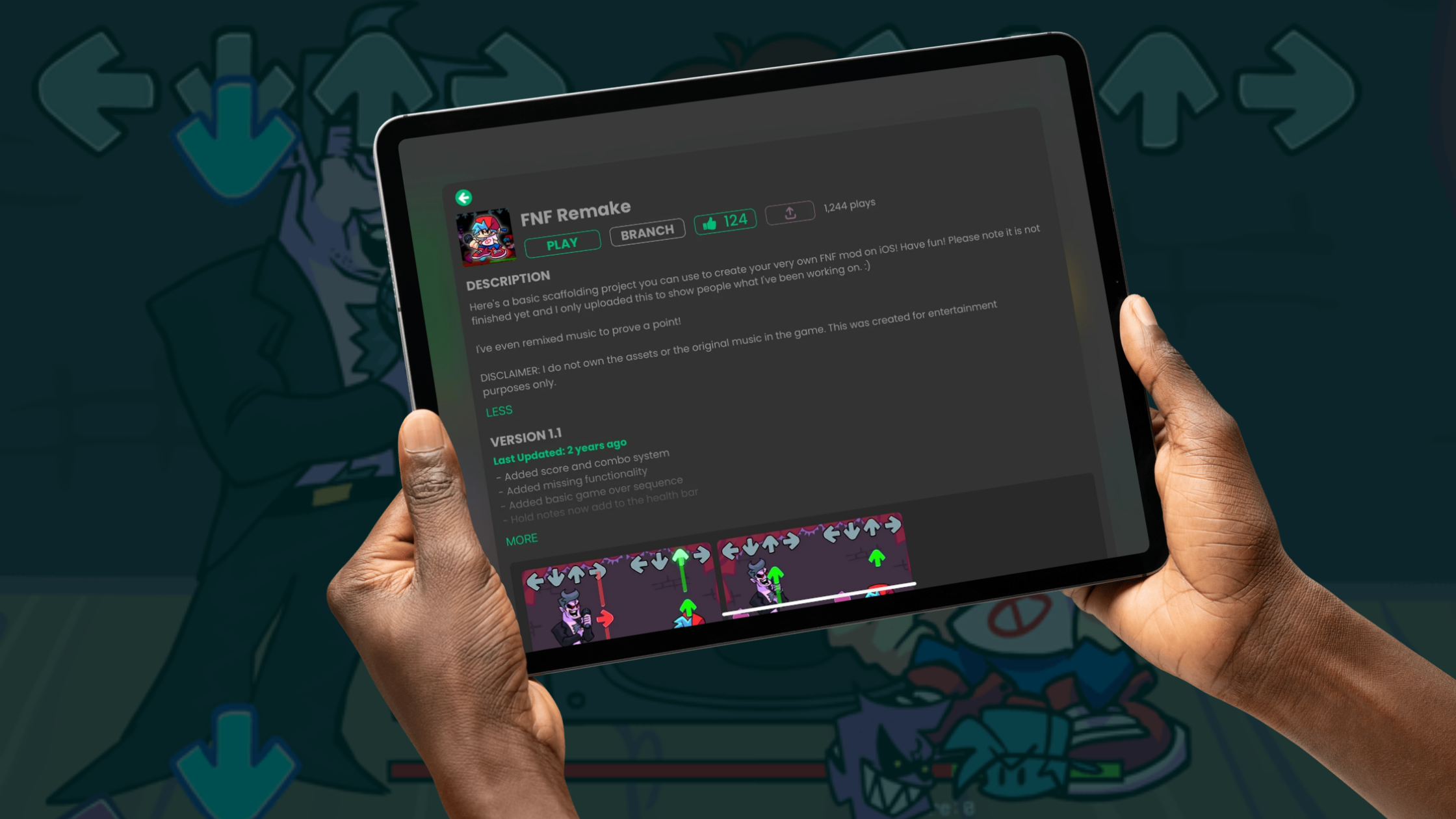
Looking for an FNF mod maker that works on mobile? Compare the online options, then build your own Friday Night Funkin' mod on iPad with no coding and no PC.

Build an FNF-style rhythm mod on your iPad with hyperPad, no code needed. Follow the step-by-step tutorial and Branch a playable example on the Hub.
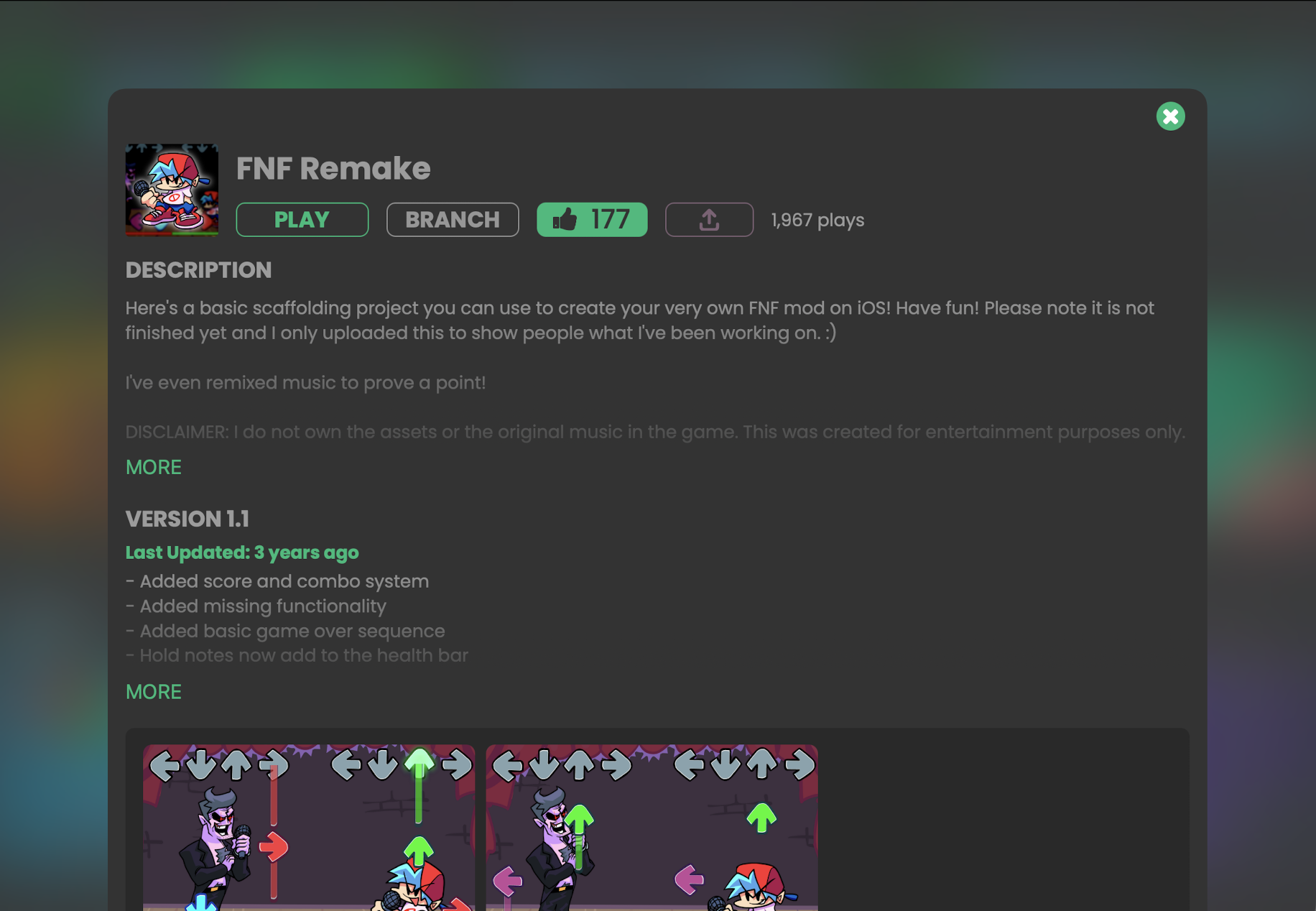
Build an FNF style rhythm game entirely on iPad with hyperPad. Tap, drag, and connect Behaviors for note lanes, scoring, and animated characters.
A practical checklist for building, testing, and finishing your first playable game mechanic on iPad with hyperPad.

Compare the top no-code game engines of 2026 for beginners (hyperPad, Construct 3, GDevelop and Buildbox) and see why hyperPad stands out for indie creators.
Want to make your own Friday Night Funkin' rhythm game? Turn your iPad into an FNF game studio with hyperPad, no code required.

When Apple releases a new iPad Air or iPad Pro, the benefits are obvious. Here's what matters more when you make games on iPad with hyperPad.
Compare Scratch and hyperPad using current learning, game-building, asset, device, and publishing information. See when hyperPad is the better next step.
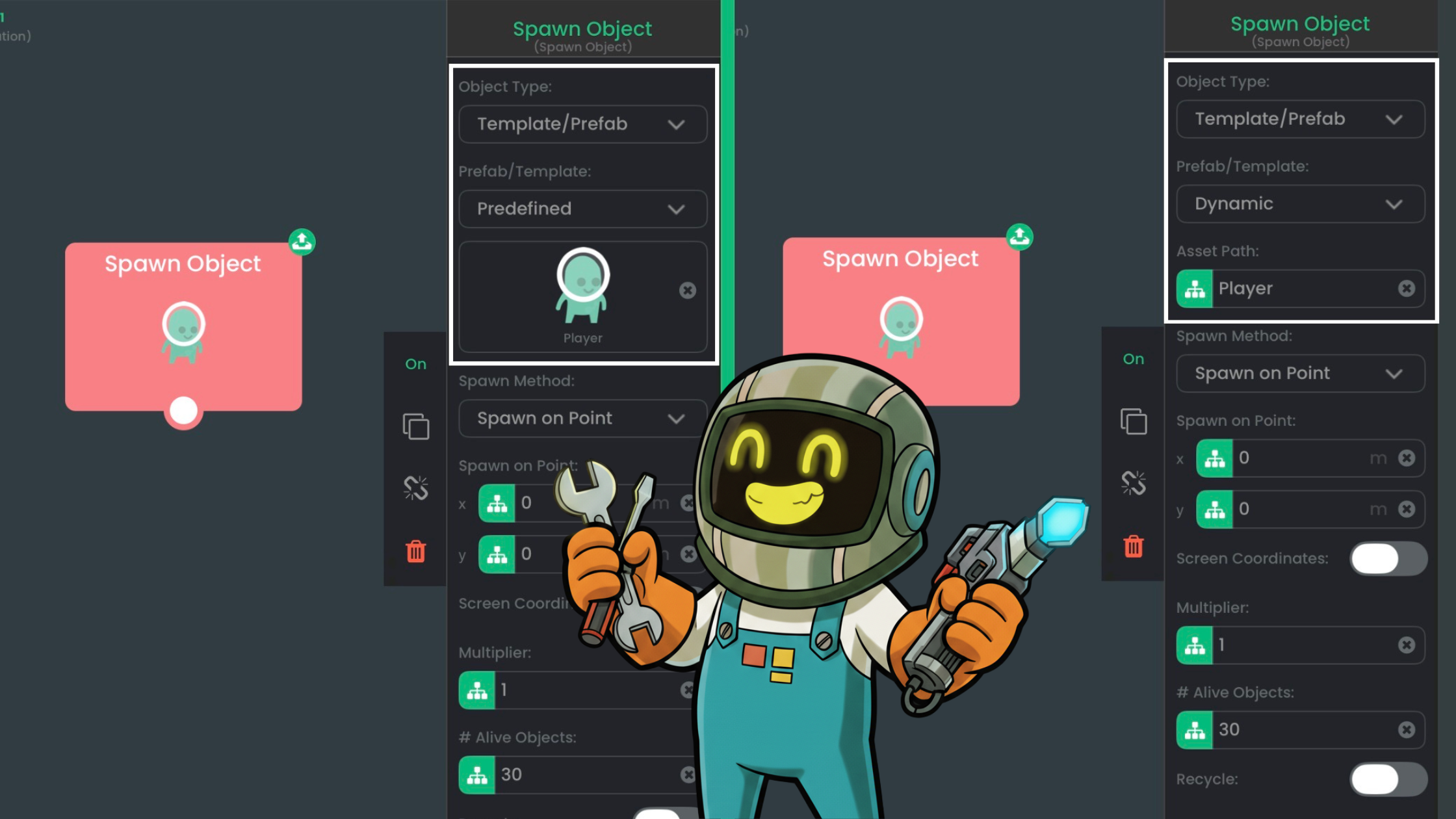
You can now build game logic on your iPad with visual Behaviors and AI tools, work that once took months of coding and debugging. Here's how to combine them.

Apple built the MacBook Neo for students, creators, and developers who want a capable Mac without the premium price. Pair it with hyperPad on iPad.

With visual tools like hyperPad, teachers are finding that students can build playable games on an iPad, with no coding required.
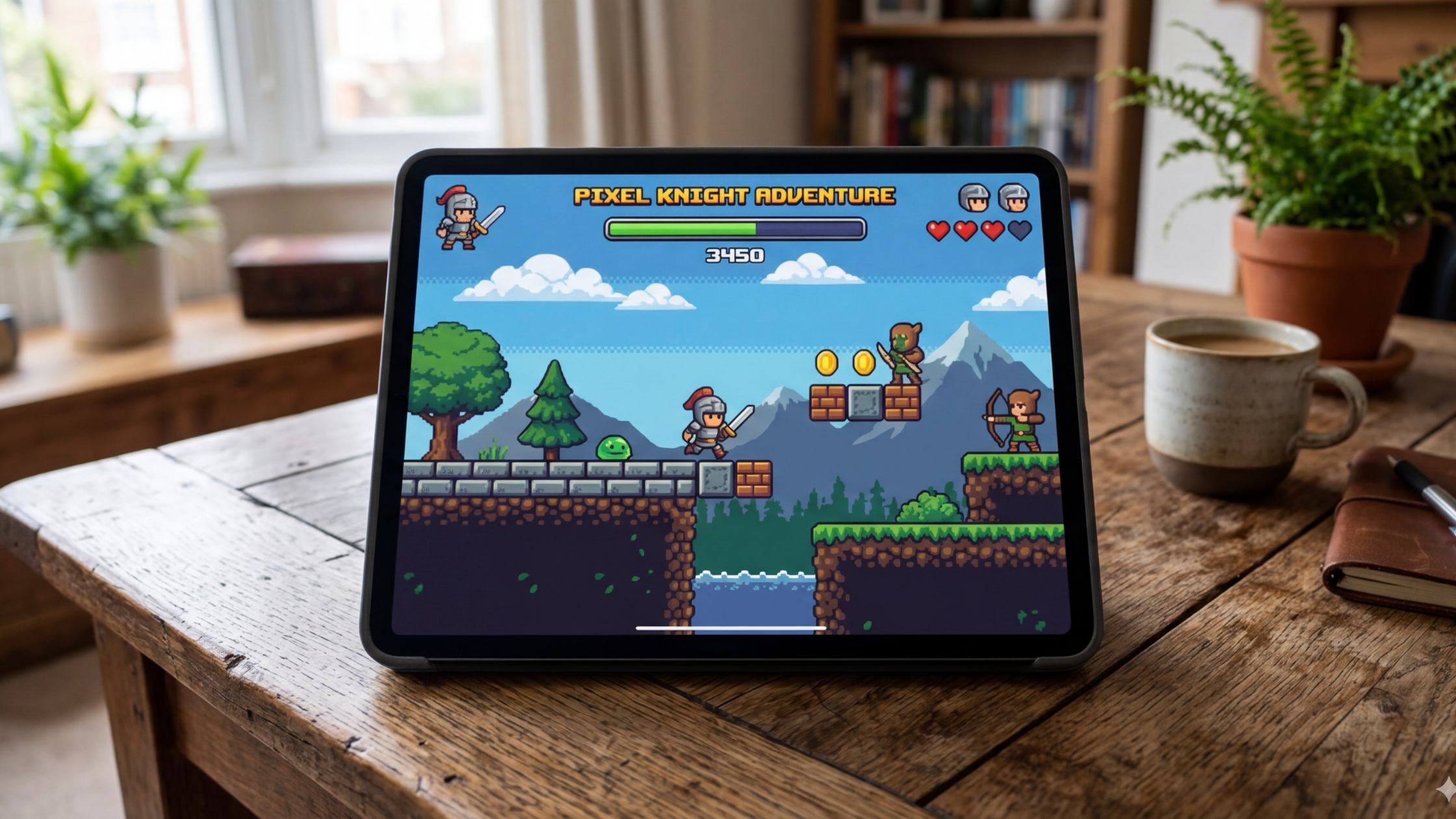
With hyperPad, you can turn a simple game idea into a playable prototype on your iPad in a few hours.

If you're a digital artist, you can now turn your artwork into an interactive game right on iPad.


