How iPadOS 26 Turns Your iPad into a Game Creator Studio (Game Dev Studio)

Turn your iPad into a game creator studio with a touch-first visual editor.
We've been working hard to make hyperPad more reliable and more fun to use. Version 2.2 is built for iPadOS 26 and turns your iPad into a game creator studio. It's a good place to start if you're new to iPad game development. If you already build full games for the App Store, the new features and fixes will make your workflow smoother.
Your iPad as a game creator studio (no-code workflow)
New Features Built for iPadOS 26
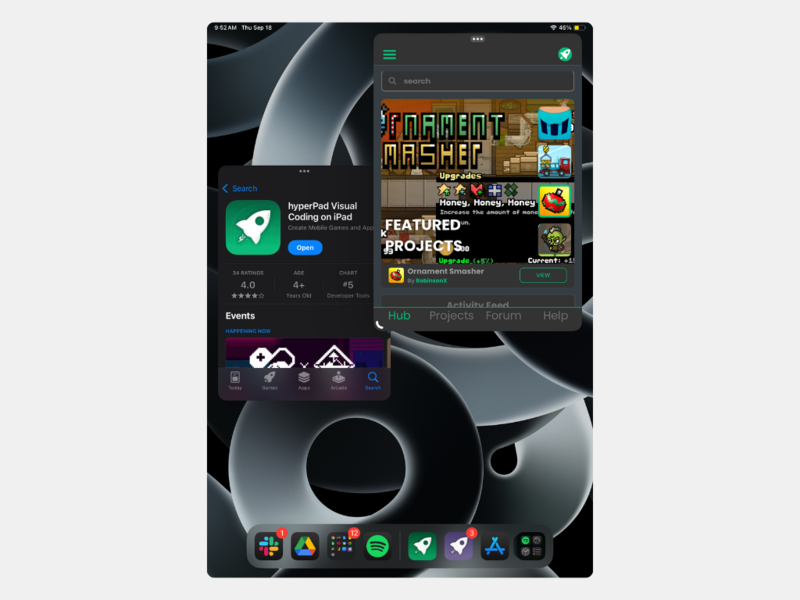
Portrait Mode Support
Portrait Mode Support
Now you can rotate your iPad and keep creating in Portrait mode. It's more comfortable to hold, easier on your hands, and lets you design however you like.
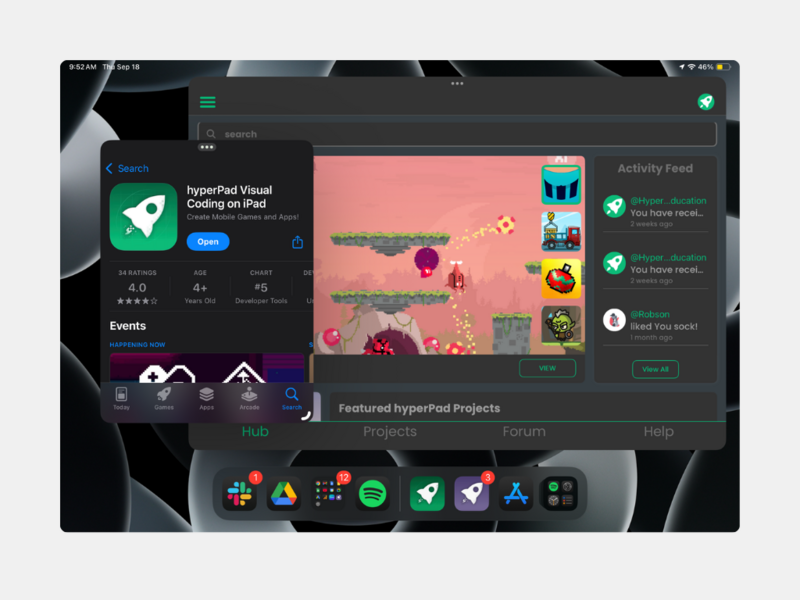
Enhanced Multitasking with Window Mode
Enhanced Multitasking with Window Mode
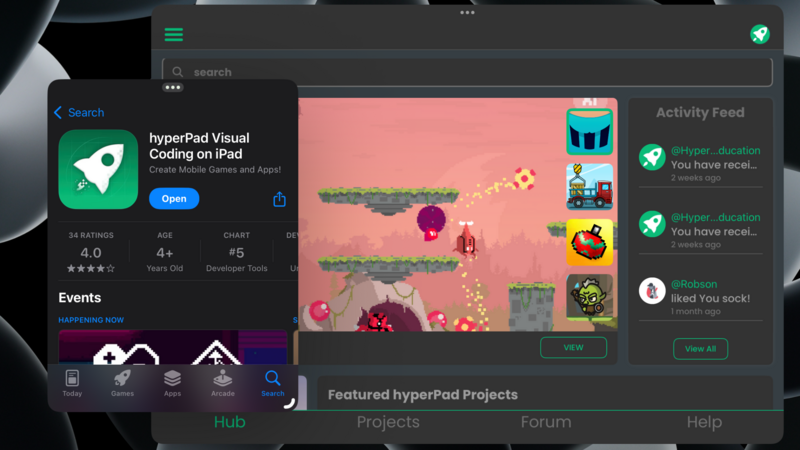
With iPadOS 26's new Window mode, hyperPad runs side by side with your favorite apps. Chat on Discord, check your notes, or keep inspiration close while you build your next game. Real multitasking has arrived on iPad.
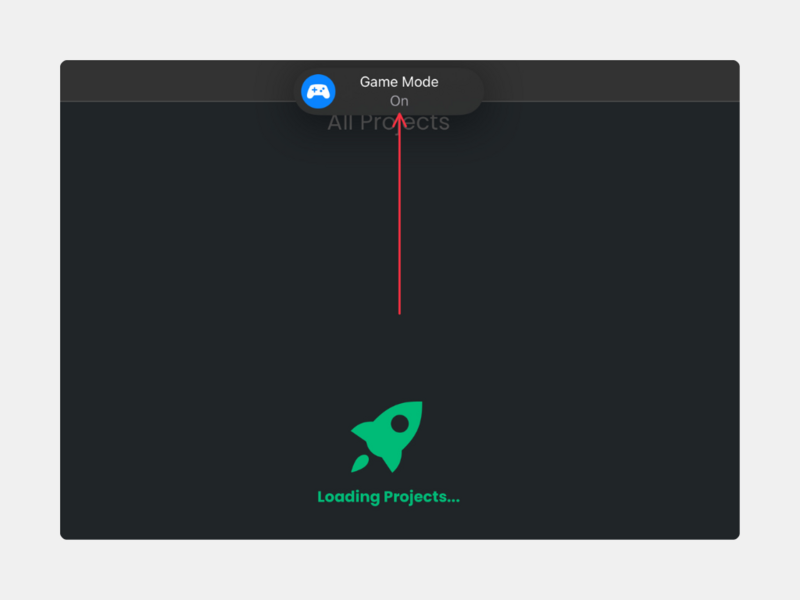
iOS Game Mode Support
iOS Game Mode Support
hyperPad now supports Apple's new Game Mode, for smoother performance and lower latency while you create. You get faster feedback and cleaner playtesting on iPad.
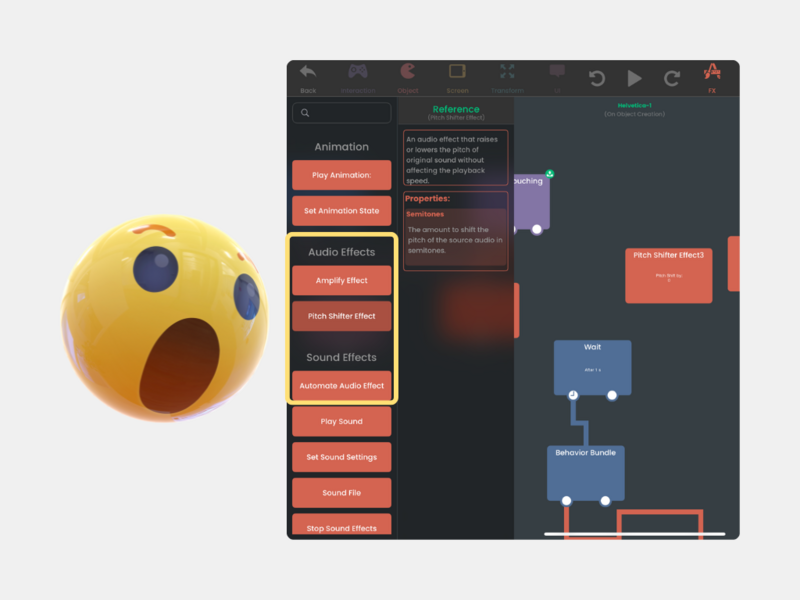
New Audio Behaviors
New Audio Behaviors
Sound design got an upgrade. hyperPad now includes these Behaviors:
-
Pitch Shifter
-
Amplify
-
Automate Audio Effects
Now your games can sound as good as they look.
Fixes & Improvements
We also made hyperPad faster and more stable across the board:
-
Major audio engine upgrades: reduced latency, fixed crashes, better sound and music playback
-
More reliable physics Behaviors and collisions in gameplay and exports
-
Smoother editor tools: improved logic editing, undo/redo support, and better aspect ratio handling
-
More stable project exporting, backups, and Hub publishing
-
Many more bug fixes and performance improvements
More in iPadOS 26 for Game Creators
iPadOS 26 itself adds tools that help while you build. A few worth knowing:
-
Window management: Resize and tile windows however you like, so your assets, notes, and hyperPad sit side by side. Exposé shows all your open windows at once. Stage Manager and external display support give you even more room.
-
Files app: A new List View with collapsible folders and resizable columns. You can tag folders with colors, icons, or emoji and drag them into the Dock for quick access to your images, audio, and fonts.
-
Preview app: Mark up concept art, UI ideas, or storyboards with Apple Pencil, and annotate PDFs or reference sheets.
-
Audio and recording: Choose the audio input per app or website (handy for testing voiceovers), record cleaner audio with Voice Isolation, and use local capture to record gameplay, commentary, or voice lines right on your iPad.
-
Apple Intelligence: Use Image Playground to make placeholder art or quick moodboards, and Live Translation to talk with collaborators in other languages. Some of these features need an M-series iPad or another newer model.
-
Apple Games app and Journal: The Games app gives players one place to discover events, adjust settings, and invite friends. Journal on iPad is a handy spot to track your progress, sketch mechanics, or collect game ideas over time.
A Game Maker Built for iPad
This update builds on what makes hyperPad different: no-code creation with Behaviors, a capable game engine, and export to the App Store. It works for beginners and pros alike.
Make your first platformer, or experiment with iPad game dev just for fun. When your game is ready for players, hyperPad on iPadOS 26 has what you need to ship it.
See the full list of changes on our Forum.
Continue with one working mechanic
Follow the iPad game development guide to scope one input, one result, and one reset. The Behavior Interface Overview explains how events connect to actions, and Scenes shows how to organize playable sections of a Project.
Use this example as context for the next decision in your Project. Check current event or product details, then test the idea in a small playable build before changing the larger workflow.