AI‑Powered Game Logic

Automate Your iPad Games in No-Code Tools
In 2026, two trends are changing how games are made: no-code development and AI-assisted automation. Work that used to take months of coding, debugging, and iteration now happens on your iPad, with visual tools and AI help.
Platforms like hyperPad have led this shift. You can build full games on iPad without writing a line of code. Add AI tools that help you plan logic and automate repetitive work, and making a game gets faster and easier to start.
The Rise of AI + No-Code in Game Development
AI is changing game development workflows across the industry:
- Faster prototyping and logic generation: Modern AI tools can read a plain-language description and suggest game rules, NPC behavior, or event triggers. That cuts manual setup, so you can focus on design instead of syntax.
- Automation of repetitive tasks: According to recent industry data, a majority of game developers use AI agents to automate repetitive tasks. That frees up time for creativity and polish.
- Smart workflows: AI is being built into tools for level design, asset generation, and even dynamic content balancing. Games can adapt to player behavior or generate procedural content with little manual work.
These trends meet in no-code platforms like hyperPad. The result is a new group of creators: people with ideas and sketches, but no software engineering background.
What hyperPad Offers for Automated Game Logic
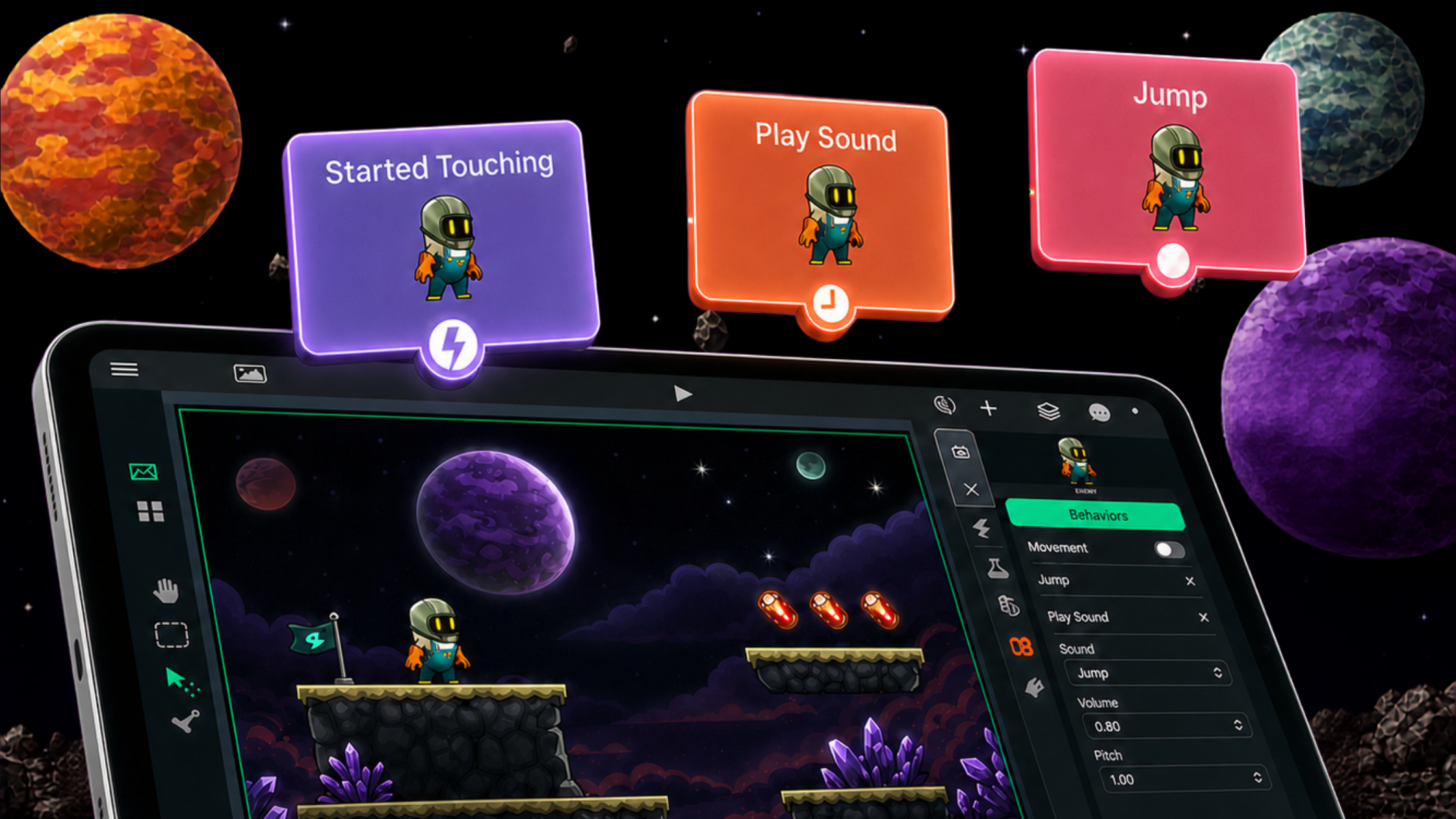
hyperPad is a visual game development app for iPad. You build gameplay logic by dragging and dropping Behaviors instead of writing code. Here's how it supports automation and logic workflows.
Visual Behaviors
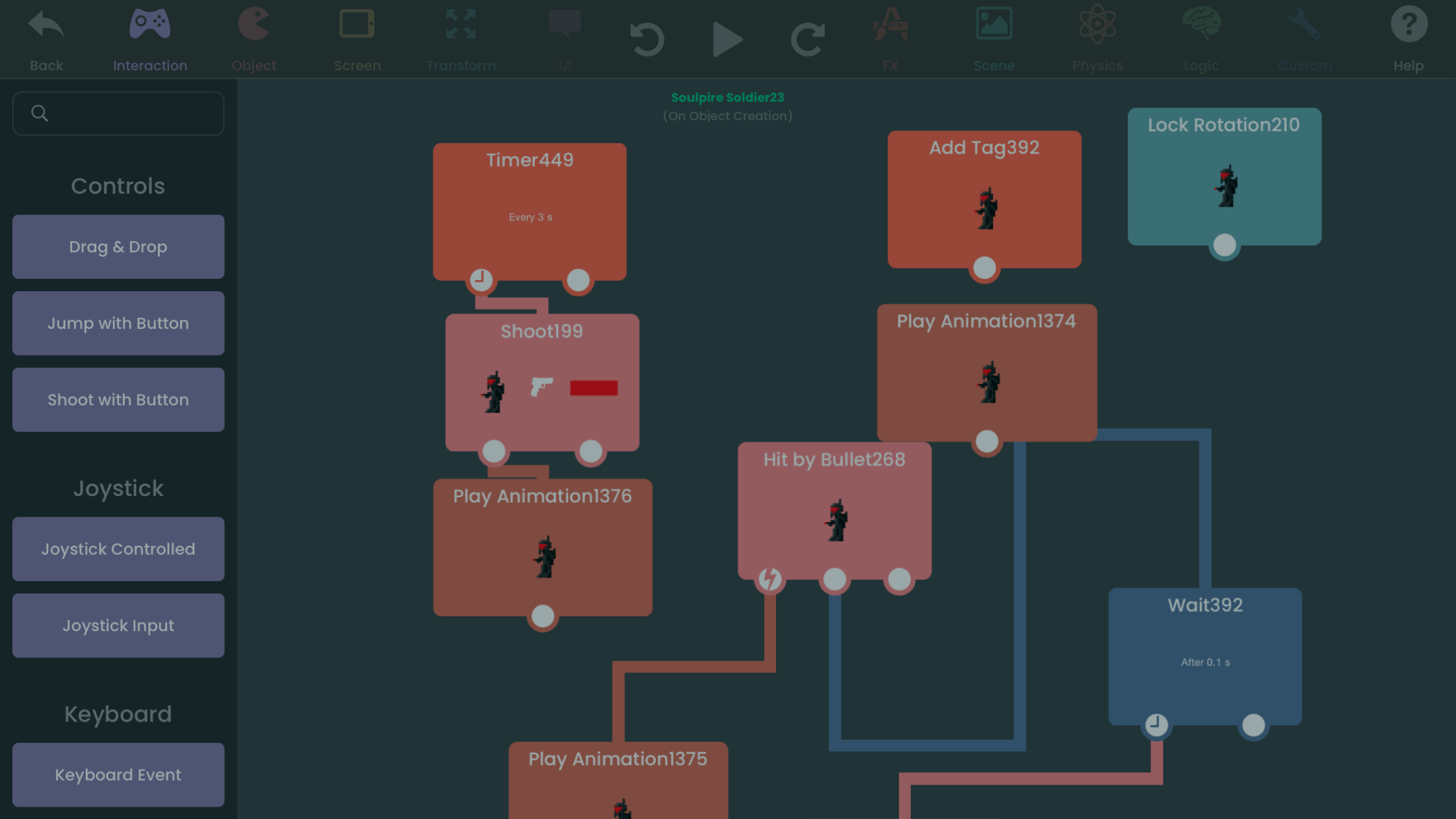
At its core, hyperPad uses a flowchart-style logic system. You connect events, conditions, and actions in the Behavior Editor to define how Objects react in your game. That covers movement, collisions, scoring, Attributes, and more.
You skip line-by-line syntax ("write this line of code") and think in terms of cause and effect. That way of thinking is the key to automation.
Reuse with Prefabs and Templates
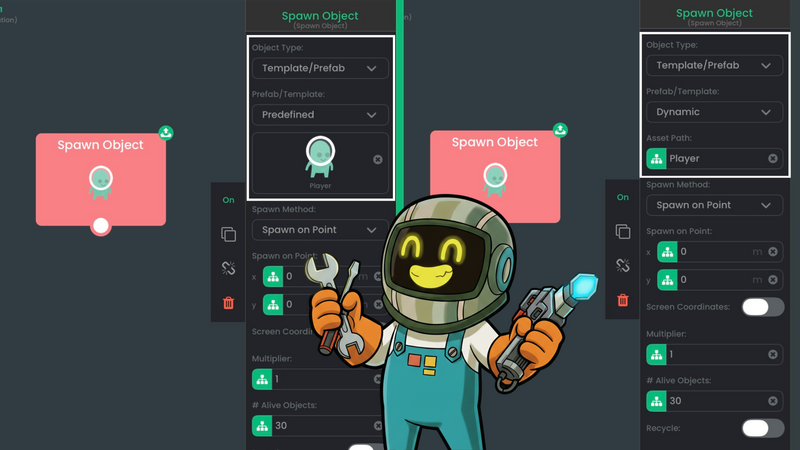
Newer versions add Prefabs and Templates. You can save a logic setup and reuse it across Scenes or projects. Instead of rebuilding similar mechanics each time, you save, share, and adapt them.
Built-In Behavior Library
hyperPad's Behavior library includes ready-made pieces for movement, collisions, timers, if/then logic, and event triggers. Think of them as modular automation parts. You wire them up visually and assemble complex systems without scripting.
Instant Testing and Iteration
hyperPad runs your game instantly on the iPad, so you see the result as soon as you tweak a Behavior. This quick edit, play, and test loop matches how professional studios work, without waiting on a compile.
AI in the No-Code Workflow: What's Possible Now
hyperPad doesn't include built-in generative AI logic suggestions yet (as of its publicly documented features). You can still use AI tools alongside a no-code platform like hyperPad in these ways.
Automate Idea-to-Logic Translation
AI assistants can turn a plain-language description (like "make the enemy chase the player when close") into a structured logic map. You then rebuild that map in hyperPad's Behavior Editor.
Generate Assets Automatically
Tools that create art, animation, and sound can fill your hyperPad project with styled content, so you don't have to draw every asset by hand. That saves hours on the basic content every game needs. More indie creators are adopting this approach.
Optimize Gameplay and Balance
AI can analyze play sessions and suggest changes to pacing or difficulty. That automates part of playtesting and tuning. Many studios already use tools like these to refine their games faster.
In short, AI becomes a partner for work that used to need deep engineering or design experience.
Step-by-Step: Integrating AI Tools with hyperPad for Automated Game Logic
hyperPad gives you visual coding tools. An AI assistant can speed up the planning around them. Here's how to put AI to work on your game logic.
1. Define Your Game Mechanics in Natural Language
Before you open hyperPad, write down your gameplay ideas clearly. For example:
-
"When the player collects 3 coins, spawn a bonus item."
-
"Enemies should chase the player only if within 200 pixels."
AI is good at turning intent into structured logic, so the more precise your description, the better. Tools like ChatGPT, GPT-4, or AI game design assistants can help you refine these ideas.
2. Convert AI Suggestions into hyperPad Behaviors
Ask your AI tool to break each game behavior into if/then conditions, events, and actions. For example, a prompt like:
"Convert: 'Player collects 3 coins → spawn bonus' into hyperPad logic steps."
Might produce a step list:
-
Event: Player collides with coin
-
Action: Increment coin counter
-
Condition: If coin counter = 3
-
Action: Spawn bonus item
Then rebuild it in hyperPad's Behavior Editor by connecting the events, conditions, and actions. Planning the steps first cuts down on trial and error.
3. Automate Reusable Logic with Prefabs
Once your AI-assisted logic works, save it as a Prefab in hyperPad. Prefabs let you reuse the same Behaviors across levels, characters, or items without rebuilding them. AI can suggest variations. For example: "Make 3 enemy types with the same chase logic but different speeds." You then duplicate and tweak them in hyperPad.
4. Generate Supporting Assets with AI
AI image, animation, and sound generators can create game assets to go with your logic:
-
Characters: Use AI art tools to create Graphics in the style you want.
-
Animations: Generate frame sequences for movement or attack actions.
-
Audio: Generate short sound effects for events, like collisions or power-ups.
You can import these assets straight into hyperPad and hook them up to your Behaviors. That gets you to a playable game faster.
5. Iterate with AI-Assisted Testing
After you build your logic:
-
Play your game in hyperPad's instant preview mode.
-
Use AI to look for improvements, such as difficulty balance, pacing, or reward systems.
-
Apply the tweaks you like to your Behaviors.
This creates a feedback loop. AI helps you test, refine, and scale, and hyperPad runs the game and shows you the result.
6. Scale Up to Dynamic or Procedural Gameplay
Once you're comfortable, you can combine AI logic with procedural content ideas:
-
AI can generate multiple enemy behaviors or puzzle layouts.
-
hyperPad's events and Attributes let those behaviors switch on at runtime.
The result is a game that responds to your players, all without writing traditional code.
Key tip: Start small, with one AI-assisted behavior at a time. Get it right in hyperPad, then expand. Your project stays clean and manageable while you build your automation skills.
Why This Matters for Indie and Solo Developers
No-code tools and AI together open game development to more people:
- Creative freedom: Without code, you can focus on story, visuals, and how the game feels to play. hyperPad lets you build complete games on iPad visually, including multiplayer and physics-driven mechanics.
- Lower entry barriers: AI and visual logic tools open game creation to artists, designers, and storytellers who might be put off by programming.
- Faster iteration: No-code logic plus AI suggestions make quick experiments easy. Indie developers need that speed to compete.
The Future: AI-First No-Code Game Logic
Industry predictions suggest that by 2026, AI and no-code tools will become the standard way games and apps are prototyped and shipped, rather than fringe alternatives. Some forecasts expect AI agents to become default collaborators, turning intent into working designs without traditional programming.
For iPad developers and indie creators, this means tools like hyperPad will keep evolving alongside AI. Expect smarter automation and logic tools on the device in your hands.
Conclusion
AI-assisted game logic is already here. By combining no-code visual platforms like hyperPad with AI workflows, creators at any skill level can:
- Build complex game mechanics without code.
- Reuse and automate logic across projects.
- Speed up content creation with AI-assisted art and behavior design.
- Test and iterate right on the iPad.
The industry is moving toward intent-driven creation. Your idea becomes the limit, not your ability to type or debug code. Try it on your next project and see how much faster you can get from idea to playable game.
Try hyperPad Starter free. When you want more projects and App Store export, upgrade to hyperPad for a one-time USD $14.99. You keep 100% of your revenue.