FNF Mobile on iOS: How to Make Your Own FNF Mod on iPad

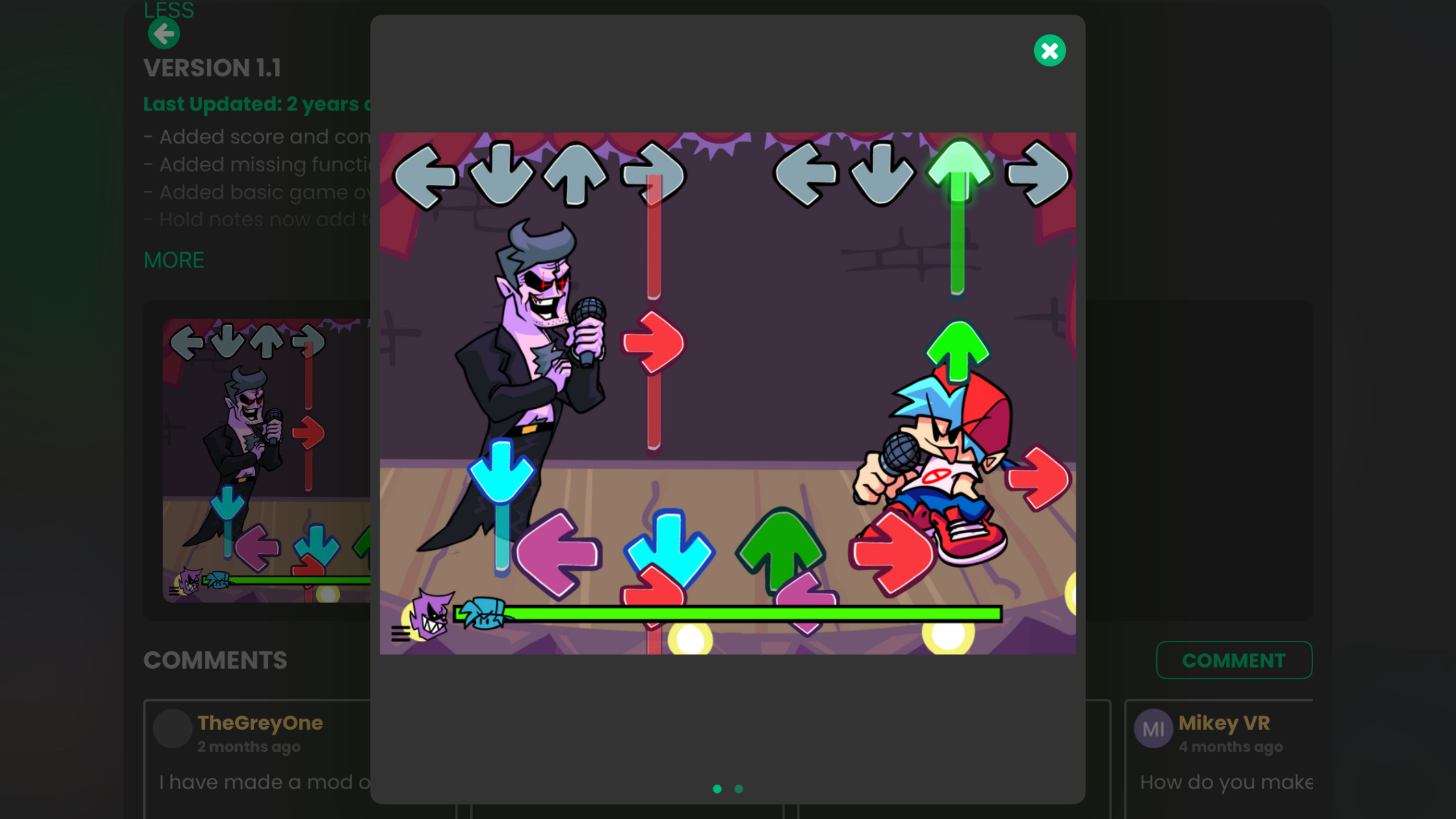
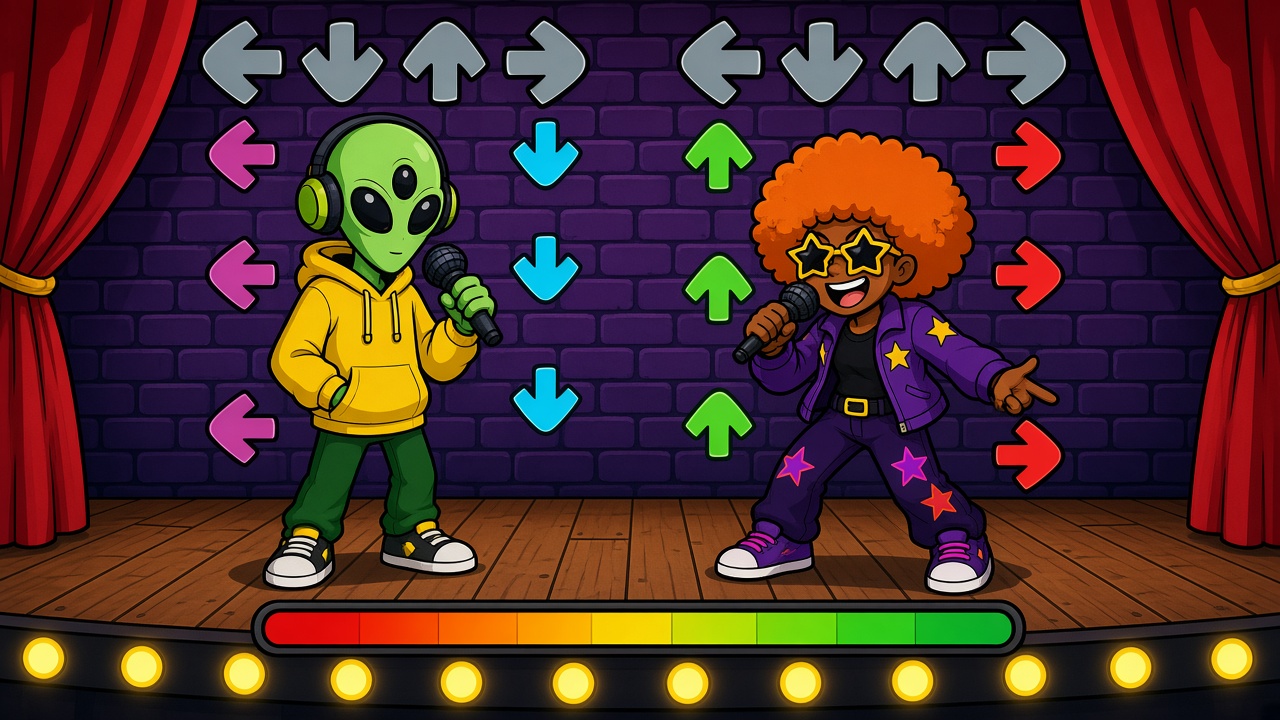
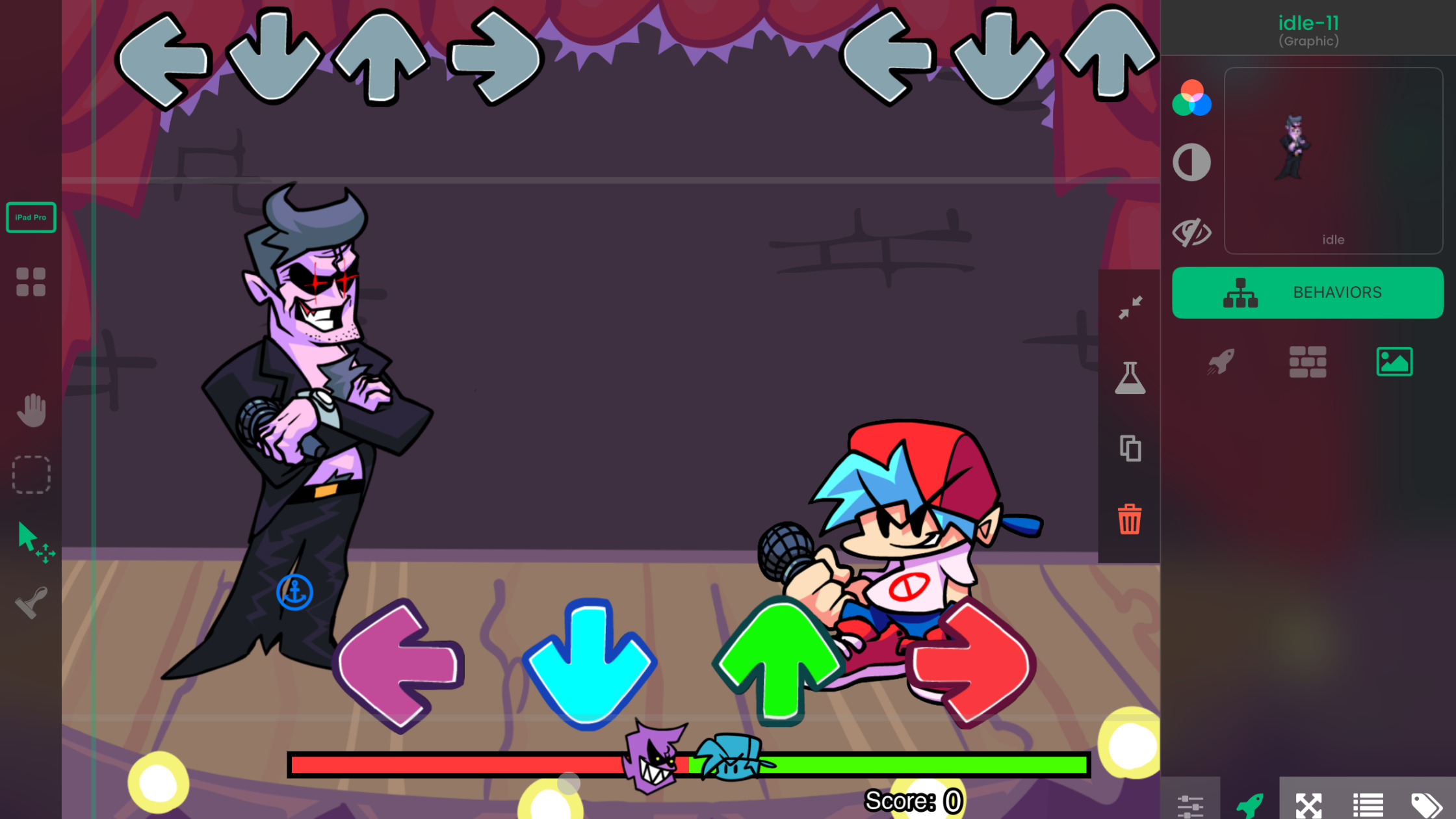
You can make your own FNF mod-style game on iOS without a PC. In hyperPad, you build it on iPad with Behaviors instead of code: your characters, your song, four arrow lanes and a score. When it's ready, you Publish it to the hyperPad Hub, and friends can play it on iPhone or iPad.
This guide covers what's different about making an FNF-style game for touch screens, then walks you through a first playable song battle.
How FNF modding works on iOS
Classic FNF mods change the original game's files on a computer. On iPad, you make your own game in the same style instead. You set up the lanes, chart the notes and draw the characters yourself, so everything in the game is yours to share.
That also means you aren't limited to the original's rules. Your mod can have three lanes, a different health system or an opponent who changes the song halfway through.
What you need
- An iPad. hyperPad also runs on Apple silicon Macs (M1 or later).
- hyperPad Starter. It's free and includes one Project, which is enough to build, test and Publish this game to the Hub.
- Your own art and music. Draw poses in an iPad art app like Procreate, and make a song in GarageBand or another music app.
- An Apple Pencil (optional). It helps with drawing poses. You don't need it to build the game.
Design for touch first
FNF on a computer uses four arrow keys. On a touch screen, the player's thumbs replace the keys, and that changes a few design choices.
- Make the lanes big. Give each lane a touch Object that runs the full height of the play area, so a slightly off tap still lands in the right lane.
- Split the lanes between two thumbs. In landscape, put the left and down lanes under the left thumb and the up and right lanes under the right thumb.
- Show every tap. A keyboard clicks, but a glass screen gives no feedback of its own. Flash the lane or play a short sound each time the player touches it.
- Keep the important stuff out from under thumbs. Place the score, the health bar and the opponent near the top of the screen, where hands won't cover them.
- Test on the smallest screen. Players on iPhone see your game smaller than you do on iPad. Check that the lanes and arrows are still easy to read there.
Build your first lane
Start with one lane before you build four. It teaches you the core of every rhythm game.
- Add a short song. Import a loop you made through the Asset Library and start it with Play Music.
- Place a target and a note. Put a target Object near the bottom of the Scene and a note Object above it.
- Track the note's state. Give the note an Attribute that's waiting, hit or missed, and change it with Set Attribute.
- Catch the tap. Use Started Touching on the lane to check whether the note is inside the hit window.
- Show the result. Display Accurate, Early, Late or Miss with Set Label.
Tap early, on time, late and after the note passes. Each should give a different result. Then restart the Scene and make sure everything resets.
Turn one lane into a song battle
When one lane feels right, copy it into four. Then add the pieces that make it feel like FNF.
Chart the song
Charting means deciding when each note arrives and in which lane. Write it down first:
| Time | Lane |
|---|---|
| 1.0 s | Left |
| 1.5 s | Down |
| 2.0 s | Up |
| 2.5 s | Right |
Example values. Match the times to your own song.
Put notes on the strong beats first, then add off-beats on a second pass. Use one source of timing for the song and the chart, so the notes and music can't drift apart.
Add hold notes
Hold notes work well on touch screens. Start a hold with Started Touching and end it with Stopped Touching. If the player lets go before the hold ends, count it as a miss.
Make the opponent sing
Draw an idle pose and four singing poses for your opponent and your player: left, down, up and right. Keep every pose on the same canvas size, import them as an animation, and play the matching pose with Play Animation on each hit. Importing and Using Animations covers the setup.
Add the health bar
The FNF health bar shifts toward the player on a hit and toward the opponent on a miss. Use Set Health Bar to move it, and end the song with a retry button when it runs out.
Add sound
Play a short sound on hits and a different one on misses with Play Sound. The built-in Sound Effects Editor can generate both. If you want your character to talk back, voice your own character and play the clips on a hit streak.
Playtest on more than one device
Play the whole chart yourself a few times. Then hand your iPad to a friend and watch without helping. Look for three things:
- Does the player have time to find the lanes before the first note arrives?
- Can they tell whether a tap was early, late or in the wrong lane?
- Do thumbs ever cover a note or the health bar?
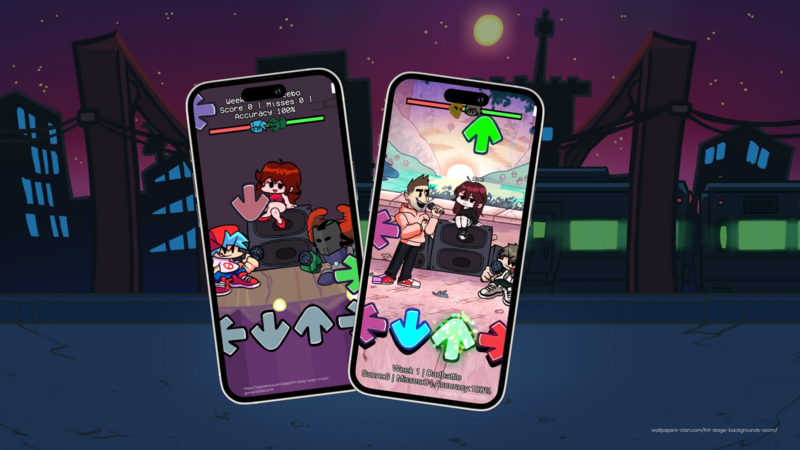
After you Publish a test Version, open it on an iPhone through the hyperPad Hub app. A chart that feels fair on iPad can feel cramped on a phone, so check both.
Share your mod with iPhone and iPad players
When your song battle is ready, Publish it to the hyperPad Hub. Players open your Hub link in the hyperPad Hub app on iPhone, iPad or an Apple silicon Mac. Publishing to the Hub is for creators 13 and older, and creators aged 13 to 17 need a parent's permission.
To release it on the App Store, use the paid hyperPad app to Export your game. You sign and submit it with Xcode on a Mac and an Apple Developer account, and you keep 100% of your revenue.
Use your own characters and music. FNF's art and songs belong to the Funkin' Crew, and an original game is one you can share anywhere.
Common questions
Can you make FNF mods on mobile?
Yes, on iPad. In hyperPad, you build an FNF-style rhythm game with your own characters and songs, and test it on the same device. No PC is needed.
Can I make an FNF mod on iPhone?
You build on iPad or an Apple silicon Mac. Once you Publish your game to the Hub, players can play it on iPhone through the hyperPad Hub app.
Can I make an FNF mod on Android?
hyperPad isn't available on Android. It runs on iPad and Apple silicon Macs.
Is it free?
hyperPad Starter is free and includes one Project. You can build this game and Publish it to the Hub with Starter. The paid hyperPad app adds more Projects and App Store Export.
Do I need to know how to code?
No. You connect actions and events into a flowchart of your game's logic. You'll still think like a game designer about timing, input and feedback.
How do I make the music?
GarageBand is a good place to start, and you can import what you make into hyperPad. For ideas on writing a song that's fun to chart, read about the Friday Night Funkin' composers.
Your next step
Build one lane today and get a single note to land on the beat. Then follow the full FNF mod-style game guide to add charting, scoring, restart logic and a second song. If you're a parent checking whether FNF suits your child, read Is FNF for Kids?