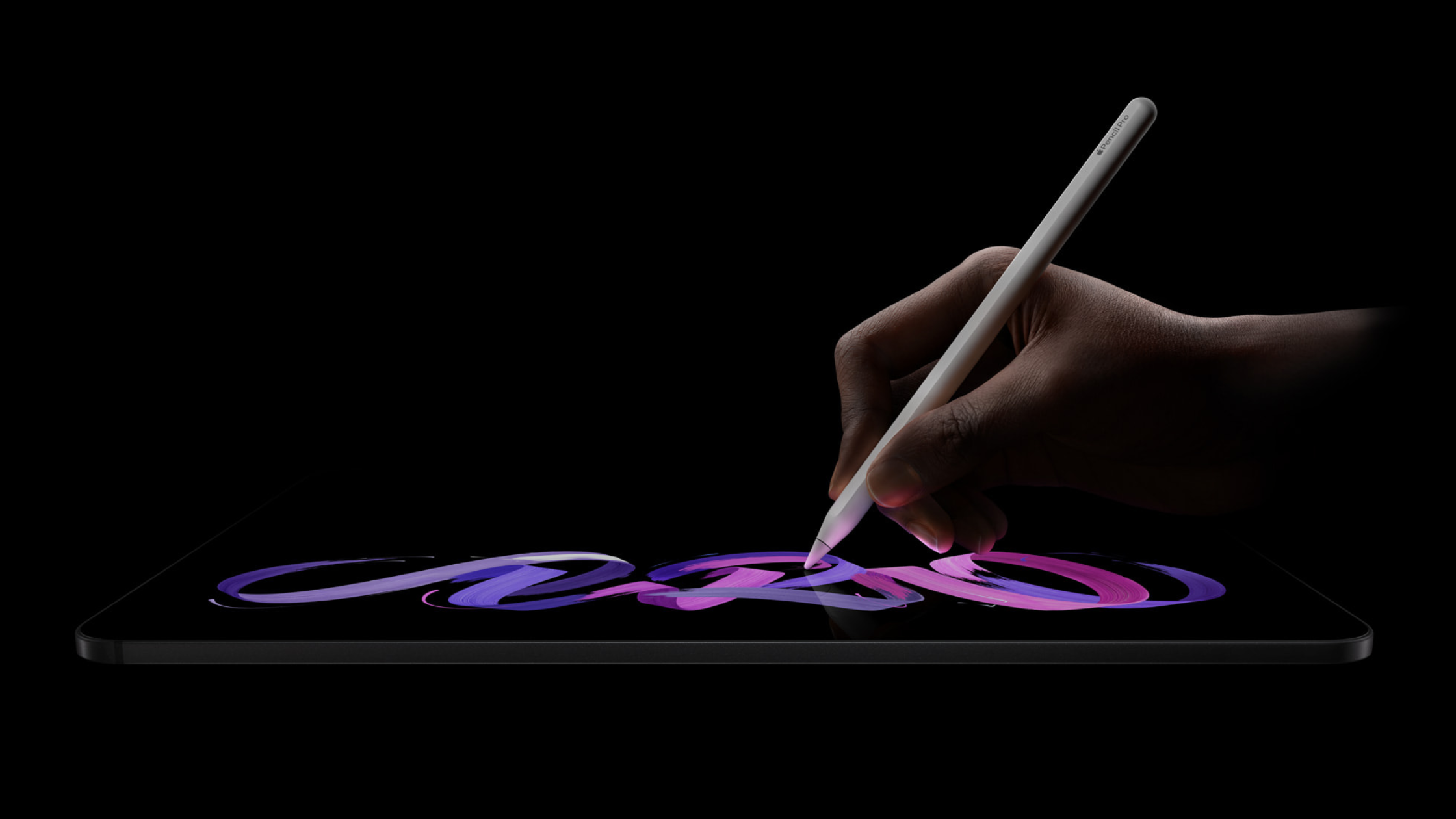
The MacBook Neo & hyperPad

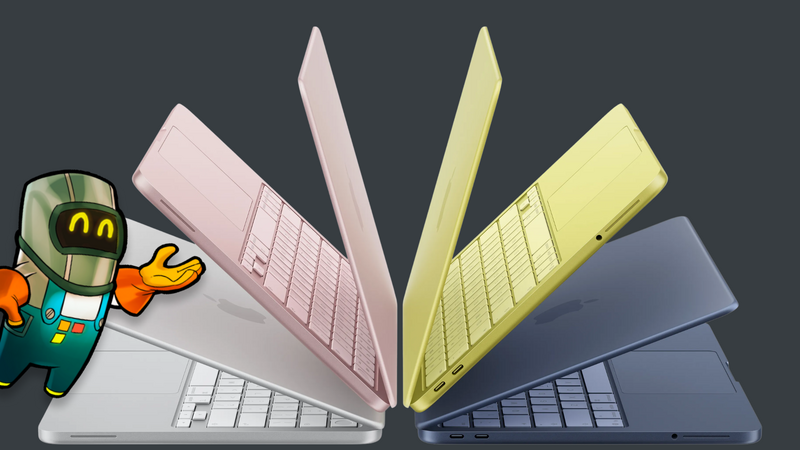
An Affordable iOS Game Development Studio
Apple has introduced the MacBook Neo, a new entry-level Mac meant to bring the Mac to more creators. It starts at around $599 and comes with a 13-inch Liquid Retina display, Apple silicon, and all-day battery life. Apple positions it as its most accessible laptop yet.
If you build games for iPhone and iPad, that makes for a low-cost development setup. Pair it with hyperPad and you have one of the easiest ways to make iOS games.
Apple’s Most Accessible Mac Yet
The MacBook Neo lowers the cost of getting a Mac while still being a capable development machine.
Key highlights include:
- Apple A18 Pro chip with a 6-core CPU and 5-core GPU
- 16-core Neural Engine for AI and machine learning tasks
- 13-inch Liquid Retina display with 500 nits of brightness
- Up to 16 hours of battery life
- 8GB unified memory with SSD storage options starting at 256GB
- Lightweight aluminum design available in multiple colors
The A18 Pro chip first appeared in iPhone Pro models. It handles everyday work well and supports modern GPU features like hardware-accelerated ray tracing. That's plenty for creative tools and game production work.
In short, Apple has built a Mac for students, creators, and developers who want solid performance without the premium price.
Turning MacBook Neo into a Game Development Studio
The MacBook Neo is a good laptop on its own. It gets more interesting when you pair it with hyperPad.
hyperPad lets you build complete iOS games directly on iPad, without writing traditional code. You build gameplay with Behaviors, add physics, and lay out interactive Scenes.
The MacBook Neo fits alongside that workflow. It becomes the control center for the rest of your development pipeline.
The Mac + iPad Development Workflow
Here’s what a hyperPad workflow looks like with the MacBook Neo:
1. Build Your Game on iPad with hyperPad
In hyperPad’s visual editor, you design Scenes, add physics interactions, build gameplay mechanics, and test your game instantly.
That makes it much easier for new creators to get into game development.
2. Use MacBook Neo for App Store Distribution
Apple requires a Mac to compile and distribute iOS apps, so the MacBook Neo is a natural companion device.
With it, you can:
- Package games for the App Store
- Manage provisioning profiles and certificates
- Upload builds to App Store Connect
- Run TestFlight testing
- Keep your version control and assets in order
All from an affordable Mac.
3. Expand Your Toolchain
The MacBook Neo also opens up other tools creators often use alongside hyperPad projects:
- Graphic tools like asset editors
- Sound design software
- Project management platforms
- Source control systems like Git
Put together, that's a complete indie game studio.
Why This Matters for Indie Game Creators
Getting started with iOS development used to mean expensive hardware and complex programming environments.
The MacBook Neo changes that.
With a lower entry price and a capable Apple silicon chip, Apple is cutting the cost of entry for creators who want to build apps and games.
Add hyperPad’s no-code Behaviors and you get this:
A working iOS game studio for a fraction of the traditional cost.
For students, indie developers, and anyone learning game design, this pairing may be the easiest way to start building games for Apple devices.
A New Era of Accessible Game Development
The MacBook Neo signals something bigger than a new laptop.
Apple is pushing the Mac toward a broader audience. That audience includes creators who now have:
- An affordable Mac
- An iPad game development app like hyperPad
- The global reach of the App Store
That's a complete pipeline for building games and shipping them to the App Store from anywhere.
The MacBook Neo is Apple’s most accessible Mac.
Paired with hyperPad, it makes a capable entry-level iOS game studio.
Try hyperPad Starter free. When you want more projects and App Store export, upgrade to hyperPad for a one-time USD $14.99. No subscription, and you keep 100% of your revenue.