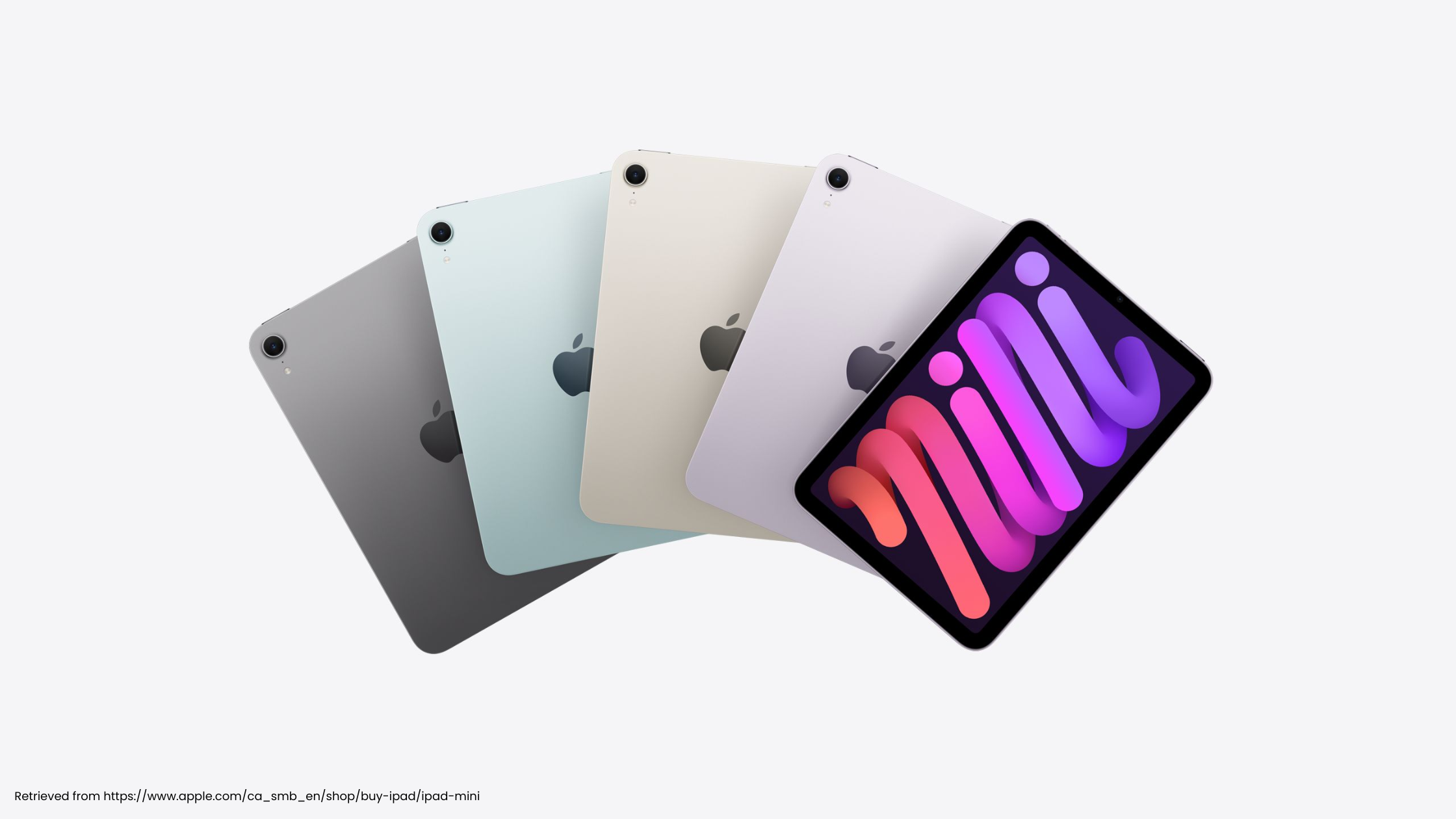
iPad Air with M4: What It Means for hyperPad Creators

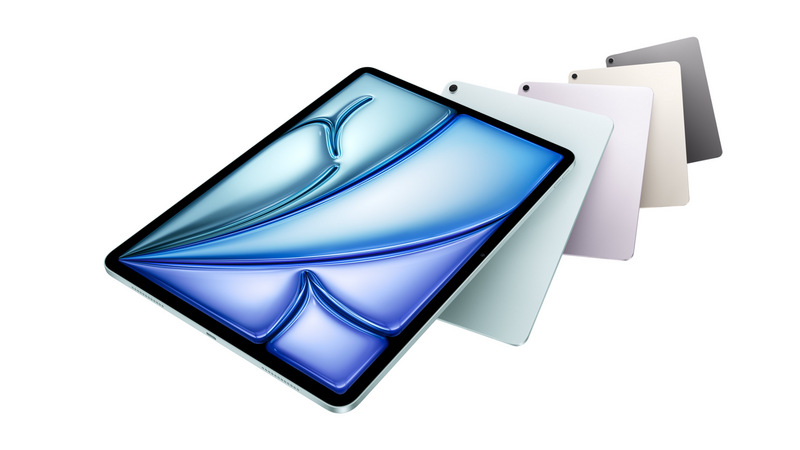
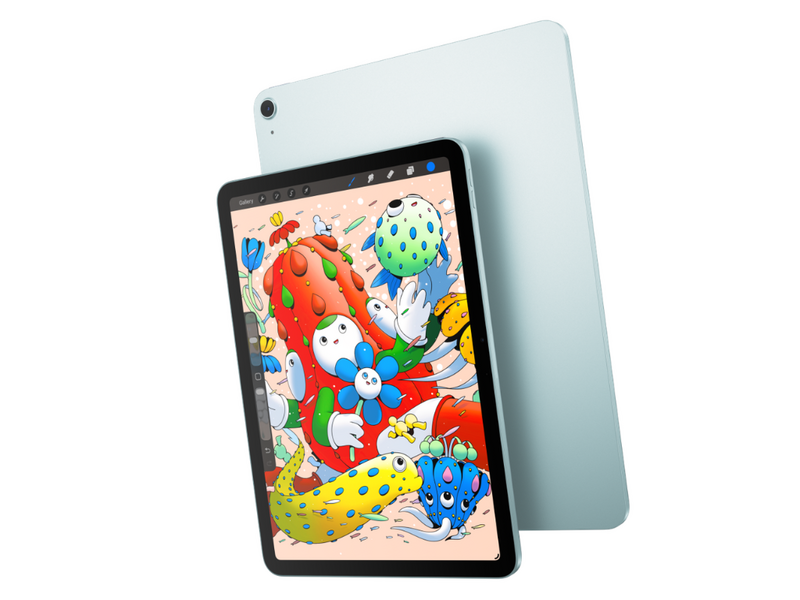
Apple has launched a new iPad Air with the M4 chip. It's much faster than earlier models, and it's still thin and light.
For hyperPad creators, that extra speed means room to build bigger projects.
hyperPad has always aimed to make game development feel quick and direct. The M4 iPad Air gives you more performance headroom, so you can build richer worlds with your own hands.
A Leap in Performance That You Feel
Apple states that the new iPad Air with M4 is up to 30 percent faster than the previous M3 model and up to 2.3 times faster than the M1 iPad Air. You notice that speed in everyday creation.
On hyperPad, this means:
- Faster Scene loading
- Smoother real-time previews
- More detailed physics running without frame drops
- Quick responses when you edit complex Behaviors
Creative flow depends on momentum. Say you're testing a platformer with tight timing, or a physics puzzle game with layered mechanics. Every millisecond counts. With the M4, playtesting stays fluid and you can iterate right away.
More Memory for Bigger Ideas
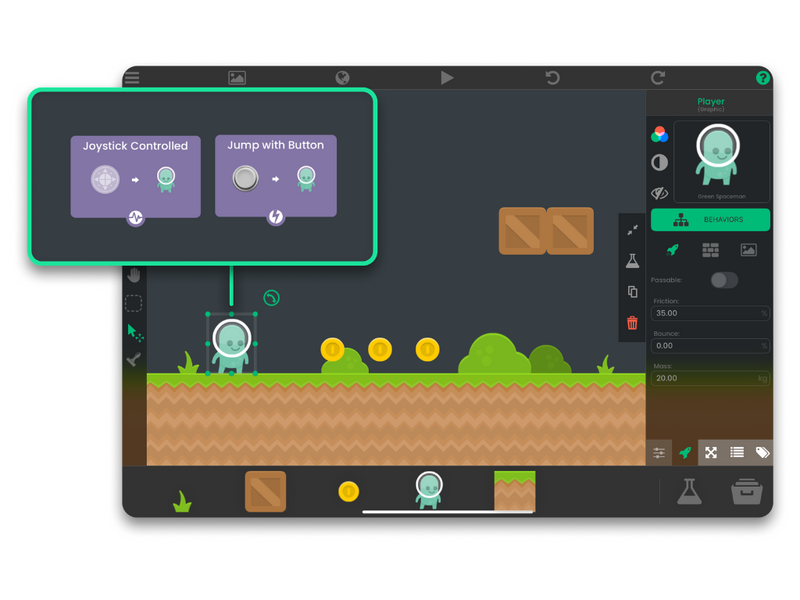
The new iPad Air supports up to 12GB of unified memory. When you build an ambitious project in hyperPad, memory decides how much can fit inside a Scene.
High-resolution Graphics stay stable, and larger tile maps load smoothly. Audio libraries and layered UI run without stutter. Complex animation timelines stay responsive too.
As your project grows, the hardware is less likely to hold it back.
Graphics for Better-Looking Mobile Games
The M4's GPU adds hardware-accelerated ray tracing and mesh shading. For your hyperPad games, the extra GPU headroom means smoother particle systems and richer visual effects.
Imagine a stylized adventure inspired by Monument Valley, with shadows that shift as players move through the world. Or picture an action game with the fluid feel of Genshin Impact, scaled down for a focused mobile experience. Independent creators can now aim for visuals like these while working entirely on iPad.
hyperPad lets you build advanced mechanics with visual Behaviors. The M4 keeps them running smoothly.
Connectivity That Keeps Creation Moving
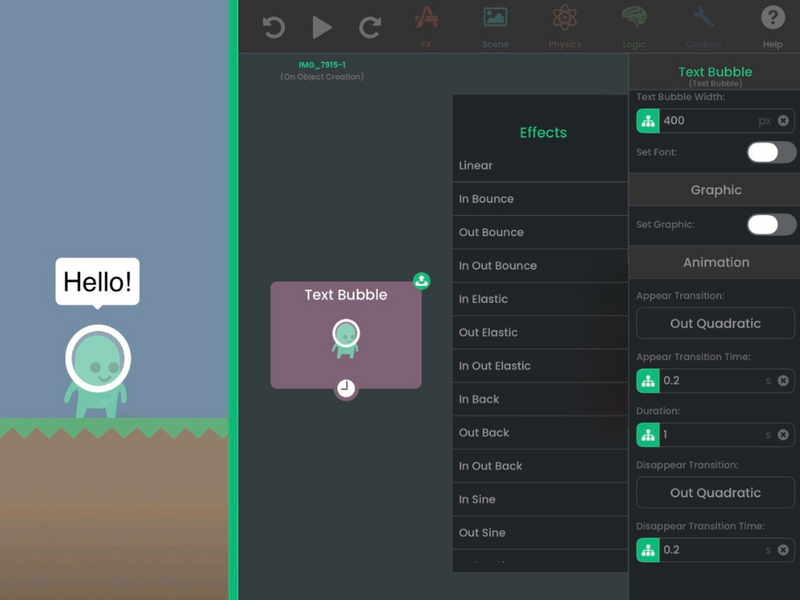
With Wi-Fi 7 support and better networking, uploads and downloads finish sooner. You can send updates to testers, share projects, and move large files without long waits.
Game development also means distribution, iteration, and collaboration. Faster connectivity keeps all of that moving.
hyperPad and Focused Creation
Traditional engines such as Unity and Unreal Engine offer deep technical control, but they often rely on complex desktop workflows. hyperPad takes a different approach.
On an iPad Air with M4, you can design levels, build gameplay with visual Behaviors, and test right away. You can polish UI animations and get ready for App Store export, all on one device. You don't switch between machines or wait on long compile cycles.
The tool gets out of the way, and you stay focused on your idea.
Realistic Performance, Real Potential
The iPad Air with M4 won't replace the studio pipelines behind cinematic console titles. It's built for focused, mobile-first development, and it lets you polish that kind of game to a high standard.
For indie developers, students, educators, and ambitious creators, hyperPad on an M4 iPad Air is a complete game studio that fits in a backpack. You can sketch an idea in the morning, build a playable prototype by afternoon, and tune its performance by evening, all on the same device.
That speed changes how ideas grow. You try more things, and each round of changes comes quicker.
The Future Is Built in Your Hands
With hyperPad, you build real iOS games without writing traditional code. The iPad Air with M4 gives you the performance to take those games further.
Together, they make a capable game studio you can take anywhere. Build your ideas with your fingertips, then share them with the world.
Download hyperPad from the App Store and see what your iPad Air can do.