iPad Reviews for Creators


The Real Story When You Use hyperPad
Search for iPad reviews and you'll see the same themes again and again. Faster chip. More RAM. Better graphics. Thinner design.
Those upgrades matter. For creators using hyperPad, though, the bigger question is how well your iPad supports your ideas, whichever model you own.
The answer is consistent across generations.
Built to Last: hyperPad on Older iPads
hyperPad is built with backward compatibility in mind. It runs on older iPads and older versions of iPadOS, so creators on older hardware aren't left behind.
That matters.
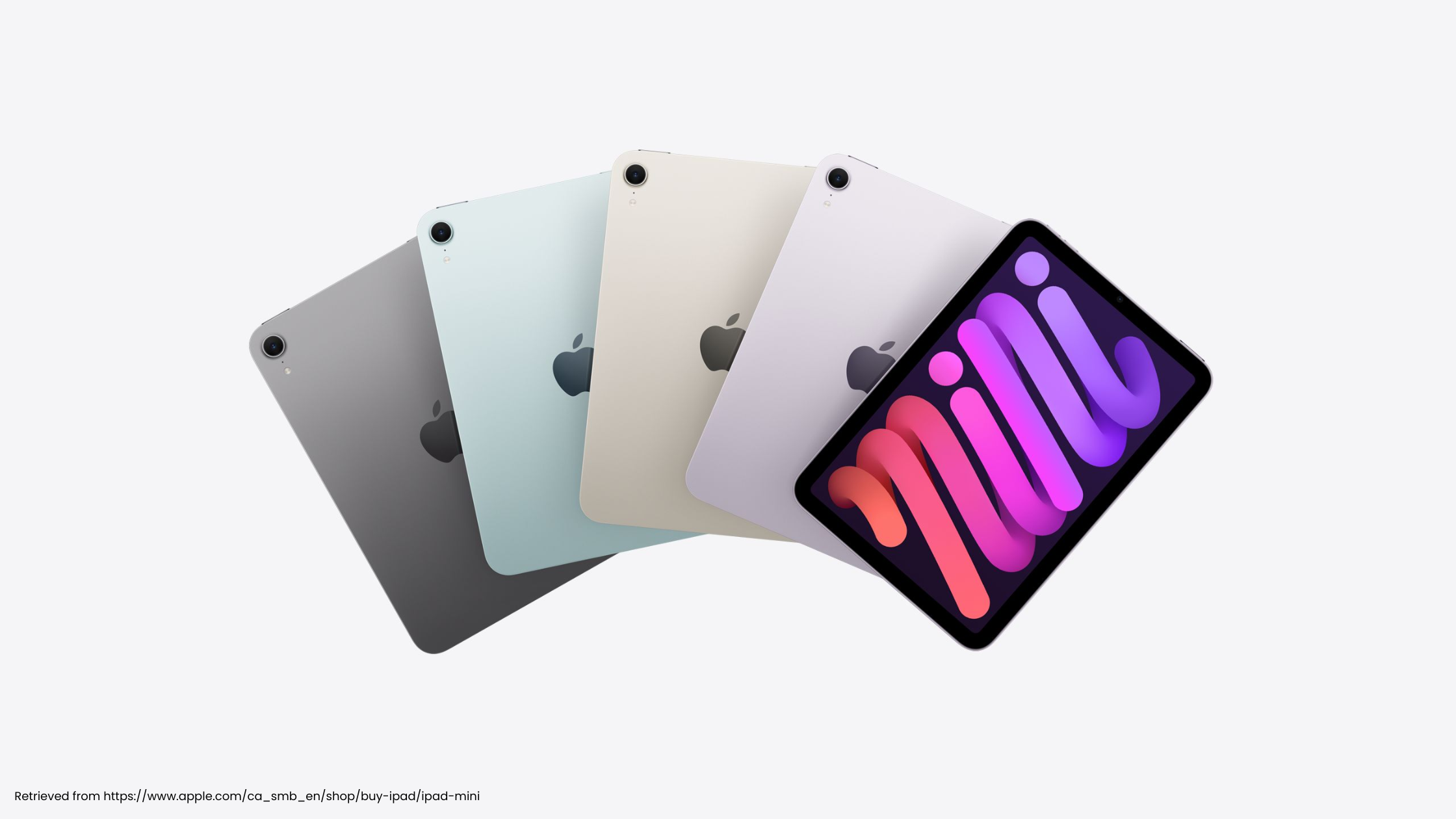
In classrooms, homes, and indie studios, not everyone upgrades every year. Many creators work on devices that are several generations old. With hyperPad, those devices can still handle:
-
Building complete 2D games
-
Designing interactive experiences
-
Testing mechanics in real time
-
Exporting to the App Store (with the paid hyperPad)
-
Publishing projects to the hyperPad Hub
An older iPad doesn't turn into a browsing-only device when you use hyperPad. It stays a real development machine.
We built it that way on purpose.
Newer iPads: Clear, Tangible Gains
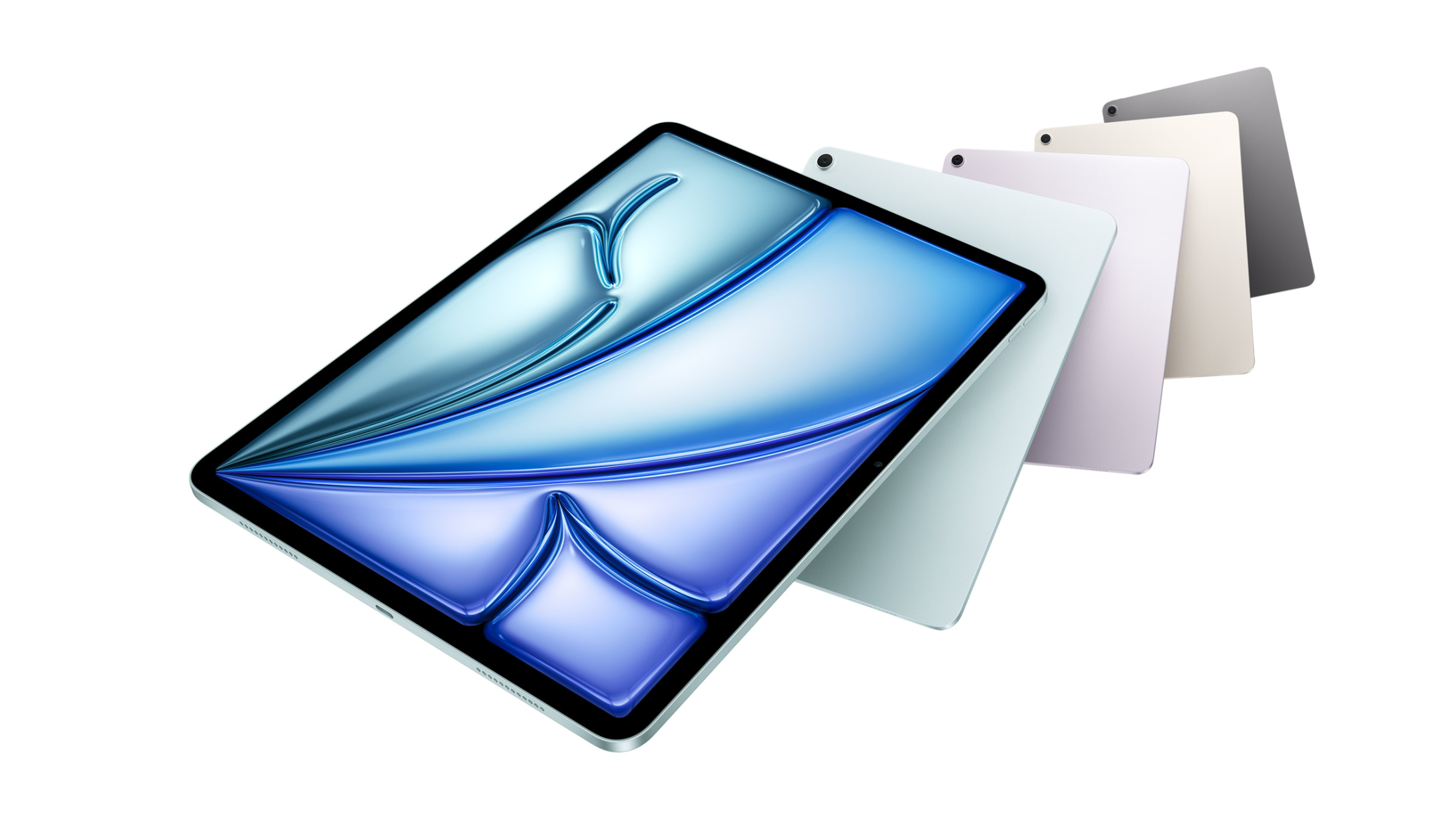
When Apple releases new hardware like the iPad Air or the iPad Pro, the benefits are obvious. More memory. Faster processors. Better graphics performance.
In hyperPad, those improvements show up in practical ways:
-
Faster project load times
-
Smoother Scene previews
-
Better performance in large games with lots of assets
-
More complex logic running smoothly
-
Steadier frame rates during testing
Small benchmark gains are hard to see. What you notice is creative headroom.
On a newer iPad, you can push further: bigger levels, more animations, richer effects. Everything stays responsive as your project grows.
The difference is noticeable, and it gives your bigger ideas room.
Why a Device by Device Review Misses the Point
A separate breakdown for every iPad generation would repeat itself:
This one runs hyperPad well. The next one runs it even better.
That framing shrinks the conversation to "fine" versus "more fine." It skips what actually matters to creators.
hyperPad scales. It supports older hardware and makes full use of newer hardware. You don't have to upgrade just to stay productive. When you do upgrade, you get more speed and more room to polish.
What Smart Creators Look For in iPad Reviews
Good tech reviews focus on outcomes: what the specs let you do.
For hyperPad creators, the key questions are:
-
Can I build a full game on this device?
-
Will my project run smoothly as it grows?
-
Do I need the latest model to get started?
The honest answers:
-
Yes.
-
Yes, with more headroom on newer models.
-
No, you don't need the latest device to begin.
Older iPads let you prototype, experiment, and publish real projects. Newer iPads remove friction and give you more room. Both paths lead to the same place: shipping something you made.
The Bigger Picture
A good iPad review helps you see how a device fits into your workflow. It doesn't need to crown a single winner.
With hyperPad, the workflow is clear. You build on iPad with visual Behaviors and test as you go. Then you publish to the Hub or export to the App Store.
An older iPad can still launch your first game. A newer iPad can help you grow that game with more detail and polish. Either way, you're working with the same hyperPad.
Technology moves forward every year. hyperPad moves with it, without leaving creators behind.