Here’s the Cheapest Way to Make a Mobile Game That Still Looks Professional As an Art Student


Let's face it. Making games can feel expensive and complicated. Especially if you're an artist on a tight budget, with no coding experience and zero interest in generic game templates.
Here's the good news. You don't need to be rich or know how to code to create a mobile game that feels original and polished.
If you're an art student, a beginner developer, or a creative working solo, hyperPad lets you bring your game ideas to life straight from your iPad.
Why hyperPad Works for Broke Creators Who Want to Build Serious Games
hyperPad is a no-code game creation app made for iPad. You can start with hyperPad Starter for free, which includes one project. When you want more projects and App Store export, hyperPad costs a one-time USD $14.99, with no subscription and no hidden fees. You can design and publish your own mobile game from your iPad without burning through your savings.
You can make platformers, narrative games, interactive art, simulations, puzzles, or anything else you imagine. You aren't locked into templates or boring presets. You build your project from the ground up, visually.
That gives you more creative freedom, and a game that reflects your style.
Just Drag, Drop, and Build
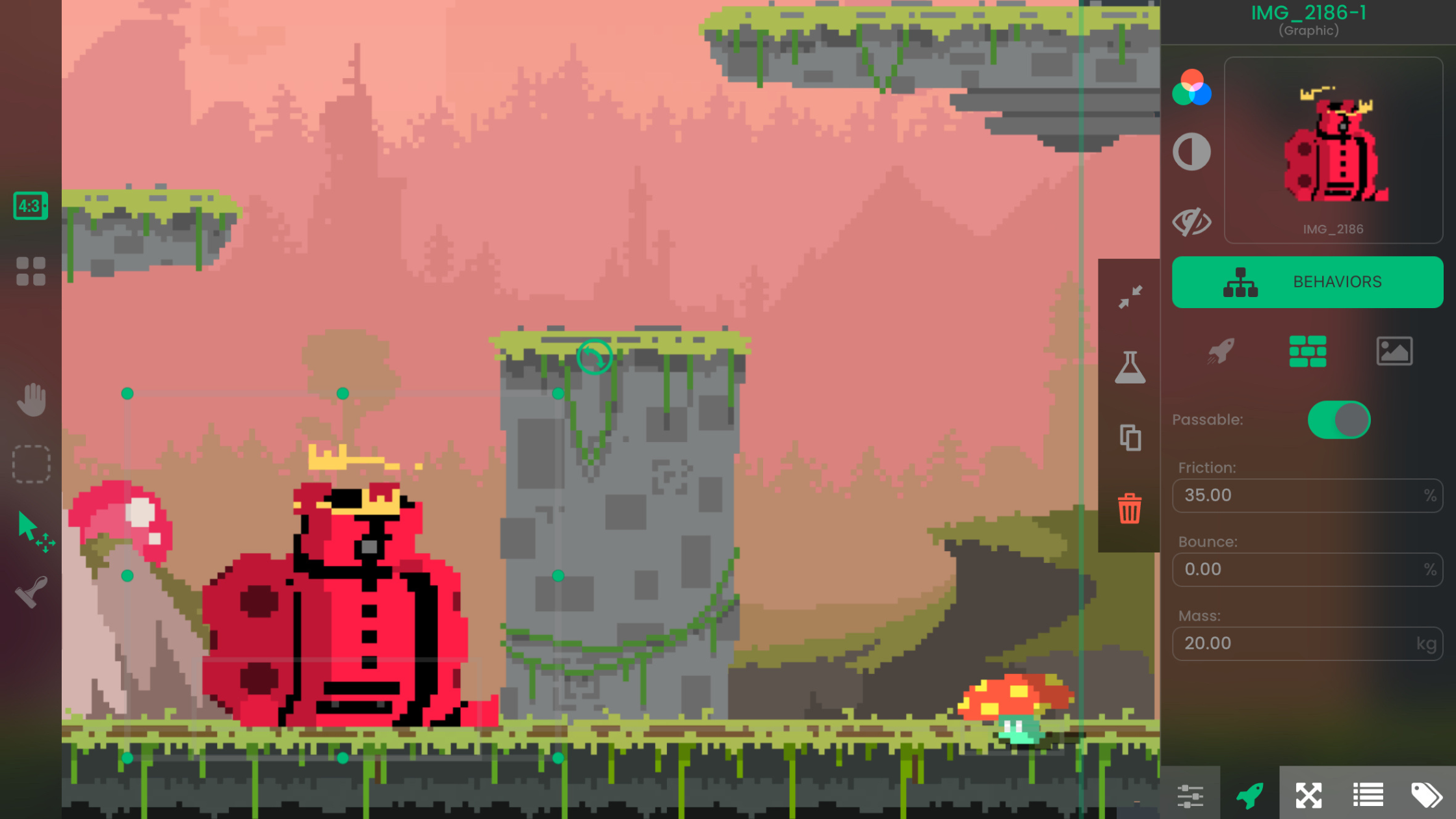
You don't need to know how to program. hyperPad uses Behaviors: you drag them in and connect them to control movement, sound, animation, menus, and more.
It's designed for visual thinkers. If you can sketch an idea, you can probably build it in hyperPad.
You also get features like:
-
Custom UI design
-
Real-time testing (no compiling or loading)
-
Built-in physics and animation tools
-
Particle effects and advanced visuals
-
Real-time multiplayer support
-
Full control over interactions and Behaviors
Make Your Games Look Good with Your Own Art and Audio
One of the biggest problems with "cheap" game makers is that everything looks the same. With hyperPad, you can import your own art, sound, music, and fonts. Your game looks unique and professional.
You don't have to settle for default Graphics or clunky UI. As an artist, you control the whole visual identity of your game. Your style becomes the experience.
Build and Test Right on Your iPad
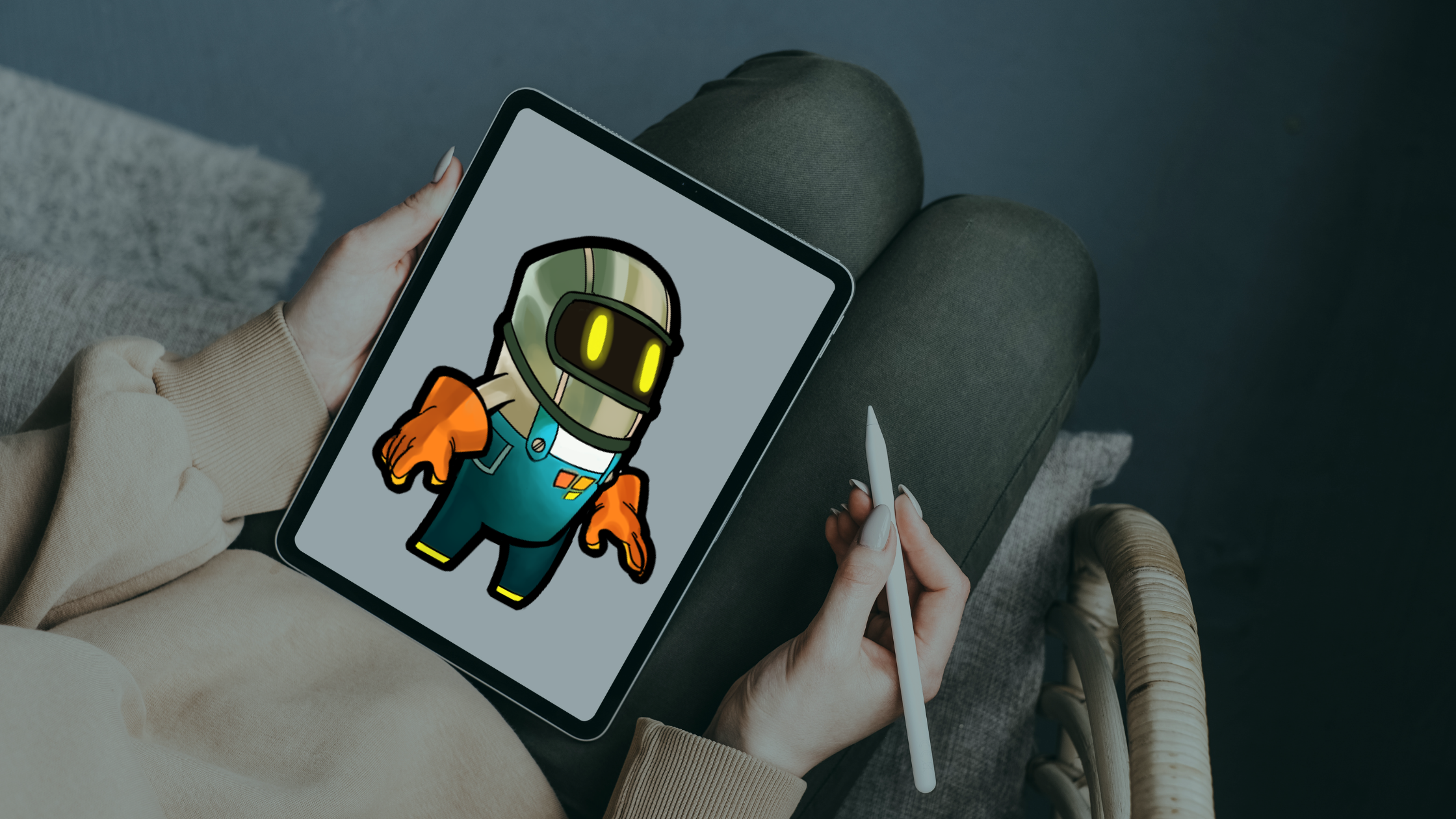
You don't need a fancy computer. hyperPad runs directly on iPad, and it's built for touch. You can prototype, test, and polish your game on the go: in bed, on the bus, or at your campus café.
Tap once to test your game instantly. Tweak a Behavior, update a Scene, and see the result right away. Development stays fast and fun, which suits students and solo creators.
Publish Your Game Without Extra Costs
Once your game is ready, you can export it to the App Store. Exporting creates an Xcode project, and the final upload needs a Mac with Xcode and Apple's standard developer account. You can also publish it to the hyperPad Hub, where other creators can play it and give feedback.
hyperPad charges no extra fee to publish or export. You keep 100% of your revenue, and hyperPad takes 0%. You pay once, and every feature in the app is yours.
If You're Creative and on iPad, This Is the Tool You've Been Looking For
Most game engines expect you to code, pay for features, or follow strict templates. hyperPad is cheap and easy to pick up. It's made for people who want games that look and feel like their own work.
So if you're an art student dreaming of launching your first mobile game, and you don't want it to look amateur or cost a fortune, hyperPad is a great place to start.
You don't need to wait until you "learn to code" or save up for a high-end PC. You can start today, on the iPad you already have.