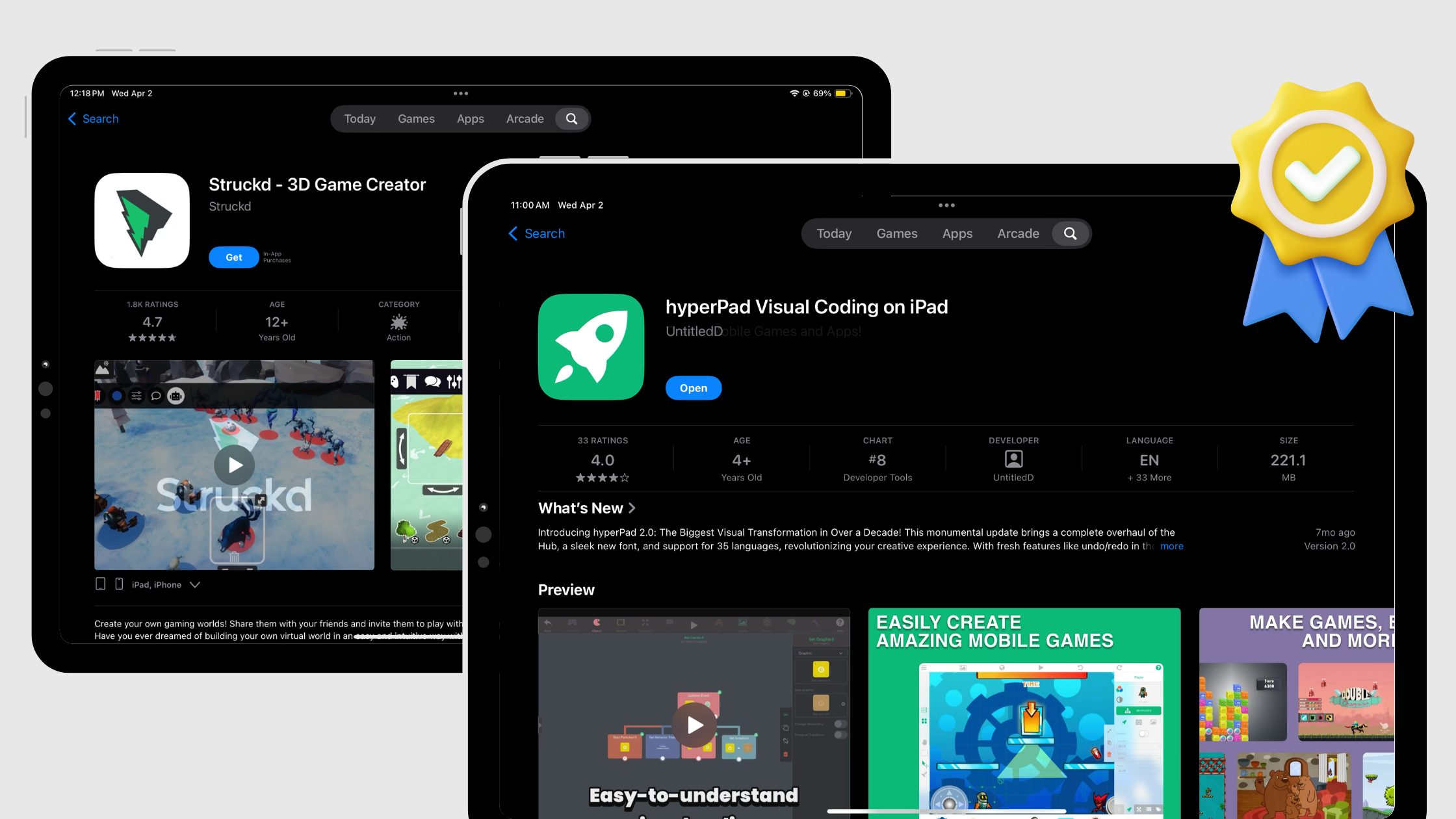
GDevelop vs hyperPad: The Visual Game Maker Built for iPad

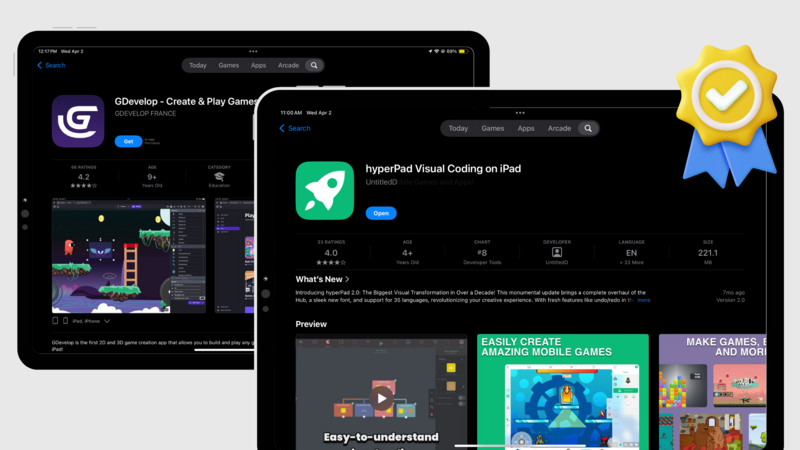
GDevelop and hyperPad both let you build games with visual logic instead of typed code. hyperPad is the one designed around the iPad, with a free start, no subscription, and a direct path to the App Store.
At a glance
| hyperPad | GDevelop | |
|---|---|---|
| Designed for | iPad first, plus Macs with an M1 chip or later | Many devices, starting from desktop and web |
| How logic works | Behaviors you connect on each Object | Events with conditions and actions |
| Pricing model | Free Starter; paid app with no subscription | Free tier, with Silver, Gold, and Pro plans |
| Extra services | Hub publishing in both Starter and the paid app; Xcode Export in the paid app | Cloud projects and one-click publishing limits vary by plan |
| App Store revenue | You keep 100% | Depends on how you publish |
An editor built for your iPad
GDevelop is designed to cover many devices and platforms, and some of its services depend on your plan.
hyperPad focuses on doing one thing well: making 2D games on iPad. You drag Objects with your finger, draw Graphics with Apple Pencil, and connect Behaviors in an editor built for touch. When your game is ready, the paid hyperPad app exports an Xcode project for the App Store.
Why creators pick hyperPad
- Everything on one device. Draw the art, build the logic, and test the game on the same iPad.
- Logic you can follow. Behaviors show how your game works as a flow you can read at a glance.
- No plan tiers to compare. Starter is free, and the paid hyperPad app isn't a subscription.
- Your revenue stays yours. Release on the App Store and keep 100% of what your game earns.
- Players on every Apple device. Hub games play on iPhone, iPad, and Mac with the hyperPad Hub app.
Build a tiny platformer in hyperPad
- A character walks left and right with on-screen buttons.
- Tapping jump launches it with physics.
- Falling off the screen restarts the level.
- Touching a flag shows a win message.
Place each platform with your finger, press Play, and adjust until the jump feels right.
Common questions
Is hyperPad free to start?
Yes. hyperPad Starter is free, includes one Project and can Publish to the hyperPad Hub. The paid app adds more Projects and Xcode Export.
Does hyperPad work on Mac?
Yes, on Macs with an M1 chip or later running macOS 12 or later. hyperPad is designed iPad-first.
Can I sell my hyperPad game?
Yes. Export an Xcode project with the paid app, submit it to the App Store, and keep 100% of your revenue.
Making your platformer jump feel right
The jump is the heart of a platformer, so it's worth tuning. Once your tiny level works, try these:
- Change one value at a time. Adjust the jump force, press Play, and jump a few times before you change anything else.
- Check the landing. If your character slides after landing, raise its friction.
- Add a sound. A short jump sound from the Sound Effects Editor makes every jump easier to feel.
- Hand it to someone else. Watch whether they can clear the first gap without help.
When the jump feels good, the complete platform game guide shows how to add coins, enemies, and more levels.
GDevelop details come from its official pricing page, checked November 10, 2026. Plans and limits can change.