How Teachers Are Using iPads to Teach Game Design Without Coding


Game development used to feel out of reach for most classrooms. Programming languages, complicated software, and high-end computers made it hard to bring interactive design into class in a practical way.
That's changing.
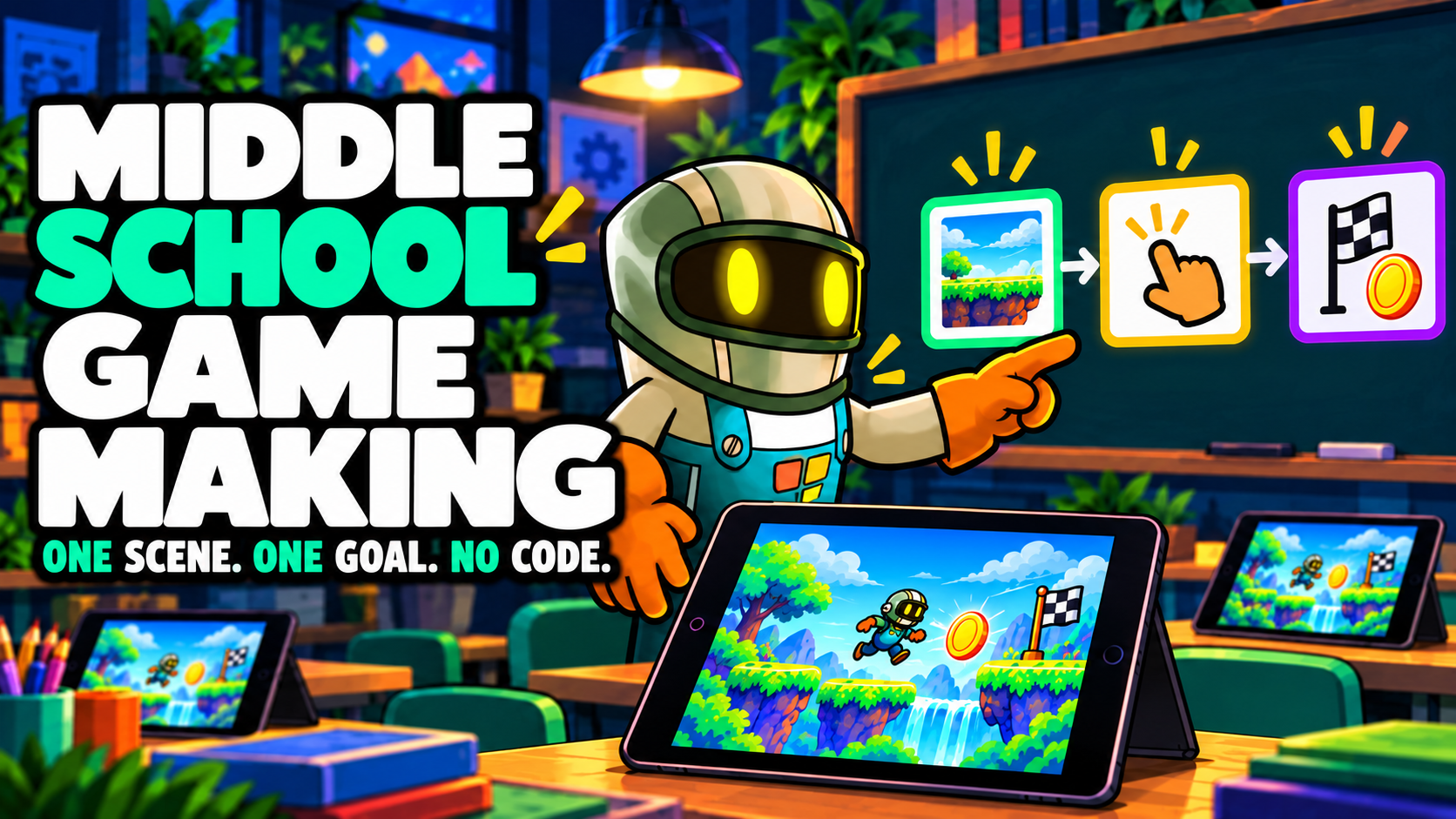
With visual tools like hyperPad, teachers are finding that students can build playable games on an iPad, with no coding required.
Instead of learning syntax first, students learn how games work. That changes the whole lesson.
Why Game Design Works as a Learning Tool
Game creation combines several disciplines at once:
- storytelling
- logic and problem solving
- art and animation
- sound design
- user experience
That's why game design fits naturally into STEM and STEAM education.
Students move from using technology to building with it.
When students design a game mechanic, they start asking questions like:
- How does the player interact with this system?
- What feedback should the game provide?
- How does difficulty increase over time?
Professional developers ask the same questions.
Why iPad-Based Game Creation Works in Classrooms
Many schools already use iPads for digital learning. That makes the iPad a natural home for creative tools.
Here's what it offers:
Accessibility
Students can start building right away, with no complex setup.
Touch-based design
Students place and edit Objects directly on the screen.
Rapid experimentation
Students can playtest their ideas instantly.
Instead of spending weeks on programming fundamentals, students can start designing game mechanics on day one.
What Students Actually Build
When students start exploring game creation, they usually begin with simple projects such as:
- maze games
- obstacle platformers
- puzzle challenges
- interactive stories
These projects gradually introduce design concepts like:
- player feedback
- level progression
- scoring systems
- visual communication
Over time, students start thinking like designers.
Why Teachers Like This Approach
Teachers often find benefits they didn't expect. Game design encourages:
- collaboration
- experimentation
- resilience through iteration
Students rarely get discouraged when something doesn't work. They adjust the design and try again.
That creative problem-solving mindset is one of the most valuable skills game development teaches.
The Bigger Picture
Game development is no longer a niche career path. It touches industries like:
- education
- entertainment
- digital storytelling
- marketing
- simulation
When students meet these tools early, they learn that technology is something they can shape, too.
Sometimes all it takes is letting them build their first game.
Turn the idea into a short learning activity
Choose one learning goal before opening the editor. A useful first Project might ask learners to sort two Objects, change a value, or explain why a rule produced a result. Keep the first Scene small enough that students can test it several times during the lesson.
In hyperPad, place the Objects in a Scene. Add Started Touching to the Object the learner will tap. Connect it to Set Attribute when the activity needs to remember a score, answer, or state. The Behavior Interface Overview explains how events and actions connect.
Use this classroom test:
- Ask one learner to complete the activity without instructions from its creator.
- Watch for the first point where they pause or tap the wrong Object.
- Change one label, visual cue, or Behavior.
- Test the same interaction with another learner.
- Ask the learner to describe the rule in their own words.
That final explanation matters. It shows whether the Project teaches a visible programming idea instead of only producing the correct result. For a broader sequence, use the game development learning path.
Keep the first activity focused on one learning goal and one playable interaction. Watch where learners pause or experiment, then revise that moment before adding more content.