iPad News 2026


AI, A18 Chip, and Its Power To Help Create
The iPad has grown well beyond a tablet for browsing and streaming. In 2026, it sits at the center of creative computing: game development, digital art, education, and AI-assisted workflows. Reports point to new iPad models with the A18 chip and wider Apple Intelligence support. If they're right, Apple is positioning the iPad as one of the most capable and accessible creative tools you can buy.
At hyperPad, we care about the iPad because we've seen firsthand how it turns ideas into interactive experiences. Here's what the latest iPad upgrades mean for creators, students, developers, and aspiring game designers.
Apple's A18 Chip: A Major Leap for iPad Performance
One of the most talked-about updates is Apple's plan to bring the A18 chip to upcoming iPad models. That matters for a few reasons.
1. Faster Performance for Creative Apps
The A18 chip is expected to deliver:
- Improved CPU and GPU performance
- Better energy efficiency
- Enhanced machine learning capabilities
If you use drawing apps, video editors, music production software, or game engines like hyperPad, that means smoother performance, faster rendering, and a more responsive workflow.
2. AI Features on More Affordable iPads
The A18 chip is designed to support Apple Intelligence, which brings AI features to more devices, including entry-level iPads. That's a big change. AI on iPad can power:
- Smart text suggestions and rewriting tools
- Image generation and editing assistance
- Voice transcription and summarization
- Context-aware Siri improvements
For students and creators, these features can speed up brainstorming, content creation, and project work right on the device.
New iPad Air and Entry-Level iPad Upgrades
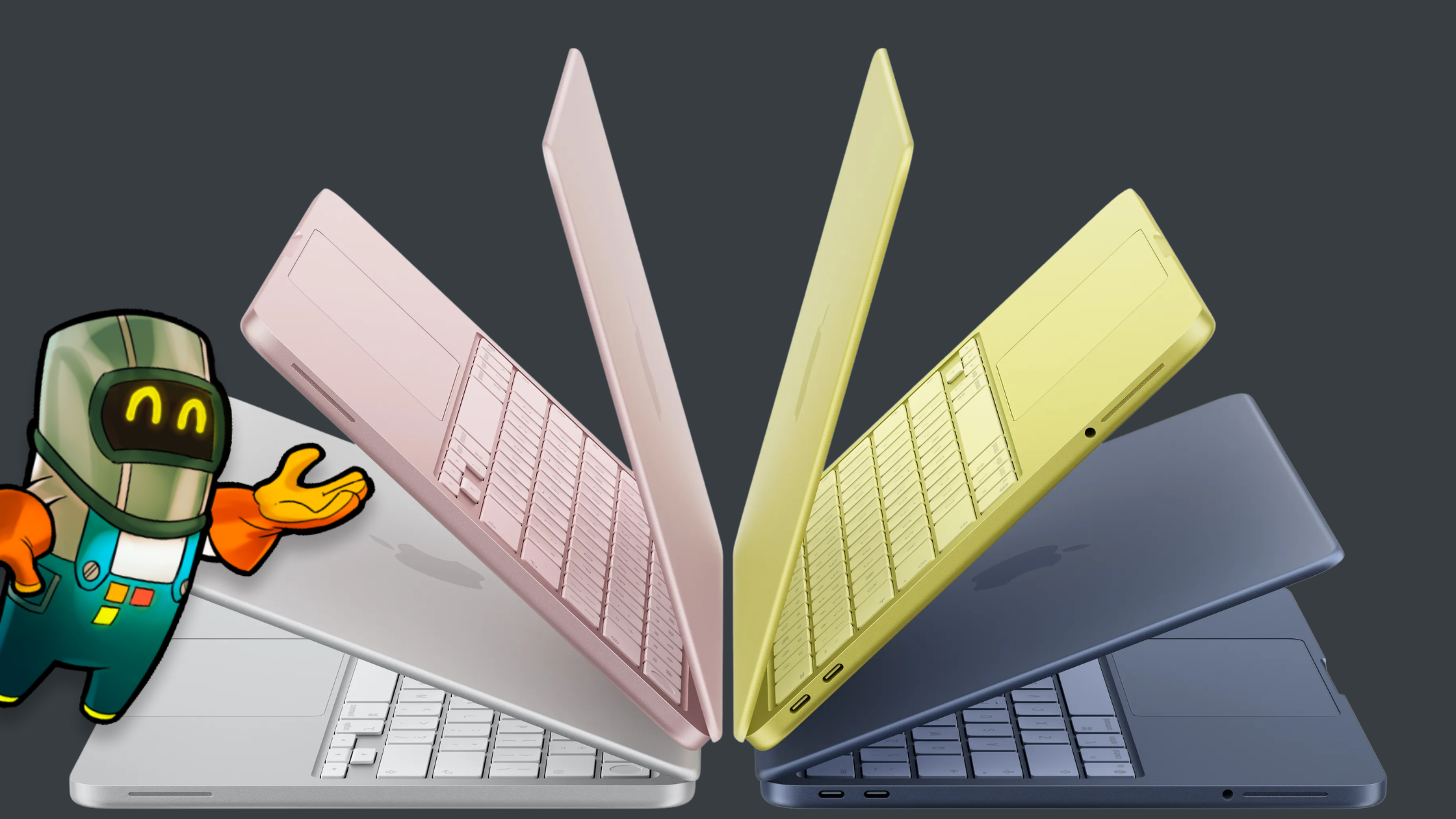
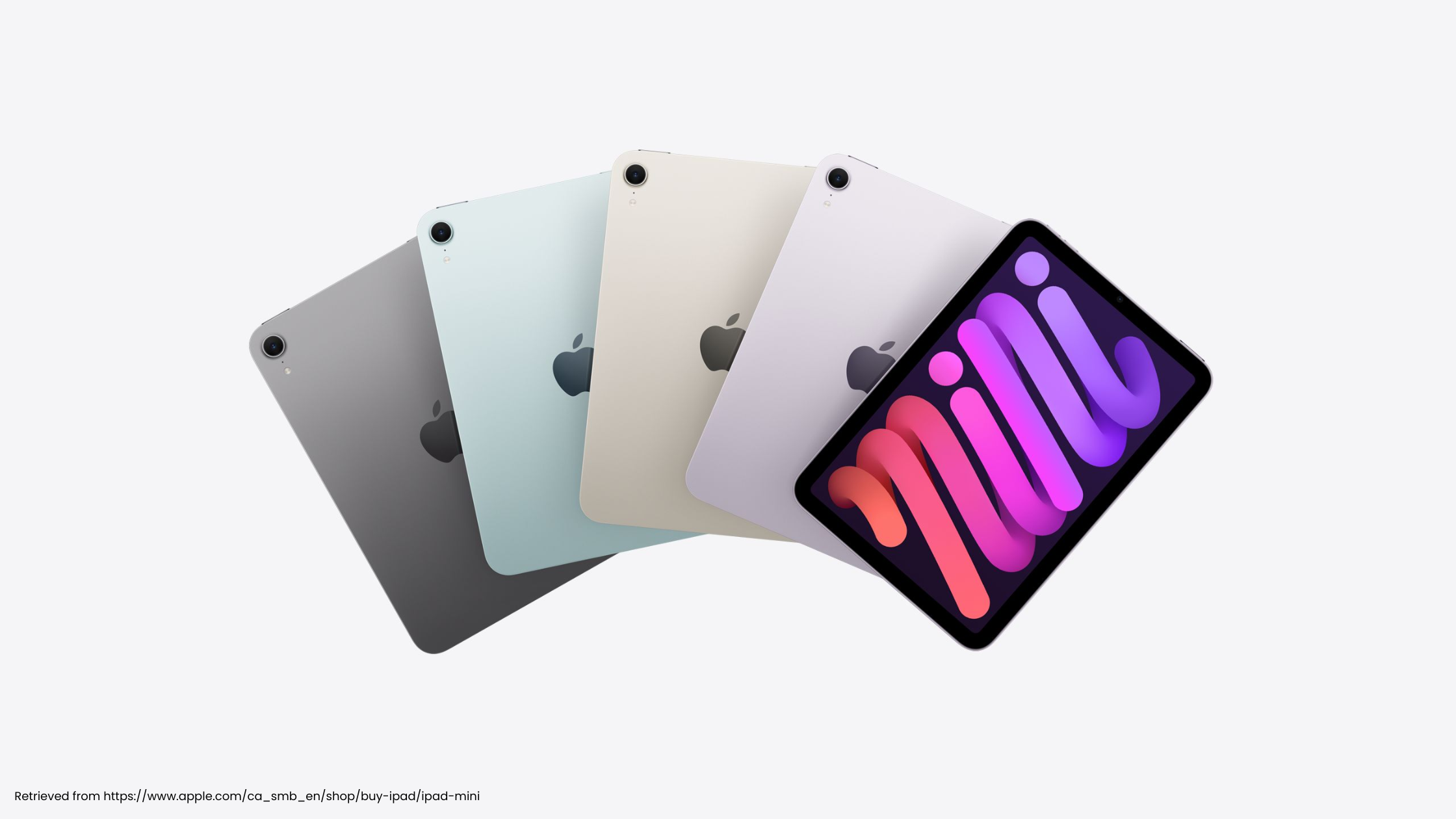
Reports suggest Apple is refreshing both the base iPad and the iPad Air. The outside may look familiar. The real change is inside.
Why This Matters for Students and Creators
An AI-capable entry-level iPad changes who can get started. You no longer need a premium device to:
- Learn coding on iPad
- Design 2D games
- Create digital art
- Build interactive apps
- Edit videos and audio
More capability at a lower price means more creators can start building. That's exactly what we want at hyperPad.
iPad as a Game Development Platform
Search trends show growing interest in:
- "How to make a game on iPad"
- "Best iPad for game development"
- "Create iOS games without coding"
- "Build apps on iPad"
The iPad is a creation device as much as a way to watch and play. With hyperPad, you can:
- Design games visually without traditional coding
- Export directly to the App Store
- Build interactive experiences entirely on iPad
- Prototype ideas instantly
App Store export comes with hyperPad, the paid app. hyperPad Starter is free and limited to one project.
On faster chips like the A18 or M-series processors, real-time previews run more smoothly, physics calculations run faster, and larger projects become easier to manage. You end up with a portable game studio in your backpack.
AI and iPad: The Next Step for Your Creativity
Apple Intelligence plus faster chips opens up new ways to work. Imagine workflows like:
- Generating character concepts with AI and importing them into your game
- Using AI-assisted writing tools to develop storylines
- Creating sound effects and music faster
- Getting smart suggestions during development
As iPad hardware improves, creative software can do more. hyperPad is built to grow alongside the iPad. As the hardware gets faster, you can take on bigger interactive stories, educational apps, and indie games.
iPad vs Android Tablets: Power and Ecosystem
Some Android tablets advertise higher specs. For creative development, the iPad ecosystem still has clear advantages:
- Tight hardware and software integration
- Long-term software updates
- Optimized performance
- A strong App Store economy
- High-quality creative apps
If you want to make apps for iOS, building on an iPad is a real advantage. With hyperPad, you can go from idea to an app on the App Store without leaving the Apple ecosystem.
Why the iPad Is the Best Device for Learning Game Development
Search interest in "learn game design for beginners" and "game development for kids" keeps growing. The iPad suits education because it combines:
- Touch-based intuitive design
- Apple Pencil precision
- Portability
- All-day battery life
- Increasing desktop-class performance
Students can sketch, design, animate, and build on one device. hyperPad removes the barrier of complex syntax and traditional coding environments. Students focus on logic, creativity, and interactivity instead of memorizing programming rules.
The Bigger Picture: Apple's 2026 Hardware Push
With new iPads, updated Macs, and the iPhone 17e on the horizon, Apple is doubling down on performance and AI across its lineup.
The strategy looks like this:
- Bring advanced chips to more devices
- Expand AI capabilities
- Keep its devices working well together
For creators, that means more capability in smaller, more affordable hardware. For hyperPad creators, it means:
- Smoother development
- Larger and more ambitious projects
- Faster testing cycles
- Better performance for exported games
What the iPad Is Now
The modern iPad is:
- A game development device
- A digital art studio
- A coding machine
- A video production suite
- An AI-assisted creative partner
At hyperPad, we believe the iPad is the future of accessible creation. You don't need a complex setup or a high-end desktop. You need an idea and an iPad. As chips like the A18 bring AI to more people, the gap between imagination and execution keeps shrinking. That's the future we're building for.