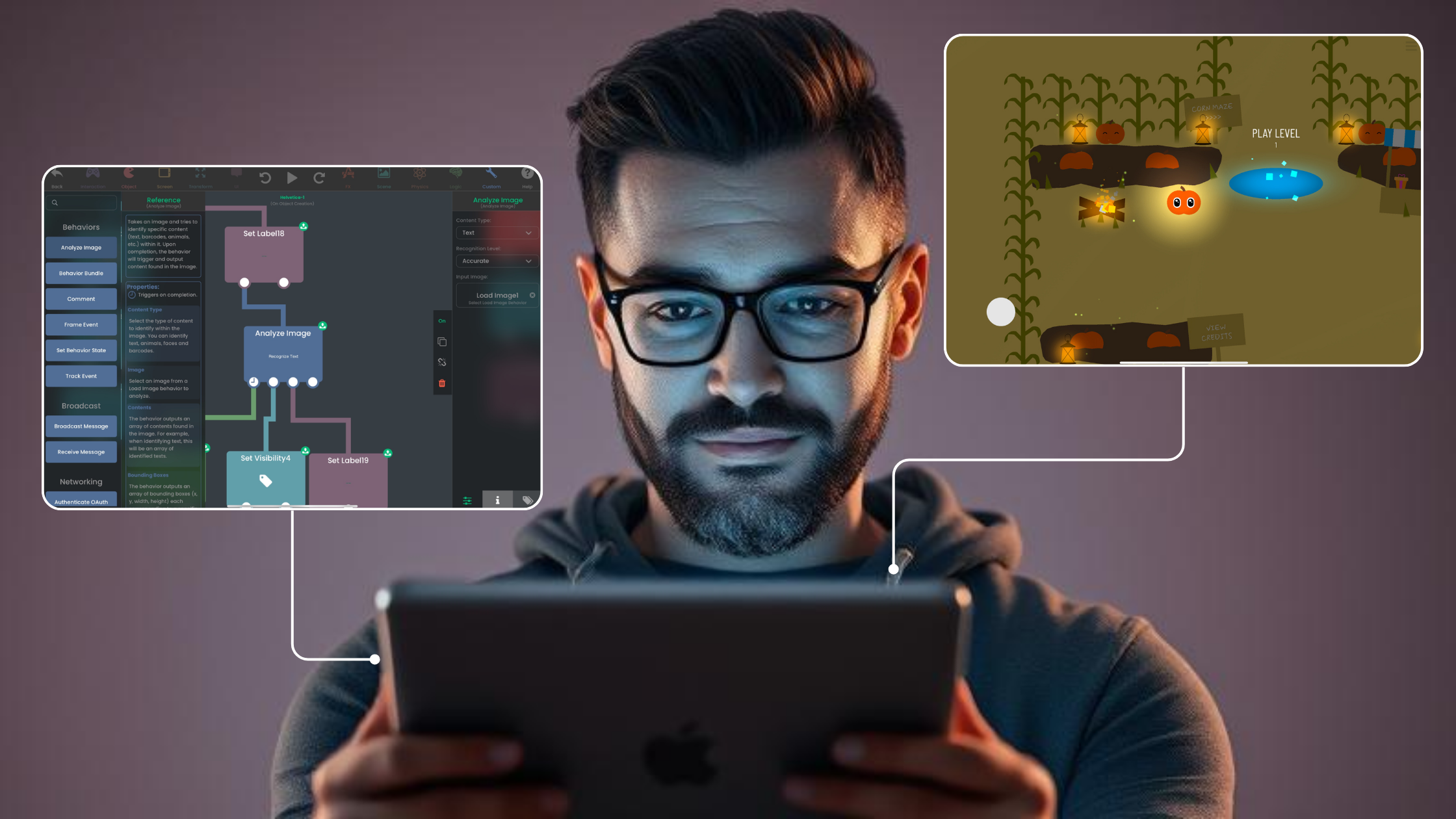
GameMaker Alternative for iPad: Why Choose hyperPad
Compare GameMaker and hyperPad using current editor, licensing, coding, iPad, and publishing information. See why hyperPad is the practical visual option on iPad.
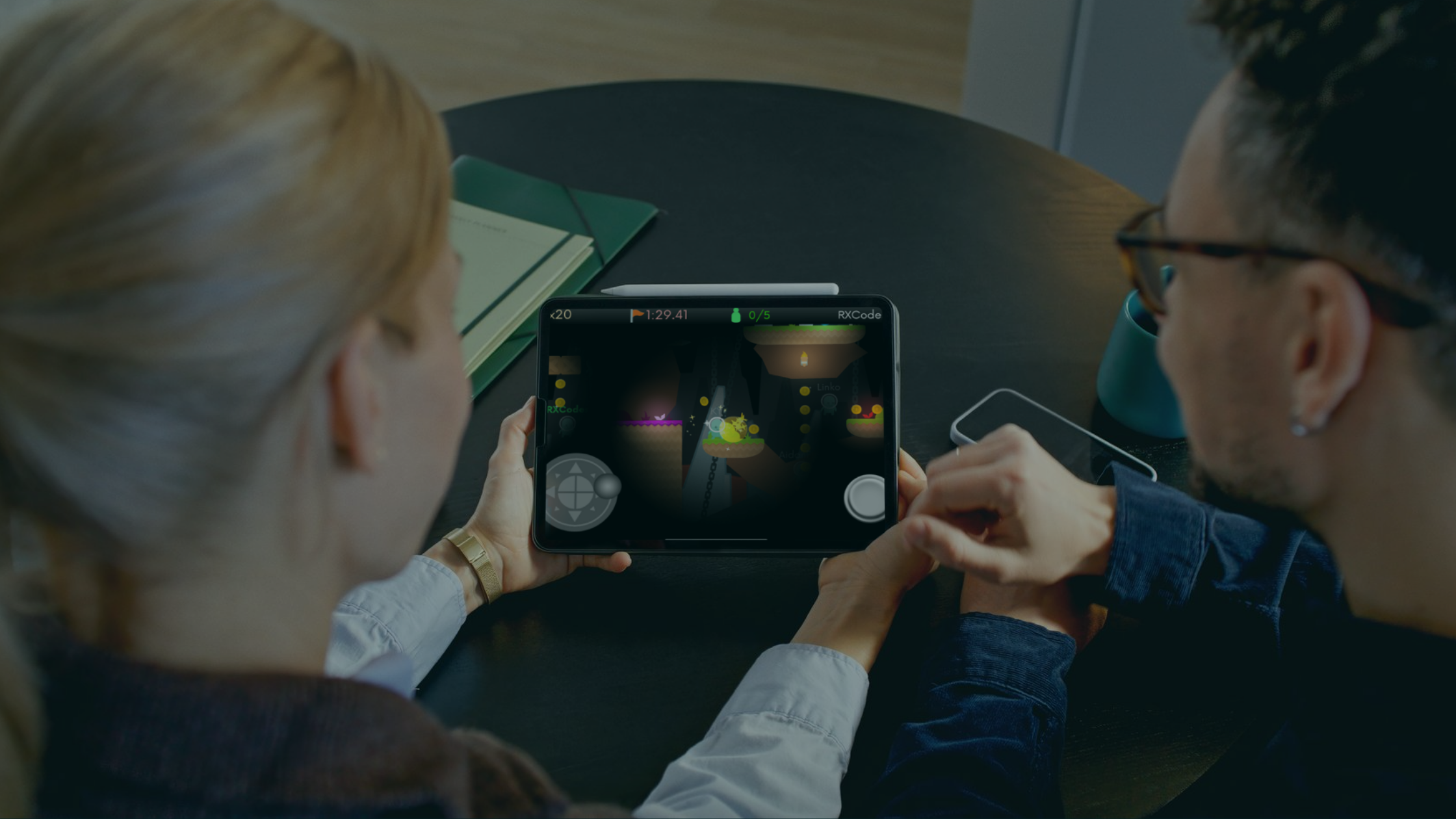
Watch Pixel Jeff explore game design on iPad and bring his pixel art to life with hyperPad and Procreate.
Compare Construct 3 and hyperPad with current browser, iPad, visual-logic, offline, and publishing information. See why hyperPad offers the more direct iPad workflow.
Understand the difference between no-code tools and visual programming, then build a small game system on iPad with hyperPad Behaviors.
If you love games, you can make one on iPad with hyperPad, whatever your technical background. These 10 tips help you design, test, and polish it.
The right apps can help kids develop critical thinking, creativity, and problem-solving skills while keeping them engaged.
For kids aged 7-10, good games offer fun challenges, engaging themes, and chances to think creatively. Here are ten to try.
Compare the real cost of visual game-development tools, including device, plan, publishing, and workflow requirements. See why hyperPad offers the clearest iPad value.
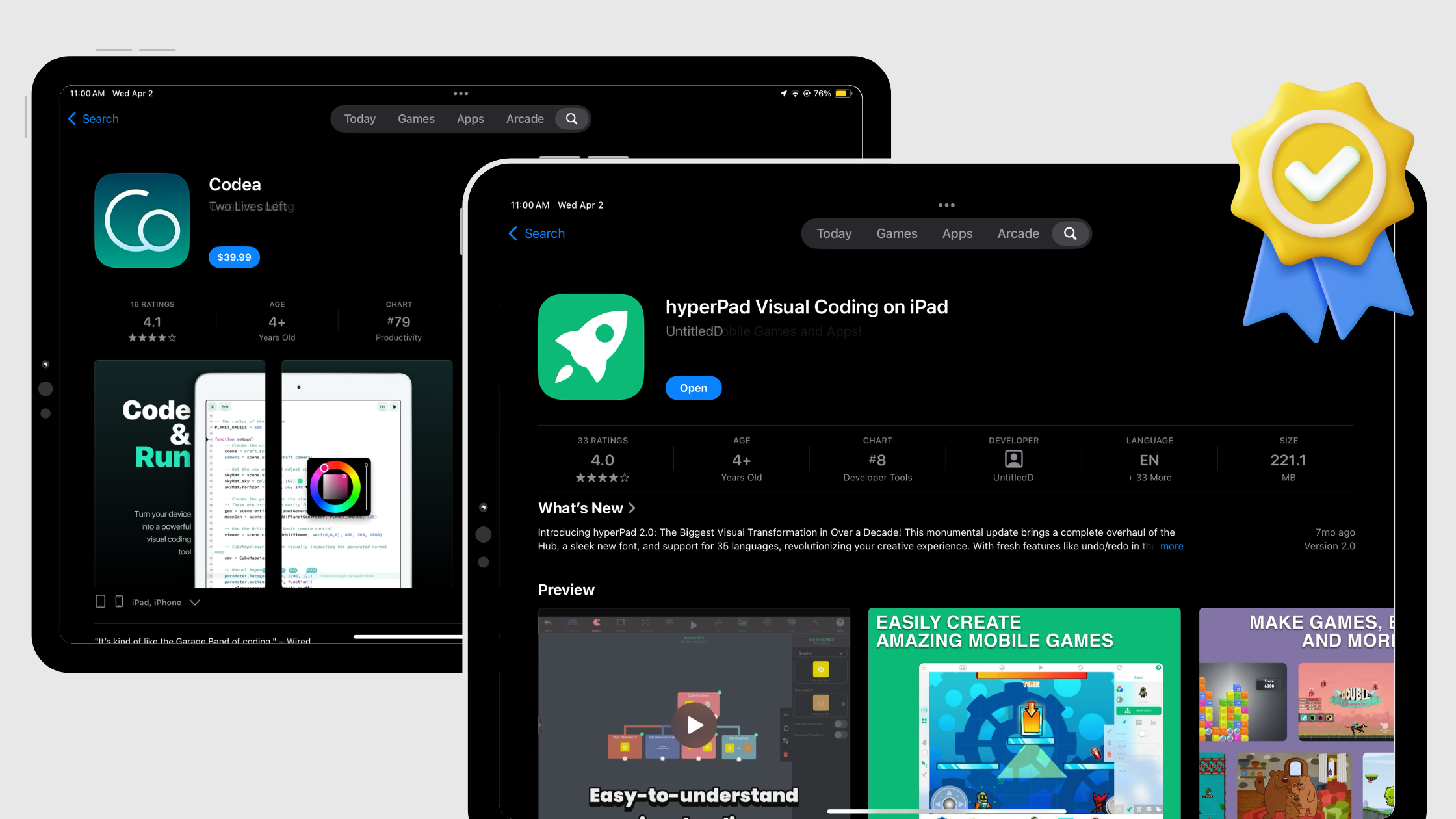
Compare Codea and hyperPad for iPad game creation. Choose hyperPad for visual Behaviors or Codea when learning and writing Lua is the goal.
Evaluate hyperPad as a solo 2D game-development workflow for iPad, including visual logic, assets, prototyping, reuse, testing, and App Store preparation.
Compare eight sources for free 2D game assets and pixel art, check the license, then import PNG Graphics and animation frames into hyperPad on iPad.
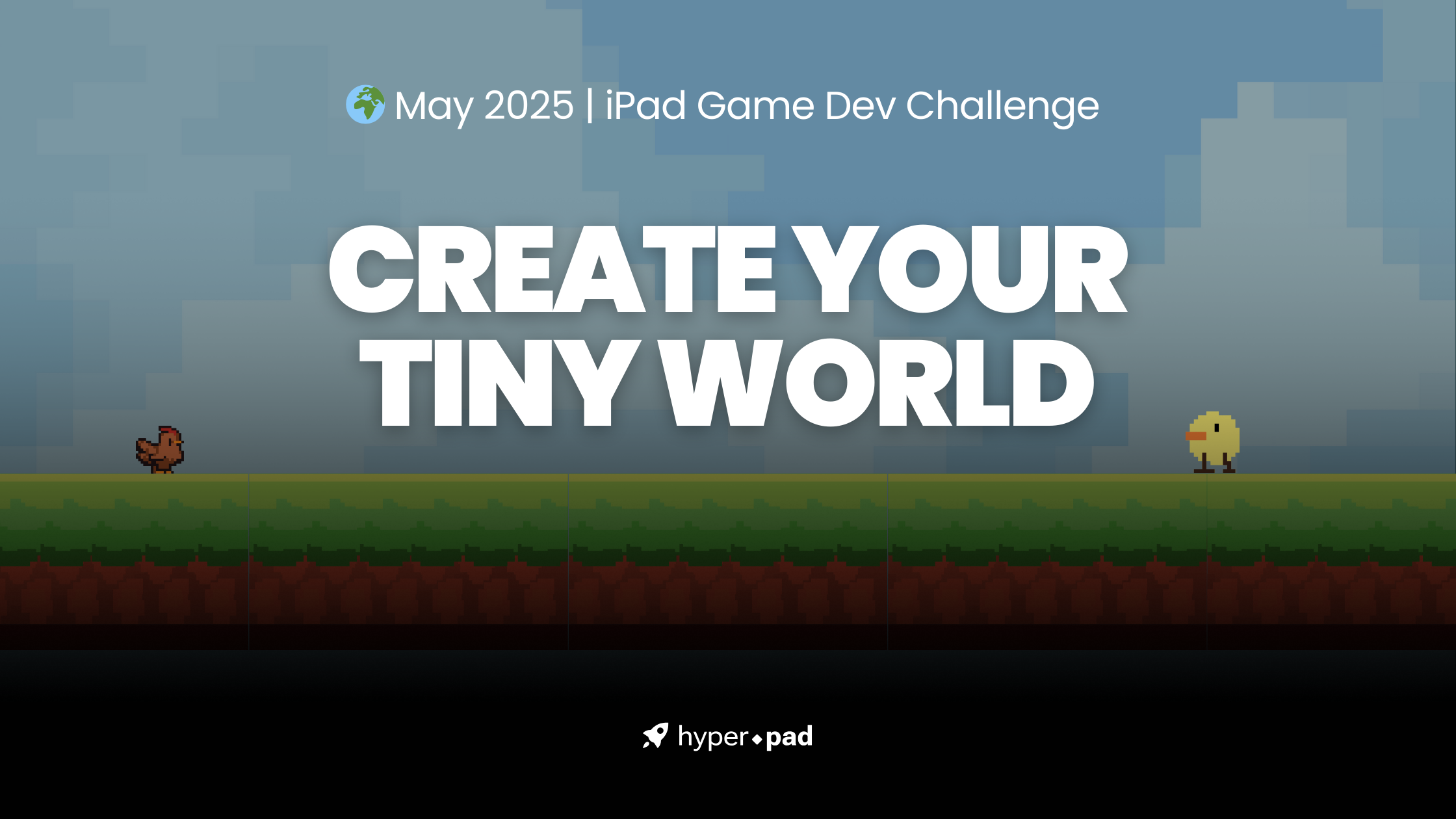
The May 2025 Bi-Monthly Game Challenge is here, and this time we're thinking small. Can you guess the theme?
Find reliable sources for free 2D game assets, check their licenses, prepare files on iPad, and import graphics, animation, audio, and fonts into hyperPad.
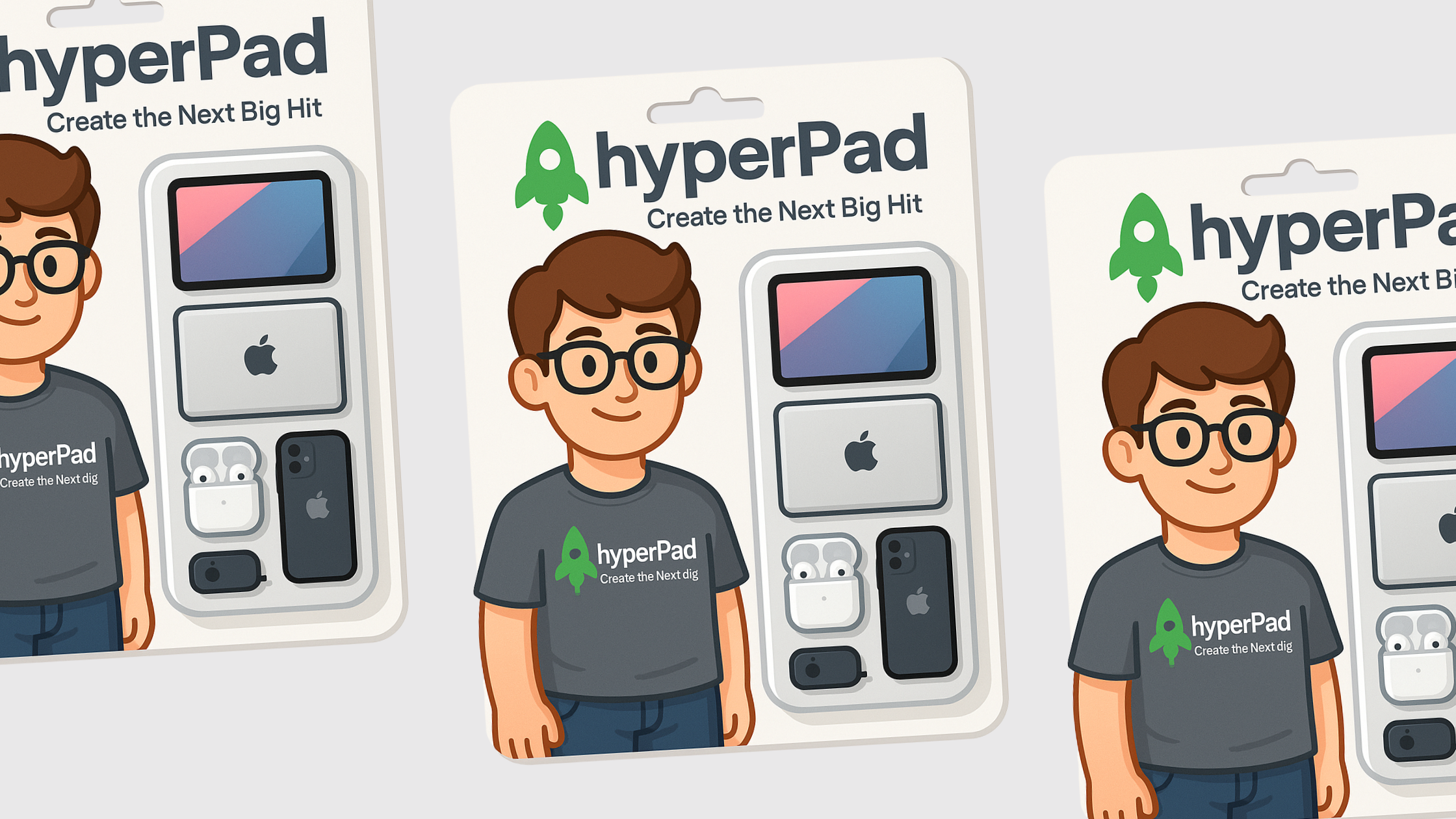
Turn the viral 'action figure in a box' trend into a real game. Design your boxed character, then build its game on your iPad with hyperPad, no code needed.
Build a practical iPad game-development workflow with hyperPad for the game, Procreate or Affinity for art, Pixaki for pixel animation, and GarageBand for audio.
Whether you're just starting out or an experienced developer, hyperPad turns your iPad into a game studio. These accessories help you get more from it.
Here are 8 simple game ideas you can build in hyperPad on your iPad, each in about an hour, from an endless runner to a memory match game.
Here's how your child can start making games on iPad with hyperPad, plus five kid-friendly game ideas to get them going.
Make games on iPad with hyperPad, no coding required. A guide for students, classrooms, and young creators in Australia who want to start game development.
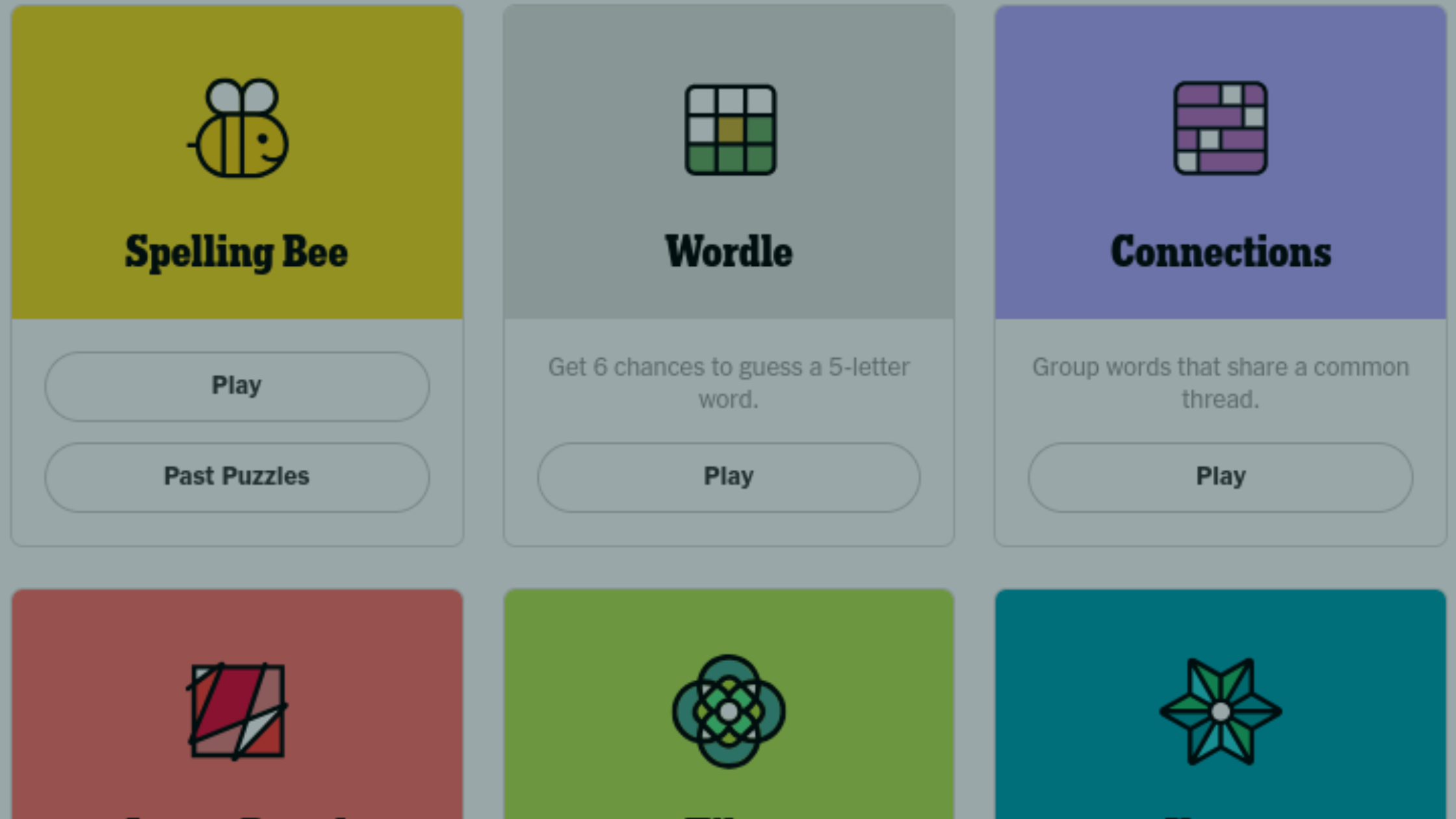
Make your own New York Times-style games like Wordle, Spelling Bee, or Connections on iPad with hyperPad. No coding needed.
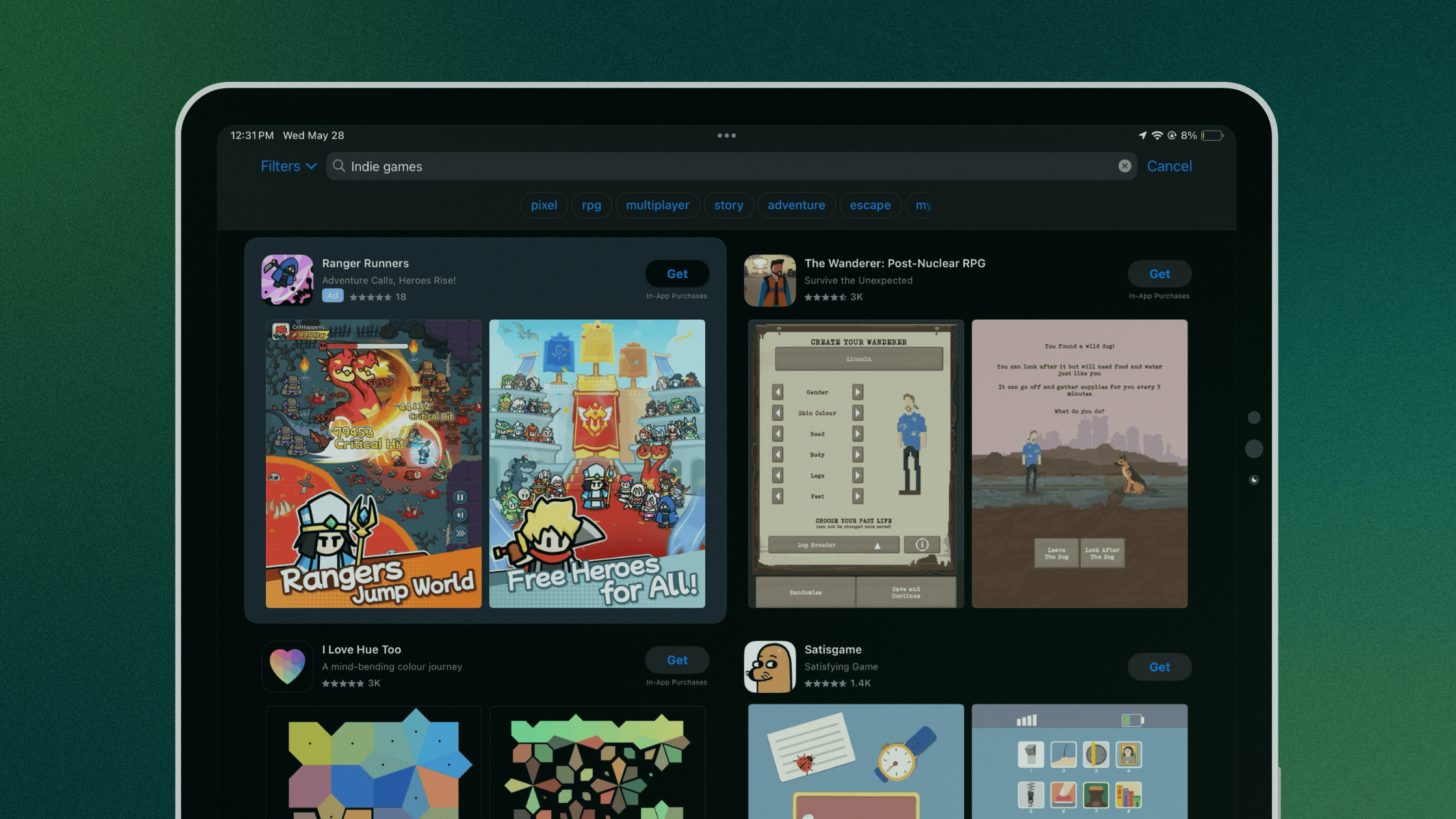
Learn how to test Apple Ads for an indie iOS game, choose Basic or Advanced, measure new downloads separately, and control acquisition costs.
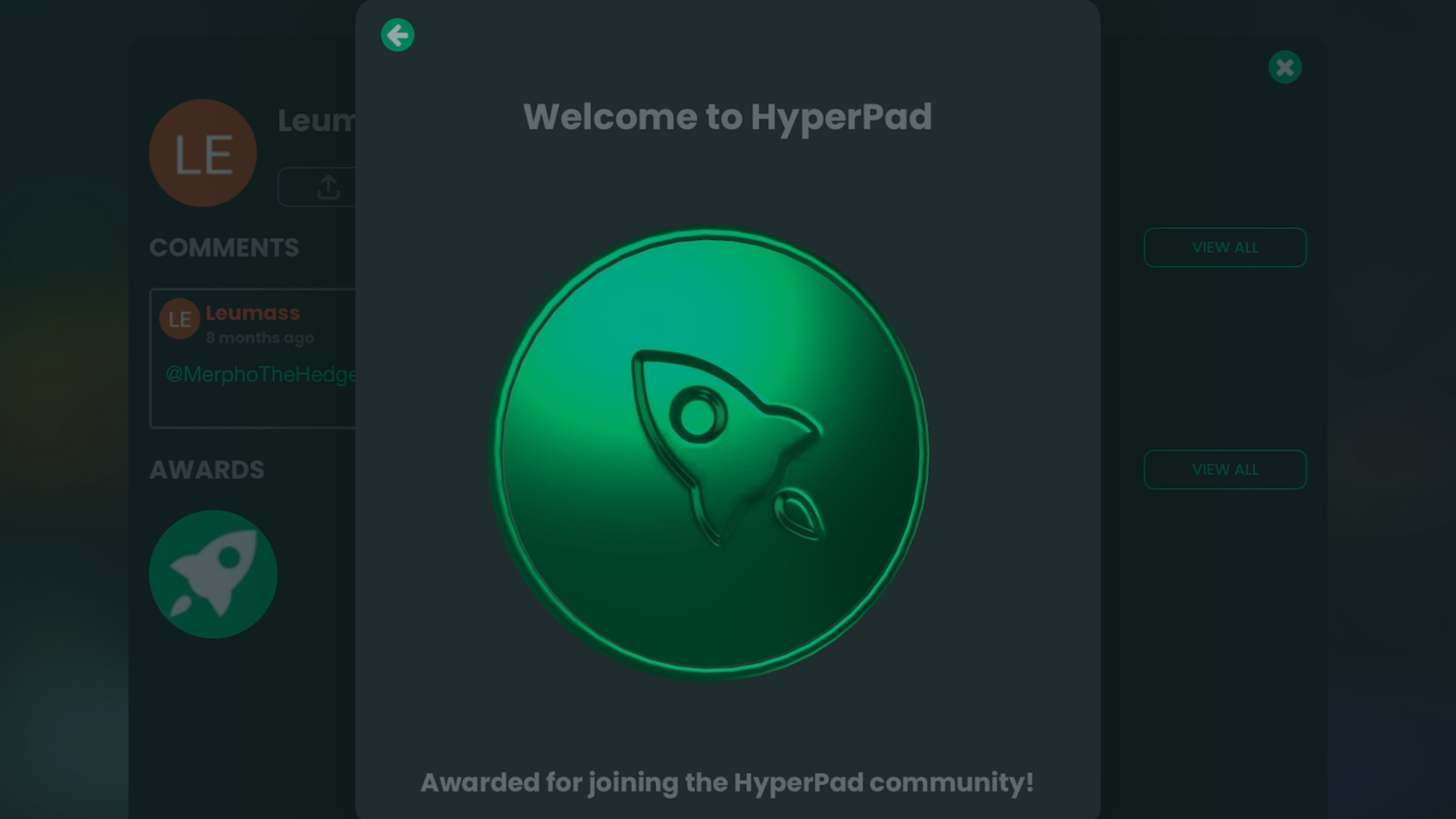
You can now earn 3D awards on hyperPad for your profile and projects, from publishing your first project to keeping up a login streak.
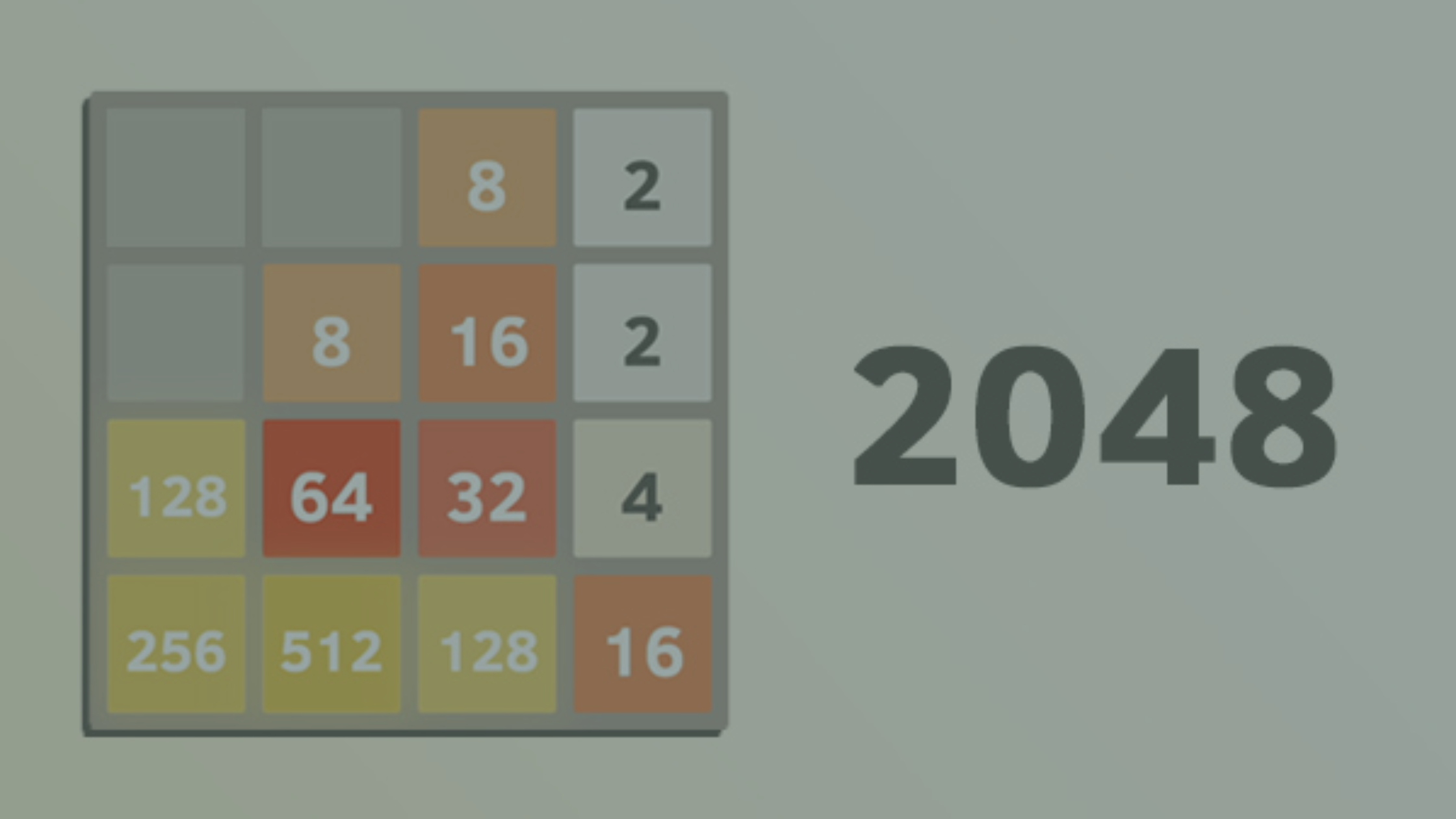
Make a 2048-style puzzle game with hyperPad on your iPad. This no-code tutorial covers setup, tile logic, and getting your game to the Hub or the App Store.
"Tiny world" is a creative theme more than a genre. See what A Short Hike, Captain Toad, Donut County and Tiny Wings can teach you about small games.